
Add GIZMOCHINA as Preferred Source on Google
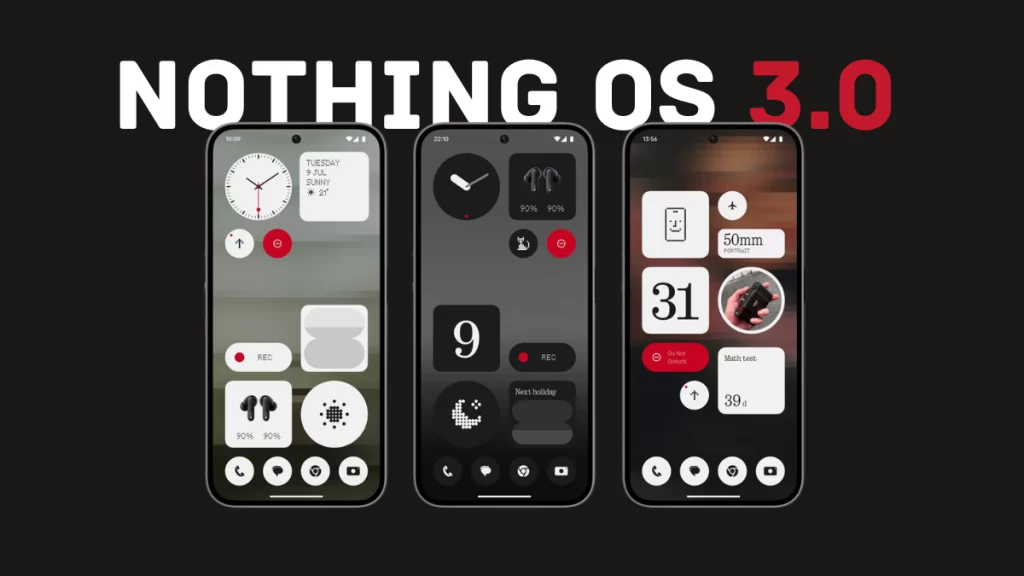
Nothing OS is one of the cleanest yet feature-rich Android skins. I also love the fact that this brand takes software things seriously. In fact, it was among the first brands to release early builds of Android 15. The stable build is already live for Nothing Phone (1) and Phone (2a), with the remaining models to get the treat in early 2025.
Nothing OS 3.0 is a major upgrade. It brings some exciting new stuff and plenty of minor changes and improvements that improve the overall experience. Here are the biggest changes in Nothing OS 3.0 you shouldn’t miss:
1. A native gallery app
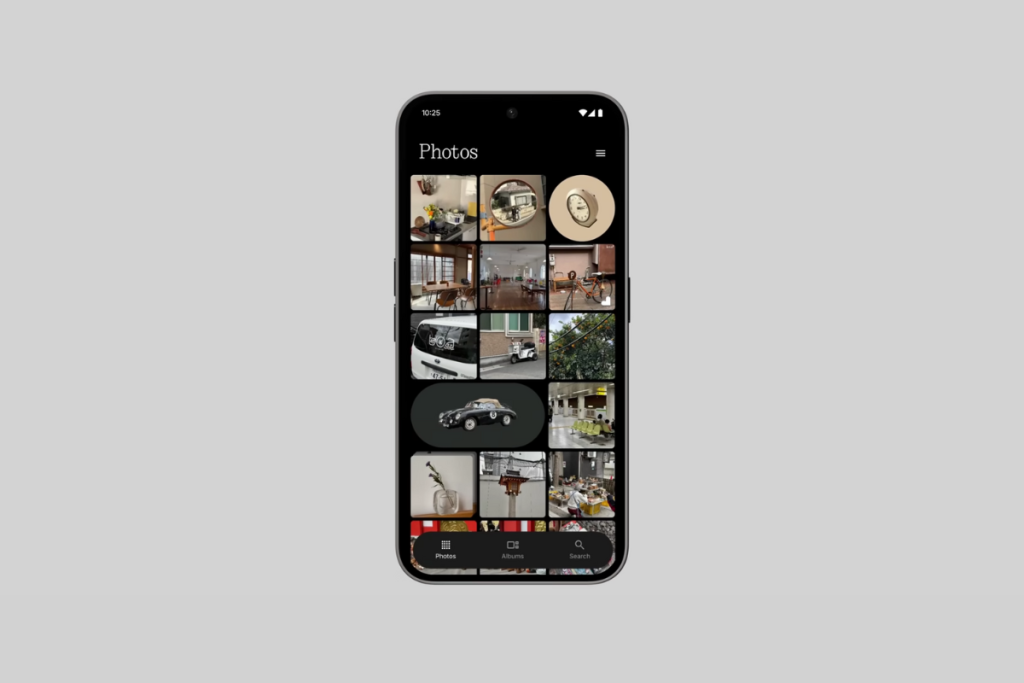
Nothing Gallery is finally here. Users have been requesting it for a very long time, and finally, it has arrived. The Gallery app also resembles Nothing’s design language. There’s a Photos section, an Album section, and a search section; navigating between them is fast enough.
The Gallery app is fast and uses AI to find key moments within the photos and displays them in bigger thumbnails to make them quickly noticeable. There’s also AI image segmentation that highlights key objects for easy identification.
During the Nothing OS 3.0 launch, the brand announced that it would add more AI features to the Gallery app in the future, including AI upscaling, AI super resolution, and AI image generation.
2. New dot-matrix animations
Nothing OS 3.0 brings some cool dot-matrix-style animations. First is the boot-up animation, which looks a lot better than before.
There’s also a new fingerprint-unlocking animation, where the dots move and breathe outwards when you press and hold your finger.
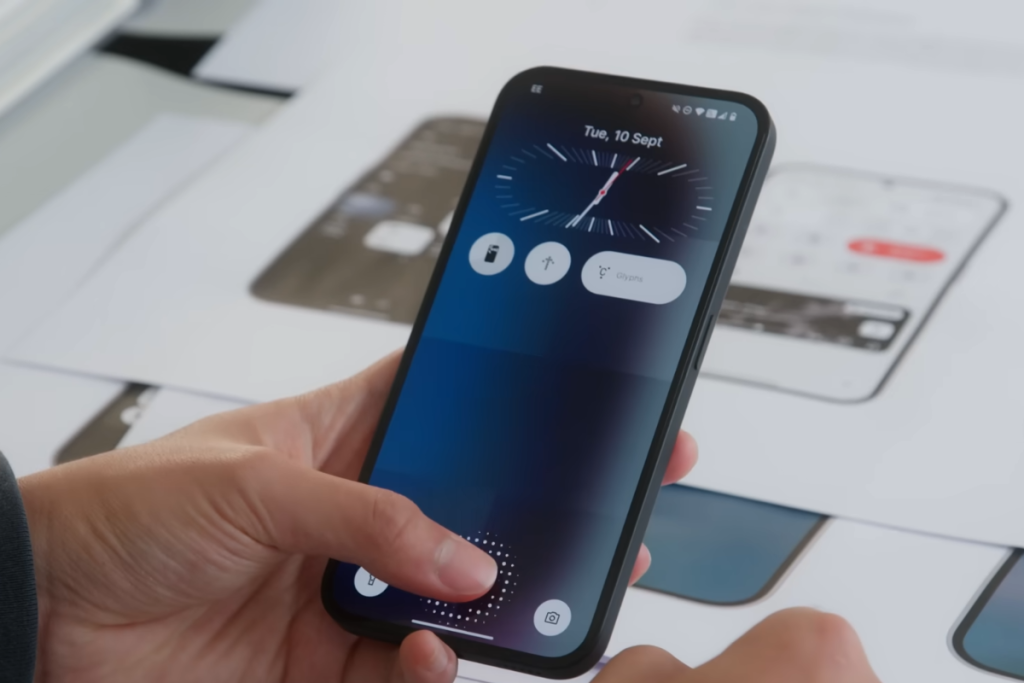
The new charging animation also resembles Nothing’s dot design language. When you connect the charger, the dots move from the bottom to the top. The weather icon inside the weather app also gets a dot-matrix design that can be animated.
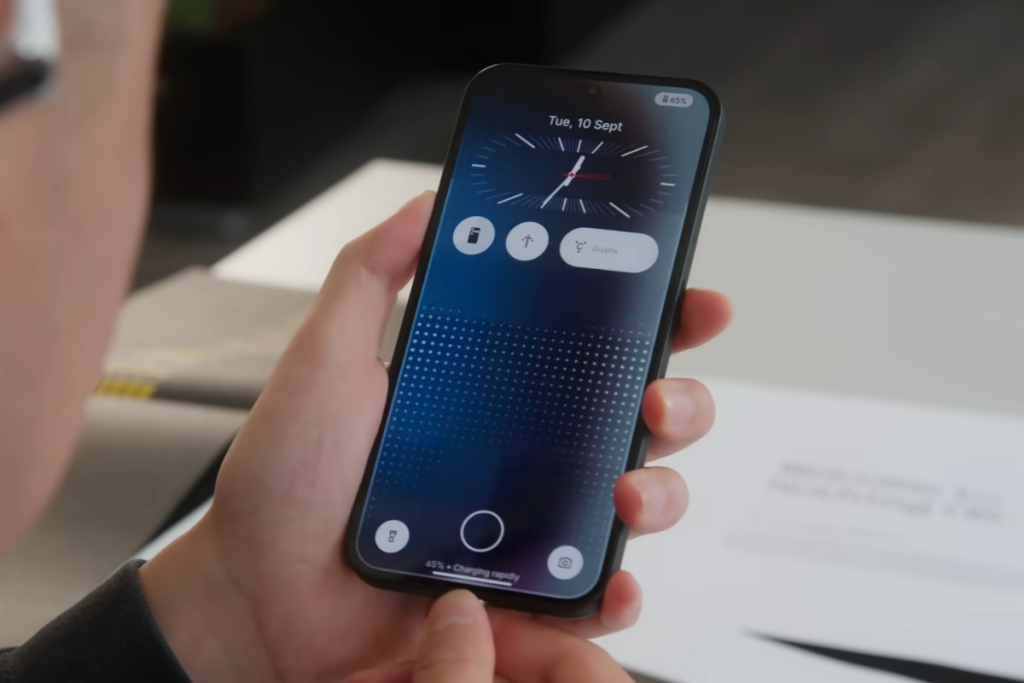
These are nice additions to the software that make it more visually appealing.
3. More customizable lock screen
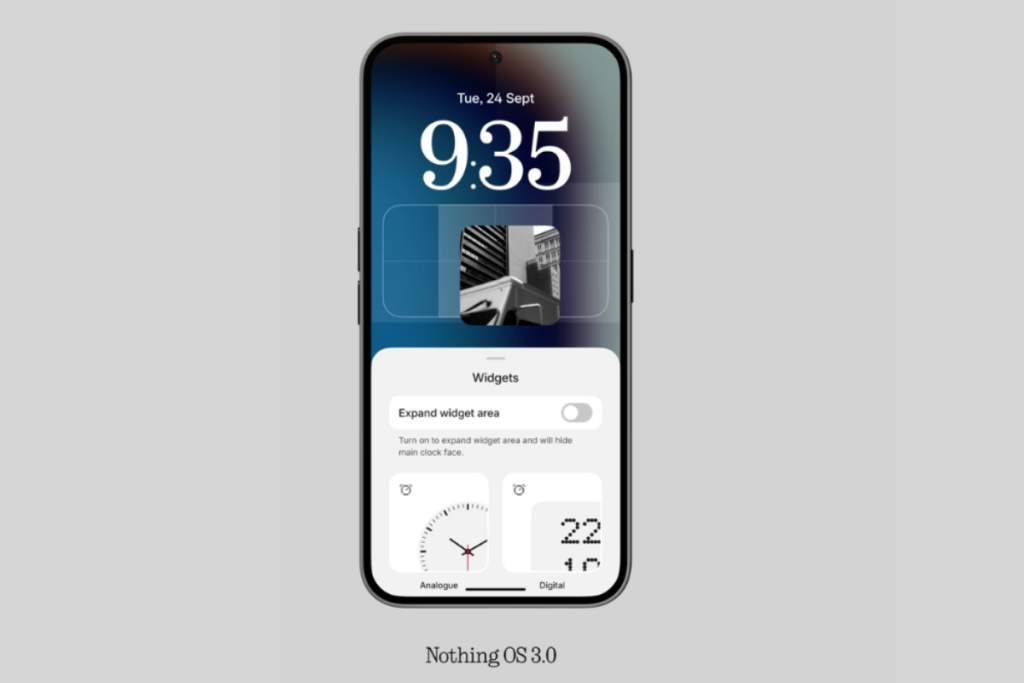
The lock screen is getting a major upgrade with Nothing OS 3.0, making it more customizable than ever before. First of all, there are many watch faces to choose from. Some of them are iOS-inspired, though.
You can now do more from the lock screen by adding more widgets. To do this, tap the widget area and toggle on “Expand widget area.” You can also customize the two shortcuts at the bottom.
4. Revamped quick settings panel
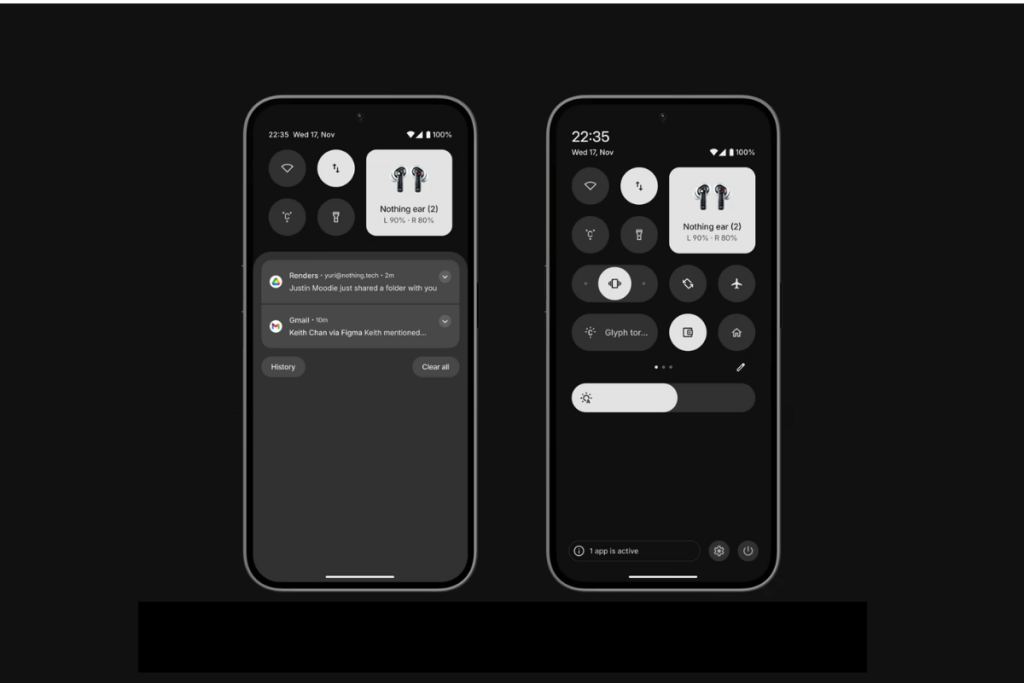
The revamped Control Center is cleaner and resembles Nothing’s design language. You can now customize the size of tiles, just like you do on the home screen. This is particularly useful for shortcuts that you use very often.
Some shortcuts offer more actions when their sizes are increased. For example, the 1×2 audio tile lets you switch the sound profile to normal, vibrate, or silent. The brightness slider has been moved below the Quick Settings tiles, which is the usual location on most Android phones. Another change to the brightness slider is that it now includes a shortcut icon to toggle adaptive brightness.
5. Smart app drawer
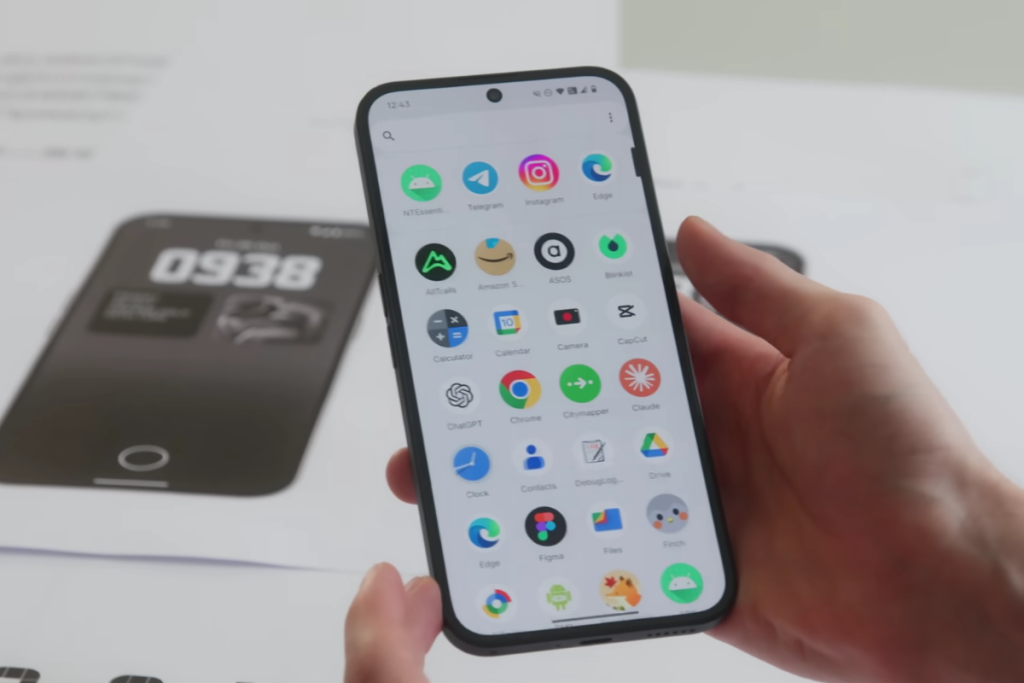
Nothing OS 3.0 is getting important changes to the app drawer as well. First, there’s a Smart Drawer to automatically categorize apps for quicker access. The app drawer also lets you pin your favorite apps at the top of the app drawer. This is particularly useful if you don’t want to clutter the home screen with many apps and still want quicker access to your most used apps.
6. Get more done with new widgets
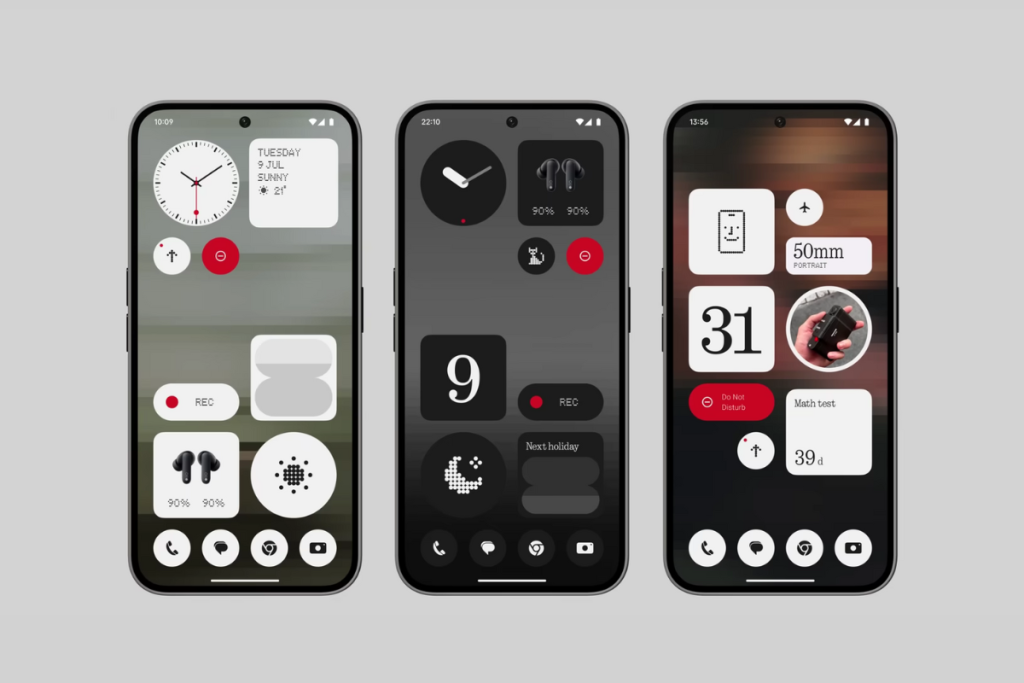
Widgets are useful. You can get a lot of things done without having to open apps. Nothing phones already have over 20 widgets, but the list keeps getting bigger with every major release. There’s a new countdown widget in Nothing OS 3.0 that lets you track time towards a specific date.
The camera widget now has been improved. You can now use it to open any camera mode or pro mode.
Tech enthusiast? Get the latest news first! Follow our Telegram channel and subscribe to our free newsletter for your daily tech fix! ⚡

Comments