Add GIZMOCHINA on Google:
When it comes to finding the right gaming mouse, size, performance, and comfort are key factors. After testing a variety of options last year, I finally landed on the Zaopin Z2 Mini.
This compact gaming mouse is tailored for small to medium hands and offers a range of features designed to enhance gaming performance without breaking the bank. Here’s my detailed take on the Zaopin Z2 Mini, covering everything from unboxing to overall experience.
1. What’s In the Box?
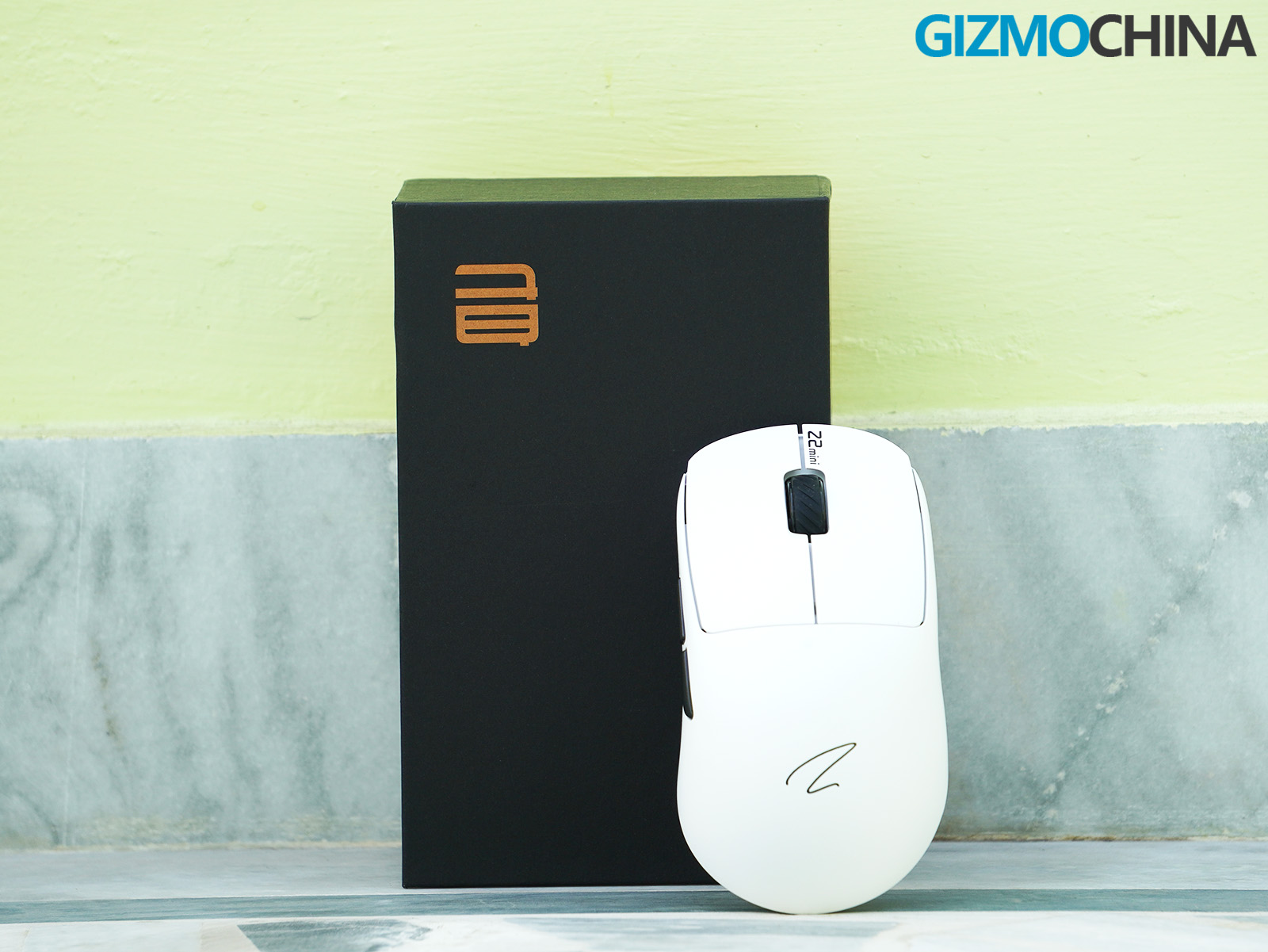
Well, before diving into the actual review let’s check out what we will get inside the box.
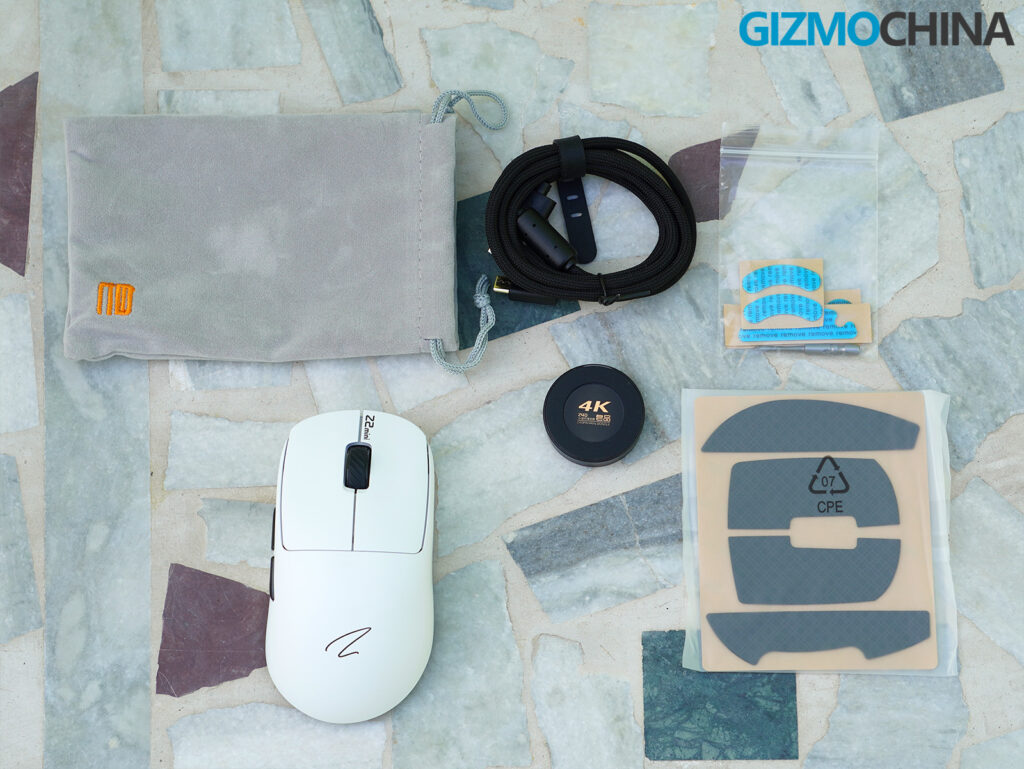
- Zaopin Z2 Mini 4K Gaming Mouse
- 4K Dongle
- USB Type-C Cable
- Replacement Skates and Grip Tapes
- A Pouch for Carrying the Mouse
- Quick-Start Guide
2. Design and Build Quality
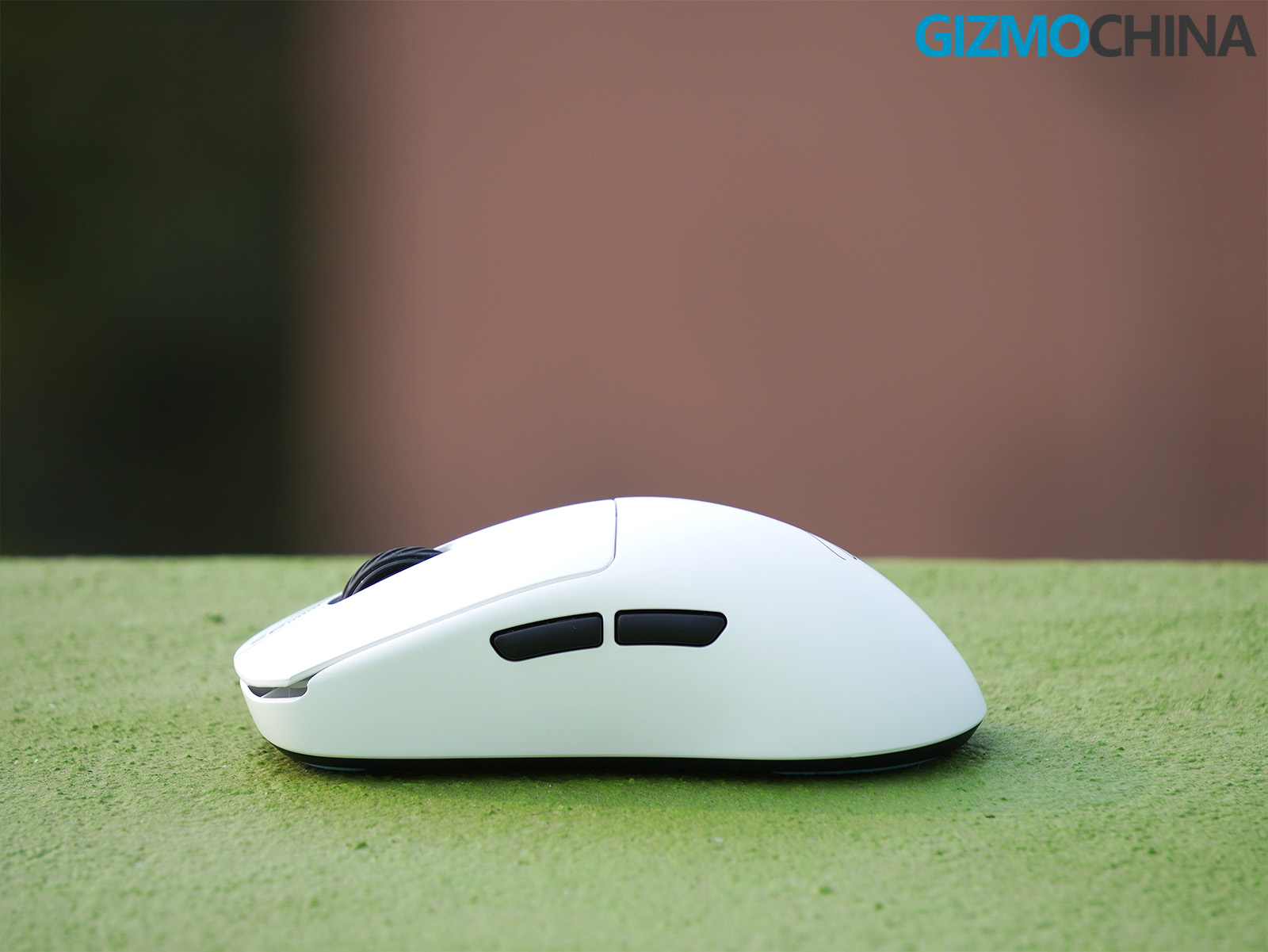
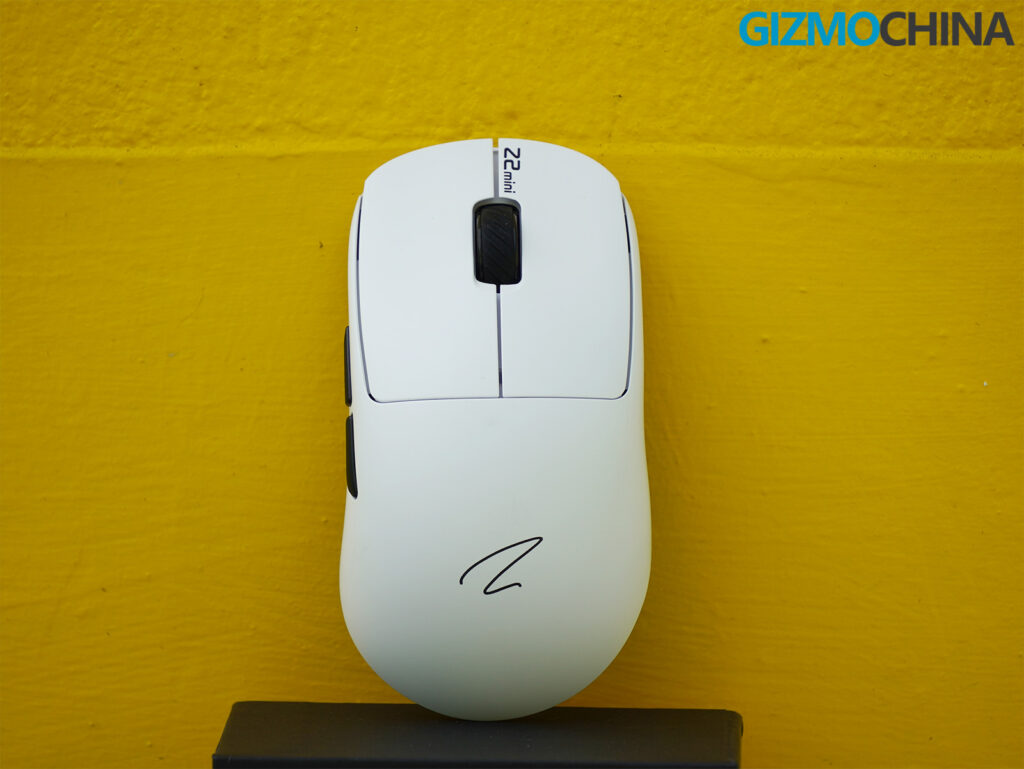
The Zaopin Z2 Mini stands out with its compact dimensions of 116.5x62x37.8mm and lightweight design, weighing just about 56 grams. The mouse feels sturdy and well-built, with no loose parts or creaky joints. Its shape caters specifically to small to medium hands, making it comfortable to use for extended gaming sessions.
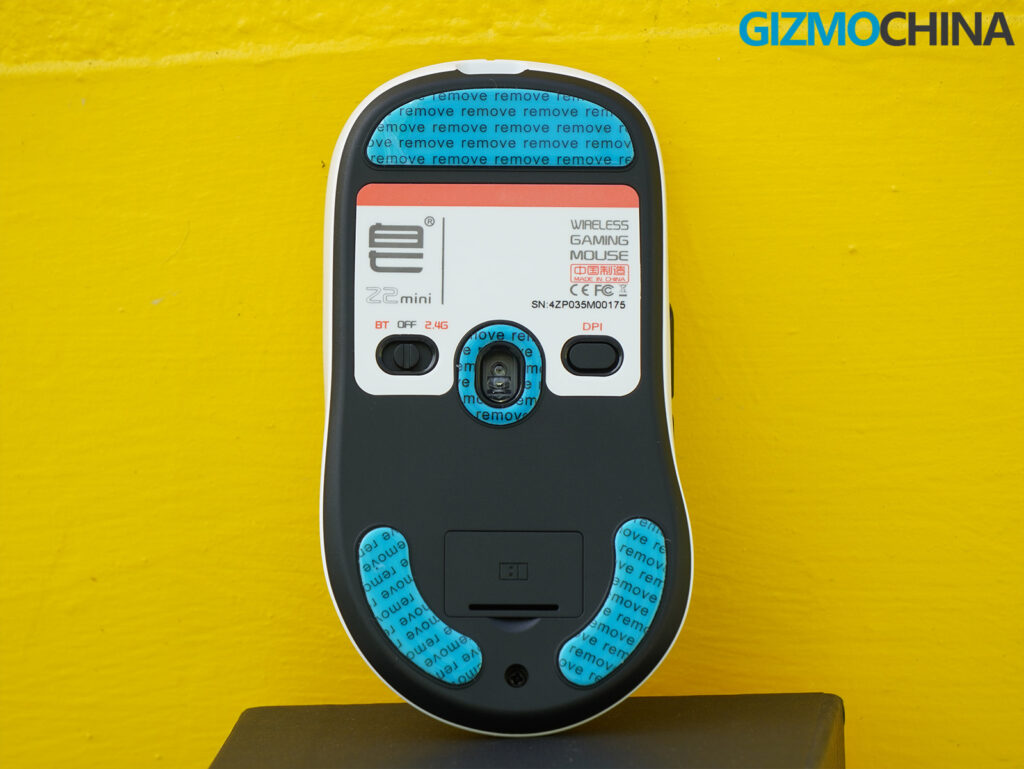
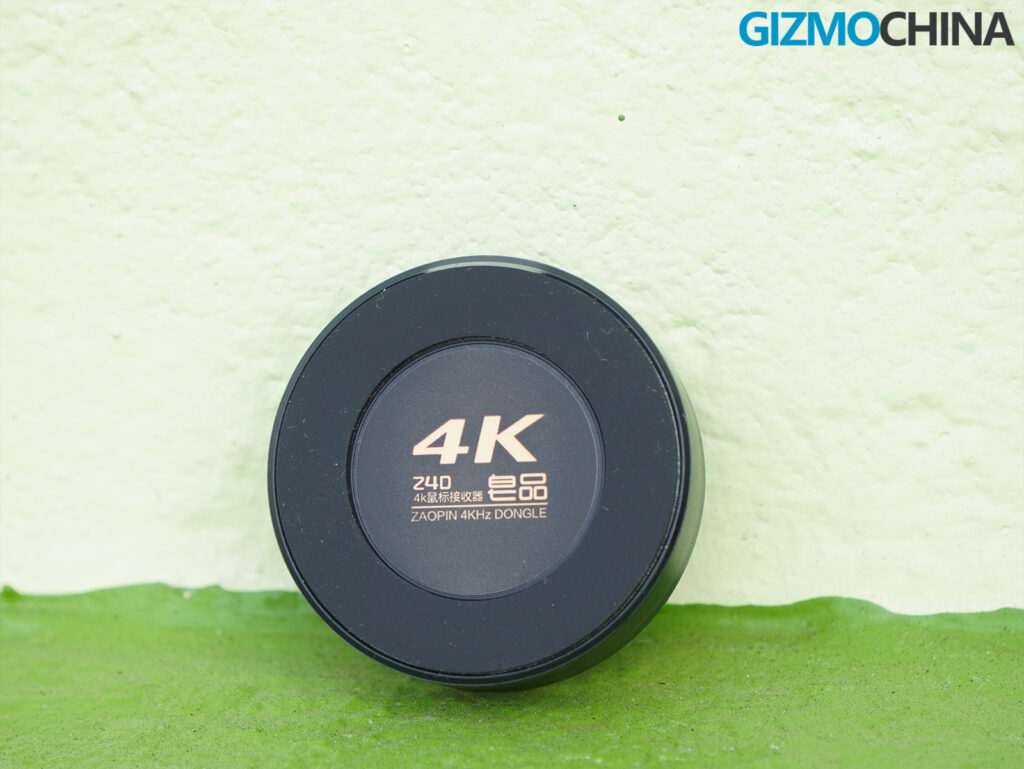
The surface is coated with BZ Protein Membrane Coating, which feels smooth to the touch and does an excellent job of resisting dust and oil stains. This coating adds a premium touch and reduces the need for constant cleaning. The mouse features two side buttons on the left, the standard left and right-click buttons, a scroll wheel, and a DPI button at the back. There’s also a Bluetooth/2.4GHz mode switch and a compartment to store the dongle.
The design leans on simplicity rather than over-the-top aesthetics. It’s not overly flashy but still has a modern look that fits well on any gaming desk.
3. Features and Performance
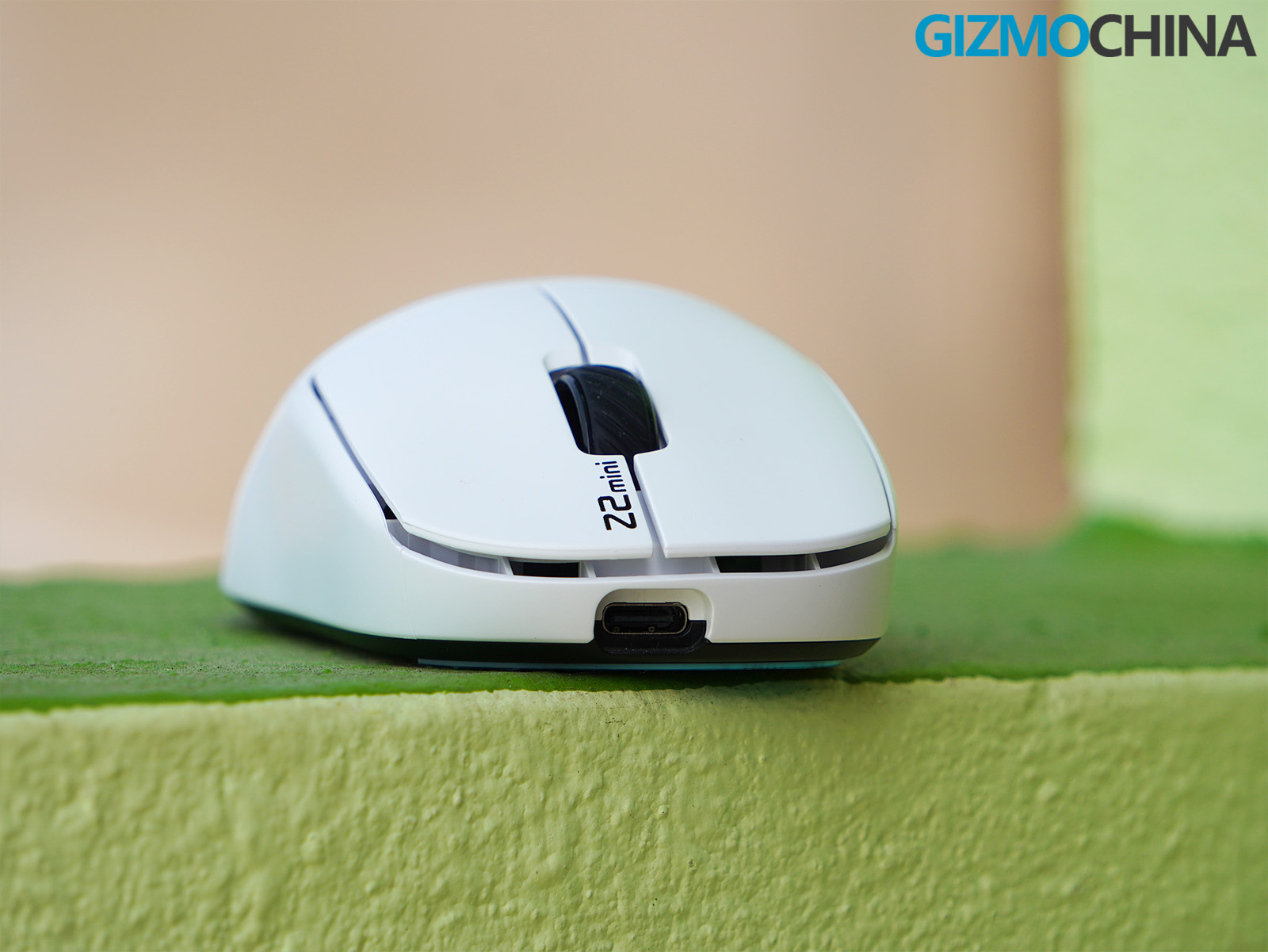
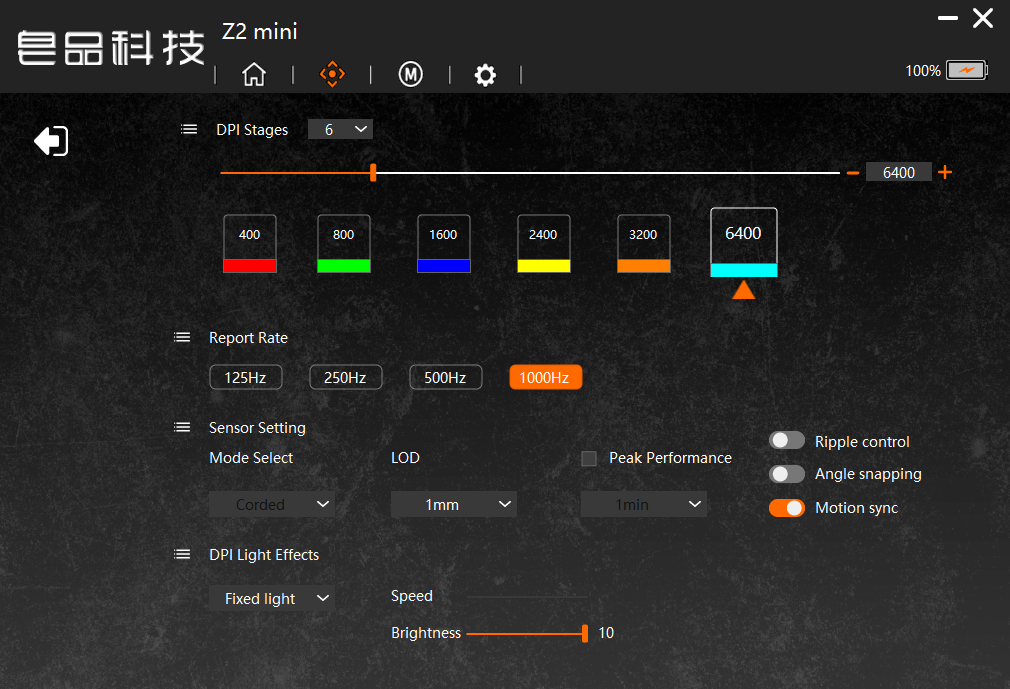
The Z2 Mini 4K comes equipped with the PAW3395 sensor, a high-end optical sensor designed for gaming enthusiasts. It features a maximum DPI of 26,000 with six preset DPI levels (400, 800, 1600, 2400, 3200, and 6400), more than sufficient for any gaming scenario. While I didn’t max out its DPI settings, I found the tracking to be highly accurate and consistent, especially during intense FPS sessions.
This mouse sports a 4K dongle, enabling a 4000Hz polling rate for ultra-responsive performance. Although it will not match the 8000Hz polling rate of the Z2 Mini Max, the snappiness and reliability during gameplay were impressive and felt lag-free.
The mouse also features hot-swappable switches. The default switches, Huano Green Transparent White Dot, offer a crisp click with a soft sound profile. They’re rated for 100 million clicks, which speaks to their durability. Although I haven’t swapped the switches yet, the design makes it straightforward with a bit of unscrewing. This level of customizability is rare in this price range.
The Z2 Mini 4K supports three connection modes: Bluetooth 5.1, 2.4GHz wireless, and wired via the included Type-C cable. Switching between these modes was seamless in my experience, and I didn’t encounter any lag or connection drops. The 2.4GHz wireless mode, paired with the dongle, delivers the most responsiveness, making it ideal for gaming, while Bluetooth is perfect for everyday use.
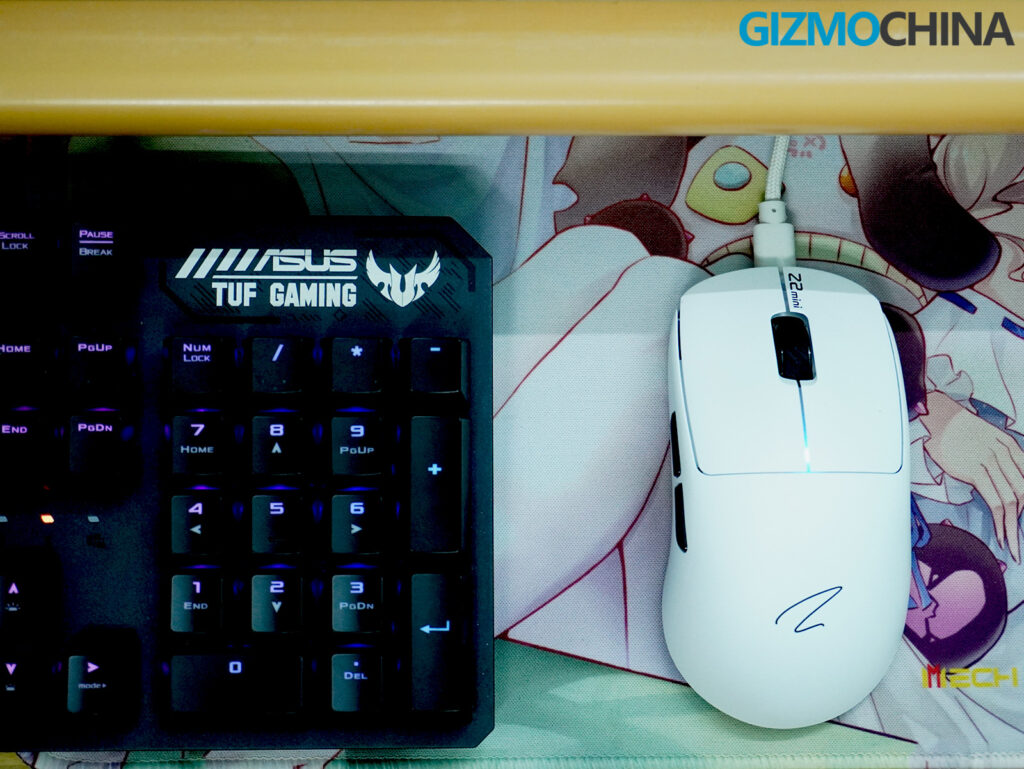
It features high-quality skates that ensure smooth and effortless gliding across surfaces. Plus, the inclusion of replacement skates guarantees long-term functionality. The grip tapes, another thoughtful addition, provide a more tactile feel for those who prefer extra grip during their gaming sessions.
4. Software and Battery Life
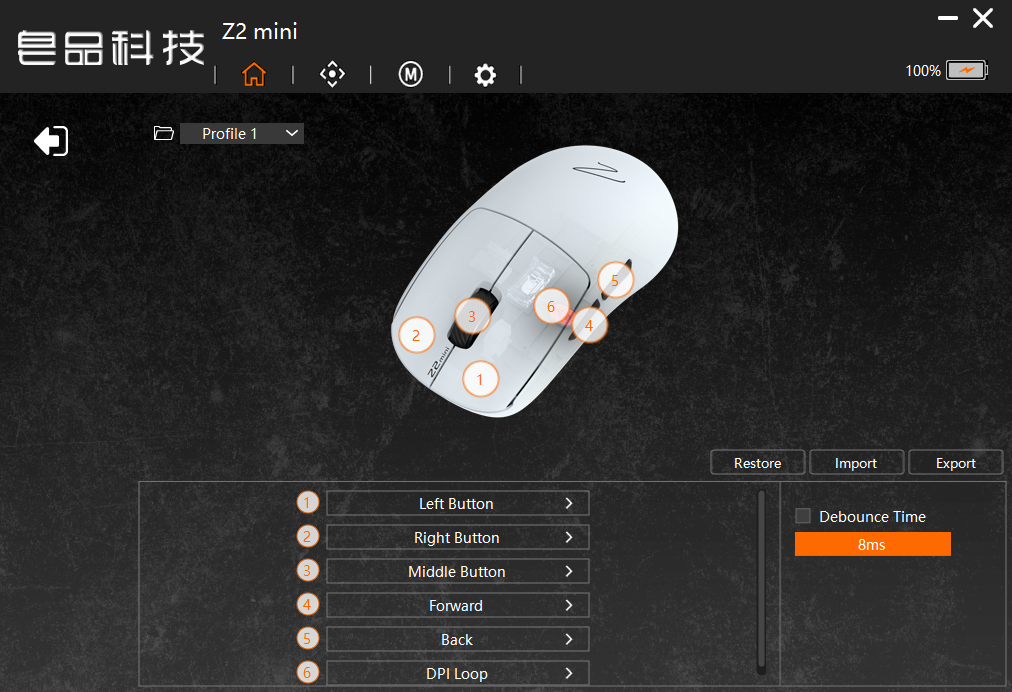
The Z2 Mini 4K comes with software support that allows for customization of DPI levels, polling rates, key mappings, macros, and lighting effects. While the software is functional and gets the job done, I couldn’t help but notice that the interface feels a bit outdated and could benefit from a modern redesign. That said, setting up custom profiles and tweaking the settings was straightforward, even if it lacked the polish I’ve seen in software from other major brands.
Battery life is impressive, thanks to the Nordic 52840 chipset, which is known for its low power consumption. With moderate use in 2.4GHz mode, I went several days without needing to charge the 500mAh battery. Wired mode is always an option if you run out of charge mid-session.
5. Verdict
After spending weeks with the Zaopin Z2 Mini, it has become my go-to gaming mouse. Its compact design and lightweight build make it ideal for users with small to medium hands, while the inclusion of high-performance features like the PAW3395 sensor and 4K polling rate ensures it doesn’t compromise on gaming performance. The addition of swappable switches, high-quality skates, and three connectivity options make it versatile and customizable.
The only real drawback is the software’s dated UI, which could use an upgrade to match the mouse’s overall quality. However, given its performance and affordability, the Zaopin Z2 Mini offers excellent value for money. It’s a solid choice for gamers looking for a compact, feature-packed mouse that delivers without unnecessary frills.
6. Pricing and Availability
The Zaopin Z2 Mini mouse is available in various colors, including White (Black Bottom), White (Grey Bottom), Black, Purple, Blue, Yellow, Red, Orange, and White (Orange Bottom). Priced at $59.99, it comes with a 4K dongle and is now available for pre-order on Mechkeys.com.
You must also check out the top 10 coolest tech announcements from CES 2025 in our Best of CES roundup.
Stay ahead in tech! Join our Telegram community and sign up for our daily newsletter of top stories! 💡