Add GIZMOCHINA as Preferred Source on Google
Samsung is one of the biggest smartphone brands in the world. It is a seasoned veteran in the smartphone industry and packs its device with various features that are quite useful to the user. The Galaxy AI brought in a load of great tools to the users, but today, we are going to check out some of the more hidden ones.
1. Bixby Suite of Tools
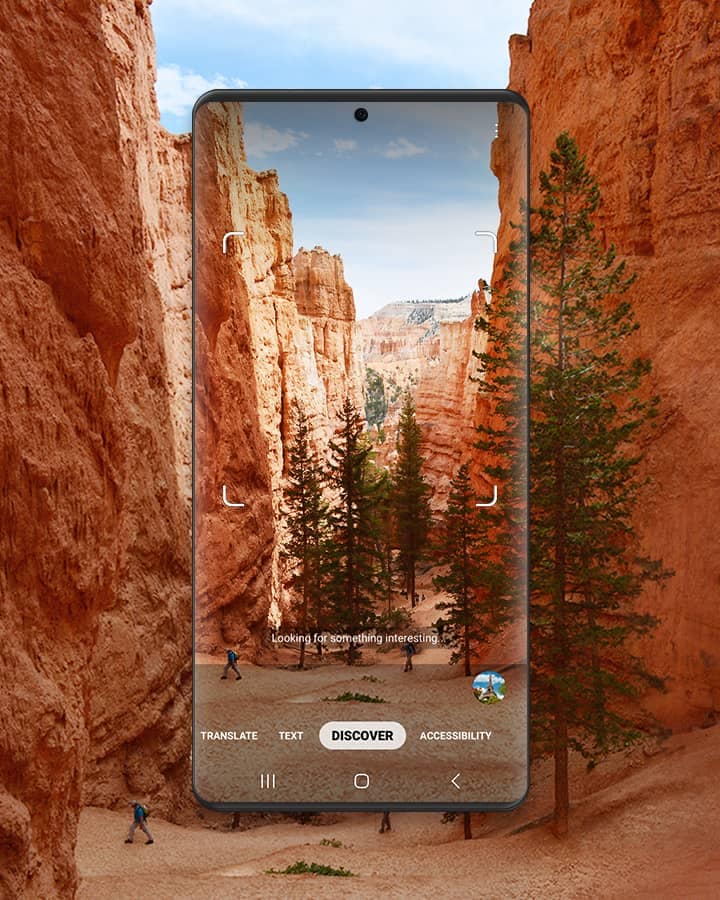
Gemini is already expected to get a deeper integration with the upcoming Galaxy S25 series. However, the South Korean tech giant’s Bixby is no slouch either. While it had its fair share of issues in the past, Bixby’s suite of tools and features are a lot more useful. A great example is Bixby Vision which lets you translate texts in real time from the camera app.
It can even identify objects or search Pinterest to find relevant pictures as well. Bixby was one of the first to offer this functionality, even ahead of Google. If you need to, it can even identify wines for you via Bixby Wine. Similarly, there is also Bixby Routine which uses machine intelligence to learn your usage patterns and preferences. This lets it smartly control your apps, optimize battery life, and much more. You can enable this feature by going to Bixby Routine from the notification panel.
2. Edge Panels
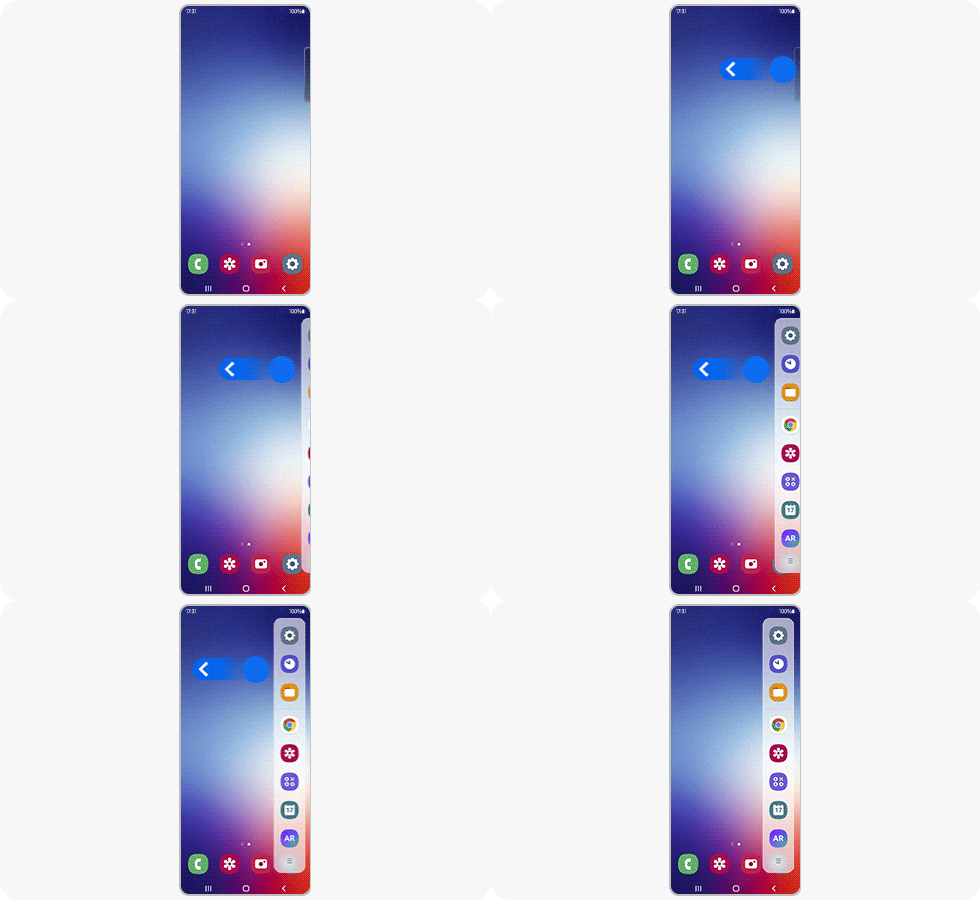
Edge Panels have become a feature that people have begun using more often. But many Galaxy phone owners still don’t know about it. The Edge Panel isn’t just for quick access to some apps. You even get a compass, important contacts a ruler, a notepad with all of your copied texts, Tasks Edge, and much more. Edge Panels can have you use your smartphone in a brand new way. This can directly be added from the Settings, by searching for Edge Panels.
3. Good Lock
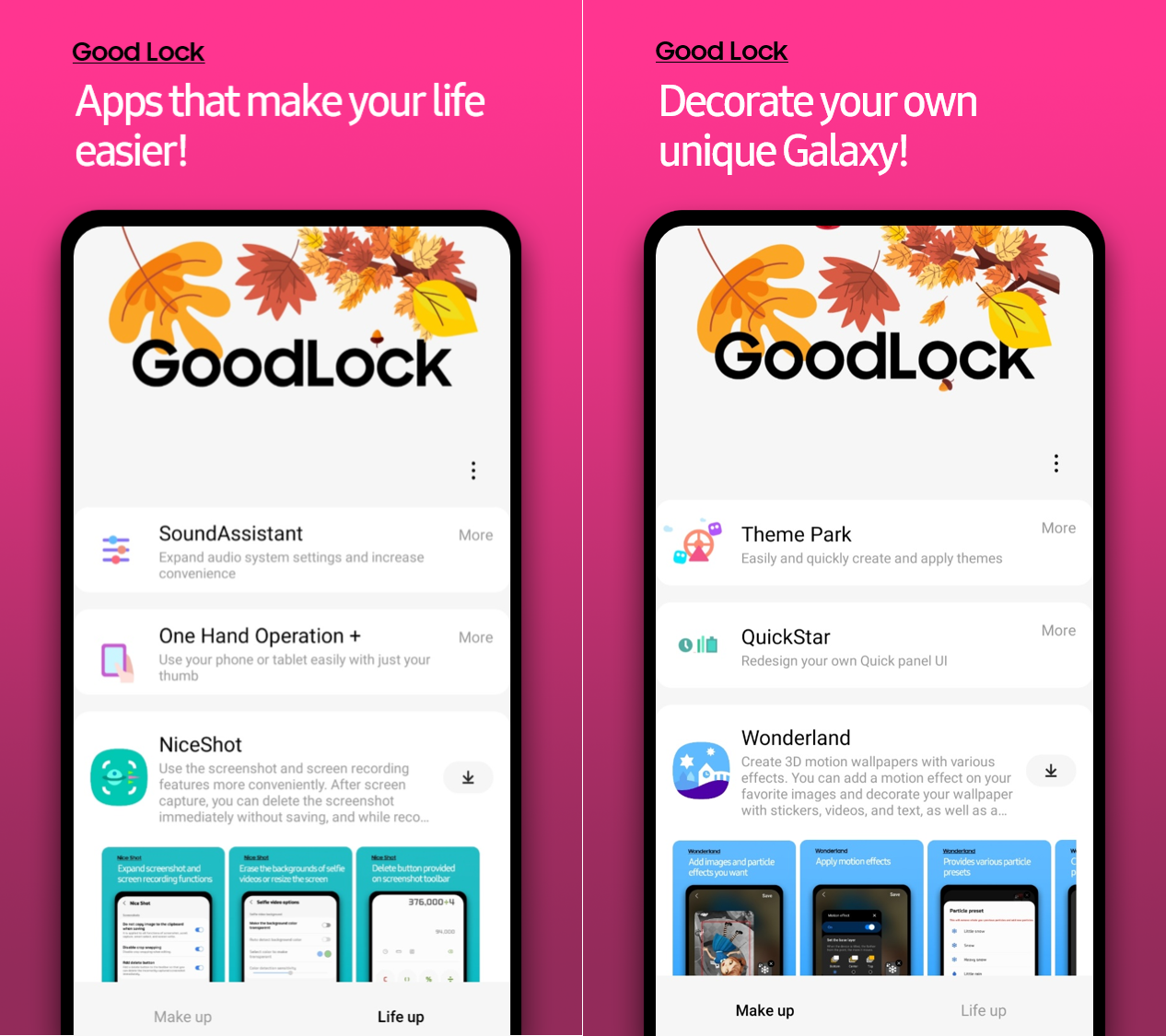
While this isn’t an immediately available feature, downloading the Good Lock app (exclusive to Samsung) brings a wide range of impressive features and customizations. There are various modules that could change the way you interact with your Samsung Galaxy Phone. A great example is RegiStar that lets you add back taps as an input.
Simply tapping on the rear panel let’s you quick launch an app, take a screenshot, or perform other functions. There’s Camera Assistant, Nice Catch, Sound Assistant, NotiStar, and more. All of these can help improve the way your phone handles notification, improve photography, or give you more control over your device.
4. Video Call Effects
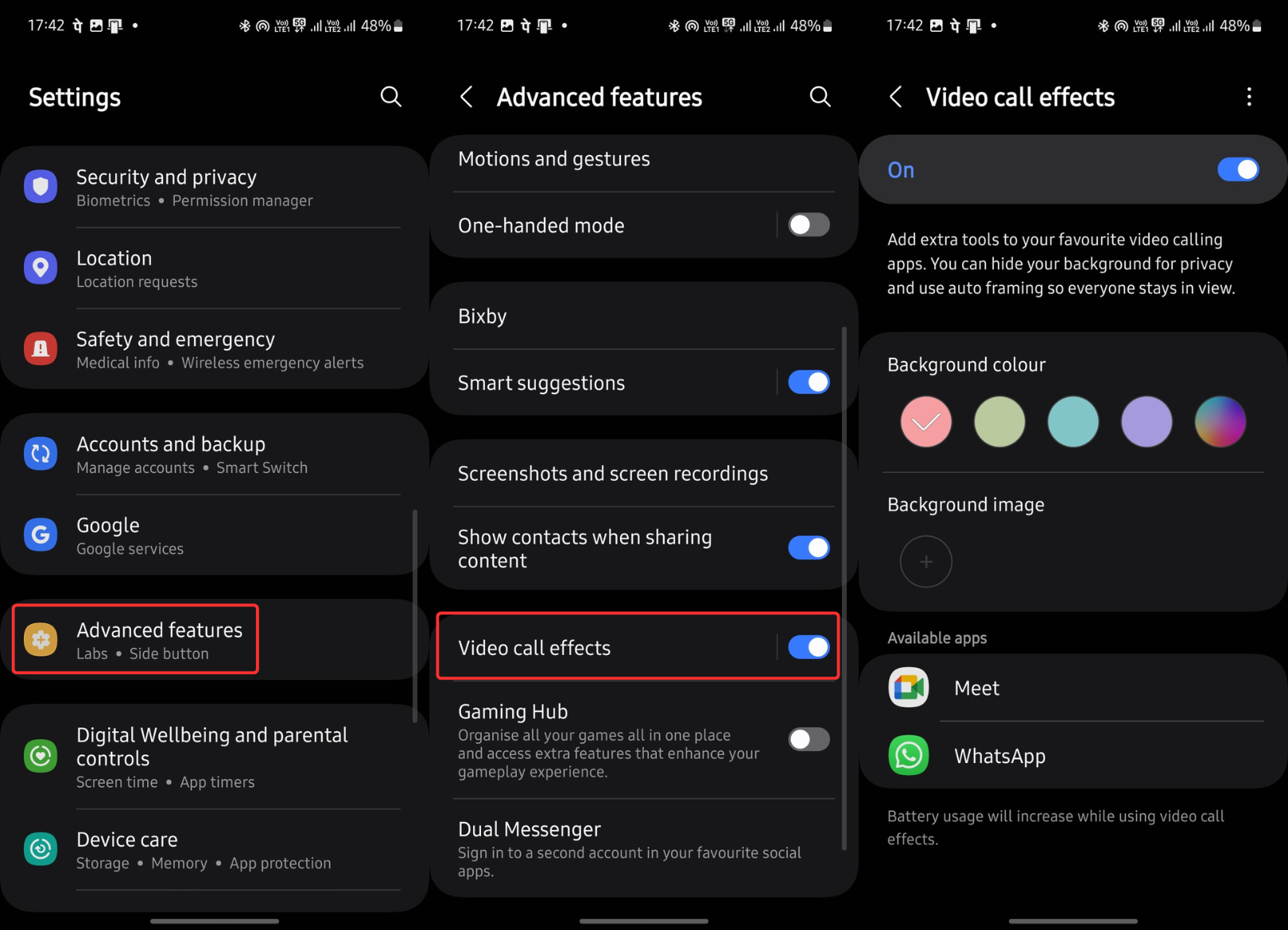
While WhatsApp and other chat or calling platforms are now offering video call effects, Samsung’s One UI has this built-in from the get-go. So when you’re on a meeting on Google Meets or Zoom, or even a video call on WhatsApp, users get the option to natively add effects. You get the usual background blur and background edits, but there is also an option to add pictures as backgrounds and even have your camera focus on your face and keep it in the center. This can be found in the Advanced features tab in Settings.
5. Shared Albums
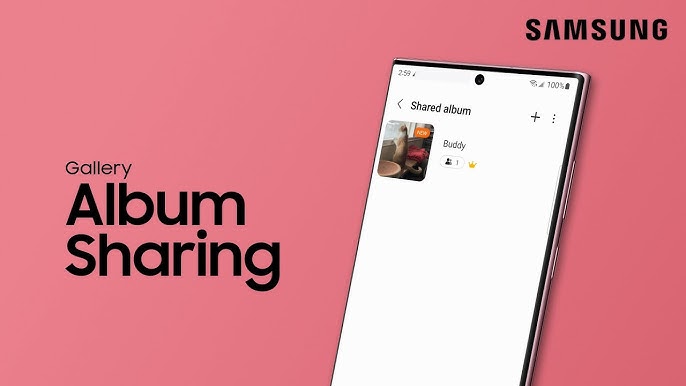
Shared Albums is a great feature that you can find in Samsung’s Gallery application. As the name suggests, it allows you and another Samsung Galaxy users share access to a common album seamlessly. It is hidden in the Gallery and you can try it out by tapping on the hamburger icon on the bottom right of the app.
This let’s users creat a shared album, which can be shared with up to 100 other Samsung account holders. Now, you can simply upload images or videos on this album that can be accessed by everyone. For non-Samsung users, it supports creating an invite link, which opens the album in the browser.
For more daily updates, please visit our News Section.
Stay ahead in tech! Join our Telegram community and sign up for our daily newsletter of top stories!