
Add GIZMOCHINA as Preferred Source on Google
Ugreen has introduced a new ultra-thin, card-style tracker in the Chinese market, offering compatibility with Apple’s “Find My” network. Priced at 109 yuan ($15), it competes with Apple’s $29 AirTag and is now available on JD.com. Let’s check out its key specs.
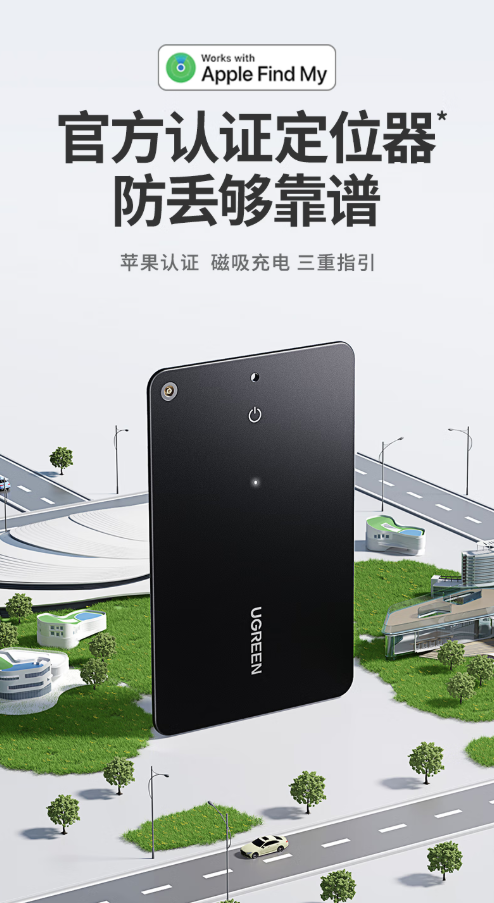
Ugreen CM817 SmartTag Specifications
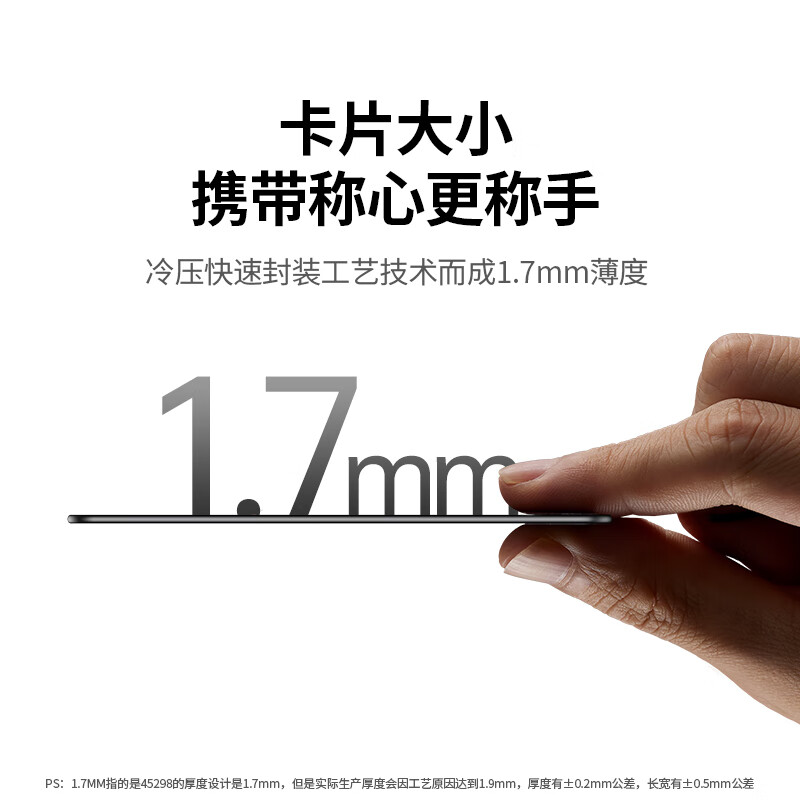
This smart tracker comes with a slim and portable design, measuring only 1.7mm in thickness. It is crafted using cold-press sealing technology, making it both lightweight and durable. The device is roughly the size of a standard card, allowing it to fit easily in wallets, keychains, backpacks, and even vehicles.
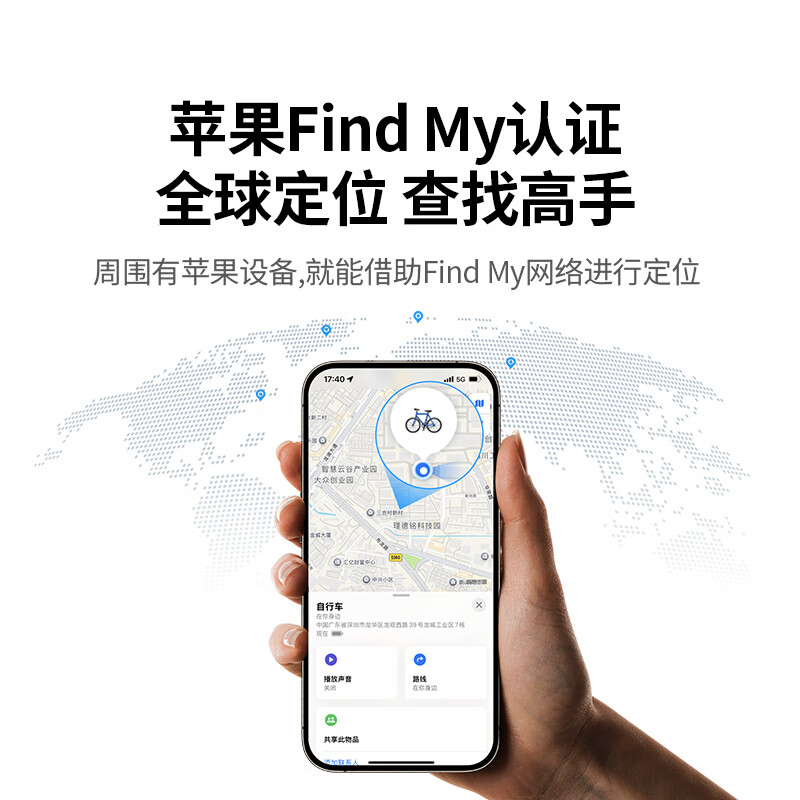
The Ugreen SmartTag supports Apple’s Find My network and features a triple-location guidance system with map navigation, sound alerts, and LED indicators. Users can track items via the Find My app, play a sound for easy retrieval, or use the LED flash in dark environments. It also includes an automatic lost-item reminder that alerts the iPhone if disconnected.
The device is equipped with Bluetooth Low Energy (BLE) that enables fast location updates when within range. The Find My app provides real-time tracking, ensuring quick recovery of lost belongings. For added security, the SmartTag supports Apple’s anti-tracking technology, which alerts users if an unknown tracker is moving with them.
The SmartTag comes with magnetic charging system and a 155mAh rechargeable lithium battery. With a single charge, it can last up to 12 months in standard usage, ensuring long-term reliability without frequent recharging.
This device is also built to withstand tough conditions. It sports an IP68-rated dustproof and waterproof design, offering protection against dust, dirt, and water immersion.
The Ugreen SmartTag supports multiple Apple devices, including iPhones, iPads, and Mac computers running iOS 14.5, iPadOS 14.5, or macOS 12.5 and later. It can be linked to a single Apple ID and shared across up to five Apple devices, making it useful for families and multi-device users. Additionally, it supports up to 32 SmartTags connected to a single account.
Setting up the SmartTag is simple and does not require an additional app. It is ready to use right out of the box, users simply need to long-press the power button to turn it on, bring it close to their Apple device, and add it through the Find My app.
For more daily updates, please visit our News Section.
Don’t miss a thing! Join our Telegram community for instant updates and grab our free daily newsletter for the best tech stories! 🚀



Comments