
Add GIZMOCHINA as Preferred Source on Google
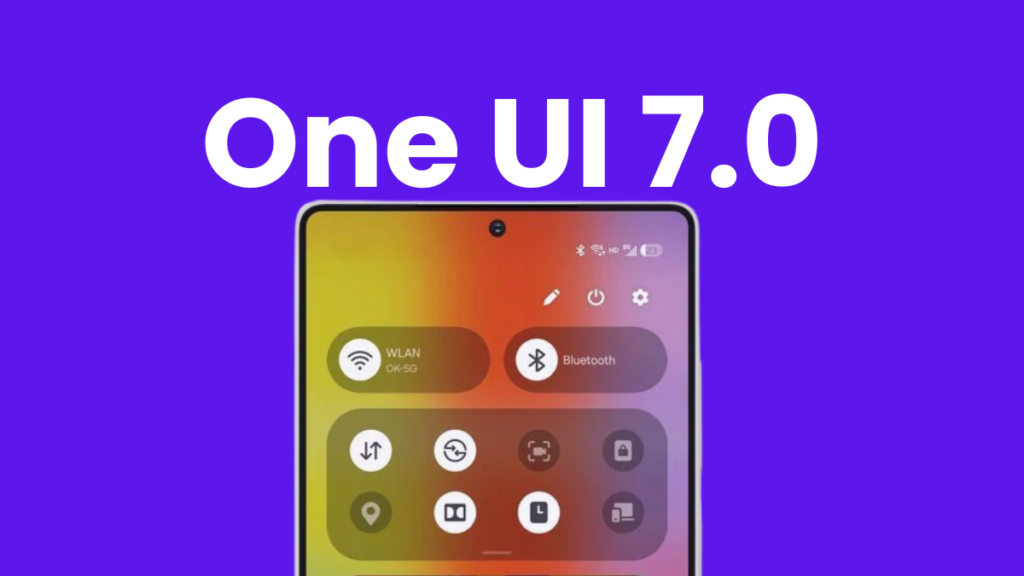
I can’t remember the last time I was this excited about a software update, but One UI 7 has me counting down the days. Samsung has packed this update with impressive upgrades, fresh visuals, and powerful new features that are making me — and millions of other Galaxy users — impatient for the rollout.
From smarter navigation to deeper customization, One UI 7 is shaping up to be one of the most exciting updates yet. Here are the five best features that make this upgrade impossible to ignore.
Five features that make One UI 7 a game-changing update
1. Now Bar makes the lock screen smarter

One UI 7 introduces Now Bar, the biggest visual upgrade to the newest software. It’s a pill-shared UI element at the bottom of the lock screen, providing quick access to ongoing activities, such as music playback, timers, and navigation updates. Tapping on it expands with more details and additional controls.
This is an entirely different take on Apple’s Dynamic Island, while other brands have just copied Apple’s feature without many changes. This also shows why Samsung is ahead of other Android brands in terms of software. Now Bar not only looks visually stunning but also boosts productivity by letting users access important information without unlocking their device.
2. Vertical app drawer for faster navigation
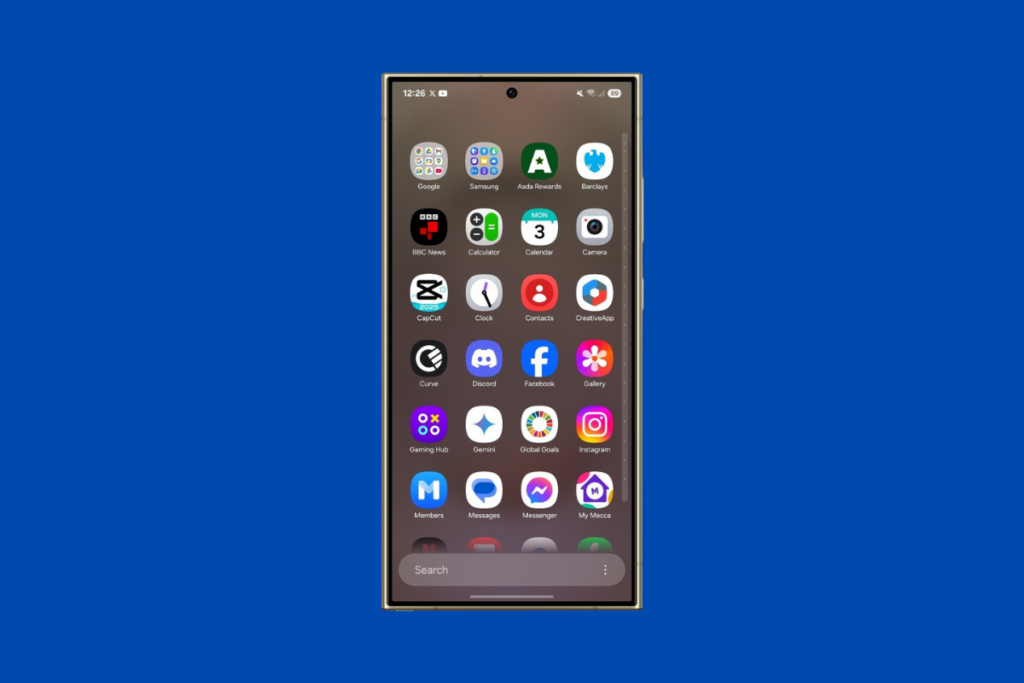
Samsung has finally introduced a vertical app drawer, a long-awaited feature that makes scrolling through apps much smoother and faster. Instead of swiping through multiple pages, you can now scroll in a single motion, with a sidebar that lets you jump directly to specific letters to find apps even faster.
If you prefer the old layout, don’t worry — you can switch back anytime. But with how intuitive and effortless this new system feels, I doubt many will want to.
To enable the vertical app drawer, open the app drawer, tap the three-dots icon sitting in the bottom right corner, tap Sort. Now, choose Alphabetical order to enable vertical scrolling.
3. Revamped Quick Settings panel for easier access
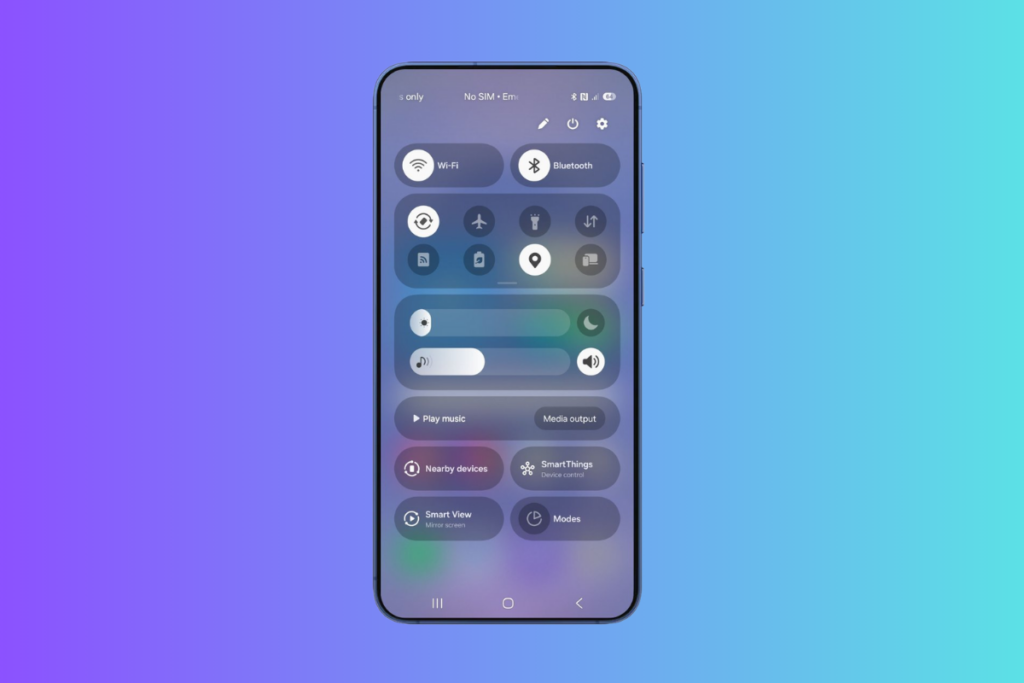
The Quick Settings panel is getting a major overhaul with One UI 7, making it more intuitive and visually refined. The Quick Settings and the notifications panels are separated, and how you access them depends on which side of the device you swipe from: swiping down from the left side opens the notification panel and swiping down from the right side opens Quick Settings. This is similar to what many Chinese brands such as Xiaomi and Realme are already offering, but there’s more to Quick Settings on One UI 7.
The new Quick Settings panel looks more visually appealing and is easier to navigate. The number of toggles has been reduced, though you can easily expand them by swiping downwards. There’s also a new volume slider and shortcuts for switching sound profile and enabling dark mode.
Overall, the new Quick Settings panel looks a lot more refined and makes accessing controls faster and more convenient.
4. Next-level customizations for a personal touch
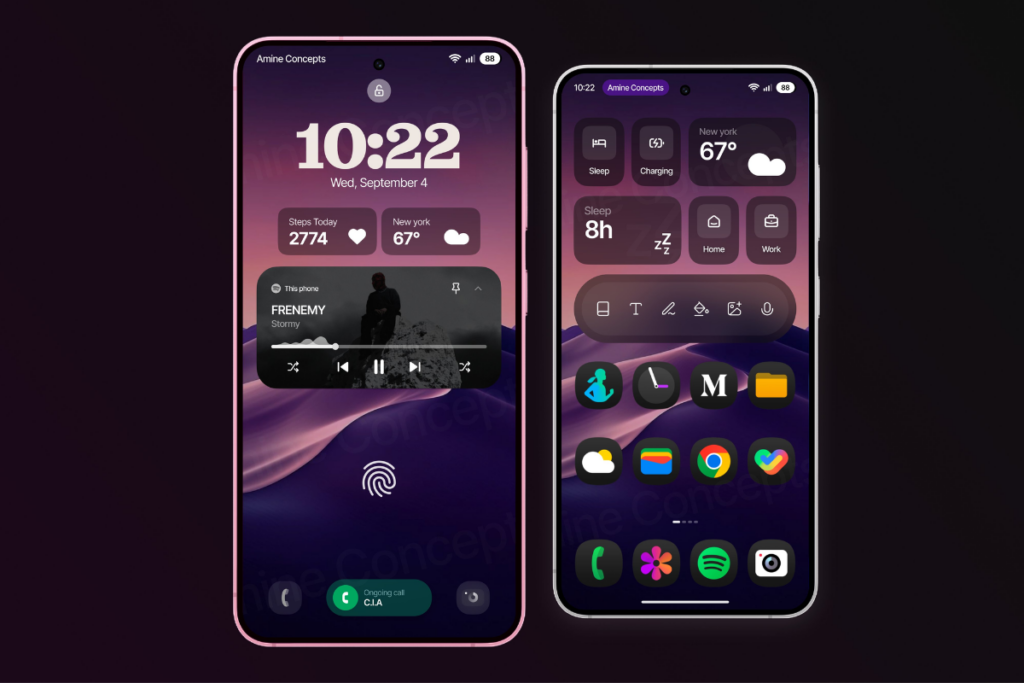
Customization has always been a key pillar of One UI, and that’s getting a lot better with One UI 7. The Home Up module (previously part of the Good Lock app) is now built into One UI Home, so users no longer need a separate app to access advanced home screen customization options.
You can arrange apps freely, breaking away from grid layouts. You can also add stickers to the home screen for a more personalized look.
There are also several new widgets, with the ability to preview different formats before adding them to the home screen. One UI 7 also allows combining multiple widgets into a single widget space for better home screen organization and reduced clutter.
The lock screen is now more customizable than ever. One UI 7 adds newer clock styles with customizable fonts and colors. Users can also change the clock location and add more widgets. The two shortcut icons at the bottom can now be customized, thus making the lock screen more personalized and usable.
5. A super clean Camera app

The Camera app in One UI 7 looks less cluttered and provides easier access to controls. The top menu now has fewer options, while the remaining controls are hidden inside an expandable button.
The camera modes have moved below the shutter button, making it easier to switch between photo, video, and other modes. Another essential addition is a zoom slider in the Pro Video mode.
Samsung has also added an “Audio playback” feature that lets users record videos while playing music in the background. This could be particularly useful for creating dance or lip-sync videos.
Which One UI 7 feature are you most excited about? Share your thoughts in the comments below. Also, don’t forget to check out the One UI section for the latest rollout news, and follow our Telegram channel and subscribe to our free newsletter for your daily tech updates.
More One UI stories:
1. Stable One UI 7 rollout: Find out when your Galaxy device will get it
2. One UI 7 might not bring this awesome Galaxy AI feature on older devices
3. Delayed One UI 7 rollout forcing Samsung to cancel One UI 7.1 cancellation


Comments