
Add GIZMOCHINA as Preferred Source on Google
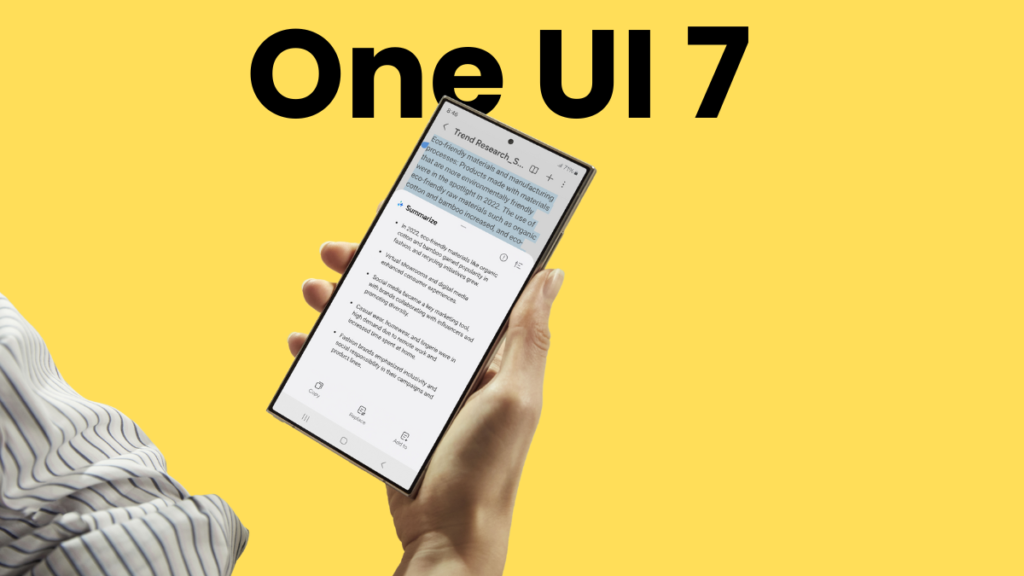
After plenty of hiccups, Samsung has finally begun rolling out the One UI 7 update, and it’s none other than Galaxy S24 getting the first bite. The update is rolling out to beta as well as non-beta users in select regions.
Samsung is rolling out the One UI 7 update to the Galaxy S24, Galaxy S24+, and Galaxy S24 Ultra users in Korea. The update is tagged with the firmware version that ends with BYCG. It’s a major upgrade with a download size of around 5.2GB. Beta users, however, don’t need to download a bulky package as the update package weighs just 400MB. That’s because almost all big changes have already been installed via beta builds.
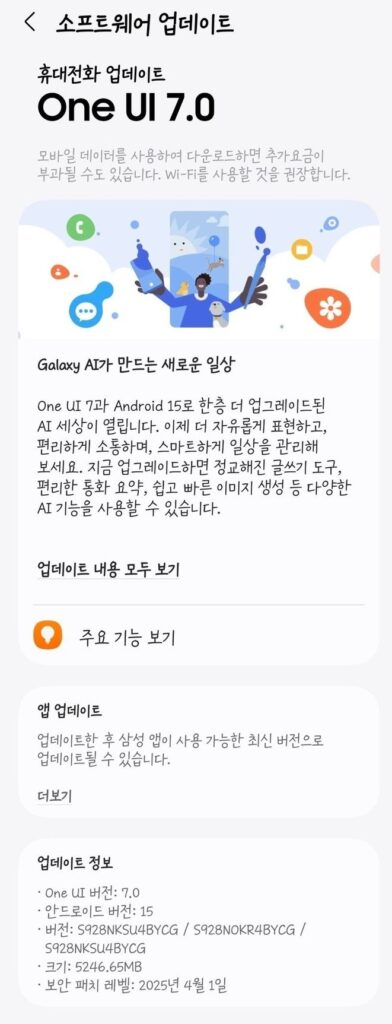
The Galaxy S24 FE isn’t a part of this One UI 7 release, though. Fan Edition (or FE) devices don’t get updates alongside their regular models. However, Samsung has already confirmed that the device will get the update by the end of this month. So, the wait shouldn’t be too long.
To install the One UI 7 update on your Galaxy S24, go to Settings > Software update and tap Download and install. Once the download is finished, tap the Install now button. If the update isn’t showing up on your device, try again later, as the updates are rolled out in phases. Before installing the update, follow these quick steps for a smooth transition to One UI 7.
Samsung has promised seven major OS updates for the Galaxy S24 series models. Android 15 is the first that’s currently rolling out, and there are six more to go. The One UI 7 update brings many visual changes, customizations, AI features, and plenty of improvements. There’s also a vertical app drawer. You can read five of my favorite One UI 7 features here.
Also read:
1. One UI 7 might not bring this awesome Galaxy AI feature on older devices
2. One UI 7 will be the last major upgrade for these Galaxy devices




Comments