
Add GIZMOCHINA on Google:
Samsung started rolling out its Android 15-based One UI 7 update to the Galaxy S24 series and the 6th generation foldables, with the 5th generation ones and the S23 series scheduled to get the stable update sometime in May. While Samsung kept users waiting—long enough for headlines to question whether it still represents the face of Android—it also had to halt the long-awaited rollout to last year’s flagships due to a serious bug. But there’s apparently more. A recent report from SamMobile talks about another bug in One UI 7, where the battery icon vanishes.
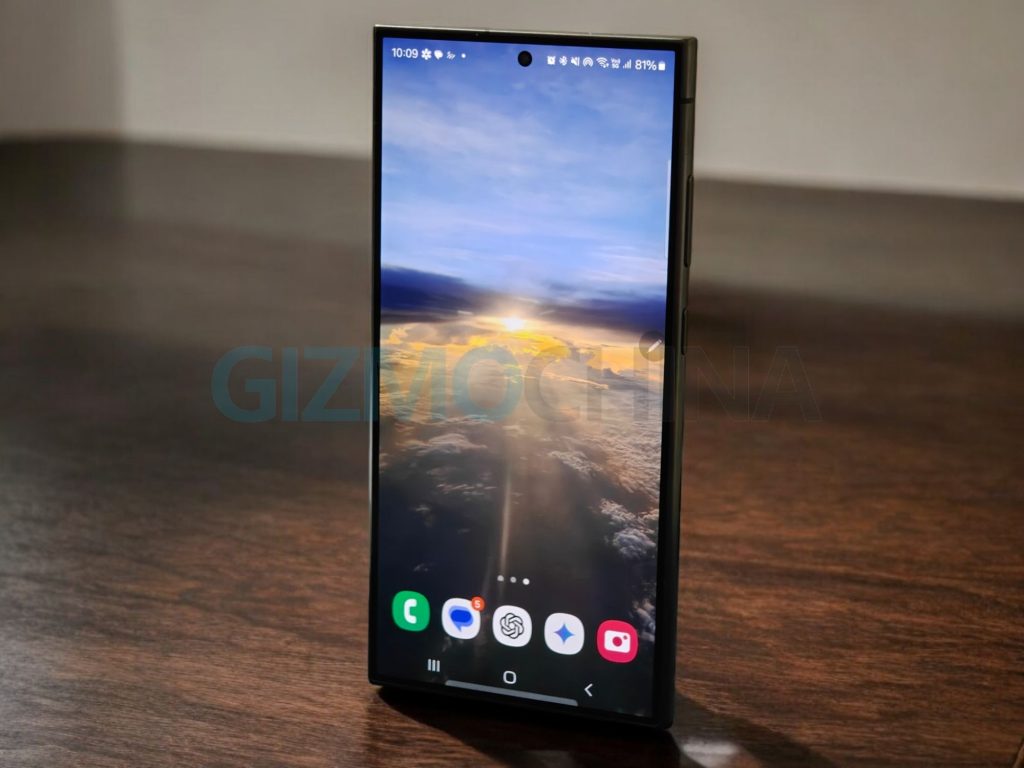
QuickStar is to blame
The QuickStar Good Lock module reportedly causes the battery icon to disappear and there’s a simple fix to this issue. The QuickStar development team have addressed the reports regarding the battery icon not showing up on the status bar after installing the Android 15-based update. According to SamMobile, the bug has only affected those who used QuickStar to disable the battery icon manually on their phone running on One UI 6.x.
One UI 7 introduces a combined layout for the battery icon and percentage in the status bar. However, if the battery icon was disabled before the update, it won’t automatically show up again after installing the new version.
Fortunately, there’s a very simple solution to it. Affected users need to open Good Lock, head to the QuickStar module, go to the “Visibility of Indicator Icons” menu, and enable the “Battery Icon” option.
For Galaxy S24 users waiting on the One UI 7 update, tipster Ice Universe has revealed in a recent tweet that Samsung has fixed the critical bug and may resume the rollout as early as today. However, he didn’t specify whether the Galaxy Z Fold 6 and Z Flip 6 will also start receiving the update. Stay tuned, as Samsung is expected to issue a revised rollout schedule soon.
Tech enthusiast? Get the latest news first! Follow our Telegram channel and subscribe to our free newsletter for your daily tech fix!
For more daily updates, please visit our News Section.
(Source)




Comments