
Add GIZMOCHINA on Google:
Samsung just updated the default browser on Galaxy phones and tablets to block non-eligible devices from accessing Browsing Assist. But not everything is disappointing. As announced toward the end of last month, the Galaxy A56 is now receiving a fresh software update that adds Google Gemini integration.
Users can now launch the AI assistant with a long press of the side button—a feature first introduced with the Galaxy S25 series. Rolling out with the May 2025 security patch, the update enhances the mid-range phone’s intelligence.
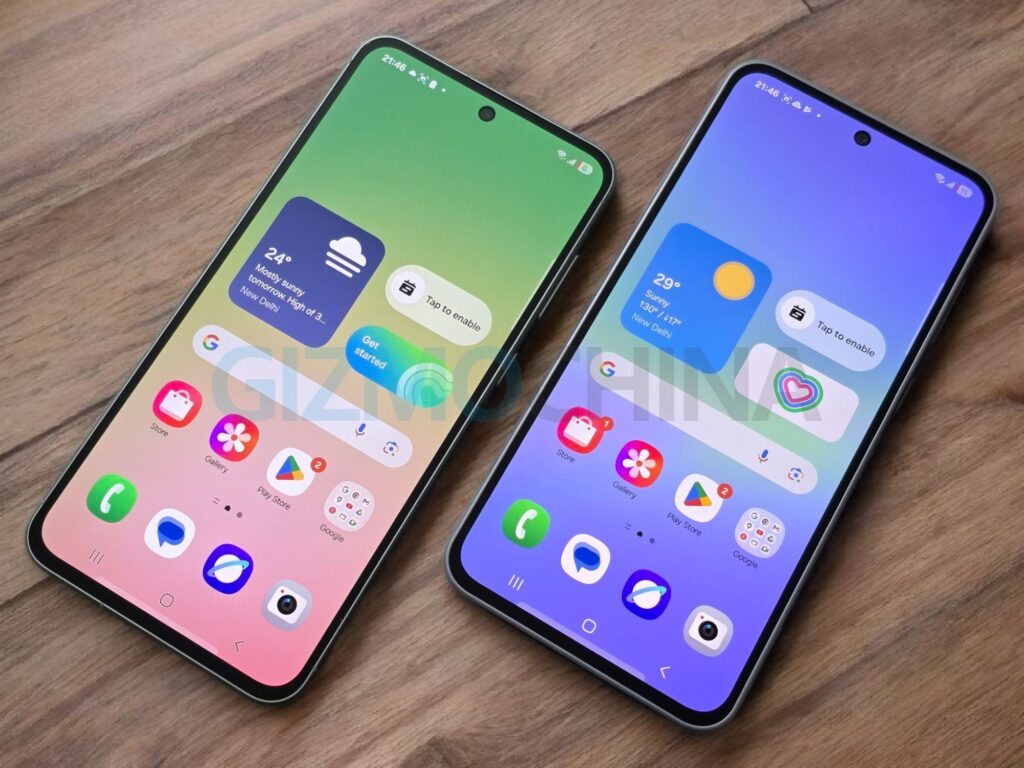
The Galaxy A56, launched in March 2025 with One UI 7 (Android 15), initially missed the side-button Gemini access that debuted on the S25 lineup. The new update, build A566BXXU3AYDK, fixes that, setting Gemini as the default long-press action for the side button. Users can switch to Bixby or other assistants via Settings » Advanced features » Side button, offering flexibility.
The update is rolling out globally, starting in markets like Europe, and can be installed via Settings> Software update> Download and install.
Gemini’s integration shines with cross-app functionality, letting users add events to Samsung Calendar, save notes, set alarms, or find restaurants on Google Maps. This cloud-powered AI, also coming to other Galaxy A models like the A55 and A36 with One UI 7 by June, makes the A56 feel more capable and useful.
For those considering the Galaxy A56, it offers some sizable improvements in battery life and performance thanks to the Exynos 1580 chip, an upgrade over the Exynos 1480 of the A55. The Galaxy AI features only make it more appealing and relevant to those who don’t necessarily need a performance-packed phone but would like to experience some of the premium software features.
Tech enthusiast? Get the latest news first! Follow our Telegram channel and subscribe to our free newsletter for your daily tech fix!
For more daily updates, please visit our News Section.
(Source)



Comments