
Add GIZMOCHINA as Preferred Source on Google
It’s 2025, and the way we think about smartphone batteries is changing fast. Between the rising demand for AI-powered apps, always-on displays, and power-hungry silicon, even the most efficient devices can burn through a full charge before dinner. But battery tech is also evolving. We’re seeing early adoption of silicon-carbon batteries, smarter power management software, and faster charging systems that are gentler on longevity. Still, if you’re not paying attention to how you use your phone, all of that innovation won’t save you from a midday battery panic.
So how do you actually get the most out of your phone’s battery today, whether you’re using a flagship Galaxy or a mid-tier Redmi? Turns out, a few tweaks can go a long way.
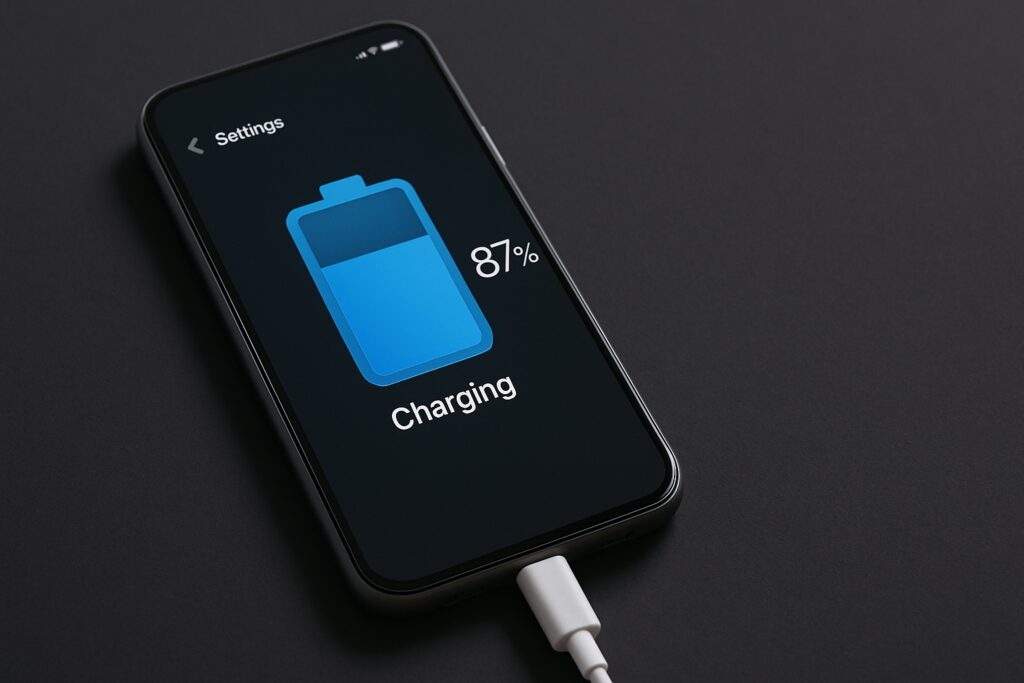
Kill the Culprits: Background Apps & Rogue Syncing
Your phone’s worst enemies are often the apps you don’t even see. Social media, fitness trackers, and even your keyboard can be silently draining your battery in the background. Dig into your battery usage stats (found under Settings > Battery) and identify what’s hogging the most juice. Disable background activity for anything non-essential.
Also, take a hard look at auto-syncing services like Gmail, calendar apps, and cloud storage. If your phone buzzes every five minutes with a new update, chances are it’s also sipping power in the background. Reduce sync frequency or turn it off entirely for less critical apps.
Take Control of Your Screen
Your phone’s display is almost always the biggest battery drain. In fact, for devices with AMOLED panels, screen usage can account for more than 50% of total battery consumption. Use adaptive brightness, not manual, so the system can optimize based on real-time lighting conditions. And while 120Hz refresh rates look great, locking it at 60Hz when you’re not gaming or scrolling through high-frame content can extend your usage by hours.
Dark mode is more than an aesthetic. On OLED screens, it actually saves energy by turning off individual pixels. Using a true black wallpaper and enabling system-wide dark themes can squeeze out that extra bit of efficiency.
Embrace Smarter Charging Habits
Most smartphones now feature some sort of battery health protection, whether it’s “Optimized Charging” on iPhones or “Battery Protection” on Samsung and Pixel devices. These systems delay charging past 80–85% until you actually need a full battery, which helps preserve long-term battery health. Make sure it’s turned on.
If your phone supports it, wireless charging or reverse wireless power sharing is convenient, but slightly less efficient. Stick with wired when you’re home or at your desk. And unless you’re in a rush, avoid constant fast charging. It’s great for emergencies, but slower charging generates less heat and causes less wear over time.
AI Features vs. Power Efficiency
With more AI features running locally, like voice assistants, real-time transcription, or object recognition, phones today juggle between performance and endurance. Many new Android skins now include “AI battery” or “adaptive battery” modes that learn how you use apps and limit power to those you rarely touch. Don’t ignore those toggles. They’re working behind the scenes to stretch your battery without you lifting a finger.
What the Future Holds
The shift toward silicon-carbon battery chemistry promises 10–15% higher energy density and better tolerance for fast charging cycles. Since 2024, brands like Xiaomi, Honor, and Vivo have already implemented these batteries in their flagship devices, and in 2025, they’re beginning to show up in mid-range phones too. This isn’t a far-off upgrade anymore, it’s rapidly becoming the standard across key Android segments.
Until then, thoughtful habits are still your best weapon. Being intentional with settings, managing what runs in the background, and charging smartly will do more for your battery life than any spec sheet ever will.
In related news, don’t miss our deep dive on why big battery phones matter more than ever in 2025.
For more daily updates, please visit our News Section.
Stay ahead in tech! Join our Telegram community and sign up for our daily newsletter of top stories! 💡




Comments