
Add GIZMOCHINA as Preferred Source on Google
Samsung Galaxy Tab users are reporting home screen freezes and crashes after updating to One UI 7, linked to vertical grid layouts and large widgets. Samsung has confirmed the issue and offers a simple fix by clearing One UI Home app data.
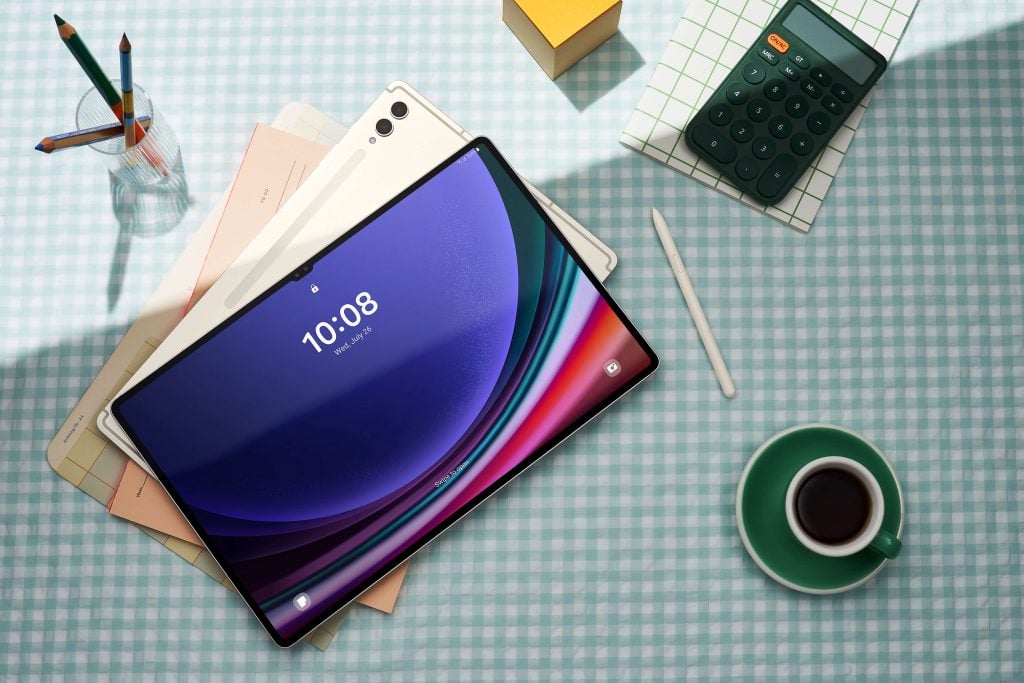
The rollout of One UI 7, based on Android 15, has hit a snag for some Galaxy Tab users, with devices like the Galaxy Tab S9 and S8 experiencing home screen freezes or unresponsiveness. The issue, flagged by users on Reddit and X, stems from a mismatch between One UI 7 and older home screen settings, particularly vertical grid layouts (e.g., 5×7) paired with space-hogging widgets (e.g., 3×7). This causes the One UI Home app, which manages the home screen, to crash, disrupting navigation.
The fix
Samsung’s community moderator acknowledged the problem, noting it’s most common on tablets with customized layouts. The company is reportedly working on a permanent solution, but for now, a quick fix involves clearing the One UI Home app’s data to reset its settings. To do this, navigate to Settings » Apps » One UI Home » Storage » Delete Data. Be warned: this resets your home screen layout and widgets, requiring manual reconfiguration.
The process takes seconds and has resolved crashes for many, per Reddit’s r/GalaxyTab. Affected devices include the Tab S9 Ultra and older models. One UI 7’s new features, like enhanced Galaxy AI and smoother animations, remain intact post-fix. Reports suggest a patch may arrive with the May 2025 security update. Until then, will this workaround restore your Tab’s home screen, or are more bugs lurking in One UI 7? We’ll keep an eye out. If issues persist, Samsung’s support forums will hopefully offer further guidance.
Don’t miss a thing! Join our Telegram community for instant updates and grab our free daily newsletter for the best tech stories!
For more daily updates, please visit our News Section.
(Source)




Comments