
Add GIZMOCHINA as Preferred Source on Google
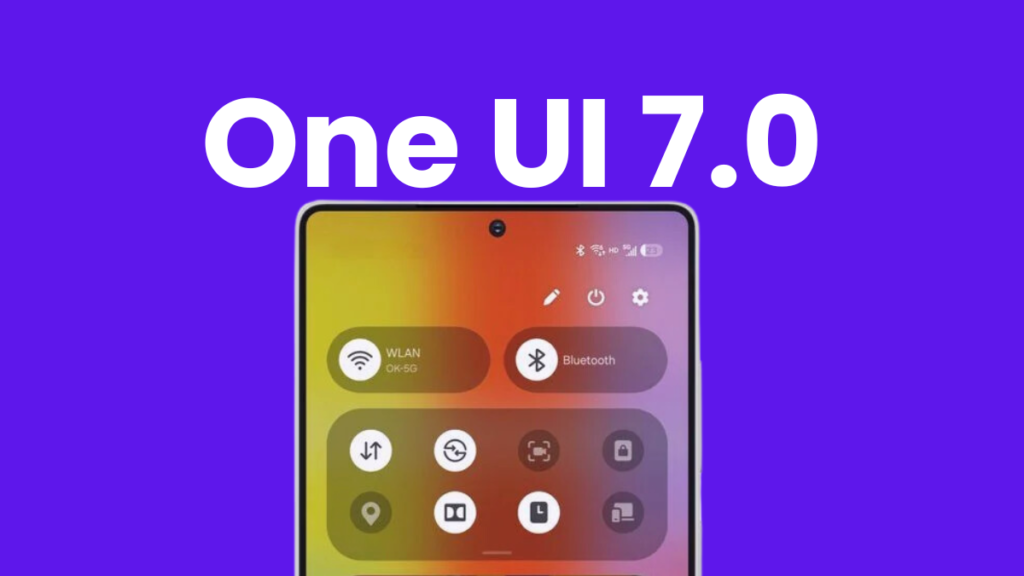
One UI 7 is one of the most exciting software upgrades in Samsung’s history — and also one of the most frustrating. While it brings a ton of new features, enhancements, and improvements, its rollout has been marred by a major delay.
Samsung finally began rolling out the stable One UI 7 update in the US in the second week of April 2025. As expected, premium models such as Galaxy S24 series, Galaxy Z Fold 6, and Galaxy Z Flip 6 got the early taste, but Samsung quickly expanded the rollout to more devices. The update is now available for many Galaxy phones and tablets, which you can take a look at below.
Samsung devices that are getting the One UI 7 update
Galaxy phones
- Galaxy S24
- Galaxy S24+
- Galaxy S24 Ultra
- Galaxy S24 FE
- Galaxy S23
- Galaxy S23+
- Galaxy S23 Ultra
- Galaxy S23 FE
- Galaxy S22
- Galaxy S22+
- Galaxy S22 Ultra
- Galaxy S21
- Galaxy S21+
- Galaxy S21 Ultra
- Galaxy Z Fold 6
- Galaxy Z Flip 6
- Galaxy Z Fold 5
- Galaxy Z Flip 5
- Galaxy Z Fold 4
- Galaxy Z Flip 4
- Galaxy Z Fold 3
- Galaxy Z Flip 3
Galaxy tablets
- Galaxy Tab S10+
- Galaxy Tab S10 Ultra
- Galaxy Tab S9
- Galaxy Tab S9+
- Galaxy Tab S9 Ultra
- Galaxy Tab S9 FE
- Galaxy Tab S9 FE+
- Galaxy Tab S8
- Galaxy Tab S8+
- Galaxy Tab S8 Ultra
Keep in mind that the update doesn’t reach all carriers and unlocked models at the same time. It may take a few days — or even a few weeks — to arrive on your device. To manually check for the update, go to Settings > Software update and hit the Download and install option.
If you have a Galaxy device that’s not on the above list, you may have to wait a little longer to receive the update. Ensure that your Galaxy device is eligible for the One UI 7 upgrade, if you haven’t already (check the complete list here).
Related:
1. Galaxy A-series phones that won’t get One UI 7 update
2. One UI 8 rollout won’t follow One UI 7’s pace
5 steps for a smooth transition to One UI 7
Major updates can sometimes cause issues like data loss or system bugs. Follow these five simple tips to make sure you’re upgrading safely:
1. Back up your data
This is the first and most important thing to do before hitting the install button, especially when it’s a major update. Backing up important data keeps you worry-free even in case of firmware failure. Although such incidents happen rarely, a possibility is always there.
You can use Samsung Cloud to backup without any storage limit. The only catch is that the backup is stored on Samsung’s servers for 30 days. Make sure to restore your data within that period.
2. Free up storage space
One UI 7 is a large update, with a download size of around 5GB or more. If your device doesn’t have enough space, the update might fail. Additionally, it can slow down your phone. It’s recommended that you keep at least 10GB free storage on your Samsung device.
Go to Settings > Device care > Storage to delete unnecessary files, unused apps, and large media files. You can reclaim more storage by removing some large files that are already backed up.
3. Install pending updates
Make sure all apps and system software are updated before installing One UI 7. Updated apps are more likely to be compatible with the new software.
You can update Samsung apps via the Galaxy Store and others through the Google Play Store. Also, go to Settings > Software update > Download and install to check for any pending system updates.
4. Charge your device to at least 30%
Major updates like One UI 7 consume more battery and take longer to install. Make sure your phone is charged to at least 30% to avoid interruptions. If the phone shuts down mid-installation, you could end up with corrupted files or unstable software.
5. Read community feedback
Even stable builds can have bugs. Before installing, it might be a good idea to visit the Samsung Community forums or related subreddits to see how others are experiencing the update on your specific model.
Also read:
1. Samsung devices that are eligible for One UI 8 update
2. Android 16: release date, eligible devices, and new features



Comments