
Add GIZMOCHINA on Google:
Samsung’s Galaxy A56 has hit a snag thanks to the May update, leaving some devices stuck on the boot screen. Thankfully, a user-discovered workaround offers a quick fix, sparing users from drastic measures.
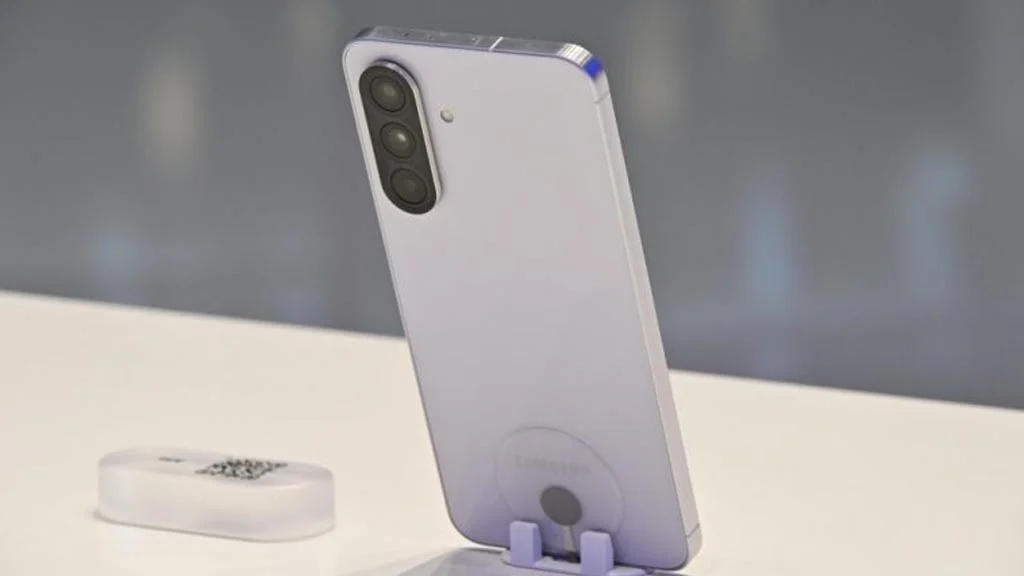
The May 2025 update for the Galaxy A56 introduces Gemini Side button support, fixes known security issues, and is supposed to offer a smoother One UI experience overall. However, for some users, this update has caused a major hiccup: devices freezing on the “gears” loading screen, unable to boot fully. The issue, reported widely on forums like Reddit and Samsung Community, has sparked frustration among the affected A56 users, with their devices stuck in an endless initializing loop.
Here’s the fix:
However, the solution is quite simple: remove the SIM card, then restart the phone by holding the Volume Down and Power buttons until it reboots. Once the home screen appears, reinsert the SIM card. This method, confirmed by multiple users on Reddit and Samsung forums, has proven effective.

Though not an official solution, this workaround avoids the need for a factory reset, which would erase all data. Samsung has yet to acknowledge the issue formally, but a follow-up patch is likely in the works. For now, the SIM-removal trick is the go-to solution. If your A56 is stuck, try it and share your experience on social platforms.
Not every Galaxy A56 is affected, as many users report successful updates. Still, the boot issue is prevalent enough to raise concerns about the beta testing process and the overall stability of the package and upcoming builds. While this particular issue has an easy fix, not all update-related problems are as simple. That’s why it’s best to wait a week or two and check online if everything is stable before tapping ‘Download’ or ‘Restart now’.
Don’t miss a thing! Join our Telegram community for instant updates and grab our free daily newsletter for the best tech stories!
For more daily updates, please visit our News Section.




Comments