
Add GIZMOCHINA as Preferred Source on Google
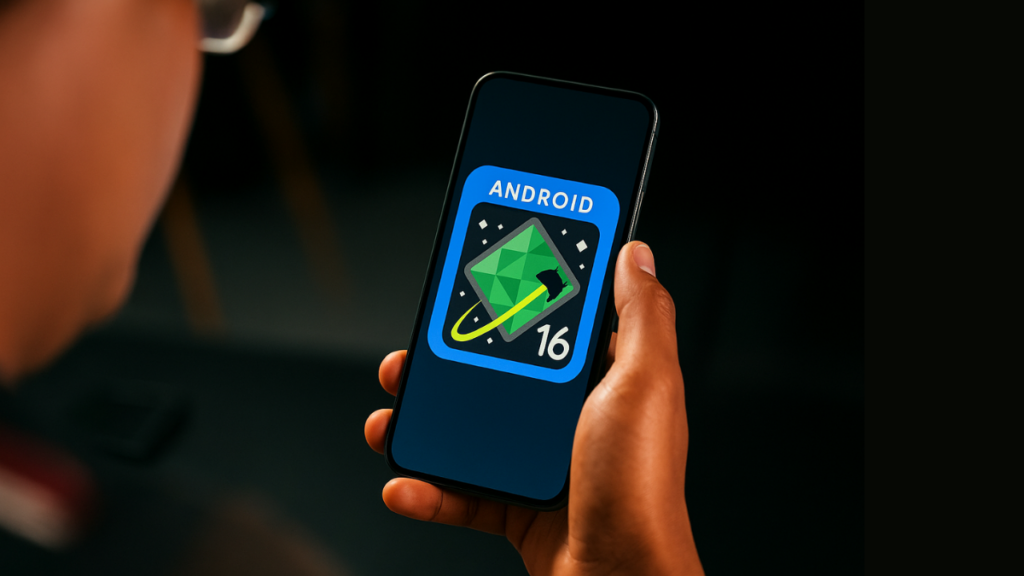
After months of testing, the stable version of Android 16 is finally here, but it’s not available to all eligible devices just yet. The update is currently rolling out to select Google Pixel phones and tablets and will gradually cover devices from other Android brands over the coming weeks and months.
Android 16 update is available to these devices
Google Pixels are typically the first to receive the newest version of the Android OS, and this year is no exception. The Android 16 update has begun rolling out to eligible Google Pixel devices. Here’s the complete list:
- Pixel 6, 6 Pro, 6a
- Pixel 7, 7 Pro, 7a
- Pixel 8, 8 Pro, 8a
- Pixel 9, 9 Pro, 9 Pro XL, 9 Pro Fold, 9a
- Pixel Fold
- Pixel Tablet
If you have any of these devices, the Android 16 update might be available for download. To check for the latest update, navigate to Settings > System > Software update and hit the Check for updates button. If the update is available, tap Download and install; otherwise, check back again later.
What’s new in Android 16?
Whether or not your device has received the update, it’s important to understand what the upgrade has to offer. We have compiled a list below that includes the most significant changes in Android 16.
1. Live Updates
Android 16 introduces “Live Updates”, allowing users to track activities like food delivery, ride-shares, and navigation directly on the notification panel or lock screen without opening the app.
This feature works similarly to Apple’s Dynamic Island. Many Android brands, including Xiaomi, Oppo, and OnePlus, have already implemented their versions of Dynamic Island on their phones. More recently, it has also arrived on Samsung devices with the One UI 7 update. Now, the feature is natively baked into Android 16 as Live Updates.
2. Advanced protection
It’s Google’s most robust, unified security suite for mobile devices. It’s not a single security feature but a suite of strong security features that can be activated in a few taps to enable multiple layers of defense, protecting you from online attacks, harmful apps, unsafe websites, scam calls, and other harmful activities.
Enabling Advanced Protection automatically activates critical security features, including Device Theft Protection, App Protection, Theft Protection, Web Protection, USB Protection, and more. This feature enforces a “defense-in-depth” strategy, ensuring that all security layers remain active and cannot be individually disabled.
3. Better app compatibility and productivity on larger devices
Android 16 also brings the much-needed Adaptive Apps feature, which allows apps to automatically adjust their layouts and functionality to fit various screen sizes, including foldables, tablets, and large displays. It addresses the issue where apps previously did not scale well on larger screens.
In collaboration with Samsung, Google has developed a desktop windowing feature that’s packed into Android 16. It allows users to run multiple apps in resizable, movable windows, similar to a desktop OS like Windows, enhancing productivity on larger-screen devices.
4. A refreshed look with Material 3 Expressive
Android 16 debuts the new Material 3 Expressive design, featuring rounder app icons, new color accents, a redesigned settings menu, updated fonts, and sleeker media controls. These changes make the interface look more modern and visually appealing.
5. Battery Health indicator
Among the most valuable additions is “Battery health,” but the specific functionality depends on the Pixel model you own.
Battery health (Pixel 6a and newer)
All Pixel 6 and newer models get a “battery health” section in the Settings > Battery. It includes help articles like “Avoid extreme temperatures” and moves “Charging optimization” options to the bottom of this page.
Battery capacity (Pixel 8a and newer)
If you have a Pixel 8a or newer model, you will get a “Battery capacity” option in the Battery > Battery health after upgrading to Android 16. It shows the estimated percentage of the charge the battery can currently hold compared to a new standard battery.
The Battery health sections also show one of these battery health statuses:
- Normal: Battery capacity is within normal limits.
- Reduced: Battery reached capacity is below 80% (Google recommends considering a battery replacement).
- Unavailable: Can’t determine your battery status.
Battery health assistance (Pixel 6a and newer)
There’s also a new Battery health assistance available on Pixel 6a and newer devices running Android 16. This feature is designed to manage your battery’s long-term health and performance.
According to Google, this feature works by adjusting “battery’s maximum voltage in stages that start at 200 charge cycles and continue gradually until 1000 charge cycles to help stabilize battery performance and aging.” It also adjusts the phone’s charging speed based on adjusted capacity.
Android 16 is currently rolling out Google Pixels, but it won’t be long before other brands start rolling it out to their devices. Visit our Android 16 section regularly for the latest updates.
Also read:
1. One UI 8 update: eligible devices, rollout plan, and new features
2. Xiaomi devices eligible for Android 16 update


Comments