
Add GIZMOCHINA as Preferred Source on Google
Android 16 is finally here, and it brings a number of visual changes aimed at improving the user experience. It also marks the earliest major Android release in years and lays the foundation for Google‘s new Material 3 Expressive design language. This is the Android 16 QPR1 beta release (Google just rolled out QPR1 Beta 2 with some fixes), currently available for supported Pixel devices. Let’s take a look at what’s new.

One small but useful addition is Live Updates. Instead of opening a delivery app every few minutes, you can now check the progress at a glance. While it starts with a handful of compatible ride-share and food delivery apps, more are expected to join as development progresses. Samsung’s Now Bar and OPPO and OnePlus’ Live Alerts will also integrate this feature to enhance the overall Android experience.
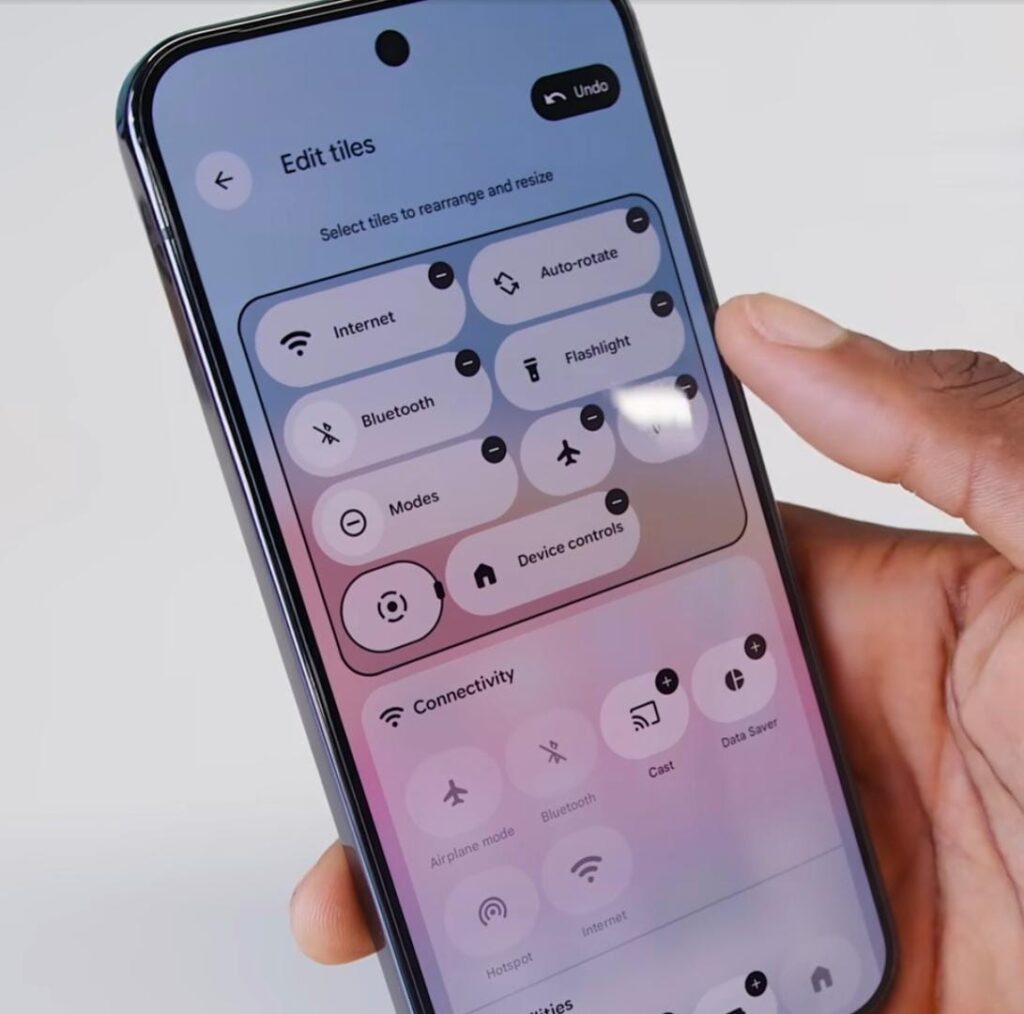
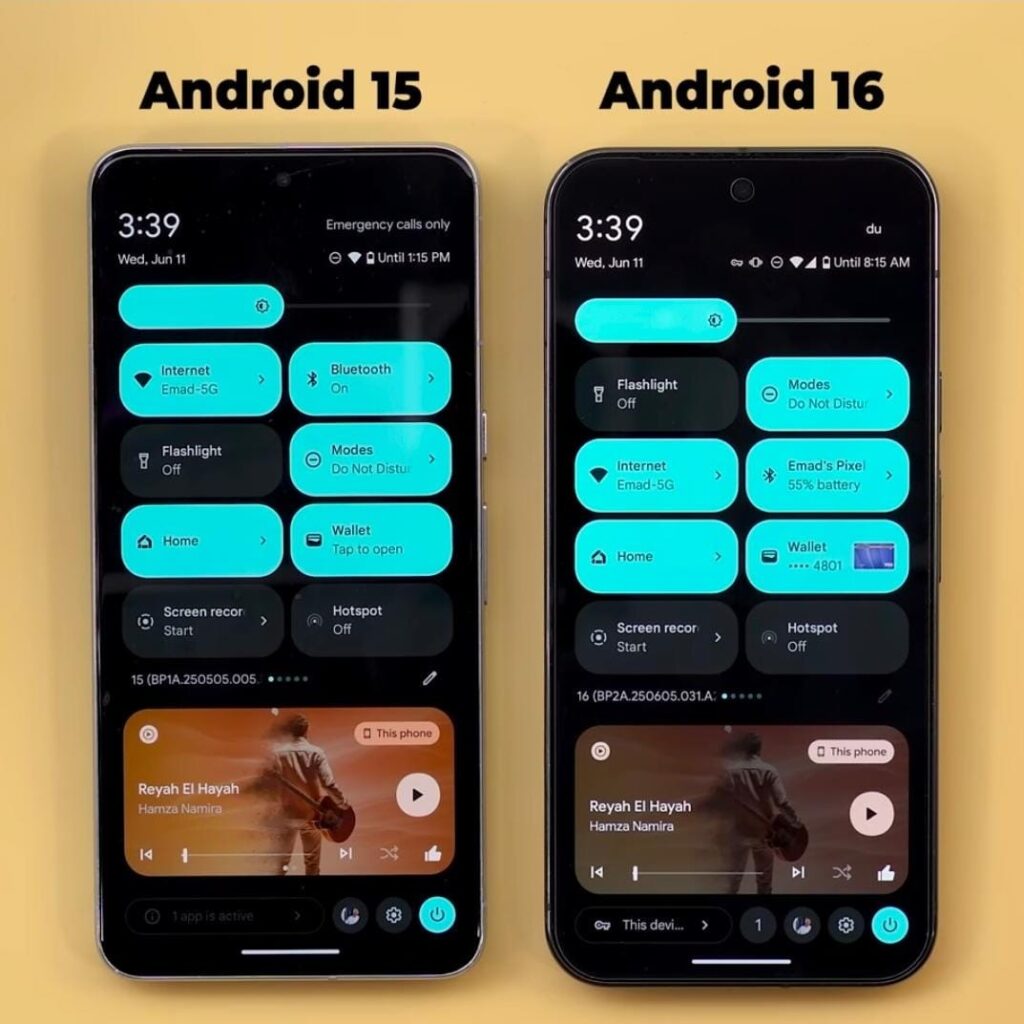
As for visual enhancements, there are quite a few. The text on the status bar now uses a bold font, making it easier to read at a glance. The tiles inside the control panel are now customizable, and the brightness and volume sliders also have a refreshed look.
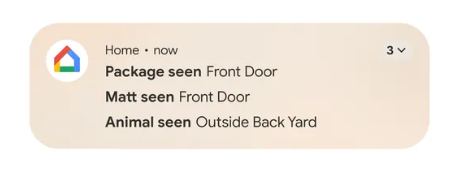
Ever get tired of scrolling through notifications or struggle to find the one you’re actually looking for? Android 16 now groups notifications from the same app together, making it easier to find what you need.
For large-screen devices, Android 16 introduces a feature called Desktop Windowing, inspired by Samsung’s DeX. Check out the video below to see how it works and how it can help boost productivity on book-style foldables or Android tablets. You can also customize keyboard shortcuts to get the most out of your lightweight, efficient, yet capable device.
Another key addition is Advanced Protection, which Google calls its “strongest mobile device protection” yet. It can be enabled with a single tap and aims to protect users from online threats, harmful apps, unsafe websites, scam calls, and more.
Don’t miss a thing! Join our Telegram community for instant updates and grab our free daily newsletter for the best tech stories!
For more daily updates, please visit our News Section.


Comments