
Add GIZMOCHINA as Preferred Source on Google
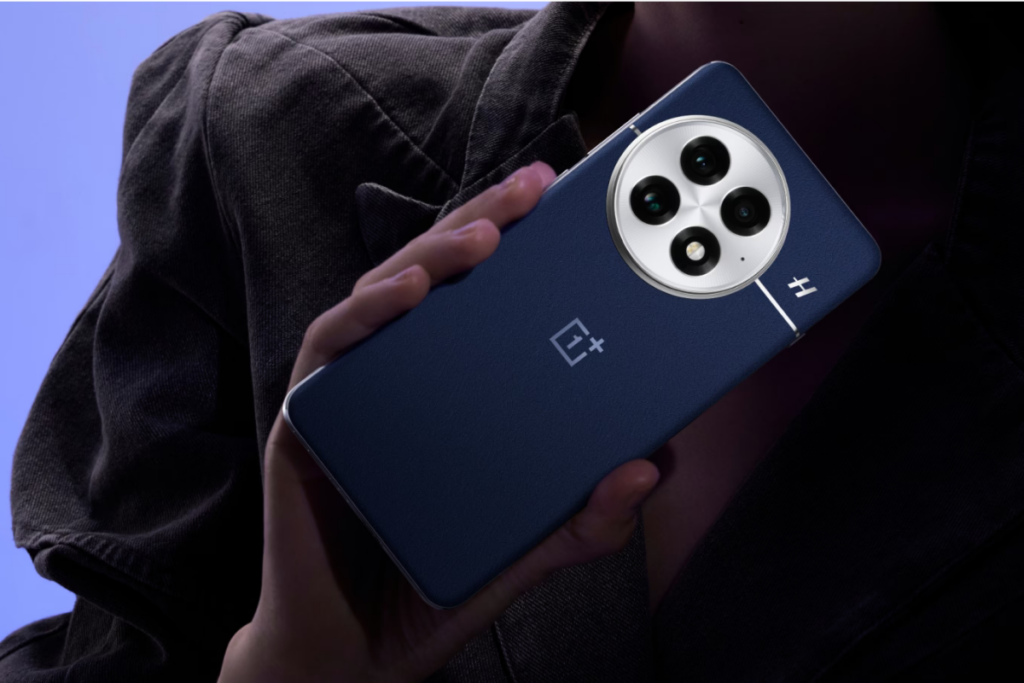
OnePlus has begun rolling out the OxygenOS 15.0.0.840 update for the OnePlus 13 in India. Identified by build number CPH2649_15.0.0.840(EX01), the update is currently being released in phases, starting with a limited group of users. A broader rollout is expected in the coming days. Here are the main features and changes included in this update.
New Mind Space Feature
The update adds a “Save to Mind Space” feature. You can now save screen content to Mind Space as memories. The app will automatically summarize and archive these memories for you.
Camera Gets AI Perfect Shot
The camera now has AI Perfect Shot, which recognizes faces and can replace facial expressions from different photos of the same person to create better shots. There’s also a new soft light filter in Portrait and Photo modes that creates softer, more appealing effects.
Photos App Improvements
You can now edit videos and live photos directly in the Photos app. The update lets you export videos as live photos or convert videos and live photos into high-resolution photos.
The Photos homepage now has better customization – you can hide specific albums from showing up in your main photo list. Video editing also got faster, and 120fps videos will stay at 120fps after editing.
System Changes
Multi-screen control is new – you can run one app in full screen and another in a floating window at the same time, and use both apps together.
When you drag widgets of the same size together, they automatically stack on top of each other. OnePlus Sans and One Sans fonts are now available in more languages through Settings > Display & brightness > Font.
App Updates
The Clock app has gradual alarm volume that starts quiet and gets louder. You can find this in Clock > Alarm > Settings > Gradual alarm volume.
The Recorder app now lets you create custom groups for organizing audio files. It also automatically puts recordings from Standard, Meeting, and Interview modes into an “In-person recordings” group.
Notification and Quick Settings
There’s a new “Temporarily block” feature for notifications. Swipe up on any notification banner to stop getting more notifications from that app while gaming or watching videos. You can manage this in Settings > Notifications & Quick Settings > Banners > Temporarily block.
Quick Settings now has a Restart shortcut so you can reboot your phone faster.
Mini Windows and Security
Mini windows work better now – you can drag them to the bottom of the screen, and a display bug with mini windows has been fixed. The update includes the July 2025 Android security patch.
Don’t miss a thing! Join our Telegram community for instant updates and grab our free daily newsletter for the best tech stories!
For more daily updates, please visit our News Section.
(Source)


Comments