Add GIZMOCHINA as Preferred Source on Google
Over the past couple of weeks, I’ve been using the Alogic Fusion Pro Nexus USB-C universal dock, and it has been a good addition to my workspace. This compact yet feature-rich dock is an all-in-one solution designed to simplify and streamline connectivity, especially ideal for ultrabooks and thin laptops that come with fewer ports and rely solely on USB-C. Here are my thoughts on this new dock.
1Design and Setup
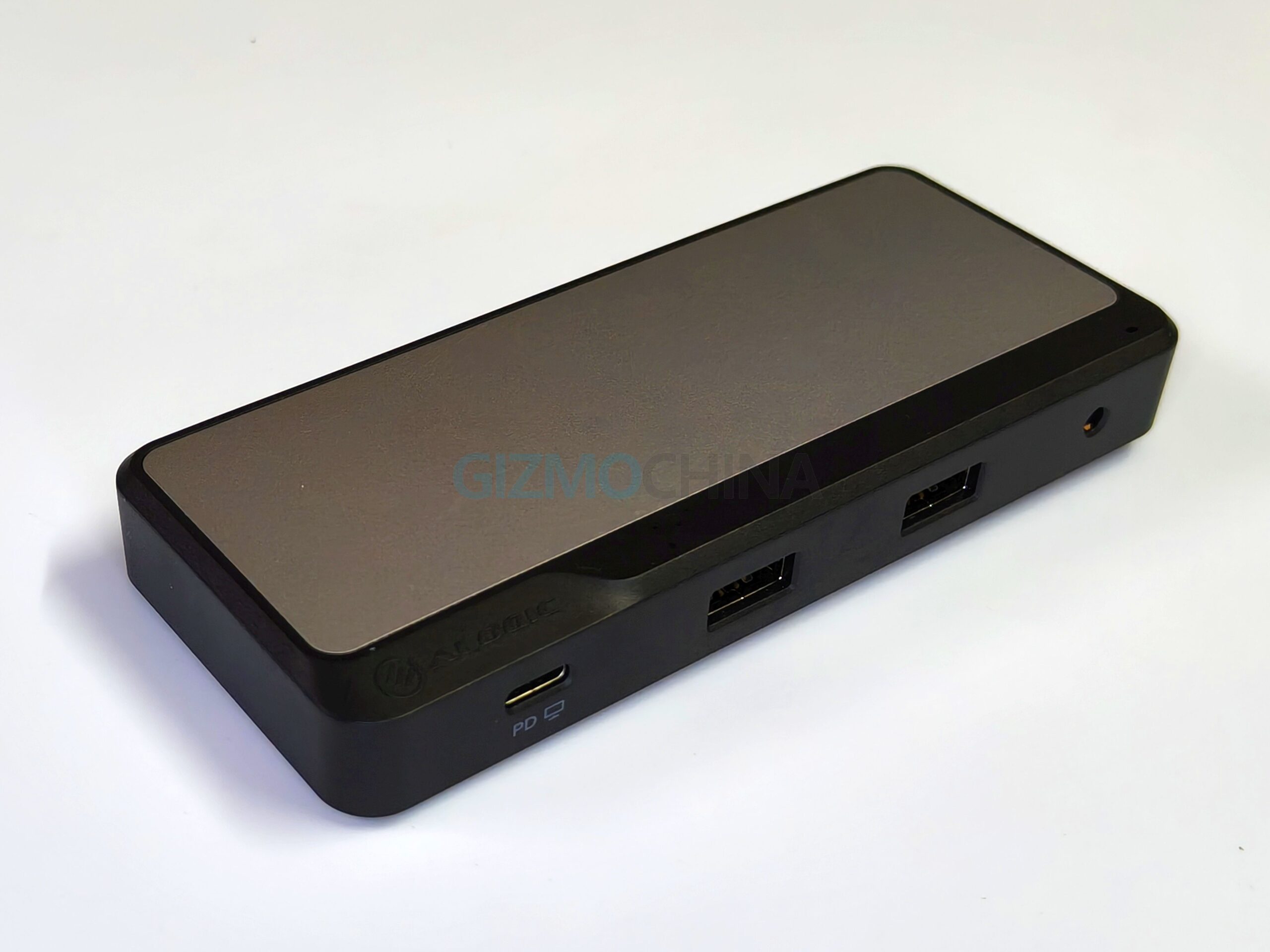
The Alogic Fusion Pro Nexus USB-C universal video dock has a sleek and sturdy aluminium and ABS build, with a dual-tone design that blends well with most setups. Weighing just 88g and measuring 130 x 55 x 17.5 mm, it’s incredibly portable. Its USB-C cable can be folded and tucked into its back neatly. The dock lies flat on your desk without creating clutter.
One of the highlights of this device is its IP68/69 certification and MIL-STD-810H build quality. It’s rare to see this level of durability in such a small docking station. While I didn’t dunk it in water or drop it off a cliff, knowing it’s built to withstand harsher environments adds peace of mind, especially for travel.
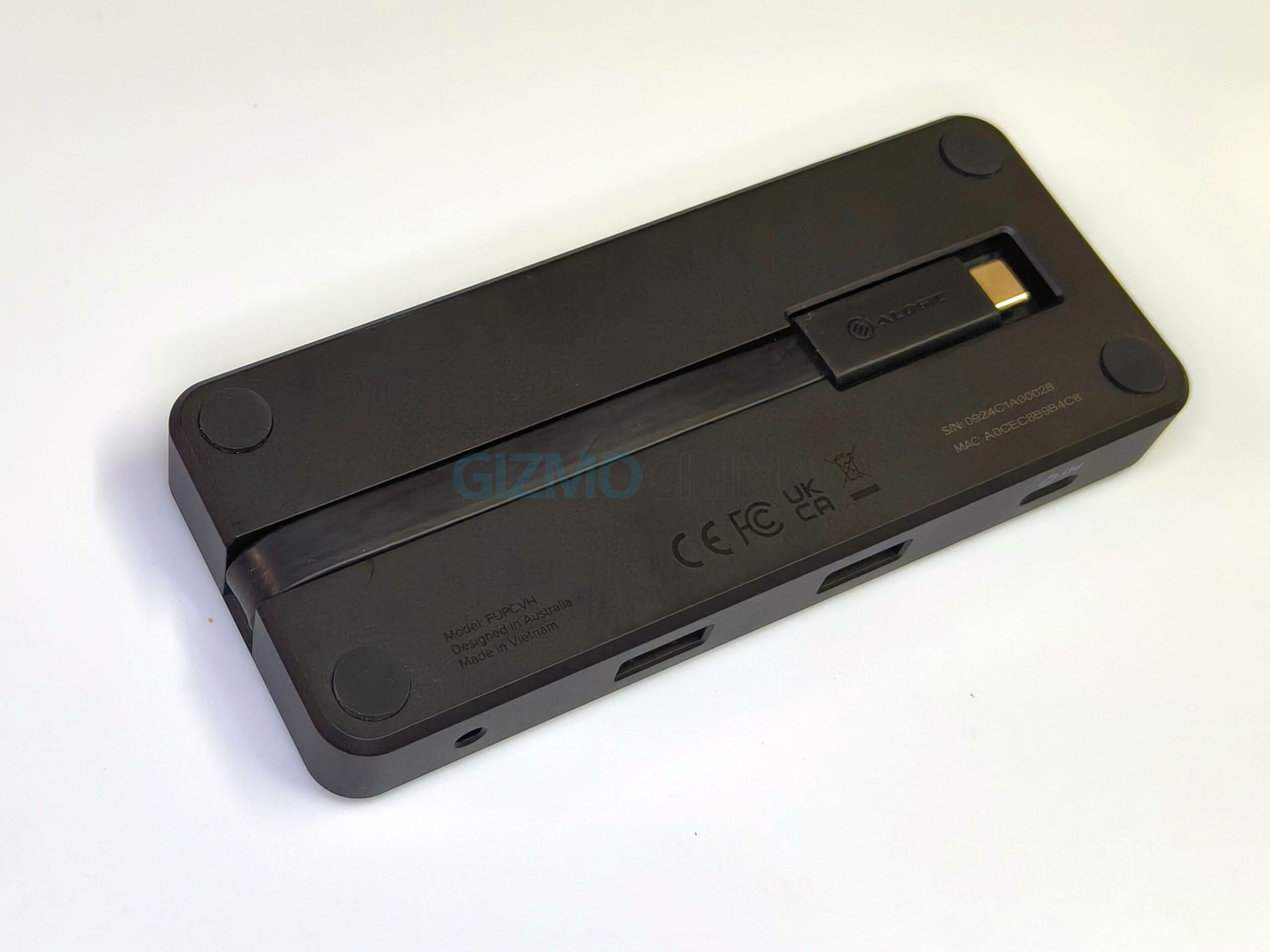
I found it particularly convenient when plugged into a laptop with the USB-C port located on the left side. Setting it up was plug-and-play. I tested it with both a MacBook and a Windows laptop, and in both cases, it was recognized instantly, without needing any additional drivers.