Add GIZMOCHINA on Google:
Over the past couple of weeks, I’ve been using the Alogic Fusion Pro Nexus USB-C universal dock, and it has been a good addition to my workspace. This compact yet feature-rich dock is an all-in-one solution designed to simplify and streamline connectivity, especially ideal for ultrabooks and thin laptops that come with fewer ports and rely solely on USB-C. Here are my thoughts on this new dock.
2Ports and Performance
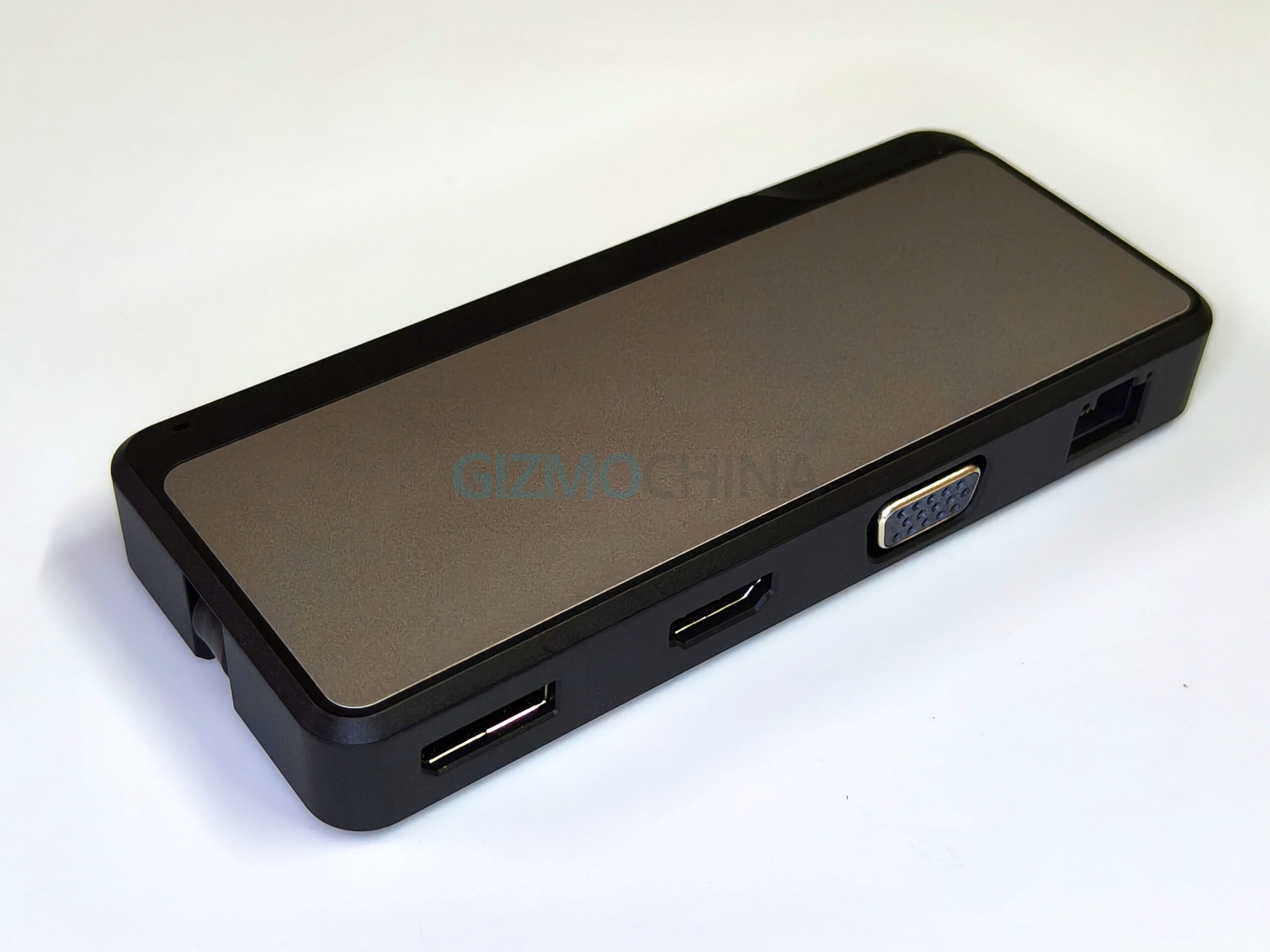
The Alogic Fusion Pro Nexus provides a wide range of connectivity ports:
- Video outputs: HDMI 2.0, DisplayPort 1.4, VGA, and a USB-C with DisplayPort 1.4 Alt Mode. Resolutions went up to 4K@60Hz on HDMI and DisplayPort, and the VGA maxed out at 1920×1200.
- USB connectivity: 2 x USB-A 3.2 Gen 2 ports (10Gbps) and 1 x USB-C 3.2 Gen 2 port, very handy for fast file transfers or external drives.
- Network and audio: 3.5mm audio jack and 1Gbps Ethernet, both of which worked smoothly in my testing.
- Power delivery: Supports pass-through charging up to 100W (with 15W reserved for the hub), so up to 85W can charge your laptop depending on your power adapter.
One area where the Fusion Pro Nexus could be improved is its single USB-C port for expansion. Since the dock itself connects via USB-C, you’re left with no additional USB-C ports for other devices like SSDs or external monitors. Including at least one more USB-C port would have added valuable flexibility, especially as more accessories are adopting the standard.