Add GIZMOCHINA as Preferred Source on Google
Introduction
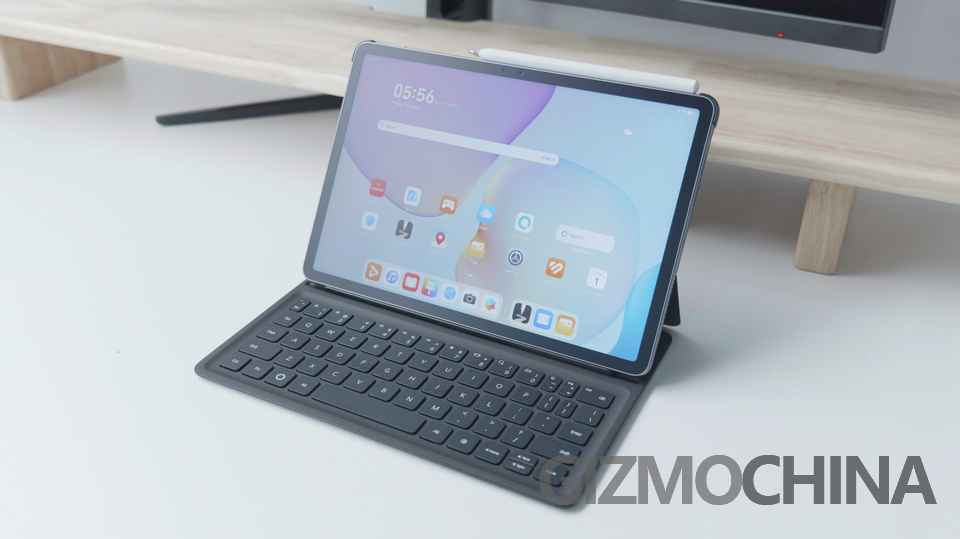
HUAWEI’s newest 11.5-inch tablet arrives as the 2024 version’s predecessor, with a brighter matte screen, longer battery life. I spent seven days using the PaperMatte edition as my primary tablet for work, note-taking and content consumption to find out whether it is a better option right now.
Design & Build
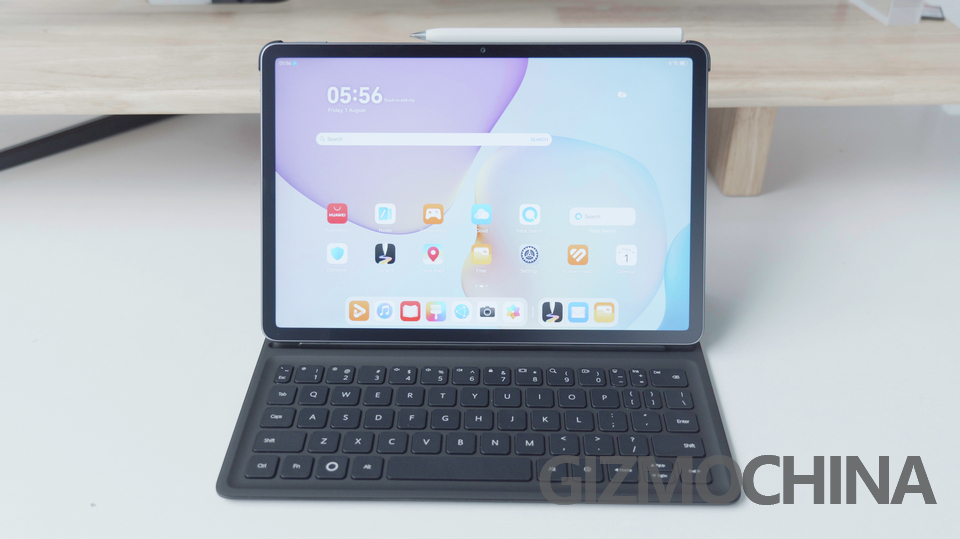
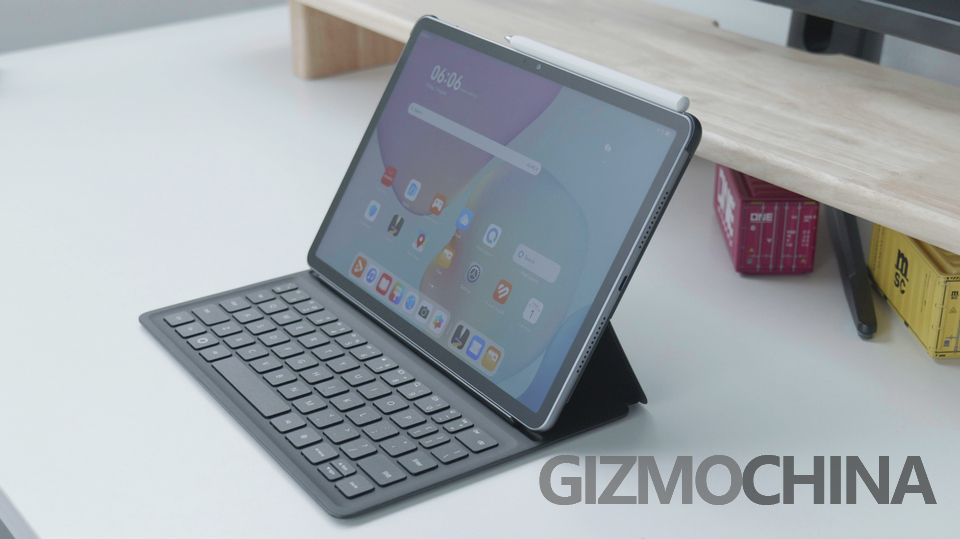
The body is a single block of aluminium, colored in either Space Grey or the subtler Violet tone. At 6.1 mm and 515 g it is genuinely pocketable in a coat. HUAWEI says the new forging process adds 30% rigidity, so there is no flex when torqued. There is no IP rating and no headphone jack, so gym or poolside use feels risky.
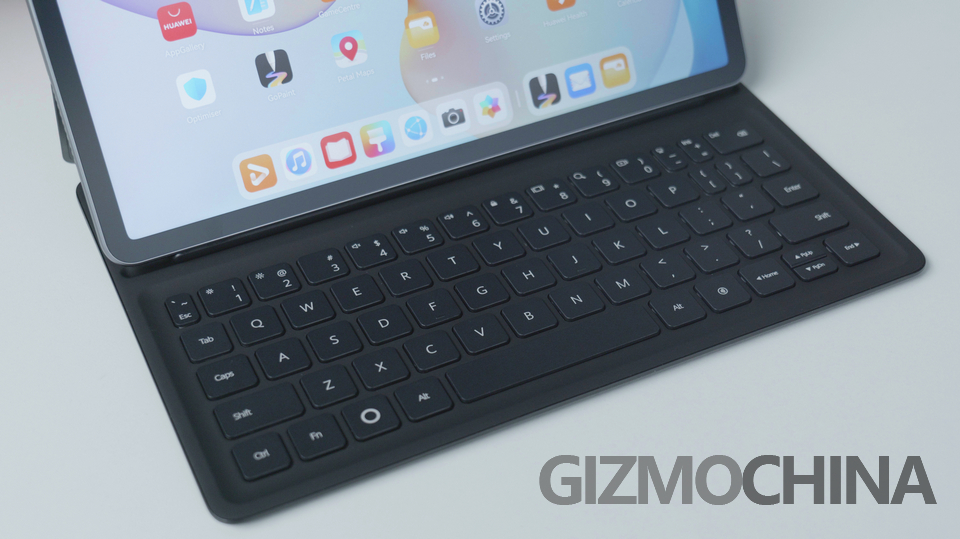
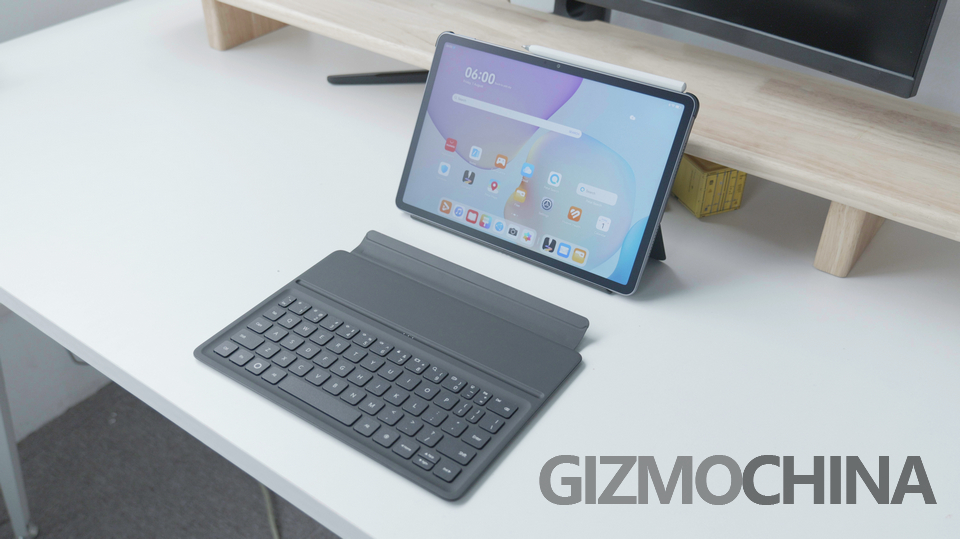
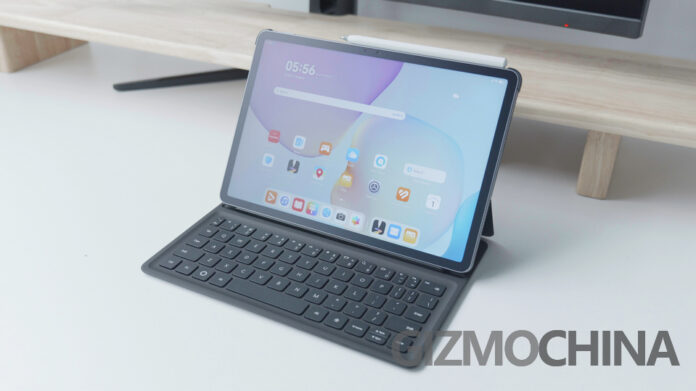
The best thing is the case to go with the tablet, if you have read my other tablet reviews, I always stress that you much buy the official case with the tablet, as it is not only high quality usually, but also very custom fit. So does this case, it feels premium, and connects to the tablet smartly. The smart thing HUAWEI did is that, the tablet and the case is bundled together, which means you are encouraged to buy them together.
Display
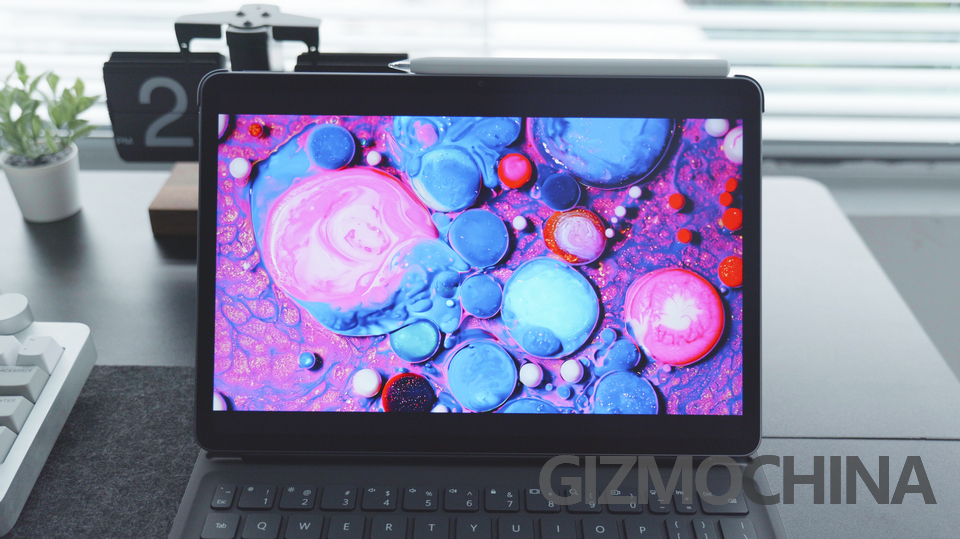
The 2456 × 1600 IPS panel is the top line specs, rated at 2.5K. 120 Hz refresh is adaptive, so it changes between 60/90/120Hz, to suit every occasion, and saves power. Peak brightness is 600 nits, outdoors at 11 a.m. under clear sky it is still very bright and I could still read white websites.
The PaperMatte coating is more than a film. Nano-etching diffuses reflections, cutting specular glare to 2% compared with 4.8% on other glossy models. Colour gamut is still 100% sRGB, yet saturation drops slightly, but nothing serious. The TÜV low-blue-light badge is earned through hardware (DC dimming), not software filters, so screen colour temperature doesn’t shift at night, this can be very useful if you dislike Night Mode.
Stylus Experience
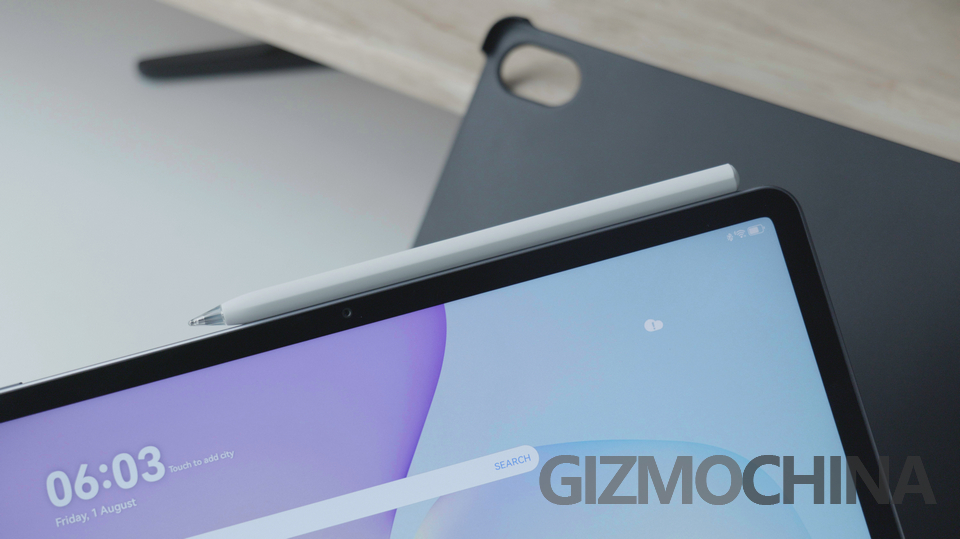
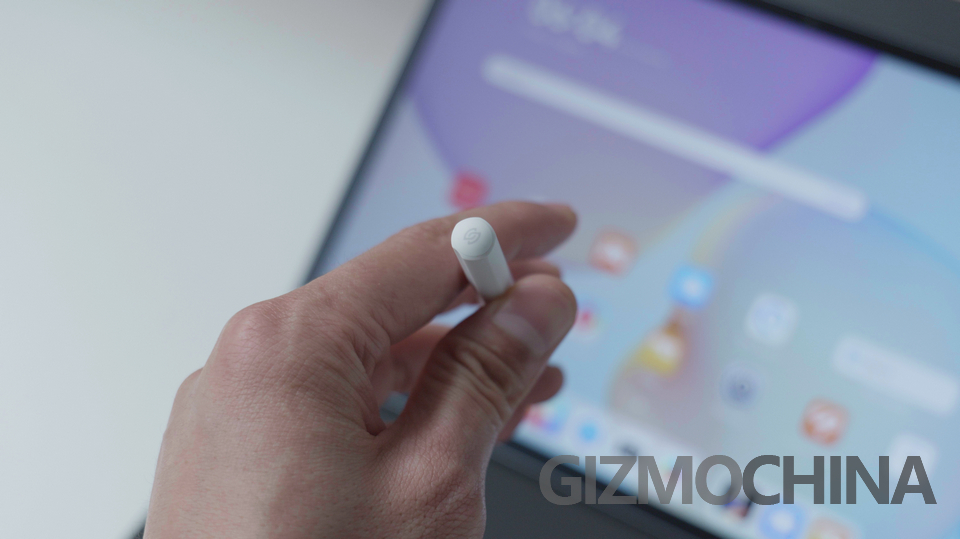
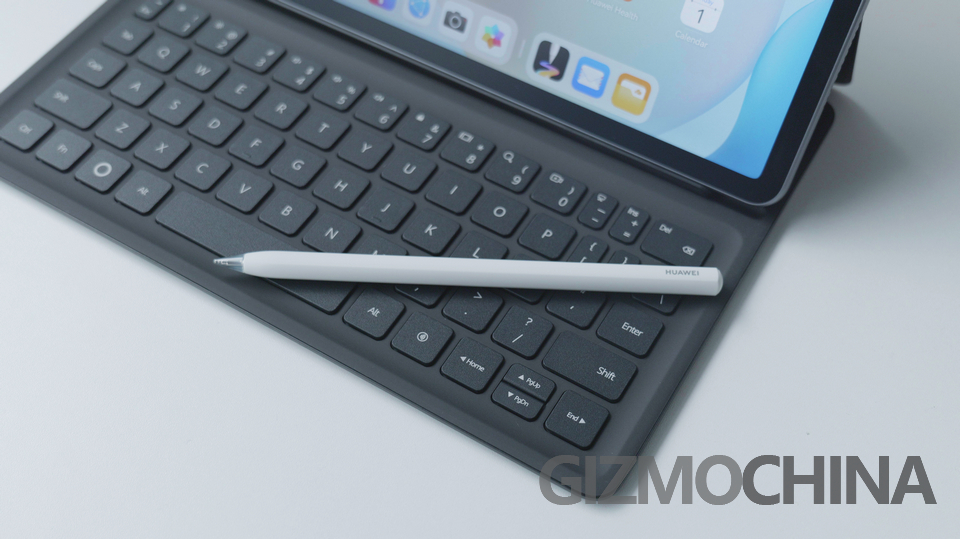
The third-generation M-Pencil snaps magnetically to the top edge and charges in roughly 90 minutes. There is almost no latency in HUAWEI Notes, which is still class-leading and can compete head to head with the Apple Pencil 2. This is because the hardware quality is pretty good, and the NearLink tech on board. Tip friction is closer to felt on paper than glass, and I found it is smoother than last gen, which means the manufacturing quality is again better. The gesture controls of the stylus is also very intuitive.
Battery & Charging
The 10100mAh cell delivered about 12 hours of mixed use: 2h Zoom calls, 4h Chrome, 3h Netflix at 50% brightness, and intermittent note-taking. That is an excellent performance. The 40W charger (sold separately in the EU) took the tablet from 2% to 42% in 30 minutes and reached 100% in 1h 18min, respectable for a tablet with such battery. There is no wireless charging.
Performance
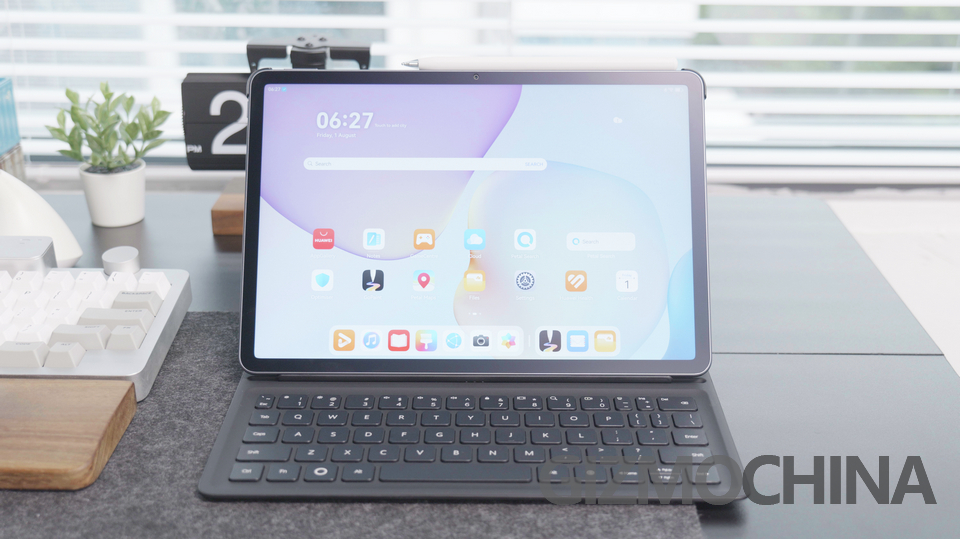
There isn’t any information about the chip used in this tablet, it only says 8GB Ram, 128GB or 256GB Rom. Day-to-day use is pretty smooth, as it is the key advantage of HarmonyOS. In fact, this tablet is positioned as a productivity machine, so every feature is designed around this theme. You can fully utilize the Apps to do a lot of stuff.
Software & Multitasking
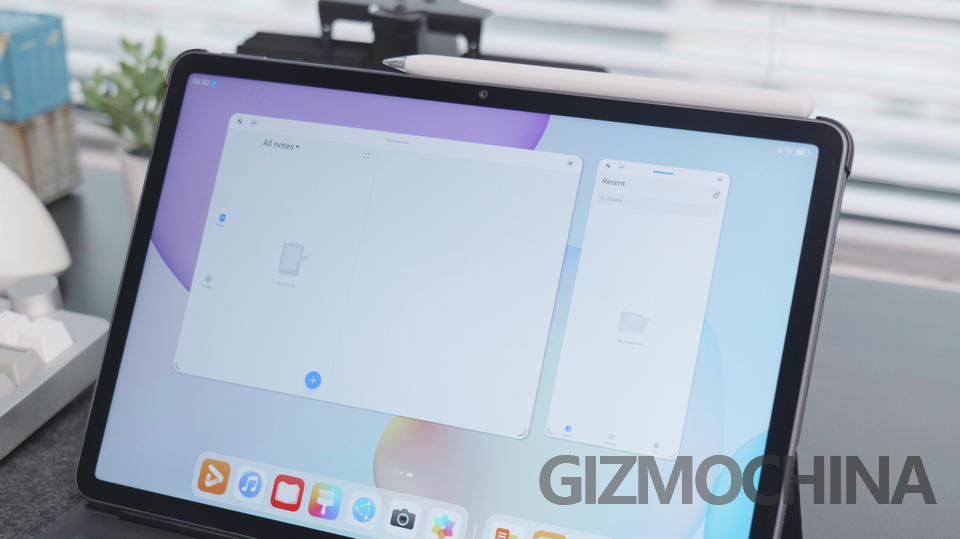
HarmonyOS 4.3 brings the same floating-window feature as before. You can pin two apps side-by-side and park a third in a resizable bubble. PC-level WPS Office is genuinely useful, spreadsheets open with desktop ribbons and trackpad shortcuts.
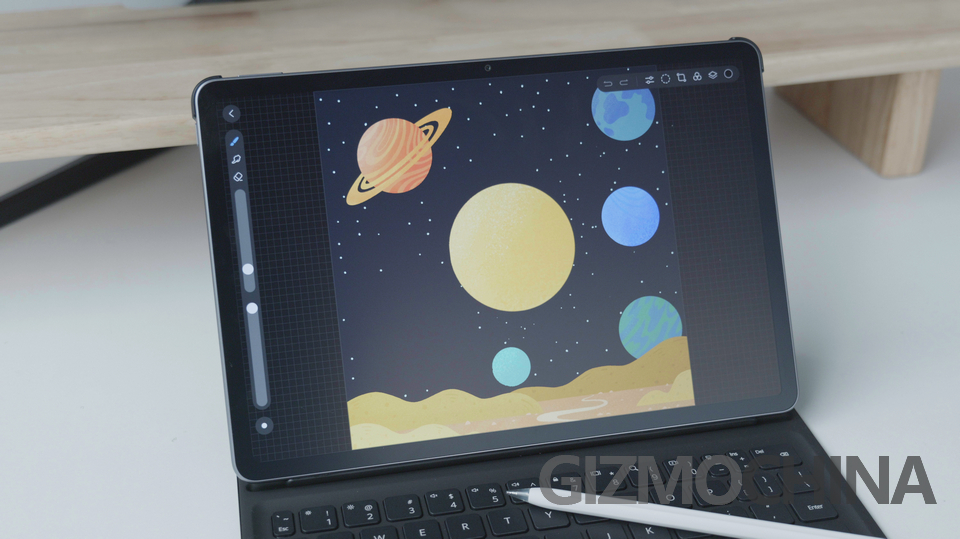
And of course, the GoPaint App has updated again, with more tools and canvas. GoPaint has really evolved as the best painting App for either real painters and also regular users. There are many tutorials and tools that allows you to draw better.
Audio & Connectivity
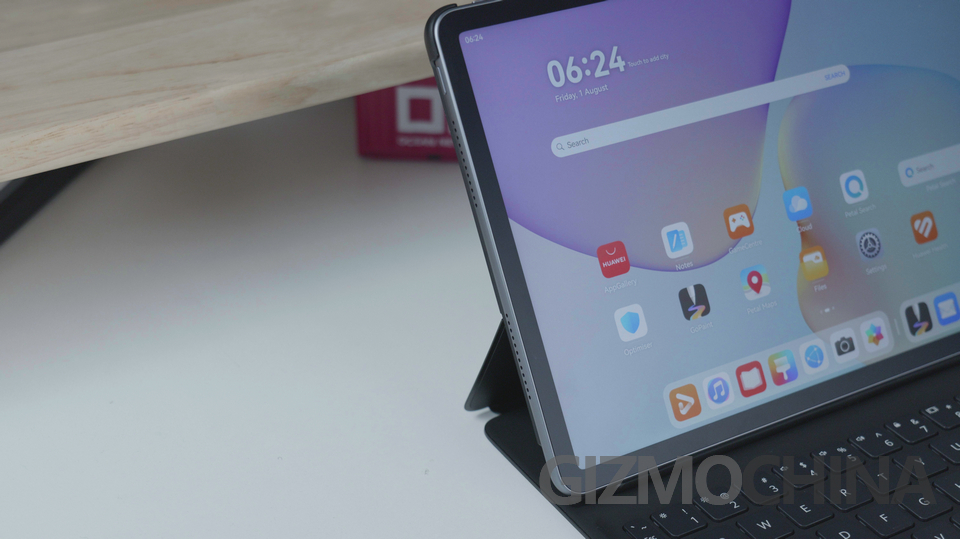
Four speakers at both sides. Volume is very big, the quality of sound is also very good. Wi-Fi 6 throughput averaged 820Mbps on a 1Gbps symmetrical line two rooms from the router, a 25% bump versus last year’s model. Bluetooth 5.2 paired instantly with any headphones or other devices.
Cameras
HUAWEI barely mentions imaging. The 8MP front camera sits along the long edge, ideal for landscape video calls, the quality is adequate under office lighting but noisy in a dim living room. The rear 13MP camera is better, daylight shots are quite competent for document scanning, or videos.
Keyboard & Accessories
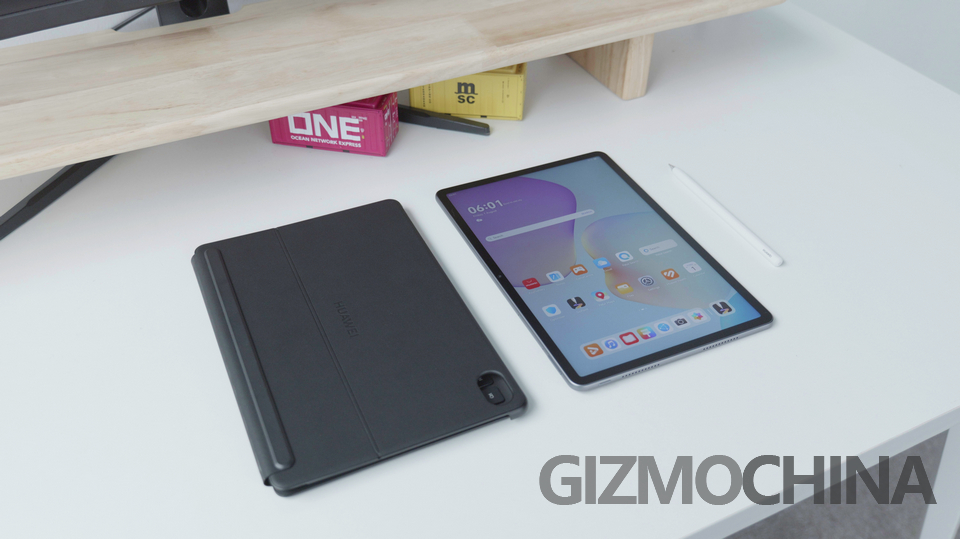
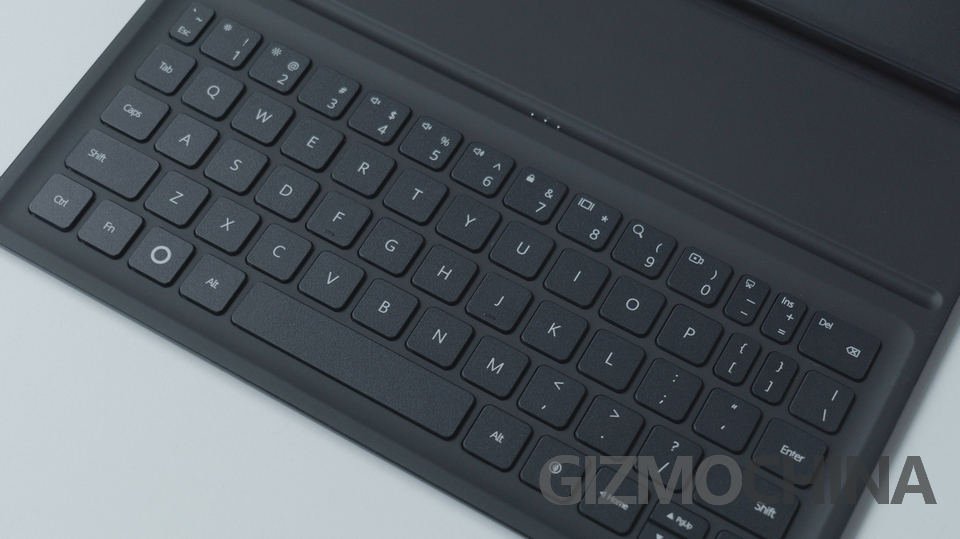
The detachable smart keyboard weighs 435g. Key travel is 1.5mm, similar to a low profile keyboard already, the flex feels good. The single-angle kickstand is sturdy on desks, and it connects the keyboard via magnet. The keyboard can also be separated, if you want to create a certain space between the tablet and the keyboard.
Verdict
The HUAWEI MatePad 11.5 PaperMatte edition is a really good productivity tool, even as an entry-level product in HUAWEI’s lineup. The PaperMatte screen is a nice touch for such tablet at this price point. The battery is bigger than before also, it should support a longer use. If you live inside HUAWEI’s ecosystem and value a matte, eye-friendly display, the 2025 refresh is a sensible upgrade.