Add GIZMOCHINA as Preferred Source on Google
It wasn’t that long ago that Windows laptops with ARM processors felt experimental—okay for basic tasks, but weaker than x86 (Intel/AMD) machines in performance and compatibility.
That narrative has largely changed thanks to the launch of Snapdragon X (and its variants) silicon from Qualcomm. Most of today’s AI-focused Windows on ARM machines now run on a Snapdragon X-series chip using ARM architecture, rather than the traditional x86 platform that has powered Windows laptops for decades.
The difference this time is that the hardware finally feels mature. The Snapdragon X Elite and X Plus offer strong performance, excellent battery life, and cool-running designs.
On the software side, Windows 11—and the broader “Windows on ARM” initiative—now includes improved emulation of x86 and x64 apps via Microsoft’s “Prism” layer, meaning most Windows programs will run even if they aren’t yet compiled natively for ARM.
So, if you’re in the market for a laptop where portability and battery life matter most, Windows on ARM machines are more compelling than ever. Here are some of the best Windows on ARM machines you can choose from.
1. Microsoft Surface Laptop 7
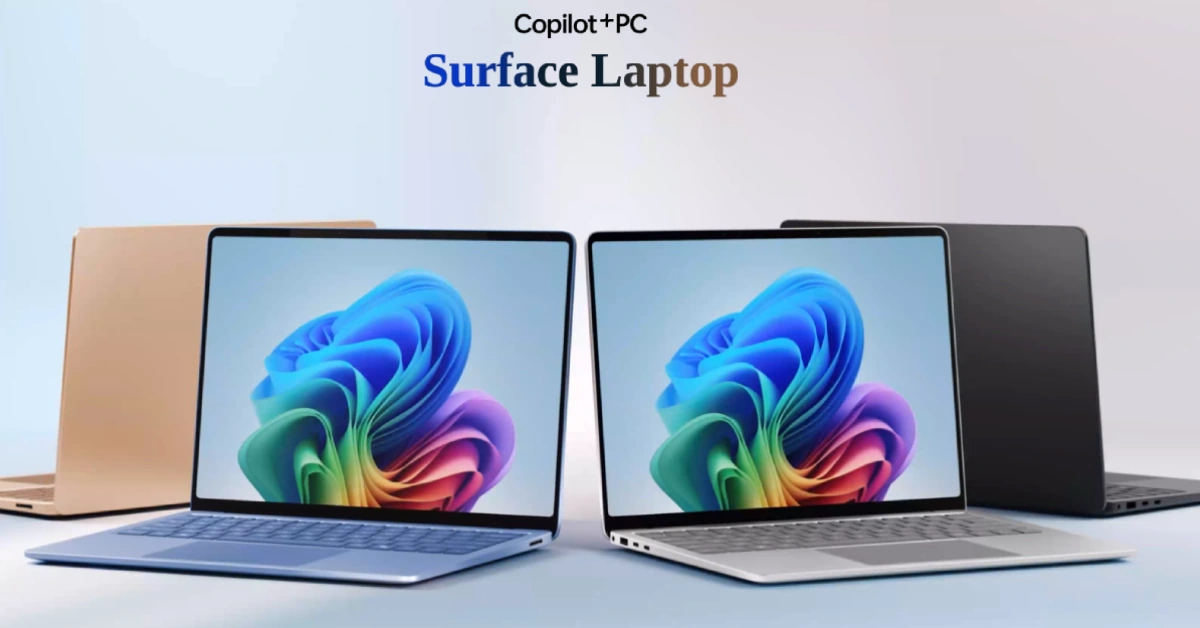
Microsoft has been the biggest believer in Windows on ARM, and the Surface Laptop 7 might just be the device that embodies that belief best. It keeps Microsoft’s familiar minimalist aesthetic: clean, slim, and free of attention-seeking design tricks.
Inside, you can choose between the Snapdragon X Plus and X Elite chips, with up to 64GB of RAM depending on the region. Storage goes up to 2TB, but the more interesting part is that the drive is user-replaceable. If you like the idea of starting with lower storage and upgrading later, this laptop makes it easy.
The Surface Laptop 7 also offers some of the best battery life in the Windows on ARM ecosystem. If your workload involves documents, video calls, and web browsing, it easily lasts a full workday — and then some.
You can choose from four color options: Black, Silver, Blue, and Gold. However, the Blue version is limited to the 13.5-inch model.
2. Dell XPS 13 (9345)
The XPS series is Dell’s premium line of laptops with a futuristic aesthetic, and this one is no different.
You get an invisible haptic trackpad area, no visible key gaps, and a capacitive function row that doubles as media controls. If you like a clean, flush look, there’s likely no better option than the XPS.
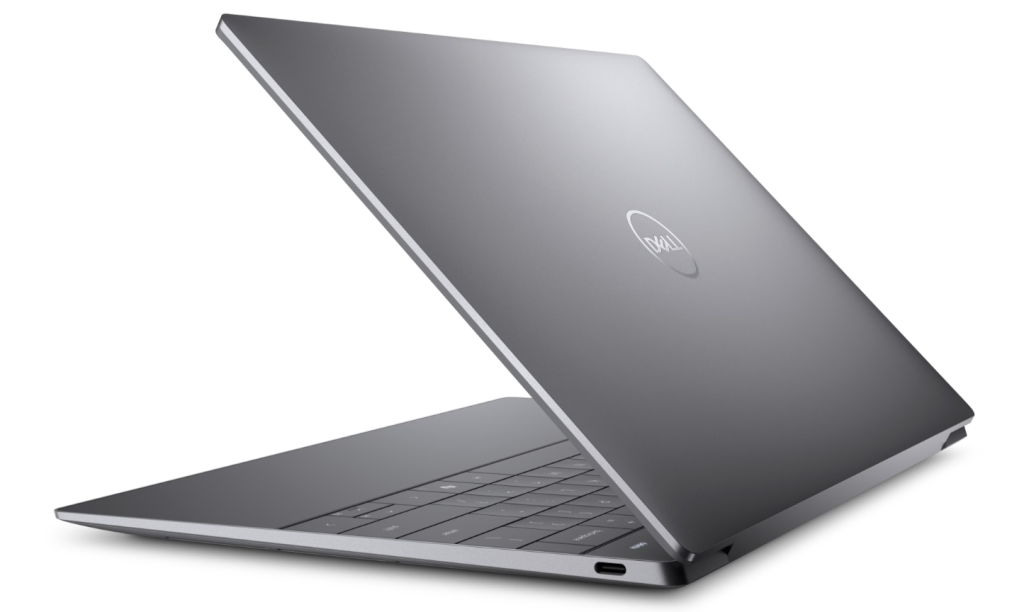
The XPS 13 (9345) is available with both LCD and OLED screen options. The base model features a 1080p LCD panel, while the high-end version comes with a 3K OLED touchscreen.
The laptop utilizes either the Snapdragon X Elite or X Plus platform, and like other Windows on ARM machines, it runs most emulated apps smoothly.
Dell claims the laptop can deliver 25 hours of runtime in a single charge. While that depends on individual usage, it should still last comfortably through a full day of light workloads such as document editing and web browsing.
3. HP EliteBook Ultra G1q
The EliteBook Ultra G1q is HP’s pitch to professionals who care as much about data security as battery life. It’s a Secured-Core PC, with hardware-level protections and HP Wolf Pro Security built in to fend off malware and phishing.
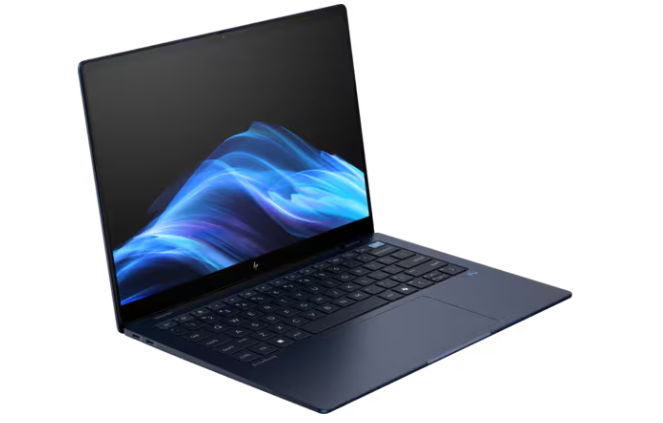
It runs a Snapdragon X Elite chip and comes with 16GB of RAM and 512GB storage, though there aren’t upgrade options or microSD expansion, which feels limiting in 2025.
Still, the machine prioritizes durability. It has MIL-STD 810 testing means it can handle travel bumps, and the privacy shutter and IR camera help reinforce the business focus. No OLED here, but you do get a crisp 2.2K touchscreen and a balanced 16:10 aspect ratio.
4. Samsung Galaxy Book4 Edge
Samsung’s entry leans toward a multimedia-friendly, everyday laptop with a familiar design. It has a 15.6-inch Full HD screen (not the sharpest here), a lightweight body made with recycled materials, and the usual Samsung ecosystem ties — including Galaxy AI features and tight phone syncing.
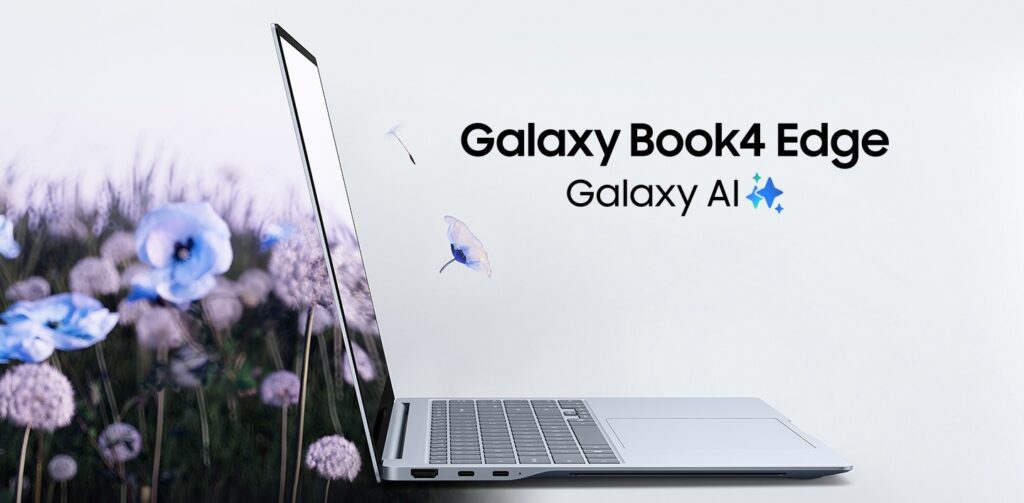
It’s powered by the Snapdragon X chip, 16GB RAM, 512GB storage, Wi-Fi 7, and a decent spread of ports, including HDMI and a microSD slot. Battery life should be strong thanks to the 61Wh battery and the efficiency of ARM silicon.
This laptop feels geared toward users who want Windows plus the convenience Samsung offers across devices. If you carry a Galaxy phone, it will feel familiar and connected right away.
5. Microsoft Surface Pro 12-inch
If you want Windows on ARM in a portable 2-in-1 form factor, the Surface Pro 12-inch is the most balanced option right now. It’s a slim tablet first, but with a detachable keyboard and pen (sold separately), it easily becomes a lightweight laptop for work or study.
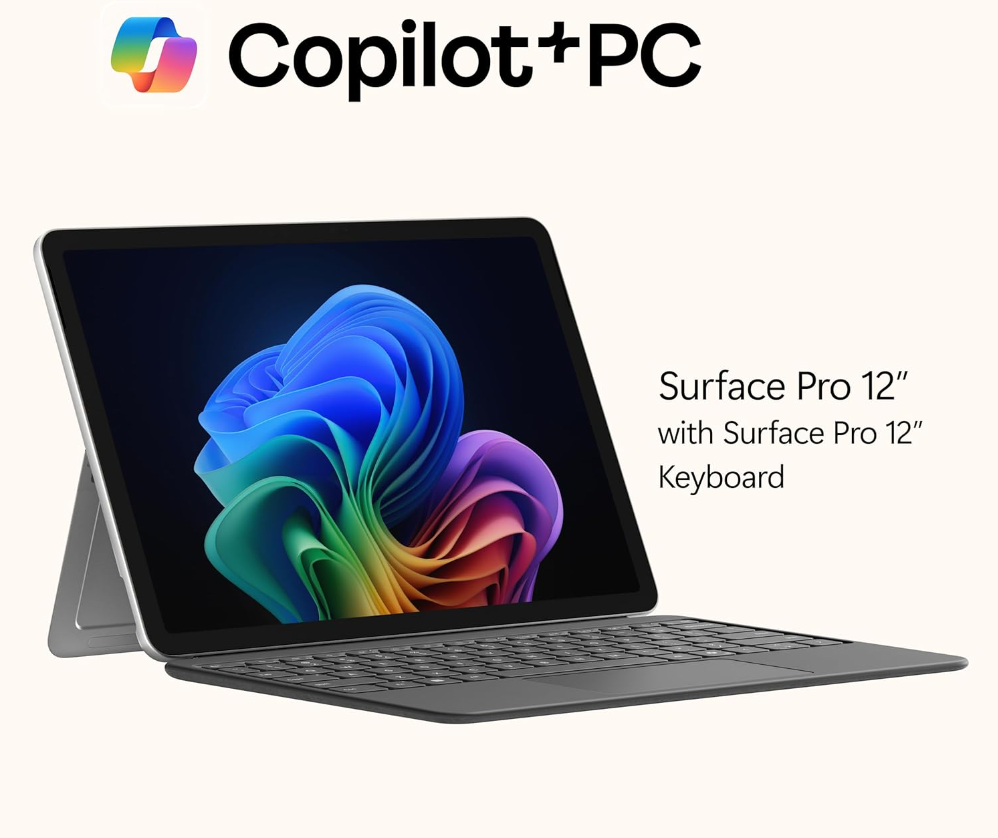
Microsoft hasn’t changed the Surface formula much here, and that’s not a bad thing. The built-in kickstand still makes it easy to set the device up at any angle, whether you’re typing on a desk or watching a video on a flight tray table.
Inside, the Snapdragon X Plus powers the device alongside 16GB of RAM and either 256GB or 512GB of storage. As a result, performance is strong enough for office work, streaming, and creative apps that support ARM. It also includes Windows Hello face unlock, which is quick and reliable for everyday use.
For more daily updates, please visit our News Section.
Stay ahead in tech! Join our Telegram community and sign up for our daily newsletter of top stories.