
Add GIZMOCHINA as Preferred Source on Google
The Galaxy S25 Ultra has built its reputation on impressive camera performance, but some One UI 8 Beta testers are seeing a strange issue when pointing it at the Moon. After the latest One UI 8 Beta 4 update, certain users have found their lunar shots coming out with a purple tint instead of the usual white or gray.
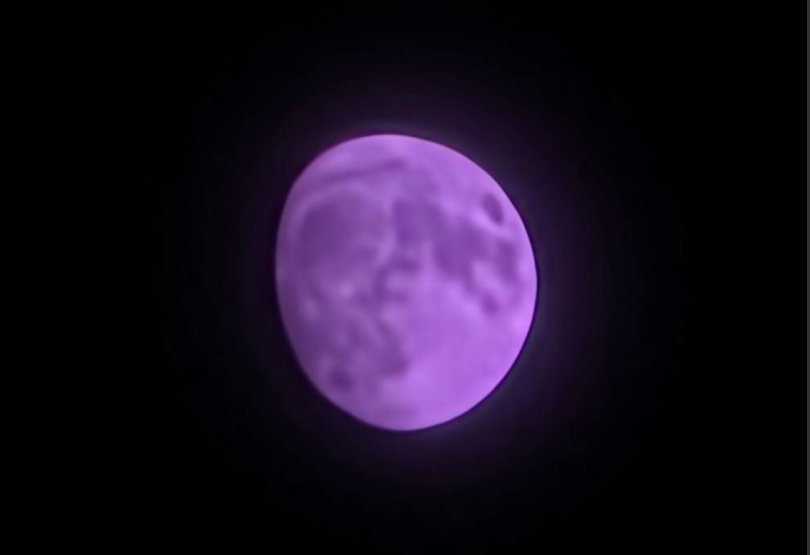
Posts on X and the brand’s community forum say the problem shows up at multiple zoom levels — 10x, 20x, 30x, and even 100x. Interestingly, users report that the photos look normal in the preview and on the camera screen, but the issue becomes apparent once viewed in the gallery app.
The phone’s 200MP main sensor and AI-powered Space Zoom appear to be misreading the Moon’s tones after recent tweaks to digital zoom clarity. Disabling Scene Optimizer hasn’t helped, leaving users who love testing the S25 Ultra’s zoom a bit annoyed. Interestingly, the issue wasn’t present in Beta 3.
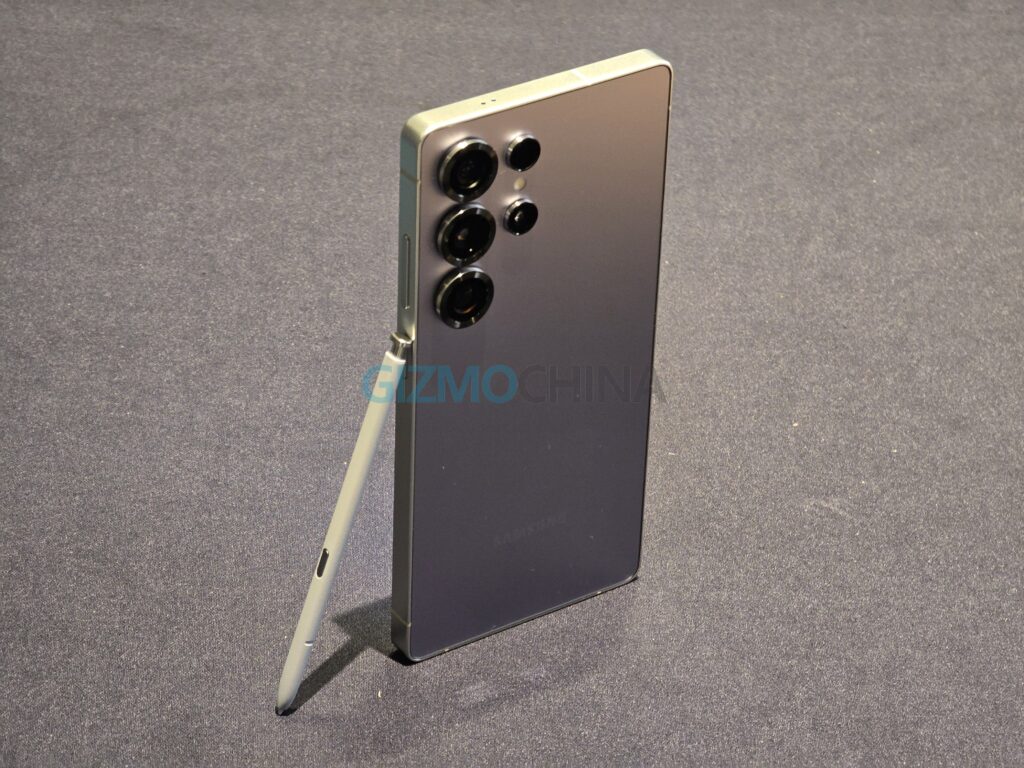
Some testers say their shots still look fine, even at 100x, so it may not be happening on every device. Samsung hasn’t issued an official statement yet but a beta moderator on the community forum suggests users to submit error reports with logs via the Samsung Members app within 3 minutes of reproducing the bug. A fix is expected in a future beta or in the stable One UI 8 update, likely arriving in September alongside the Galaxy S25 FE.
What to try in the meantime
If you’re in the beta program and run into the purple Moon glitch, you can try turning off Scene Optimizer or tweaking intelligent optimization in the camera settings. With the software still in beta, quirks like this are to be expected — but given the S25 Ultra’s reputation for moon photography, Samsung will want this one fixed quickly.
Don’t miss a thing! Join our Telegram community for instant updates and grab our free daily newsletter for the best tech stories!
For more daily updates, please visit our News Section
(Source)


Comments