
Add GIZMOCHINA as Preferred Source on Google
The Phone (3a) Lite is Nothing’s first phone to come with bloatware out of the box. But for a company that built its brand on “clean software” and transparency, that didn’t sit well with many fans.
After backlash from community members, Nothing has now responded to that feedback in a pretty major way.

Nothing’s co-founder Akis Evangelidis confirmed in a community post yesterday that the company will soon allow users to completely remove Meta services from the Phone (3a) Lite. That includes Meta App Installer, Meta App Manager, and Meta Services, all of which previously could only be disabled.
According to Akis, the change will roll out later this month. That said, the company has yet to address concerns about the Lock Glimpse service, which was also introduced with the Phone (3a) Lite.
It’s a feature that constantly swaps your lock-screen wallpaper and pushes website links and articles you never signed up for. The service is enabled by default, and while it can be disabled, it’s still the kind of thing that could frustrate anyone who’s not particularly tech-savvy.
Why were these apps there in the first place?
The Phone (3a) Lite comes with TikTok (in select regions), Instagram, and Facebook already installed, apps Nothing says most users download anyway. Nothing claims pre-loading them brings real performance benefits:
- Faster app launches (up to 50–100ms quicker)
- Better background retention (no reloads when switching back)
- Lower battery drain
- Smoother in-app camera performance
It’s a pitch that sounds a lot like the one from phone makers in the early Android bloatware era, but Nothing says users still have control.
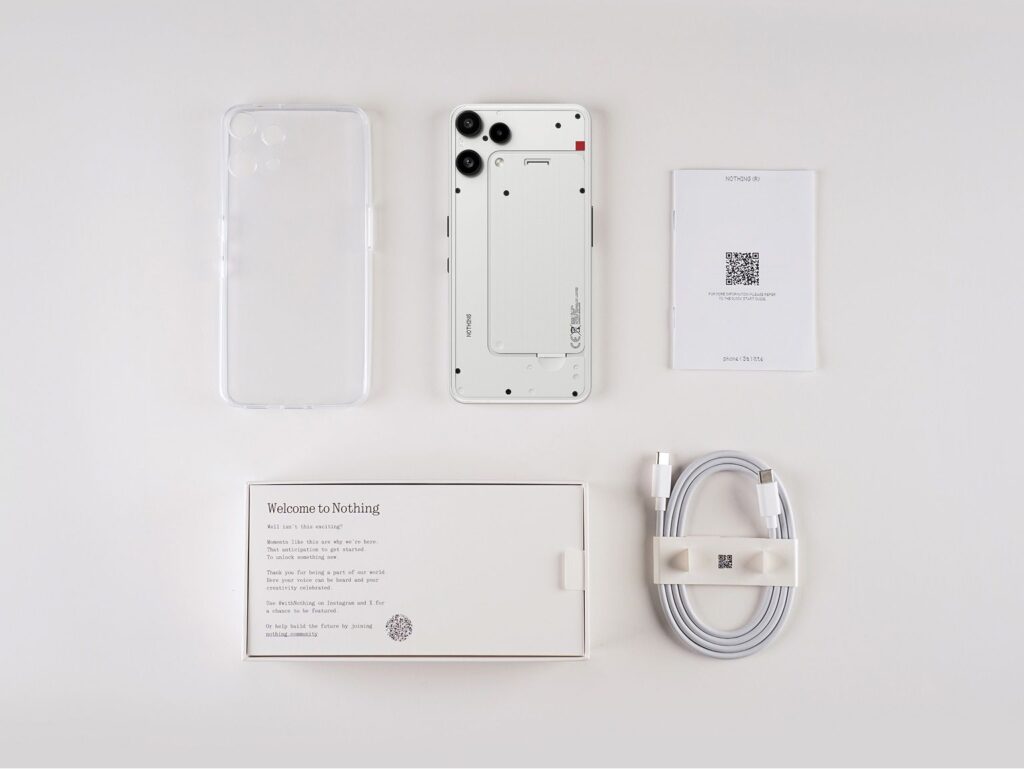
All apps can be uninstalled, and according to the company, the Meta service layer was only there to keep them updated and stable. However, now that it’s allowing Meta services to be uninstalled as well, it’s a good thing indeed.
Nothing also confirmed that its introducing a new “app recommendation service” that appears only during setup, offering pre-screened apps to help new users get started faster. The company says this can be skipped entirely, and even disabled through system settings if you don’t want it.
For more daily updates, please visit our News Section.
Don’t miss a thing! Join our Telegram community for instant updates and grab our free daily newsletter for the best tech stories!
(Source)



Comments