Add GIZMOCHINA as Preferred Source on Google
When people hear “budget mini PC,” it’s easy to assume it means a cheap, underpowered machine with a limited lifespan. But in 2025, that’s no longer the case, at least, not if you know where to look. Today’s budget-friendly mini PCs, starting from the $400–$500 range, are compact desktops capable of handling demanding workloads, multimedia editing, office productivity, and even light gaming or AI tools like Copilot and ChatGPT.
That price range isn’t just arbitrary. It’s the baseline for a machine that offers serious long-term performance, thermals that won’t throttle your CPU, and flexibility to upgrade your RAM or SSD later on. In fact, some of the best models at this tier include premium features like USB4, dual 2.5G LAN, and high-speed DDR5 memory, once exclusive to flagship devices.
Let’s break down some of the best options in this category, starting with a highly competitive Intel-powered system and moving through AMD-based powerhouses and even a surprisingly capable Mac option.
1. Beelink EQi13 Pro
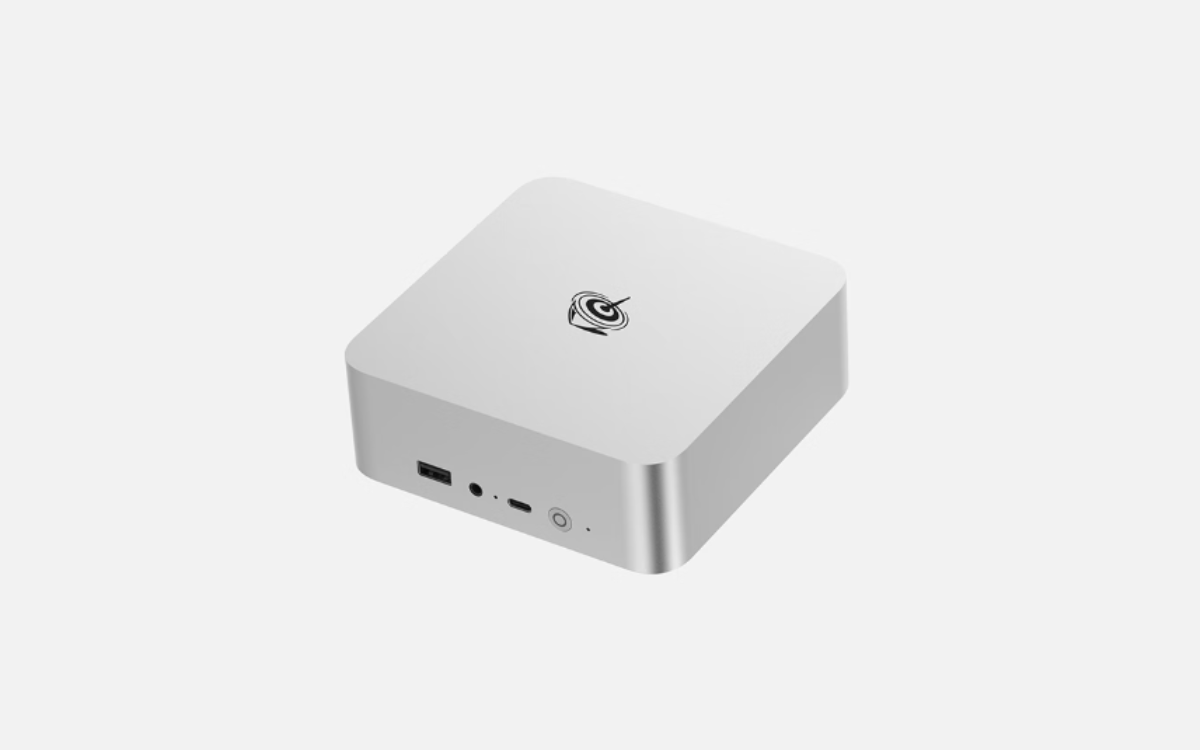
The Beelink EQi13 Pro is one of the best Intel-based mini PCs in the budget tier, offering strong performance for office work, multitasking, and even AI-enhanced tasks. It’s powered by either the Intel Core i5-13500H or Core i7-13620H processor, both from Intel’s 13th Gen mobile lineup. The i7 variant delivers 10 cores and 16 threads, with turbo frequencies peaking at 4.9GHz, and supports 24MB of smart cache.
It ships with 32GB of dual-channel DDR4 3200MHz RAM and PCIe 4.0 storage, configurable up to 4TB. With dual M.2 2280 SSD slots and dual Gigabit Ethernet ports, it’s not just fast, it’s enterprise-ready. You also get a built-in 85W PSU, eliminating bulky adapters and making cable management easier.
For wireless, it includes Intel’s AX200 Wi-Fi 6 module and Bluetooth 5.2. Its cooling system, MSC 2.0, pulls air from the base, maintaining near-silent operation (around 32dB), even under load. If your priority is clean aesthetics, quiet operation, and modern I/O in a small Intel-powered package, this is a strong contender.
Price: Starting at $479
2. Gmktec NucBox K11
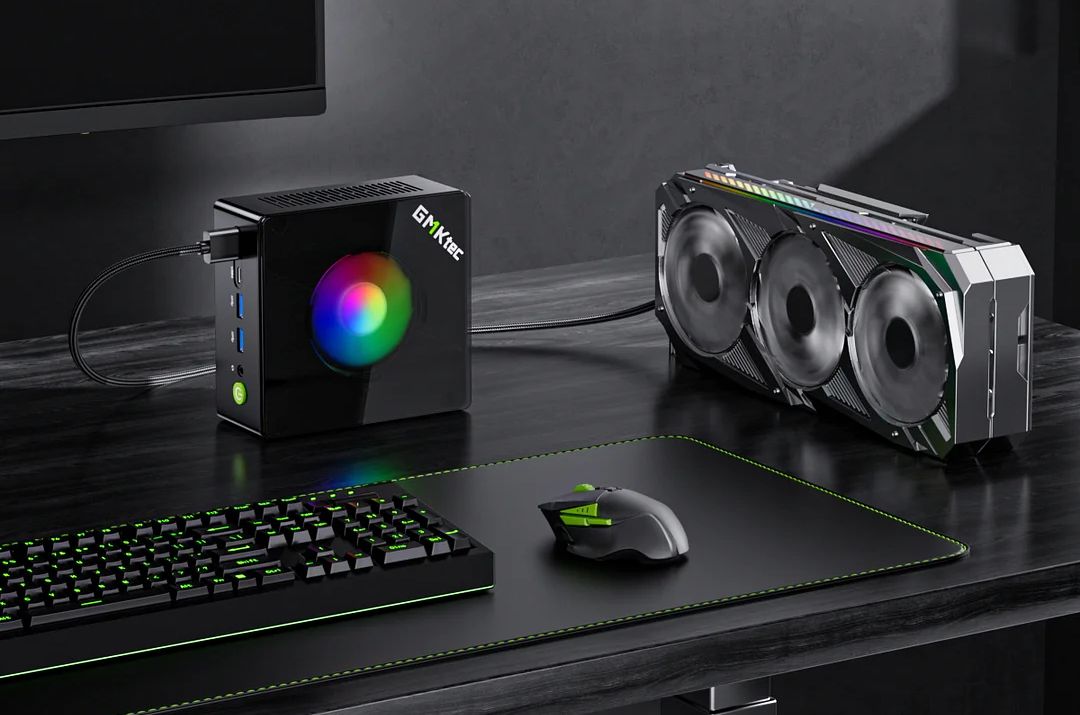
The NucBox K11 is for those who want maximum AMD Ryzen power without breaking the bank. Equipped with the Ryzen 9 8945HS, built on a 4nm Zen 4 process, it packs 8 cores and 16 threads with clock speeds up to 5.2GHz. This is paired with integrated Radeon 780M graphics based on RDNA 3, comparable to a GTX 1650 Ti for light gaming and GPU compute tasks.
You get DDR5 5600 support, dual NVMe PCIe 4.0 slots (up to 8TB), and USB4 ports with support for 40Gbps data, PD charging, and DisplayPort output. HDMI 2.1 and DP 2.1 make it ideal for 4K content creation or high-refresh gaming monitors. Network connectivity includes dual 2.5G Ethernet ports and Wi-Fi 6 with Bluetooth 5.2.
The NucBox K11 also features an Oculink port for PCIe Gen4 external GPU support. This makes it a compact and scalable machine for developers, creators, and power users who need more than just a basic desktop.
Price: From $479.99 (barebone)
3. Minisforum UM890 Pro
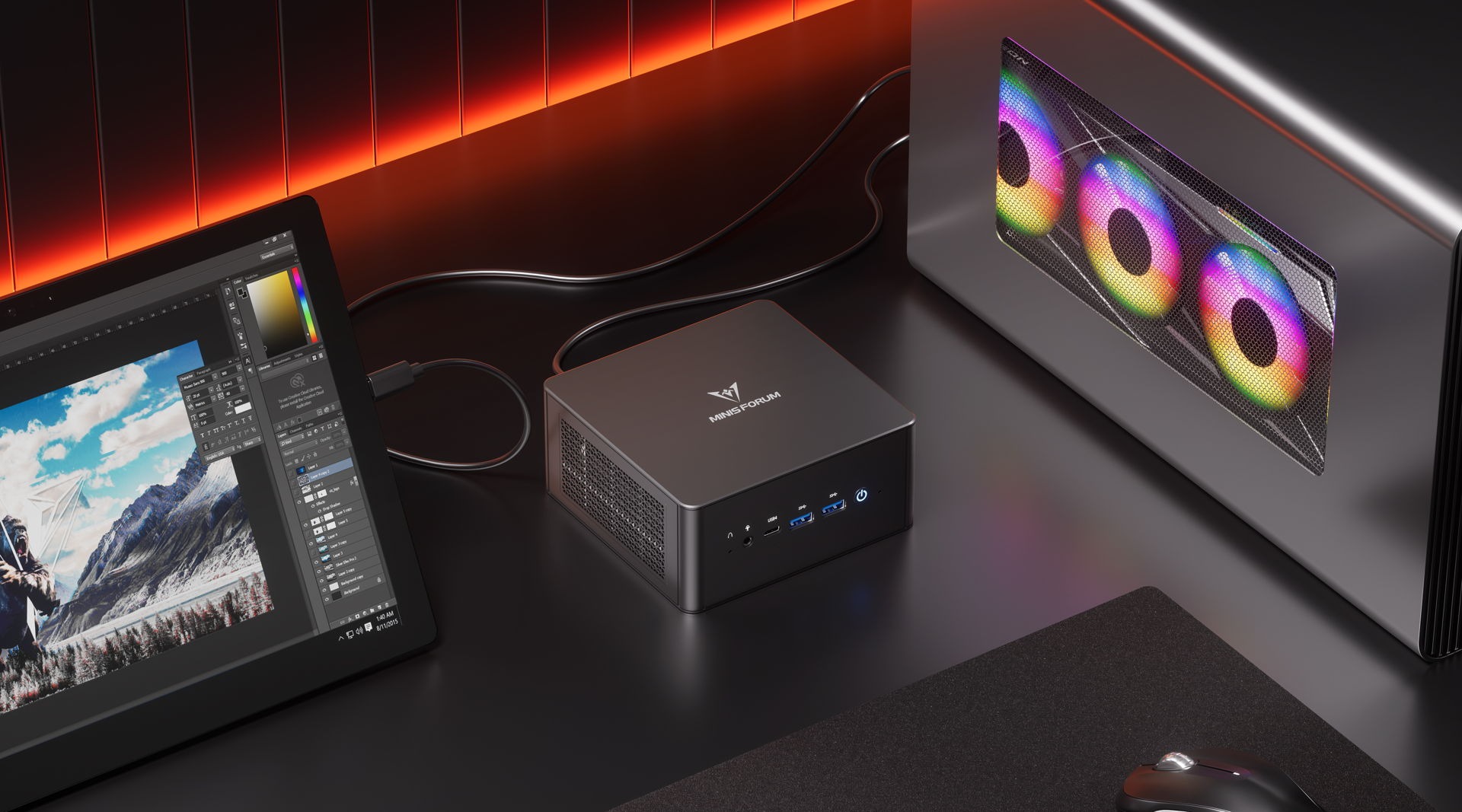
Minisforum’s UM890 Pro shares the same Ryzen 9 8945HS CPU and Radeon 780M GPU as the K11, but offers a more robust cooling system. Its Cold Wave 2.2 design uses a liquid metal CPU cooler and an active DDR/SSD fan combo, reducing temperatures by up to 60% and making it ideal for sustained high-load operations.
It supports up to 96GB of DDR5 5600 RAM and dual PCIe 4.0 SSDs. What really makes it stand out is its quad-display output, with HDMI 2.1, DP 1.4, and two USB4 ports capable of driving up to 8K resolution. It also includes dual 2.5G Ethernet, an Oculink slot, and a sleek magnetic top panel for easier access and upgrades.
If you’re planning to edit 4K video, run virtual machines, or multitask across four monitors, this rig delivers incredible value without crossing $500 in its base configuration.
Price: Starting at $463.90
4. Geekom AX8 Max

The Geekom AX8 Max runs on the Ryzen 7 8745HS, which sits just below the 8945HS but still offers 8 cores, 16 threads, and 4.9GHz boost clocks. It comes preloaded with Windows 11 Pro and AI tools like Copilot, making it a great plug-and-play system for professionals.
It has two USB4 ports, dual 2.5G LAN, Wi-Fi 6E, and dual-channel DDR5 RAM. You also get dual HDMI 2.0 outputs and support for four displays. It also features Geekom’s IceBlast 2.0 cooling system that ensures quiet and cool operation.
If you want more reliability and a sturdy build, this is a solid pick. It’s a little higher in price but includes better quality control and an extended 3-year warranty.
Price: $599 (32GB RAM + 1TB SSD)
5. Mac Mini M4 (2025)
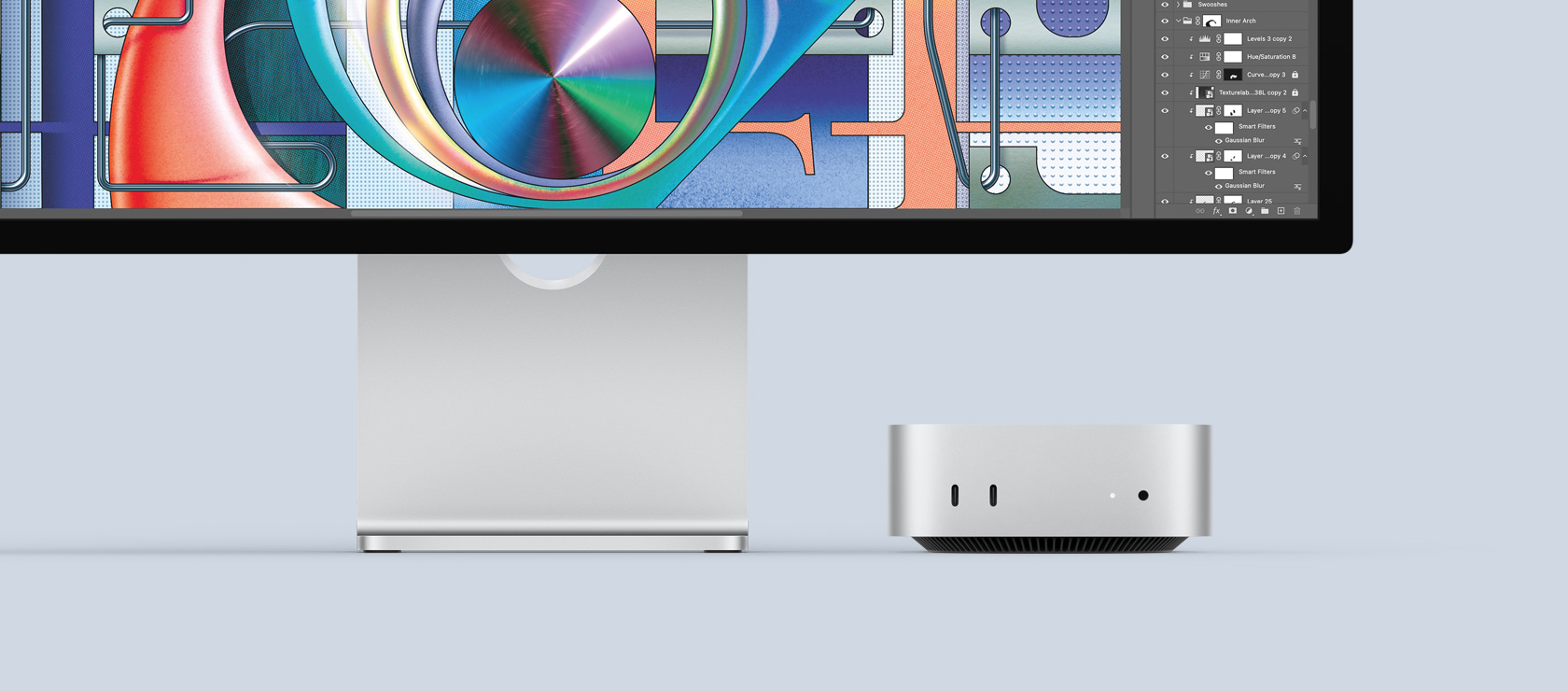
If you’re looking to get into the Apple ecosystem, the 2025 Mac Mini powered by the M4 chip is among the best value Macs ever released. With a 10-core CPU and 10-core GPU in the base model, plus 16GB of unified memory and 256GB SSD, it’s fast enough for creative work, app development, and daily office tasks.
MacOS now fully integrates Apple Intelligence, on-device AI tools that rewrite documents, summarize text, and help manage workflows with privacy at the core. You also get seamless iPhone and iPad integration, making the Mac Mini an ideal desktop companion for existing Apple users.
At $599, it’s technically at the top end of this budget-friendly tier, but it delivers premium Mac performance at a fraction of the cost of a Mac Studio or iMac.
Price: From $599
For more daily updates, please visit our News Section.
Stay ahead in tech! Join our Telegram community and sign up for our daily newsletter of top stories! 💡