
Add GIZMOCHINA as Preferred Source on Google
I have been using the Canon Pixma G4780 for some time now for my regular work documents, occasional colour prints and frequent scanning tasks. After putting it through everyday usage in a home-office environment, the G4780 comes across as a multifunction printer designed for consistent, cost-effective performance rather than flashy features. Here is how it holds up in real use.
Design and daily usability
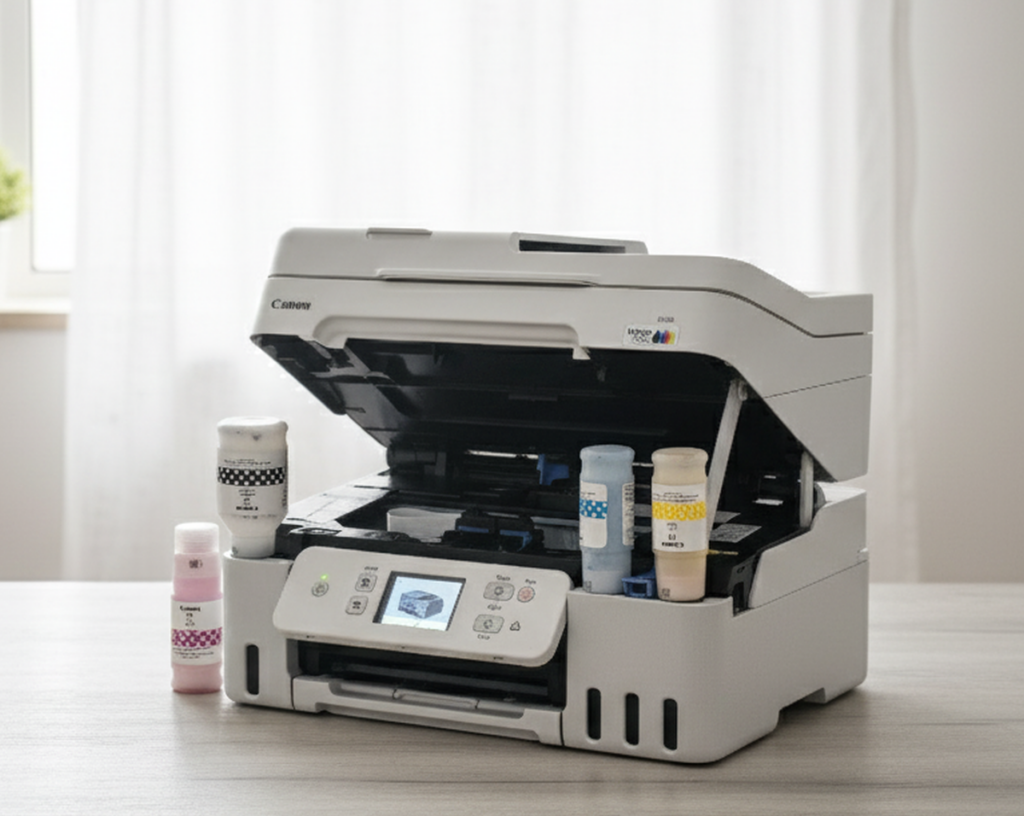
The Pixma G4780 is compact for an ink-tank printer with an ADF. It fits comfortably on a desk without demanding too much space, and at around 7.5 kg it is light enough to move around when needed. The layout is neat, the tanks are visible from the front and the build quality feels solid for its category.
The 2.7-inch color touchscreen is one of the most helpful elements of the design. Navigation is simple, and most settings such as Wi-Fi setup, print modes, copy preferences and maintenance functions are easy to access without diving through complicated menus. I customised a couple of shortcuts, which quietly made routine tasks a bit quicker.
Ink refilling is straightforward thanks to Canon’s no-spill bottle design. The bottles lock in place, fill automatically and stop once the tank is full, so there is no mess or risk of overfilling. Visibility of ink levels is excellent, something that becomes important when printing in volume.
Print quality and real-world performance
Print quality from the G4780 is consistent with Canon’s reputation. Black text looks crisp and well-defined, and colour output is vibrant enough for charts, presentations and school projects. It is not a professional photo printer, but casual 4 by 6-inch photo prints come out clean and bright.
Print speeds are reasonable for an ink-tank system. In day-to-day use, it delivers around 11 images per minute in black and 6 images per minute in colour. These are not the fastest figures, but they are steady and reliable enough for office and home workloads. Auto duplex printing works smoothly and adds convenience for longer documents, even if it slows down the process a bit.
Ink efficiency and maintenance
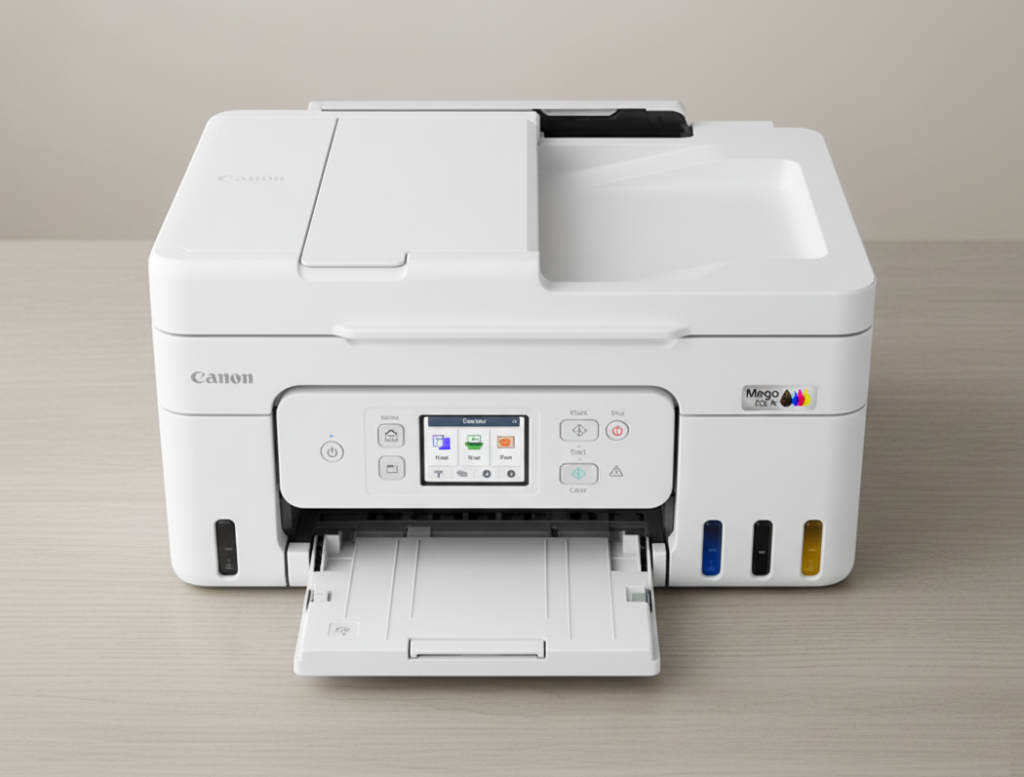
The biggest strength of the G4780 is the ink economy. After several sets of documents and colour prints, the ink levels barely shifted, which is reassuring for anyone who prints regularly. Canon rates the bottles for up to 7600 pages in black and 8100 pages in colour using economy mode. While real-world results vary, the efficiency is clearly noticeable.
It helps that Canon includes full-capacity GI-71 bottles in the box rather than starter quantities. The user-replaceable maintenance cartridge is another practical touch, allowing routine upkeep without depending on service centres. For long-term users, this is a cost-saving feature that improves the printer’s life span.
Scanning, copying and overall workflow
The Auto Document Feeder turned out to be more useful than I initially expected. With a capacity of 35 sheets, it handles multi-page scans and copies with ease. I used it for contracts, old printouts, receipts and handwritten notes, and the feeder pulled pages cleanly without skewing or jamming. It is not very fast when copying in color, but the convenience of loading a batch and walking away far outweighs the speed.
The scanning quality is suitable for normal office work. The CIS scanner produces clear text and reasonably accurate colors at 600 by 1200 dpi. The ability to scan through both the flatbed and ADF means it covers everything from ID cards to long legal documents. I found the Canon PRINT app particularly helpful for scanning directly to my phone, especially when I needed to forward documents quickly.
Connectivity and printing convenience
Setting up the printer on Wi-Fi was simple and quick. The touchscreen makes the process easier because there is no guessing or trial-and-error with buttons. Once connected, the printer remained stable on the network.
Printing from mobile devices is smooth. The Canon PRINT app works reliably, and AirPrint and Mopria support ensure compatibility with both iOS and Android. Cloud printing through services like Google Drive also worked well. Printing from laptops is equally straightforward, and the drivers install without complications.
Direct Wireless mode is a surprisingly useful feature. It allows printing without a router, which is convenient when someone needs to print a document immediately without joining your home network.
Paper handling, noise and reliability
The rear tray supports a wide range of paper sizes, including A4, A5, Letter, Legal, various photo formats and even banner sheets up to 1200 mm in length. To test handling, I printed a long banner, and the printer managed it without any issues. For regular office tasks, the 100-sheet tray capacity is enough to avoid frequent refilling.
Noise levels are well managed. Quiet Mode makes the printer suitable for late-night use without disturbing others. Power consumption is also low, with the printer drawing only about 18W while operating.
Canon’s two-year or 30,000-print onsite warranty adds confidence to long-term use. The fact that print heads are included in the warranty is a reassuring addition.
Final thoughts
After using the Canon Pixma G4780 in a real home-office environment, it stands out as a dependable and economical multifunction printer. It does not aim for ultra-fast speeds or professional-grade photo output, but it delivers exactly what most home and small-office users need: reliable printing, useful scanning features, a genuinely helpful ADF, strong ink efficiency and seamless connectivity. If your focus is long-term savings, everyday convenience and solid print quality, the G4780 is a well-rounded choice that fits naturally into modern work or study routines. At present, it is available for Rs 20,899 on Amazon.
For more daily updates, please visit our News Section.
Stay ahead in tech! Join our Telegram community and sign up for our daily newsletter of top stories.




Comments