
Add GIZMOCHINA as Preferred Source on Google
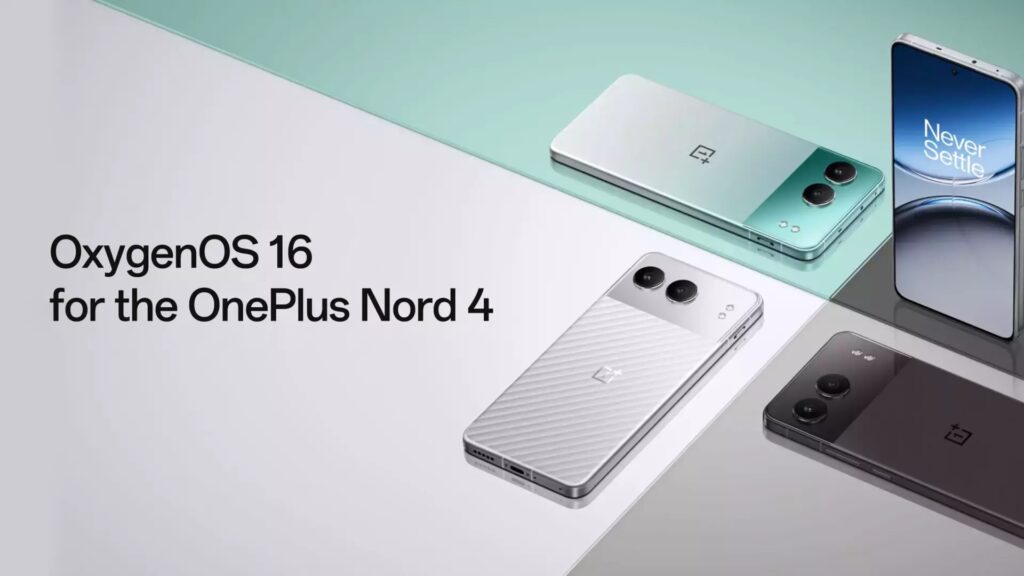
A little over a month after announcing OxygenOS 16, OnePlus has started rolling it out to mid-range Nord devices. The Nord 4 is now getting the update globally, beginning with India under version CPH2661_16.0.1.301(EX01). The rollout will continue in batches for other regions.
The update brings major changes to animations and system interaction. Parallel Processing improves fluidity across system apps, Home screen icons, widgets, folders, text selection, Quick Settings, and button navigation. Charging, fingerprint effects, and scrolling also get smoother motion powered by the Luminous Rendering Engine.
Performance improvements come from the updated Trinity Engine. It now adjusts resources automatically for gaming, videos, and long camera use, helps keep games steady, speeds up app launches, loads photo albums and cached thumbnails faster, and adds tiered performance controls in power saving mode.
AI features get a large upgrade.
Mind Space adds quick saving through Plus to Mind Space, landscape support, and a Mind Assistant that searches stored content.
Photos gets a refreshed design, new video editing tools (split, merge, speed, transitions, music), automatic straightening, motion photo collages, instant slow-motion, and AI Portrait Glow for better lighting in portraits.
Notes adds block editing, side-by-side image viewing, full note sharing via links, text highlighting, and new formatting tools.
Recorder gets AI noise reduction, automatic detection of meetings and lectures, and link sharing for audio, transcripts, and summaries.
AI Writer can now help create posts, summaries, and personal writing across apps.
The interface is redesigned with updated light field visuals, improved particle and glow effects, real-time weather animations, the new One Serif font, and refreshed designs for Clock, Calculator, Compass, and system pages.
The Flux Home screen adds new icon styles, cleaner layouts without text under icons, improved folder options, better Drawer organization, faster search, adaptive icon colors, Dark mode icon styles, and customizable widget names and Lock screen shortcuts.
Connectivity improves with Touch to Share, cross-device clipboard, phone-to-PC mirroring through OnePlus Connect, better in-car Bluetooth pairing, and a new My Devices panel with widgets. Network upgrades include AI LinkBoost alerts, detailed speed tests, Wi-Fi sharing with tablets, and better weak-signal handling.
Other upgrades include an AI document scanner, improved Game Assistant recording, cleaner notifications, more Quick Settings customization, earbuds-only ringtone playback, faster iOS data migration, quicker virus scans, and easier app locking or hiding.
For more daily updates, please visit our News Section.
Tech enthusiast? Get the latest news first! Follow our Telegram channel and subscribe to our free newsletter for your daily tech fix!
(Source)




Comments