
Add GIZMOCHINA as Preferred Source on Google
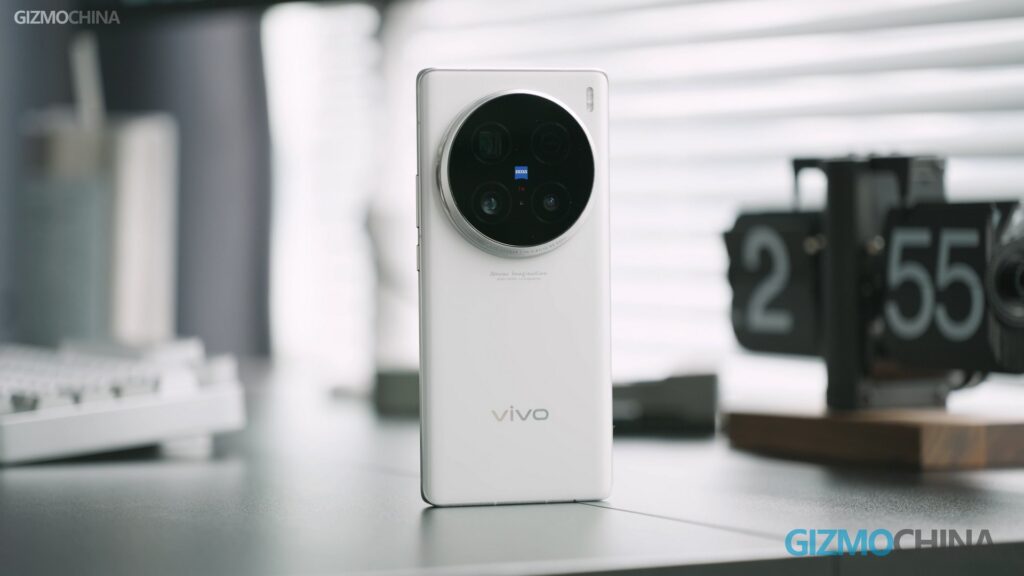
The Vivo X100 Ultra starts receiving the awaited OriginOS 6 update, nearly a month after its siblings, the Vivo X100 and X100 Pro, picked it up. The Android 16-based update introduces plenty of useful upgrades throughout the system, along with a set of new features that make OriginOS 6 feel like a true major upgrade.
As spotted by Ytechb, the latest update for the Vivo X100 Ultra is now rolling out in select regions, including India. It’s tagged with the firmware version PD2366I_A_16.2.10.4.W10.V000L1.
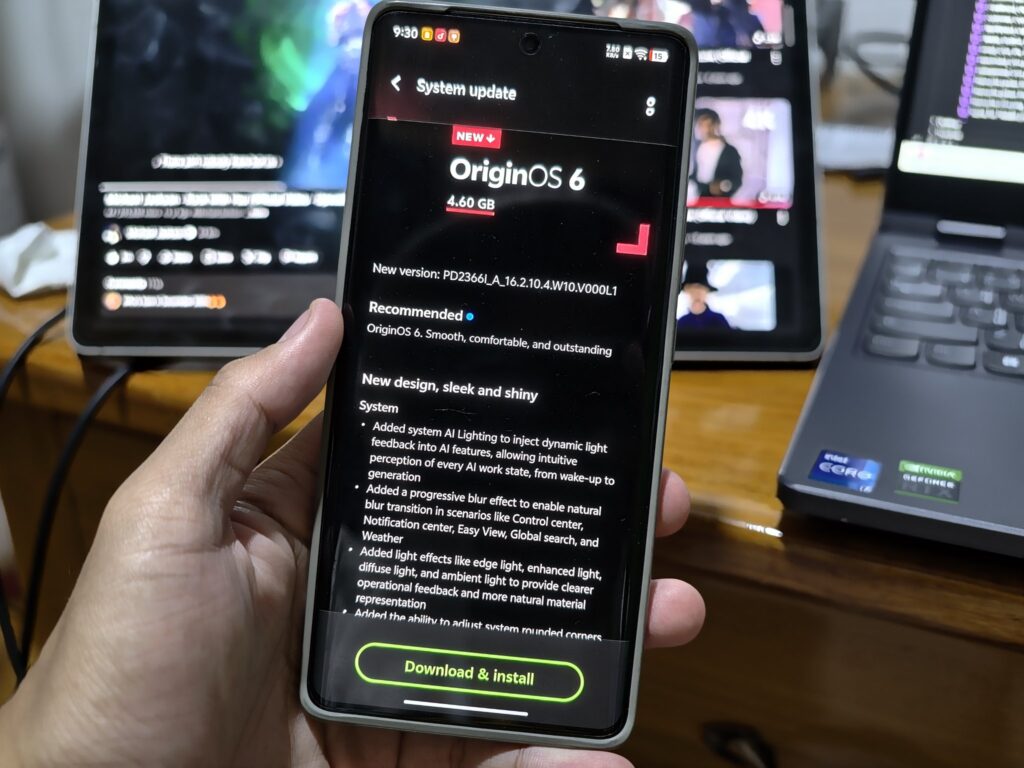
If you’re rocking a Vivo X100 Ultra and haven’t upgraded to OriginOS 6 yet, go to the system update section inside the Settings app to fetch the latest update. Please note that updates are typically rolled out in batches, so they may take a few days to reach all users.
The OriginOS 6 update for the X100 Ultra has a download size of about 4.6GB. Ensure that your device has sufficient storage before downloading the upgrade, and that it has at least 40% battery to ensure a smoother installation. For additional safety, you can back up important data before the installation.
After upgrading to OriginOS 6, Vivo users, especially those switching from Funtouch OS, will experience numerous changes throughout the system. It introduces the Origin Island feature, which shows real-time updates, smart notifications, and timely suggestions. This feature also enables drag-and-drop sharing between apps.
The Control Center has been redesigned, along with the notification center, to make it feel modern and well-organized. The update also features improved lighting effects, better blur and transparency, and a new system font for improved readability.
The lock screen can now be more personalized with new clock styles, deeper layout controls, and new widgets. Furthermore, OriginOS 6 introduces several under-the-hood changes, resulting in faster app launches, more fluid animations, and better multitasking. It also brings meaningful quality-of-life upgrades, such as cross-device features for Windows and Mac, AI-powered captions and search, improved notes, file management, and optimized battery efficiency.
You can read the complete changelog on this page, detailing every single change and new feature.
Be sure to regularly visit the Vivo section on Gizmochina to get the latest updates. Or, if you prefer your news instant and on-the-go, hop into our Telegram channel for rapid-fire software updates and all the biggest tech headlines.



Comments