
Add GIZMOCHINA as Preferred Source on Google
At first glance, One UI 8.5 may seem like an incremental upgrade over One UI 8.0, but the beta suggests it’s a much more substantial release, featuring more extensive visual redesigns, new cross-device ecosystem features, and stronger security enhancements. Samsung has already released multiple beta builds for One UI 8.5, with the recent ones featuring no critical bugs, suggesting the rollout could begin soon.
Most Samsung users should be looking forward to this exciting One UI 8.5 upgrade. So, we’ve prepared this post to provide you with all the relevant information you need to know, including the release date, a list of eligible devices, and new features.
One UI 8.5 release date
The One UI 8.5 is confirmed to debut with the Galaxy S26 series. Samsung hasn’t announced a launch date for the upcoming Galaxy S-series, but several leaks point towards a Galaxy event on February 26.
A few weeks later, the brand should start rolling out One UI 8.5 to older Galaxy devices, starting with recent flagship models, such as the Galaxy S25, Galaxy Z Fold 7, and Galaxy Z Flip 7.
While the official rollout schedule is under wraps, Samsung has been found testing One UI 8.5 on various Galaxy devices lately, including many Galaxy A-series phones. This suggests the brand may be focusing on a quicker One UI 8.5 rollout, which means a less-longer wait for mid-range and cheaper Galaxy devices.
One UI 8.5 update: List of eligible devices
The One UI 8.5 update should reach every Galaxy device that is eligible for One UI 8.0, as both are based on Android 16. So, even if Android 16 is the last OS upgrade for your device, it should still be eligible for One UI 8.5.
Here’s the complete list of One UI 8.5 eligible devices:
Galaxy S series
- Galaxy S25, S25+, S25 Ultra, S25 FE, S25 Edge
- Galaxy S24, S24+, S24 Ultra, S24 FE
- Galaxy S23, S23+, S23 Ultra, S23 FE
- Galaxy S22, S22+, S22 Ultra
- Galaxy S21 FE
Galaxy Z series
- Galaxy Z Fold 7, Z Flip 7
- Galaxy Z Fold SE (Special Edition)
- Galaxy Z Fold 6, Z Flip 6
- Galaxy Z Fold 5, Z Flip 5
- Galaxy Z Fold 4, Z Flip 4
Galaxy Tab series
- Galaxy Tab S10+, Tab S10 Ultra, Tab S10 Lite
- Galaxy Tab S10 FE, Tab S10 FE+
- Galaxy Tab S9, Tab S9+, Tab S9 Ultra
- Galaxy Tab S9 FE, Tab S9 FE+
- Galaxy Tab S8, Tab S8+, Tab S8 Ultra
- Galaxy Tab S6 Lite (2024)
- Galaxy Tab A11, Tab A11+
- Galaxy Tab A9, Tab A9+
- Galaxy Tab Active 5, Active 5 Pro
Galaxy A series
- Galaxy A73
- Galaxy A56, A55, A54, A53
- Galaxy A36, A35, A34, A33
- Galaxy A26, A25, A24
- Galaxy A17 (LTE/5G), A16 (LTE/5G), A15 (LTE/5G)
- Galaxy A07
- Galaxy A06 (LTE/5G)
Galaxy F series
- Galaxy F56, F55, F54
- Galaxy F36, F34
- Galaxy F17, F16, F15
- Galaxy F07, F06
Galaxy M series
- Galaxy M56, M55, M55s, M54, M53
- Galaxy M36, M35, M34, M33
- Galaxy M17, M16, M15
- Galaxy M07, M06
Galaxy XCover series
- Galaxy XCover 7, 7 Pro
- Galaxy XCover 6 Pro
What to expect from the One UI 8.5 upgrade?
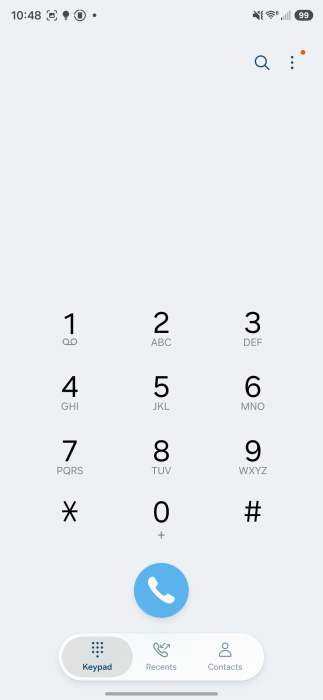
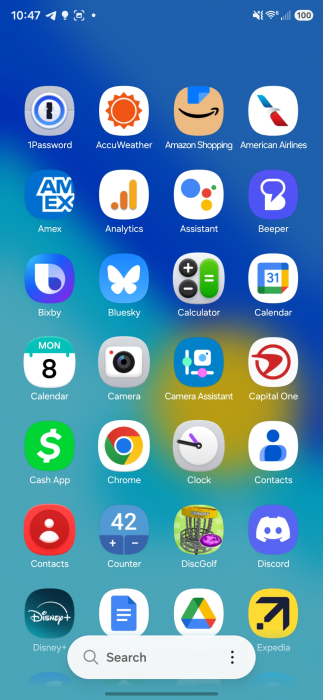
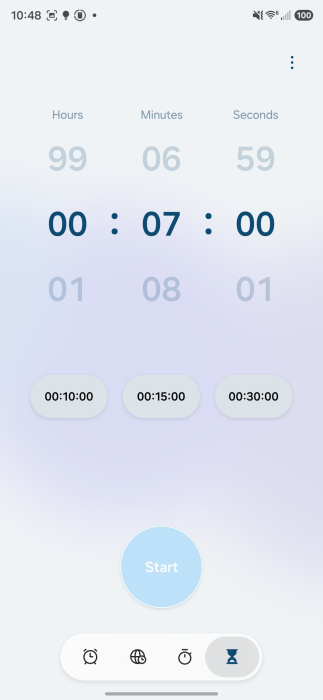
Samsung has already released multiple One UI 8.5 beta builds, so we already know most of the new features and upgrades that will be included in the final build. The new split Quick Panel, introduced in One UI 8.0, offers greater control in One UI 8.5, allowing users to adjust the layout of every toggle and slider. The scrolling is now edge-to-edge, removing unused empty spaces.
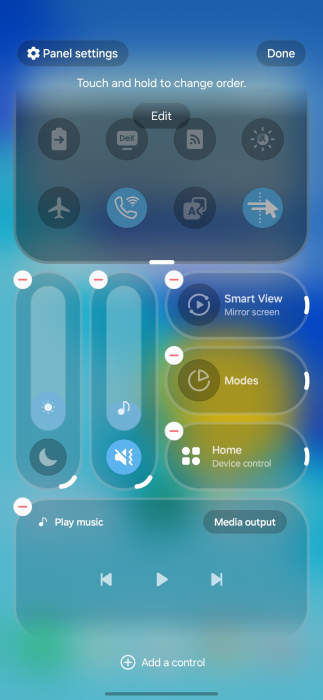
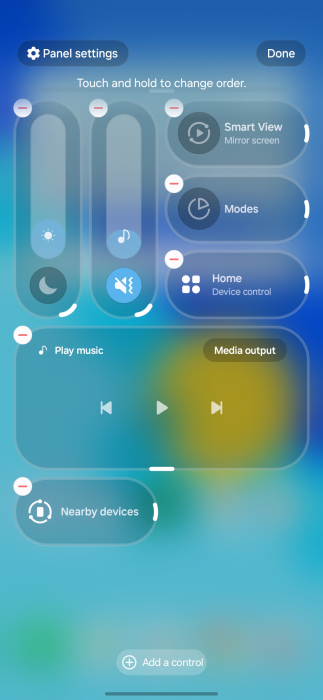
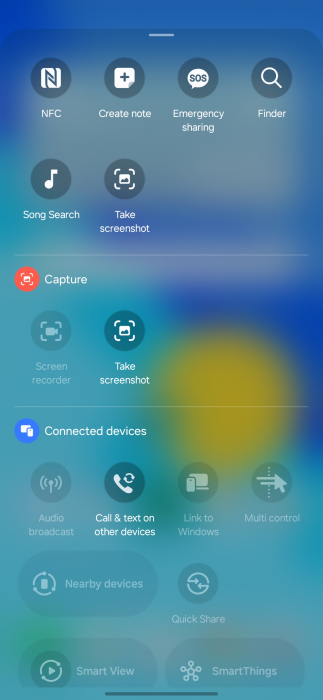
The app icons (at least Samsung’s apps) now feature a bit of a 3D effect. Some first-party apps also show a similar effect. There are some UI changes inspired by Apple’s Liquid Glass, emphasizing floating elements, soft shadows, and frosted glass effects. The transparency effect isn’t anything like Apple’s. Samsung’s implementation has subtle depth effects throughout the system, creating a more refined aesthetic.
The Photo Assist feature has been updated to allow interrupted image generation and editing. Users can now utilize multiple Photo Assist features, such as AI Eraser and Move, continuously without needing to save each iteration. Previously, each edit had to be saved separately.
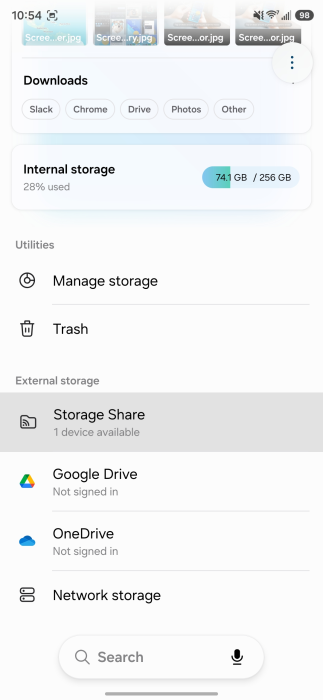
One UI 8.5 enhances the Galaxy ecosystem’s robustness with new features and necessary improvements. It introduces a Storage Share feature that lets you access files from other Galaxy devices, including tablets and PCs, directly within the My Files app.
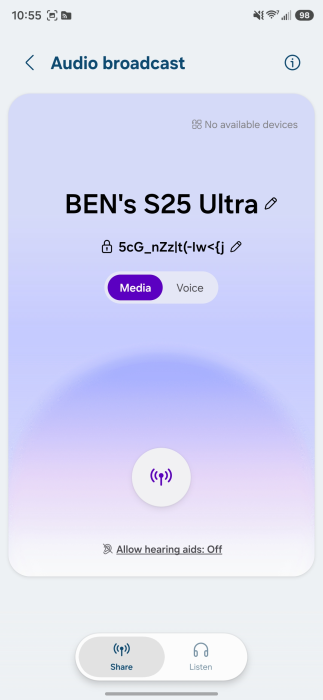
There’s also a new Audio Broadcast feature that enables your Galaxy phones to function as a microphone and broadcast your voice to nearby Bluetooth LE Audio devices using Auracast technology. Improvements have been made to Smart View and Galaxy DeX to create a more unified ecosystem experience.
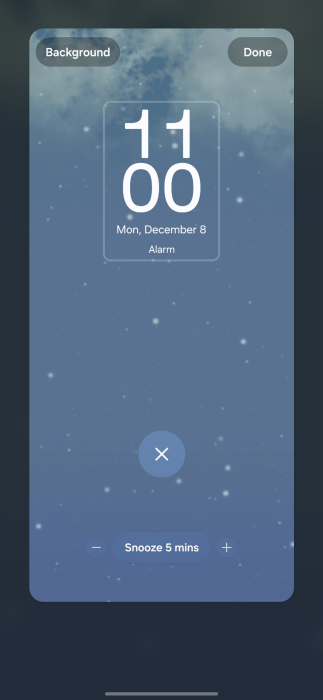
One UI 8.5 also adds AI-generated dynamic weather animations to the lock screen. The alarms, when ringing, now show real-time weather conditions. There have also been various improvements made to strengthen security and privacy, including better theft protection and an improved Identity Check feature.
We’ll update this page periodically with the latest information. So, make sure to revisit this page for fresh updates. Alternatively, you can join us on Telegram to get instant notifications about the latest product launches, software updates, and major tech events.




Comments