
Add GIZMOCHINA as Preferred Source on Google
The Motorola Razr 60 Ultra has begun receiving its stable Android 16 update, ending months of waiting for owners of the foldable. This major update is bringing various improvements and a bunch of fixes. So here’s everything you need to know.
Motorola Razr 60 Ultra Receives Android 16 Update
As of right now, Motorola is rolling out the update to Razr 60 Ultra models in Brazil. The roll out brings a host of platform-level improvements, from refined system modes and better connectivity shortcuts to broader audio device support and enhanced protections. The OTA software upgrade carries the W1VL36H.59-55-5 firmware version and brings the foldable up to the latest major Android iteration, after launching the device with Android 15.
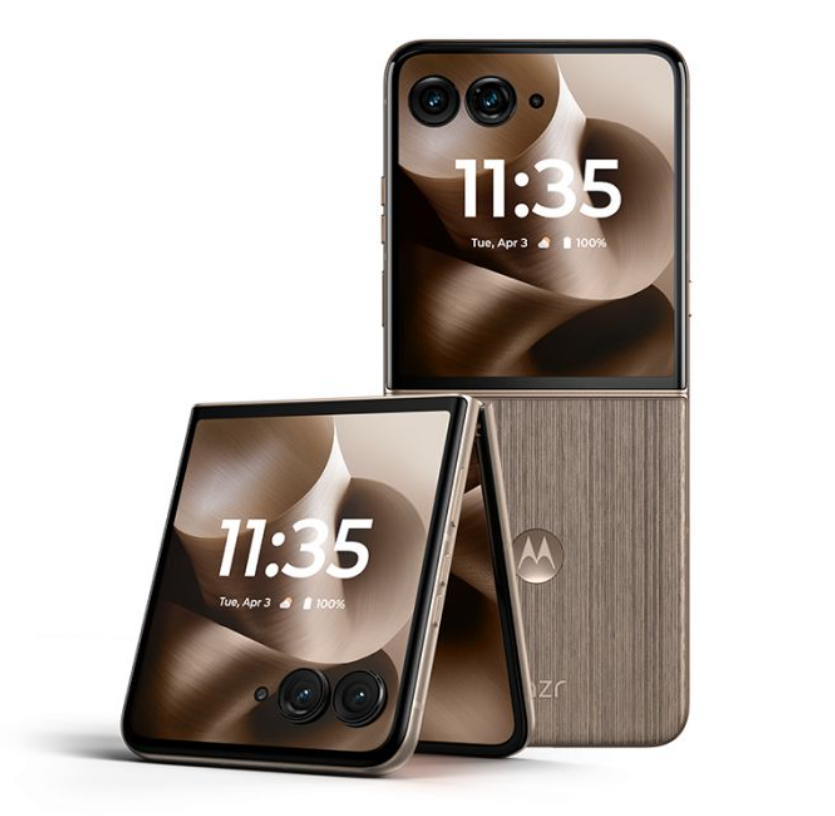
As is typical with major updates, the rollout is being released in a staggered manner. So some users may receive the notification sooner than others, depending on the region and carrier. So if you don’t see the update yet, you can check manually by going into Settings → System → Software updates and tapping Check for updates. The new build for the Razr 60 Ultra brings several enhancements that improve both usability and everyday functionality:
- Unified Modes Menu: Android 16 reorganizes system modes like Do Not Disturb, Bedtime, and Driving Mode into a single settings area, and lets you create custom presets for different scenarios.
- Simplified Hotspot Connections: When your phone and the target device share the same Google account, you can now connect to Wi-Fi hotspots with a single tap, without entering a password
- Improved Hearing Aid Support: The update introduces low-energy audio hearing aid improvements, allowing you to choose whether your built-in mic or the hearing aid’s mic is used during calls for clearer communication.
Furthermore, the Android 16 release brings the latest security patches and a host of improvements to system stability and performance to the Razr 60 Ultra.
For more daily updates, please visit our News Section.
Don’t miss a thing! Join our Telegram community for instant updates and grab our free daily newsletter for the best tech stories!




Comments