
Add GIZMOCHINA as Preferred Source on Google
Samsung’s new Galaxy S26 Ultra brings a few notable upgrades to the table, including Privacy Display, stronger AI features, and support for faster wireless charging. But there’s one detail that has left some users scratching their heads: no built-in magnets yet.
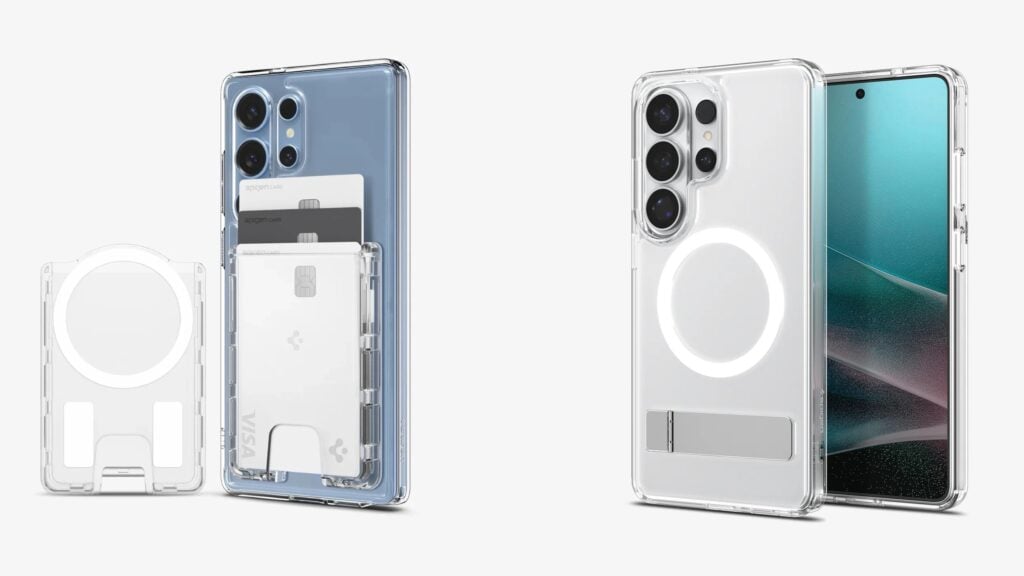
The latest models, just like the Galaxy S25 series, are still labeled “Qi2 Ready.” The phones do not include the magnetic alignment ring that enables snap-on accessories in the style of MagSafe. So while you can charge wirelessly faster, you can’t attach magnetic wallets, mounts, or chargers directly to the back of the device.
Built-in magnets can interfere with the S Pen and slightly raise manufacturing costs. That trade-off, though, opens the door for accessory makers.
Spigen has already stepped in with a full lineup designed specifically for the Galaxy S26 series. At the simplest level, there’s a standalone magnetic adapter, essentially a slim ring that adds magnet support to a standard case or even directly to the phone. It’s priced at $25 and offers a way to get Qi2-style magnetic functionality without buying a brand-new case.
Beyond that, Spigen has introduced several cases under its Mag Fit branding. These include transparent options that show off the phone’s design, versions with built-in kickstands, and others featuring hand straps for added grip. The magnetic ring is integrated into the case itself, allowing for proper alignment with chargers and compatible accessories while still maintaining drop protection.
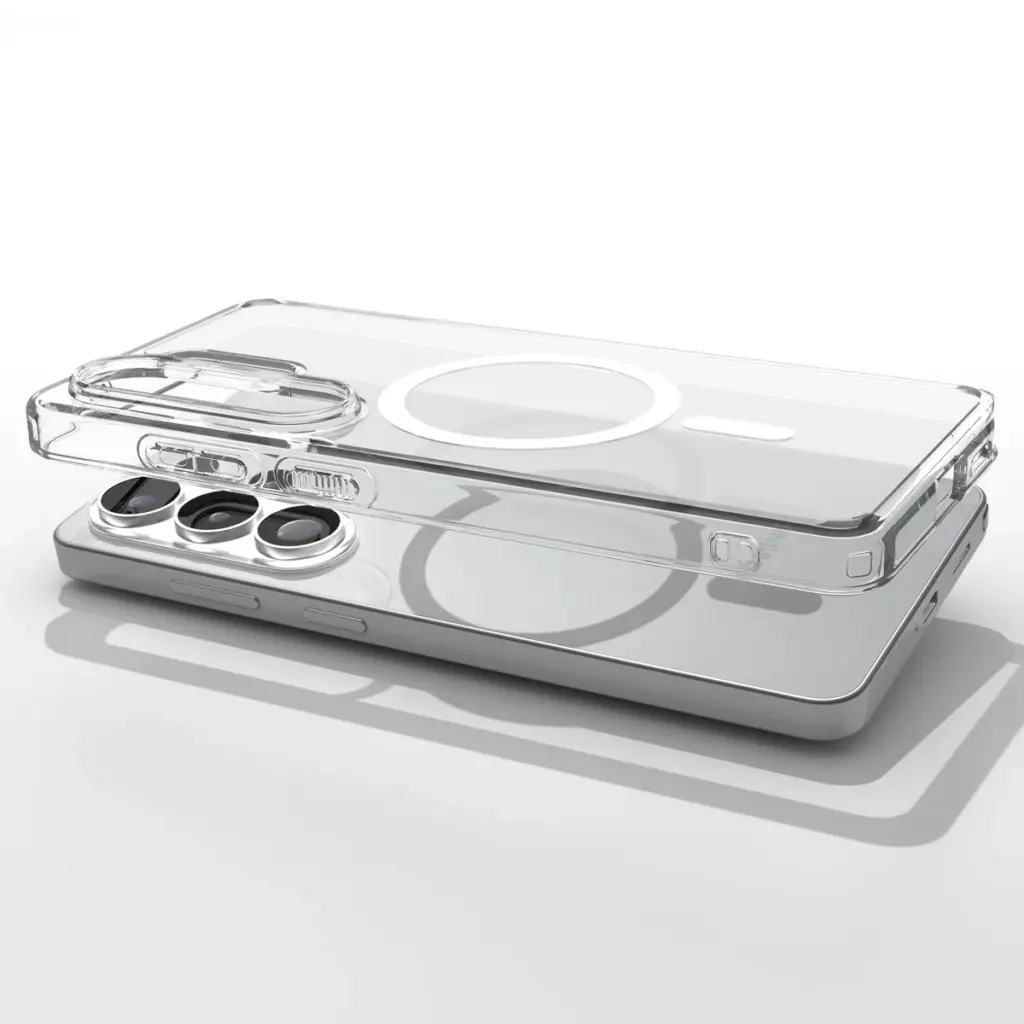
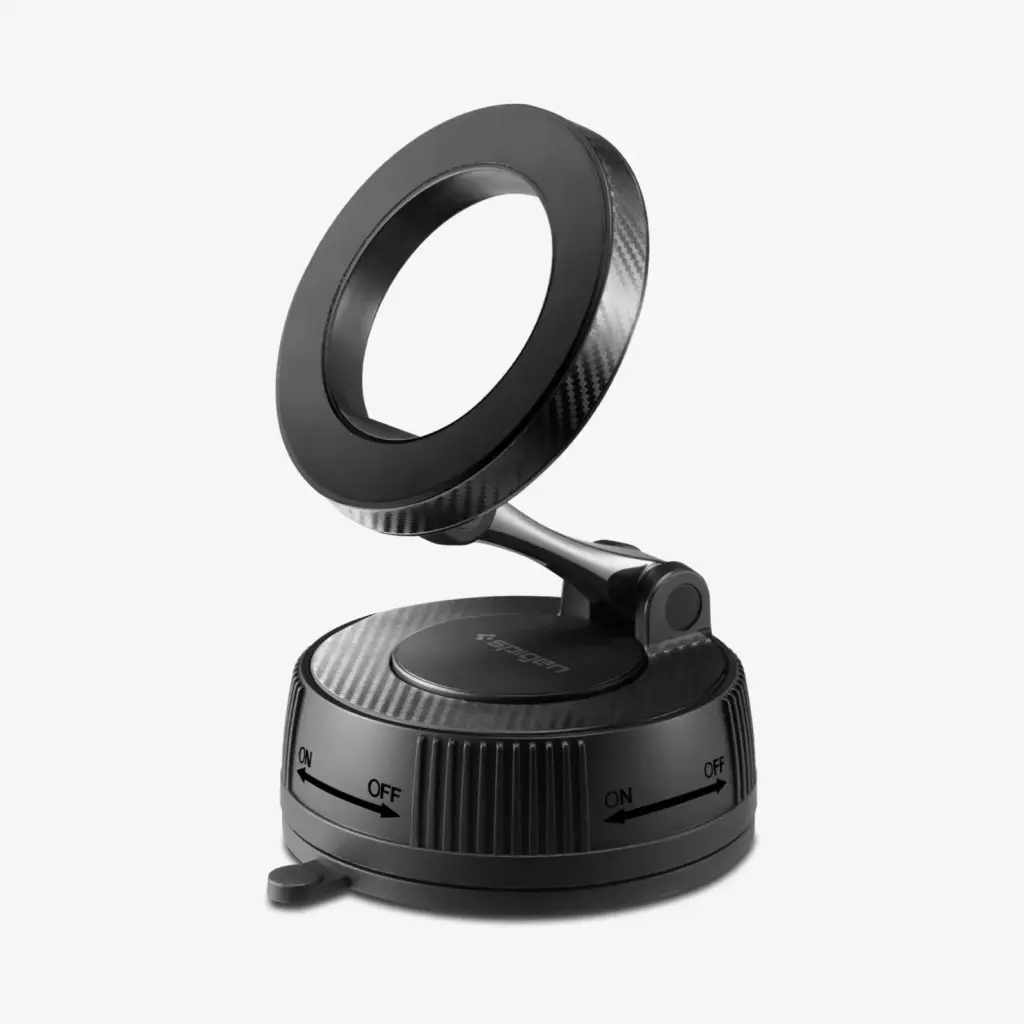
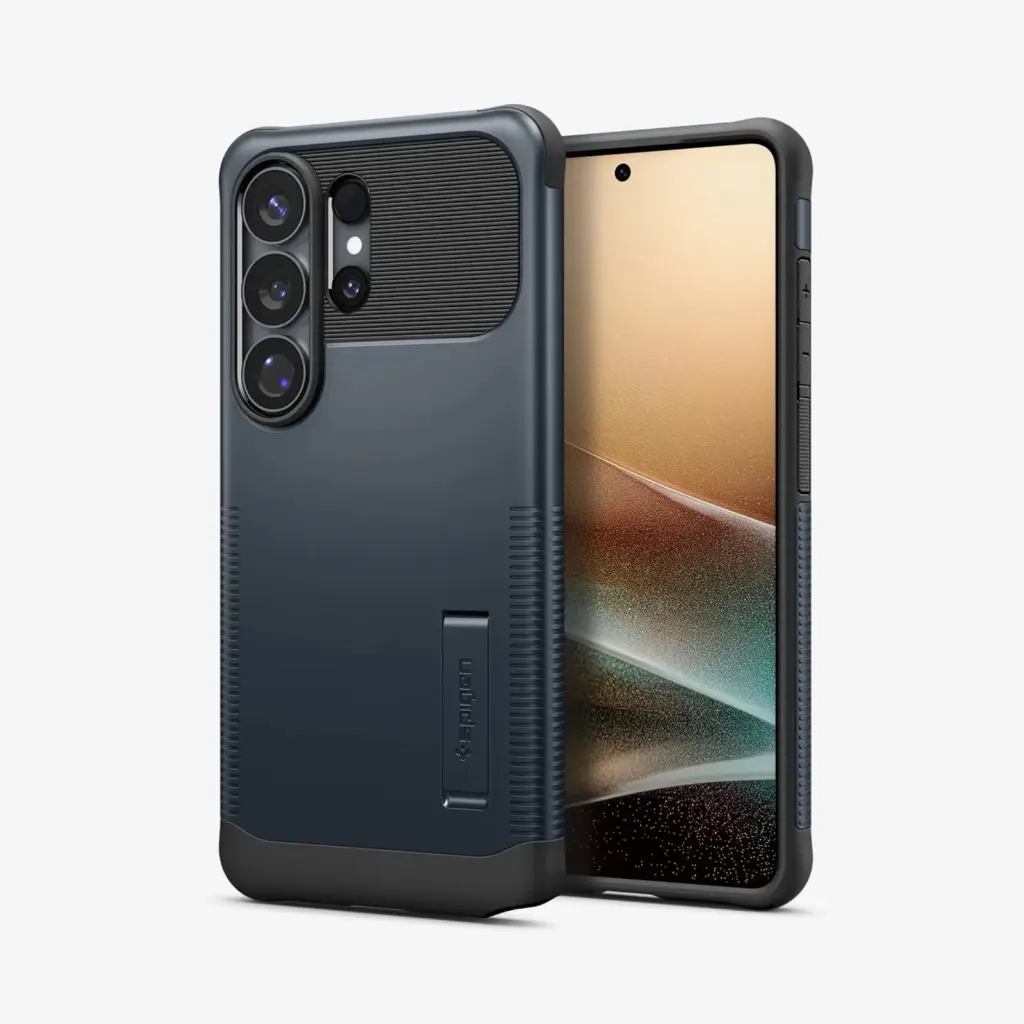
Spigen is also expanding the ecosystem with magnetic add-ons. Card holders, mounts, and even selfie sticks are part of the lineup. The key here is compatibility: Mag Fit follows the same magnetic layout used by Apple’s MagSafe and the broader Qi2 ecosystem.
Pricing for the Mag Fit cases falls between $40 and $60 depending on the design, while add-on accessories range from $30 to $60. Everything is available through Spigen’s online store.
Don’t miss a thing! Join our Telegram community for instant updates and grab our free daily newsletter for the best tech stories!
For more daily updates, please visit our News Section.
(Source: Spigen)



Comments