
Add GIZMOCHINA on Google:
Intro
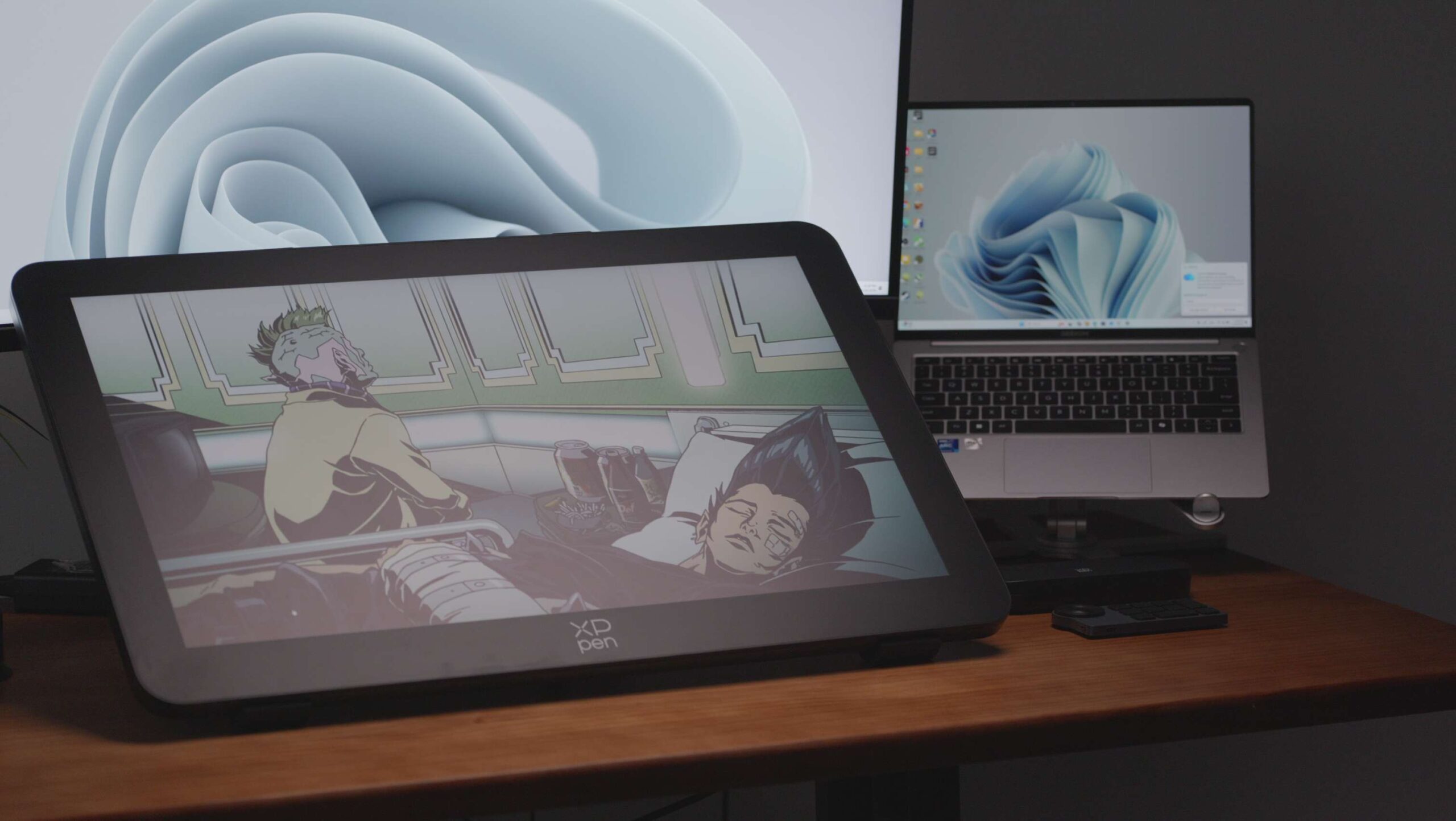
We’ve tested our fair share of pen displays, from 12-inch portable pads to 16-inch professional slabs. But to be honest, compared to the standard monitors I use for daily work, even those felt a bit cramped. It got me thinking: is there a larger canvas available that truly allows for expansive, natural digital creation? That brings us to the subject of today’s in-depth review—the XPPen Artist Pro 27 (Gen 2).
This monumental display is not only the largest pen display we’ve ever tested but also, by a significant margin, the heaviest. It begs the question: why are professional-grade creative displays finally pushing into this larger territory, and is bigger always better? Let’s find out.
Buy the XPPen Artist 27 Pro (Gen 2) on XPPen official store here, and get 5% off with the exclusive code – GizmoXP
Hardware Specifications
The Artist Pro series has always been known for its robust specs, and the 27 (Gen 2) is no exception. This 27-inch panel is a powerhouse, packing a crisp 3840 x 2160 4K resolution and a buttery-smooth 120Hz refresh rate. The implication here is clear: the visual fluidity is so good, you could theoretically game on it without issue (though its primary mission is creation).
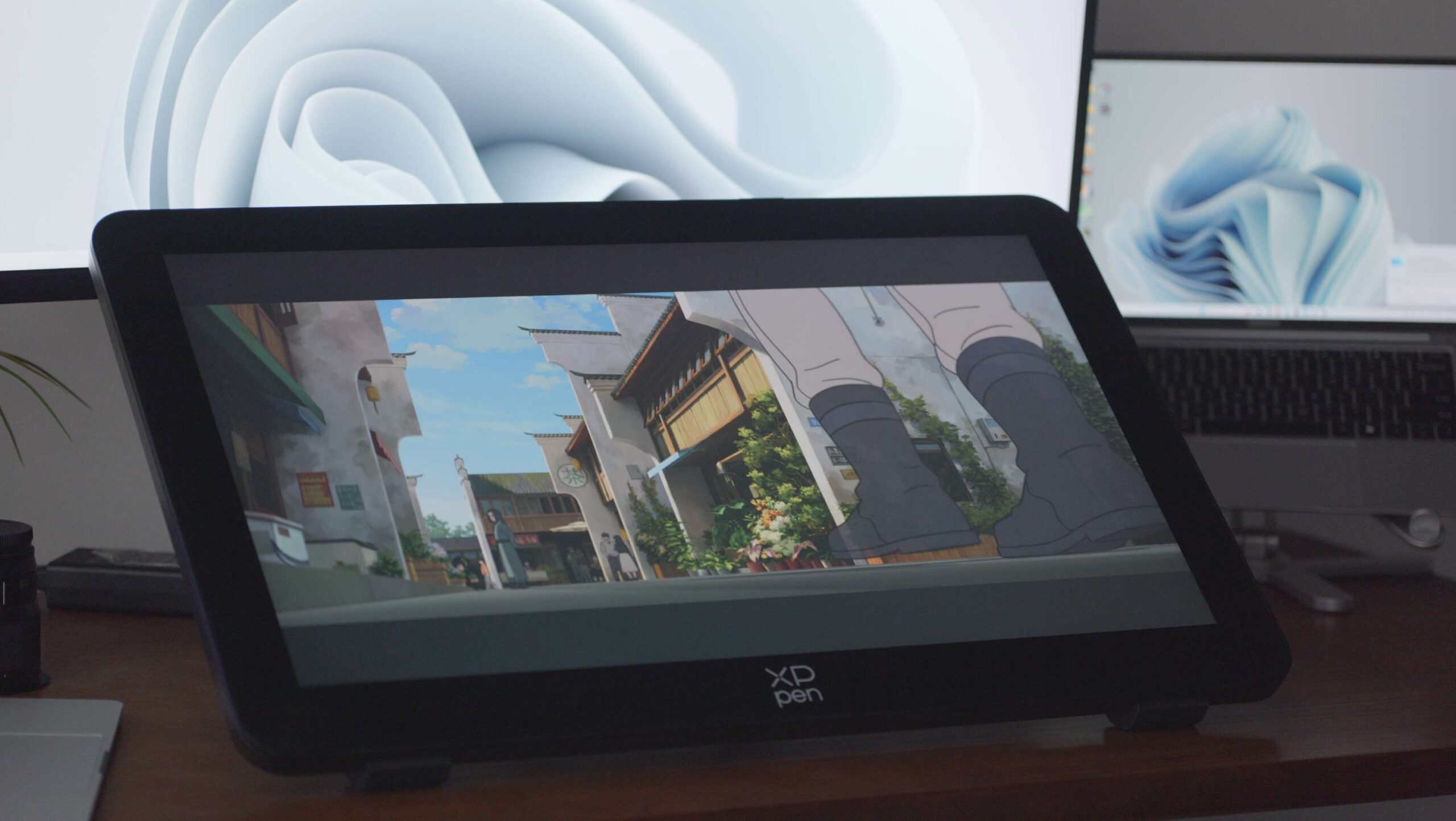
Color performance is where it truly matters for creative work, and this screen delivers. It boasts 99% coverage of both Adobe RGB and sRGB color gamuts, along with 97% coverage of DCI-P3. This makes it well-suited for professional photography, video editing, and design tasks where color accuracy is non-negotiable.
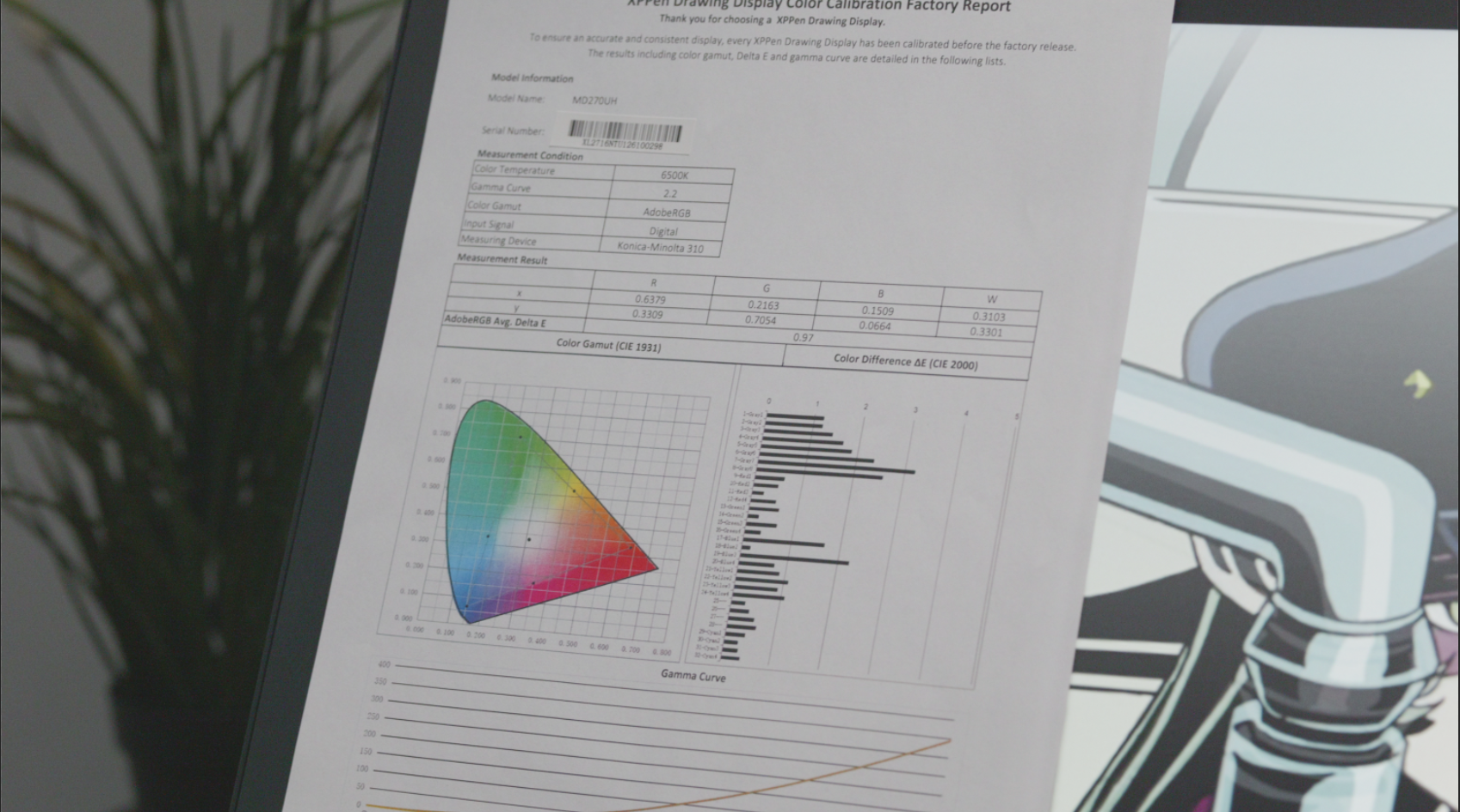
XPPen includes a factory calibration report for the Adobe RGB color space with each unit. Our review sample posted an average Delta E of just 0.97, with a maximum variance of only 3.0. These are excellent numbers, confirming that the screen is color-accurate and reliable straight out of the box. With a typical brightness of 350 nits, it’s perfectly adequate for well-lit indoor studio environments, though it might struggle a bit in very bright, sun-drenched rooms.
Connectivity & Interface
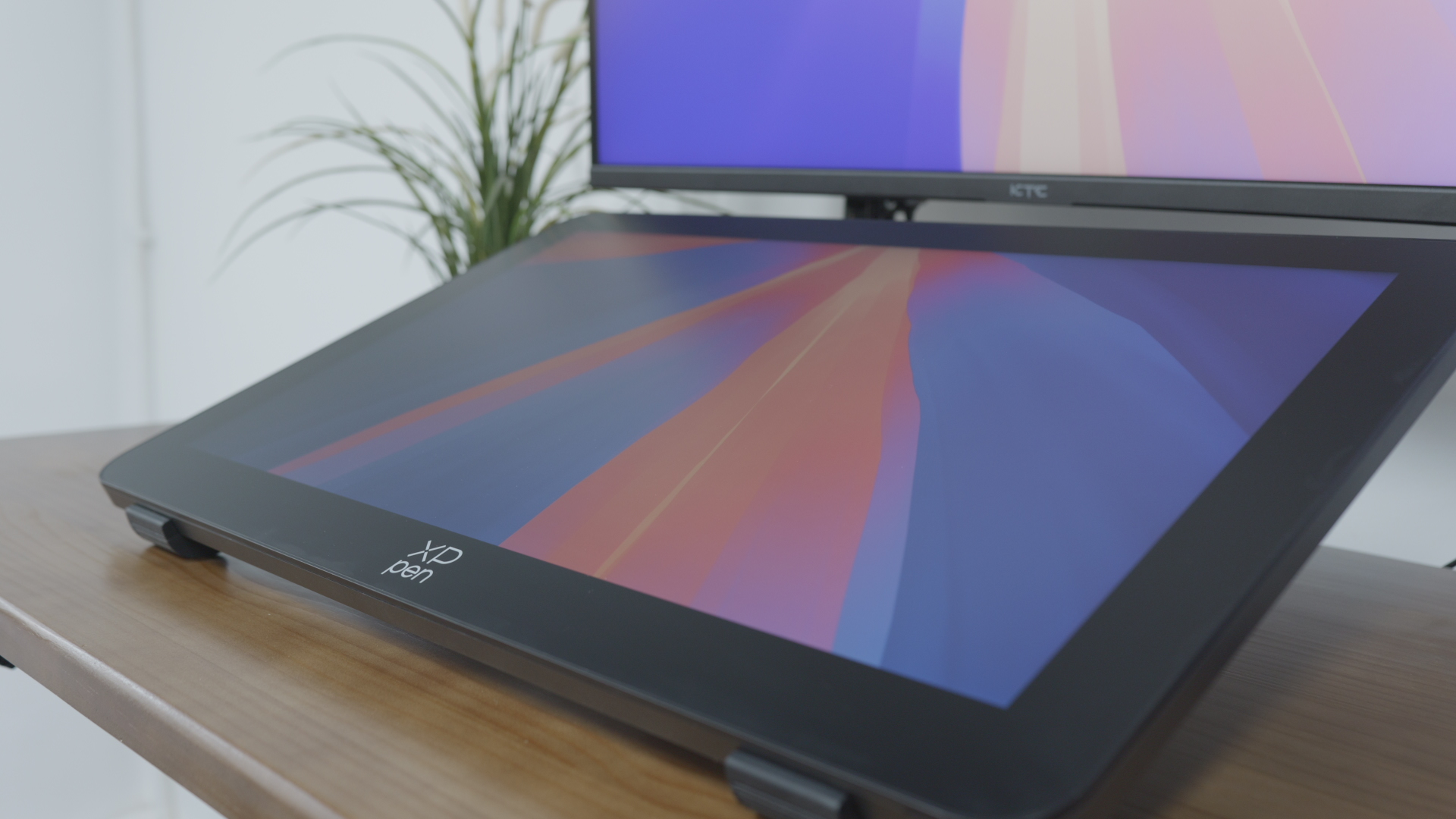
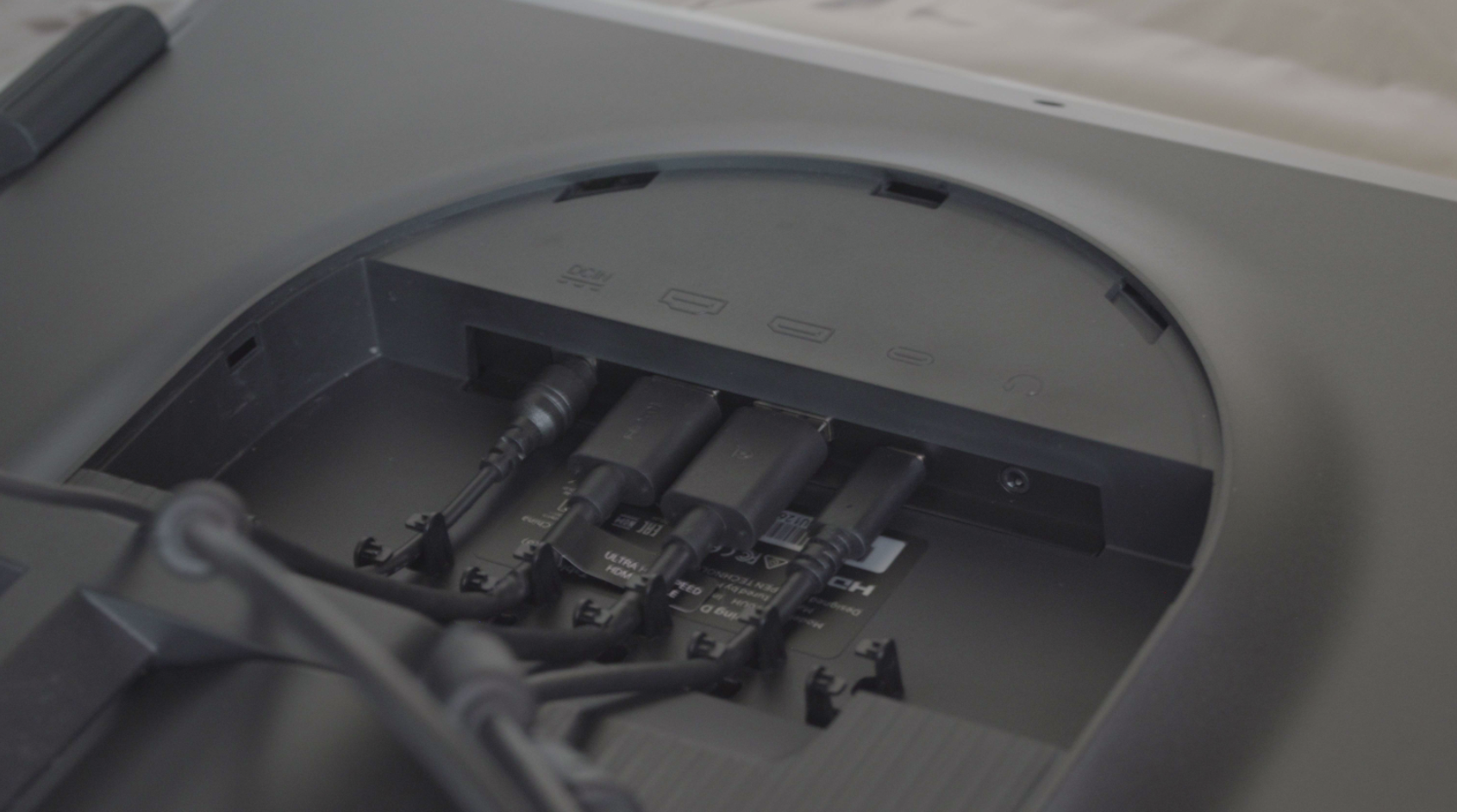
To drive this high-resolution behemoth, the Artist Pro 27 (Gen 2) includes three video input options: a full-sized DisplayPort, an HDMI port, and a USB-C port that supports display signals. On the output side, things are spartan—just a single 3.5mm audio jack. Honestly, given the generous real estate on this massive display, we were hoping for at least one USB-A port. A built-in hub would be perfect for plugging in a 2.4GHz wireless receiver for a mouse or a flash drive, but as it stands, you’ll need to reach for your computer or a separate hub.
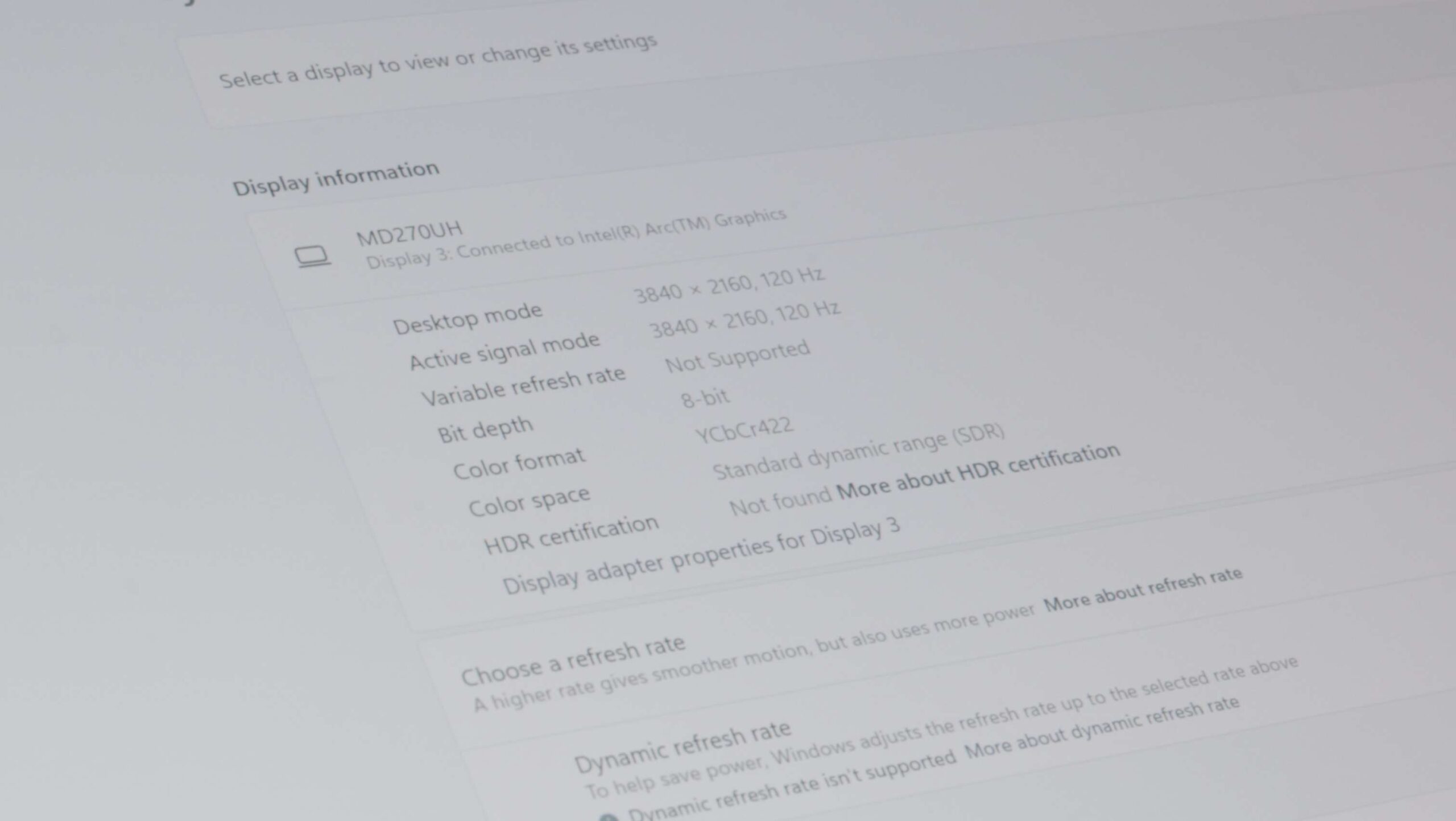
Our testing also revealed some quirks with the USB-C connectivity. When pushing the display at its full 4K 120Hz capability, the chroma subsampling defaults to YCbCr 422 instead of the preferred full RGB. This is likely a bandwidth limitation of the specific USB-C implementation. Fortunately, the slight reduction in color precision is very difficult to perceive with the naked eye during normal use. Interestingly, we didn’t encounter this limitation when connected to a Mac. It’s also worth noting that the USB-C port does not provide power delivery. If you’re connecting a laptop, you’ll need to keep it plugged into its own power source, adding another cable to the mix.
The Stylus & Accessories: Familiar Precision, New Ergonomics
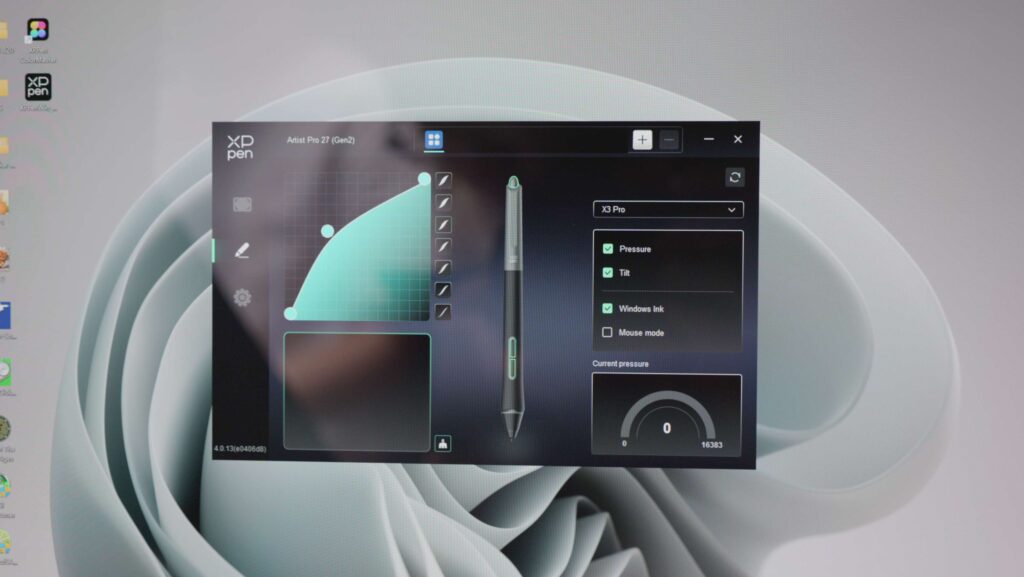
The Artist Pro 27 (Gen 2) ships with XPPen’s latest stylus technology: the X3 Pro Smart Chip Stylus, featuring a staggering 16,384 levels of pressure sensitivity. Quantifying the leap from 4K or 8K sensitivity to 16K is difficult, but if you’re coming from a device like a Samsung S-Pen (which typically uses 4,096 levels), the difference is monumental. Mathematically, the X3 Pro offers 400% more pressure sensitivity. In practice, this translates to an incredibly nuanced range of expression, from the lightest wisp of a sketch to a bold, heavy stroke.
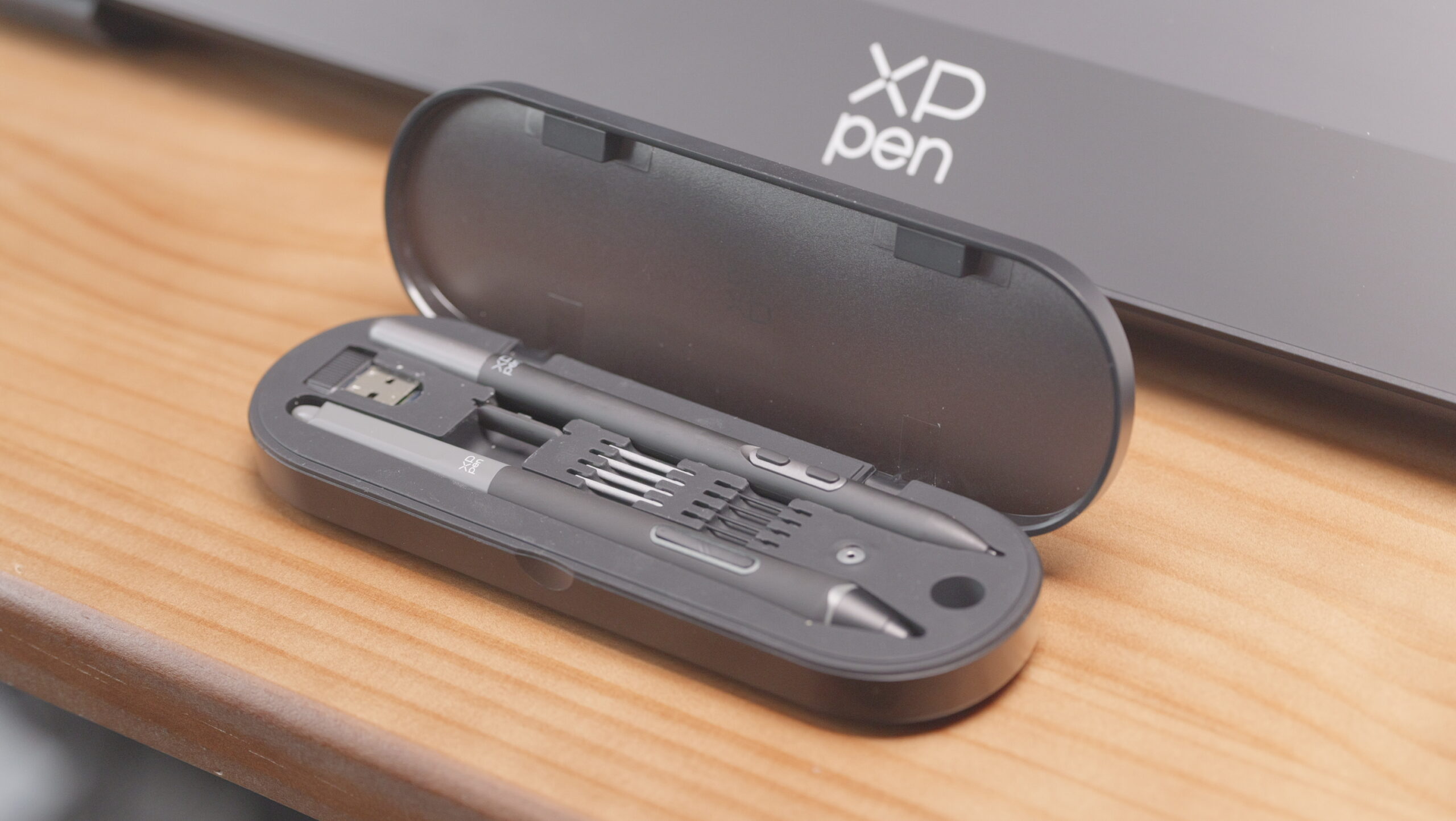
Included in the box is a second, alternative stylus: the X3 Pro Slim Stylus. As the name suggests, it’s noticeably thinner and lighter, tipping the scales at a mere 10 grams compared to the standard pen’s 16 grams. This reduced weight can significantly reduce hand fatigue during marathon creative sessions, allowing for longer periods of comfortable work.
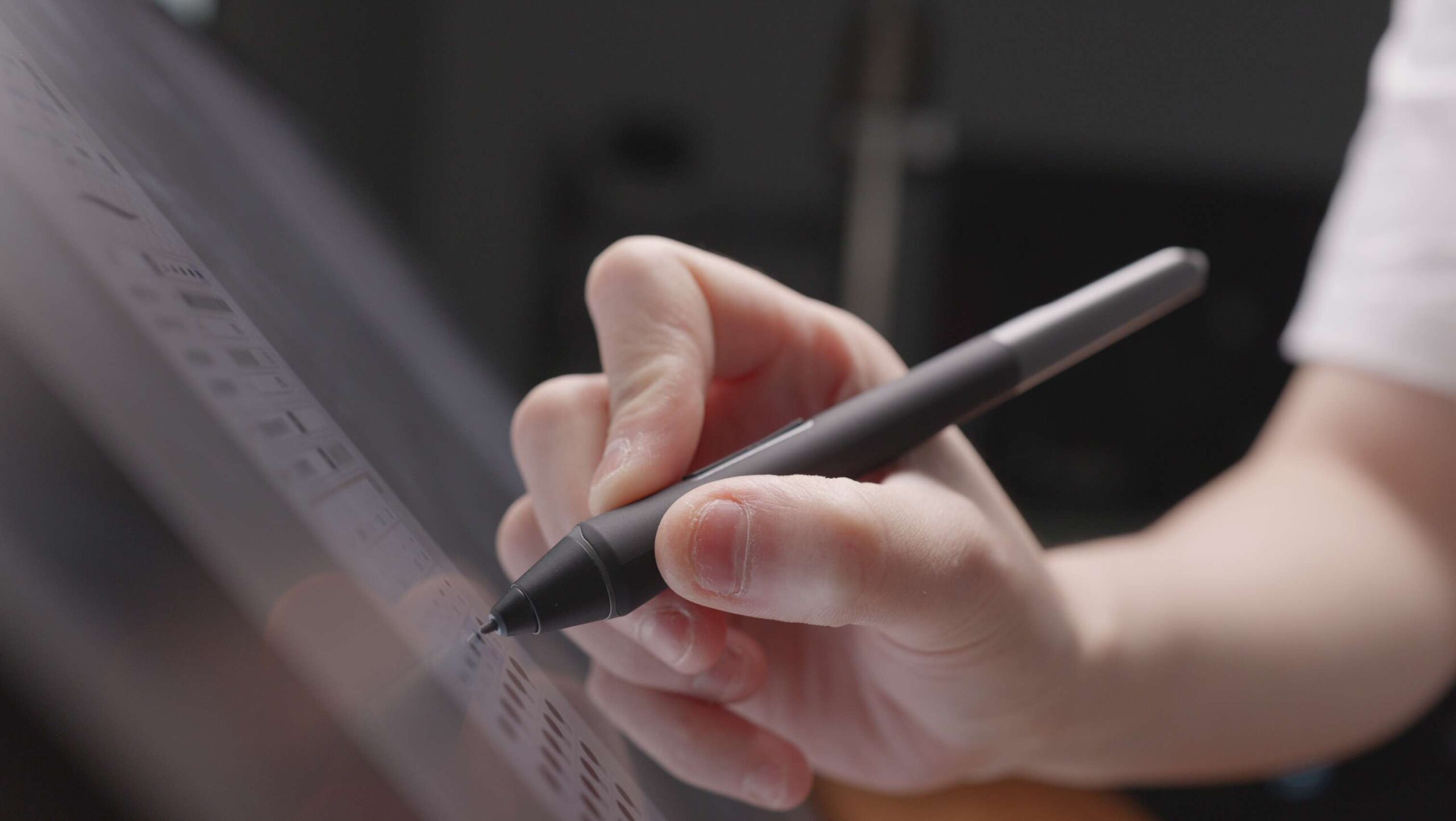
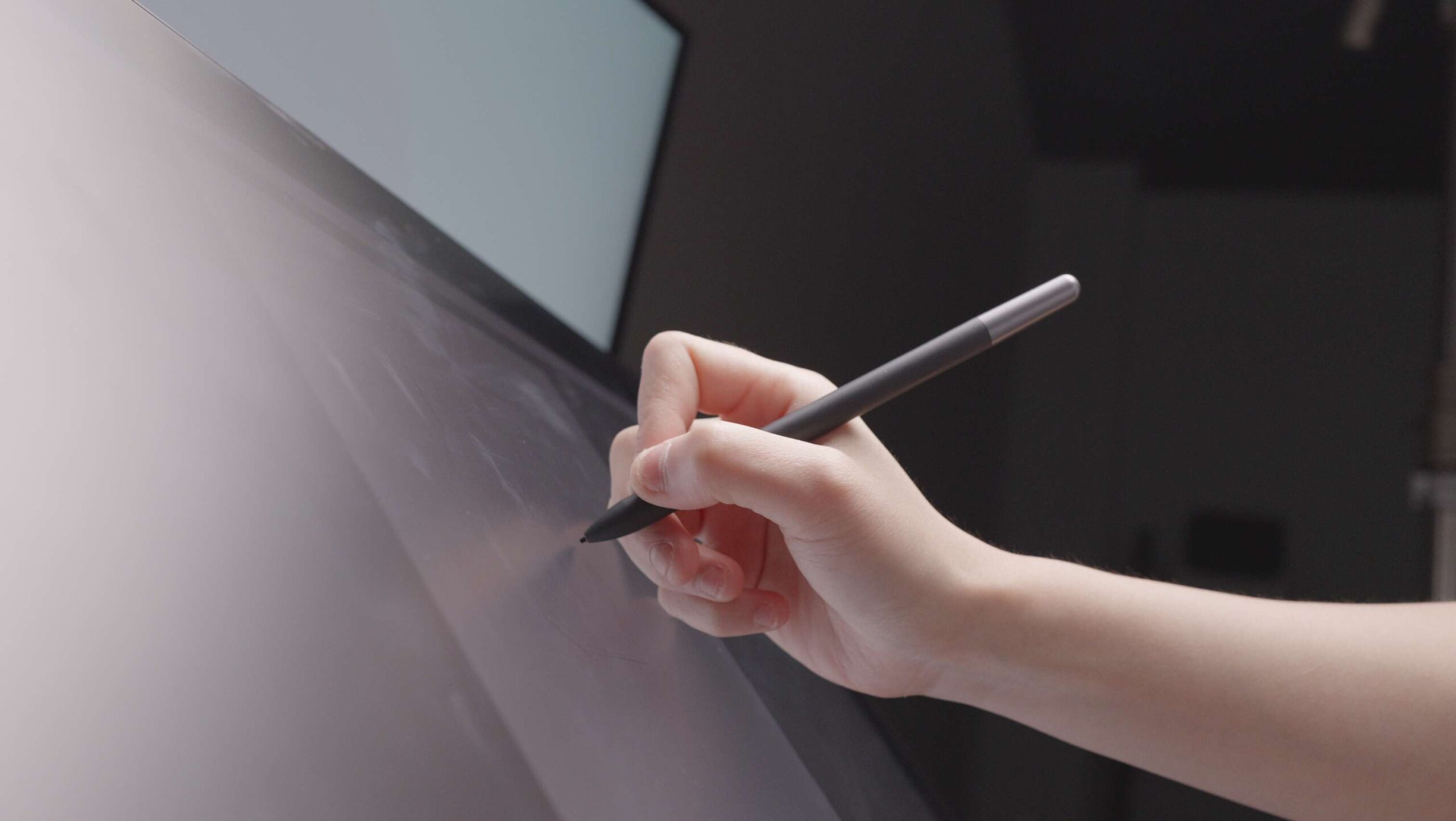
The Slim Stylus also features a unique, clever design: its side button is removable. By gently prying it off, you can transform the pen into a completely seamless, button-free cylinder. This is a fantastic option for artists who prefer to rely solely on keyboard shortcuts or who find themselves accidentally pressing the barrel button.
A quick note on customization: the XPPen Tablet driver software allows you to assign different pressure curves, shortcut functions, and pen-side button commands to each stylus independently, letting you tailor the experience to your specific workflow.
Display Experience: Immersion and Fluidity
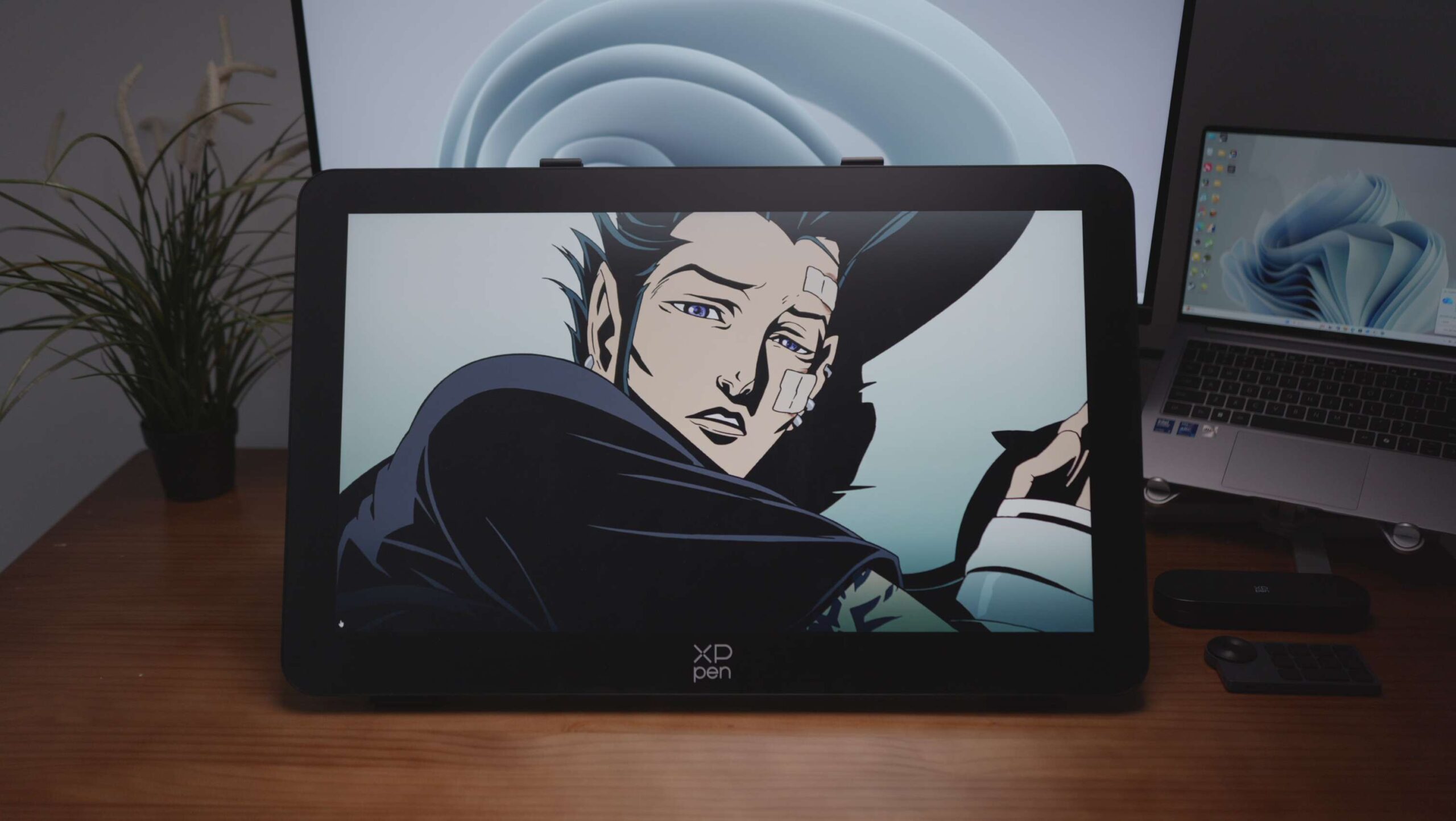
The panel quality on the Artist Pro 27 (Gen 2) is undeniably flagship-grade. The 27-inch 4K IPS display boasts a pixel density of 163 PPI. At a typical创作 distance, pixelation is virtually invisible. Lines are razor-sharp, and fine details in high-resolution photographs or intricate illustrations are rendered with exceptional clarity. In our viewing tests, color gradations were smooth and free of visible banding. The combination of the high resolution and wide color gamut delivers a deeply immersive visual experience.
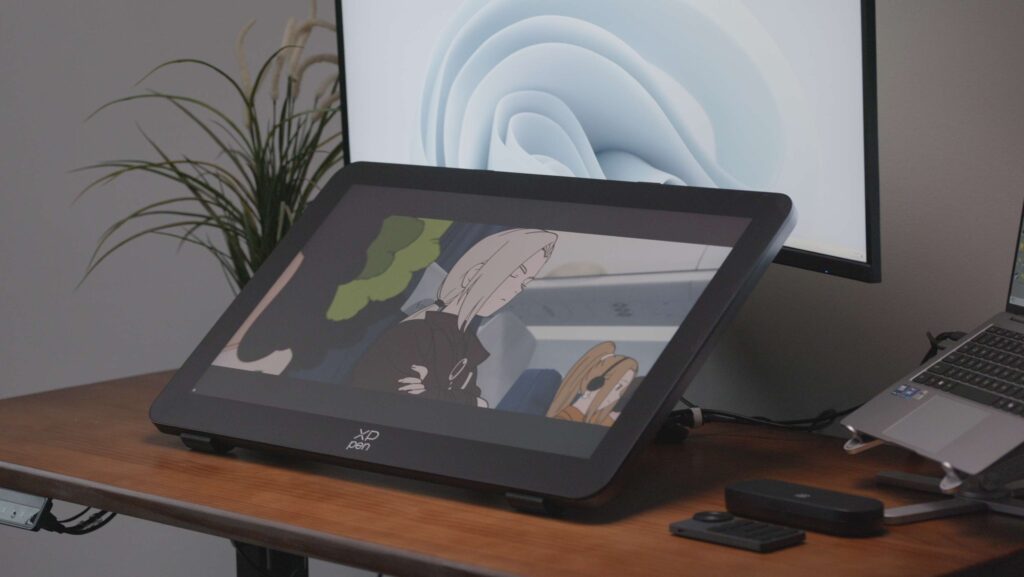
The 120Hz refresh rate is a game-changer for a pen display. The smoothness is immediately apparent—scrolling through a massive canvas or executing fast, gestural brushstrokes feels incredibly fluid and responsive. There’s a complete absence of the distracting “stutter” or ghosting you might see on lower-refresh-rate displays. This high-refresh experience genuinely elevates the feeling of direct, real-time interaction with your digital artwork.
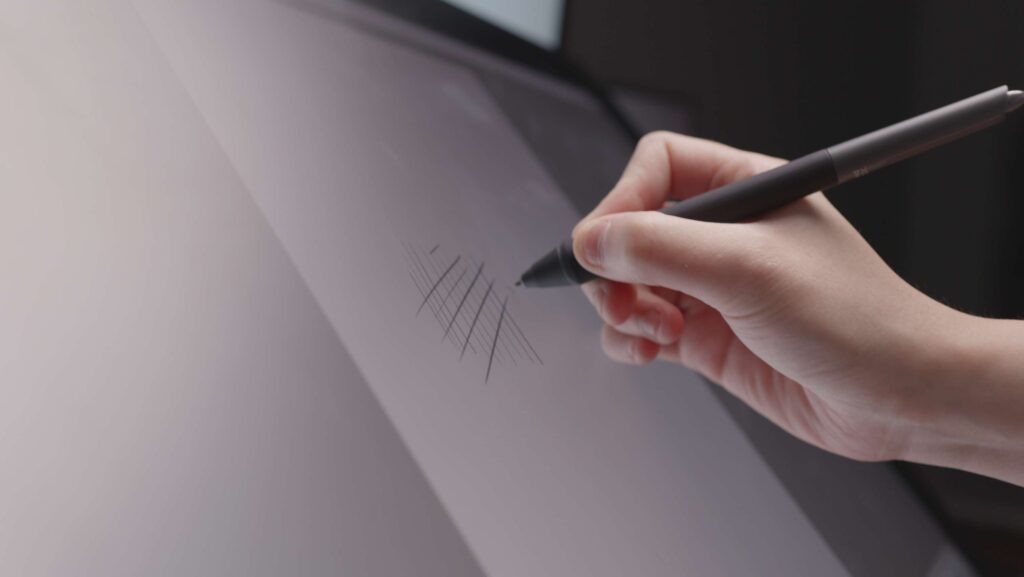
To ensure this great image isn’t ruined by glare, XPPen has applied an anti-glare (AG) nano-etched glass surface and an anti-fingerprint (AF) coating. Working under typical lighting, reflections from overhead lights or windows are drastically reduced. The AF coating also does a commendable job of resisting smudges and oily fingerprints, keeping the screen cleaner during long work sessions.
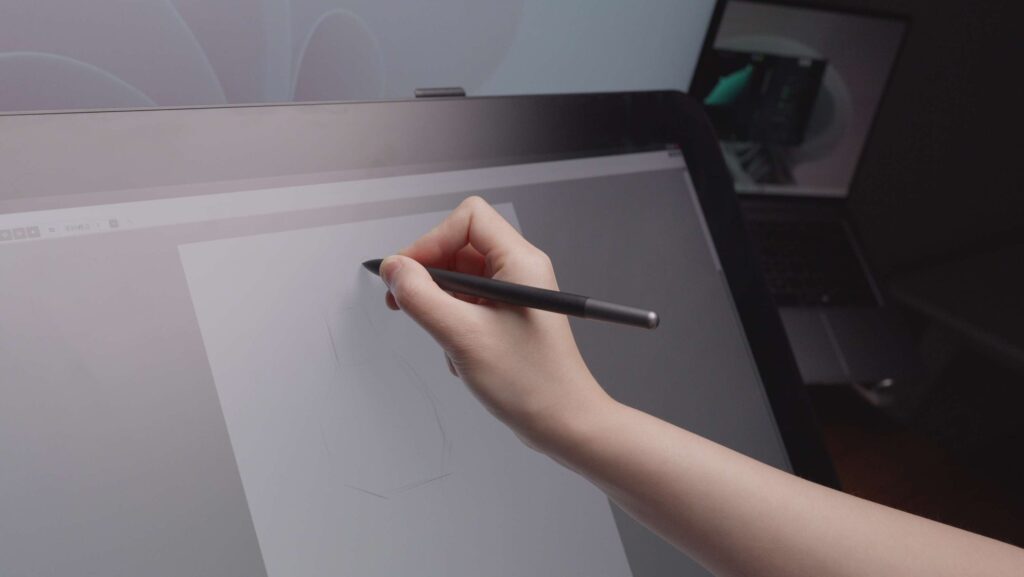
Perhaps most importantly for a drawing tablet, the surface texture provides a pleasing “toothy” feel. It offers just the right amount of drag, closely mimicking the sensation of drawing on fine-grained paper. It’s neither too slick and slippery like bare glass, nor is it overly rough. This tactile feedback is crucial for a natural and controlled drawing experience.
Stand & Ergonomics: Rock-Solid but Space-Hungry
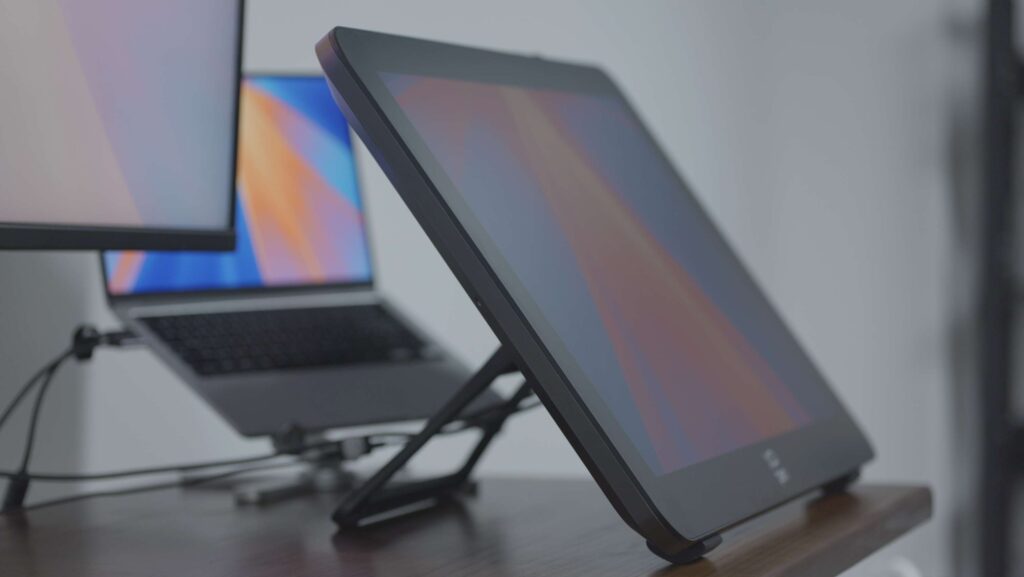
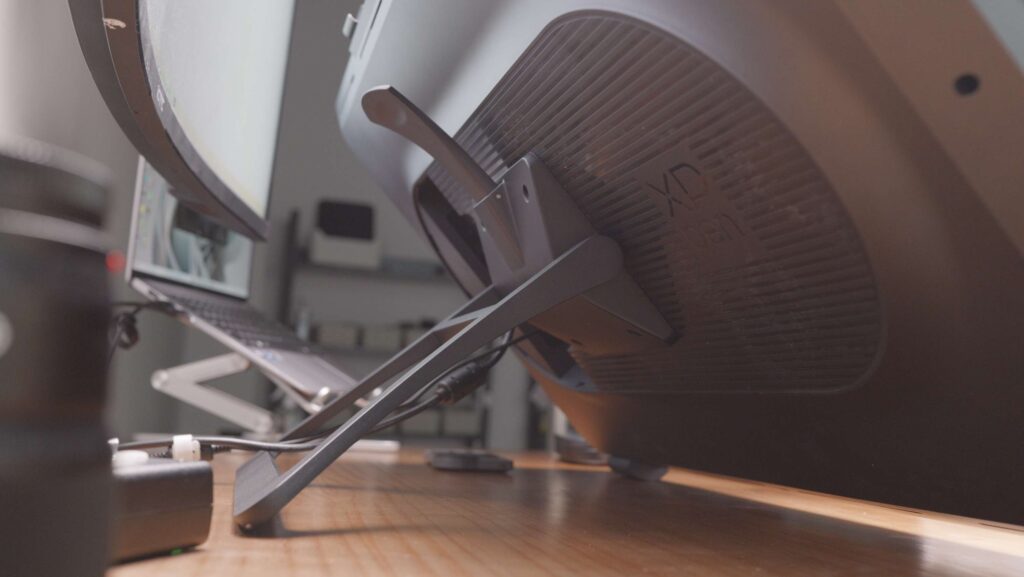
Given its 27-inch stature, a stable and robust stand is non-negotiable. The stand included with the Artist Pro 27 (Gen 2) is exceptionally sturdy. It offers 11 levels of tilt adjustment, allowing you to find the perfect angle for drawing, whether you prefer a more traditional, slightly inclined drafting position or a flatter surface for working in a more relaxed posture.
The heavy, well-weighted base provides incredible stability. You can bear down on the screen with significant force while drawing, and the entire unit remains completely rock-solid. There’s no wobble or feeling of top-heaviness whatsoever. The trade-off, however, is a substantial desk footprint. You’ll need to ensure you have ample space to accommodate this large base.
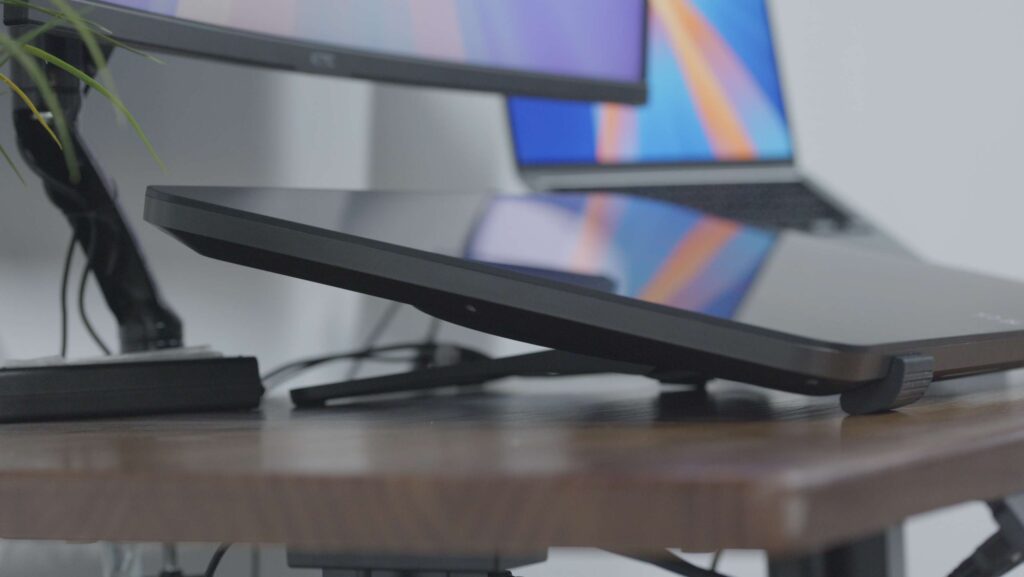
- A Note on Portrait Mode: While the monitor can physically be rotated 90 degrees into a vertical orientation, it’s not a seamless process. To use it in portrait mode, you must first detach the screen from its stand, rotate it, and then reattach it. More importantly, the included rubber feet on the bottom of the stand are designed for landscape use only. If you were to place the stand on its side for portrait orientation, the feet would be incorrectly positioned, making it look odd and compromising its slip-resistant function. Therefore, the intended primary use case is clearly landscape. For users who absolutely need a native portrait mode or prefer a different ergonomic setup, the back of the display features a standard VESA 100x100mm mounting pattern, making it compatible with a wide range of aftermarket monitor arms and stands.
Drawing Experience: The Pen Meets the Canvas
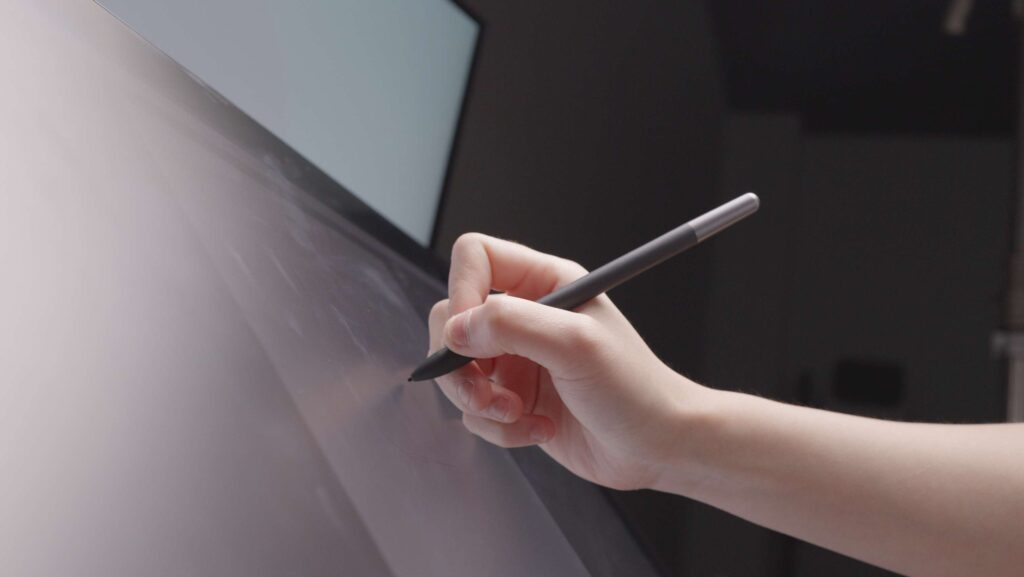
The X3 Pro styluses finally feel like they have room to breathe on the 27-inch canvas. The sheer size of the display is its greatest asset—it allows for much more natural, expansive arm movements. Your wrist is no longer the primary pivot point, making for a much more ergonomic and fluid drawing experience. Whether you’re blocking in large areas of color in an illustration or meticulously retouching a high-res photo, the space is liberating.
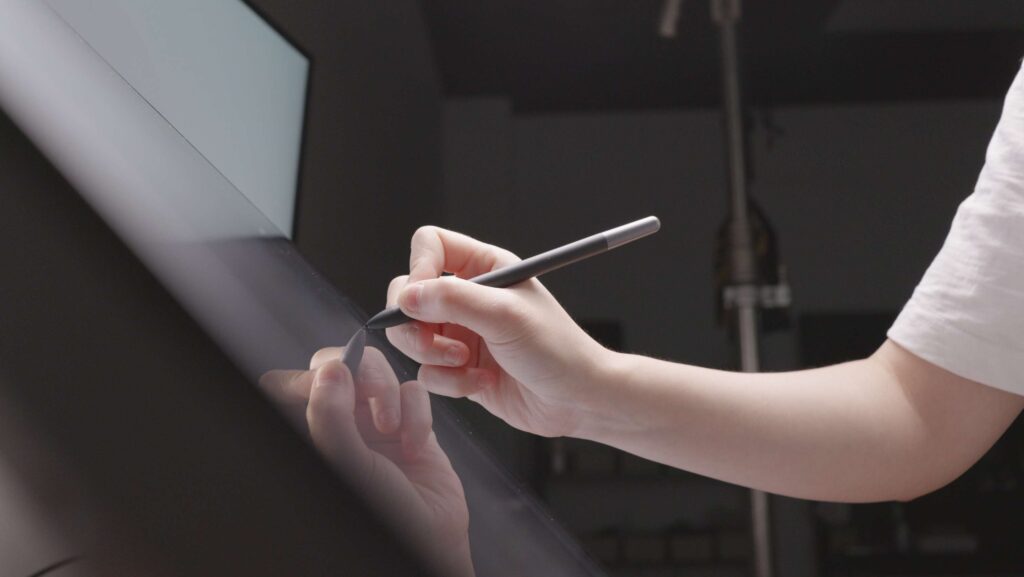
The 16K levels of pressure sensitivity, in practice, offer an incredibly fine level of control. The most immediate sensation is the ability to register the lightest possible touch, producing a faint, delicate line with zero effort. Conversely, bearing down yields a rich, substantial stroke. While it takes some time to truly harness this level of nuance, for users accustomed to lower-resolution pressure sensitivity, the upgrade in expressive potential is vast. Lag is virtually non-existent; XPPen’s driver algorithms have matured nicely, resulting in a cursor that feels tightly coupled to the pen tip with minimal to no parallax.
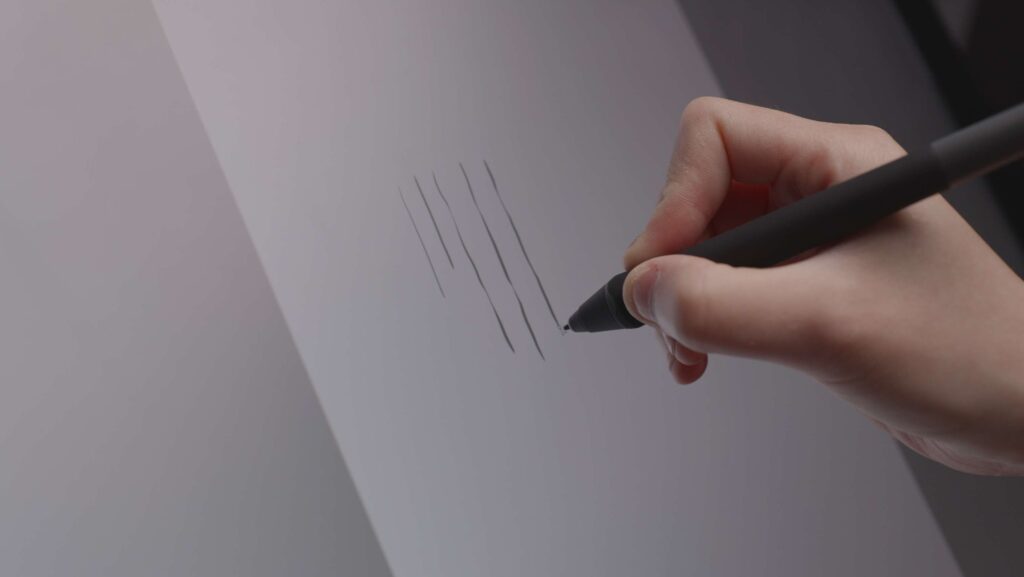
Using the Slim Stylus for extended periods does noticeably reduce hand fatigue. Its 10-gram weight makes it feel almost like a high-quality ballpoint pen, and the removable button is a genuinely thoughtful touch for those who prefer a minimalist grip.
Software & Drivers: Comprehensive Control
The XPPen Tablet driver software remains a robust and feature-rich control center. It allows for deep customization, including setting independent pressure curves, hover distance, and button functions for each of the two pens. The ability to create application-specific profiles is a powerful productivity booster. You can have a firm pressure curve dialed in for precise line work in Photoshop and a softer curve for painterly effects in Corel Painter, with the driver switching automatically when you switch applications. Essential screen calibration tools are also included to ensure perfect alignment between the pen tip and the cursor across the entire display.
The Verdict: A Specialized Tool for the Discerning Pro
The XPPen Artist Pro 27 (Gen 2) is a monumental pen display designed for professionals who demand the ultimate in canvas size and fluid performance. It effectively solves the “cramped wrist” problem inherent in smaller tablets. The combination of a stunning 4K resolution, a silky-smooth 120Hz refresh rate, and a rock-solid 99% Adobe RGB gamut sets a new benchmark for visual and operational excellence in this category.
However, this level of performance comes with caveats:
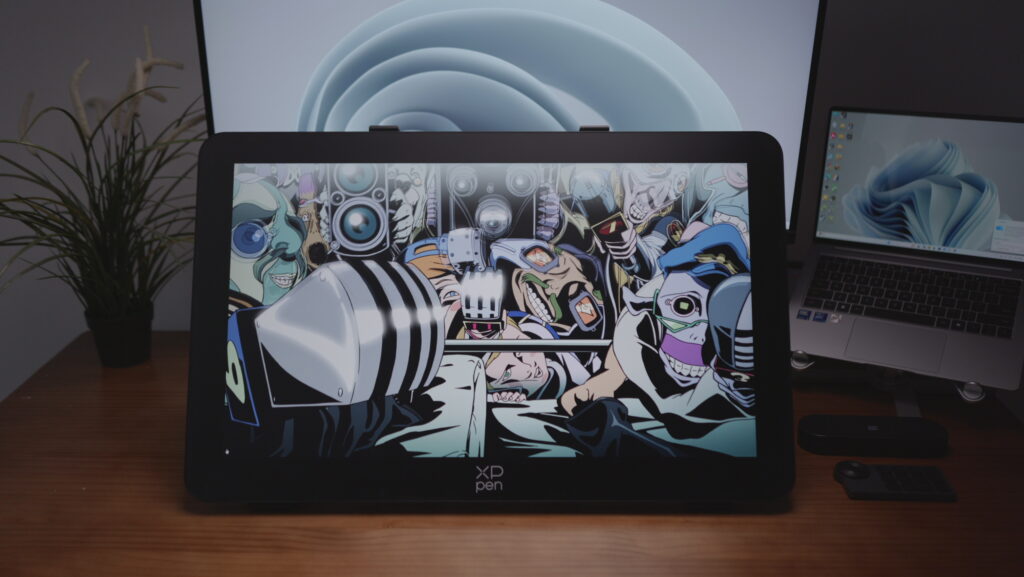
- Size and Weight: Its massive dimensions and weight (approximately 7kg / 15.4 lbs) demand a sturdy, spacious desk and careful handling.
- USB-C Limitations: The USB-C port has bandwidth constraints (leading to chroma subsampling at 4K 120Hz) and lacks power delivery. For the best video signal, using DisplayPort or HDMI is recommended.
- Lack of USB Hub: The absence of a built-in USB-A port for peripherals like dongles or flash drives is a notable inconvenience, requiring an external hub.
- Stand Limitations: While very stable, the stand offers only tilt adjustment. The official design doesn’t elegantly support portrait mode, pushing users with that need towards third-party VESA mounts.
Buy the XPPen Artist 27 Pro (Gen 2) on XPPen official store, and get 5% off with our exclusive code – GizmoXP

Comments