
Add GIZMOCHINA as Preferred Source on Google
Google’s latest Pixel flagships are running into a frustrating software bug that’s breaking one of the most basic things you do on a phone: replying to emails.
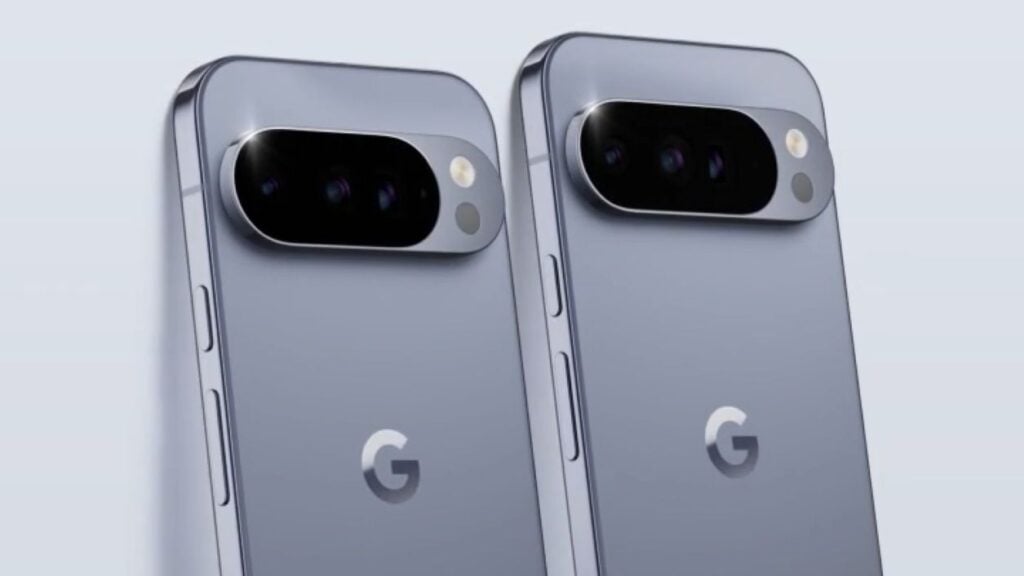
According to reports from Android Authority and plenty of complaints on Reddit, Pixel 10 Pro XL and Pixel 10 Pro Fold owners are hitting this weird issue in the Gmail app. When you tap to reply to an email, the AI-powered “Help me write” feature (powered by Gemini) jumps in and completely blocks the on-screen keyboard (Gboard) from appearing. Instead, you’re stuck looking at the AI suggestion box with almost no easy way to type normally.
On the Pixel 10 Pro XL, there’s a clunky workaround: you can tap the keyboard hide button in the bottom-left corner and then keep tapping the reply field until the keyboard finally shows up. But it’s worse on the Pixel 10 Pro Fold. The cursor disappears in the reply field, taps do nothing, and you’re basically forced to use the AI tool.
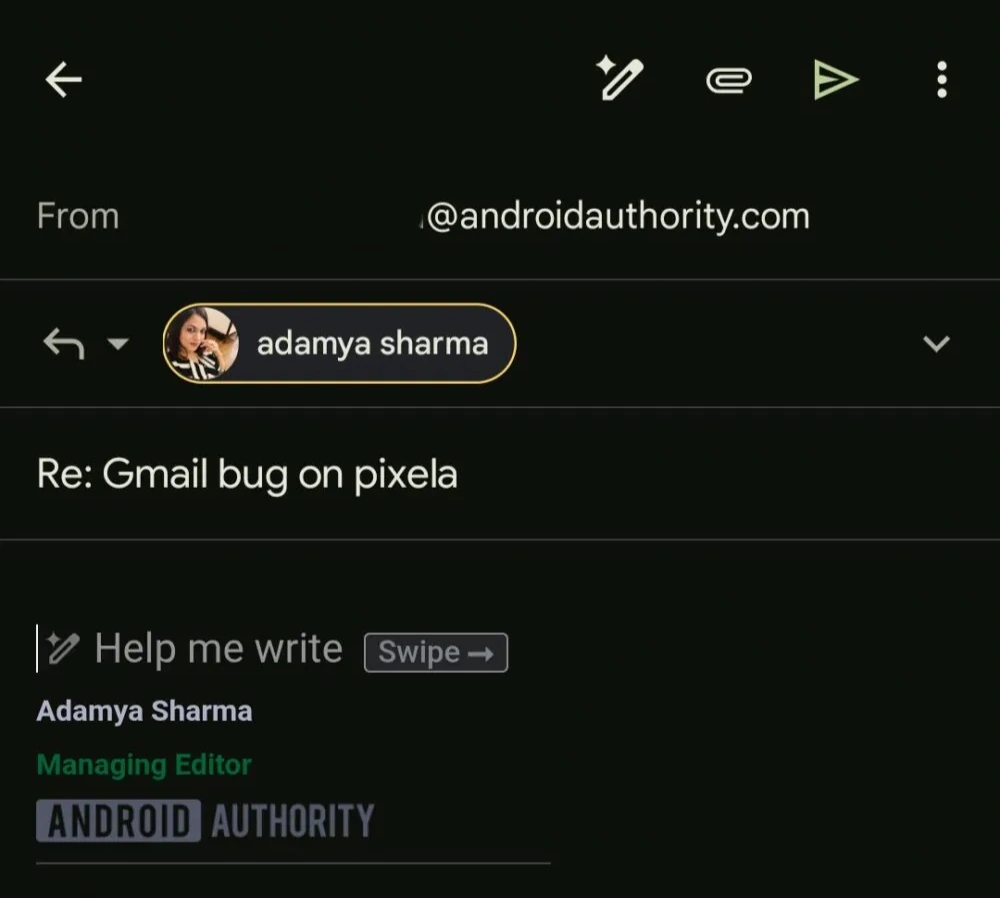
The bug seems linked to recent updates and Google’s strong push to promote the AI writing assistant in Gmail. Normally, “Help me write” is something you can choose to use, but on these affected Pixels it overrides regular typing. Interestingly, Android Authority couldn’t reproduce the problem on other Android phones like the vivo X300 FE or OnePlus 15, and the iOS version of Gmail works fine.
This popped up not long after Google’s June 2026 Pixel Drop, which brought Android 17 and deeper AI features to the Pixel 10 series. While tools like Gemini are meant to make life easier, this glitch shows how tricky it can be to blend smart AI features with the simple, reliable stuff we all expect.
A lot of users are venting on forums and looking for fixes. Some have found temporary relief by turning off certain Gemini options in the Gmail settings. Google hasn’t commented officially yet, but with so many reports coming in, a software patch is probably on the way.
Don’t miss a thing! Join our Telegram community for instant updates and grab our free daily newsletter for the best tech stories!
For more daily updates, please visit our News Section.




Comments