
Add GIZMOCHINA on Google:
As an Amazon Associate, Gizmochina earns from qualifying purchases. Links on this page may earn us a commission at no extra cost to you.
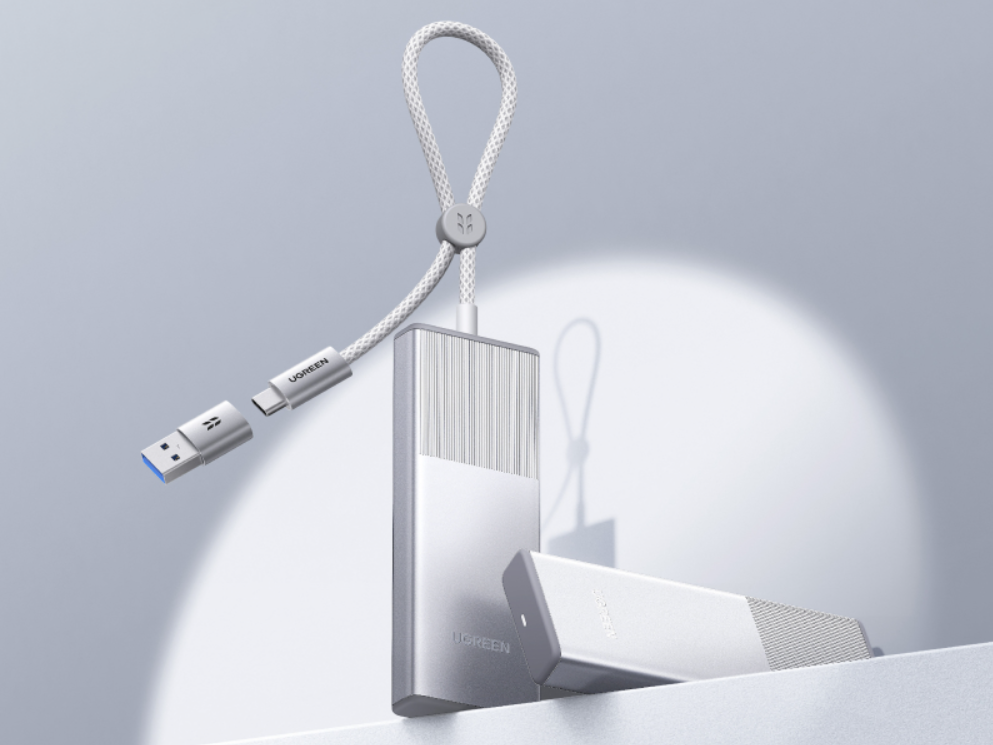
Ugreen has released two new M.2 NVMe SSD enclosures. There is a 10Gbps version available for $27.99 ($24.99 for Amazon Prime members) and a faster 20Gbps version priced at $39.99 ($34.99 with Prime).
Ugreen M.2 NVMe SSD Enclosure Specifications
Instead of relying on a separate, detachable cable that you might easily misplace, these enclosures come with a 7.9-inch USB-C cable permanently attached to the device. When you aren’t using the drive, the cable simply tucks into the side of the case for storage, and there are cable clips to keep things tidy.
The outer shell is made of aluminum, which helps keep the internal drive cool during file transfers. Ugreen also includes a thermal pad in the box to assist with heat dissipation. If you are using an older computer that doesn’t have a USB-C port, the package comes with a USB-C to USB-A adapter. There is also a basic LED light on the outside to let you know when the drive is active.
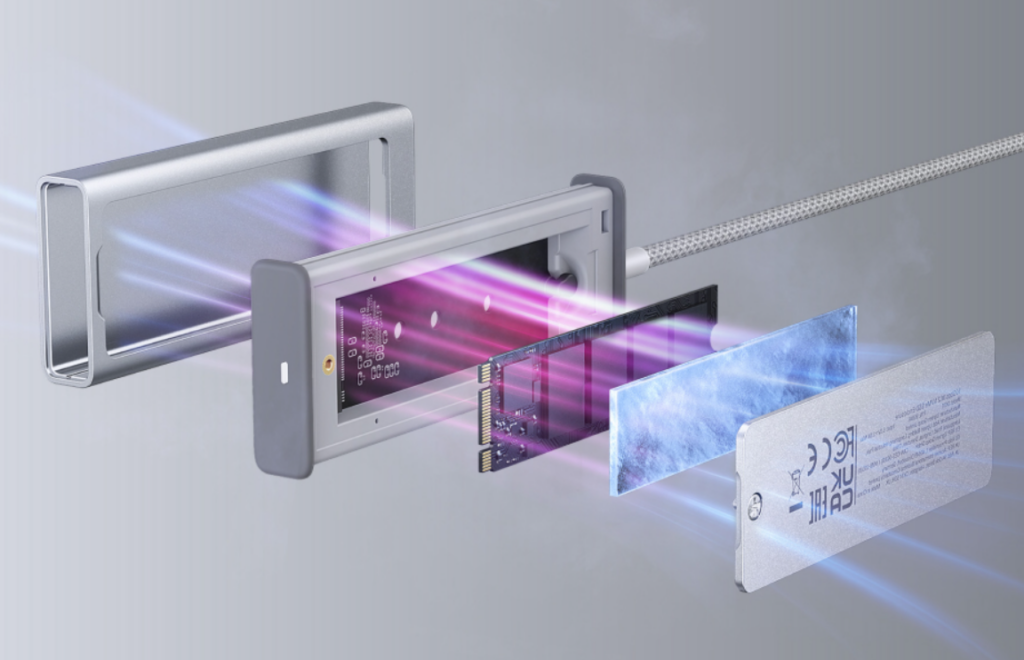
Inside the enclosure, you can install M.2 NVMe PCIe SSDs with storage capacities up to 8TB. It is compatible with the standard 2230, 2242, 2260, and 2280 drive sizes, and it works with both M-Key and B+M Key configurations. You secure the drive with an included screw to keep it from moving around while you are carrying it.
The enclosure is plug-and-play, meaning you don’t need to install any drivers to use it on Windows, macOS, or Linux computers. It supports standard storage features like TRIM and SMART, which help maintain the drive’s long-term health and performance. If the drive is plugged in but left idle, it will automatically go to sleep after 15 minutes to save power.
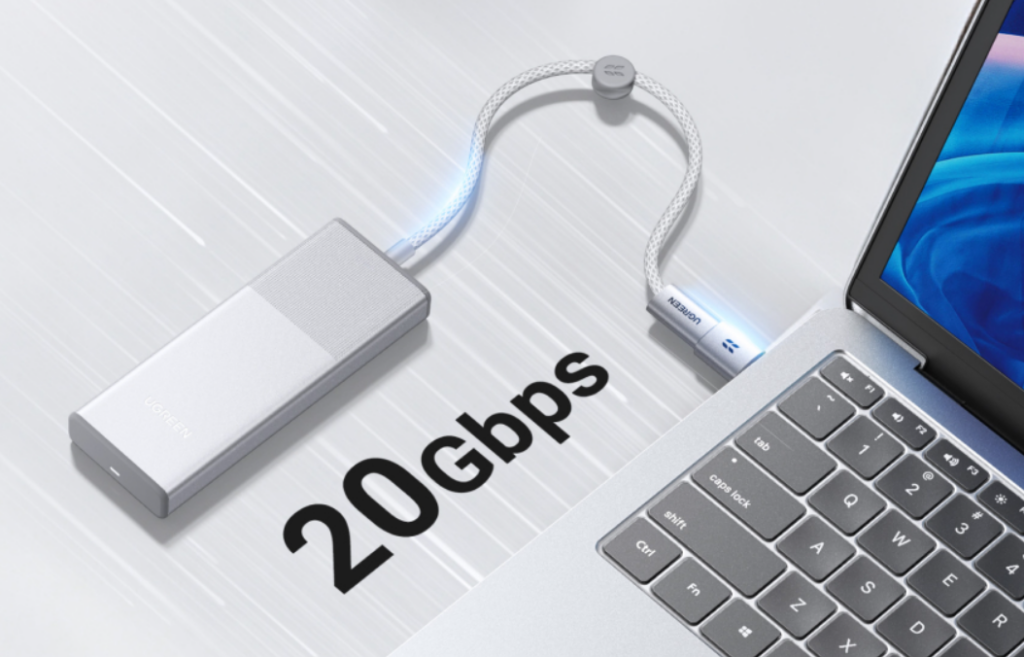
The transfer speeds you actually get will depend on the model you buy and the ports on your computer. The $27.99 model uses a USB 3.2 Gen 2 interface for speeds up to 10Gbps. The $39.99 model uses USB 3.2 Gen 2×2 to reach up to 20Gbps. However, there is a catch with the faster version: your computer needs a specific USB 3.2 Gen 2×2 port to hit that 20Gbps mark.
Thunderbolt 3 and 4 ports, like the ones found on all MacBooks and many modern Windows laptops, do not support the Gen 2×2 standard. If you plug the 20Gbps enclosure into a Thunderbolt port, it will just run at 10Gbps. Because of this, Mac users and people with Thunderbolt-only laptops are probably better off saving a few dollars and buying the 10Gbps model.
For more daily updates, please visit our News Section.
Stay ahead in tech! Join our Telegram community and sign up for our daily newsletter of top stories!



Comments