
Android Launchers are the window to the platform’s much-touted customization feature. The launchers can fully facelift your home screen, App drawer, and animation and icon-related settings. There are several third-party launchers that are available for free on the Play Store, offering some different features.
There are some popular Android Launchers that offer port some exciting features from the latest Android builds to old smartphones, especially the customization and animation of newer Android versions. The list of popular Android Launchers includes Nova Launcher, Apex Launcher, Microsoft Launcher, Poco Launcher 2, Hyperion Launcher, and AIO Launcher.
Some Launchers have their own way of showing important information, and the same follows the old traditional design of the Android Home Screen. However, Launchers even offer minimal style and helps reduce unnecessary taps to perform daily tasks. Every Launcher app is useful in its own way and helps to customize the Android smartphone.
List of Best Android Launchers to enhance home screen
Table of Contents
Nova Launcher
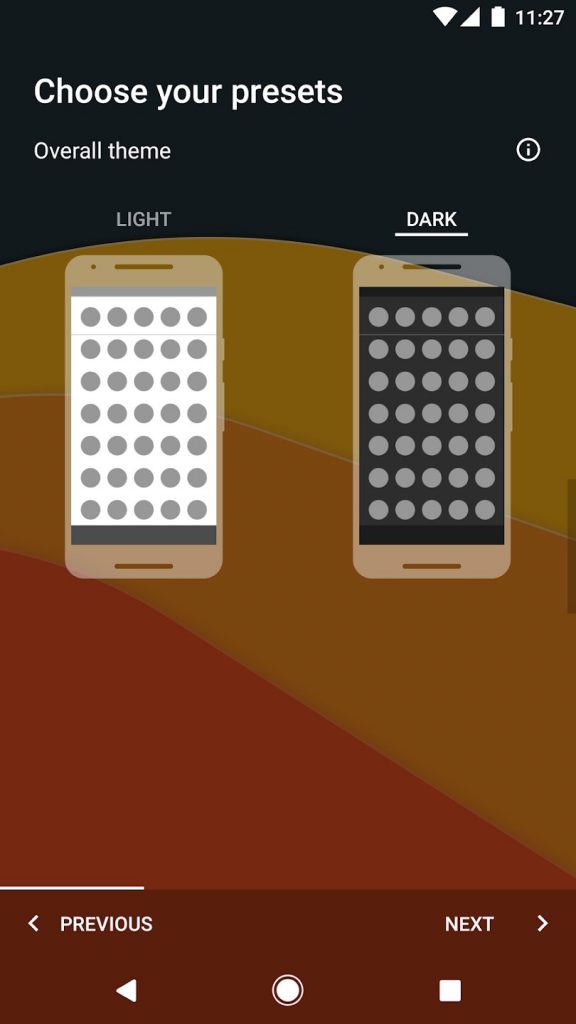
- Dark/Night Mode
- Highly Optimized
- Highly Customizable
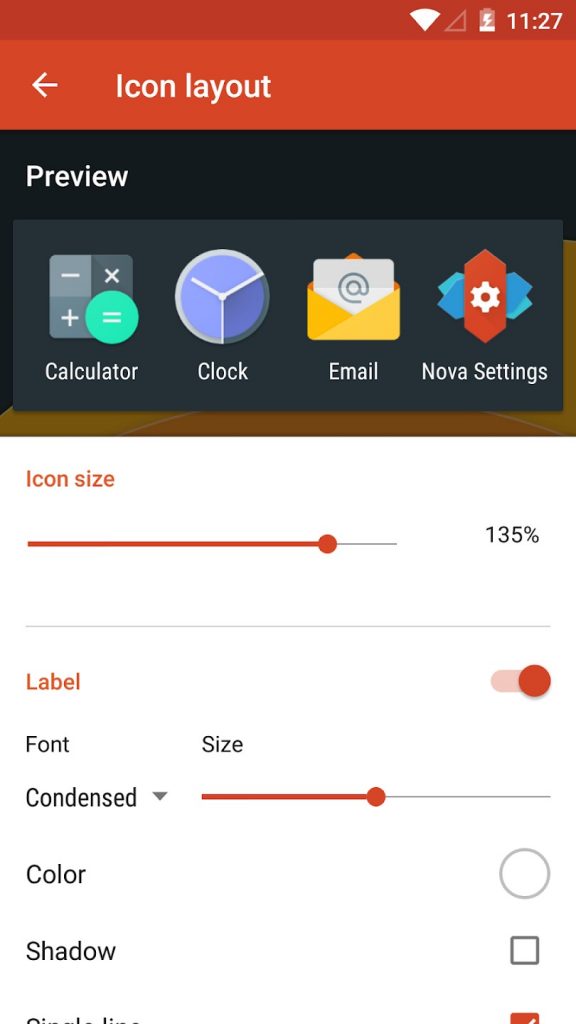
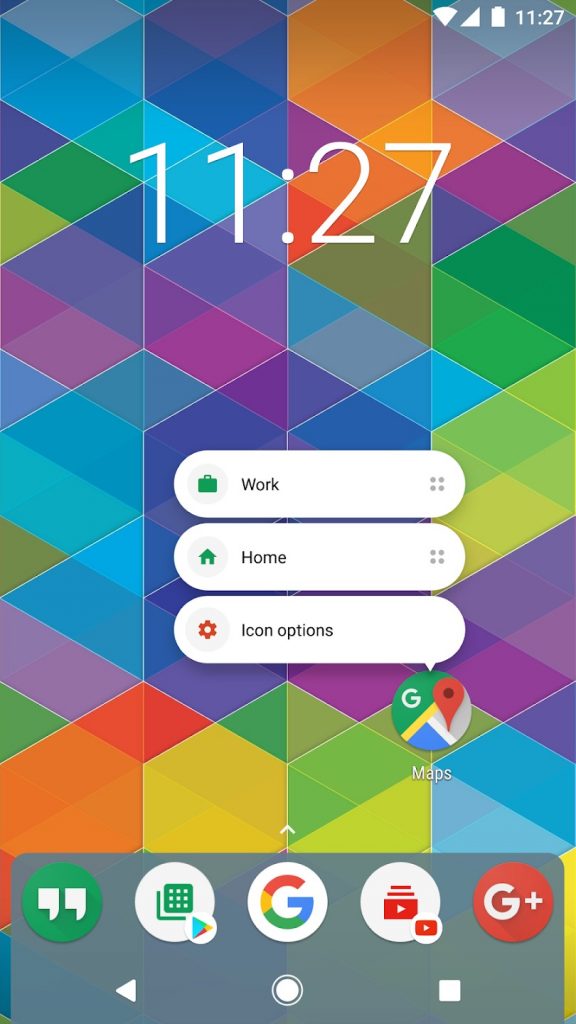
What’s better than Nova Launcher for customizing your Home Screen on an Android device? For ages, Nova Launcher has always stood at the forefront in bringing the features from the latest Android builds to all the devices running old Android versions.
It offers a world of customization including gesture support, icon pack support, the look and feel of the app and folders, themes, night mode, Google Discover, etc. The app is well maintained with proper timely updates and fixes. The consistency and bug-free experience make the Nova launcher one of the best Android Launchers.
It is available for free but users can also enjoy more features with its Pro version, which is available for $4.99.
Must See: 7 Best Android theme apps for seamless customization
Nothing Launcher
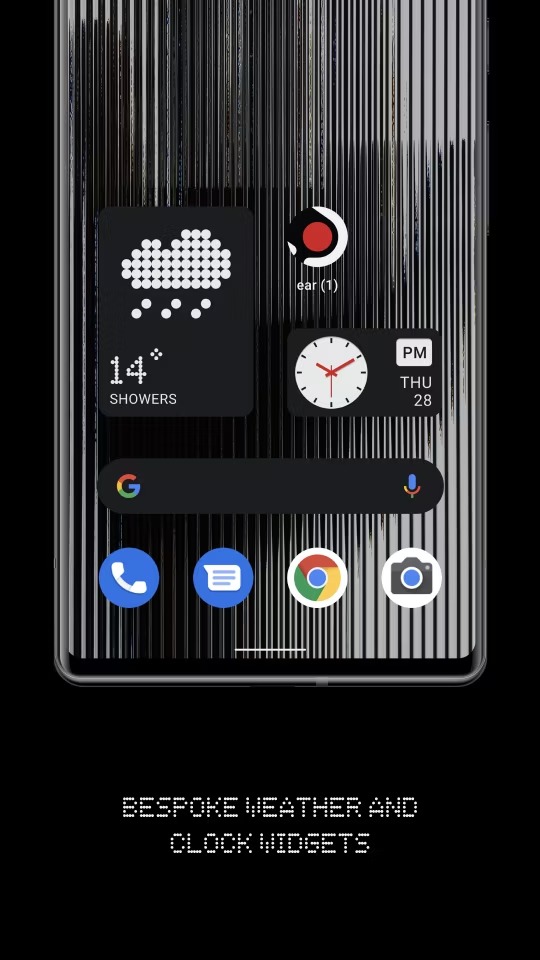
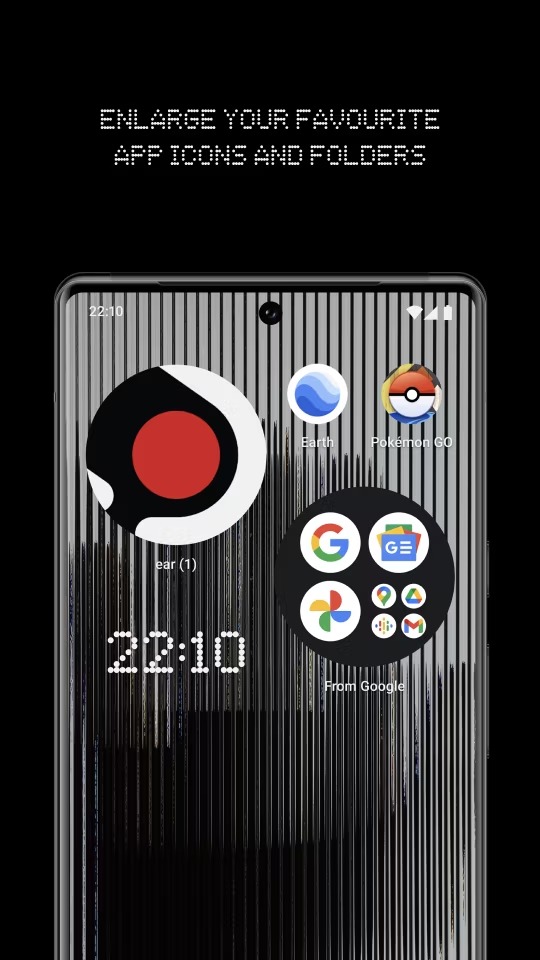
- Matrix-based Widgets
- Clean UI
The youngest smartphone manufacturer with aesthetically designed products comes with equally beautiful User interfaces or Software. The same is visible via the Nothing Launcher that is available for all Android smartphones.
Nothing launcher offers a simple yet minimal look with support for matrix-based Date Time and Weather widgets. We absolutely recommend this Launcher if you would like to try a different look on your phone without any major makeshift on the home screen.
Must See: Best Apps to take Scrolling Screenshots on Android?
Microsoft Launcher
- Cross-Platform Sync
- Microsoft Tools
- Windows Compatibility
Microsoft is looking to expand its horizon of services beyond the spheres of the Windows Operating System. The Redmond giant efforts are commendable since 2017 to gain traction among Android users and offer a much better amalgamation between both Operating Systems.
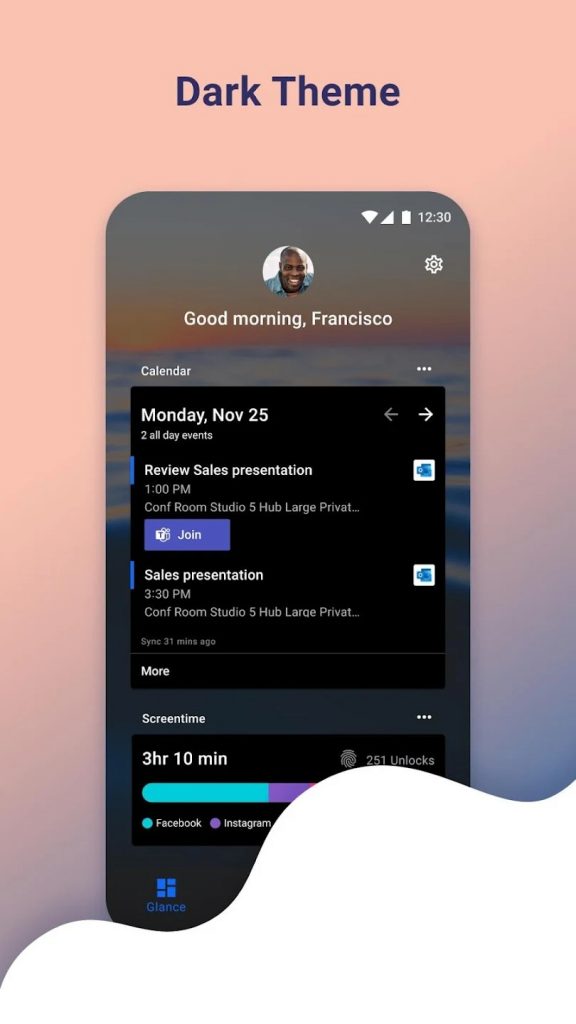
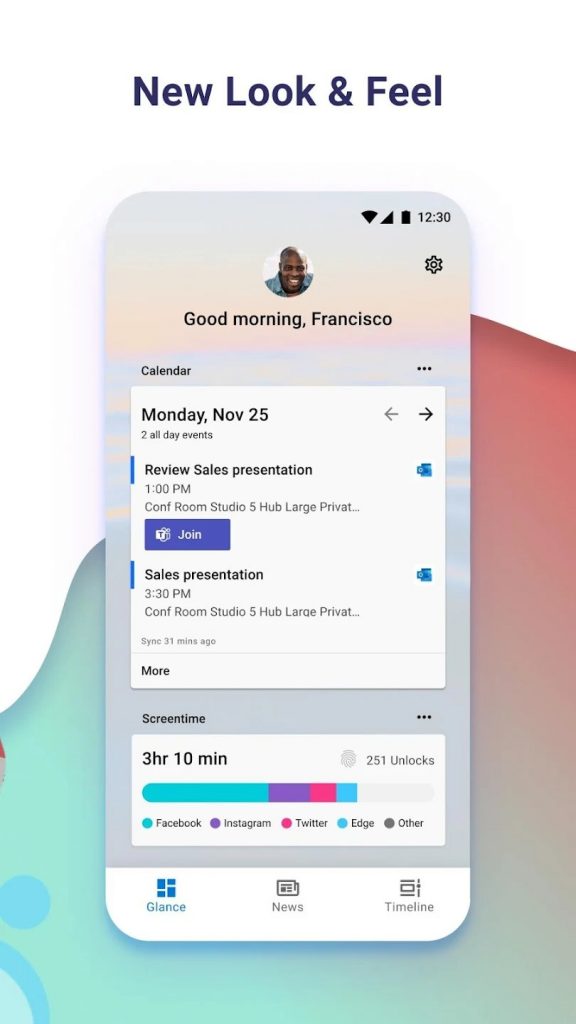
Microsoft Launcher is a step in the same precedence that offers cross-platform sync for the clipboard between Android and Windows or vice-versa. There are some other Microsoft Products that are part of the launcher and the users can sync all the data between their Windows operating system.
In lieu of free promotion of its products such as tasks, calendars, and other services, Microsoft Launcher is available free of cost. Rather than just a launcher, it is more of a utility for users who are regular Windows users.
Must See: Best Apps to find cheap flight tickets?
Poco Launcher
- Lightweight
- Regularly Maintained
It is a recommended pick for users, who would like to enjoy a simple and stock Android look on budget smartphones.
The Poco Launcher is native to Poco Phones. It offers a lightweight and intuitive app drawer. It resolves all the woes related to app filtration in the drawer. However, there are hardly any bugs as Xiaomi continuously updates and maintains the app.
Must See: Best apps to display internet speed in status bar
Total Launcher
- Rich Featured Widfeers
- Responsive Design
- Endless Customization
- Pre Built Themes
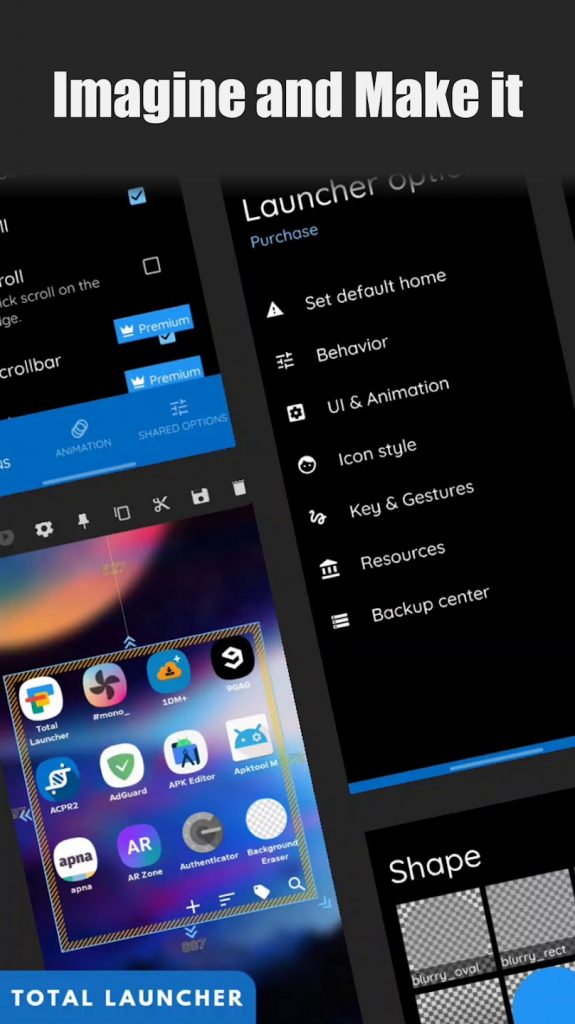
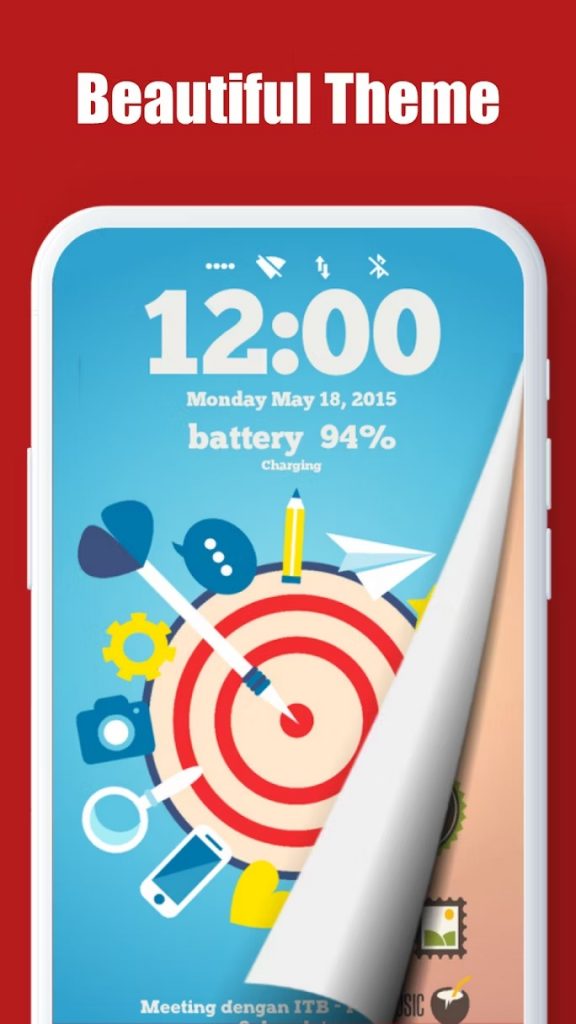
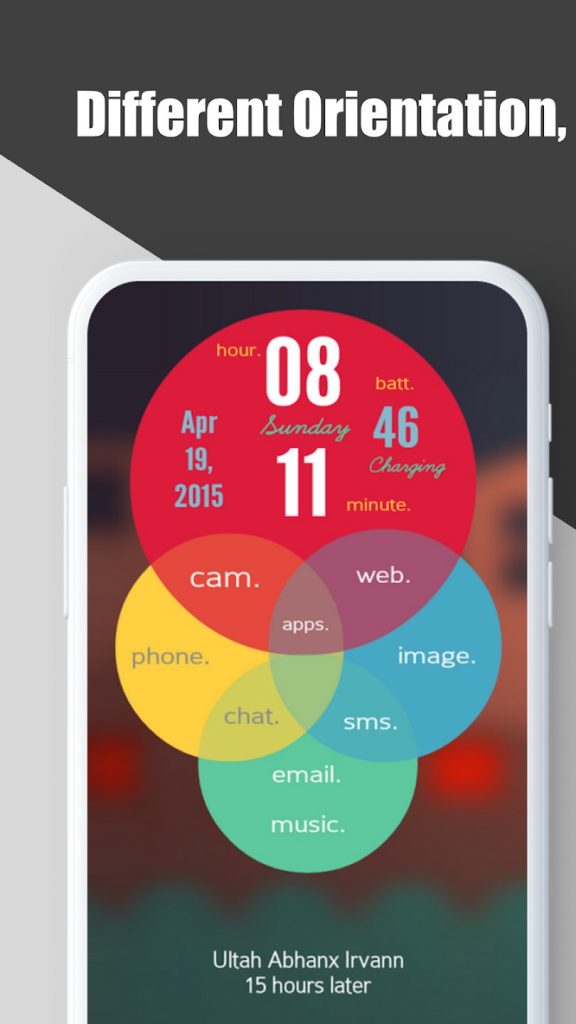
Total Launcher can serve different purposes, from simple and elegant to complex and smart home screens and lock screens. It is even regarded as the most customizable launcher with support for all the latest features.
It brings the ability to customize animation, icons, widgets, preferences, and much more. Advanced settings for each app settings and Backup Center. The app is free to use, however, you can get some additional features with a premium subscription which costs $1.99 a year and $4.99 as an in-app purchase.
Must See: Best apps to automate tasks on Android device
Action Launcher: Pixel Edition
- Pixel Experience
- Gestures
- Sable Experience
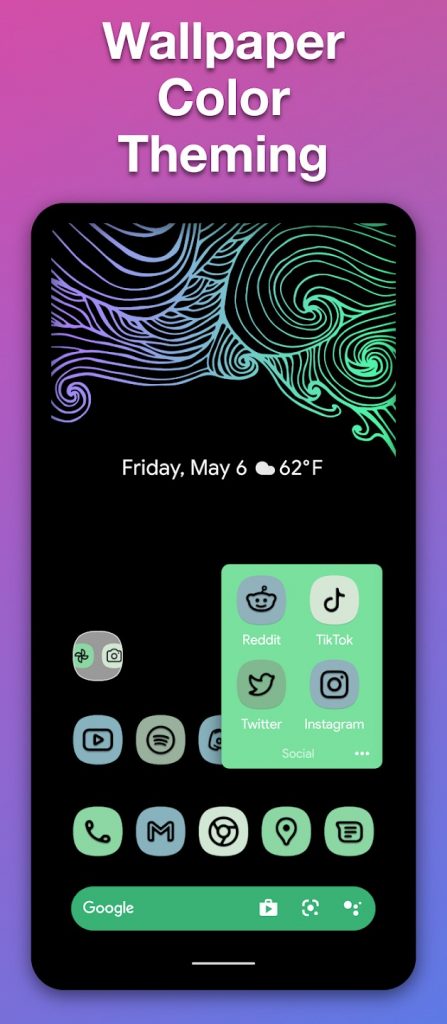
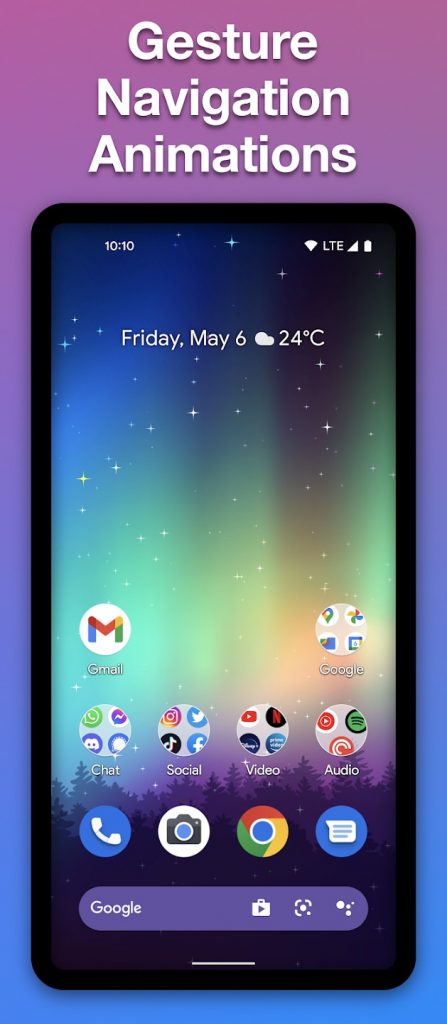
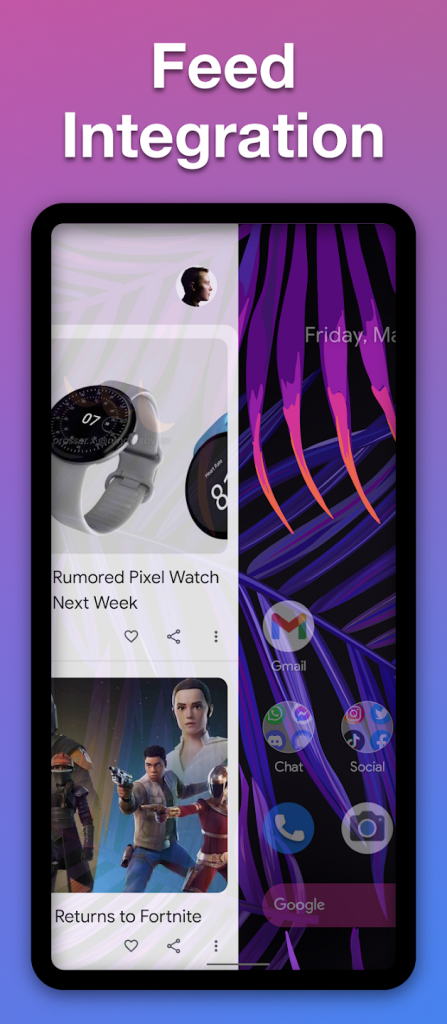
If you’re fond of Pixel UI, then the Action Launcher can be your favorite launcher as it offers Vanilla Android Look along with Pixel elements such as Widgets, App Drawer, etc. The users can choose between an optional widget app drawer and a pull-out app drawer for most-used apps.
The Launcher is offering a consistent experience since 2013. It is worth giving a try f you’re looking to experience Pixel UI.
Must See: Best Note-Taking Apps for this year!
Niagara Launcher
- Android 13’s Dynamic Color Scheme Support
- Notifications Control
- One hand-Friendly
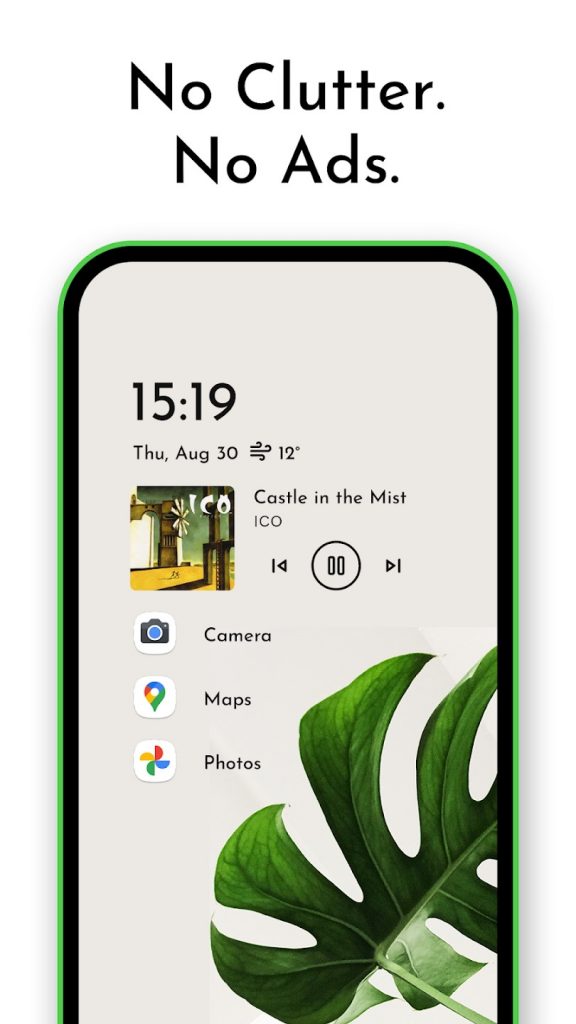
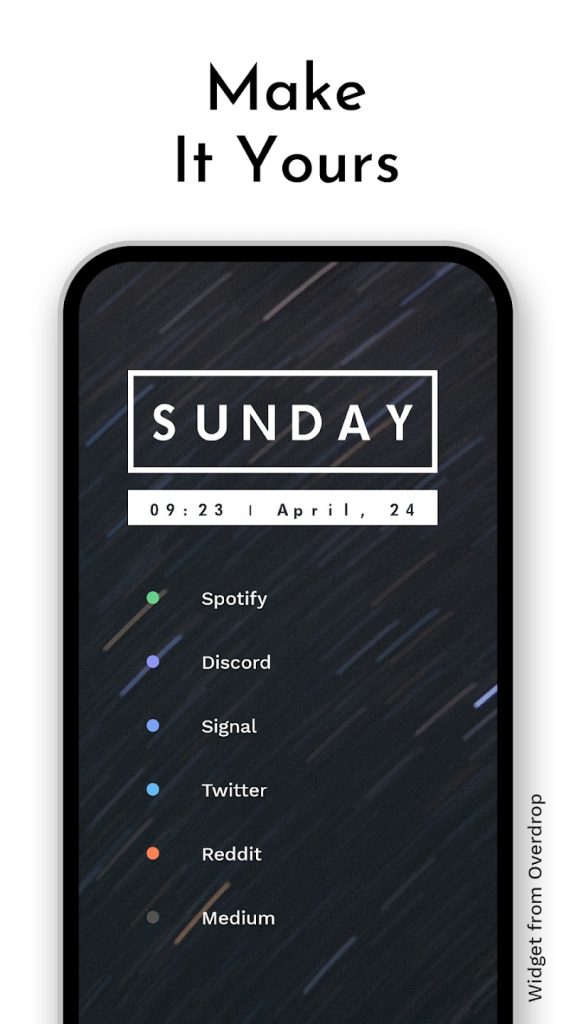
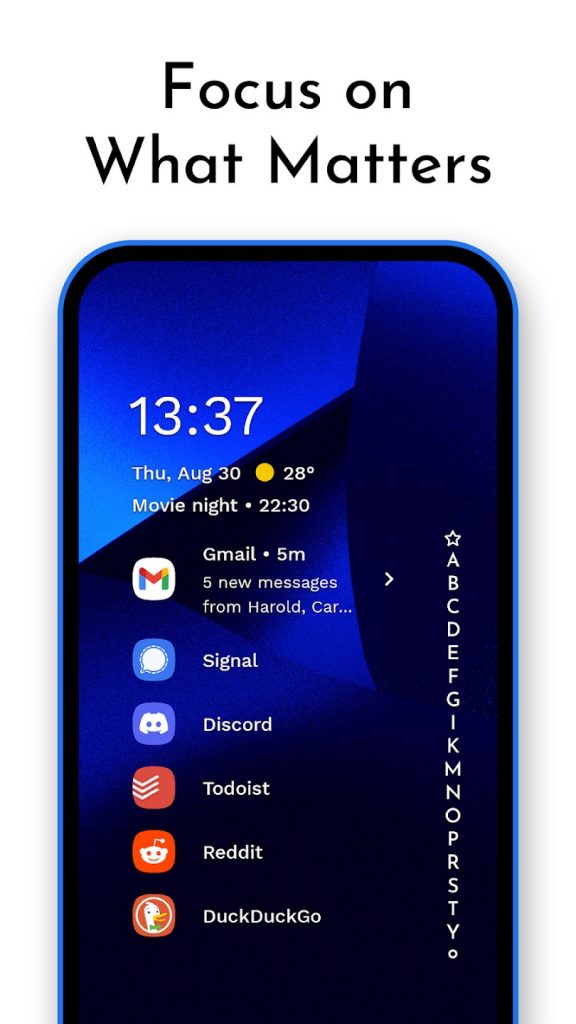
It is another minimalist launcher with a vertical scroll layout. The Home Screen only shows apps and other selected utility data, vanishing all remaining clutter. The ergonomics while scrolling the App list line by line are quite identical. Moreover, the Notification management is also well-managed by the launcher, allowing users to reply to each notification without opening the app.
Other features of the Niagra launcher are gestures, customizable look, and feel, embedded notifications, and widgets. It also supports Android’s dynamic color scheming.
If you can grab Pro Version, then advanced options like weather widgets, pop-up widgets, and other customization options.
Must See: Best third-party Night Mode camera Apps for Android
Launcher iOS 16
- iOS 16 Look
- Control Center
- Lock Screen
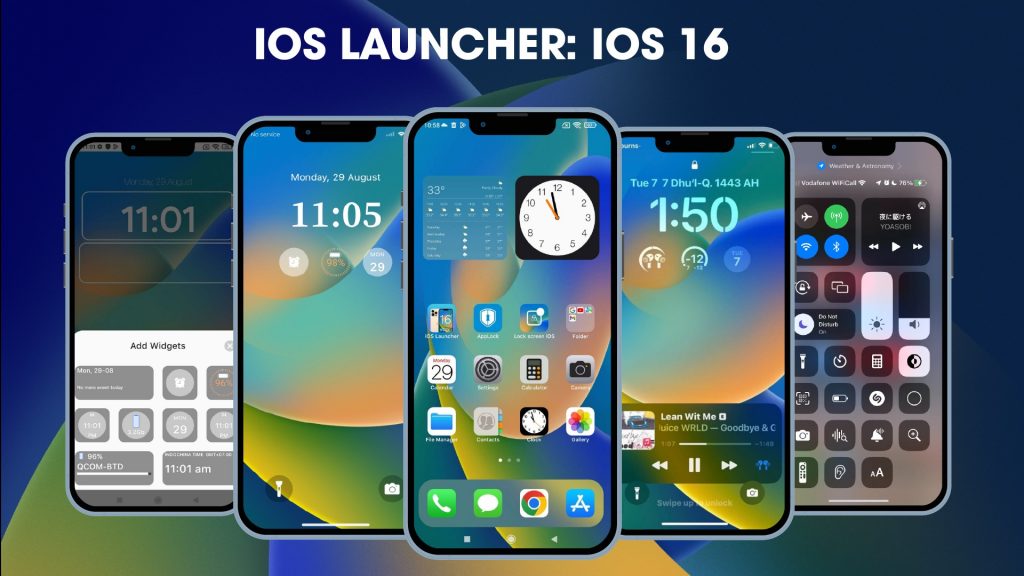
Here’s the easiest method to grab the iOS feel and look on any Android device. The Launcher iOS 16 replicates all the design elements from iOS 16. The Control, app drawer, and several other aspects of the iPhone are part of the launcher.
The lock screen, Control Center and Assistive Touch require additional apps to make these work. A whole new experience just by downloading a launcher is only possible on the Android ecosystem, and the Launcher iOS 16 is a live example.
The app is freely available via Play Store.
These were some of the best Android Launchers that you can try on any Android smartphone or compatible tablet. The openness and ability to customize every aspect of Android are well-seen in this guide. Users can enhance the overall experience of the device by simply installing a new launcher. Most of these launchers are freely available, however, you need to shell out some money for additional features.
If we have missed any Android launcher that you feel might be useful for others too, then do let us know via the comments below.

Comments