
Add GIZMOCHINA as Preferred Source on Google
Doogee is one of those Chinese manufacturers, which is trying to stay under the sun in the fierce competition of smartphones. We have to take a look at the device to tell you if it is worth your attention or not and this time around we have a brand new Doogee Iron-Bone DG750 as a review unit. Is the “Iron Bone” name worth your attention? Let’s take a look. We wanted to thank Comebuy for providing us with a review unit!
VIDEO
SPECS
| Display | 4.7 inch 960X540 (below HD) |
| Processor | MTK6592, Cortex-A7 Octa core,1.7GHz (32-bit) |
| RAM | 1GB |
| Camera | 5MP Front/8MP Back, |
| Connectivity | Bluetooth, 3G, 4G, GPS, WIFI, GSM,EDGE, GPRS, UMTS, HSPA, HSPA+, |
| Battery | 2.000 mAh Li-polimer |
| Dimensions | 132 x 67 x 8 mm |
| OS | Android 4.4.4 Kitkat |
| Storage | 8GB (can be expanded up to 64GB via Micro SD) |
UNBOXING
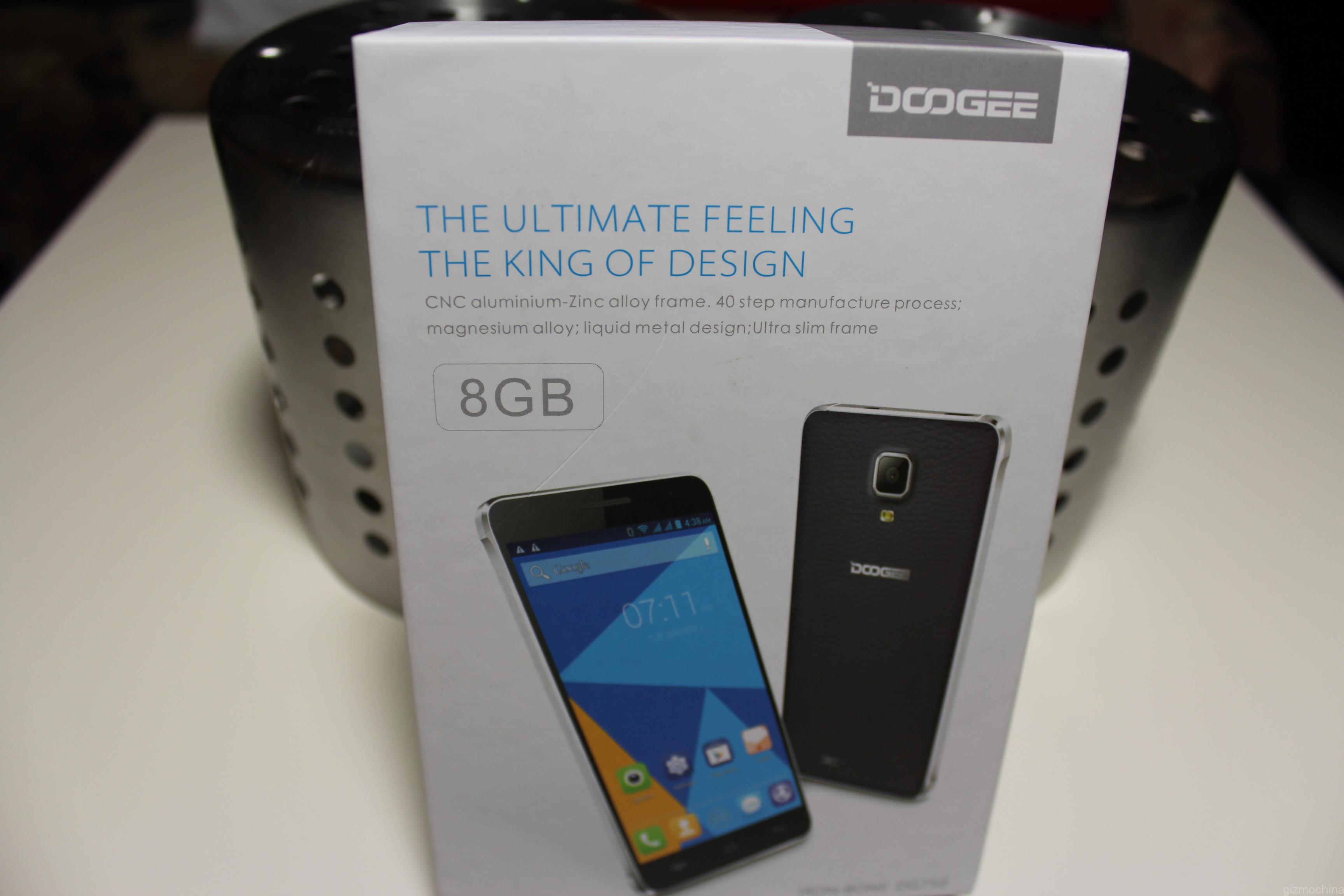
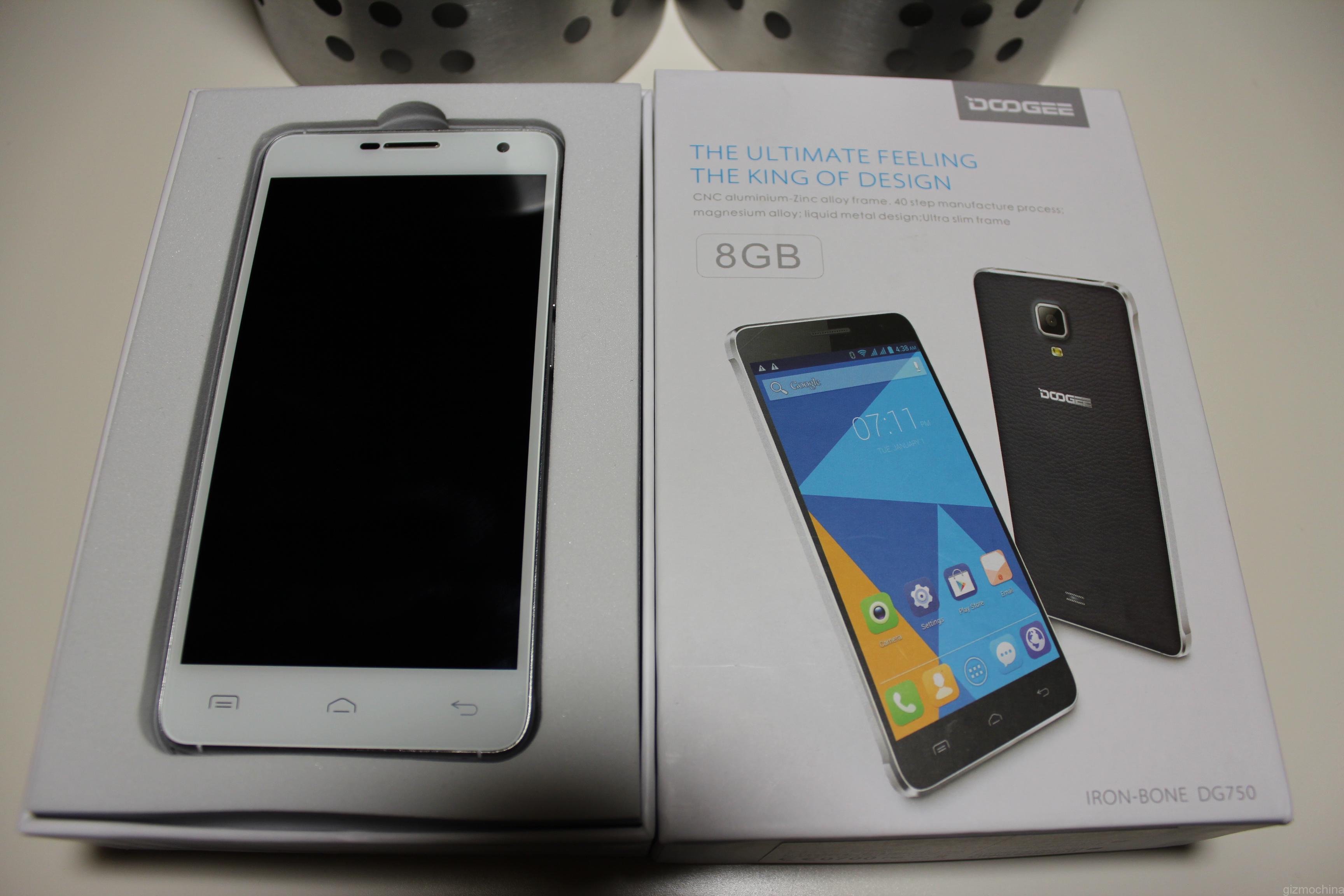
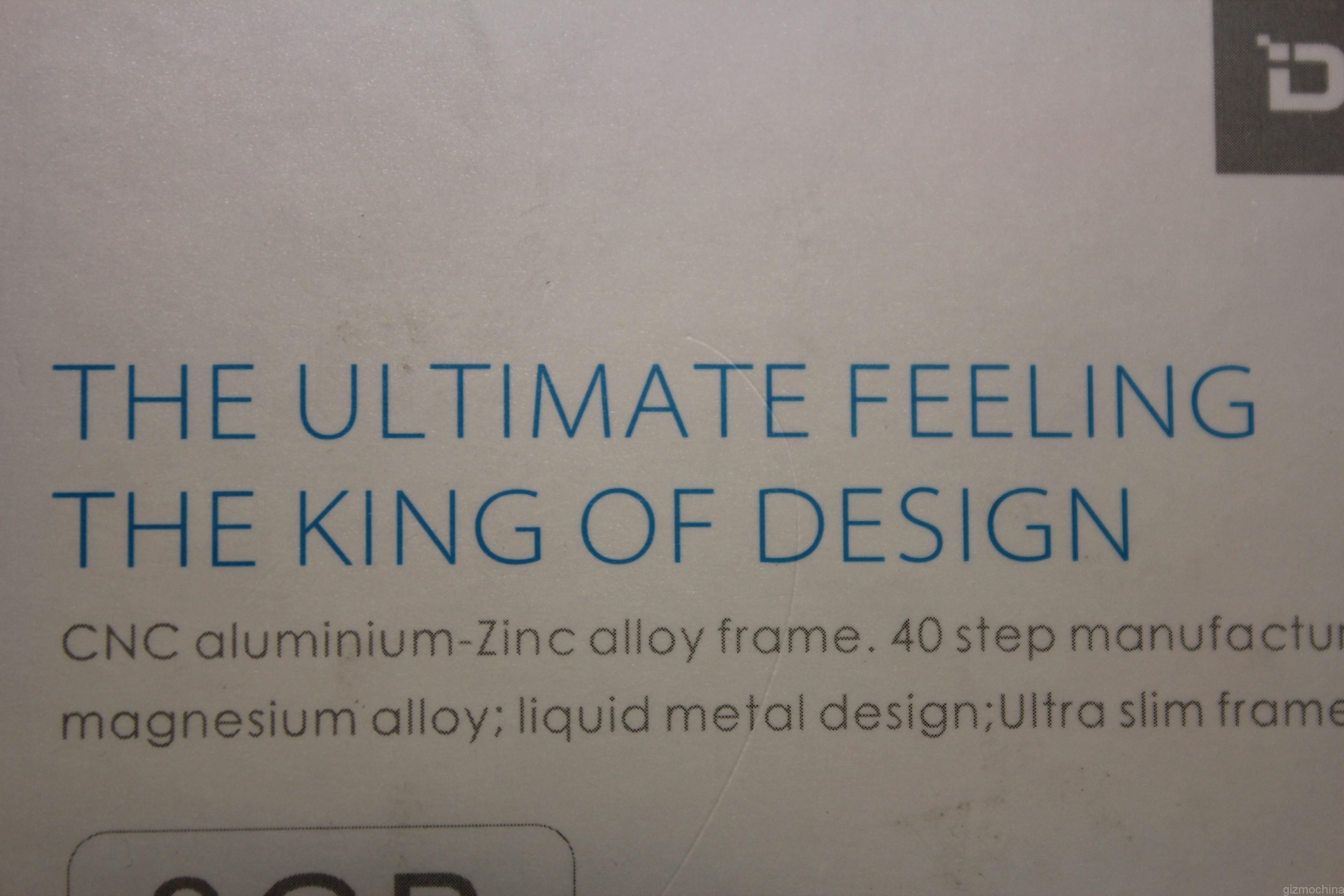
The device comes in a plain box with some pics of the smartphone on it. Also, it says that Doogee is the “King of Design”, so you better be sure what you are dealing with.
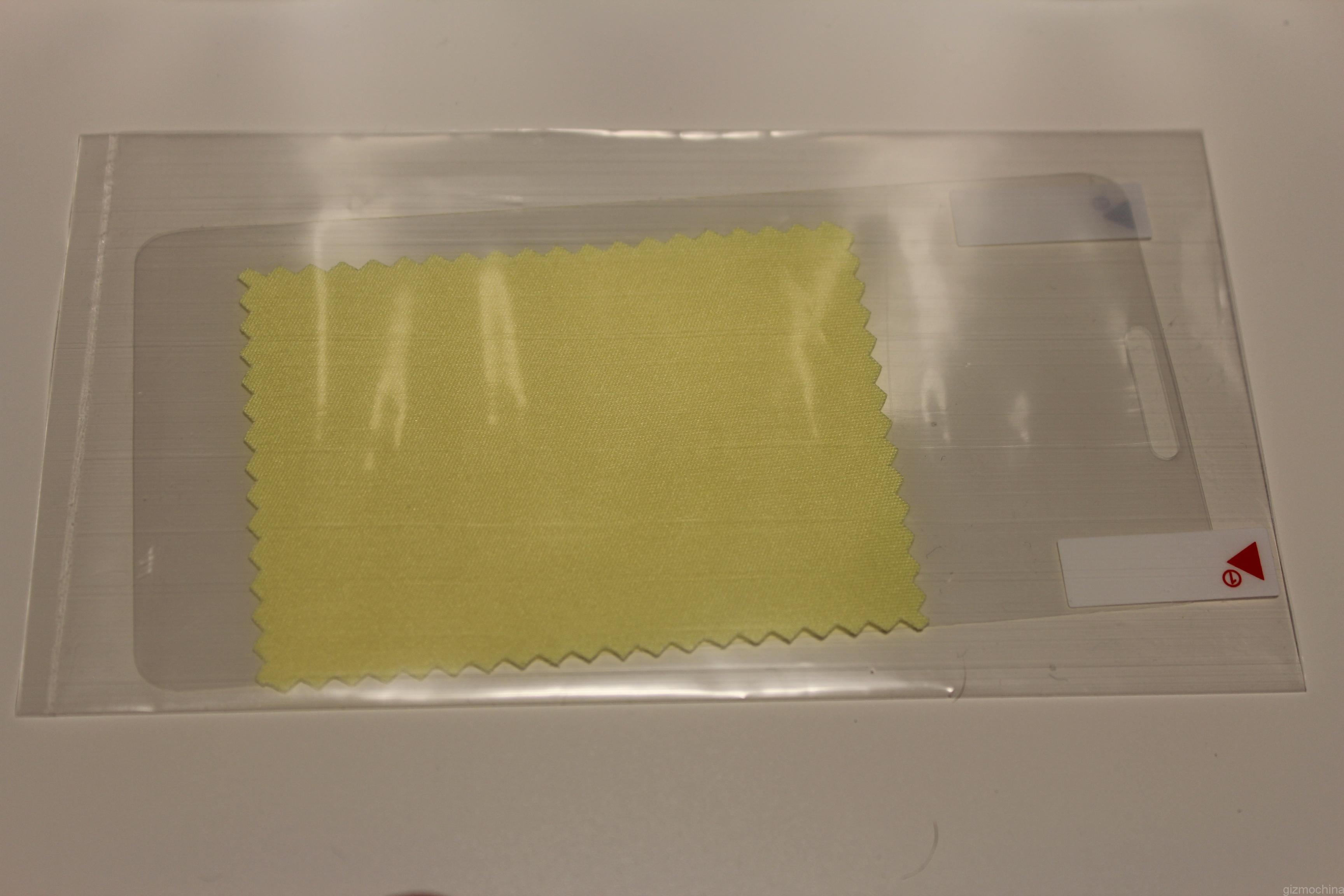
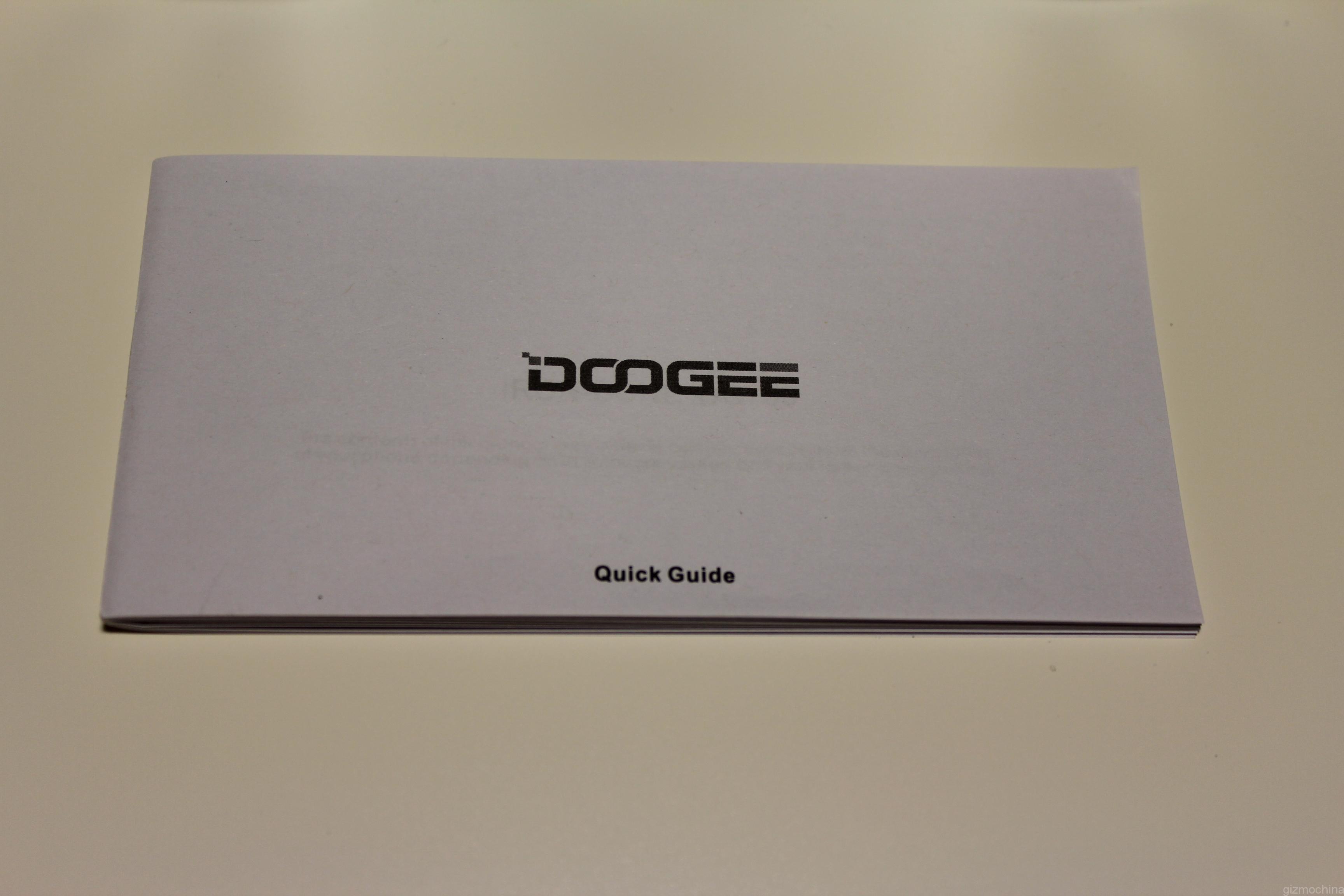
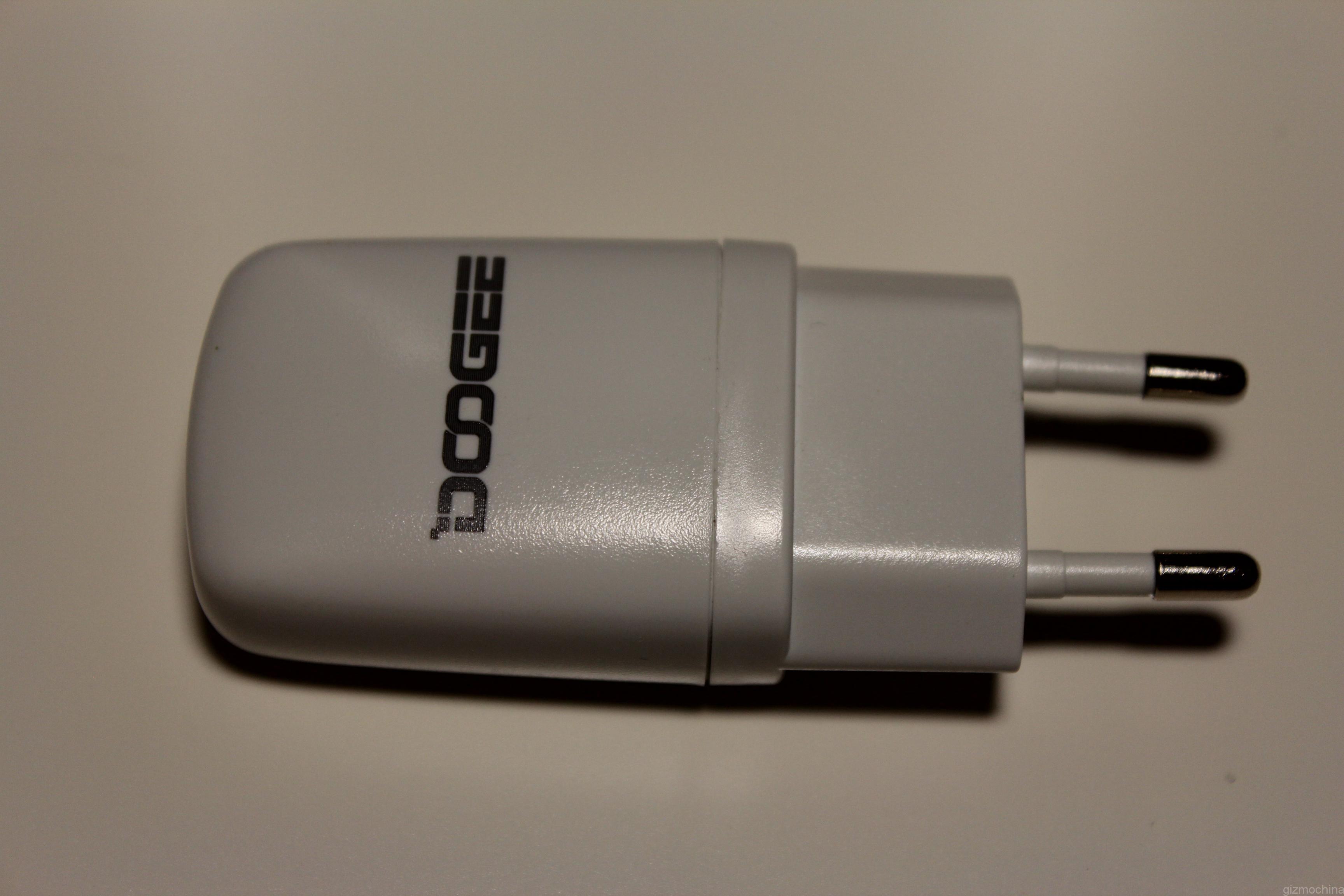
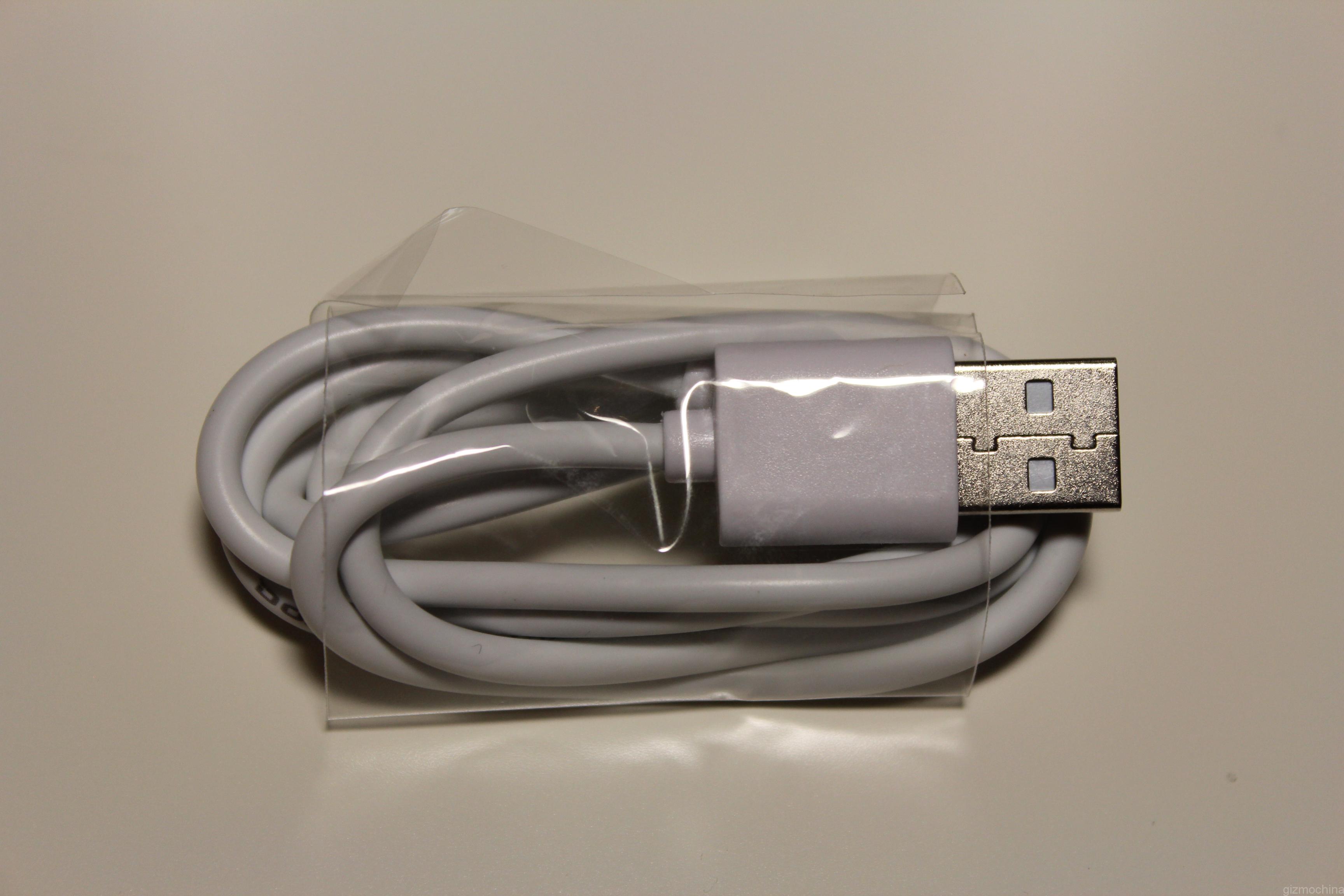
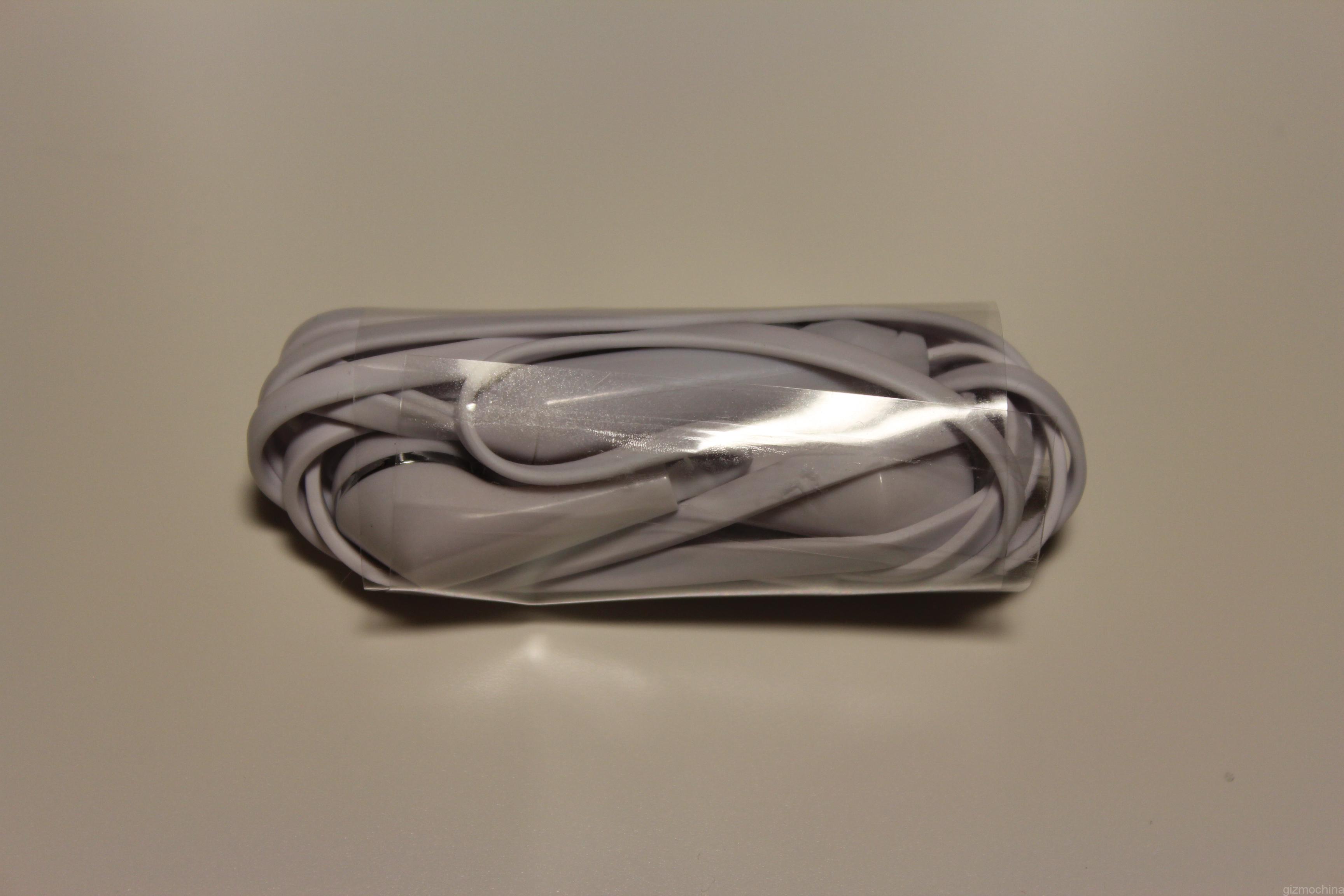
The smartphone comes with a screen protector, quick start guide, USB charging brick, USB cable and the pair of headphones. A fairly standard bunch of contents.
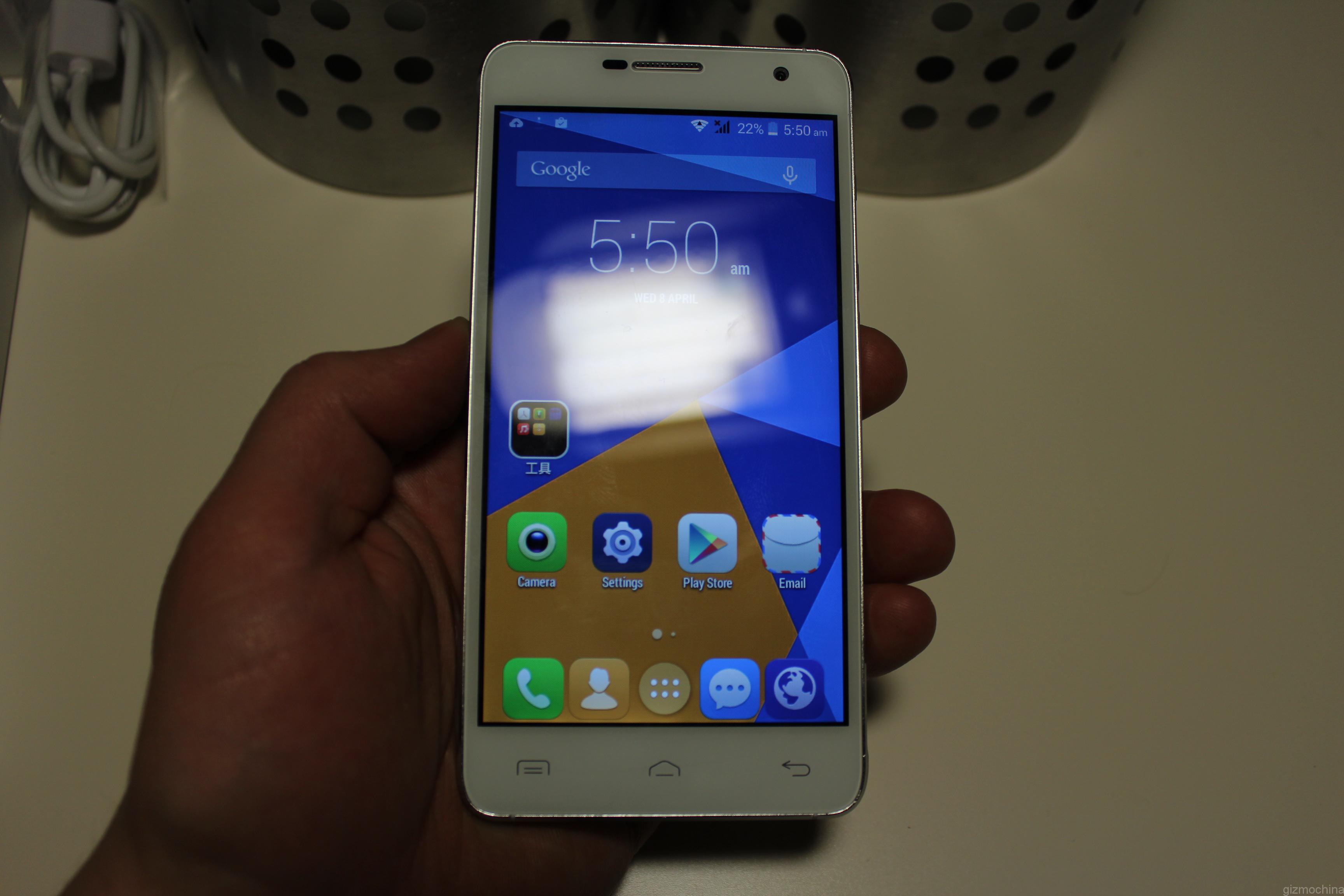
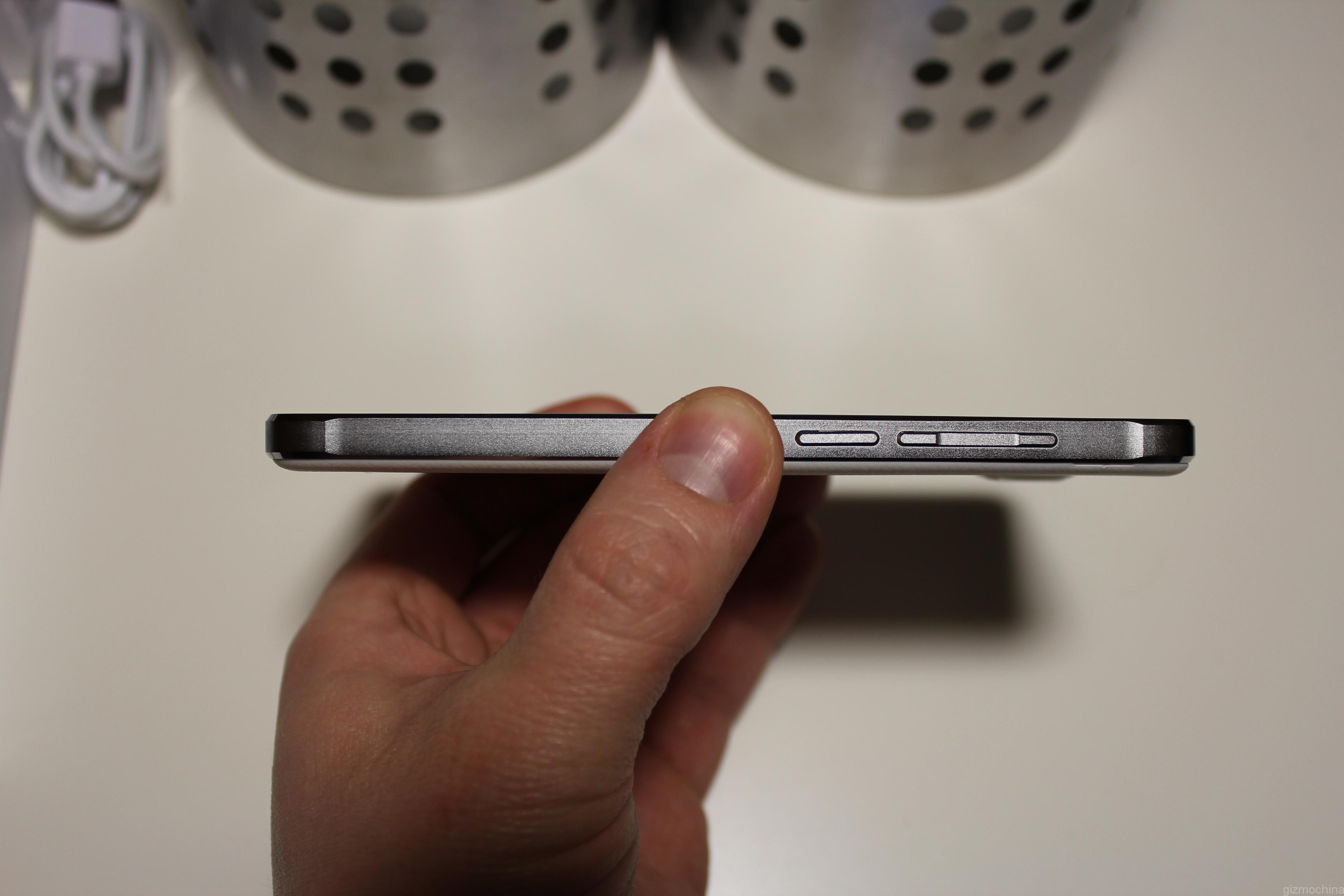
The initial impression is that the device is well made. It spots a metal-zinc alloy frame and metal buttons. Also, there is a textured plastic removable cover.
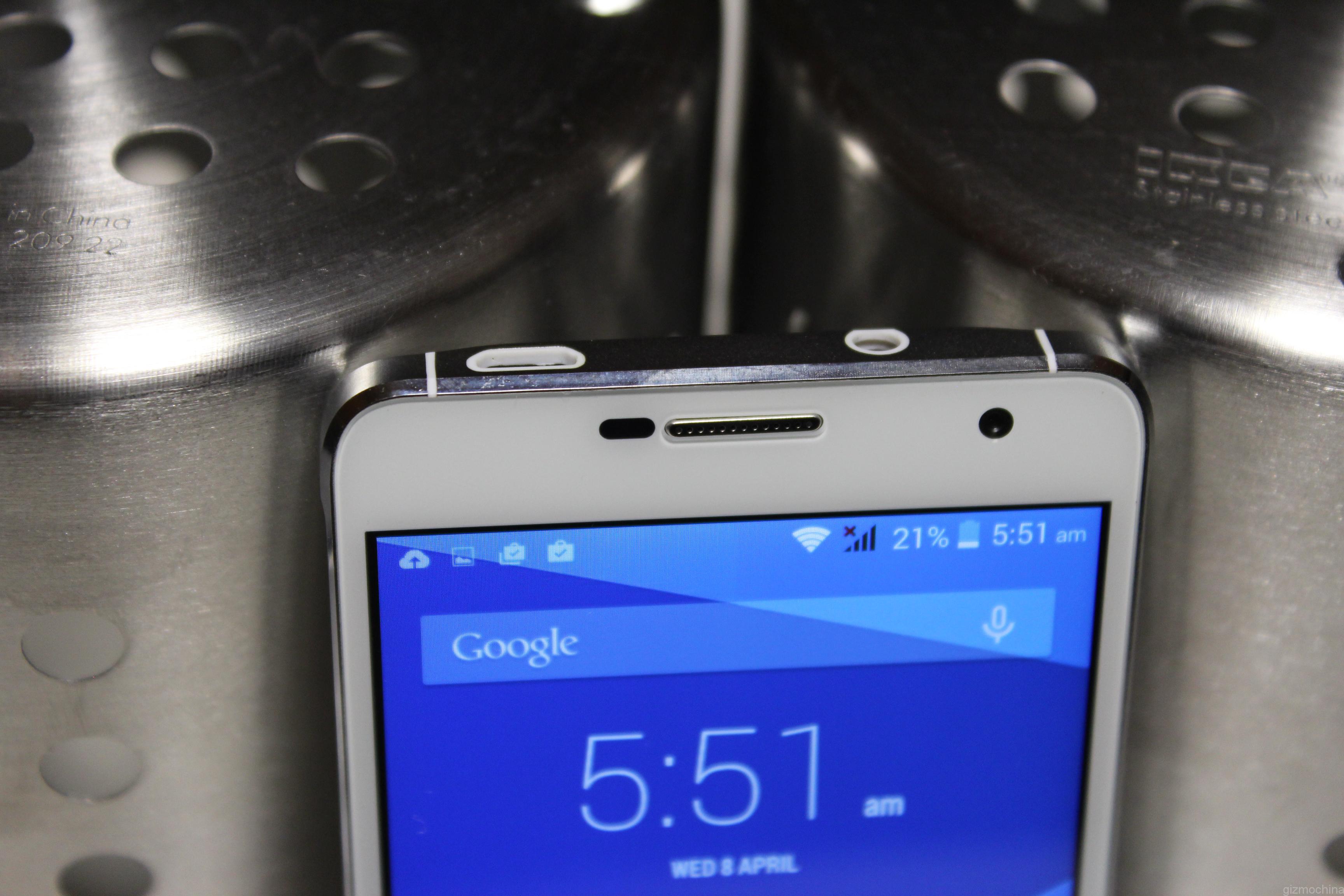
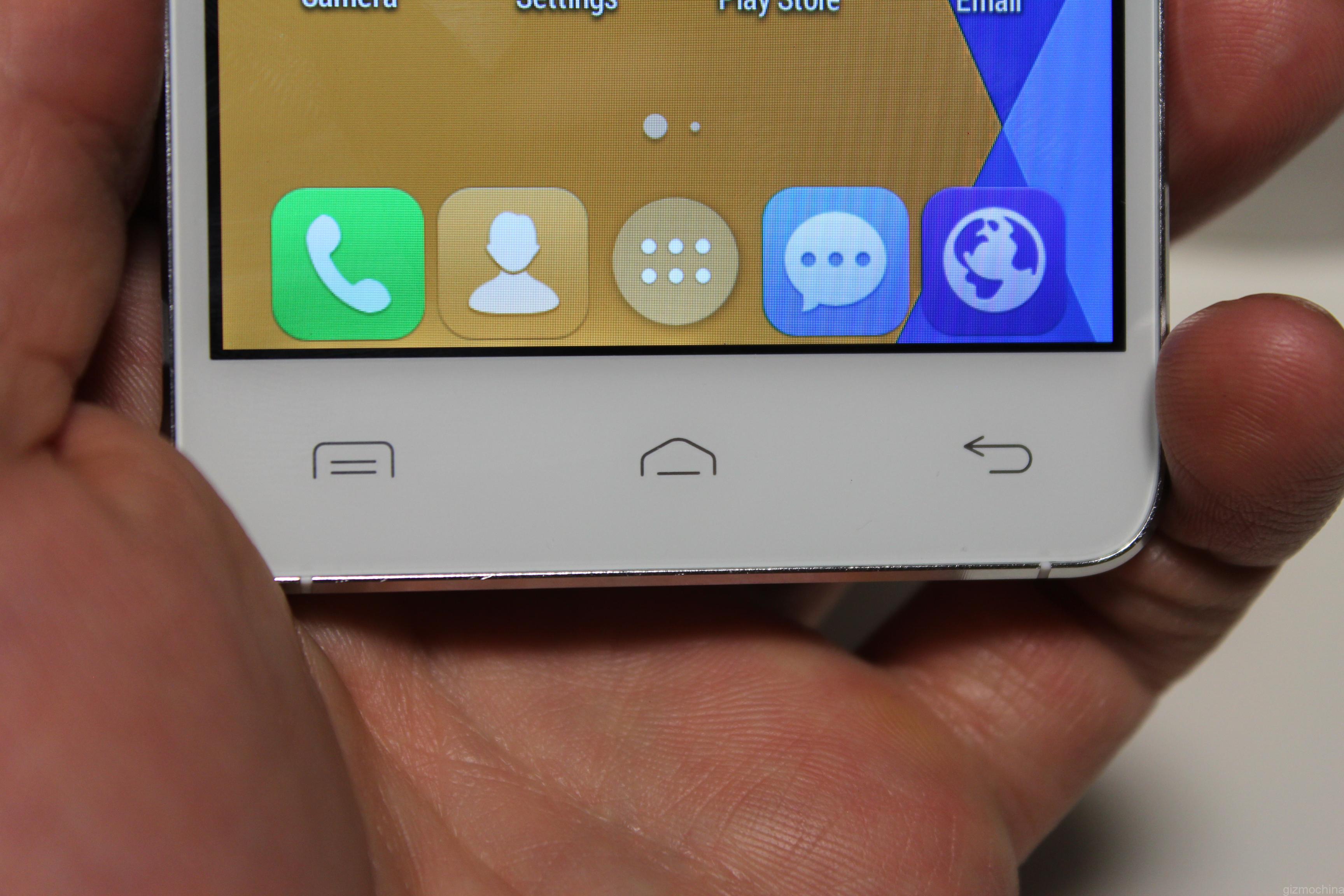
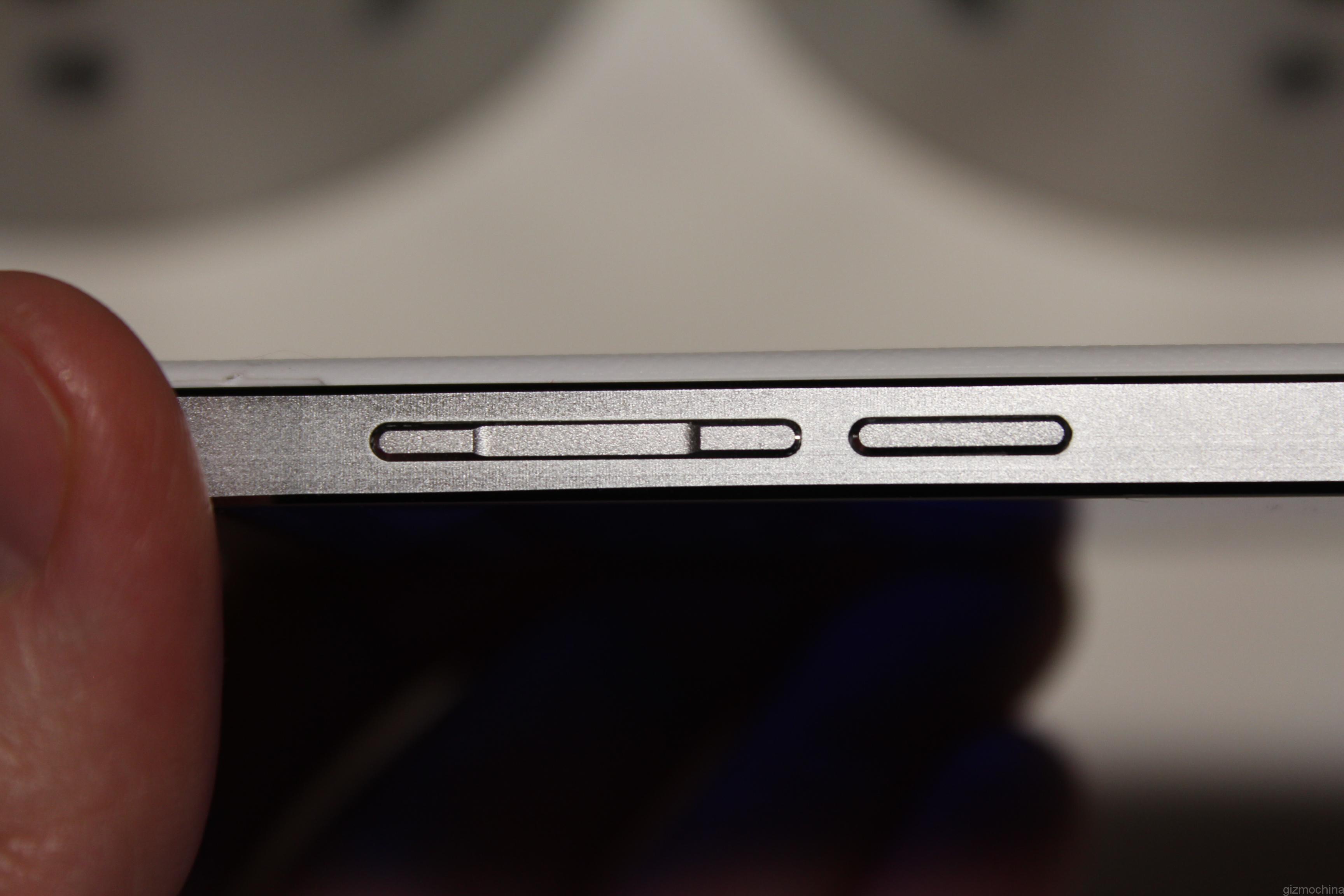
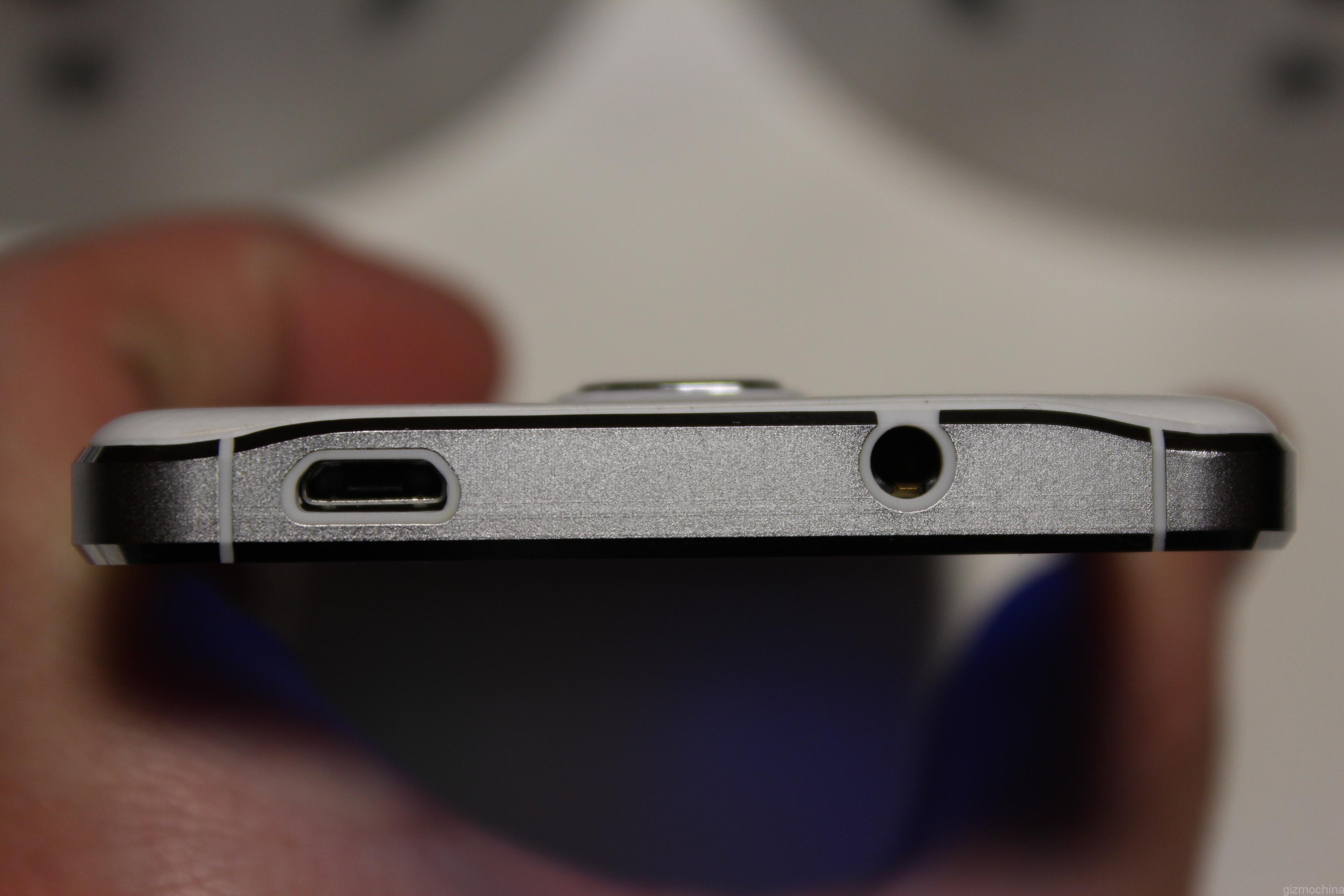
The device has the 5mp snapper on the front along with the 3 capacitive keys on the bottom. They are not backlit, however. Taking a look at the right, you will find a metal volume rocker and power on/off key. On the top of the device there is a micro USB port and a headphone jack.
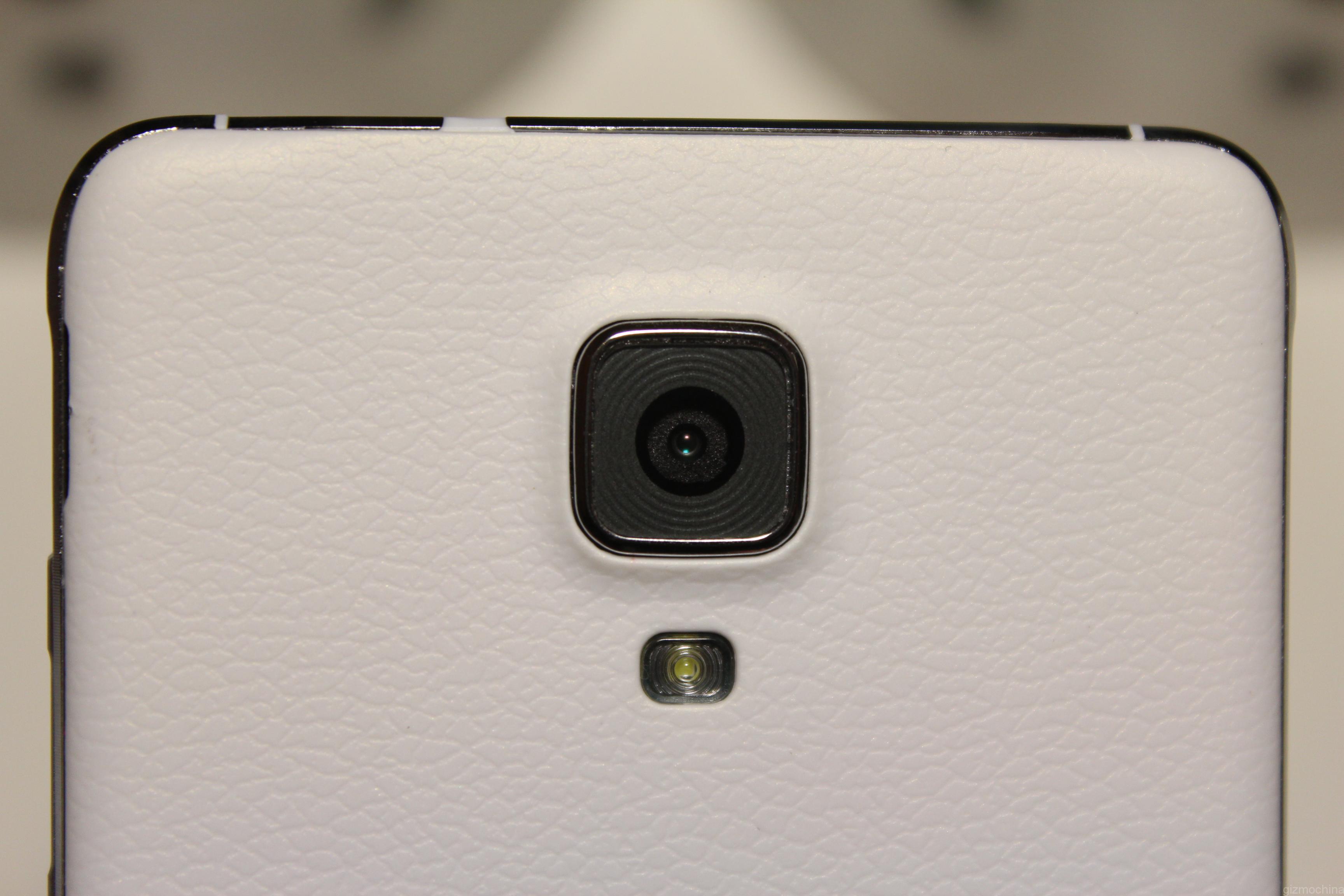
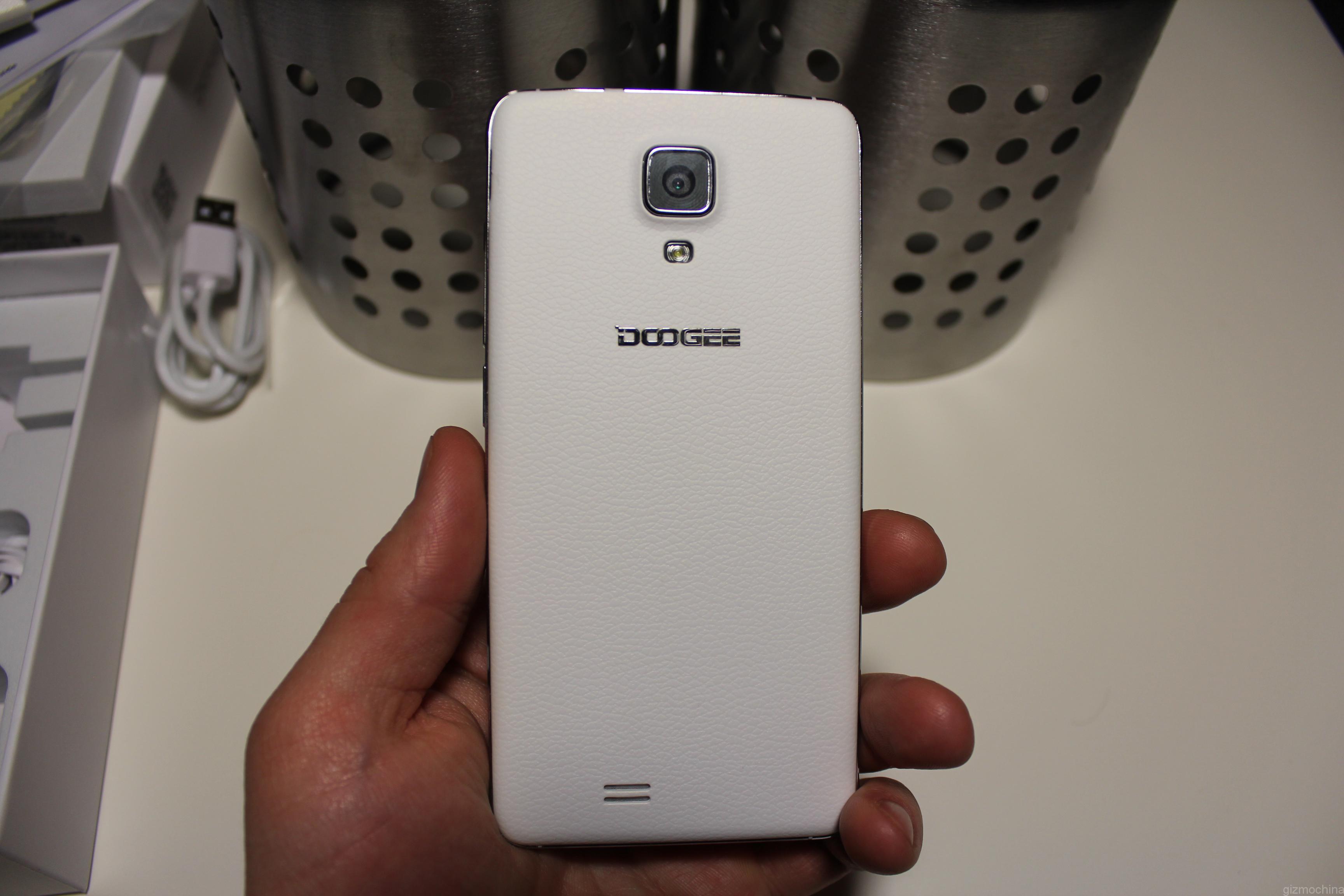
If you flip the device to the back, you may find a familiar textured plastic finish. It is a copy of Samsung Galaxy Note 3’s white faux leather finish, which is actually a plastic. We actually like it as it gives a comfy grip in your hand. Also, it does not attract fingerprints and smudges like glossy plastic. The cover sits ridiculously tight, so you don’t want to take it off very often unless you want to break your nails.
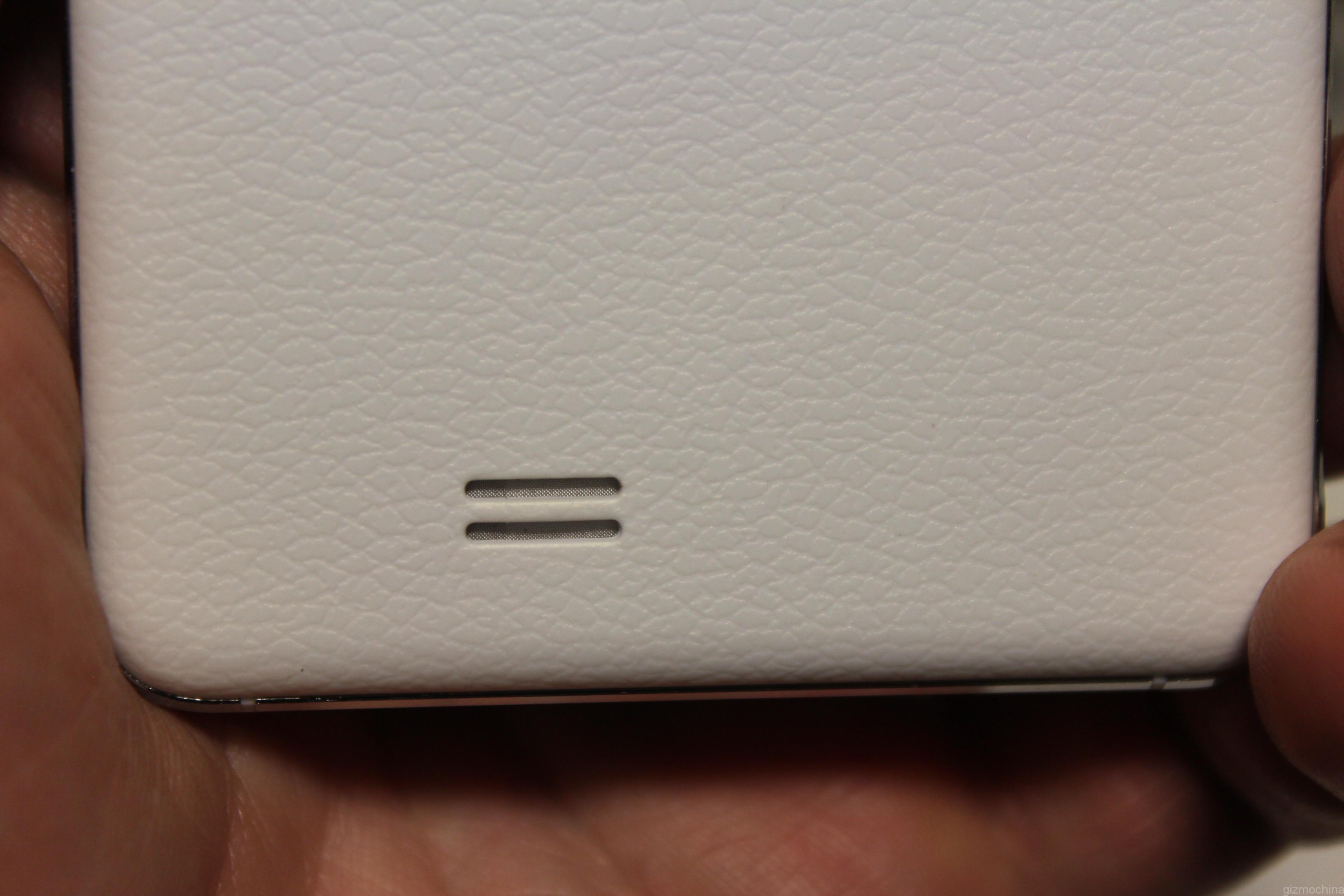
The back spots an 8mp shooter along with a single LED flash. Also, there is a mono speaker on the bottom.
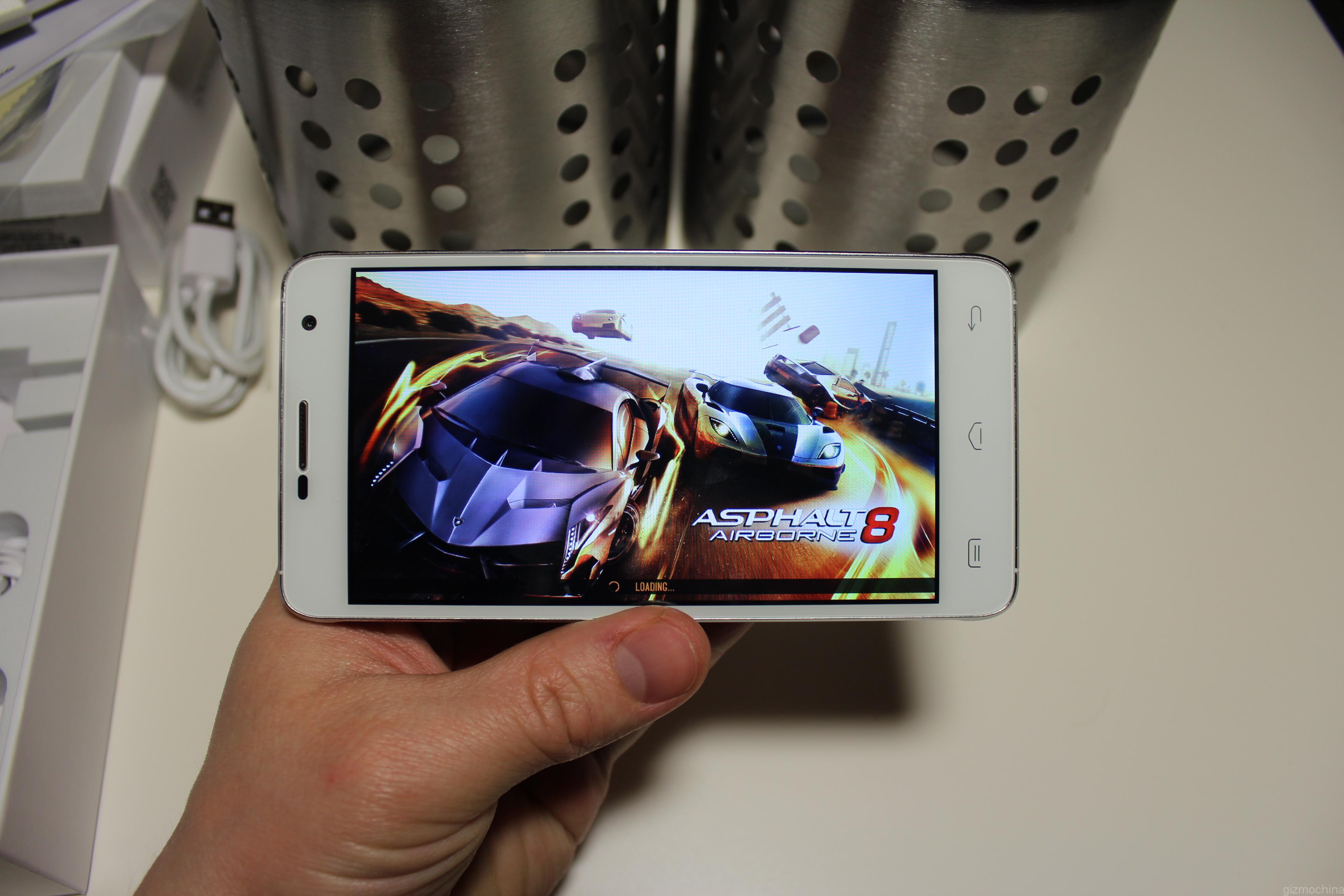
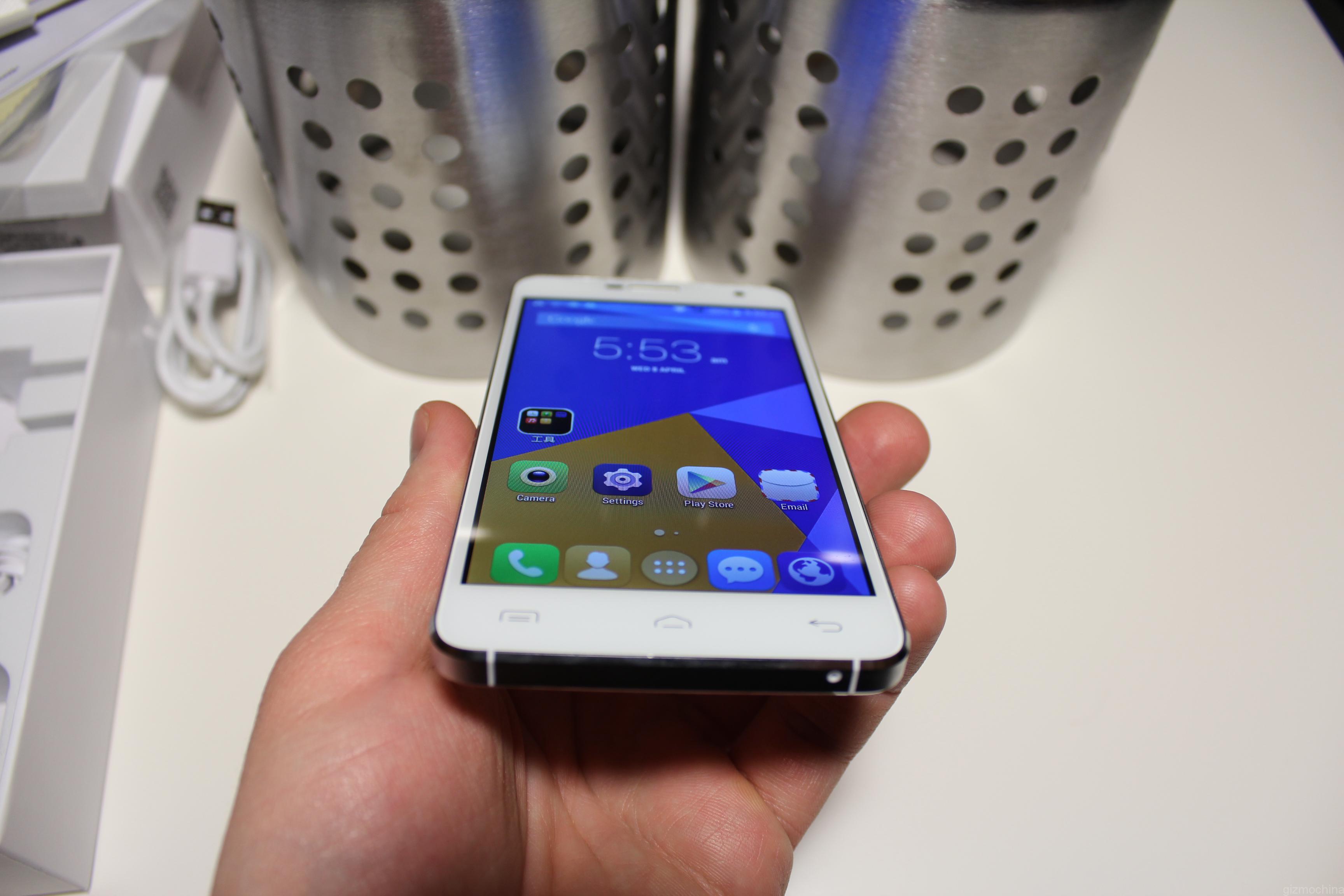
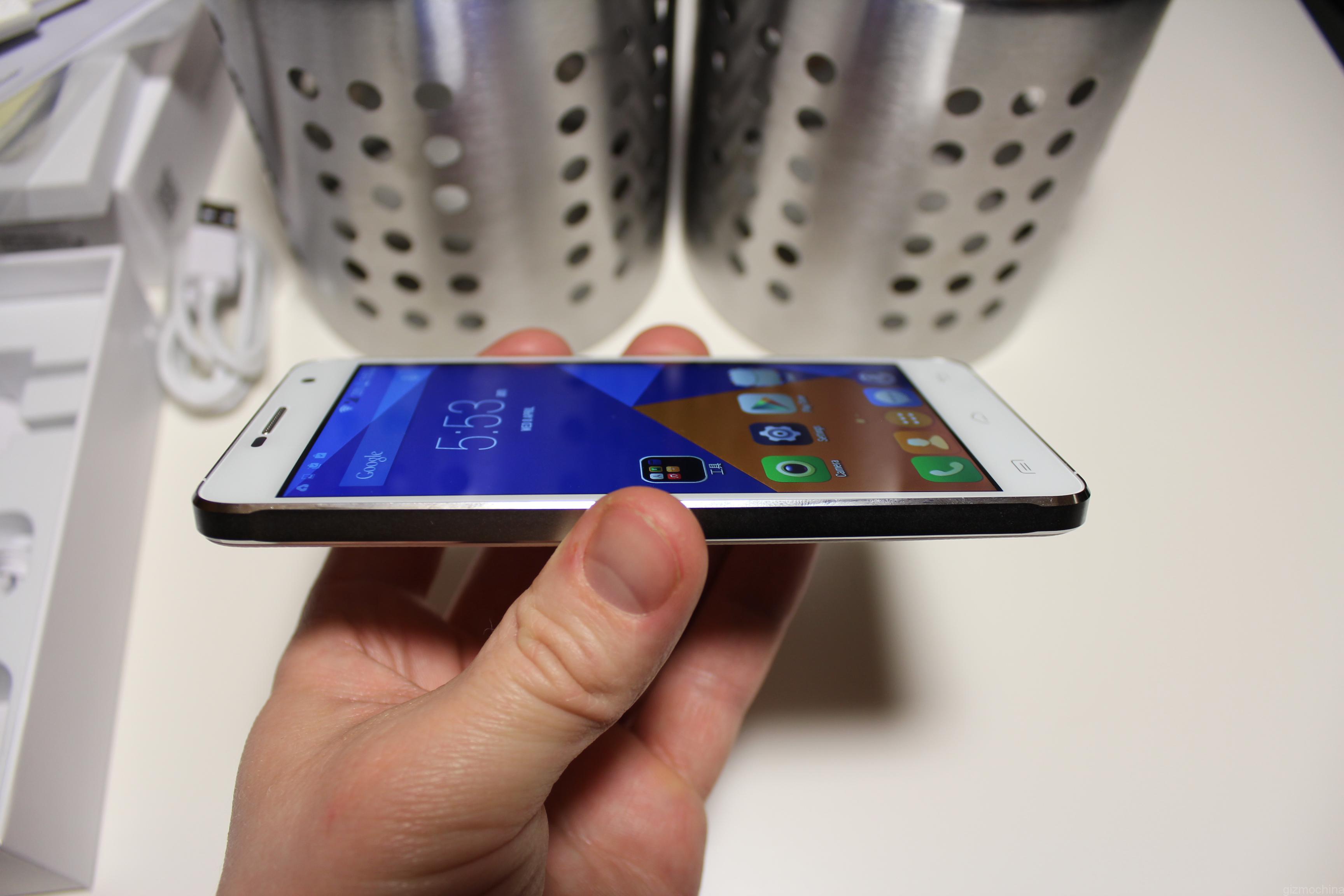
The screen is 4.7 inches in size, but the resolution is just 960X540, which is below HD. The display seems to be pretty good for a budget device. It spots decent colour reproduction, but they are very cold. Still, the panel is bright and sharp enough for daily tasks. Anyway, we have to judge it according to the low price.
INITIAL IMPRESSIONS
The very first immersions are that the device is well made and we have to say thanks to that quality metal frame. The design is not really original, though. The front looks like the Xiaomi Mi4, the back is borrowed from the older generation Galaxy Note series. On the other hand, it is nothing new that Chinese companies like doing design mashups.
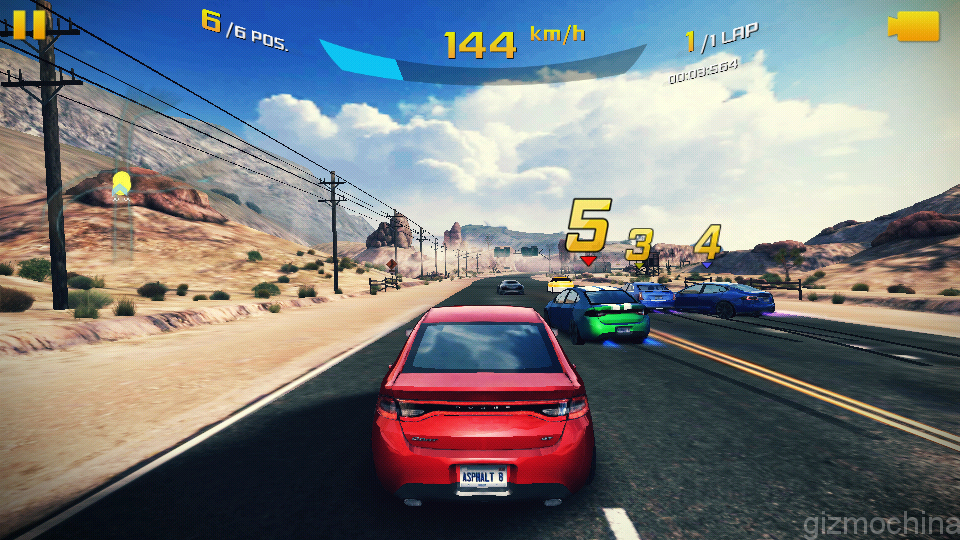
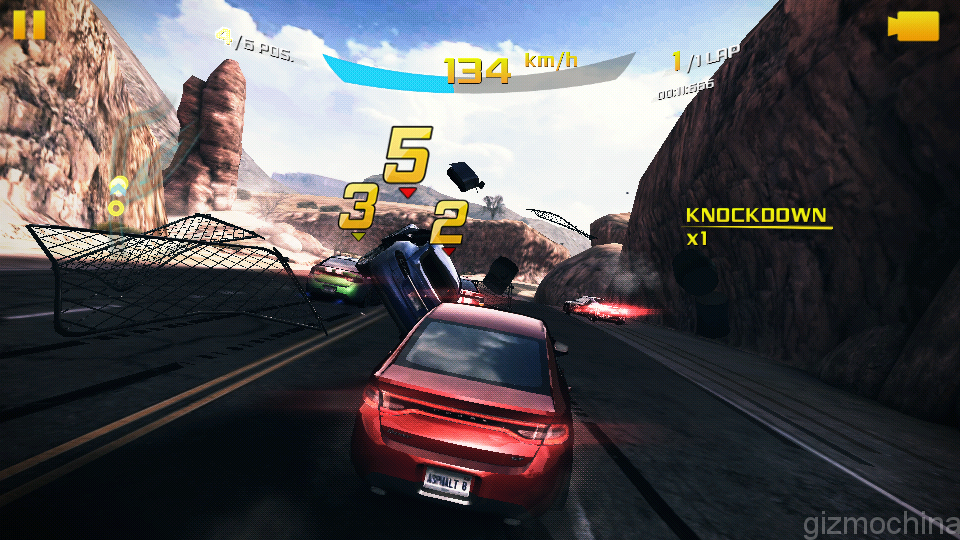
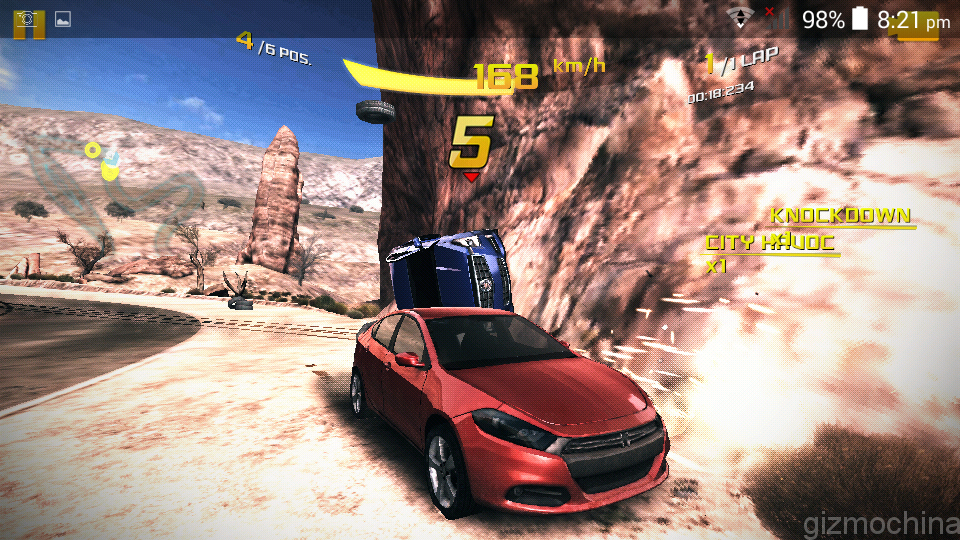
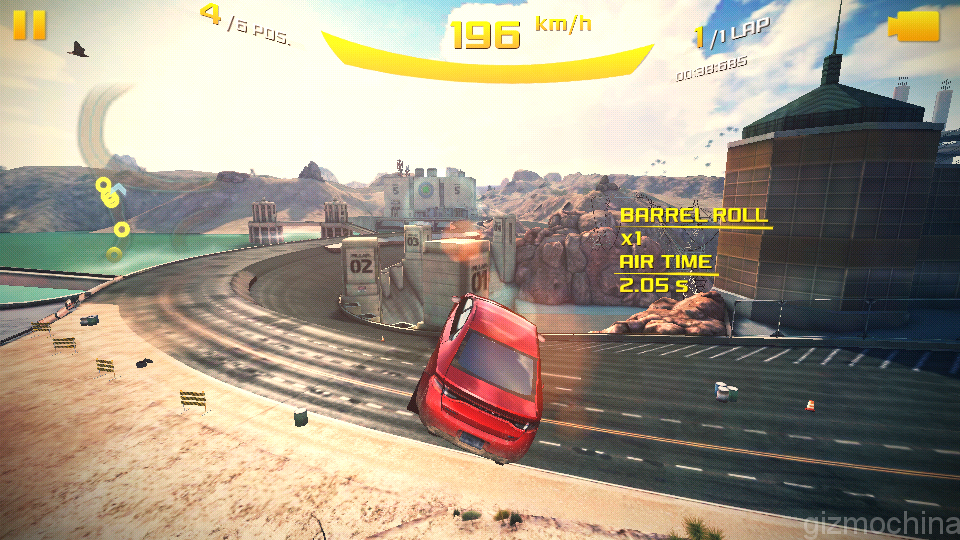
The UI seems to be quite fluid and responsive at the first glance. I tried to play a few games and it went quite good.
USER INTERFACE
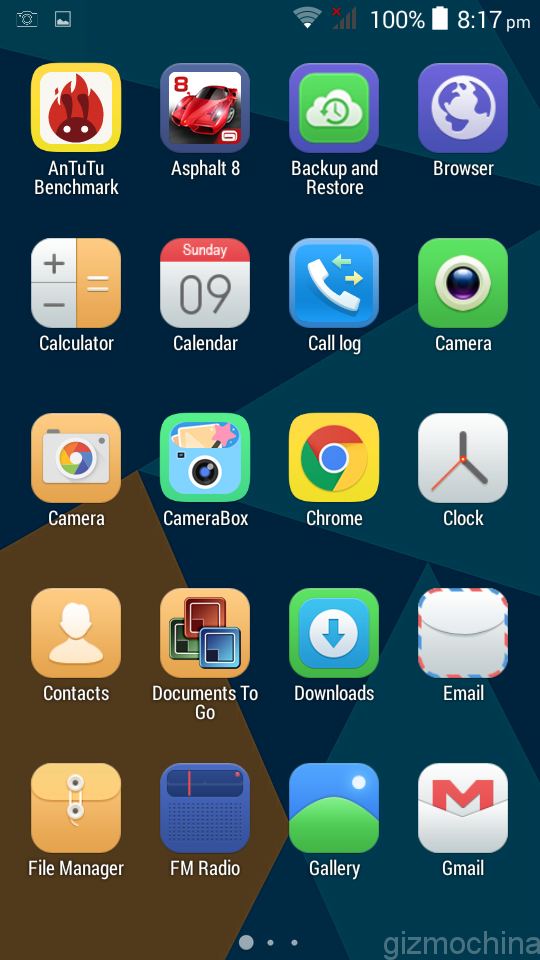
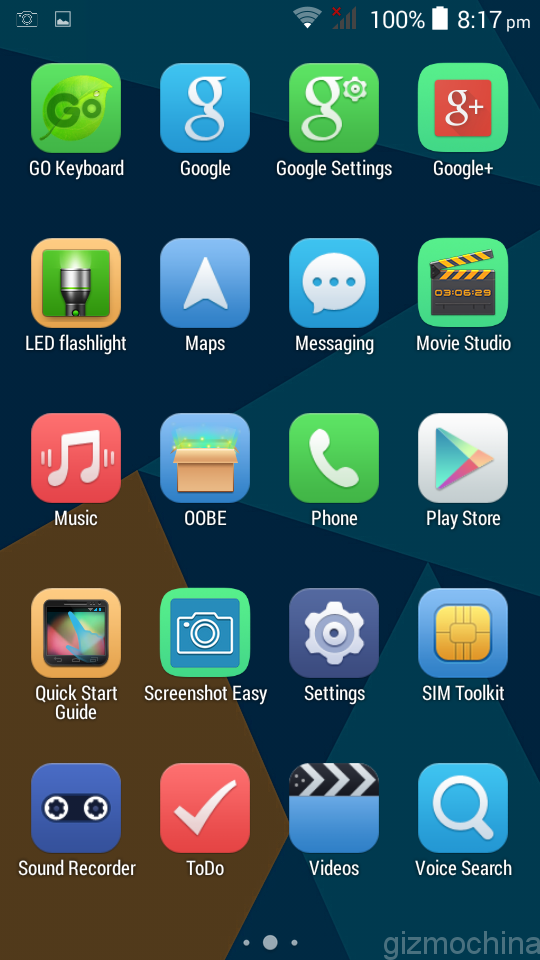
The device is running Android 4.4.2 Kitkat out of the box. The UI looks to be pretty simple with just some Doogee icons and runs smoothly. In general, it is very close to the stock Android experience.
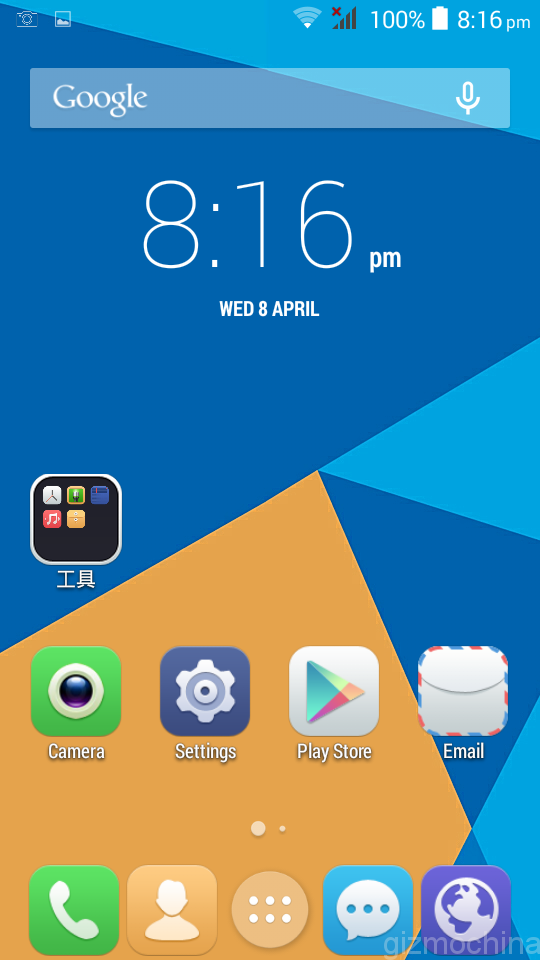
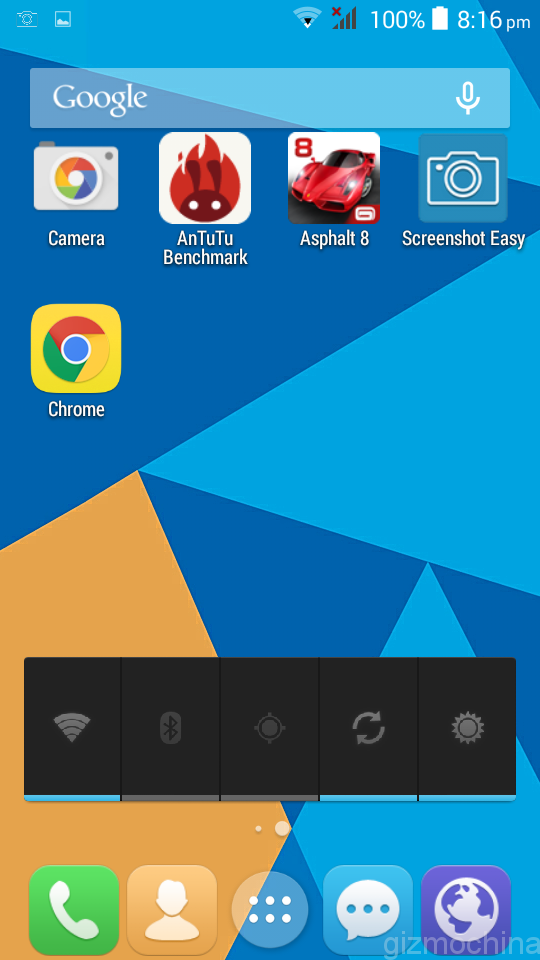
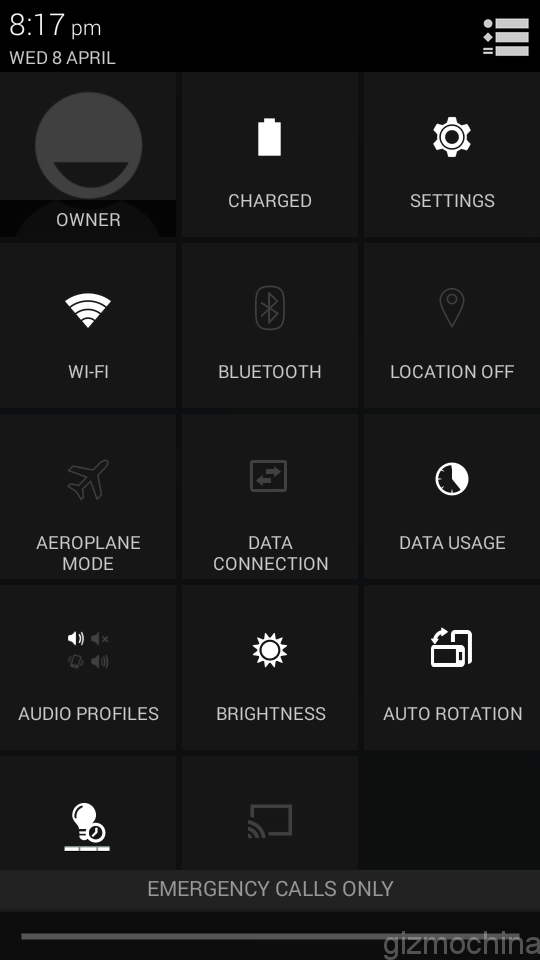
I mentioned that the device is running smoothly in the video mini review, but after using it a bit longer, I had a few hiccups there and there. They are far from the deal breaker, but I have to let you know that it is not as smooth as e.g. recently reviewed Zopo ZP530 device with a 64-bit Mediatek chip.
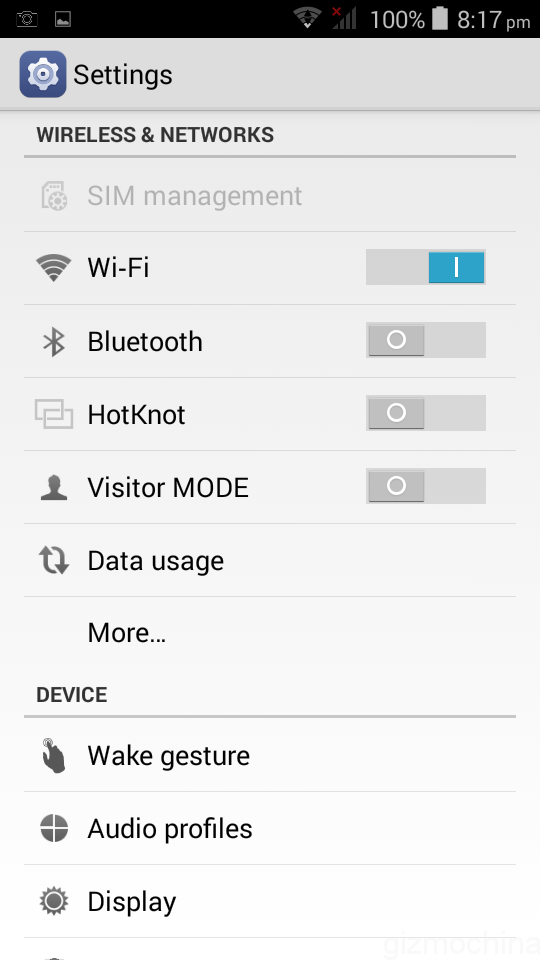
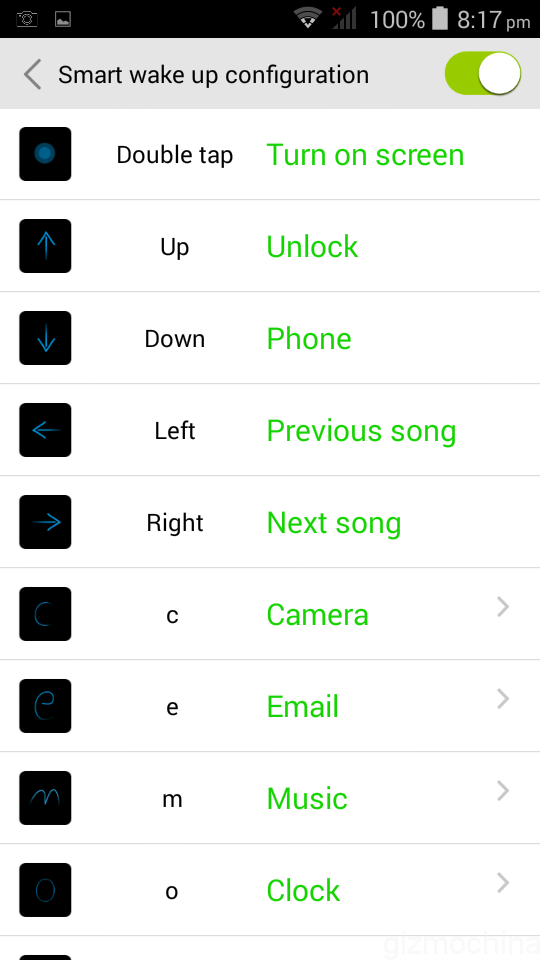
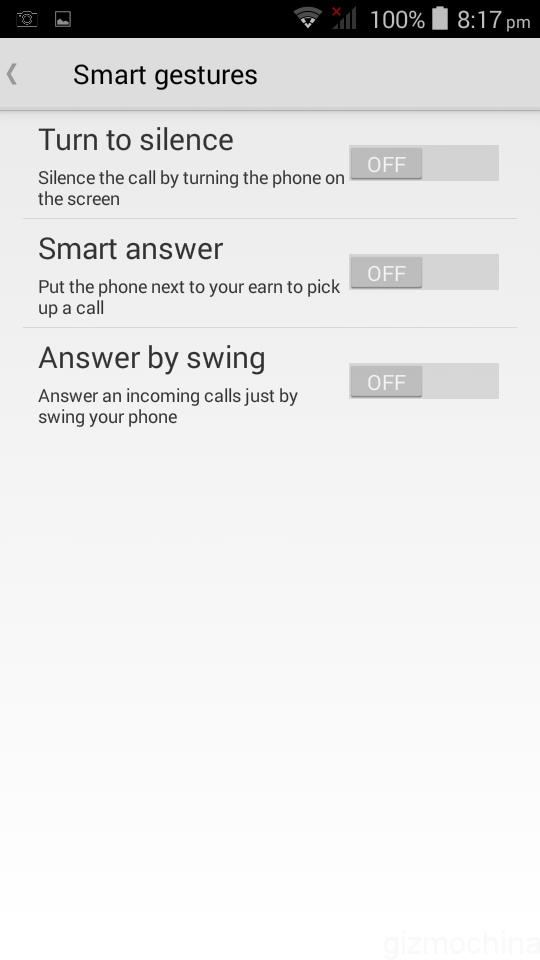
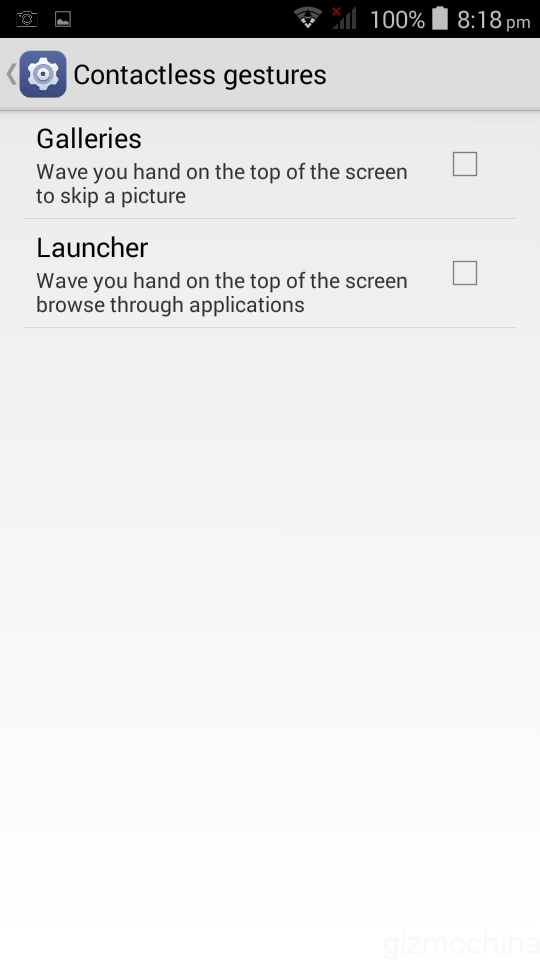
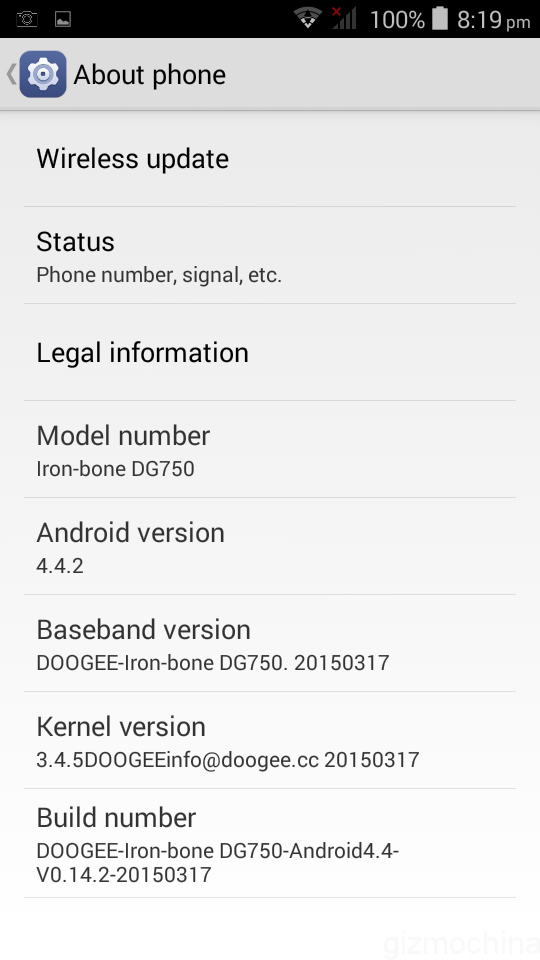
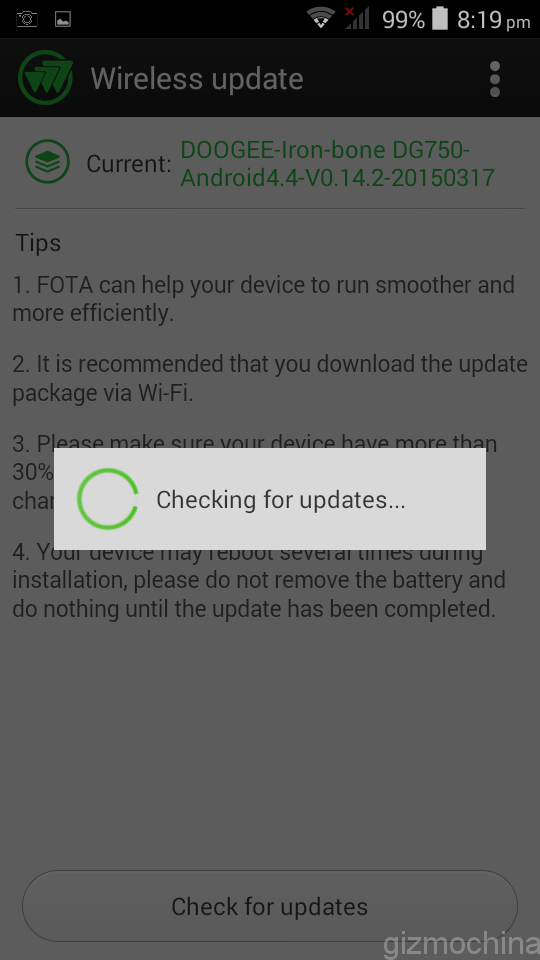
The settings menu is nothing out of ordinary. Doogee goes with a trend and has some gesture controls. I’ve tested only tap to wake, which works fine. Also, scrolling up to wake up the screen is also working great. Still, drawing gestures are slower than just using tap to wake or clicking the physical button.
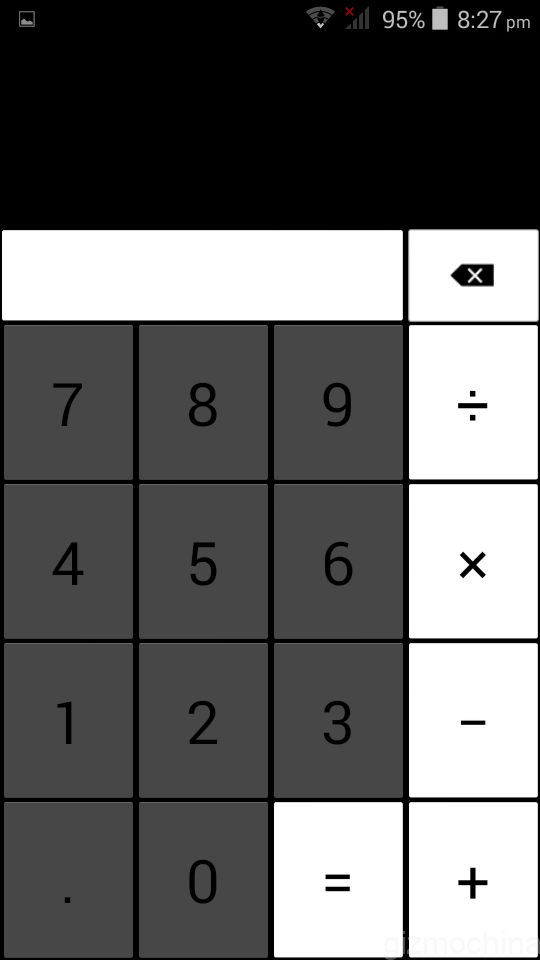
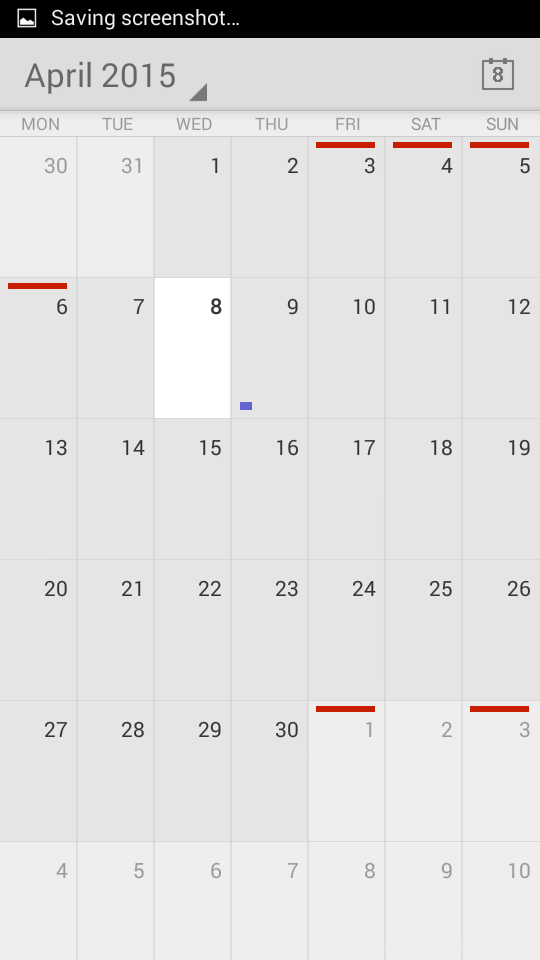
The Doogee DG750 has some basic apps pre-installed. That includes calculator, calendar, torch, FM radio etc. From what I’ve tested the apps seem to be responsive and work great.
MULTIMEDIA
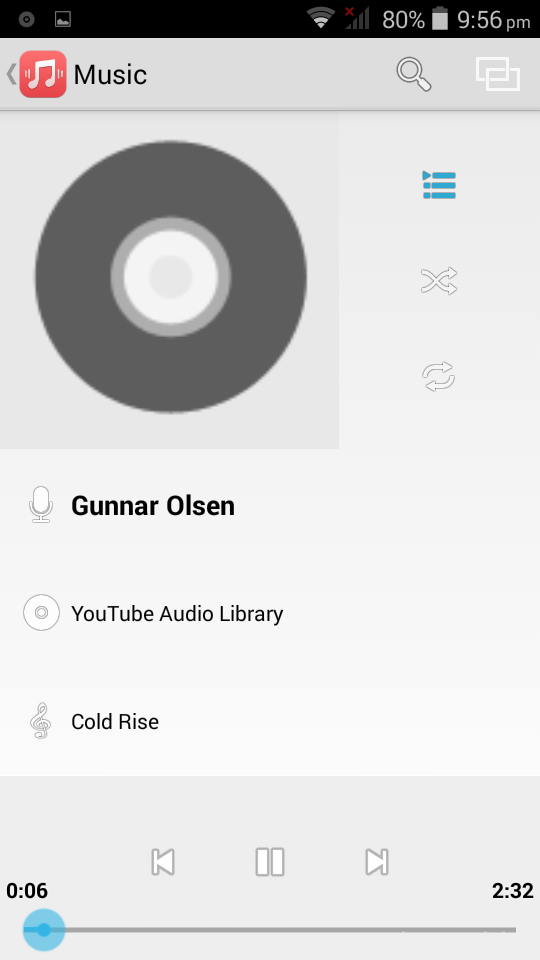


The music app is fairly standard and has a minimal design. It works smoothly.
As far as the speaker quality, it is loud, but the sound quality is average. Well, for the sub-$100 device it is quite good. The audio output via headphones is above average as well.
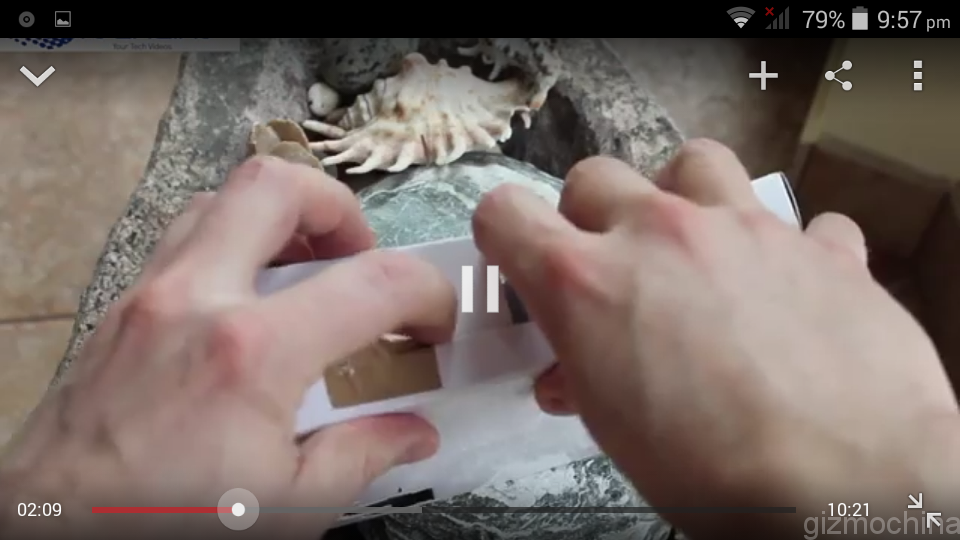
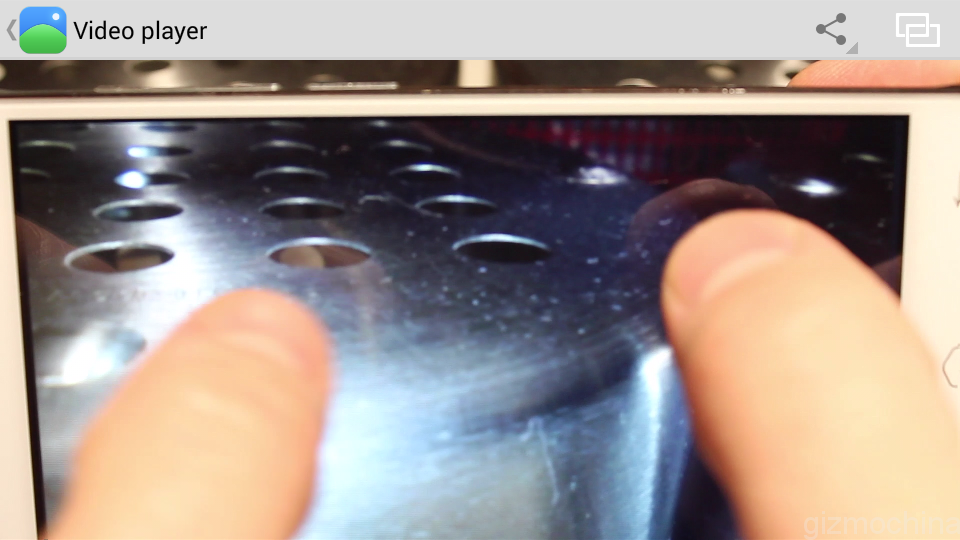
As far as 1080p video playback, it runs smoothly. However, if you want to scroll back and forth, there is a noticeable delay. Still, if you want just to hit a play button, sit down and relax, the device gets the job done.
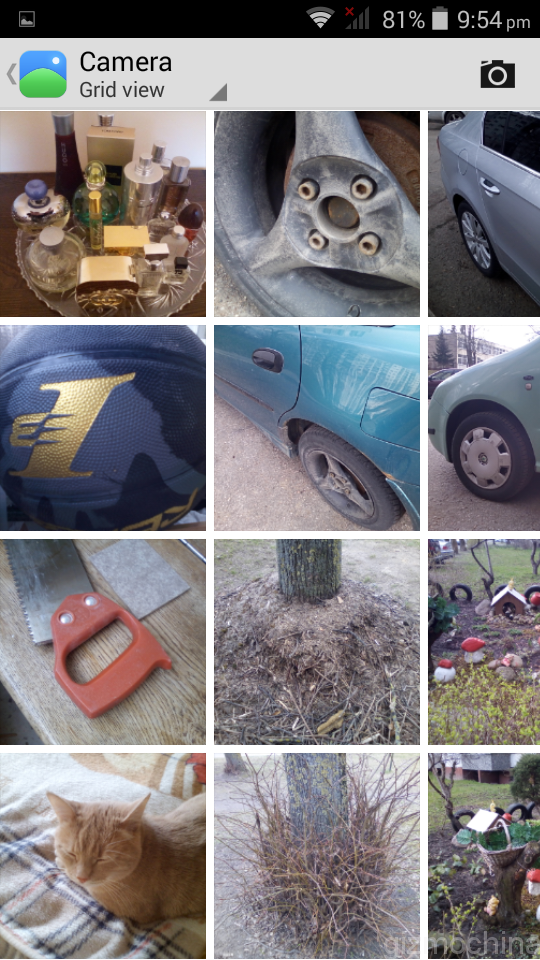
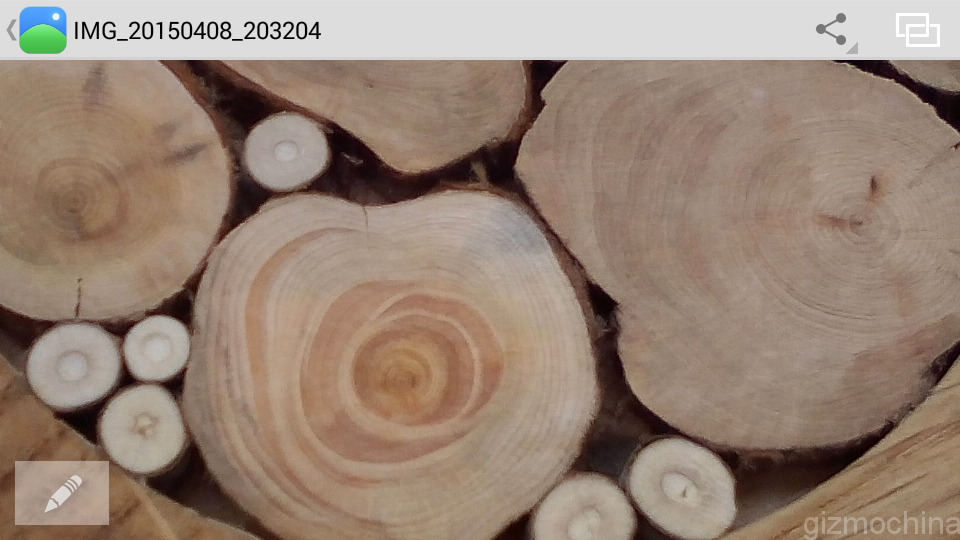
Gallery app is simple and easy to use. I didn’t find any issues with it. Zooming in and out is fast and responsive.
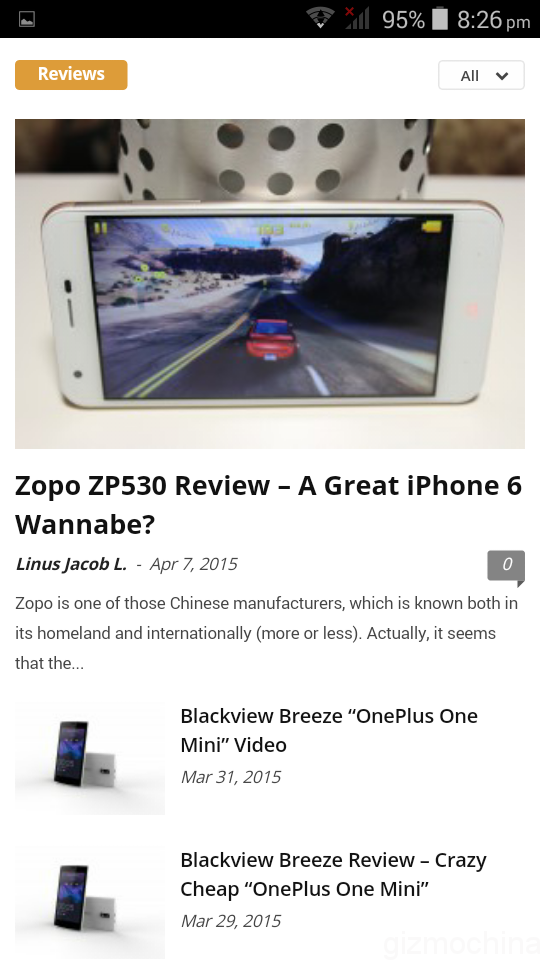
Browsing experience is average. First, the screen is quite small, but that’s not the point. You can read news and stories, but scrolling may sometimes involve a bit of lag. It is not that bad, but it is noticeable.
On the other hand, considering that the screen resolution is not even HD, the sharpness of the text is good.
PERFORMANCE
As we mentioned in the UI section, it is fairly simple and almost a stock Android. Usually it runs smoothly, but, however, there is lag there and there a few times. The hiccups are not that bad and they are not happening all the time, but this does not let us call the performance stable.
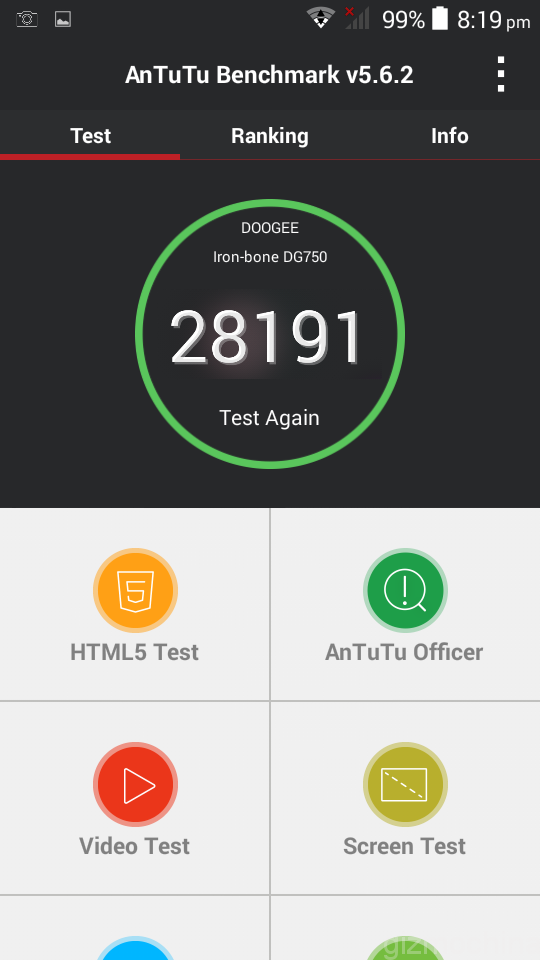
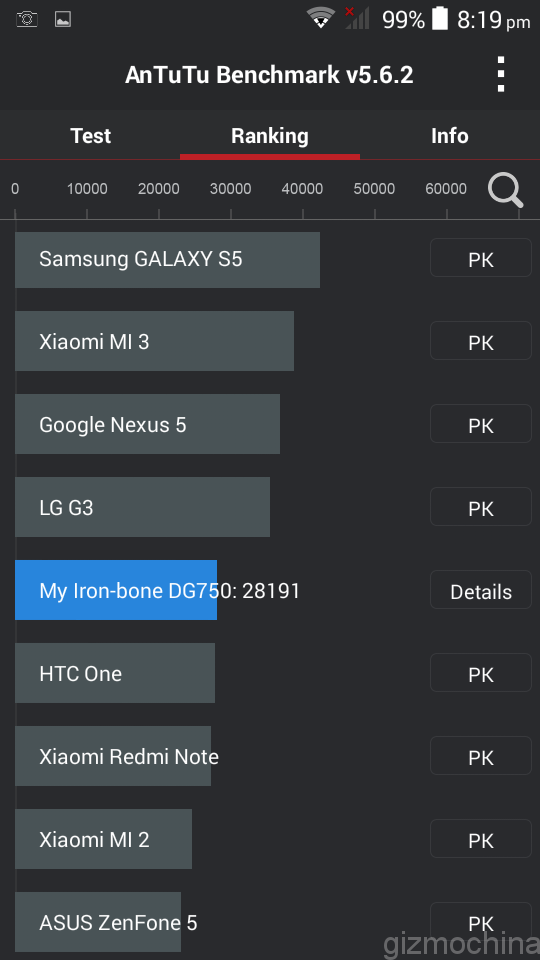
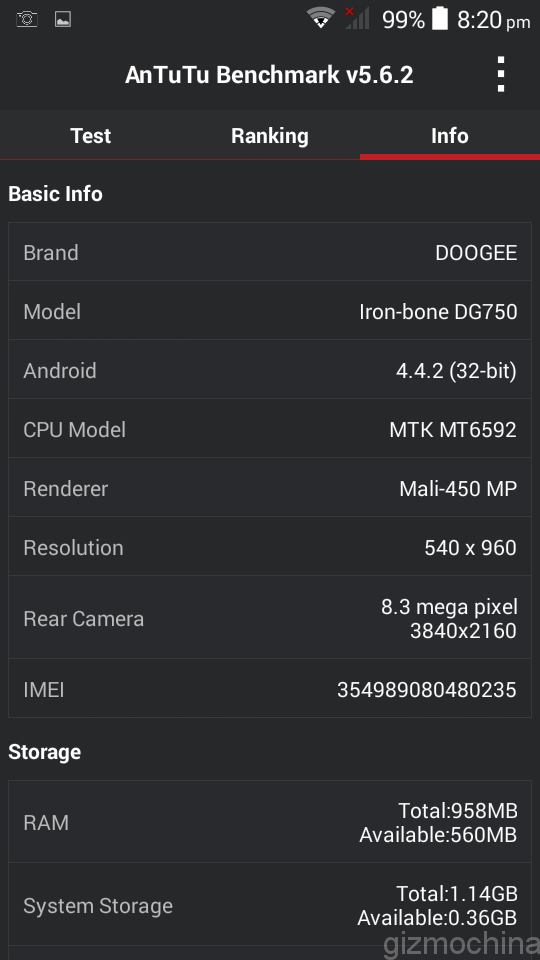
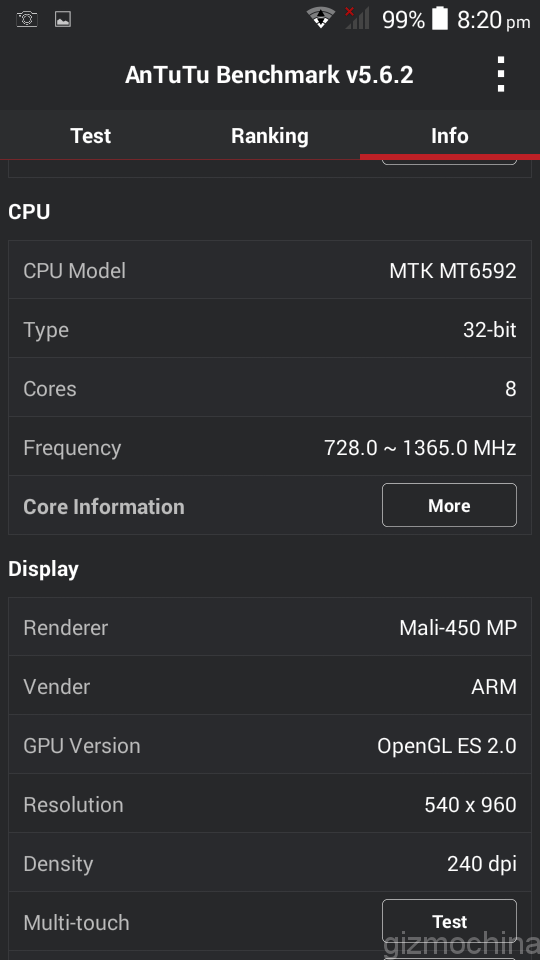
BENCHMARKS













Comments are closed.