
Add GIZMOCHINA as Preferred Source on Google
After more than a year’s absence from the smartphone market, Poco made a comeback earlier in 2020 with its Poco X2. While the X2 wasn’t a direct successor to the incredibly popular Poco F1, it still had big shoes to fill. Poco fans have always been extraordinarily demanding, and even with competent specs, it was always going to be tough to meet their expectations.
Poco’s answer was to take help from its big brother – Redmi. So Poco X2 launched in India as a rebranded Redmi K30 4G model from China. This made sense since the K30 was an extremely value for money deal, and it would allow Poco to price it aggressively in India without building a phone from scratch.
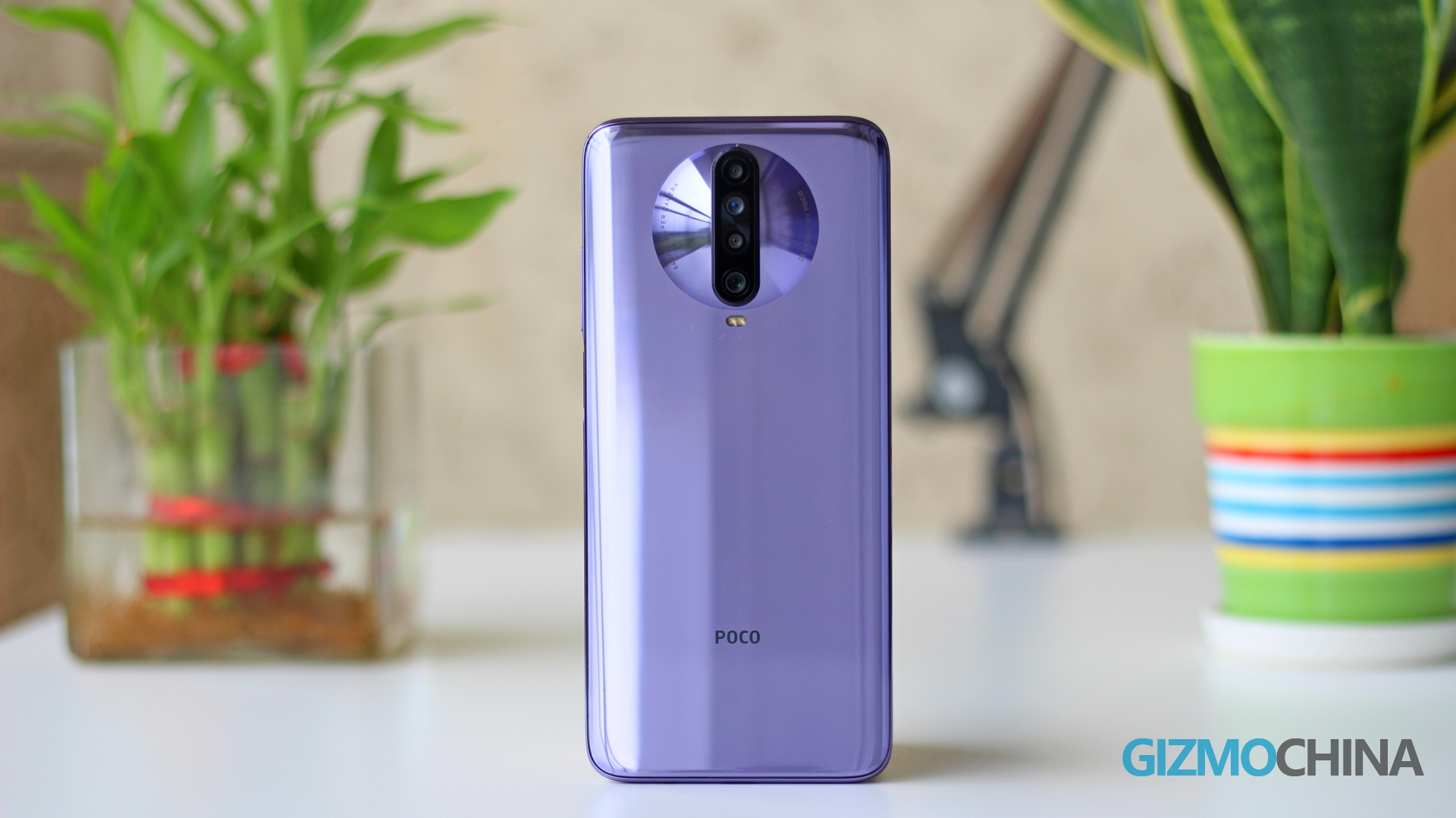
Poco has been releasing rebadged models ever since, with the two models after the X2, namely the Poco F2 Pro and Poco M2 Pro being the rebranded Redmi K30 Pro 5G and Redmi Note 9 (EU) models respectively. But today, I won’t go into the ethics of rebadging models. Instead, my focus is to review the Poco X2 and judge it as an independent model.
I have been using the X2 for the past few weeks as my daily driver, and here’s my review of the device.
POCO X2 Overview
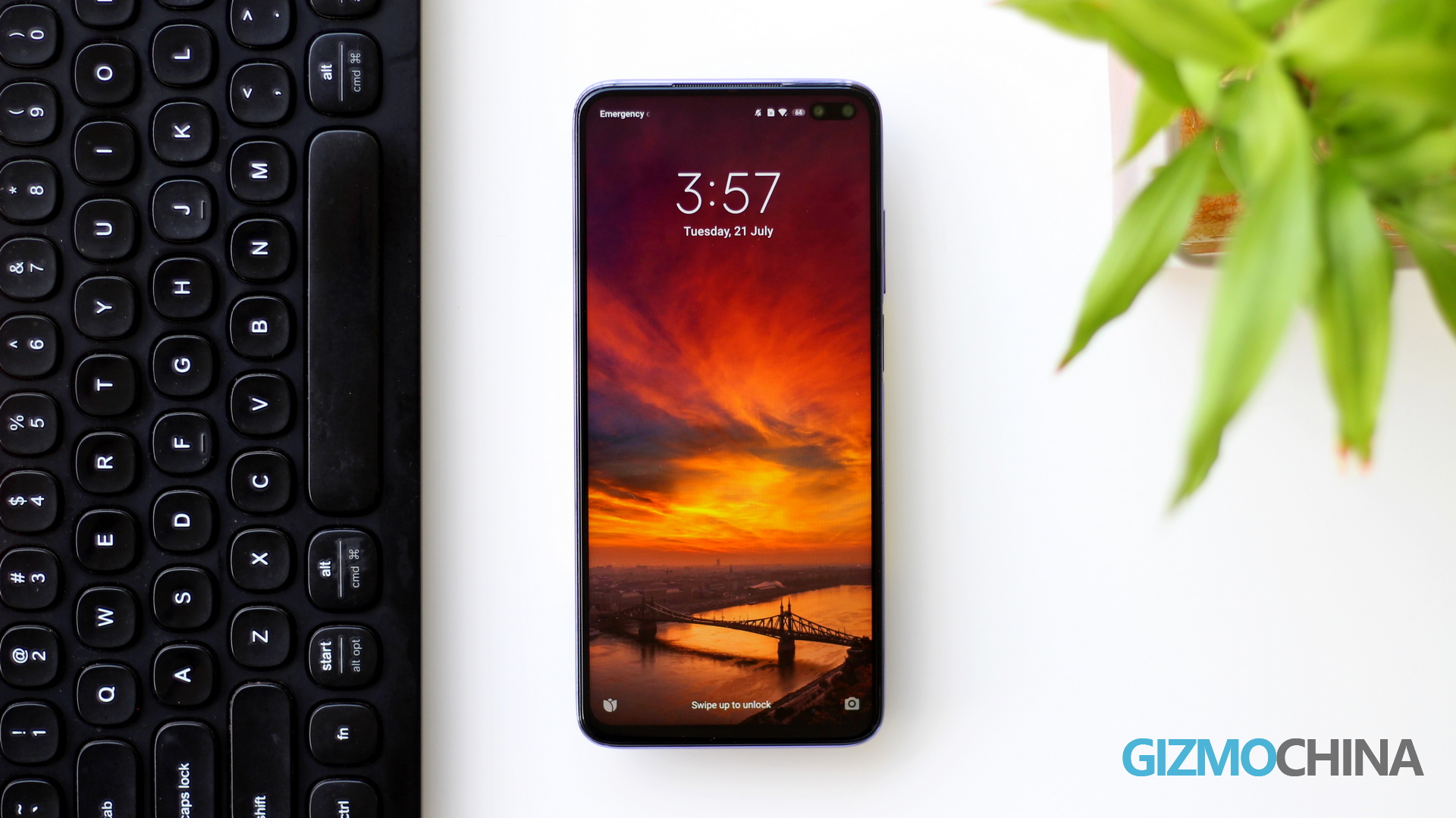
- 165.3 x 76.6 x 8.8mm
- 208 grams
- Snapdragon 720G
- 8GB RAM + 256GB storage
- 6.67-inch FHD+ 120Hz IPS LCD
- 4500mAh battery 27W
- MIUI 11 based on Android 10
What’s In The Poco X2 Box?
- Phone
- Silicone Case
- SIM Ejector Pin
- 2-pin 27W Charger
- USB A to C cable
- User Manual
You might have already noticed above that the phone doesn’t come with a screen protector installed, so you’ll have to buy it separately. Here are some good ones if you are interested.
POCO X2 Design
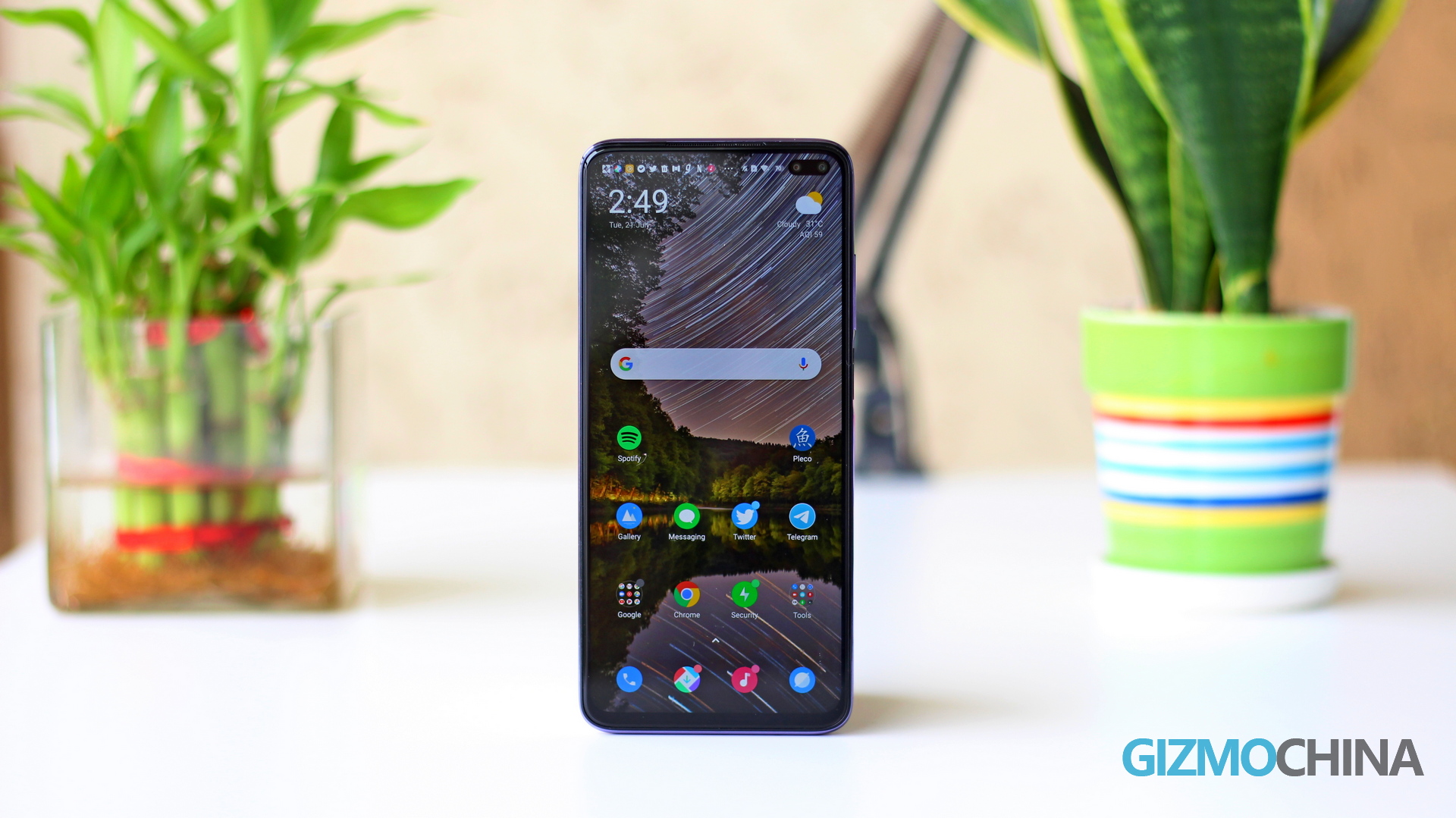
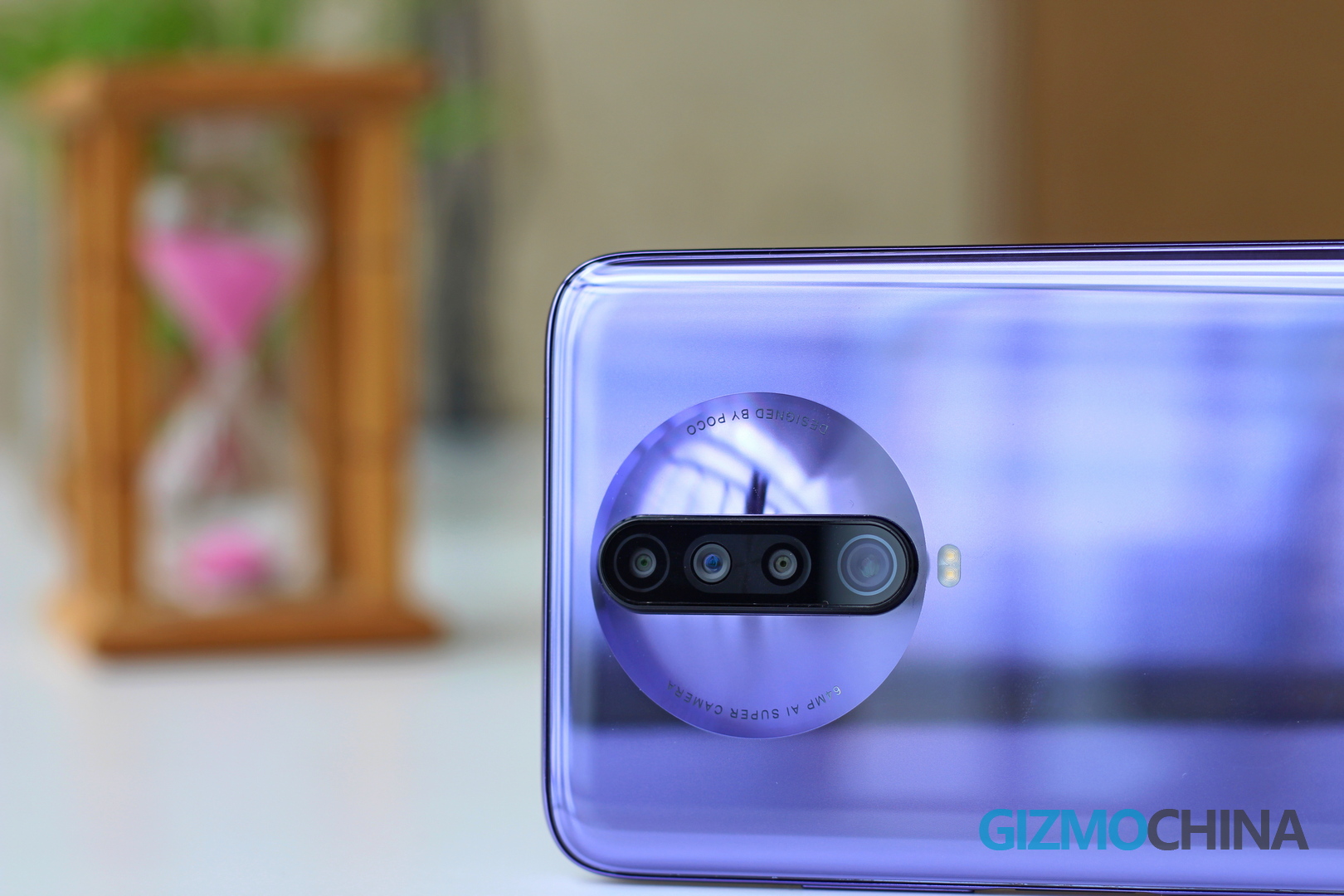
The Poco X2 comes with a familiar design, mainly because it’s a rebranded Redmi K30. So you have a glossy glass back with a pill-shaped camera setup and dual-selfie shooters upfront.
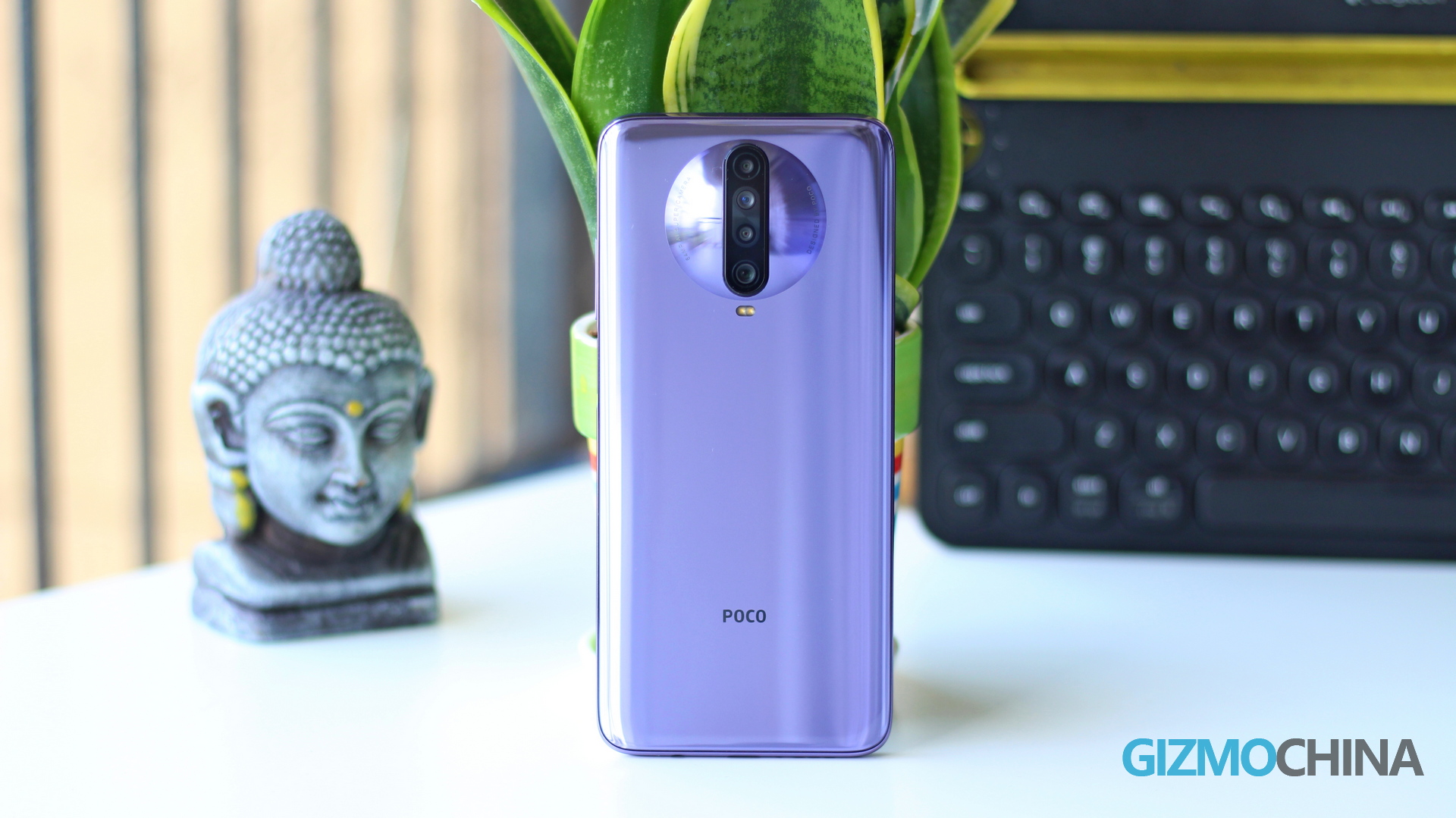
The Glass sandwich design features Gorilla Glass 5 on the front as well as the back, with a plastic frame for support. There’s no denying that the Poco X2 is a heavy smartphone. It weighs 208 grams, making it heavier than some of the top flagships in the market like the OnePlus 8 and the Huawei P40. But you get a large 4500mAh large battery and a premium glass sandwich design to justify this weight. And in its defense, most of its direct rivals such as the Realme 6 Pro and the Redmi Note 9 Pro Max are heavy phones.
The smooth glass at the back and its weight can increase the chances of accidental drops. So I would highly recommend you to protect the phone with a case – the one provided in the box should be good enough for most people. Honestly, having a case on this phone gives me the confidence to be carefree. Even with Gorilla Glass 5 on top, a typical glass sandwich design doesn’t take drops very well – unlike say plastic or a metal phone (my Pixel 2 XL has a few dents here and there but they are hardly visible).
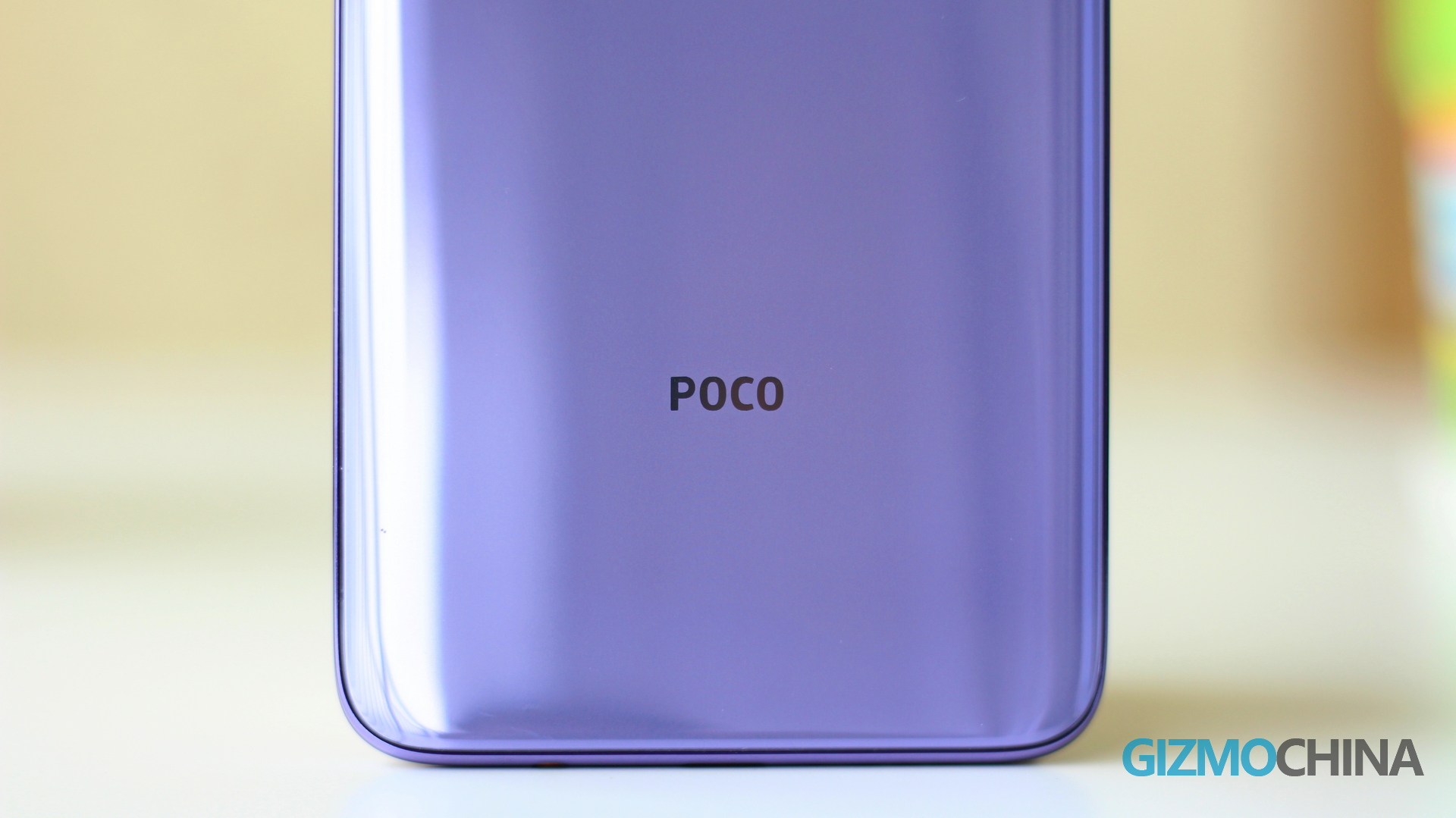
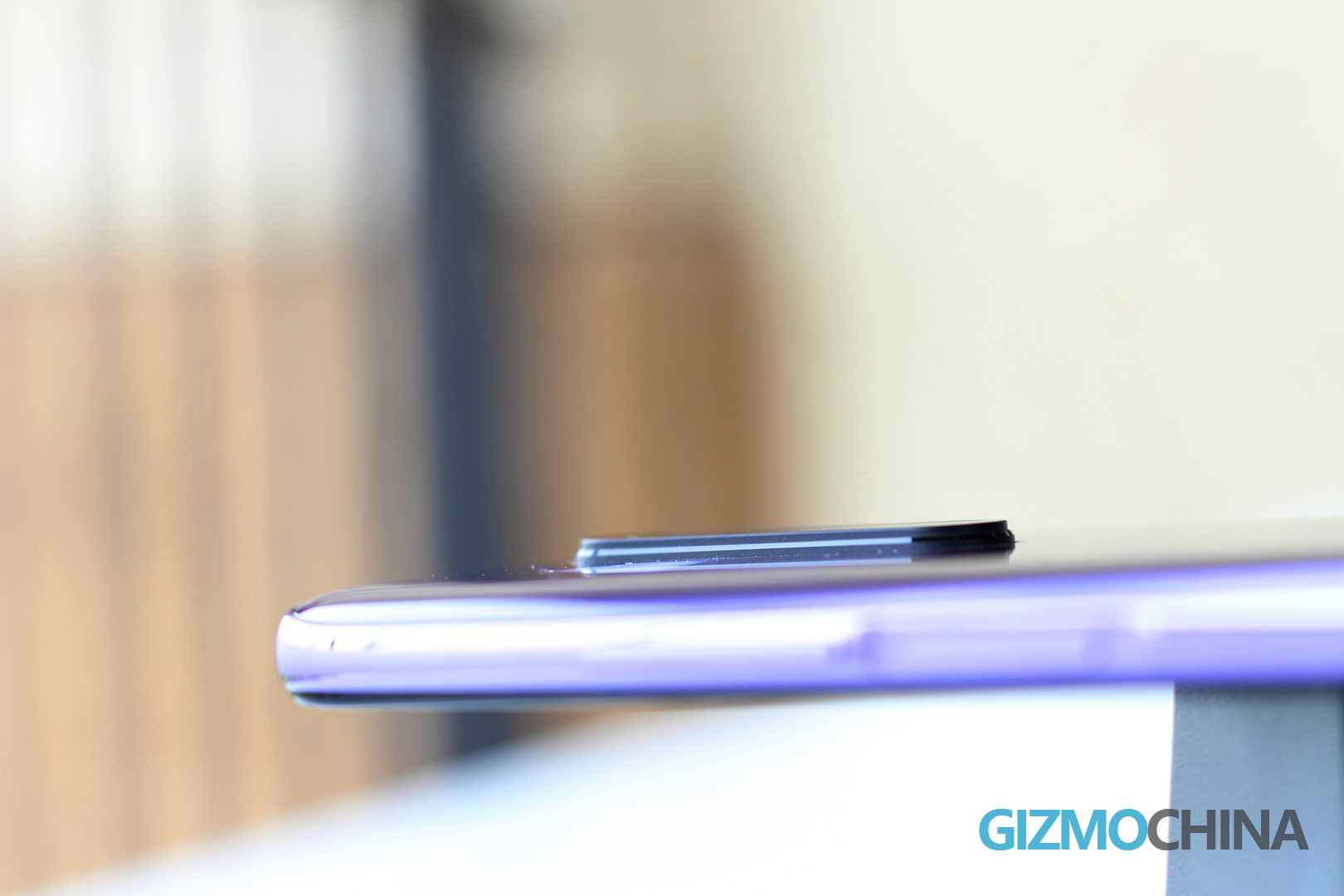
The glass back picks up a few fingerprints, but it’s pretty easy to clean. Also, despite the protruding camera bump, its centered placement ensures the phone doesn’t wobble when placed on the table.
I’ve got the Matrix Purple color variant and it looks pretty unique. But personally I’m not a fan of this purple as it can look quite dull at times. If I had to choose, I would go for its Atlantis Blue color.
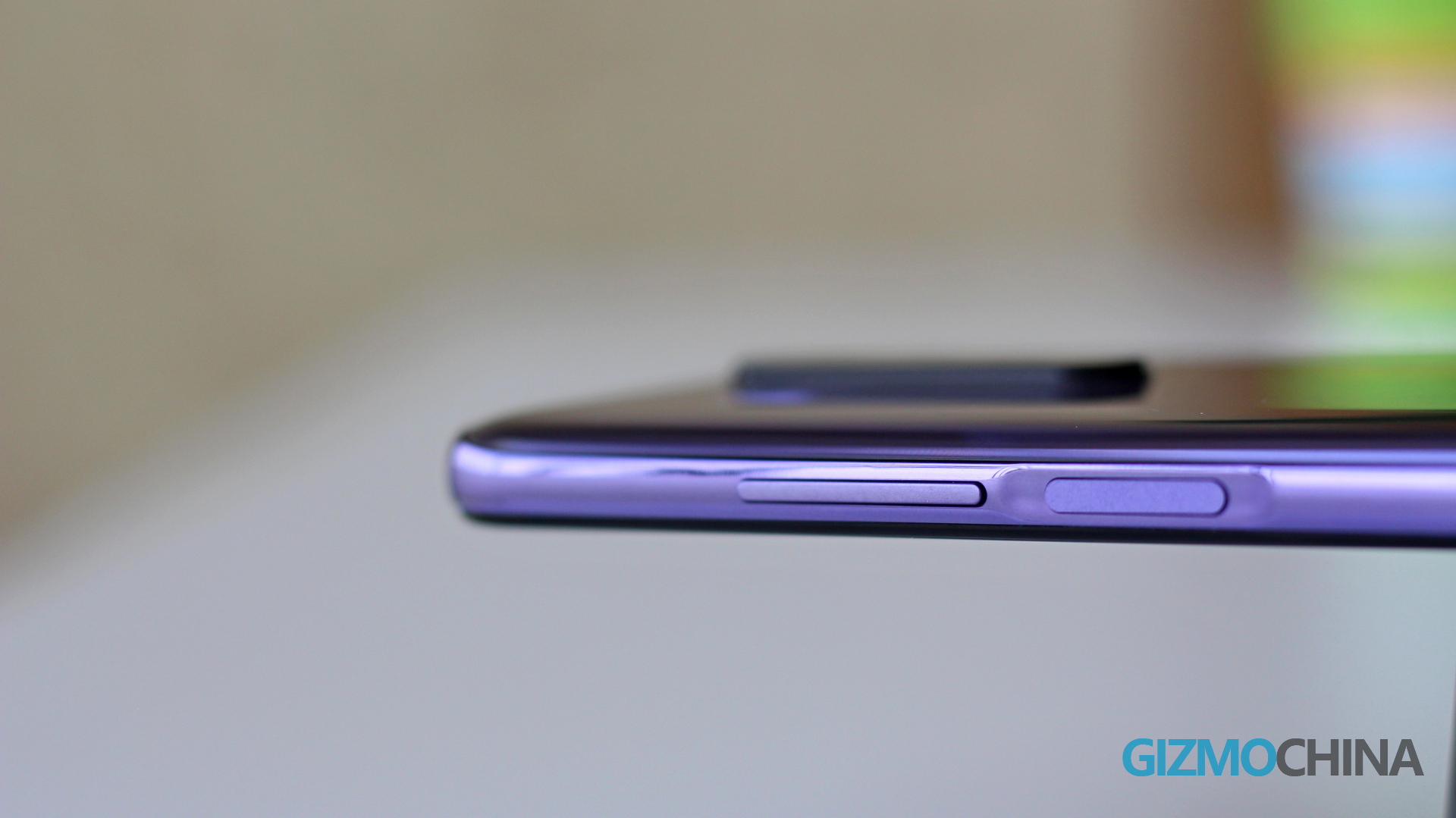
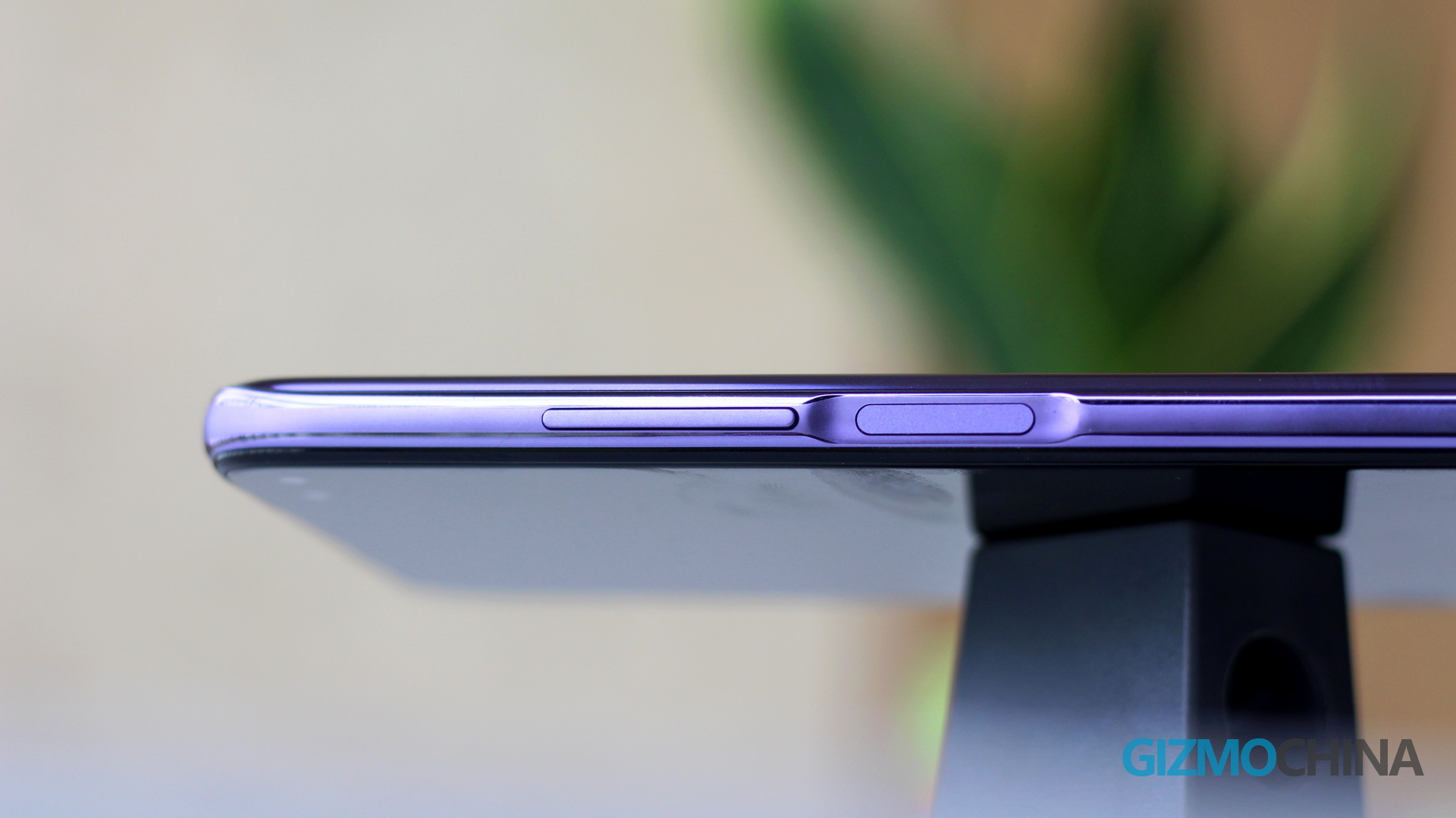
The Poco X2 comes with a side-mounted fingerprint sensor (that’s also its power button) on its right side. The fingerprint recognition is quick and accurate, and I find this sensor placement more convenient than other solutions. The volume buttons are on the same side.
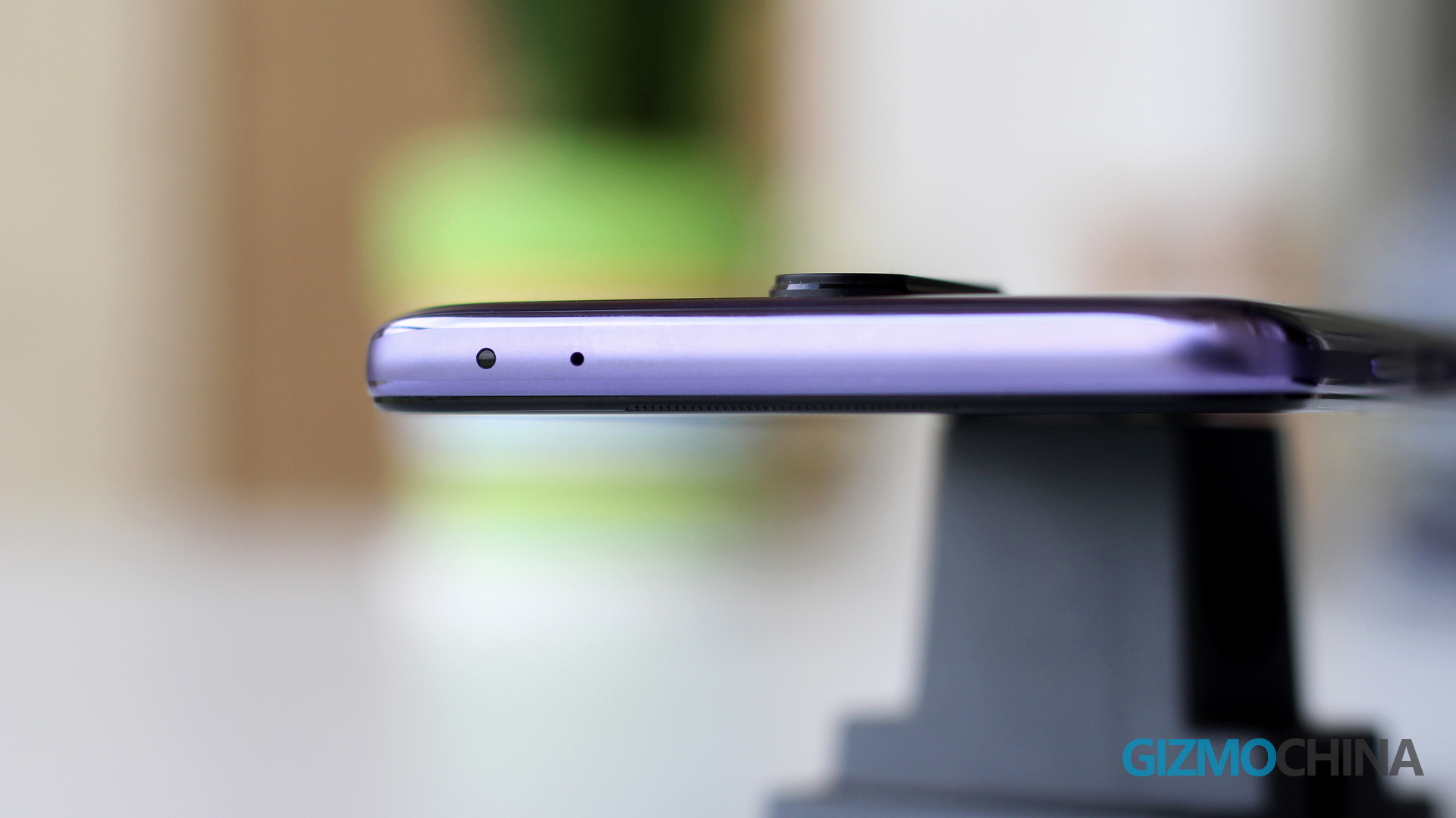
The left side of the phone houses the hybrid dual SIM card slot. At the bottom, you get a single speaker, USB-C, 3.5mm headphone jack, and a microphone opening. On top, you have an IR sensor with a microphone hole.
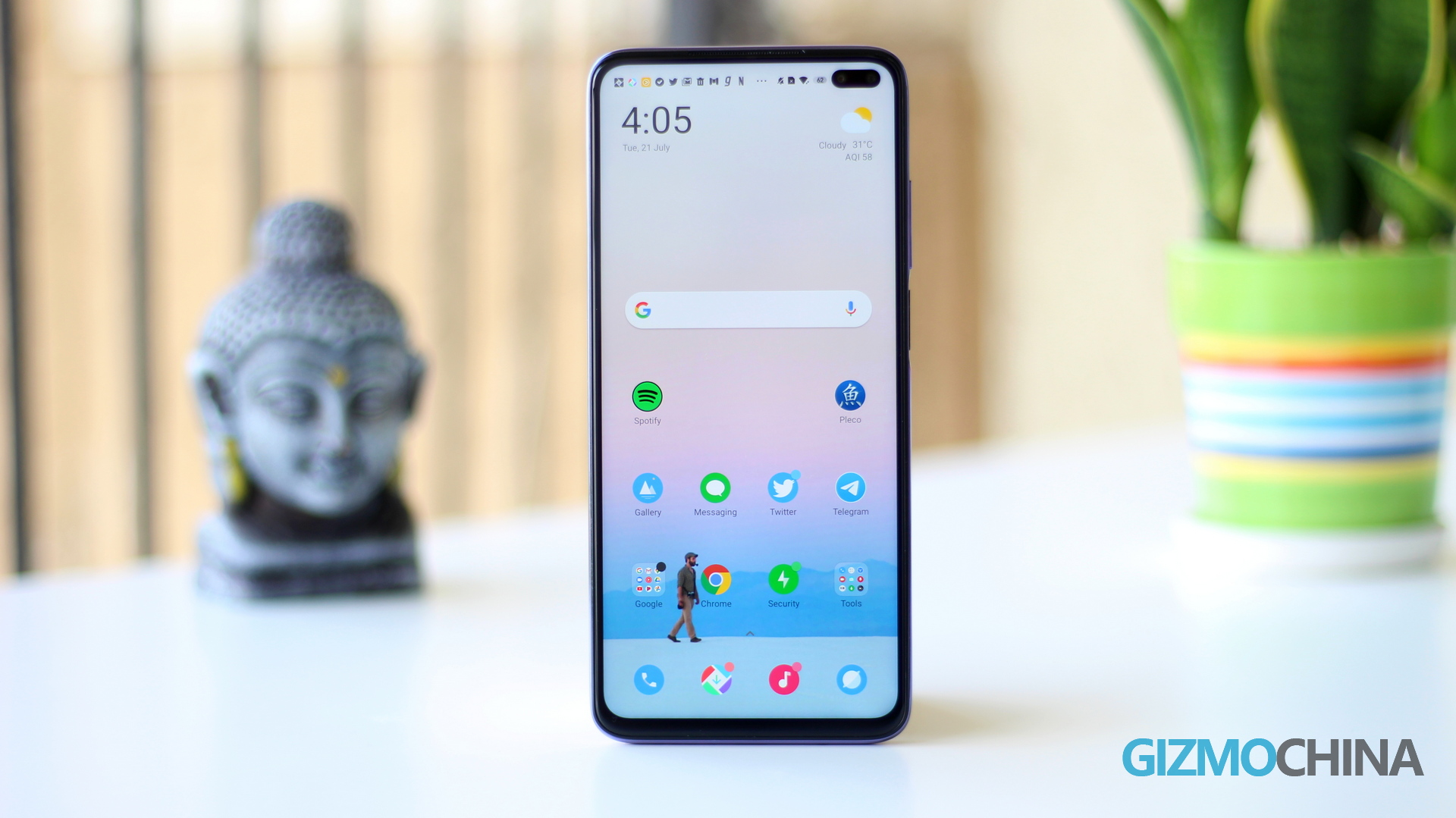
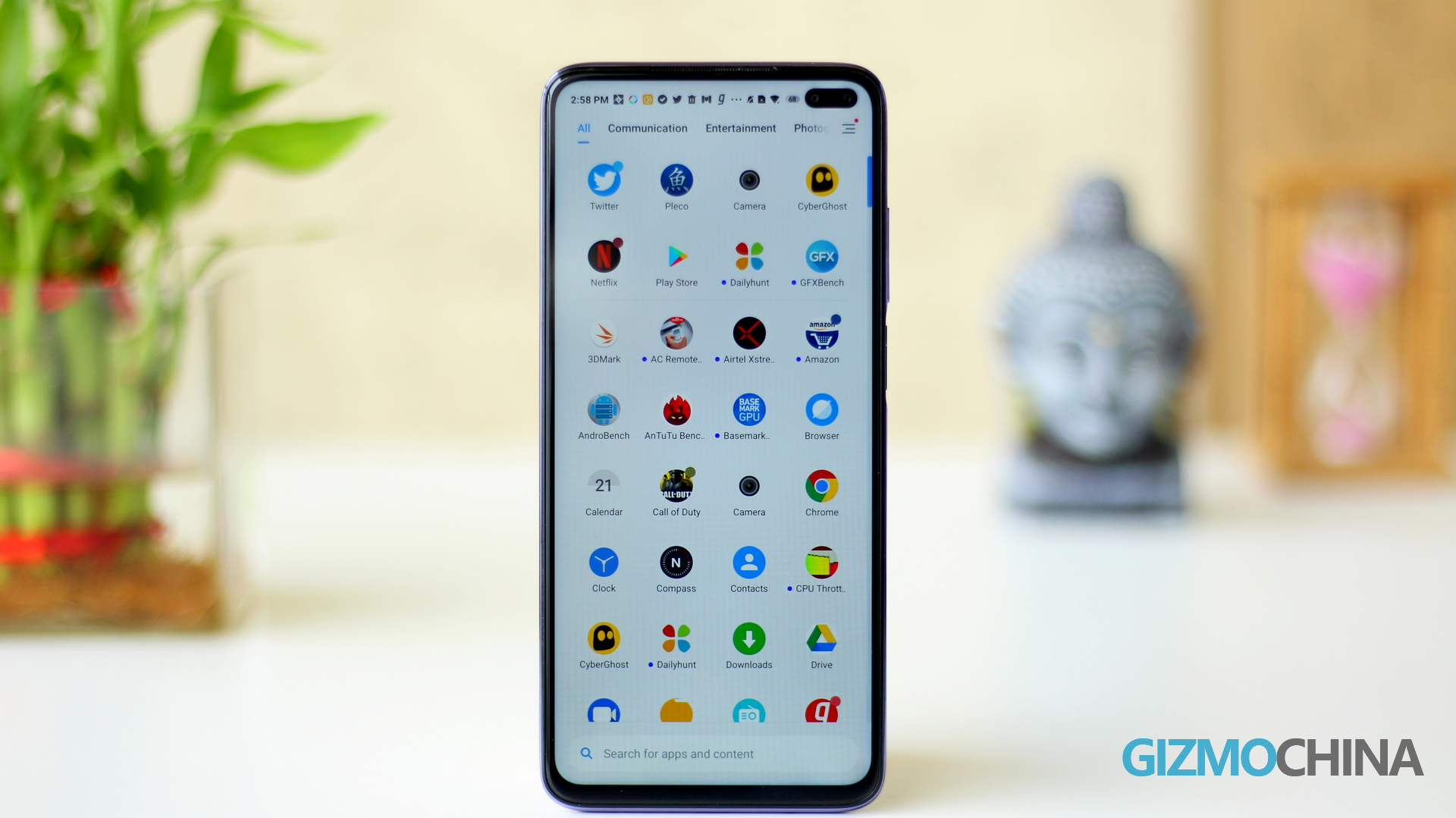
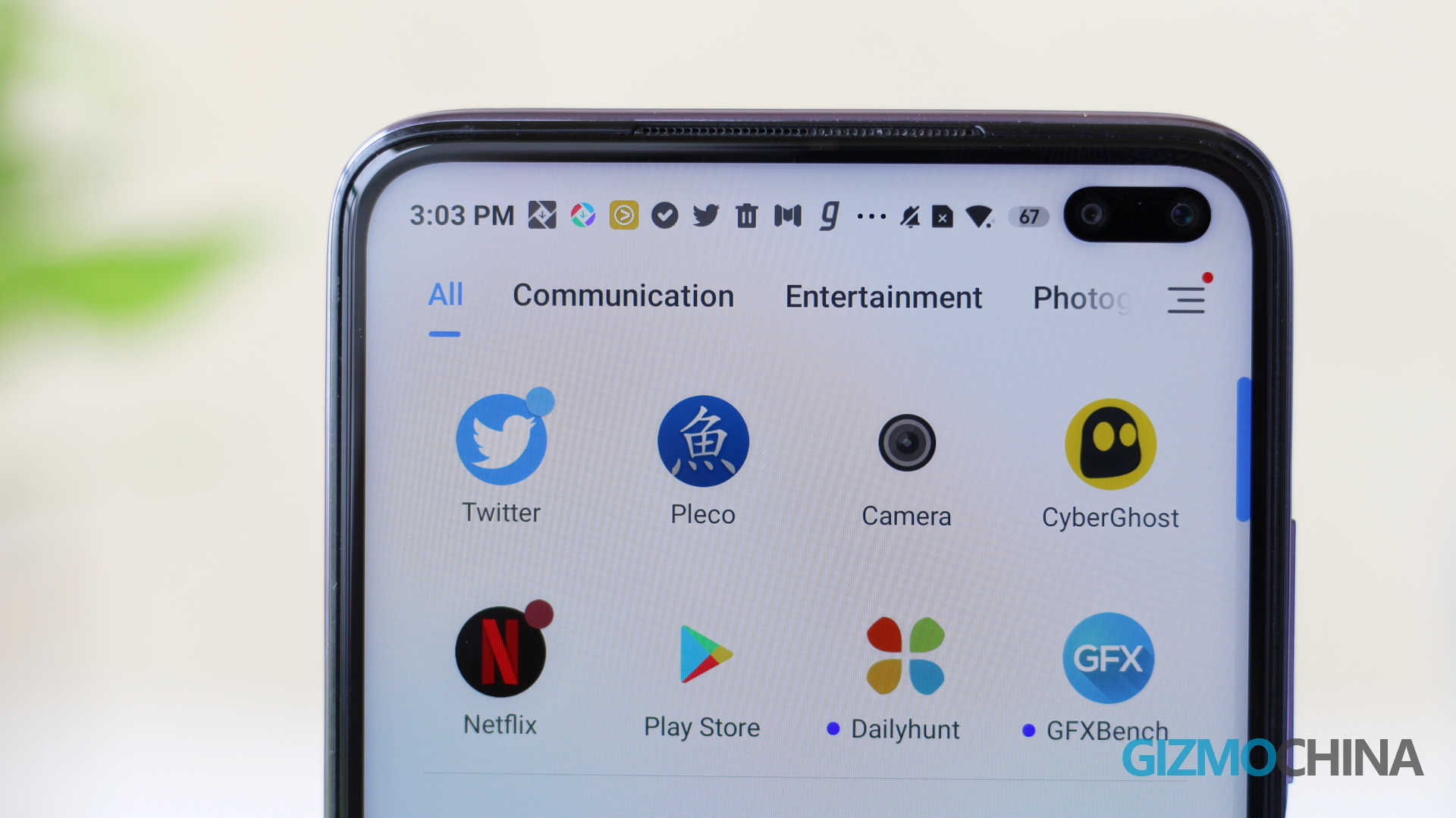
As for the front, the Poco X2 features a 6.67-inch LCD flat display with dual punch-hole cameras on the top right corner. The screen is good for its price (I will talk more about in the next section), but the dual selfie cameras on the top can be a bit bothersome as it stands out quite significantly. However, MIUI has a couple of solutions to fix this issue – including an option to darken the status bar, thereby hiding the cameras.
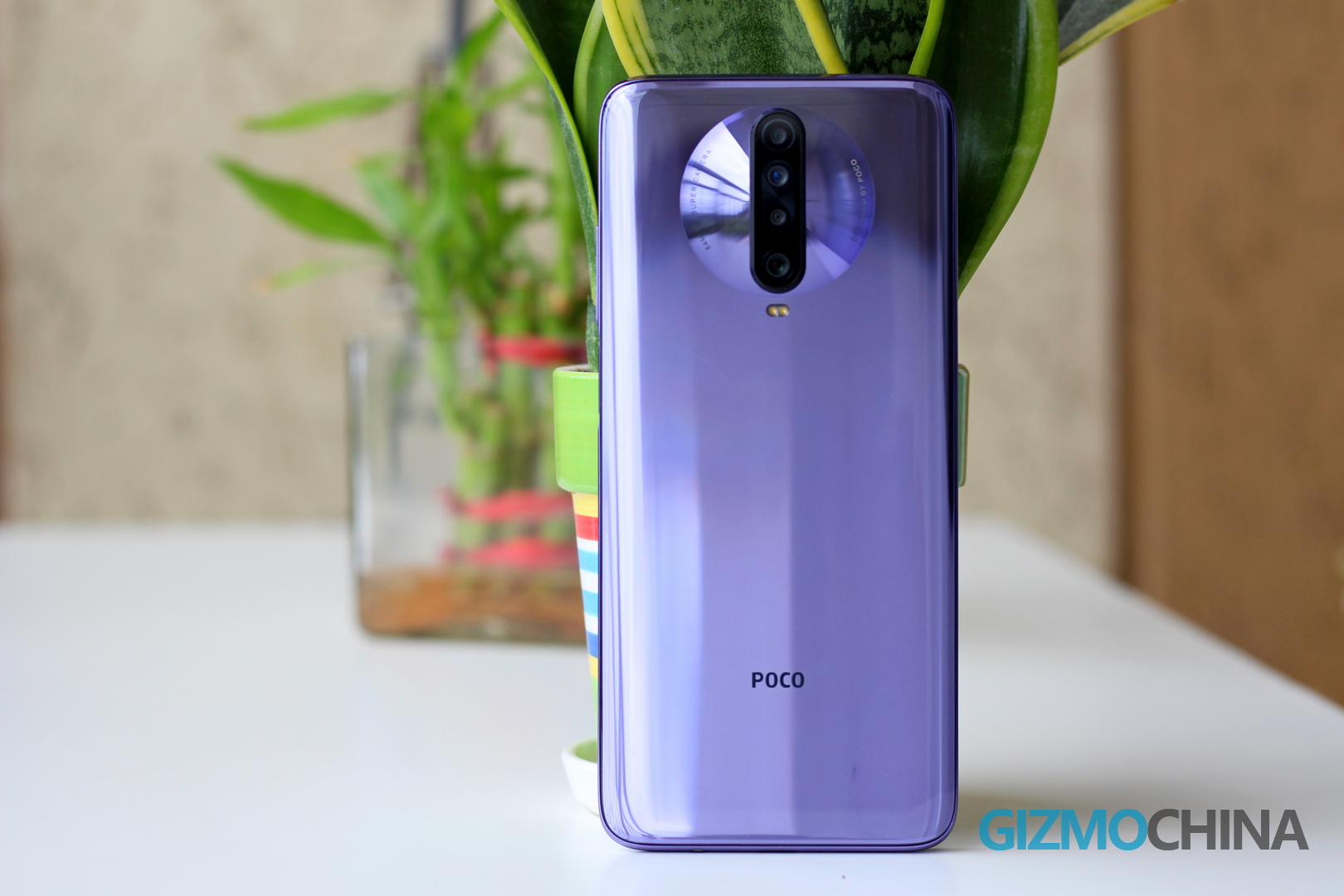
To conclude, I’m not a fan of Poco X2’s design or the Matrix Purple color. However, the phone looks polished and has a comfortable grip. So even if the design isn’t its strong point, you shouldn’t have any significant complaints.
Poco X2 Display
The Poco X2’s biggest highlight is its display. The 6.67-inch RealityFlow FHD+ LCD panel on the device supports up to 120Hz refresh rate. This display is snappier than most other 60Hz and 90Hz LCD smartphones in its price segment.
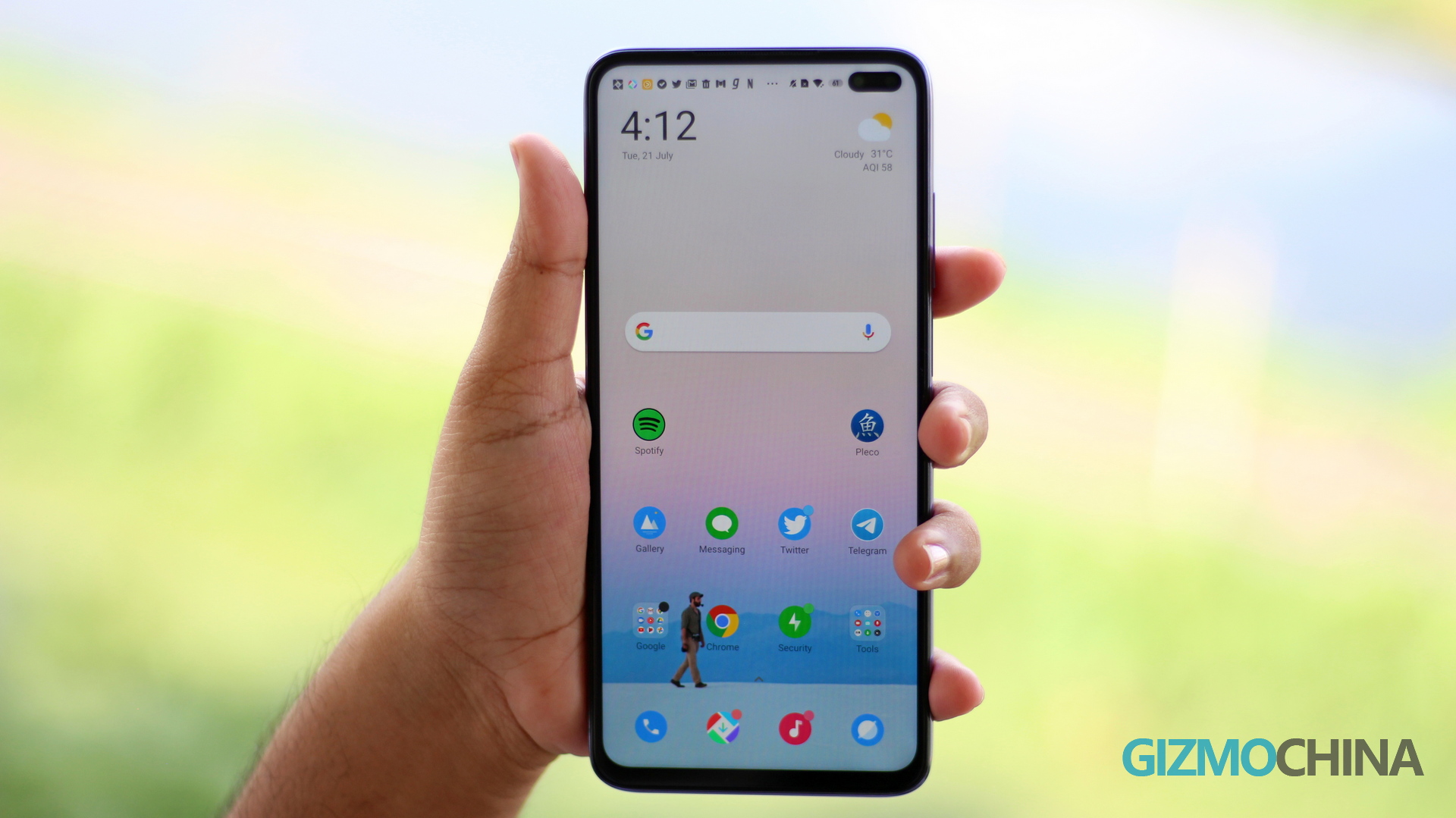
The saturation levels on the LCD panel are good, and support for HDR10 ensures you get punchy colors while streaming. At 500 nits, the Poco X2’s display is bright too, even under direct sunlight. The auto-brightness feature also worked pretty well, so I rarely had to adjust it manually.
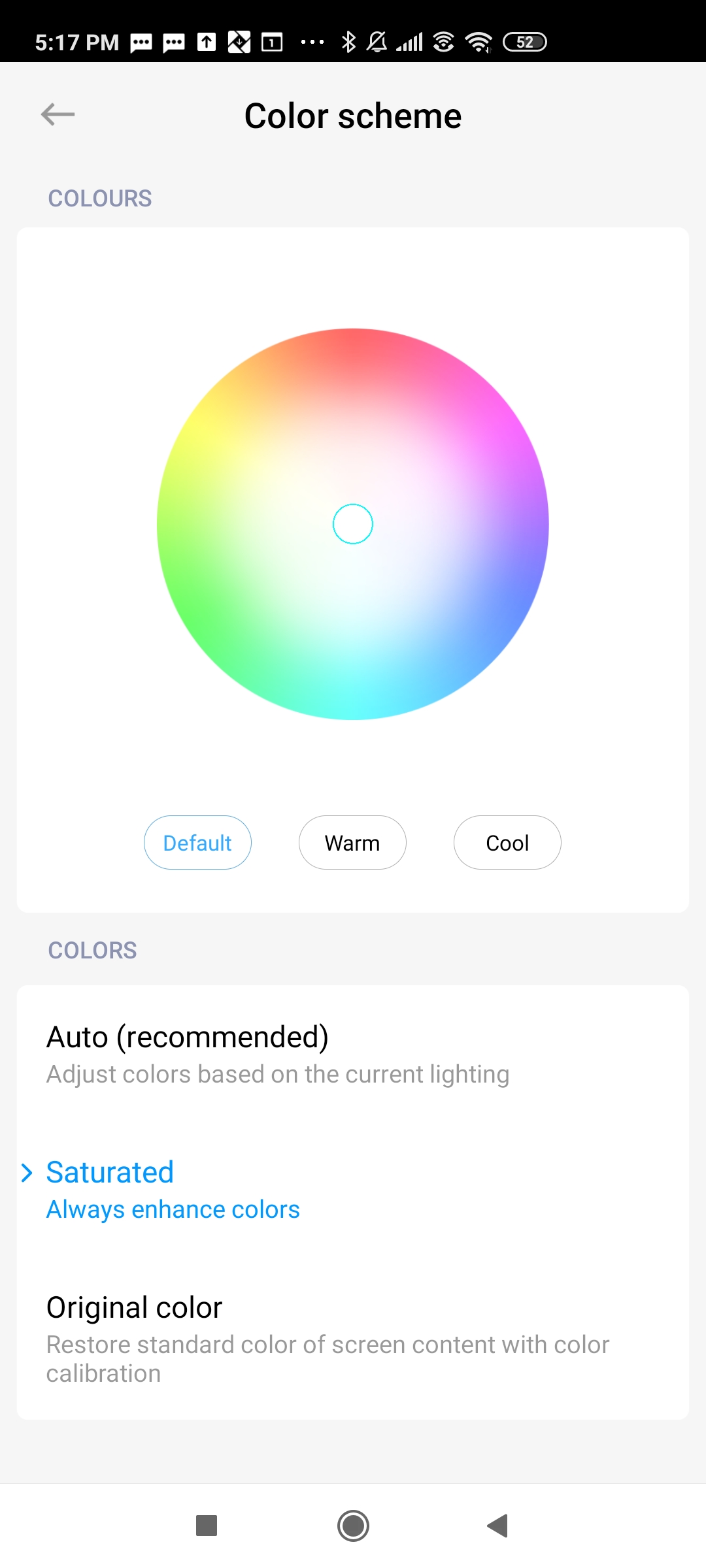
You also get a couple of color calibration options for the display, but since this is an LCD screen, the colors won’t pop out as well as an AMOLED panel. There’s an auto mode that chooses the best color profile for the screen, and I’ve been using that mode for the past few weeks without any real complaints.
That said, I did notice the occasional jitters while scrolling through in the UI. So the software needs a few more tweaks to perfect the high refresh rate screen.
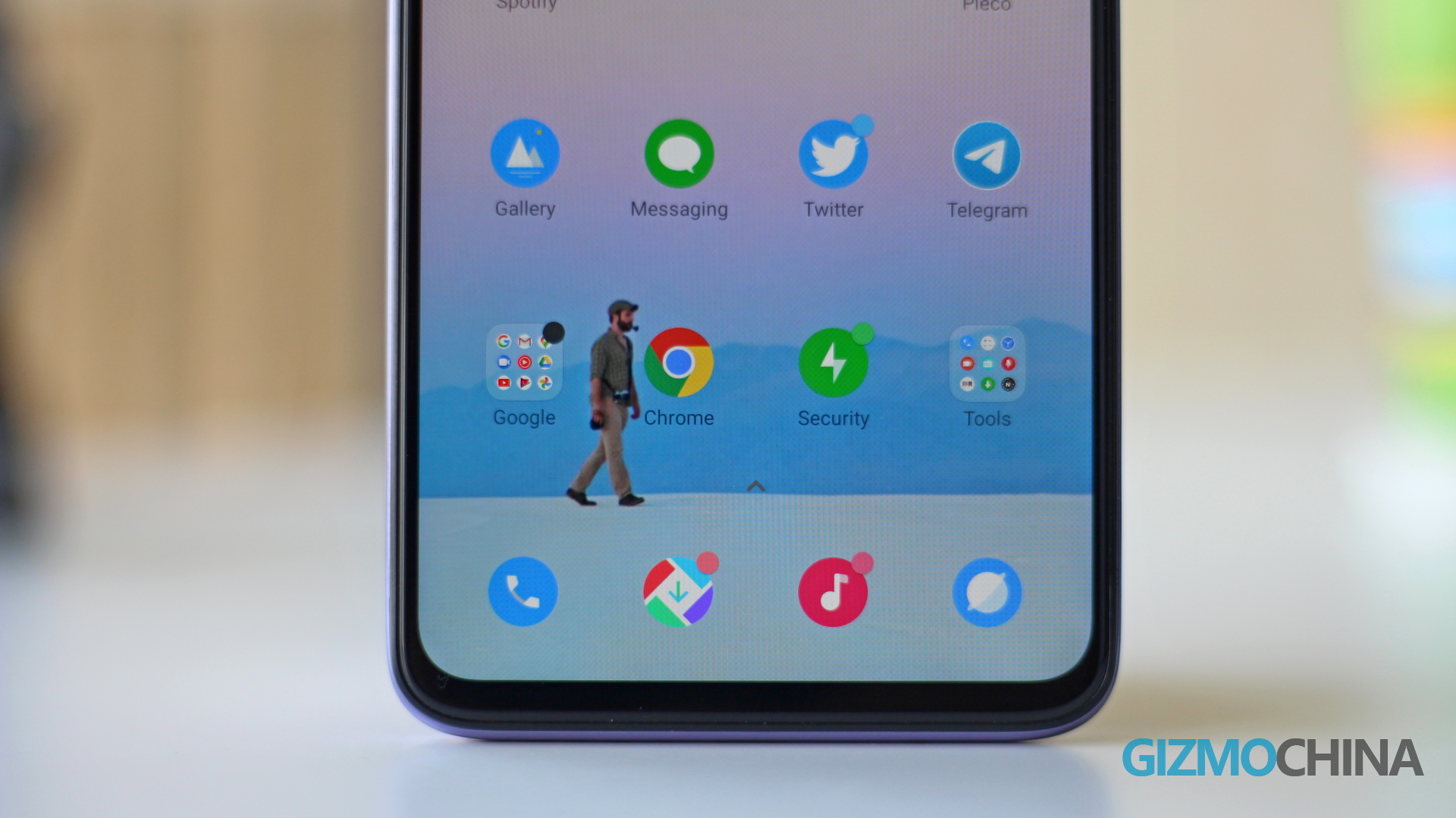
Also, the dual punch-hole camera setup on the top right corner feels a bit invasive. If you look closely, you’ll see that these are two separate cameras in a pill-shaped enclosure. The phone adds a black background to manifest its integrated look.
There are some workarounds for this though. You can hide the punch-hole cameras using software (from the notch & status bar option inside the display settings), which darkens the status bar, thereby hiding the cameras.
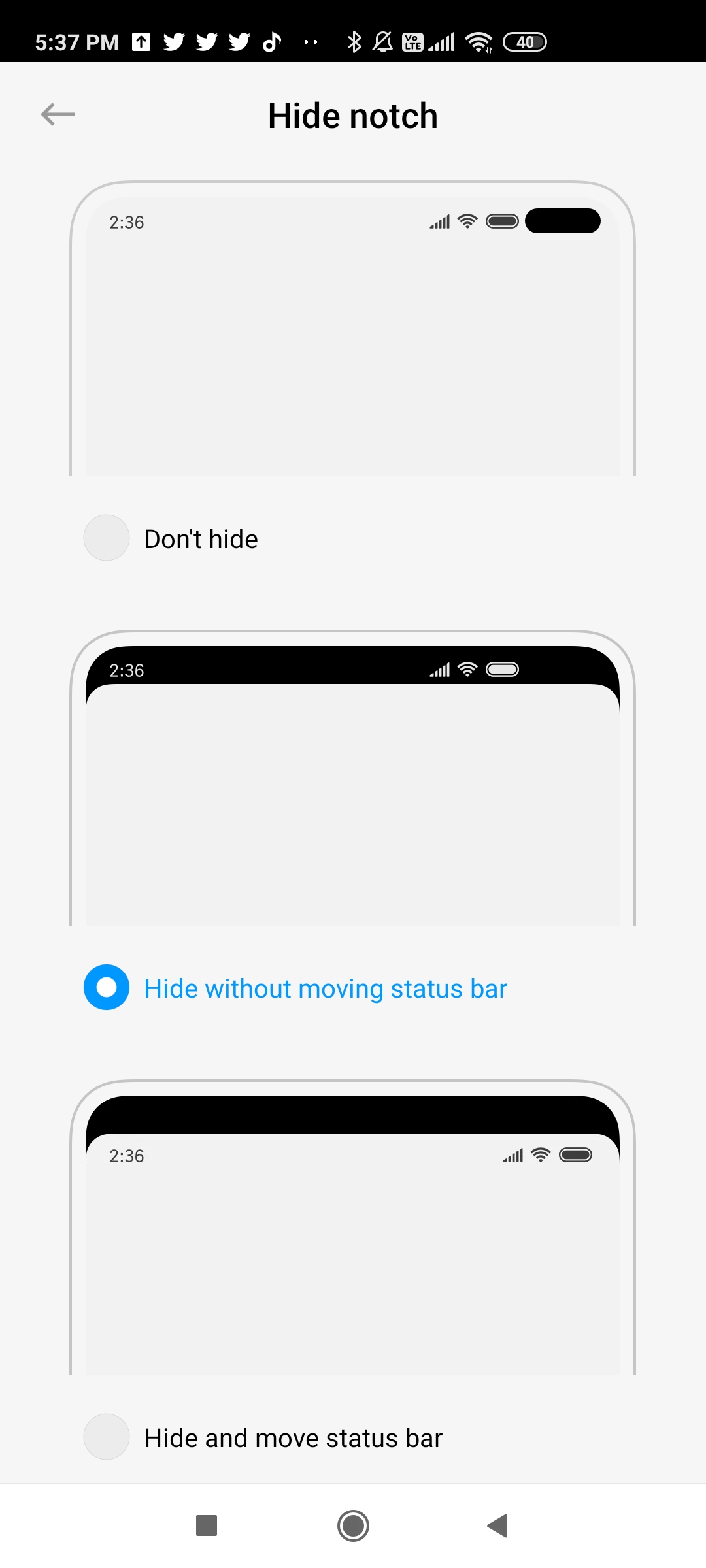
Even with the hide notch setting enabled, the Poco X2 offers a satisfying viewing experience, all thanks to the minimal bezels around the display. Plus, with full-Screen gestures enabled, you get additional screen real estate at the bottom.
Poco X2 Performance
The Poco X2 is powered by the 8nm Snapdragon 730G processor with up to 8GB of RAM and 256GB of storage. The review unit with me is the top-end version, and in this age of streaming, you’ll find it hard to fill up this storage. But if you do end up using up all the available memory, you can use a MicroSD card for storage expansion. The phone comes with a hybrid memory SIM card slot, so you can always add a MicroSD card in one of the hybrid nanoSIM card slots.
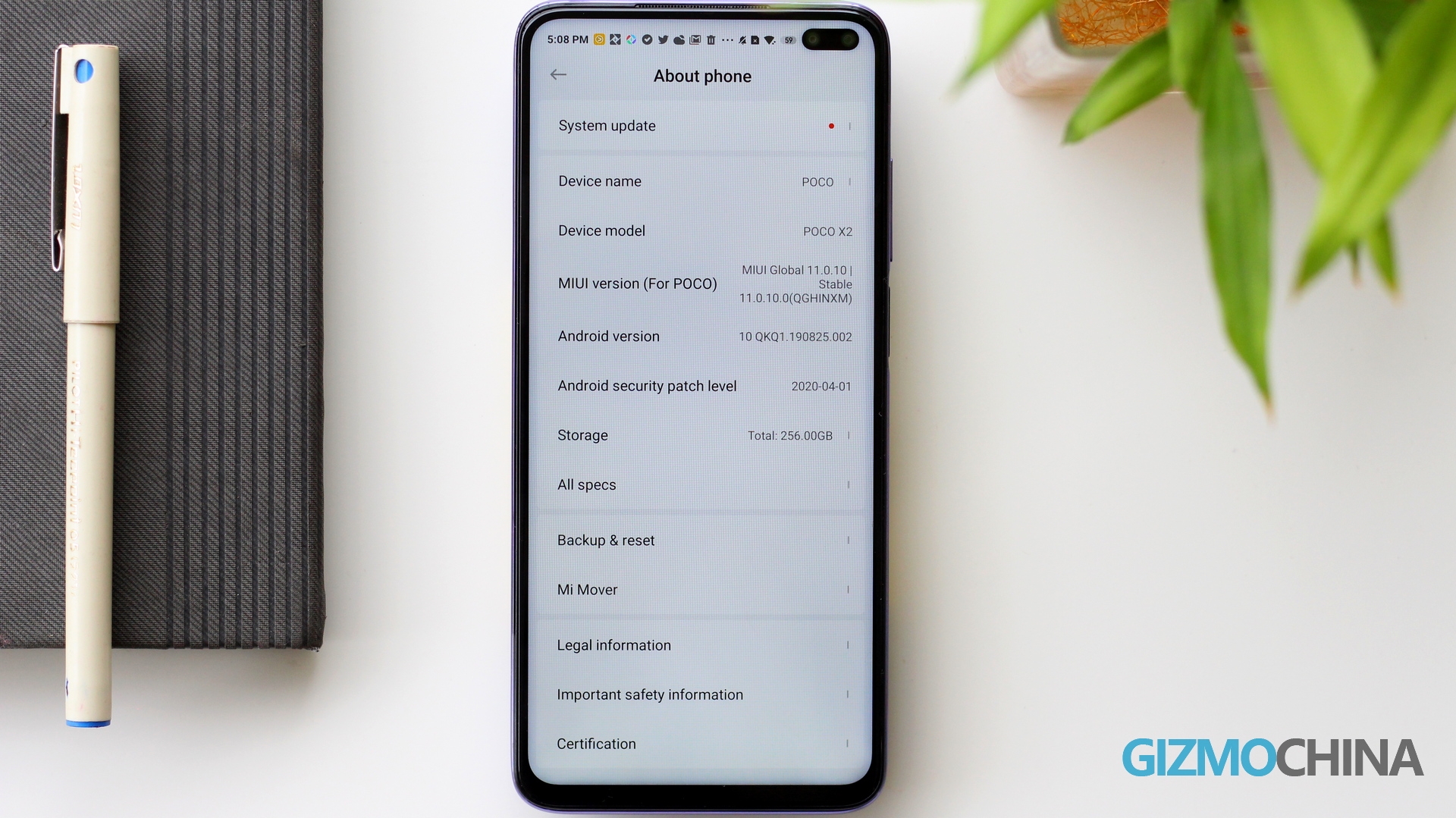
The UI performance is also pretty fluid. 120Hz refresh rate translates into smoother animations and scrolling, but you do see occasional jitters. It looks like the UI struggles to handle the high refresh rate sometimes. However, it’s not significant, and further software optimizations could likely eliminate them.
I’ll also try to address the big old question about whether you can spot the difference between a 120Hz and 60Hz display. The short answer is yes! Scrolling is visibly smoother, and you will also notice that the animations are fluid.
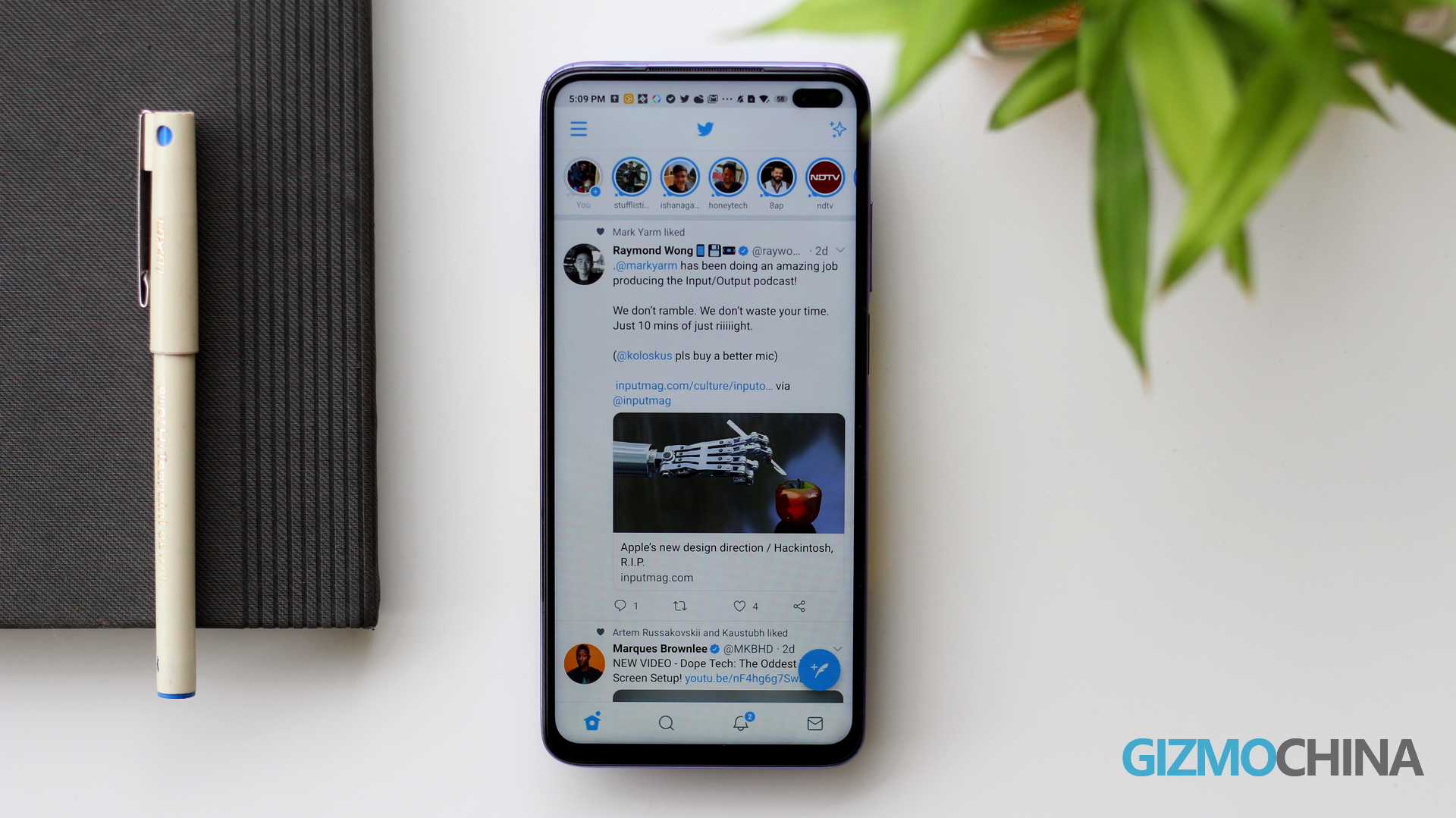
However, once your eyes get used to the refresh rate, be it 60Hz or 120Hz, you won’t comprehend the difference. Also, I feel a 90Hz refresh rate option in the settings would have been the sweet spot between fluid performance and battery life. But unfortunately, Poco only offers a standard 60Hz and a high 120Hz refresh rate option in the display settings.
Benchmarks
The benchmark scores are pretty much what you’d expect from a Snapdragon 730G phone.
- Antutu (v8.3.6) – 277,525
- Geekbench – SINGLE-CORE – 420 | MULTI-CORE – 1598
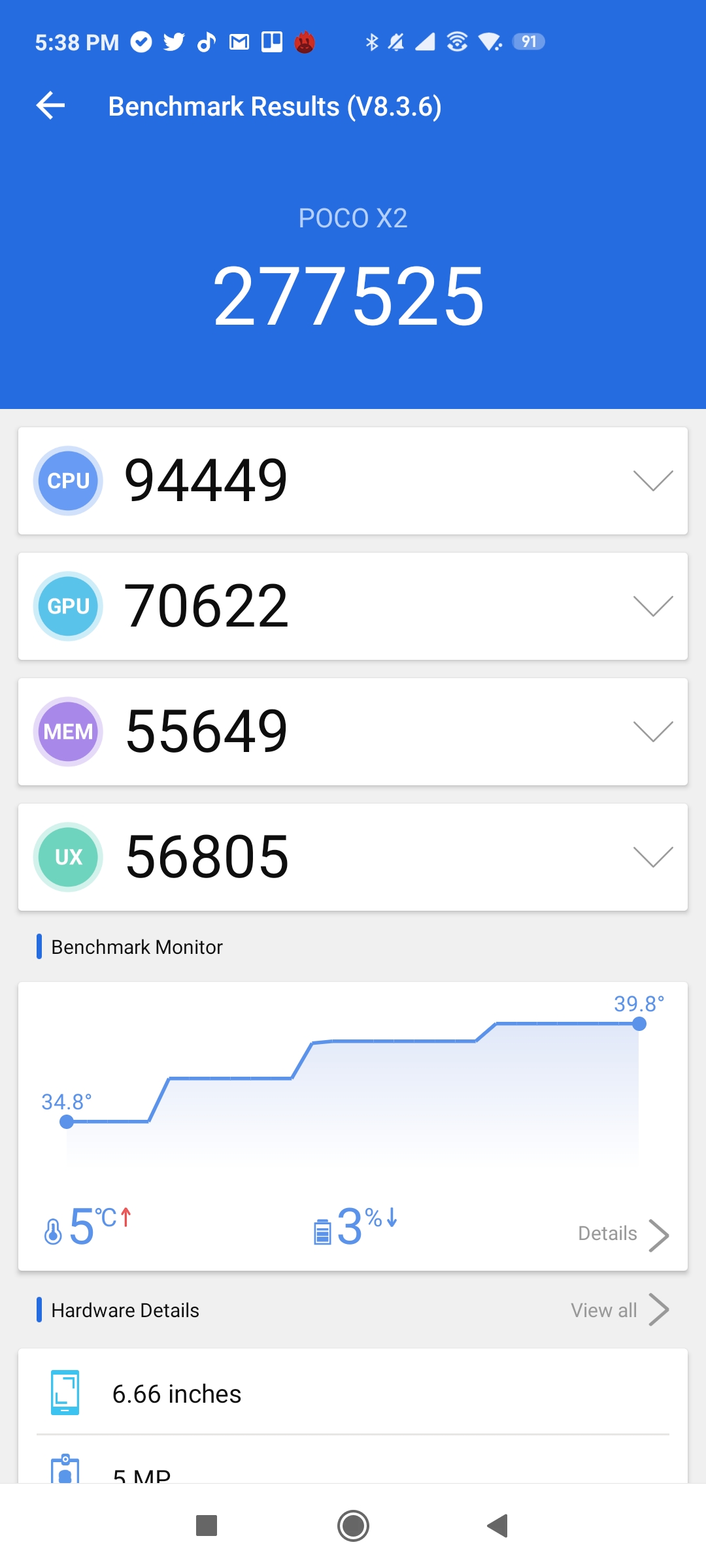
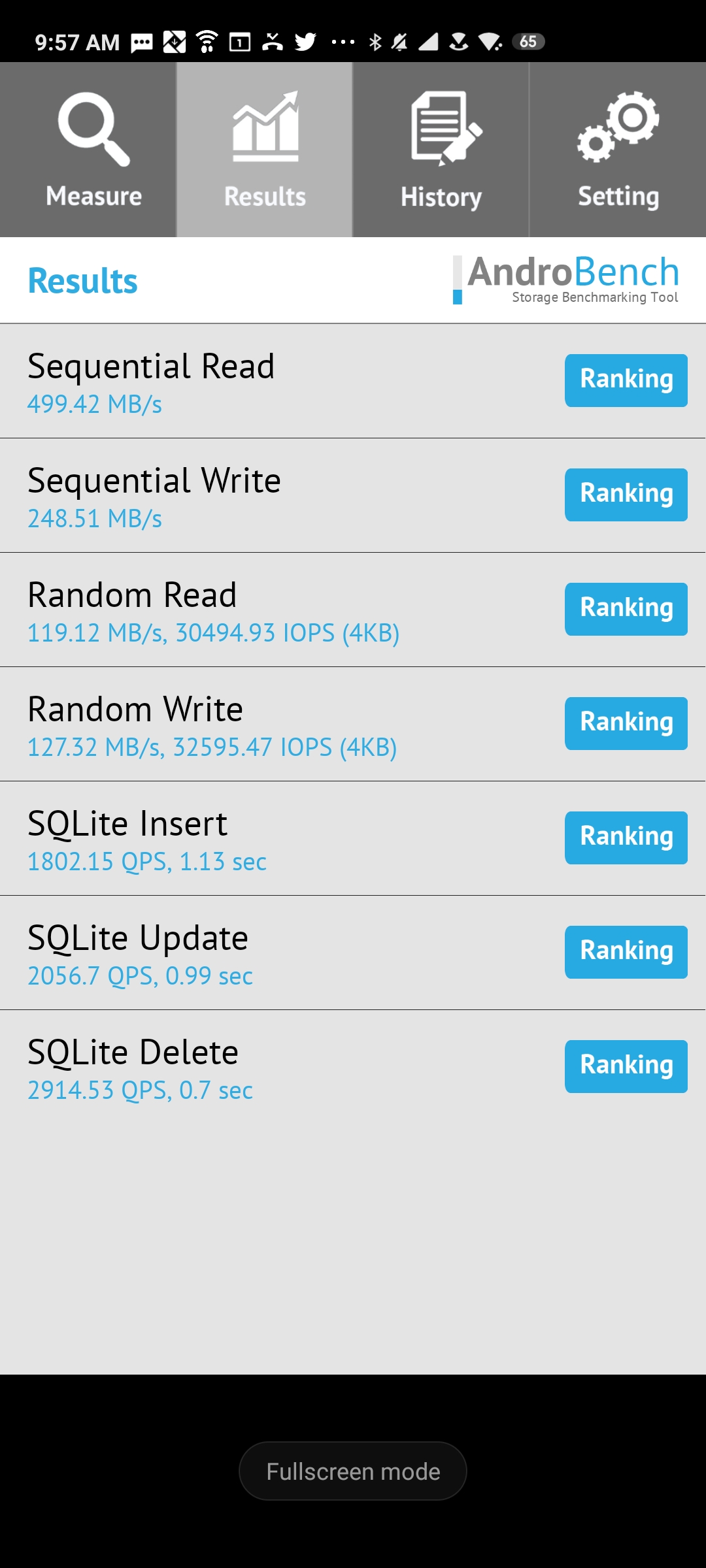
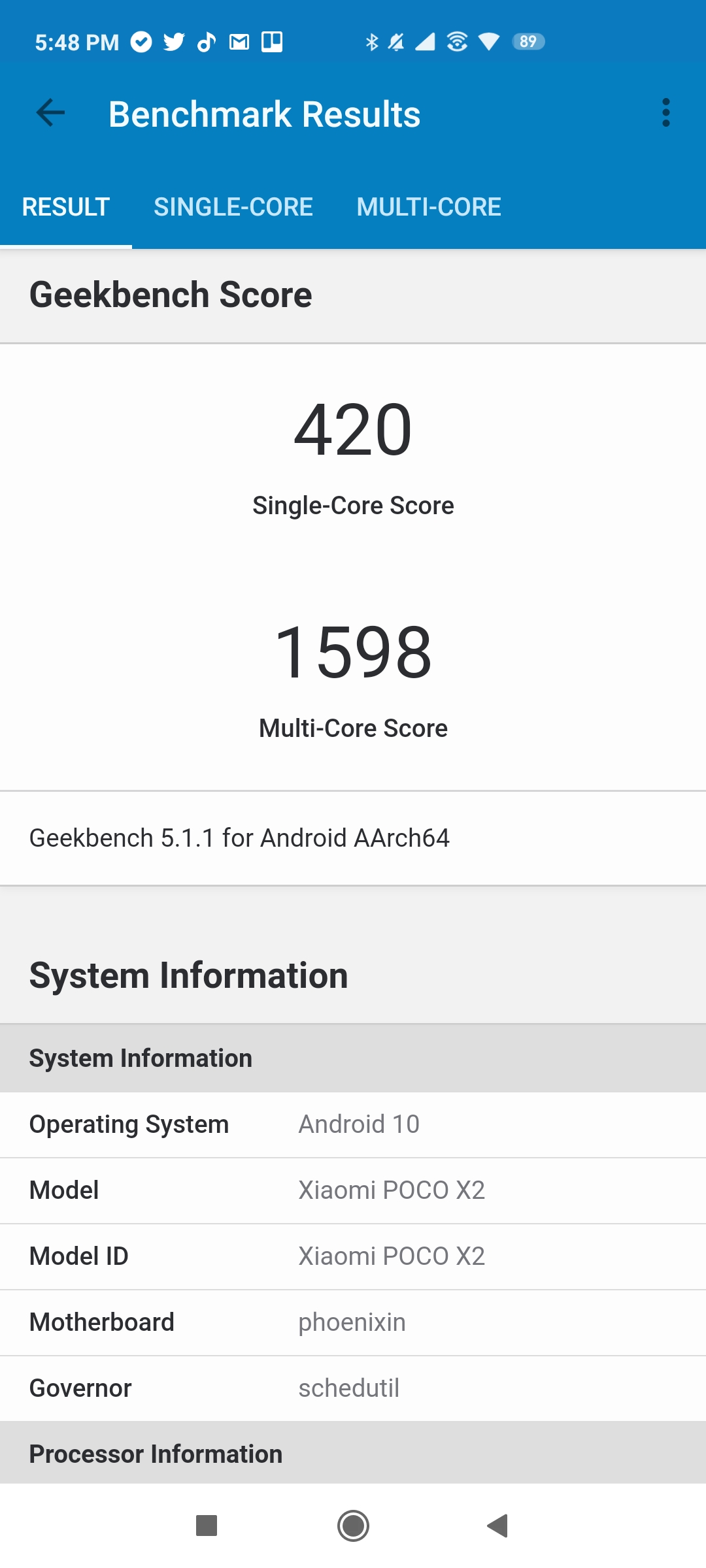
For some reason, graphic centric benchmarks like GFXBench and 3DMark failed to run on the device.
Editor’s Pick: Chip Battle: Snapdragon 730G vs Snapdragon 720G
Note that the Snapdragon 730G inside the phone is a gaming chipset. So the phone performs pretty well even in graphic intensive scenarios like gaming.
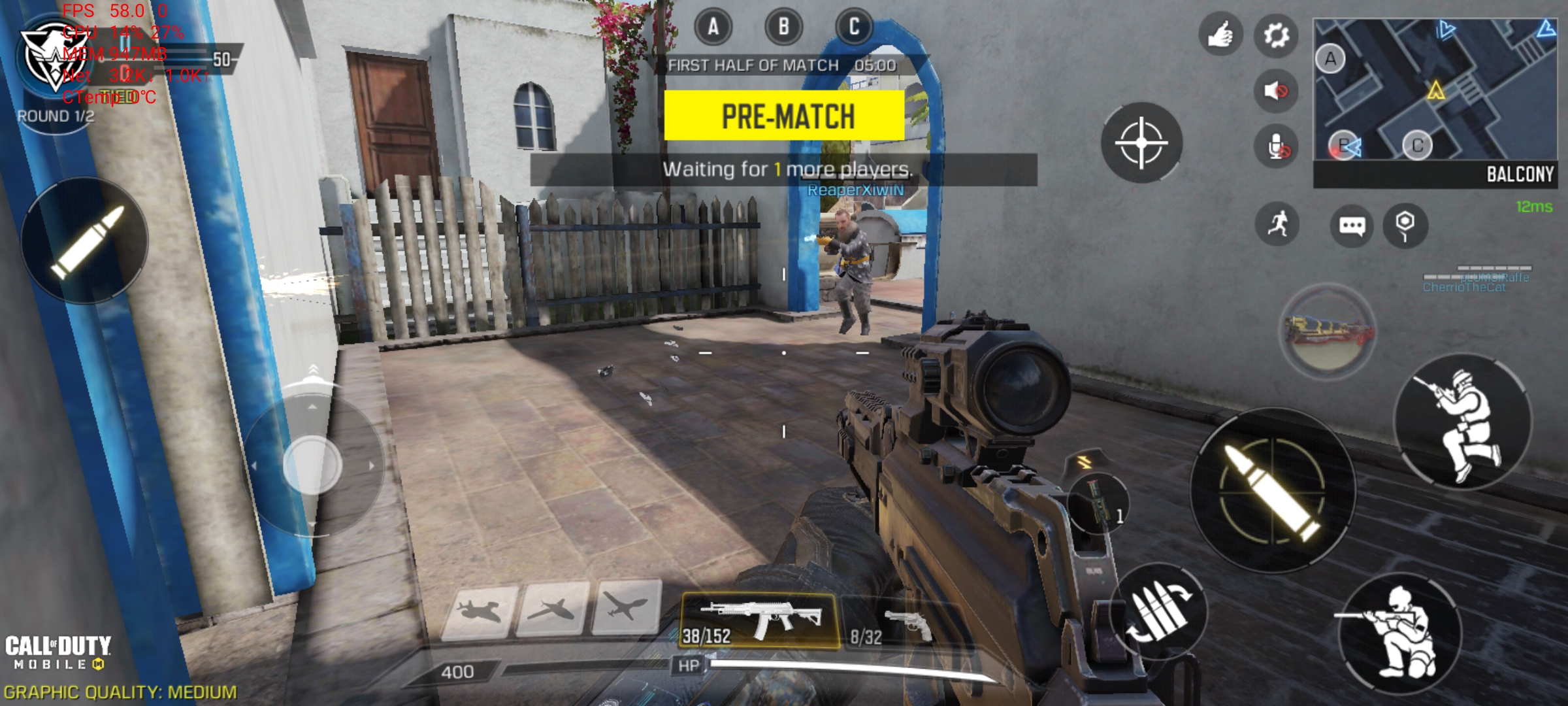
The phone handles COD Mobile, PUBG, and games like Mario Kart without any significant hiccups. You can hit 90 fps on COD and PUBG, and the gameplay is smooth in the medium graphics settings.
POCO X2 Battery
The Poco X2 is equipped with a 4500mAh battery that charges at a maximum wattage of 27W. While on paper, this might feel slower than the likes of the 40W Huawei SuperCharge or the 125W OPPO SuperVOOC, but in reality, it still translates into a hassle-free, fast charging experience.
The Poco X2 charges up to 25% from 0% (dead battery) in 15 minutes. In half an hour, the phone is topped up to 50%, and it takes slightly over an hour to charge up to 100%. Again, I ‘ll reiterate that on paper, this might not look fast, but for a phone that can last an entire day on a single charge, you won’t likely be ever worried about its charging speed.
In my test, an hour of Netflix drained slightly less than 10% of the battery on Wi-Fi and around 10% on mobile data. And with moderate usage, you’ll easily get 6 hours of screen on time on 120Hz. Bring that down to 60Hz and the Poco X2 will be your companion for another day.
Simply put, the Poco X2 has an all-day battery. So even though it’s a bit heavy, you know that the weight is being put to good use.
Poco X2 Software
The Poco X2 came with stable Android 10 out of the box with the Poco launcher on top. The phone has received several updates since I started using it. It was initially running MIUI 11.0.4 based on Android 10 with the January security patch. But currently, it’s got the MIUI 11.0.10 stable update with the Android 10 and April 2020 security patch.
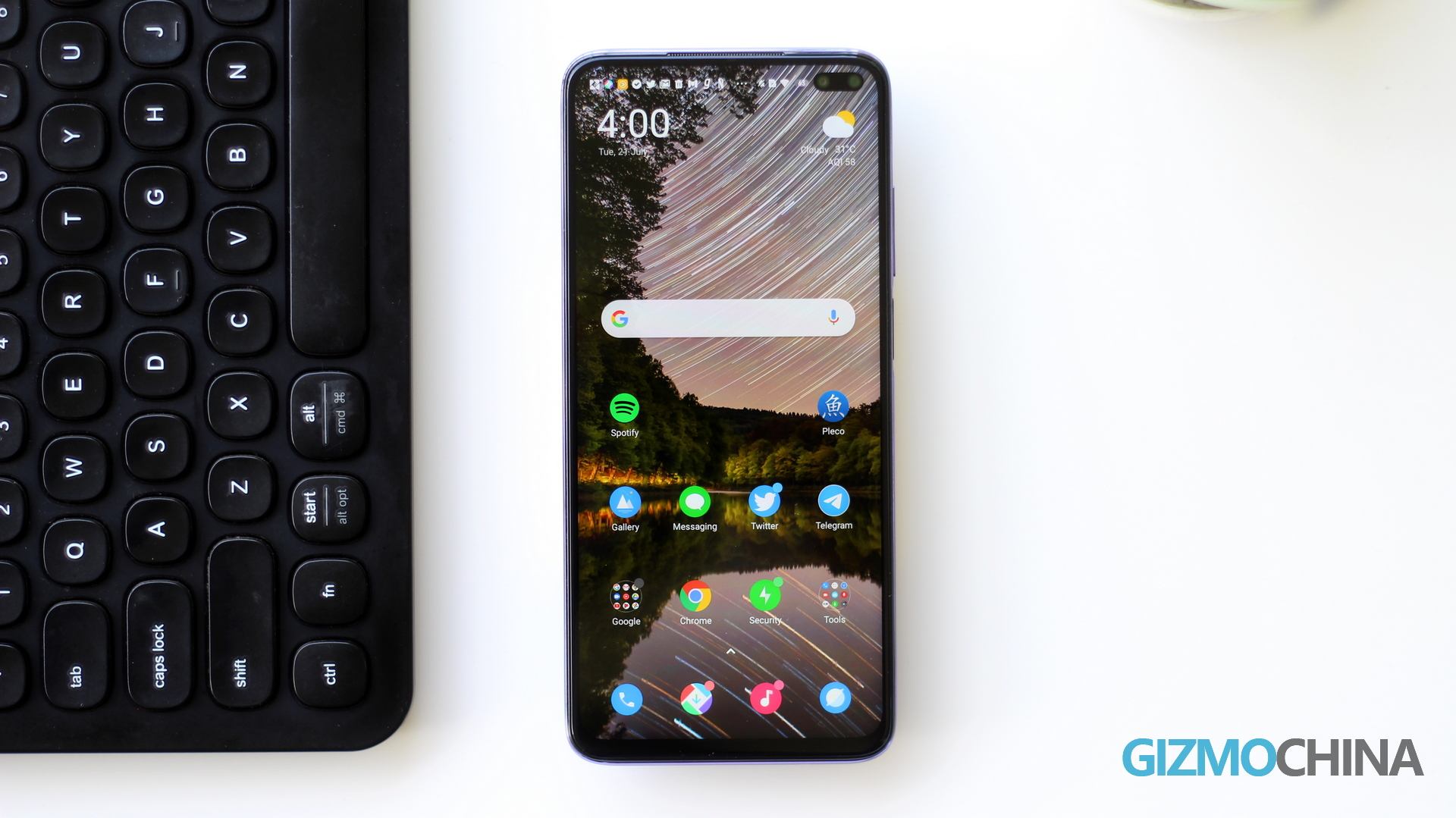
As mentioned above, apart from the occasional jitters while scrolling, the UI is responsive and useful. You do get a bunch of pre-installed software on the device – just like any other MIUI smartphone. But you can easily uninstall third-party apps like Facebook and Messenger. Note that Xiaomi’s apps like Mi Pay, Mi Video, etc. cannot be uninstalled from the device.
You also get a system-wide dark mode which I personally like.
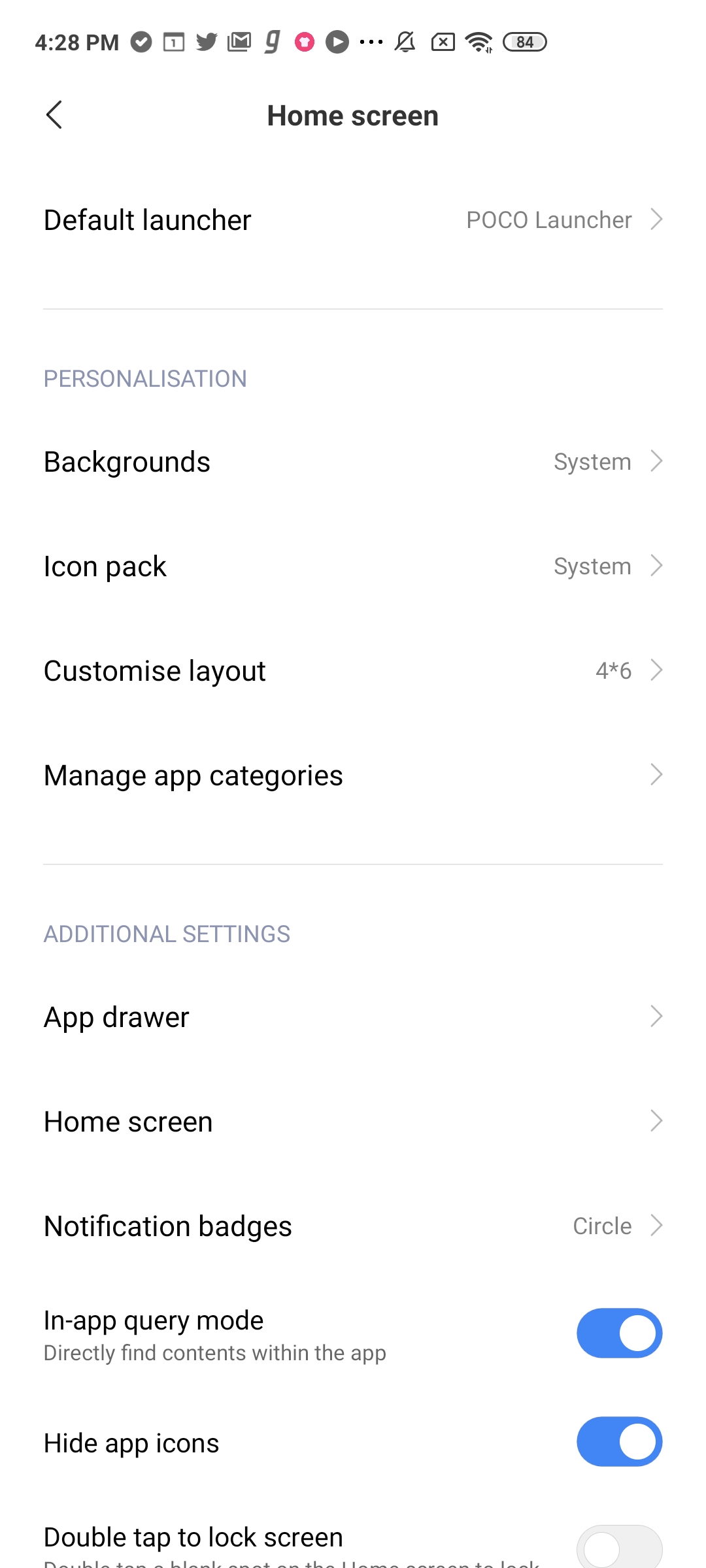
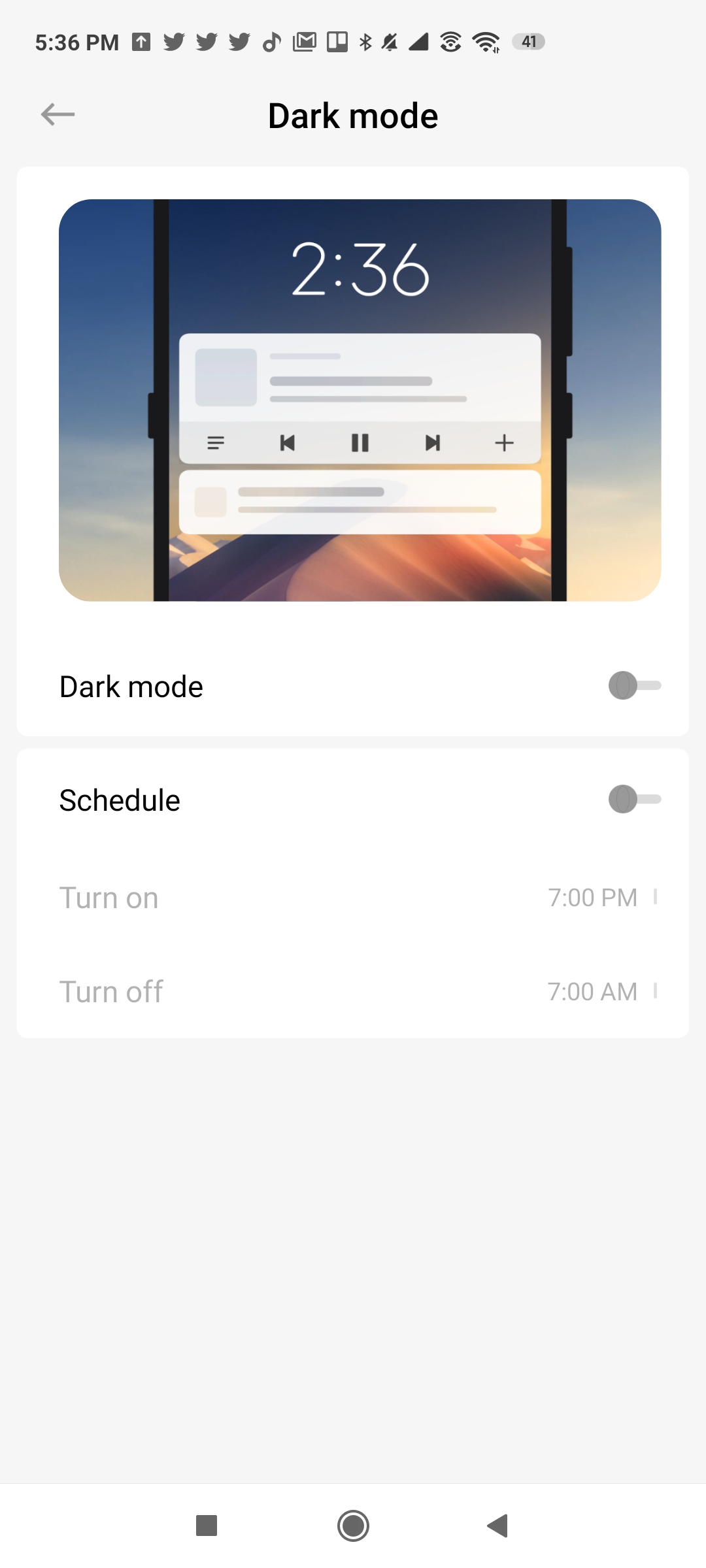
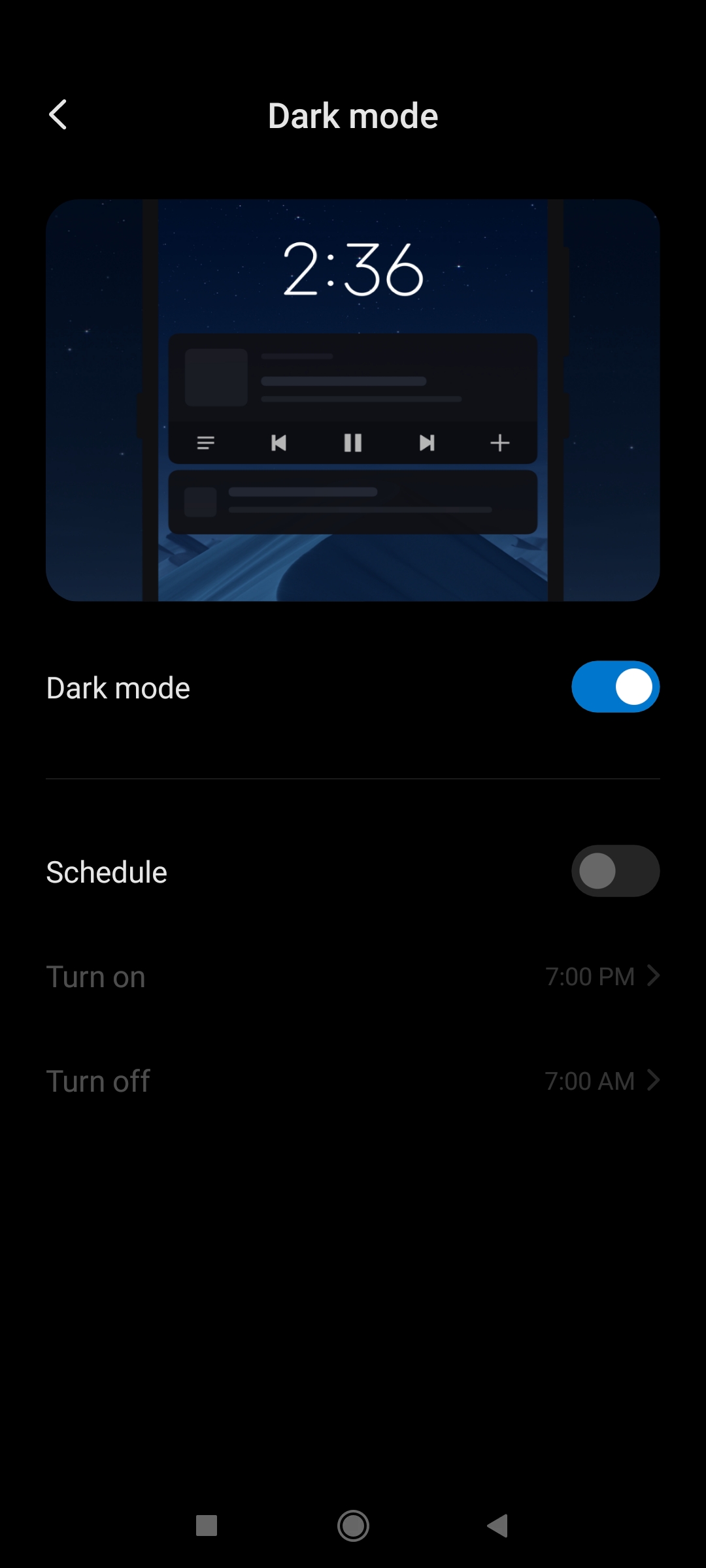
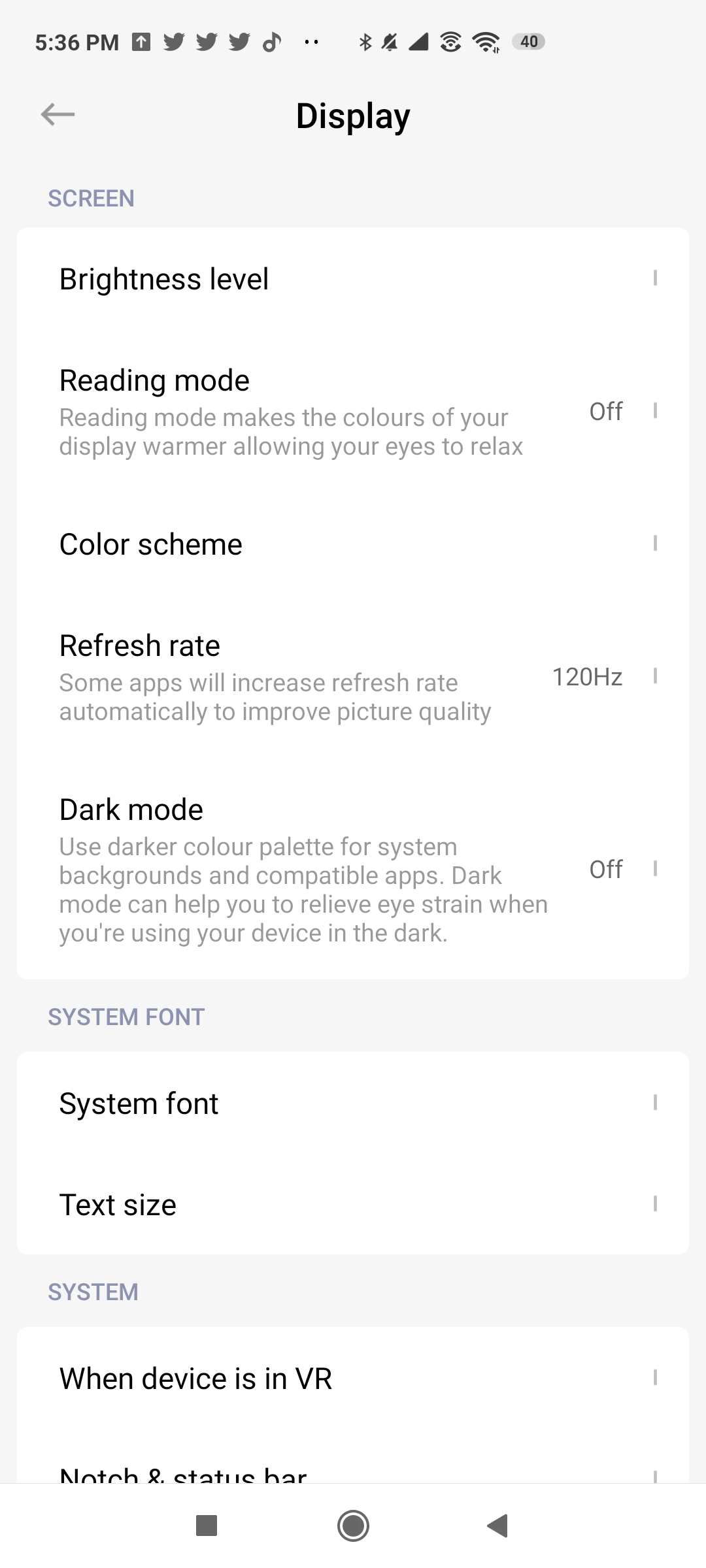
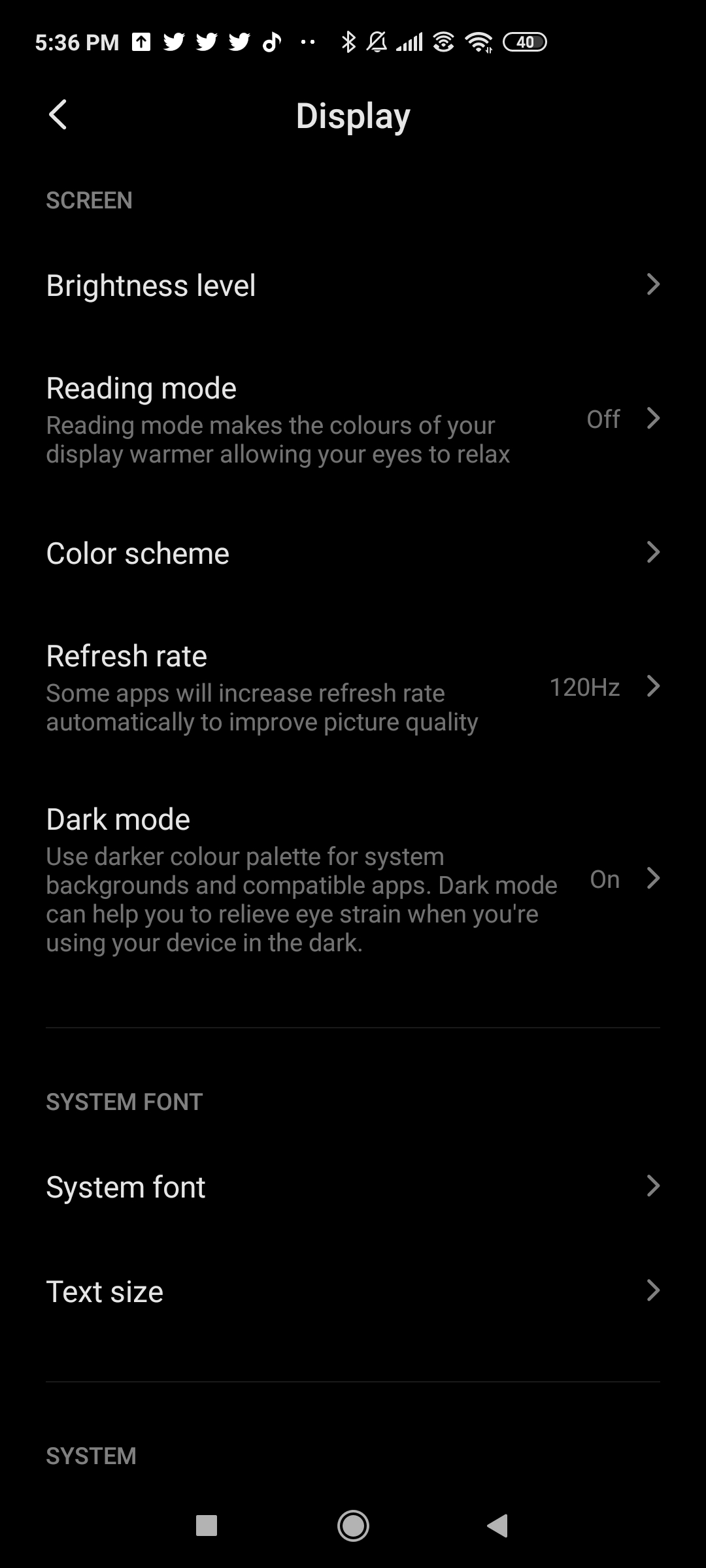
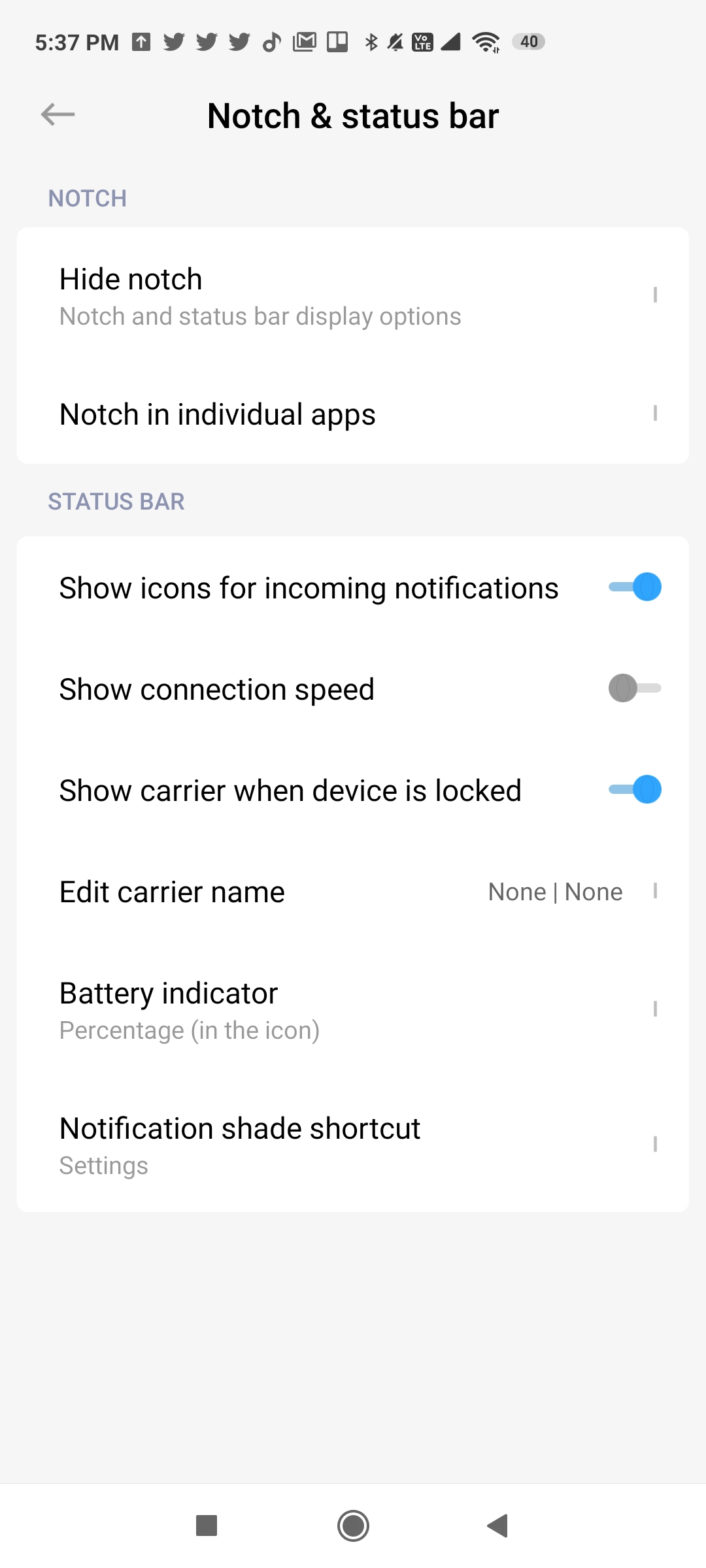
While MIUI is not one of my favorite UIs, it still has a lot of customization options to tweak the phone according to your liking. So if you don’t like something, you can easily customize it.
Poco X2 Camera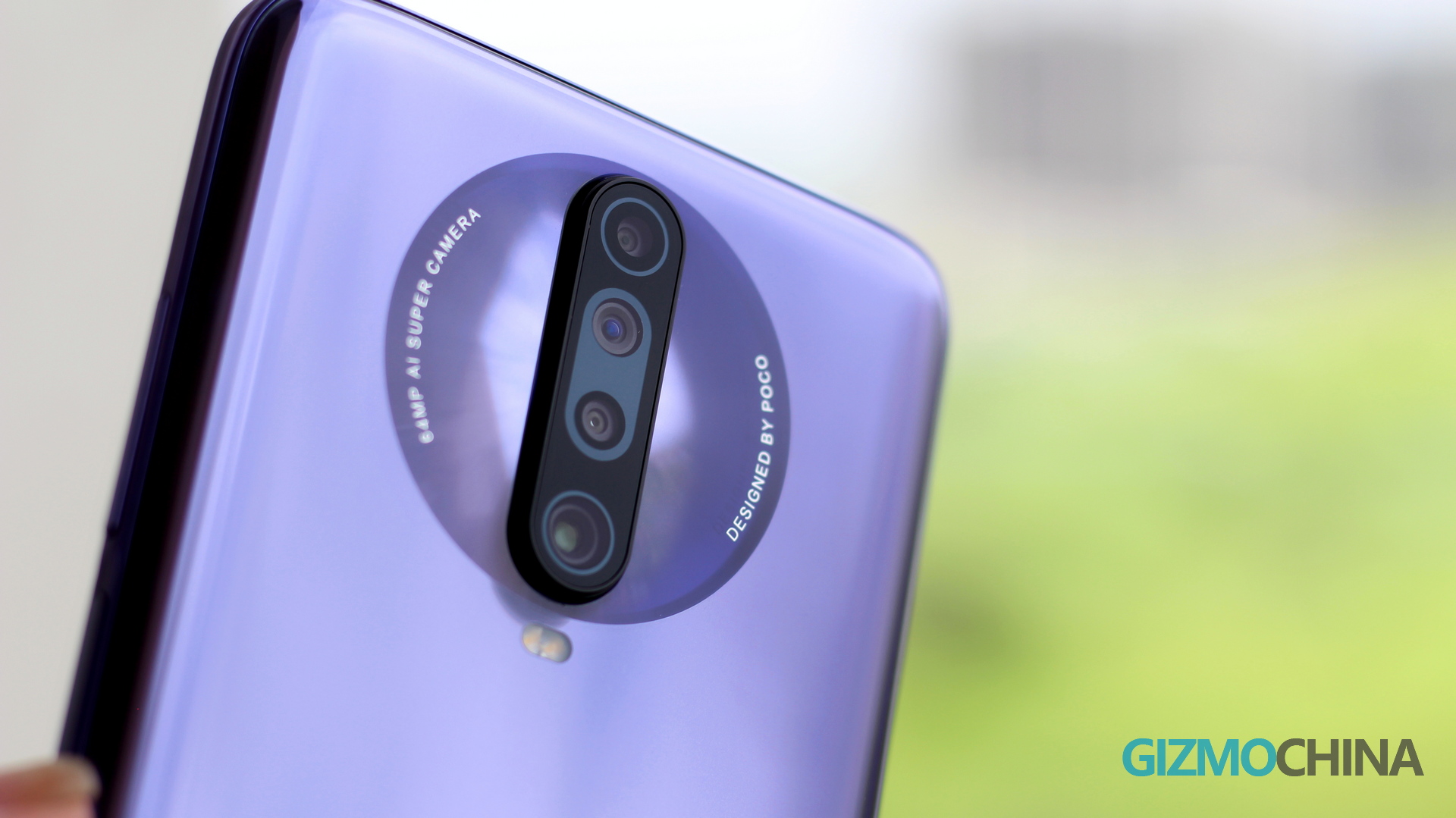
The Poco X2 features a versatile camera setup led by a 64MP Sony IMX686 sensor with 0.8μm pixels, PDAF, and f/1.89 aperture. There are three more camera sensors with different functions. The 8MP Ultrawide camera comes with f/2.2 aperture and 120-degree FoV, the 2MP f/2.4 macro camera is ideal for close up shots (2-10cm), and there’s a 2MP portrait camera too. Note that the phone doesn’t have OIS, so it relies on software-based stabilization.
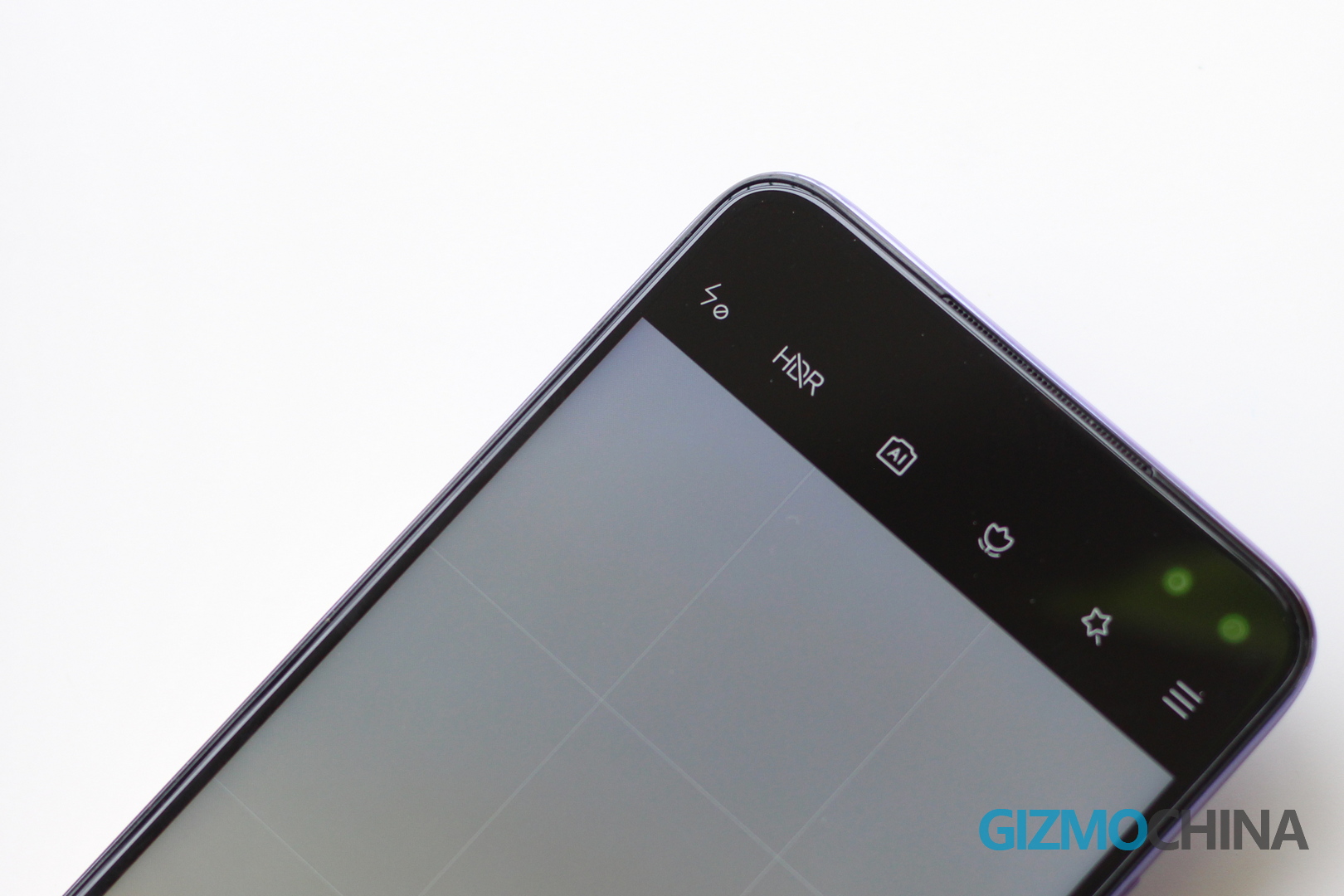
Main Camera 64MP – 16MP binned
In the regular mode, you get 16MP binned photos, which are pretty sharp and colorful. The Poco X2 doesn’t try to oversaturate the images and gives you colors that are pretty close to real life. If you are used to saturated photos, X2’s samples might come off as a bit dull, but note that you’d be getting life-like colors in them.

The dynamic range is good and the phone manages the dark as well as shadow areas pretty well. When there’s ample light, the Poco X2 delivers crisp photos with good colors.

But in some cases – like that of landscapes, you might feel the 16MP binned photos don’t have enough details. In such situations, you can simply switch to the 64MP ultra HD mode for landscapes.
64MP mode
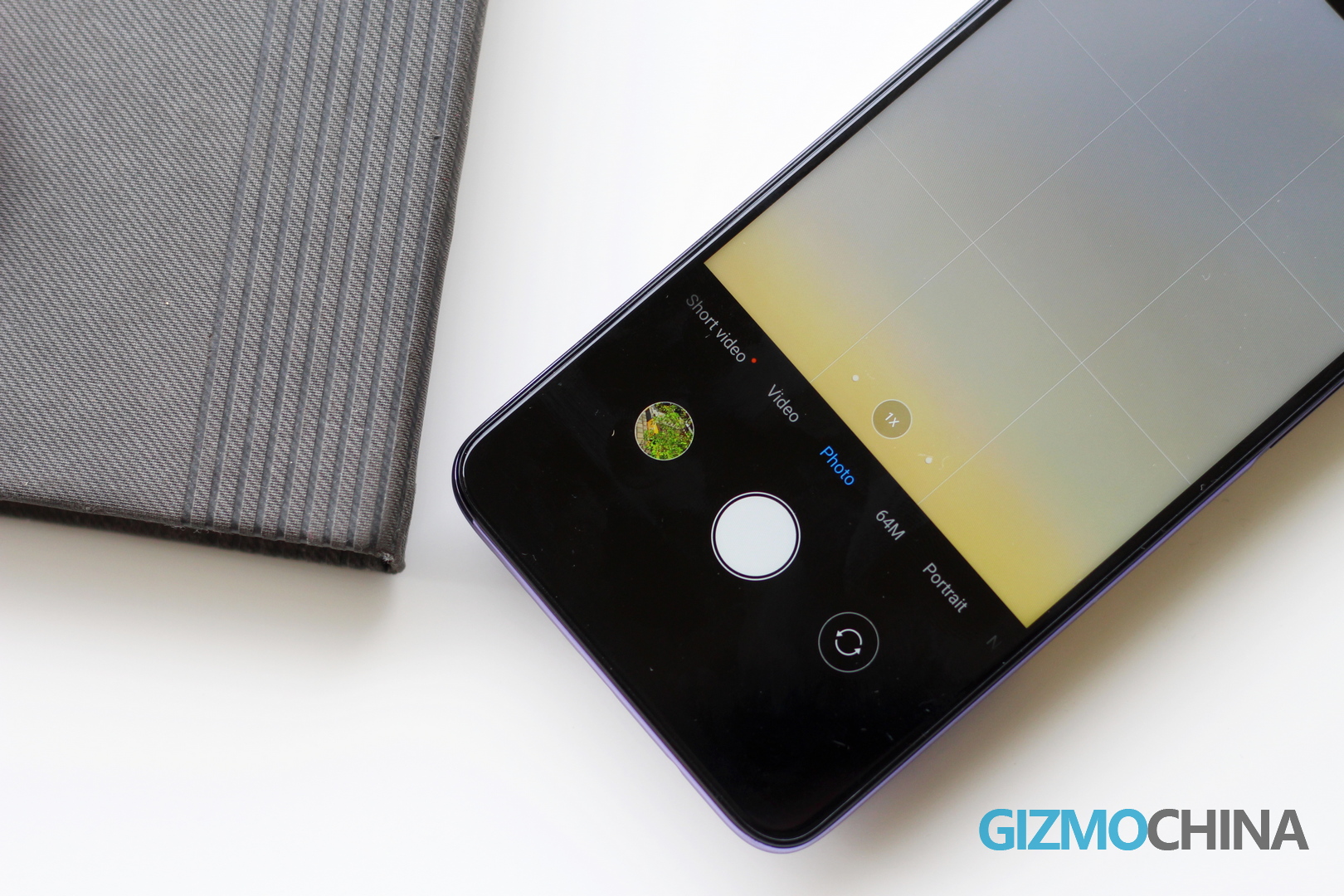
The 64MP mode captures significantly more details than the regular photo mode. This is especially true when the image has a lot of data, like in the case of landscapes. You can clearly see the difference in the image quality between the two modes, and I would recommend switching to 64MP whenever you are taking a landscape shot.

Didn’t I say this mode took significantly more details? So it’s not surprising that the resulting images are considerably larger too. So expect the 64MP samples to be around 40-50Mb for landscapes while the regular 16MP binned samples are only around 10Mb for the same image.
Also, note that in most scenarios, the dynamic range was better on the 16MP camera samples than the 64MP ones.
Ultra-Wide Camera
The 120-degree Ultra Wide Angle camera is also pretty useful on the Poco X2. Under ample sunlight, you get a decent amount of details. So you can take really wide samples that bring in more objects into your frame, which wouldn’t have been possible with the regular lens.

However, the 8MP ultrawide camera is not as sharp as the 64MP shooter. The samples taken from the UW camera had fewer details. Even the colors were a bit muted.
To better understand the difference between the quality of the three photo modes, check out the samples below.
Macro Camera
The macro camera is often a gimmick on some phones, but on the Poco X2, it turned out to be a fun feature. You can go really close to the object (as close as 2cm) to take snaps of objects. It might take a few tries to master the macro mode, but once you figure out the basics, the Poco X2’s macro camera can output detailed and saturated shots. Note that as with other macro cameras, you have to be very steady to capture clear shots of your object.

Portrait
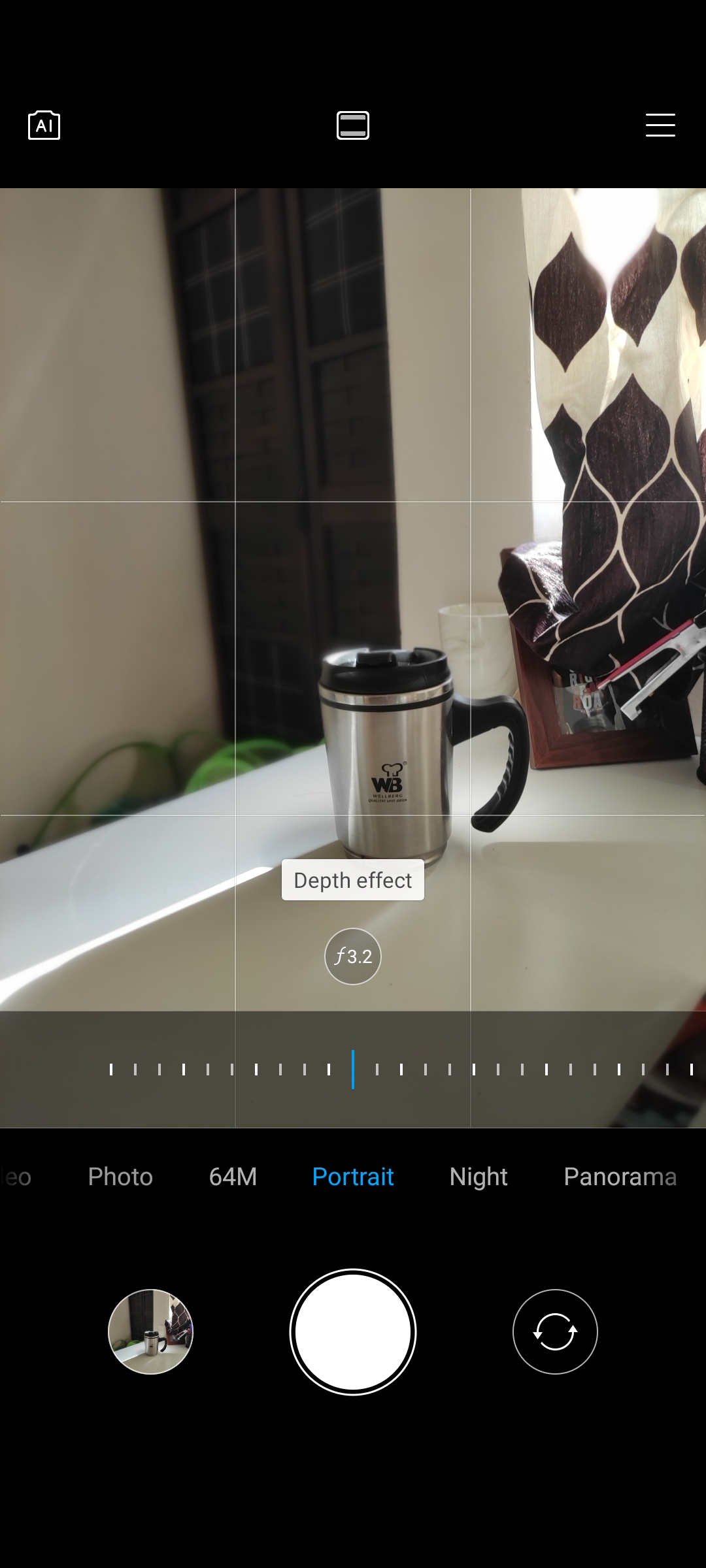
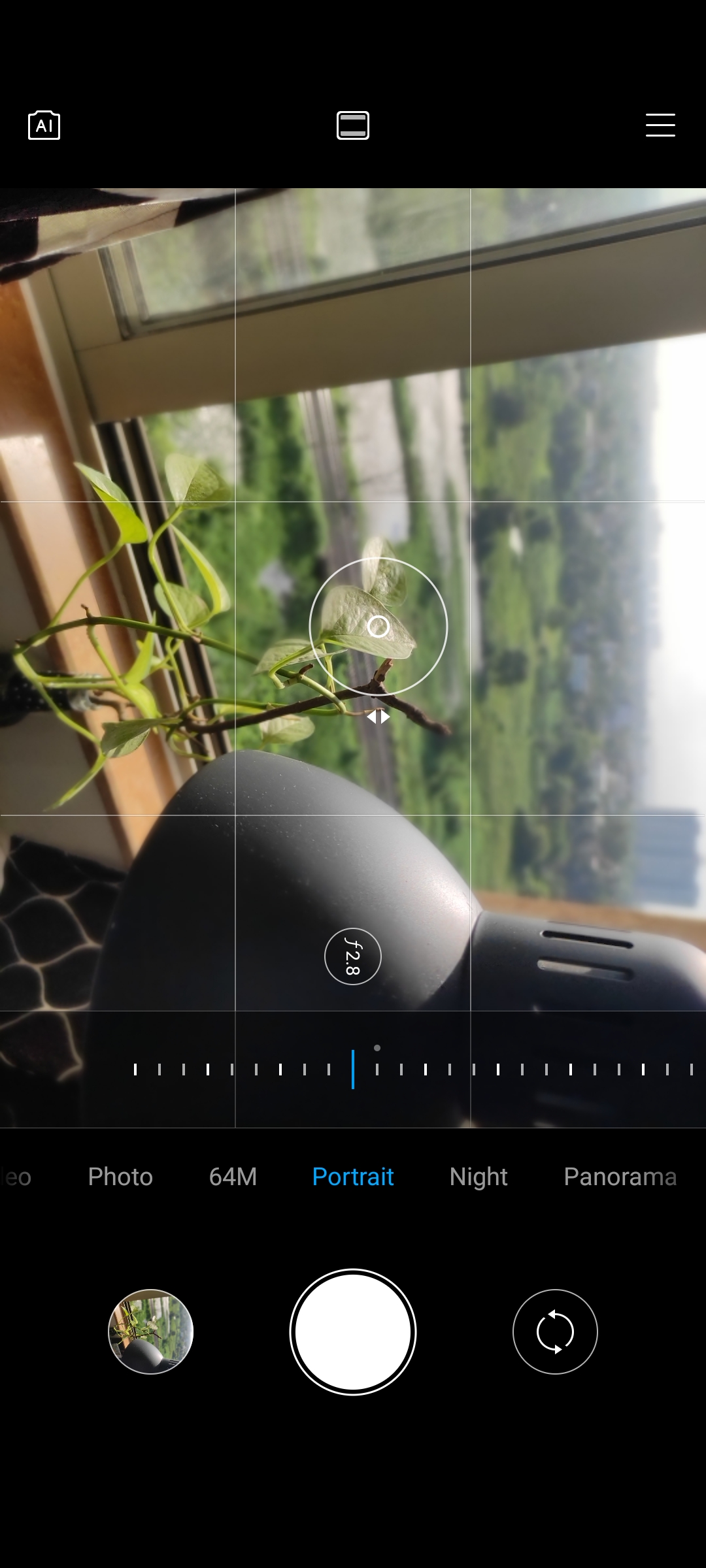
The portrait mode on the Poco X2 is pretty decent with relatively accurate edge detection. It may not be the best in the market, but it’s good enough for your bokeh shots on social media. You can also adjust the level of blur in real-time – giving you more control over your shots.

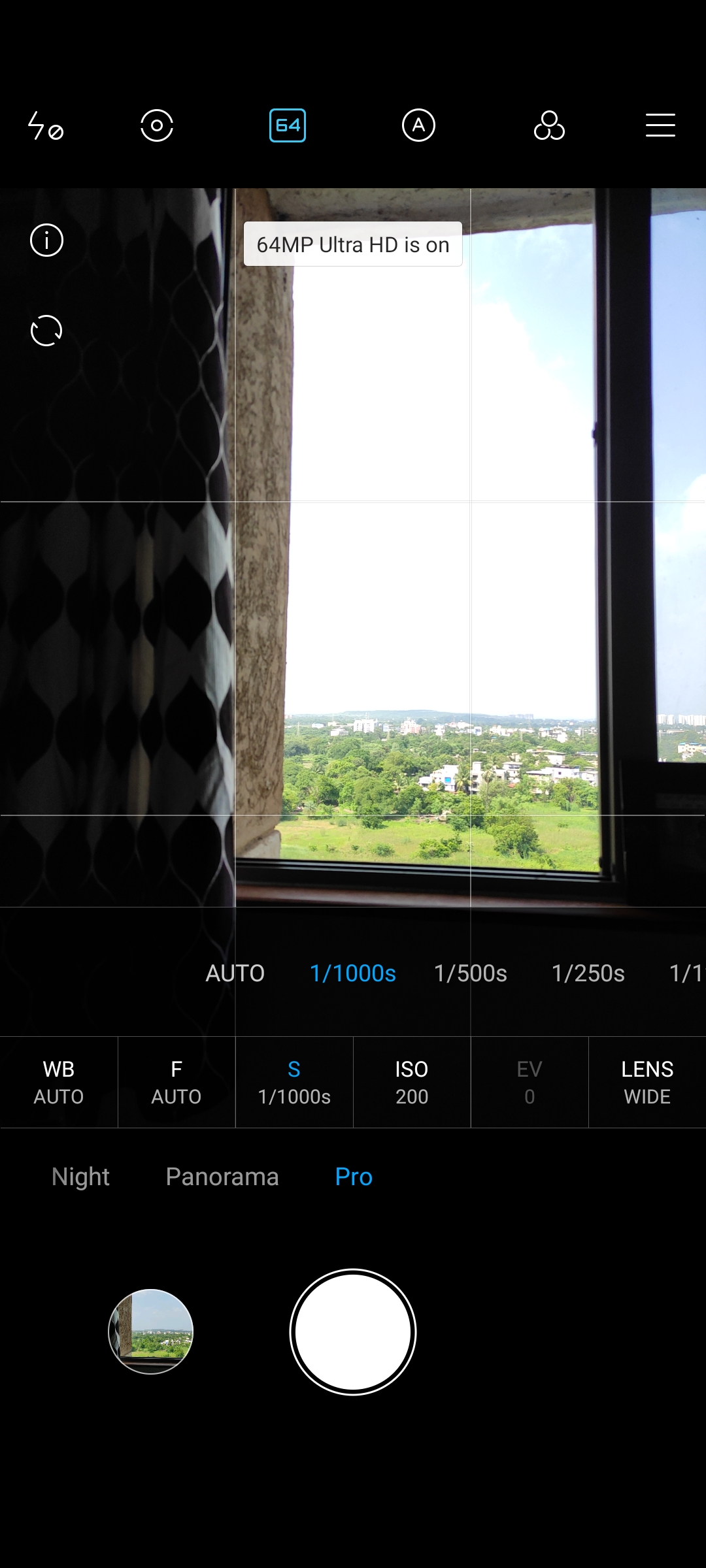
You also get a well equipped Pro mode on the device for enthusiasts who would like to tinker the camera settings for the perfect shot.
Night
The quality of the images becomes considerably lower when the lighting goes down. This isn’t surprising given most cheap mid-range phone cameras struggle with low lighting conditions. However, you’ll find the 16MP binned as well as the 64MP mode to be usable. The night mode does an excellent job of brightening the image but still struggles with details. The ultra-wide-angle mode, unsurprisingly, performs the worst among the other three modes with visibly less detail and sharpness.
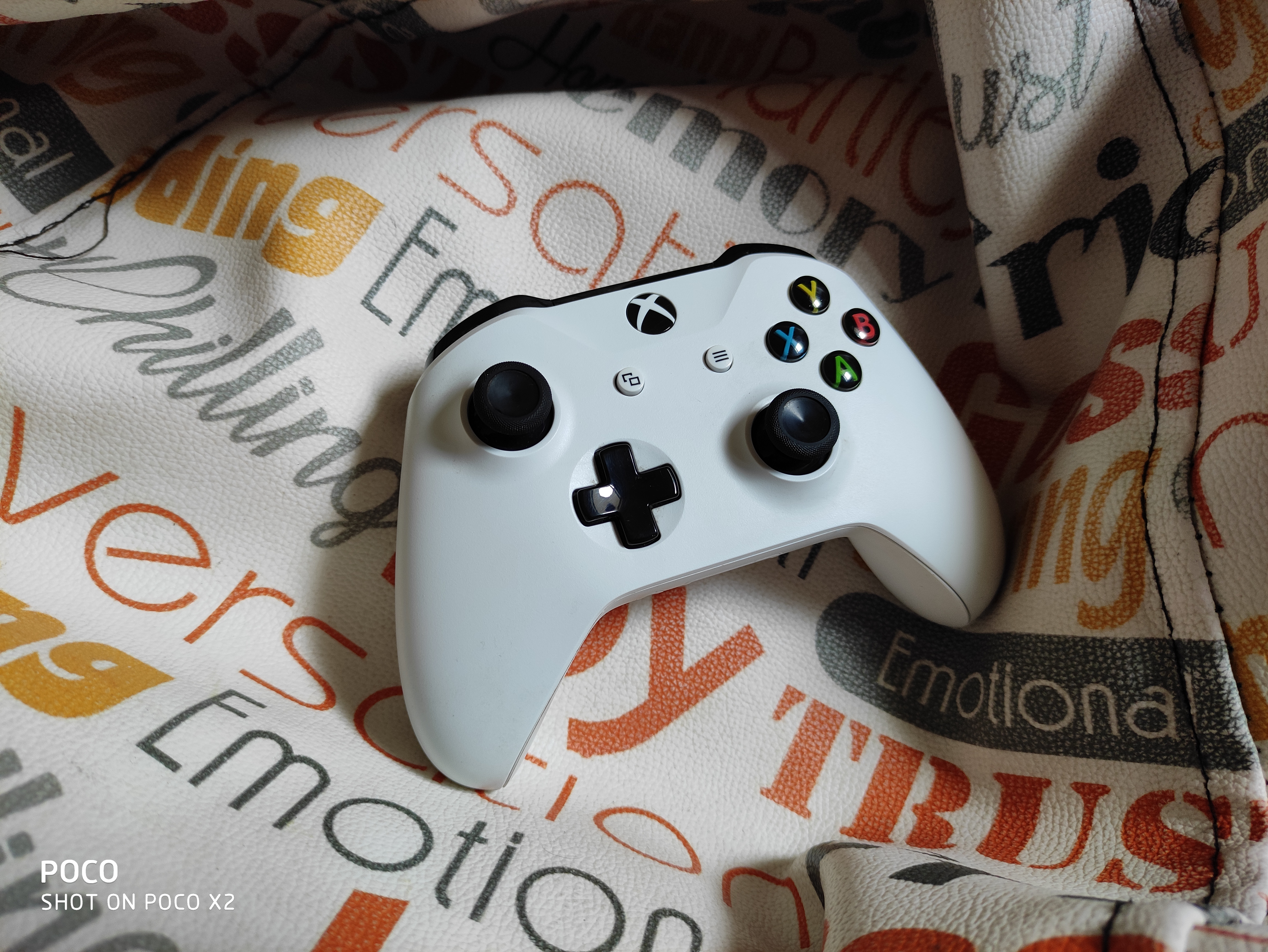
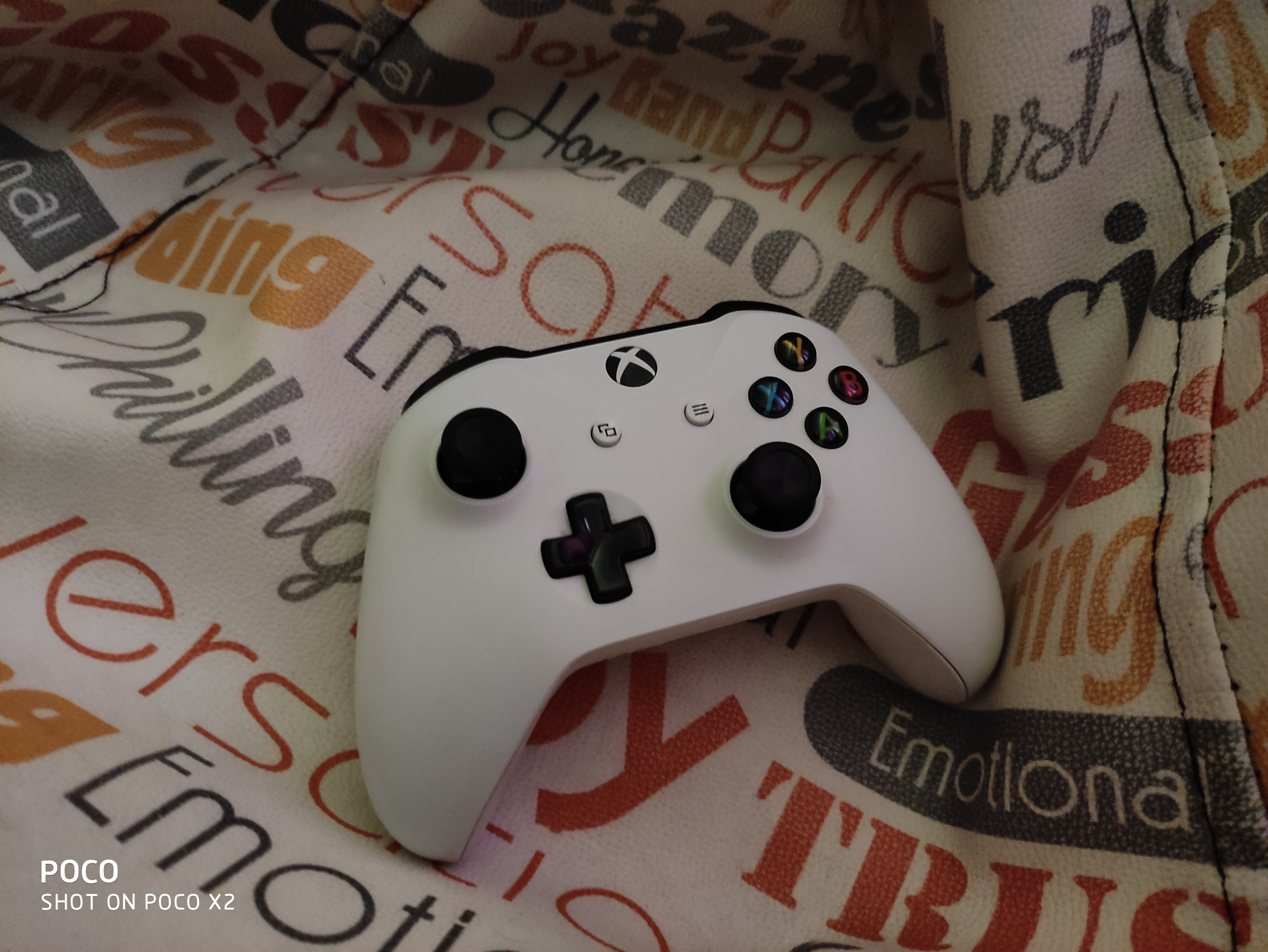





You can check out all full-size samples from the Poco X2 from the Flickr album below.

Video
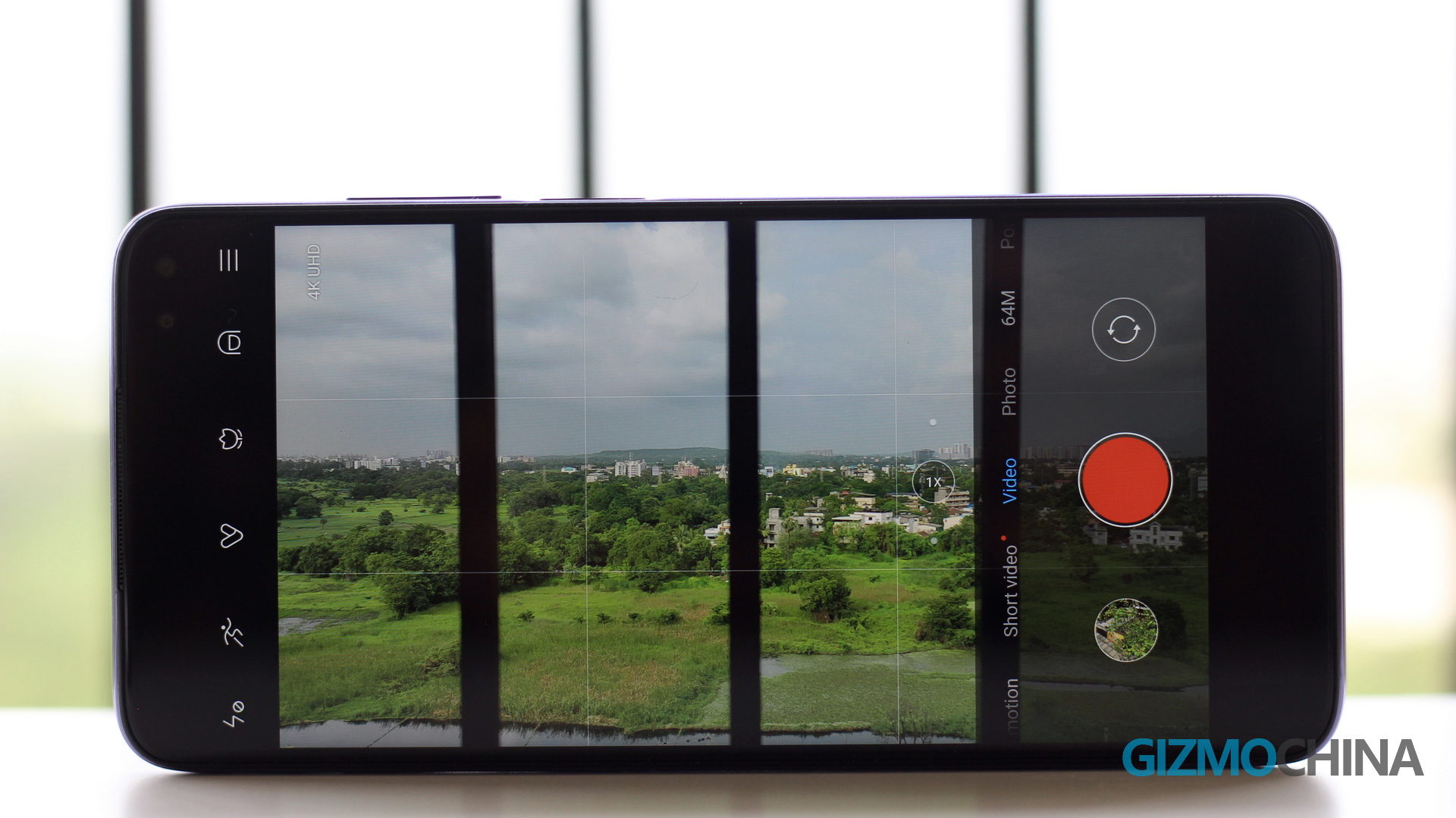
The Poco X2 can shoot videos up to 4K 30 fps. So you get crisp and saturated videos which are well stabilized too, thanks to EIS. However, note that EIS is disabled for 60fps 1080p video shooting. So the resulting video in this resolution can be quite shaky. But in all other modes, including 4K 30fps (there’s no 60fps mode in 4K on the X2), the EIS kicks in and does a fine job at producing shake-free videos.
Poco X2 Final Verdict: Should you buy it?
The Poco X2 is a well-balanced smartphone in the mid-range segment in India. The phone doesn’t try to overdo in any particular segment and hits all the right spots. It has got a good screen, a capable camera, and a long-lasting battery.
Even after the recent price hike, the Poco X2 offers incredible value for your money. Sure, there are other competent smartphones in this price segment (like the Realme 6 Pro or the Redmi Note 9 Pro), but the phone’s incredible aftermarket support from developers and the backing of India’s top smartphone maker for service makes it easy for me to recommend the device to anyone looking for a quality mid-range smartphone around Rs. 18,000.
The Poco X2 presently retails for Rs. 17,499 for the 6GB + 64GB variant.




Comments