
Add GIZMOCHINA as Preferred Source on Google
HUAWEI MatePad 11.5 S PaperMatte
Early this month, Huawei released a bunch of new consumer devices including smart wearables, earbuds, tablets, laptops, and flagship phones. Most of them are amazingly decent with upgraded performance or design. Well, our team’s favorite out of all of these is this new tablet, the HUAWEI MatePad 11.5 S. To be honest, I didn’t expect too much on this tablet, as we’ve reviewed the most powerful model of this lineup last year, which is the MatePad Pro 13.2. I thought well, that’s good, another MatePad, not that ‘Pro’ but in a more portable size at more affordable pricing.

However, after I used it for over 2 weeks, I have to say it is even more ‘Pro’ as a productive tablet powered by Harmony OS. No matter for painting, note taking, or even video editing, it works well. And, of course, I’m talking about the experience with the brand-new M Pencil and the keyboard powered by Nearlink connection. They just seamlessly bring the tablet up to another level.

Hot in Chinese Market
This new MatePad is likely to be the most cost-effective HUAWEI tablet. The market response in China also proves this. It has gone crazy in the Chinese Market and sold out on the very first day it was launched. So now let’s check out why it got so popular.
PaperMatte Display
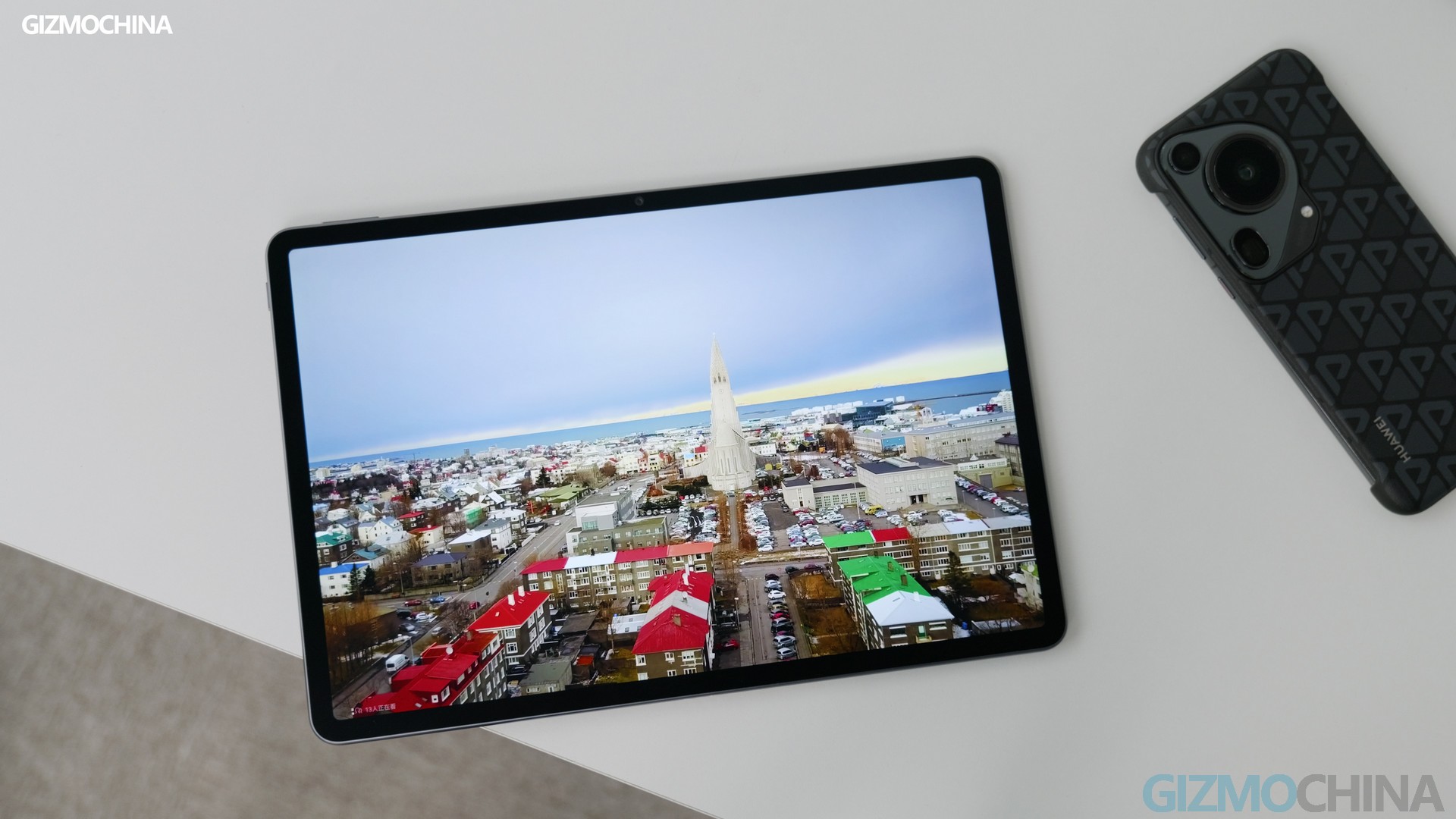
The first thing I want to share is about the PaperMatte display, which makes it the number-one tablet for my painting and stylus note-taking. It’s an 11.5-inch LCD panel with adaptive refresh rates of up to 144Hz. The true magic comes in the new PaperMatte processing of the protective glass. While this is nothing new, what surprised us was the visual and stylus effect it brought. Some might argue that it is just something that can be fixed by covering a matte protective film. However, the fact is that almost all protective films are just compromises. They often bring issues of worse colors, brightness, and resolution, along with stylus malfunction.

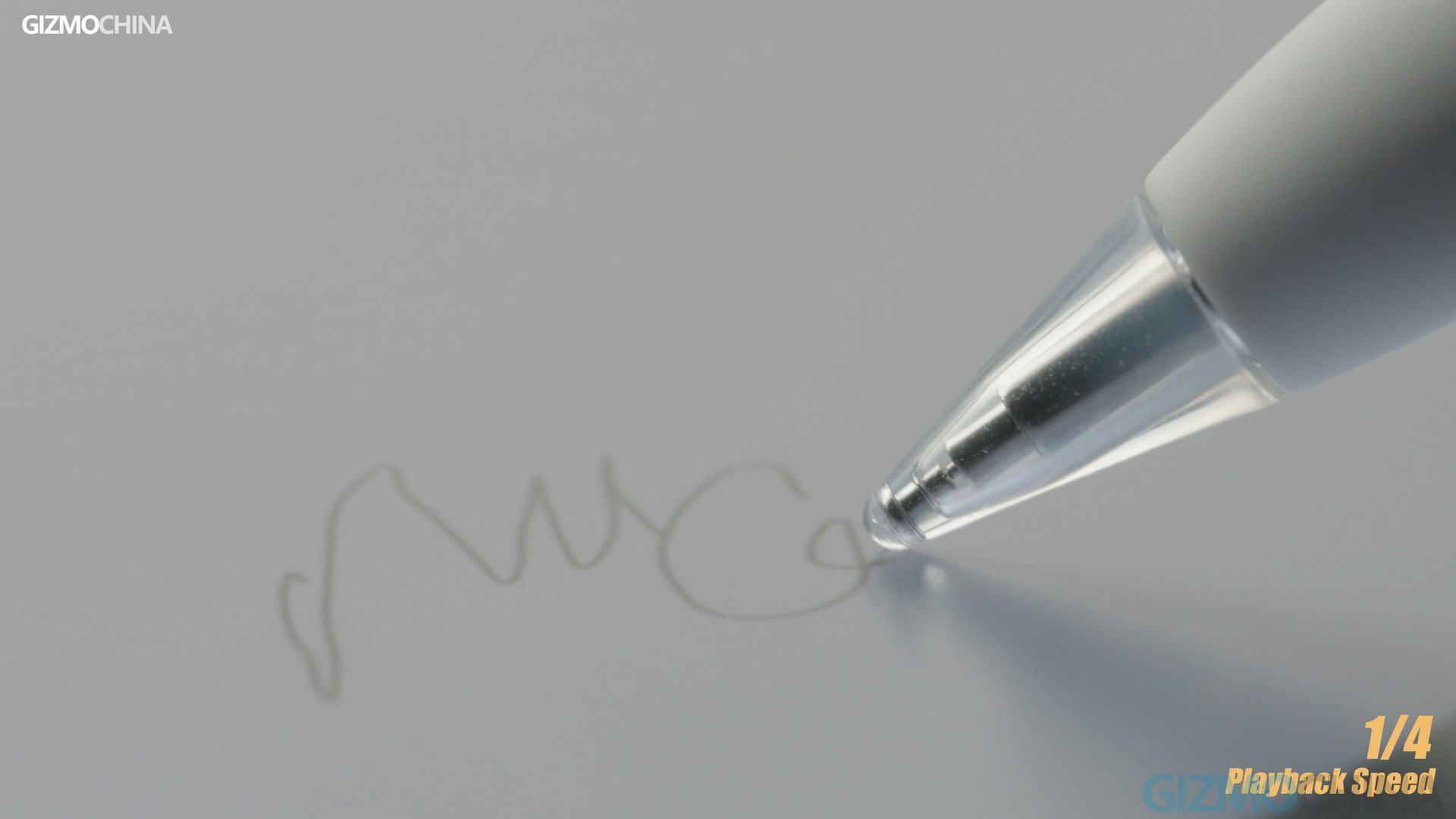
But look at this PaperMatte display. The stylus writing falls smoothly on the nib and fits perfectly. It does this with fine anti-glare while providing vivid colors and decent clarity at various angles. The matte finish is dedicated. When you touch the panel, it doesn’t give an odd touch, on the contrary, it supports various gesture swipes smoothly but leaves almost no fingerprints.
As its name “PaperMatte” implies, it’s like physical paper, except it’s harder. You can even hear the rustle of the stylus sliding on the display. that’s just so similar to the paper experience. I’m sure you hate seeing fingerprints and stains on a drawing tablet. The new MatePad just fixed it well by covering a hydrophobic and oil-resistant coating.
For the rest of the screen, you can check out the info here. The only drawback is that it has no ultra-high brightness and contrast like those OLED screens.

Design
As for the size and design, the whole metal body has great build quality and weight control. That’s also one of the reasons why I enjoy taking it on my business trips. The 11-inch size here is just right, larger than an iPad mini but fitting easily in my satchel.
Performance Powered By Kirin 9000WL
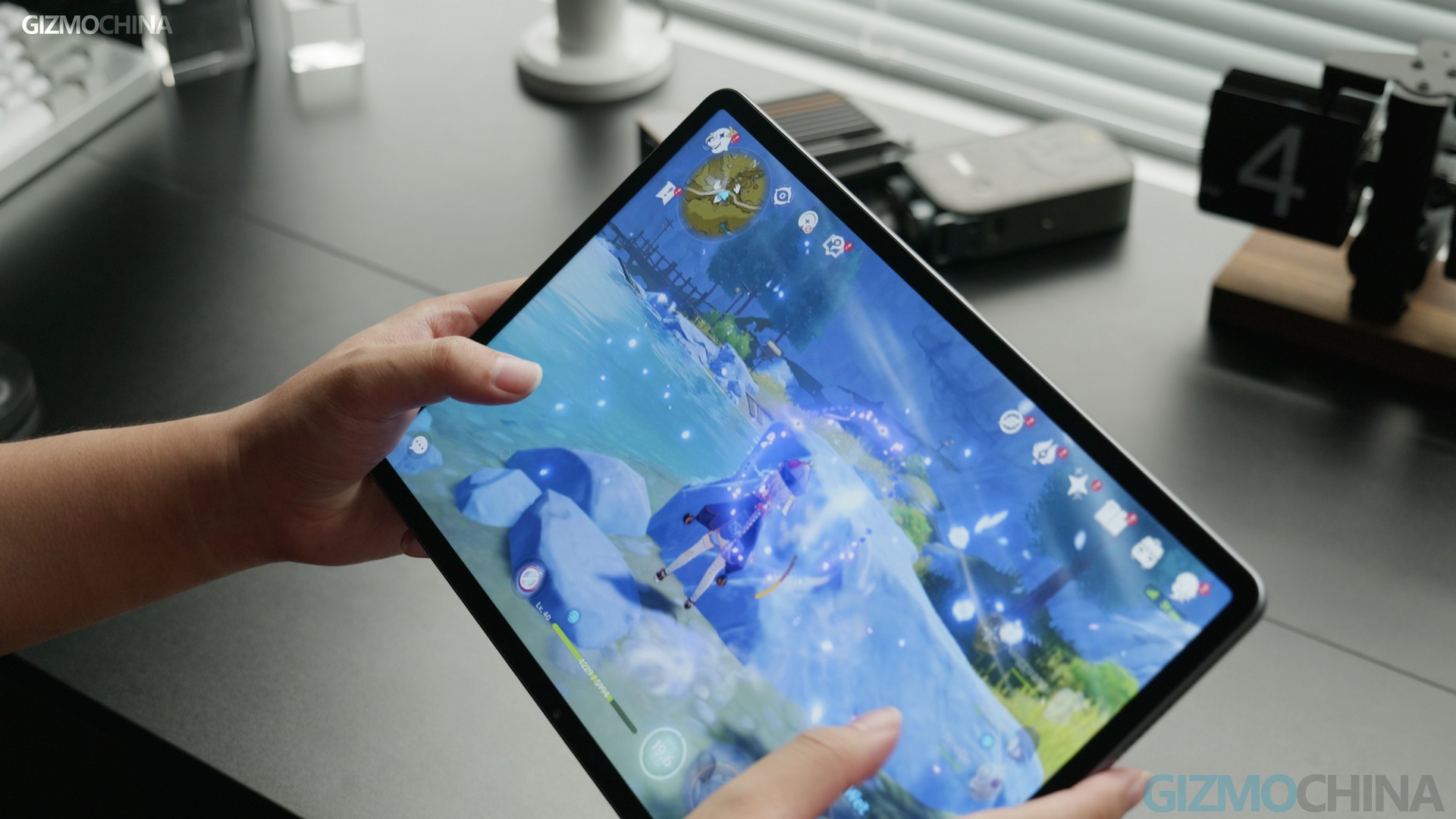
Before I move to the note-taking and drawing part, I need to relax you a bit over its performance. Although we have no firmly correct information about the chipset running inside, it’s pretty sure that the same Kirin 9000s (exact model: Kirin 9000WL) is running inside as what we have on the new Pura 70 Ultra. But of course, the CPU strategy might be varied a bit. But if you guys are still concerned about its performance, I would say that its actual power is at the level between Snapdragon 865 and 888. For daily use, thanks to the New Harmony OS, the great smoothness might make you ignore its performance.
Note Taking in HUAWEI NOTES


As for note-taking, I strongly recommend you guys try out the official app – HUAWEI Notes. On this MatePad, you have two official note-taking apps for options, the other is called HUAWEI NotePad. But obviously, the Huawei Notes has more features. For personalizing, you can customize each notebook with various coveries and paper patterns there, also including changing paper ratio and colors. The writing is optimized with the latest M pencil.
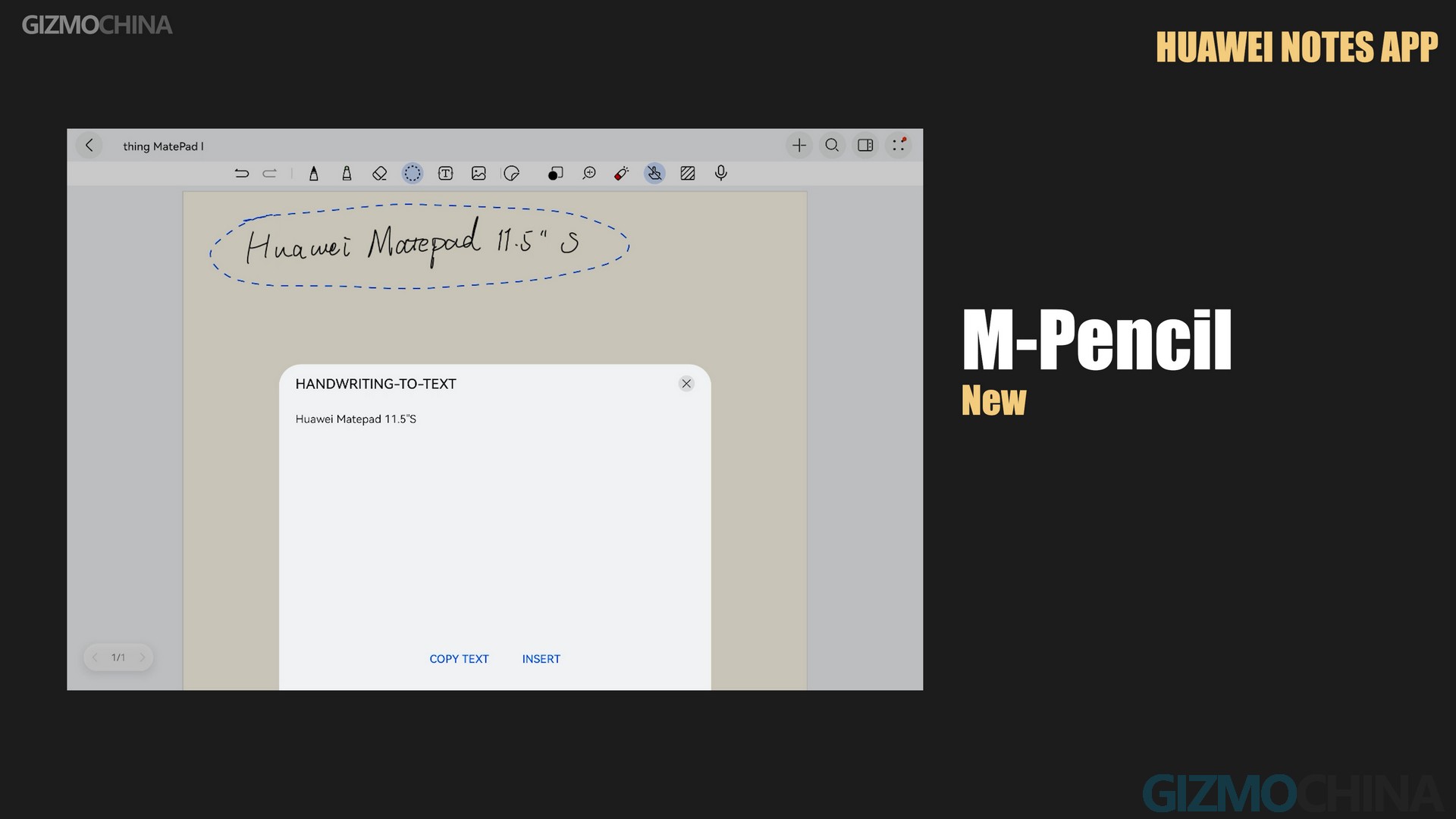
And as a note-taking tool, it has a built-in recording feature, which is not separate from note-taking. For example, assume you have a lecture while taking notes. Turn on the recorder, and your handwriting will also be recorded with the timeline. So when you get ready to review the recording, you can immediately locate the important parts in both your notes and the recording.

Apart from that, you are also allowed to move any part of the note with the circling tool, copy and share, change its size and color, or convert it to text.
Drawing & Sketching in HUAWEI GoPaint

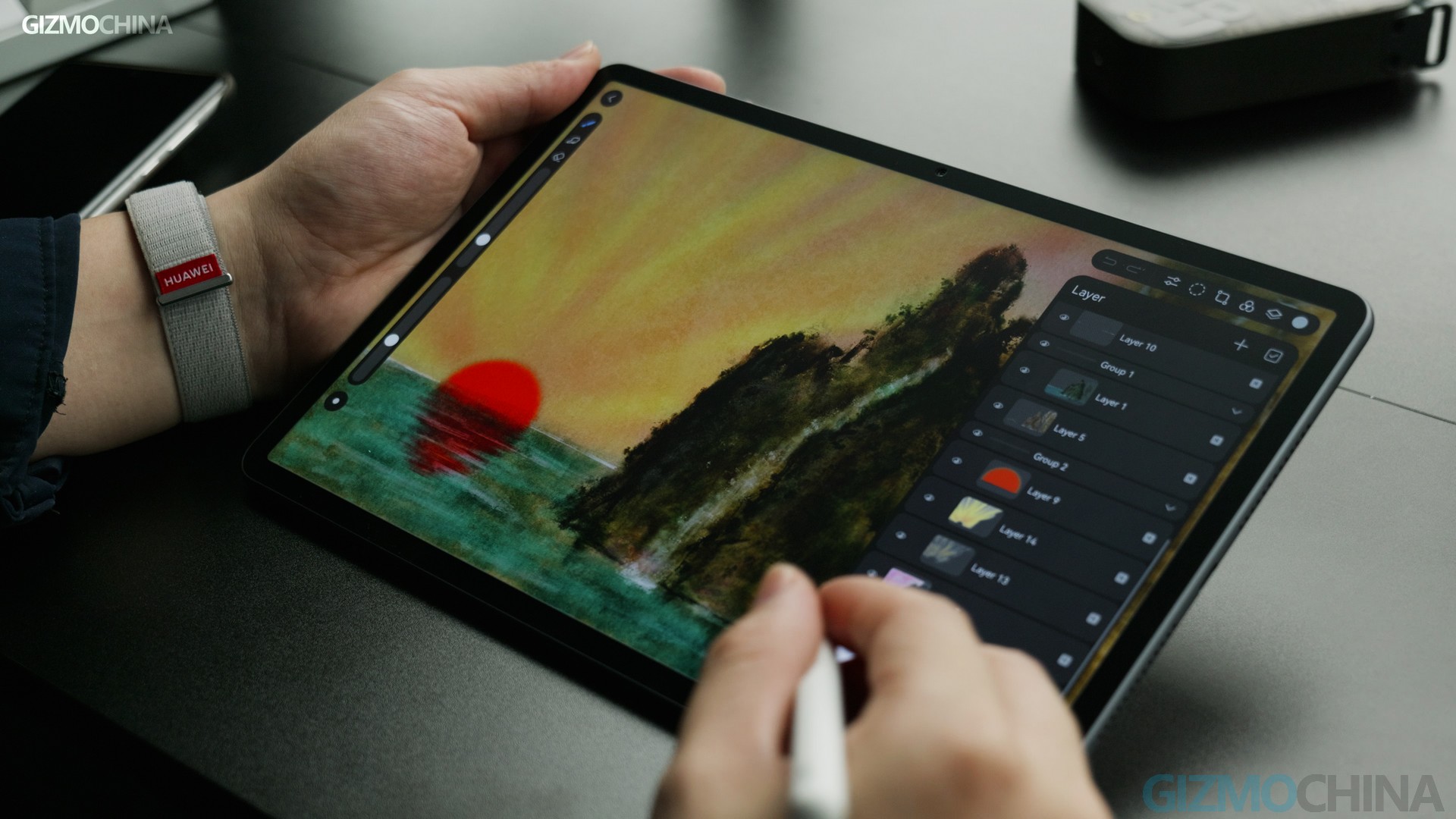
Now let’s check out what it offers for sketching and painting. To be honest, none of those tablets could compare to the iPad for drawing, until the new MatePad. I doesn’t mean the gap in hardware is huge. Actually, now it’s pretty small, as some brands have styluses with great latency performance and stable connections. It’s just because few painting apps were ready to fit well the none-iPad tablets! So HUAWEI’s solution is to create a brand-new one for their own tablets, and, it’s free. The app is GoPaint, now only available for the latest MatePads. It’s also one of the most versatile sketching apps I found in the non-iOS system.

The app can support up to 320 layers for creation, even at 4k resolution, you can still have 66 layers. It offers quite a lot of canvas options and even supports customizing. There are over 100 brush patterns including oil painting, inking and so on. Most of these brushes have been very satisfying to me. While I used only about 10 of them, the pressure feedback, the latency, and the smoothness of the strokes were almost perfect. But there are still some special patterns that are stiff and offer no significant pressure feedback. But since I’m not good at drawing with them, I’m not sure if it’s the proper setup for those special artists.

What impressed me the most was its natural wandering through the inking brushes. Very few painting apps can simulate this kind of natural inking. The art creation is very flexible, you can adjust the shape of the selection at will, modify the color preference of layers, applying various effects such as ‘blur’ and ‘liquefy’. Anyway, I think it’s pretty friendly even for those who do not draw a lot. And you can also find quite a lot of useful tutorials inside the app. The whole app seems to keep emphasizing that Huawei is serious about developing painting and Sketching on their tablet.

You may have sensed my excitement in my review. The reason why I’m so excited is that: if you want a drawing tablet, now why should it be a more expensive iPad? The discussion within some brands is probably still stuck in the entertainment scenario for tablets, and then just spending the cost on hardware could be a less risky option. But I’d love to see one of them start to bring about an expansion of the scene through hardware and software collaboration. And that will lead to a new round of competition, which is absolutely a good thing for users.
Stylus & Keyboard
I haven’t tested the companion NearLink-powered M-pencil in depth yet. Since we had a really good experience with the MatePad Pro last time, I just decided to dive right into daily use. No surprises, it’s as stable and good as ever. The slow-motion comparison between the MatePad and new iPad Air is showcased in the review video. Please check it out if you are interested.


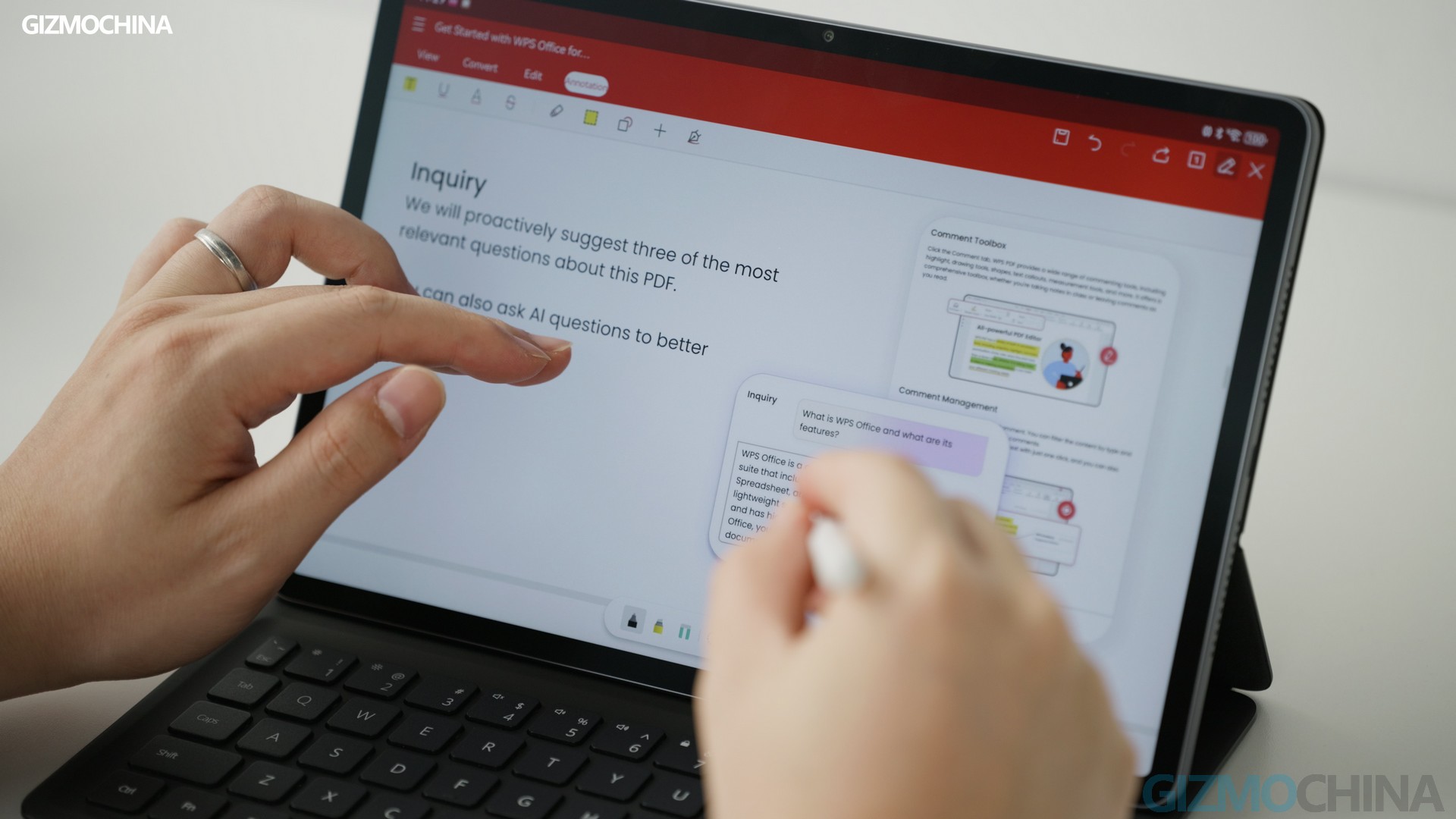
There’s also a keyboard accessory for the new MatePad. The typing is pretty good but it’s nothing special. So I’ll leave it at that. By the way, for officing, I strongly recommend you guys try the WPS Office, which is much user friendly for tablet officing than Microsoft’s.


Battery & Charge
Alright, the last part I want to share with you is the battery. Honestly, the battery is not very impressive, as the tablet uses an LCD panel, it seems that the battery life is a bit more struggle than others with an OLED one. But probably it’s because I was painting a lot in the GoPaint app, the battery dropped a bit faster than I expected. And the included charger only supports up to 22.5W power output, so that might be something you need to be aware of. It’s not really fast.

Video Editing in HUAWEI’s Petal Clip and CapCut/JianYing
In addition to the creative scenarios mentioned above, I also tried editing videos with it, and the tools that satisfied me were HUAWEI’s Petal Clip and CapCut powered by ByteDance. And for those who are interested, CapCut is about to release a Pro version. Or if you can read Chinese, you can also try out its Chinese version, Jianying, which has a lot of premium editing and AI features.


(Please check out the speaker sound of MatePad 11.5 S (vs iPad Air 2024) in our review video.
Verdict
Anyway, the MatePad 11.5 S is still my favorite electronic device for the past month. I’m sure it’s more than enough to fill that gap in the market. If you need a non-iPad to create on, it seems to be the best way to go! More importantly, it’s likely to have a reasonable price tag. I’m not sure how much it will sell for in different markets, but it’s a safe bet that it should be a strong contender for the best affordable tablet this year.



Comments