
Add GIZMOCHINA as Preferred Source on Google
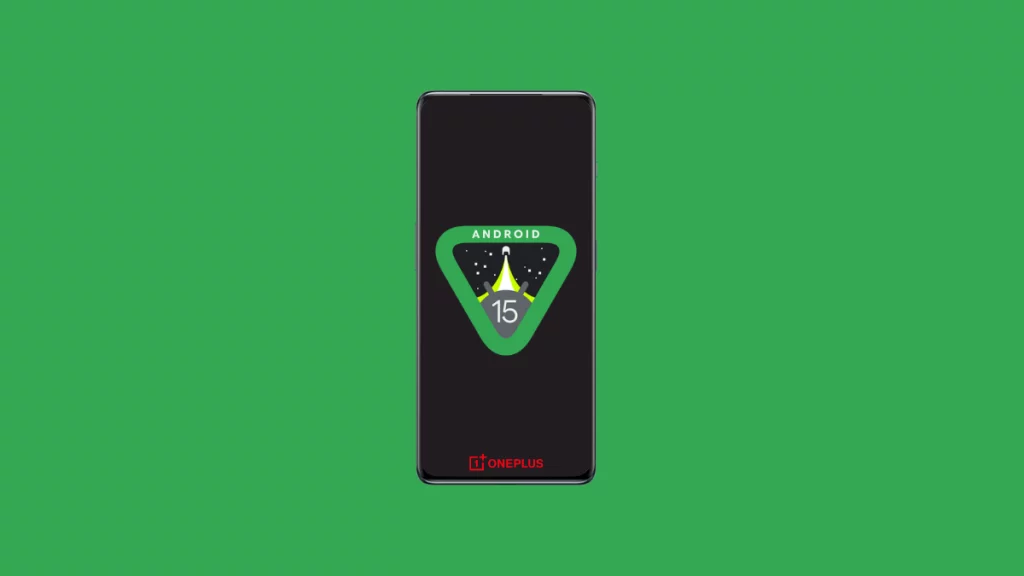
Android 15 is through its final stages of development as it’s nearing the platform stability phase for the final touches before it is released publicly. It will bring plenty of exciting features such as satellite connectivity, private space, app archiving, and more.
Like every year, many Android devices will reach their end of support for the major Android updates this year as well. Here, we have jotted down a list of OnePlus phones and tablets that will receive Android 15-based OxygenOS 15 as their final major upgrade.
Go through the list below to determine if you’ll need to upgrade to a newer model next year to continue receiving the latest features and enhancements.
OnePlus Devices That Won’t Get Any Major Updates After Android 15
- OnePlus 10 Pro
- OnePlus 10T
- OnePlus 10R
- OnePlus 10R 150W
- OnePlus Nord N30 SE
- OnePlus Nord CE 3
- OnePlus Nord CE 3 Lite
- OnePlus Pad Go
These devices will get the Android 15 update but it’ll be the last of such kind. They are likely to miss out on future OS upgrades post Android 15.
We have prepared this list by taking into account the software update policy for the OnePlus phones and tablets. Yes, this isn’t an official list, but it’s unlikely to change unless OnePlus makes any changes to its software update policy.
Also Read: These OnePlus Devices Will Get OxygenOS 15 Update
OnePlus Software Update Policy
OnePlus offers generous software support for its phones and tablets. Their high-end phones get four years of OS updates and five years of security updates. The newer Nord models, including the OnePlus Nord 3, promise 3 OS updates, while the older models get two.
The OnePlus Nord N and Nord CE series models typically get two generations of Android updates.
OnePlus had a decent software policy for its phones. However, the extended support for newer models has made it one of the best smartphone brands in terms of software update policy.
Last year, Google announced the Pixel 8 series with 7 years of Android update support, setting a new benchmark. Samsung quickly followed this up by offering the same software support for its flagship Galaxy S24 series.
OnePlus has a completely different take on providing extended software support to its devices. In an interview with Tom’s Guide, OnePlus President Kinder Liu explains, “Simply offering longer software update policies completely misses the point. It’s not just software update policies that are important to the user, it’s the fluency of your phone’s user experience too.”
So, don’t expect extended software support from OnePlus, at least not in the near future. However, four OS updates aren’t bad either, which many brands struggle to offer.
Before I wrap up this post, let’s quickly take a look at the big changes coming in Android 15.
Android 15: What’s So Exciting About It?
The new OS is confirmed to support Satellite Connectivity, allowing users to send texts even if there are no cell towers nearby. It supports SMS, MSS, as well as preloaded RCS apps. This means, it’ll not be limited to emergency uses only.
Android 15 will let users choose a default note-taking app from Settings. It can use Android’s Content Capture API to capture all or part of the screen for insertion into a note. You’ll also be able to save your favourite split-screen combination for quicker access. A shortcut will be created on the home screen to instantly open both apps in the split-screen mode.
Taking inspiration from Samsung, Android 15 adds Private Space to protect your sensitive files and apps with an additional layer of security. This is similar to the Secure Folder on Samsung phones. This new feature creates a separate space hidden from the regular space. You’ll be able to use a different Google account and a different lock screen for better security.
Google has already bought the app archiving feature via the Google Play Store. It lets your unarchive apps to save storage while keeping the user data around. It works similarly to offloading apps on iPhones. So far, this feature has been limited to apps installed from the Play Store, but Android 15 integrates this feature at the OS level, allowing archiving/restoring any apps, even those installed outside of the Play Store.
One of the essential Android 15 features is partial screen sharing. It lets you share or record a single app rather than the entire screen. There’s also a new Notification Cooldown feature that lowers the volume of successive notifications from the same app. The new OS also brings a high-quality webcam mode to improve the video quality by disabling the power optimizations. You’ll be able to enable this mode by tapping the “HQ” symbol in the webcam preview mode.
Do you consider the software update policy when getting a new smartphone? Share your thoughts on the update policy for your device in the comments below.
More on Android 15:
1. OnePlus Devices That Won’t Get Android 15 Update
2. Android 15 Improves Battery Standby Time up to 3 Hours With Faster Doze Mode
3. How to Download and Install Android 15 Beta on OnePlus
4. 10 Amazing Features Coming to Android 15



Comments