
Apple announced new accessibility features last month including Eye Tracking. Now the company has added the eye tracking feature to the newly released iOS 18 and iPadOS 18.
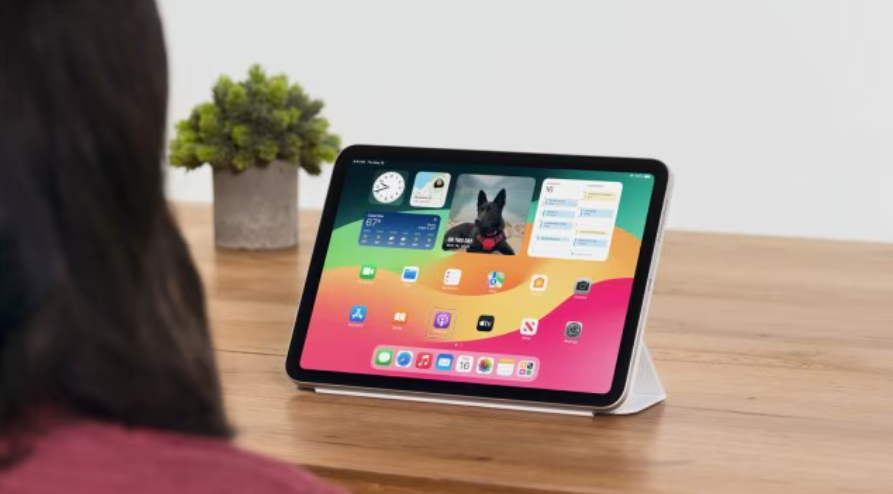
It’s a new accessibility feature in iOS 18 and iPadOS 18
With this accessibility option, users can control their compatible iPhones and iPads using only their eye. While this feature is designed to help out people with disabilities, it can also be a fun and convenient way for others to interact with their devices. It takes only seconds to calibrate the front camera and activate the feature and it does not require any additional hardware or accessories for the tracking functionality to work.
With this feature, users can navigate through iOS and iPadOS apps use dwell control to interact with each element, and can even control the functions of physical buttons.
Users with iPhone 12 or later running on iOS 18 can activate Eye Tracking by going to Settings > Accessibility > Eye Tracking. After turning on the toggle, users will need to follow the dot shown on the screen with their display with their eyes as it moves around the screen. It calibrates the camera with the user’s eye movement. This setup process takes just a couple of seconds and after that users will be able to select and interact with elements on the screen with their eyes. To select an element such as an app icon, users will need to look at the icon and hold that position for 2-3 seconds.
The feature utilizes Apple’s on-device machine LLMs to accurately track the eyes. The company says that all the data that is required for this feature to work, stays securely on the device and that there should not be any concerns regarding privacy.
Another accessibility feature in iOS 18 is Music Haptics which allows people who are deaf or hard of hearing to experience music using the Taptic Engine in iPhone. Vocal Shortcuts enables enable users to perform tasks by making a custom sound.



Comments