Add GIZMOCHINA as Preferred Source on Google
Having spent considerable time reviewing various gaming peripherals, I recently got my hands on the Incott G23 Pro, a unique hot-swappable gaming mouse. While I’m accustomed to hot-swappable keyboards, this was my first experience with a mouse offering the same feature.
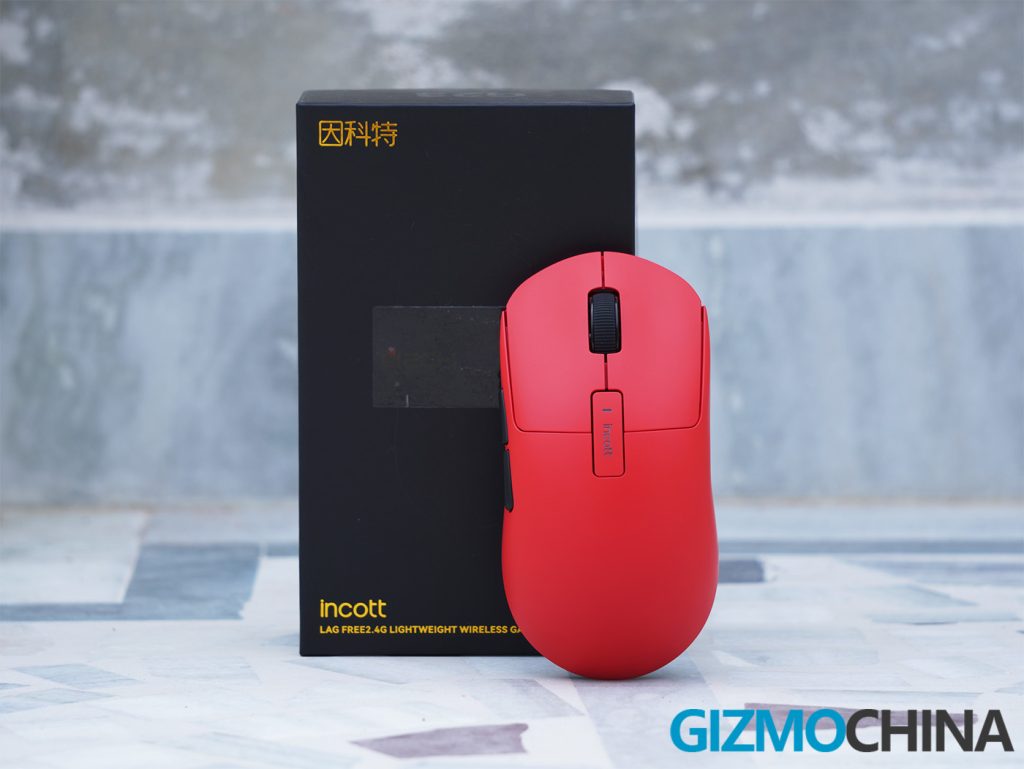
The Incott G23 Pro stands out with its impressive specifications and customizable options, making it an intriguing choice for gamers and tech enthusiasts alike.
1. What’s in the Box?

When you first unbox the Incott G23 Pro, you’ll notice that Incott has ensured that all essential accessories are included, making the setup process seamless.
- Incott G23 Pro Gaming Mouse
- 8K Receiver
- USB-A to USB-C Cable
- Switch Remover
- Extra Paddings
- User Manual
2. Design and Build Quality
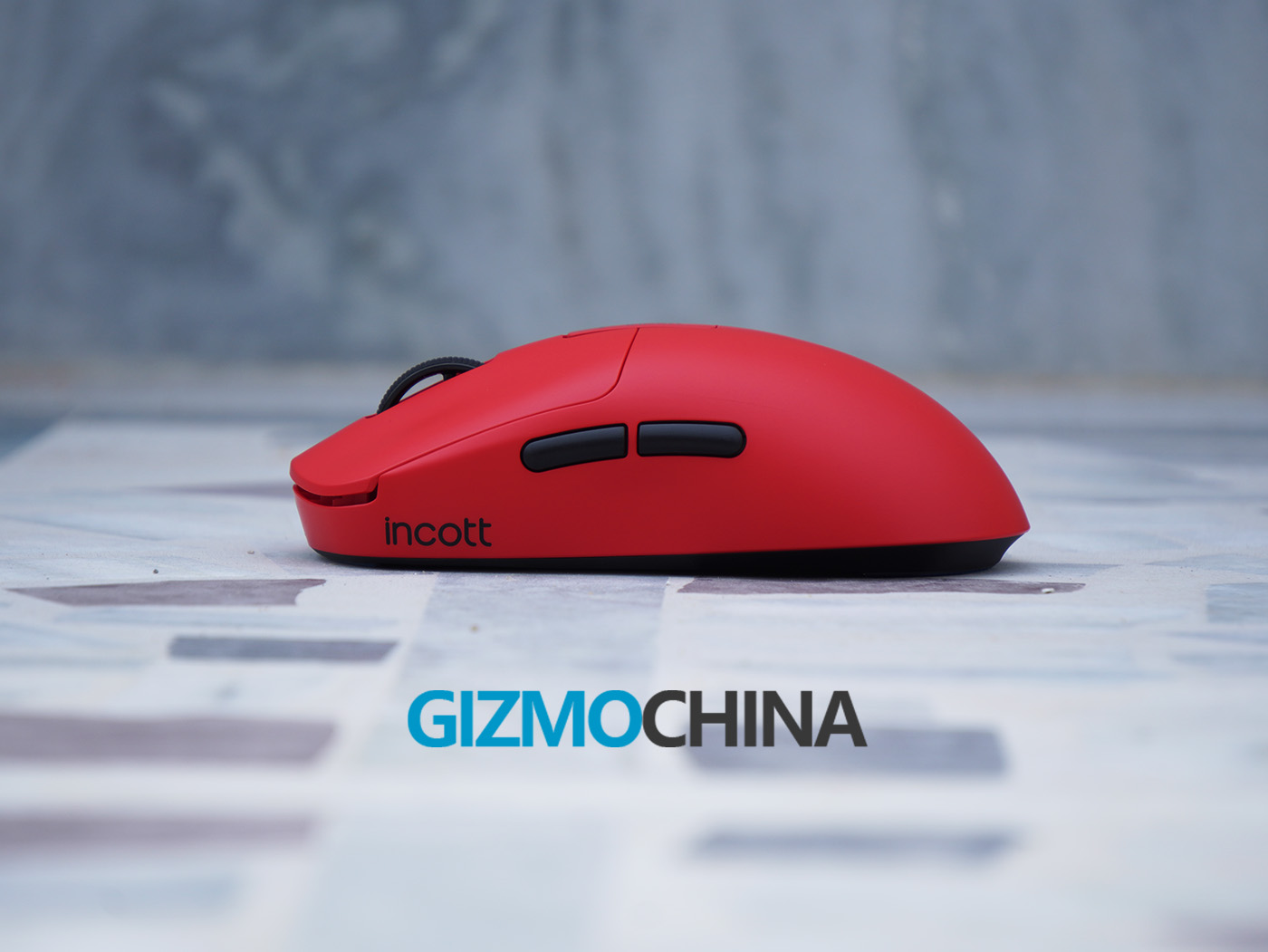
Incott G23 Pro closely resembles the Logitech G Pro Superlight in both design and feel. Straight out of the box, the first thing that caught my attention was its lightweight structure. Weighing in at approximately 65 grams, the mouse is incredibly easy to maneuver, contributing to an overall improved gaming experience. The compact dimensions of 126×63.5x40mm make it comfortable to hold, particularly for claw and palm grip users.
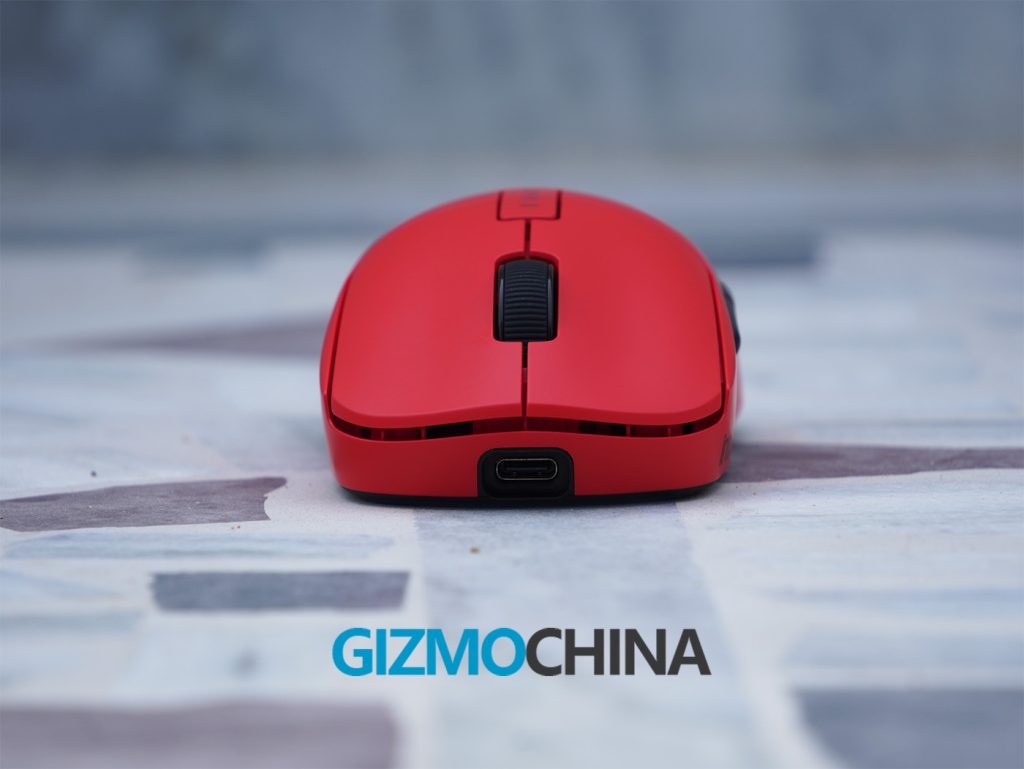
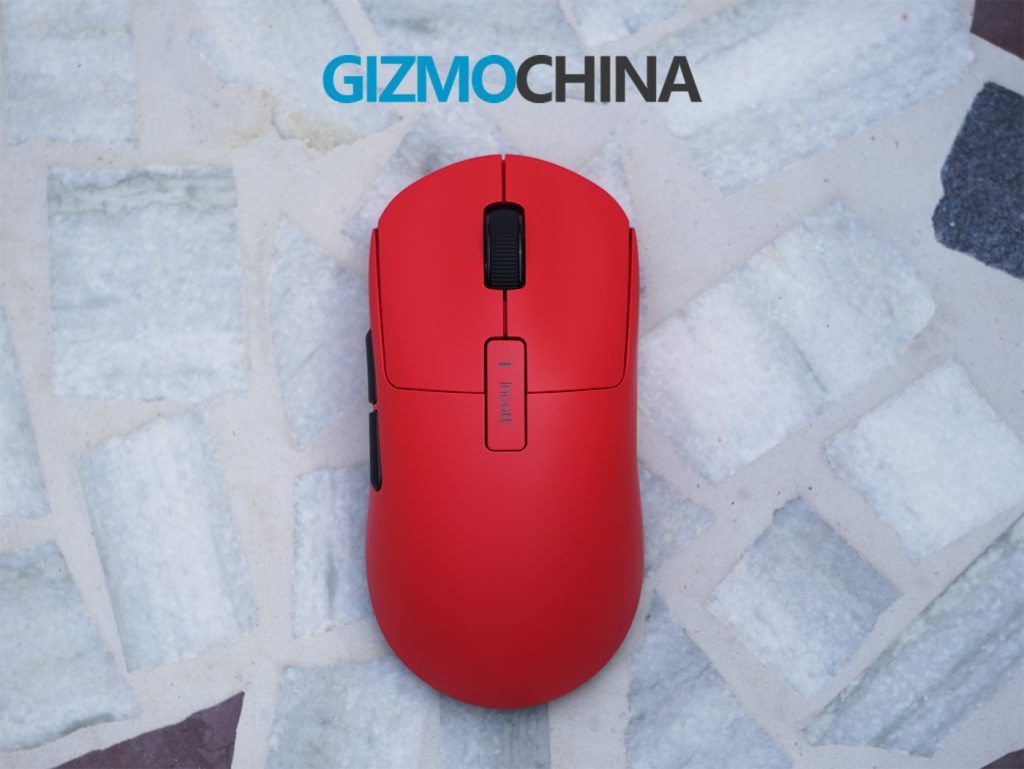
The mouse features two side buttons and a DPI button, which also doubles as a shell for storing the dongle in the non-Pro version. Underneath, it is equipped with two PTFE skates, one at the top and one at the bottom, that ensure smooth gliding on various surfaces. A switch on the underside allows for toggling between 2.4G mode and Hz mode, the latter adjusting the polling rate.
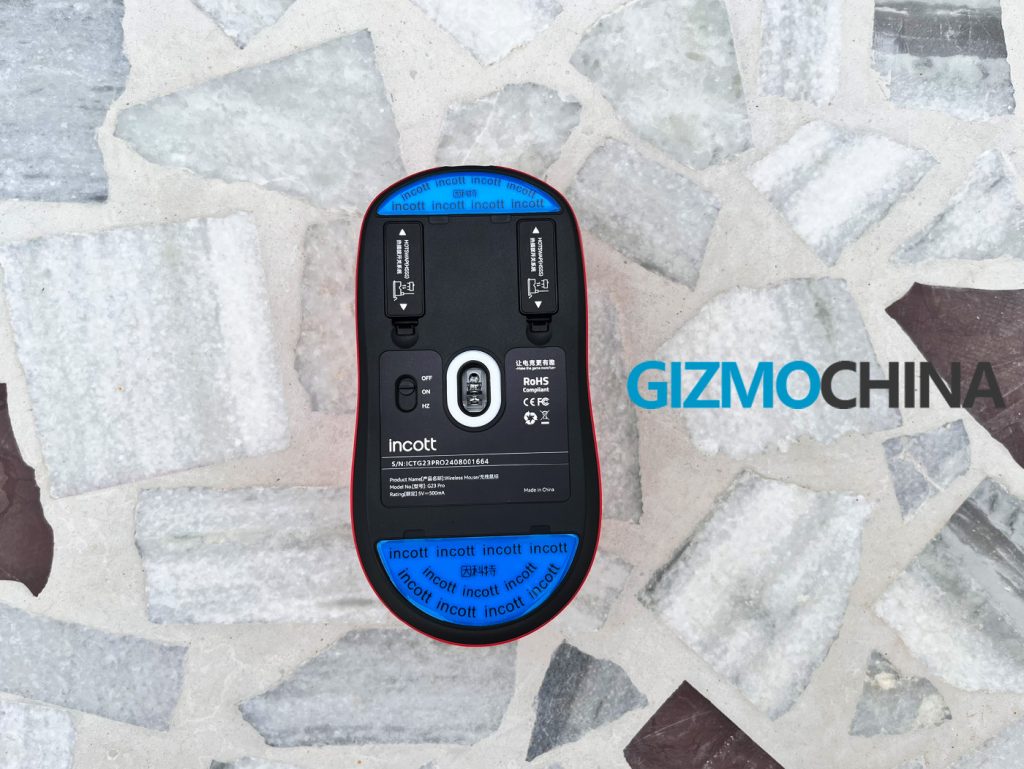
The build quality of the Incott G23 Pro is commendable. The mouse feels sturdy, with no creaking or flexing observed during my twist and squeeze tests. The skin-like coating adds to the overall premium feel, providing a comfortable grip during extended use.
3. Hot-Swappable Feature

The standout feature of the Incott G23 Pro is its hot-swappable design. The mouse allows users to easily replace the left and right click buttons, offering a level of customization typically reserved for keyboards. By default, the mouse comes with Huano transparent blue shell pink-dot switches, which deliver a crisp and satisfying click.

The box also includes three additional sets of switches: Huano transparent green shell white-dot switches, Huano black shell blue-dot switches, and brown shell white-dot switches.
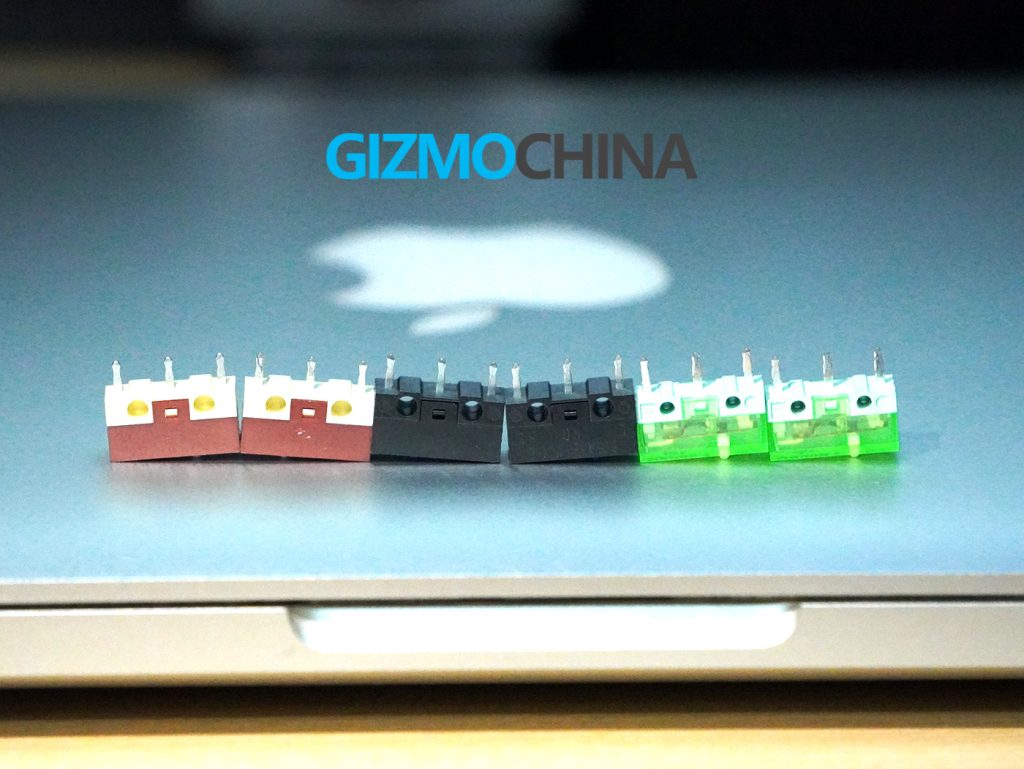
Using the included key puller, I tested all the switches and found the default blue switches to be my favorite, thanks to their fine sound and tactile feedback. The brown switches, being mute, offer a quieter experience, but overall, the hot-swap functionality works flawlessly.
4. Features and Performance
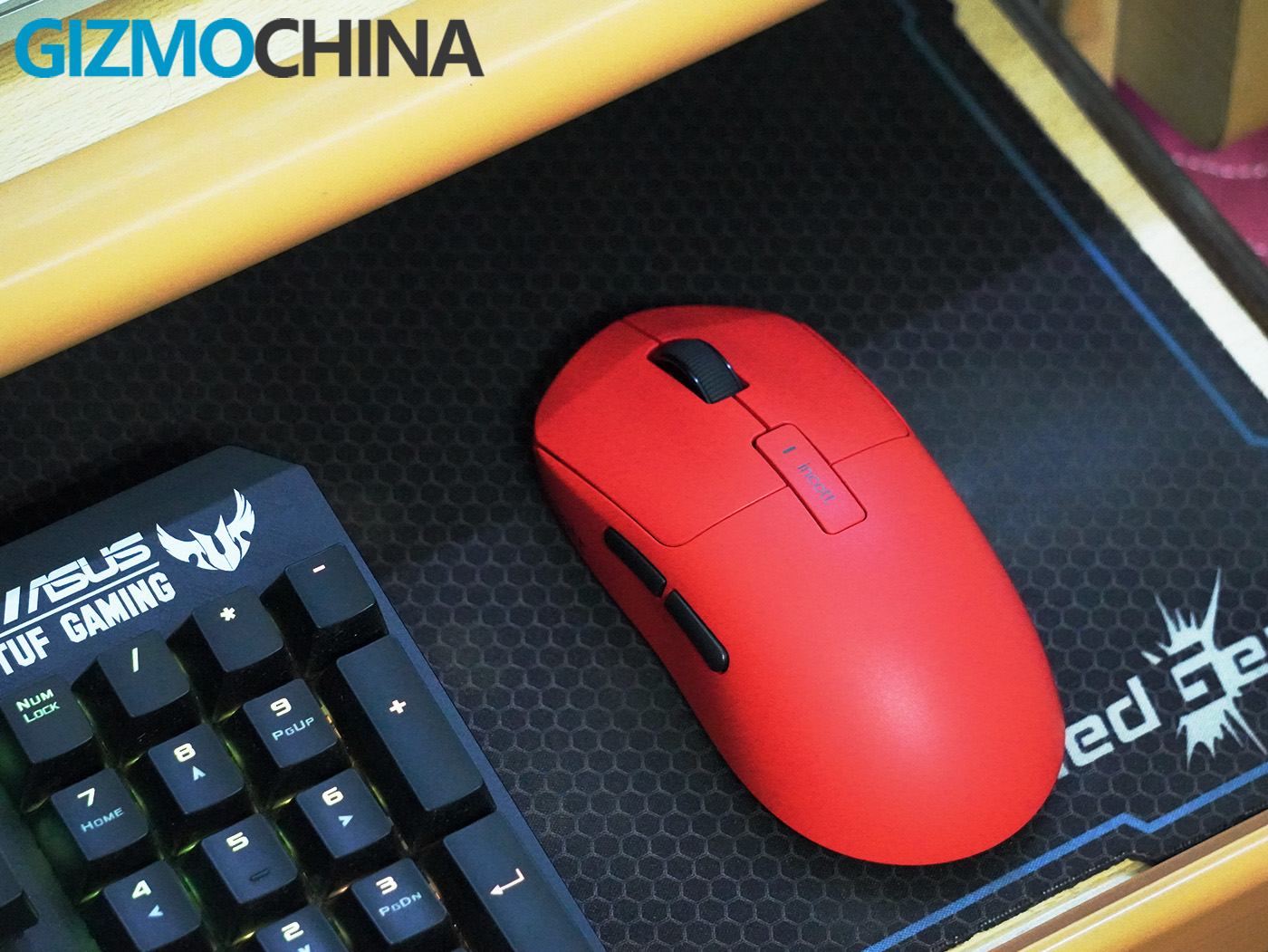
The Incott G23 Pro is equipped with a customized PAW3950ES-King sensor, offering an impressive 45,000 DPI with precise adjustments in 150 DPI increments. This high-end sensor ensures pixel-precise accuracy, crucial for competitive gaming. The Pro model also supports an ultra-fast 8,000 Hz polling rate, which translates to almost instantaneous response times, giving gamers a significant edge in fast-paced scenarios.
During my testing, the Huano switches provided consistent, reliable clicks, whether in the heat of an intense gaming session or during everyday tasks. The mouse’s lightweight design enhances precision, making it easy to navigate through complex gaming environments. The dual-mode connectivity (Wired USB and Wireless 2.4GHz) functioned flawlessly, and I appreciated the flexibility in DPI settings, which can be adjusted across six stages to suit different needs.
The side buttons are well-placed and easily accessible during gameplay. However, I found the button placement on the Ghero mouse from the same company to be slightly better. The scroll wheel is smooth and precise, making it effortless to switch weapons or navigate menus.
Overall, the performance of the Incott G23 Pro is top-notch, making it a high-performance tool for any serious gamer or tech enthusiast who enjoys experimenting with different micro switches.
5. Software and Battery Life
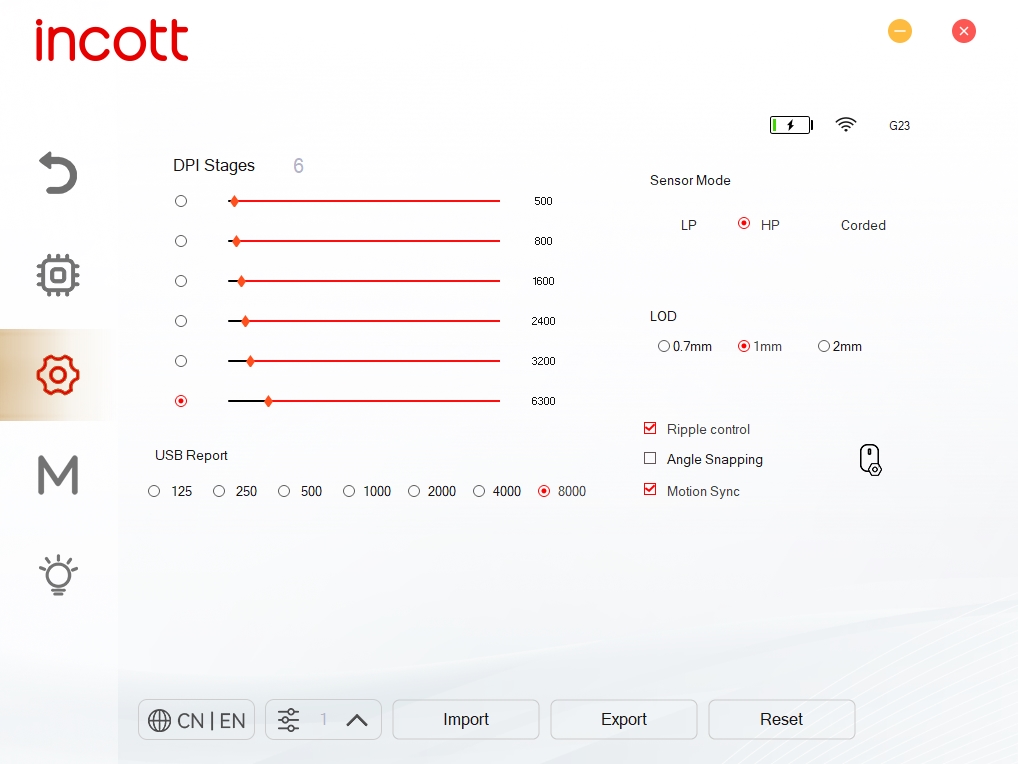
The accompanying software for the Incott G23 Pro offers a range of customization options, including DPI settings, polling rate adjustments, LOD, ripple control, angle snapping, motion sync, and macros. However, the battery indicator in the software is a simple bar rather than a precise percentage, which could be frustrating for users who prefer to closely monitor their battery levels.
The battery life is generally sufficient, with the company claiming up to 143 hours at a 1000Hz polling rate. However, I primarily used the mouse in wired mode, so I didn’t track the battery life closely. The good news is that the mouse supports ultra-fast charging, allowing it to recharge in just 50 minutes, which significantly reduces downtime.
6. Verdict
Incott G23 Pro is a fantastic gaming mouse that offers outstanding value for money. Its high-end features, such as the 8,000 Hz polling rate, hot-swappable micro switches, and PAW3950ES-King sensor, set it apart from the competition. The build quality is exceptional, and the mouse’s lightweight, ergonomic design makes it a joy to use, especially for gamers who demand precision and reliability.
While the mouse has a few minor flaws, such as the less informative battery indicator and the side button placement that might not be ideal for all users, these are small compromises in an otherwise excellent product. The Incott G23 Pro is a top choice for gamers looking for a customizable, high-performance mouse that can keep up with the demands of competitive play.
7. Pricing and Availability
Incott G23 Pro gaming mouse is available for $69.99 and comes with an 8K dongle bundled. It can be purchased from Mechkeys and Aliexpress.