
Add GIZMOCHINA on Google:
I have reviewed quite a few projectors over the years, including portable models and larger 4K home theater projectors. However, the Aurzen ZIP Pro is unlike anything I have used before. While conventional portable projectors are relatively compact, the ZIP Pro takes portability to another level. It is a truly pocket-sized projector that you can easily carry around almost anywhere.
I was already familiar with the original Aurzen ZIP from my earlier coverage, and I knew it was an incredibly compact projector. However, I never had the opportunity to test it myself. Recently, I received the ZIP Pro for review, and I was genuinely surprised by just how small it was. Its unusual tri-fold design makes it even more interesting, and the fact that a projector can comfortably fit inside a pocket is quite remarkable.
To be honest, I was initially skeptical about how useful such a tiny projector could actually be. After all, it is difficult to imagine getting a proper big-screen experience from something this small.
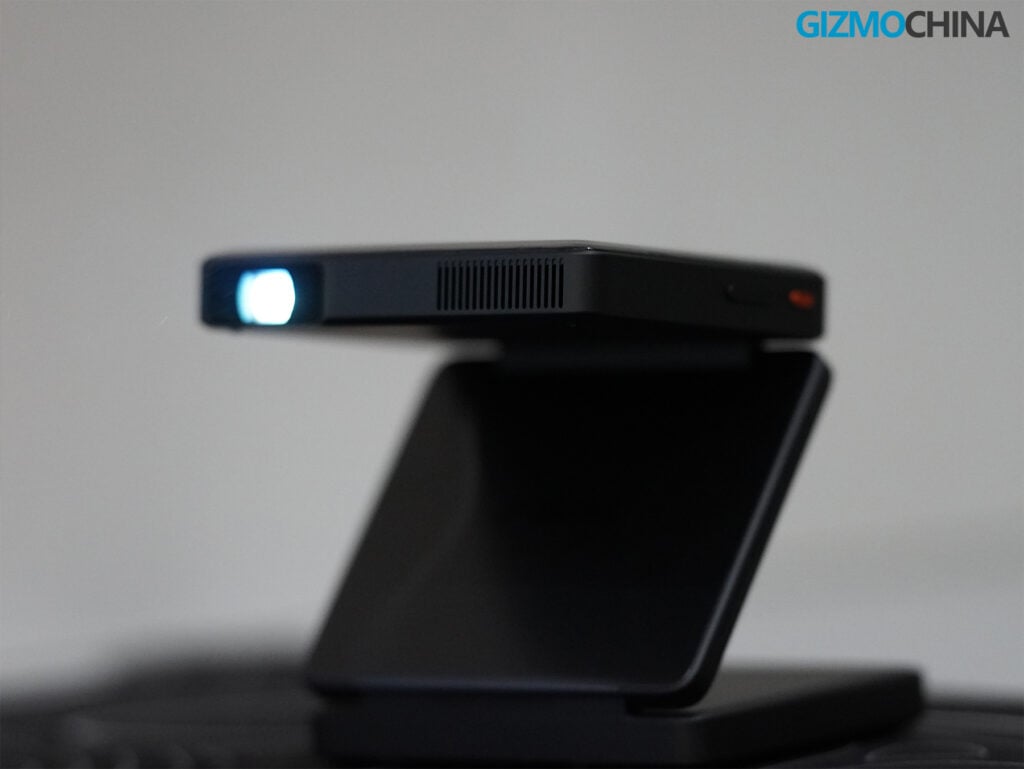
However, after spending around two weeks with the ZIP Pro, my perspective changed quite a bit. I genuinely enjoyed having this little projector around. Its compact design, convenient setup, and surprisingly capable performance made it much more practical than I initially expected.
Of course, it has its limitations, but the overall experience turned out to be quite enjoyable. Let me share what I liked about the Aurzen ZIP Pro and where I think it could have been better.
Design and Build Quality
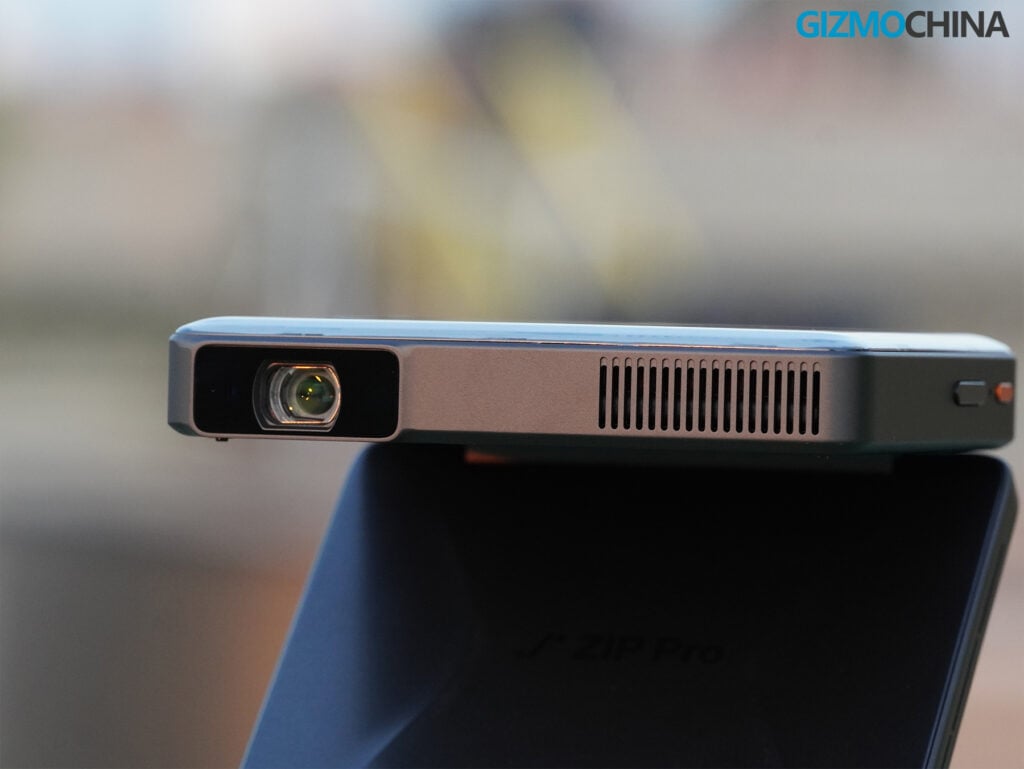
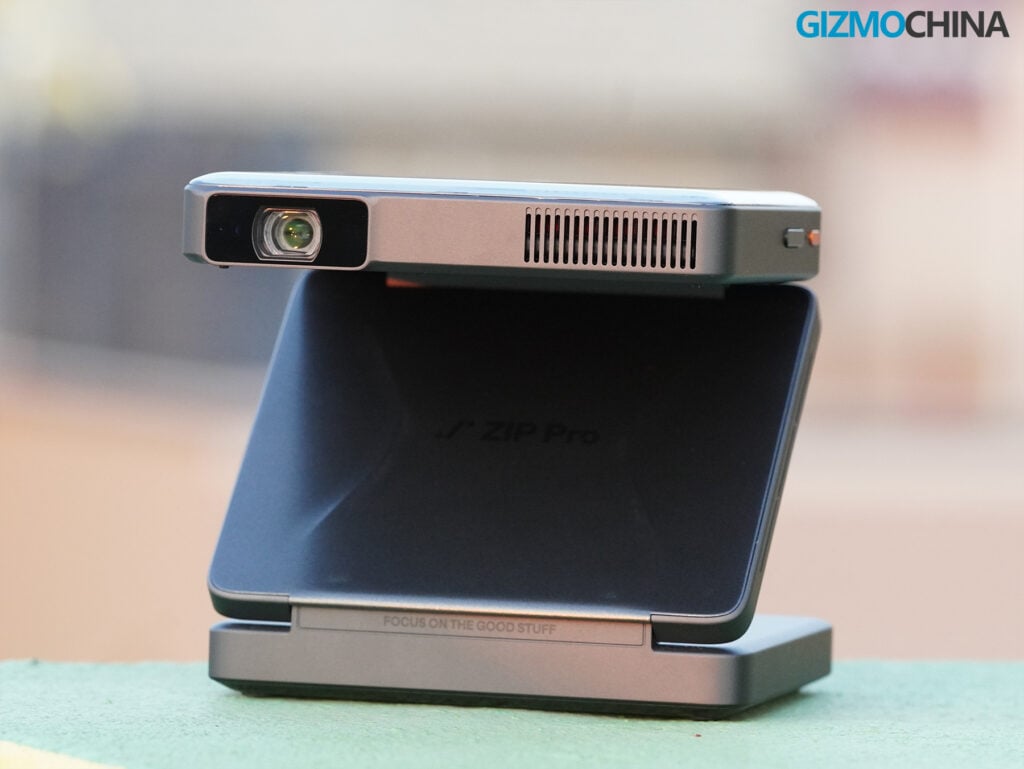
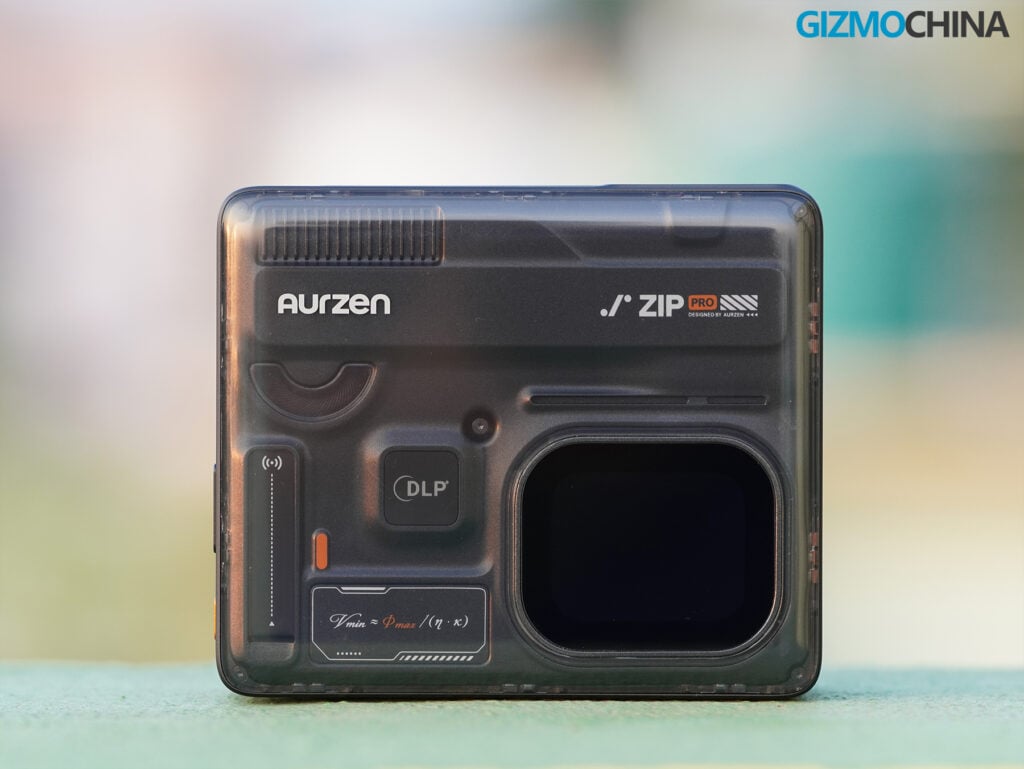
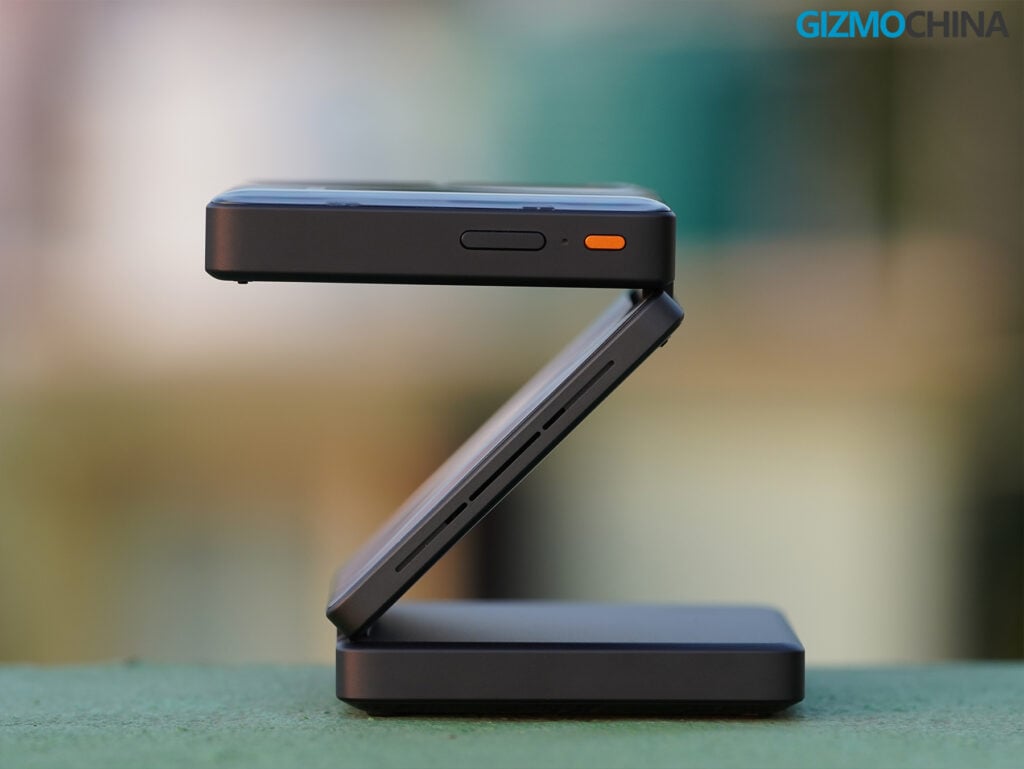
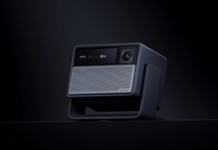
The Aurzen ZIP Pro retains the distinctive tri-fold design of the original ZIP, which is easily one of its biggest selling points. The projector measures just 115 x 97 x 44 mm when folded, making it compact enough to fit inside a pocket or a small bag.
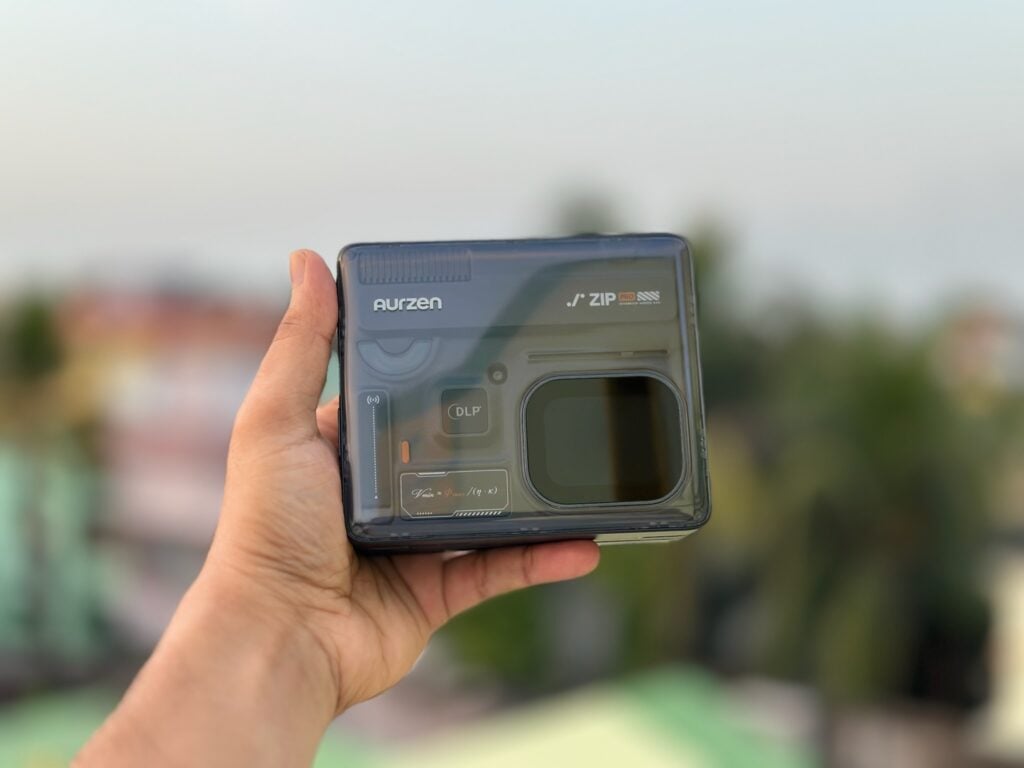
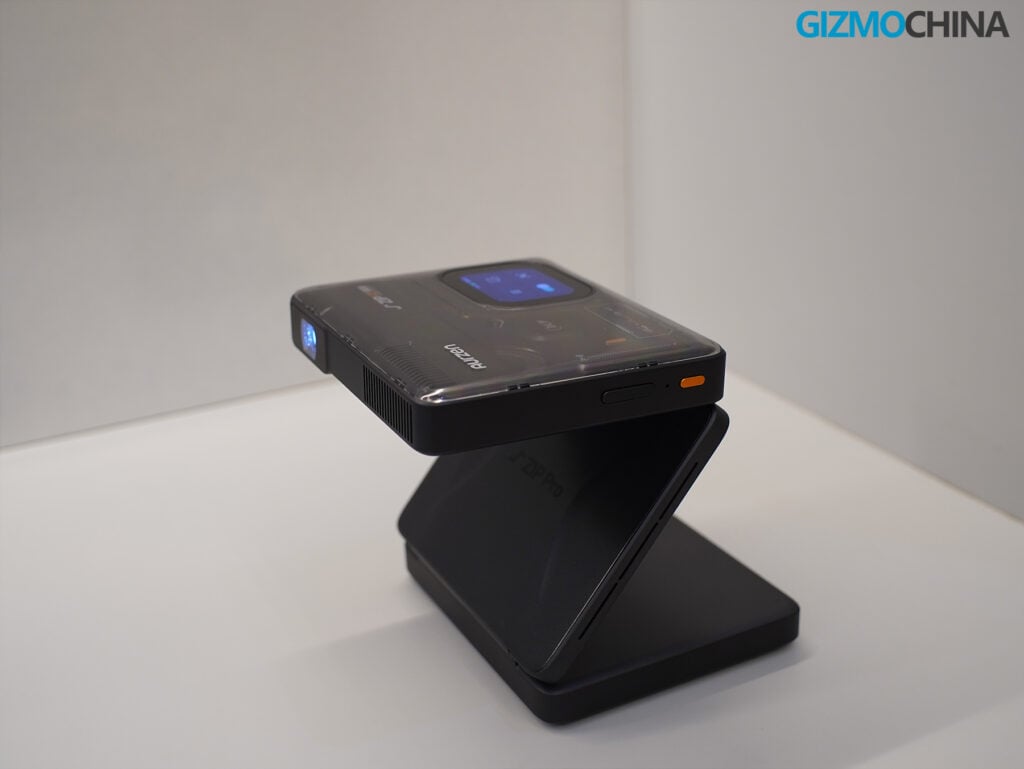
The upper section features a semi-transparent black finish that gives the projector a premium appearance. I particularly liked this design choice, as it makes the ZIP Pro look quite different from conventional projectors. The overall build quality feels really solid, and the folding mechanism is sturdy enough to hold the projector at different angles.
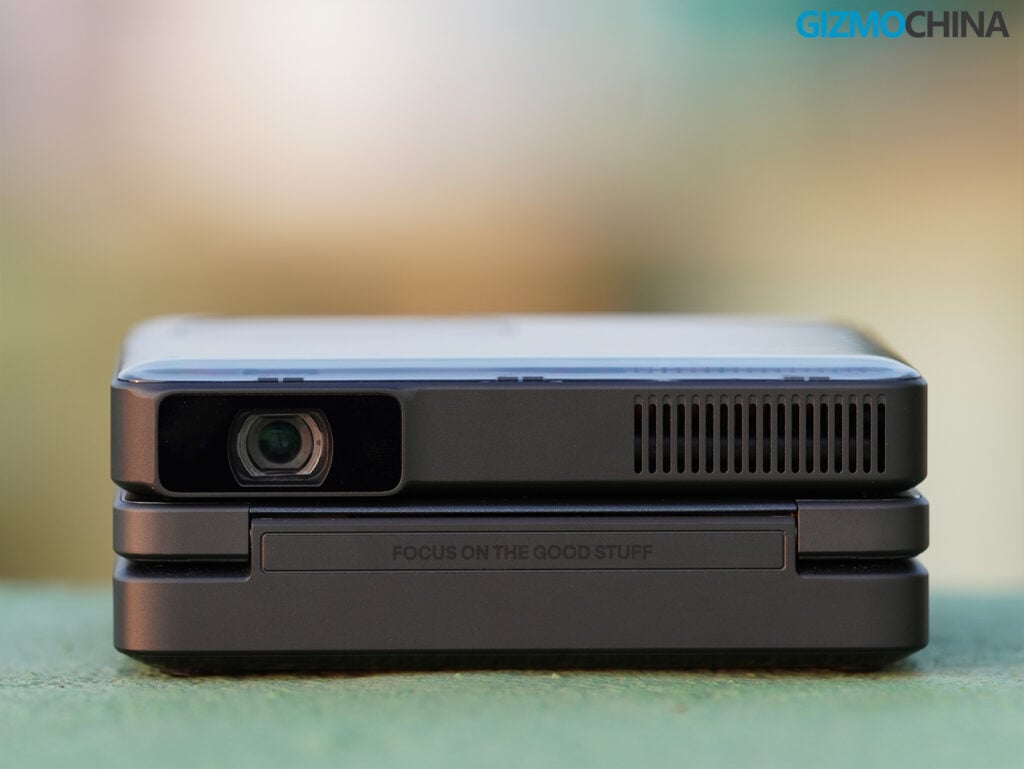
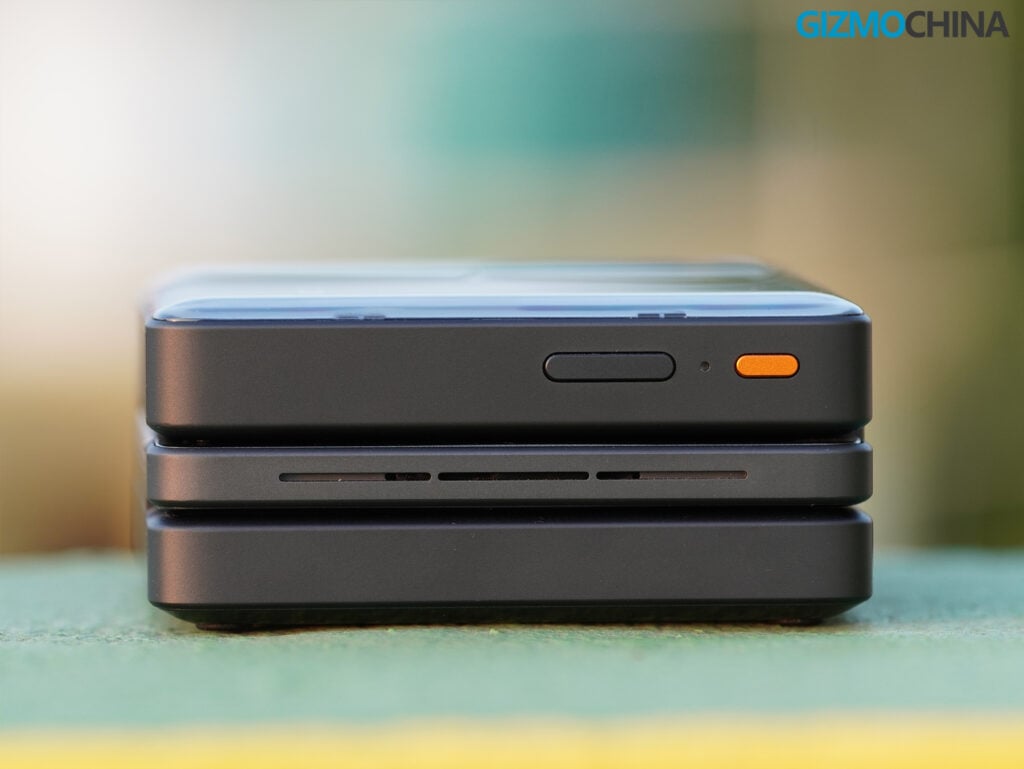
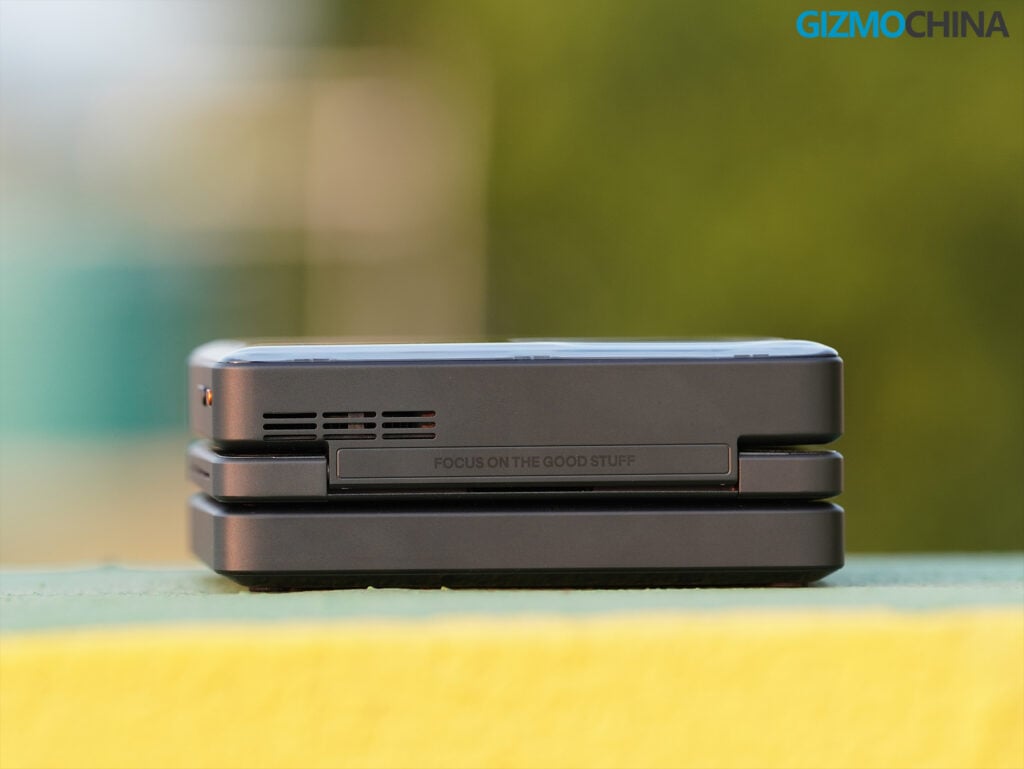
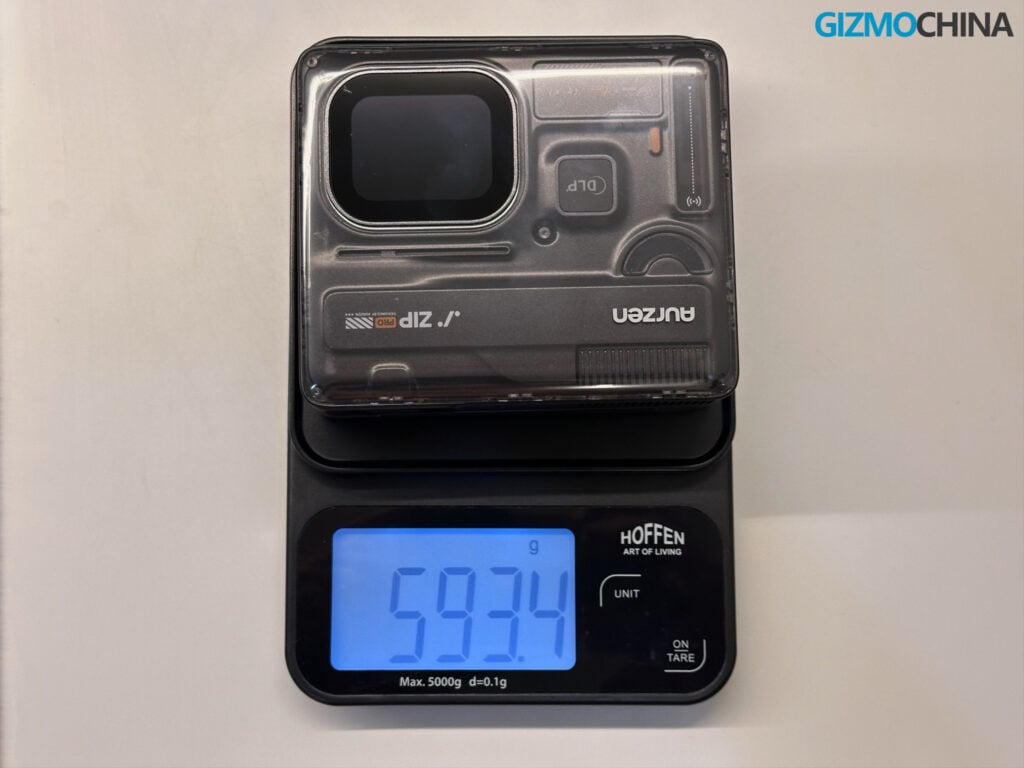
Aurzen officially lists the weight at 586 grams, although my digital scale showed approximately 593 grams. It is considerably heavier than the original ZIP, which weighs just 280 grams. However, I did not find the additional weight particularly inconvenient, especially considering how compact the device is.
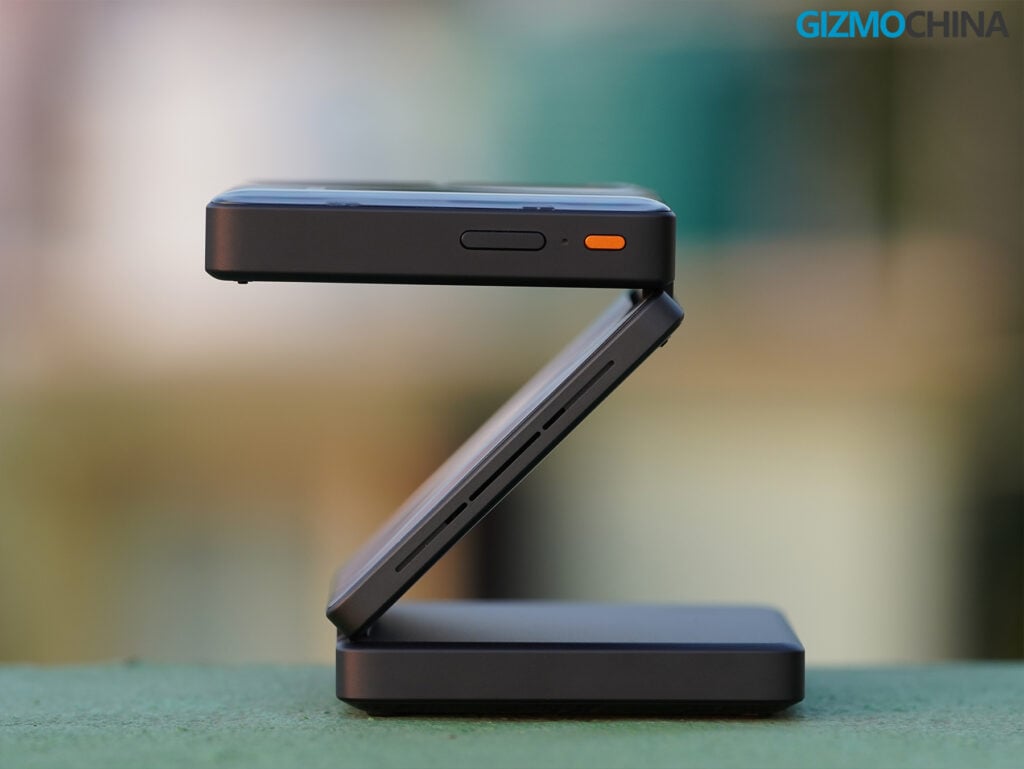
What I liked most about the design is that the folding mechanism also works as an adjustable stand. I could simply place the projector on a table, unfold it, and adjust the projection angle without needing a separate tripod. It also makes ceiling projection incredibly convenient, particularly when watching movies or YouTube videos while lying in bed.
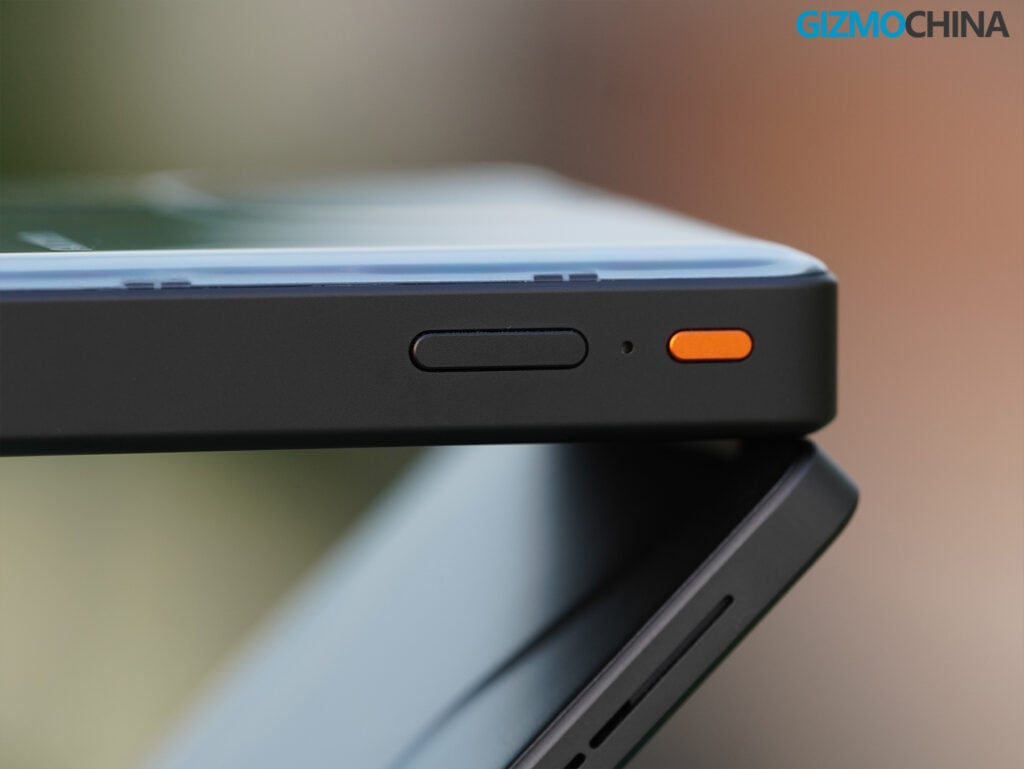
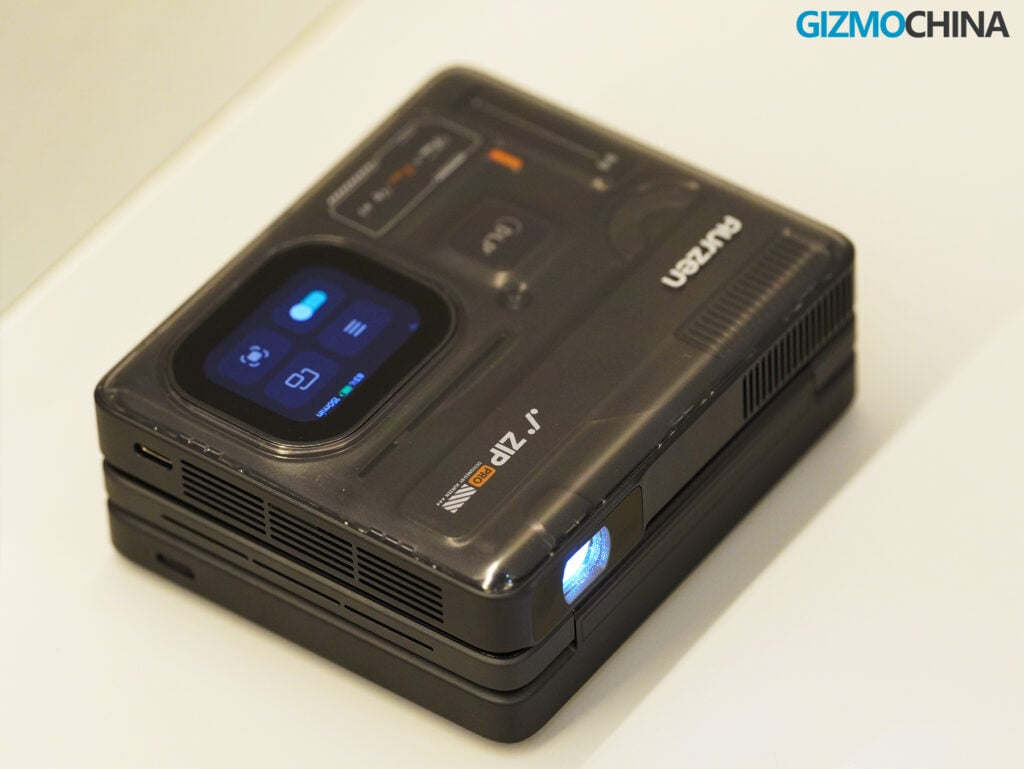
The ZIP Pro also features a small smart touchscreen display for accessing settings, adjusting controls, and checking device information.
Picture Quality and Projection Performance
The Aurzen ZIP Pro uses native 1080p DLP projection technology powered by a Texas Instruments DMD chip, paired with an ultra-slim 10.7 mm optical engine and LED light source.
It delivers 200 lumens of brightness, a 300:1 contrast ratio, and 85% NTSC color gamut coverage.
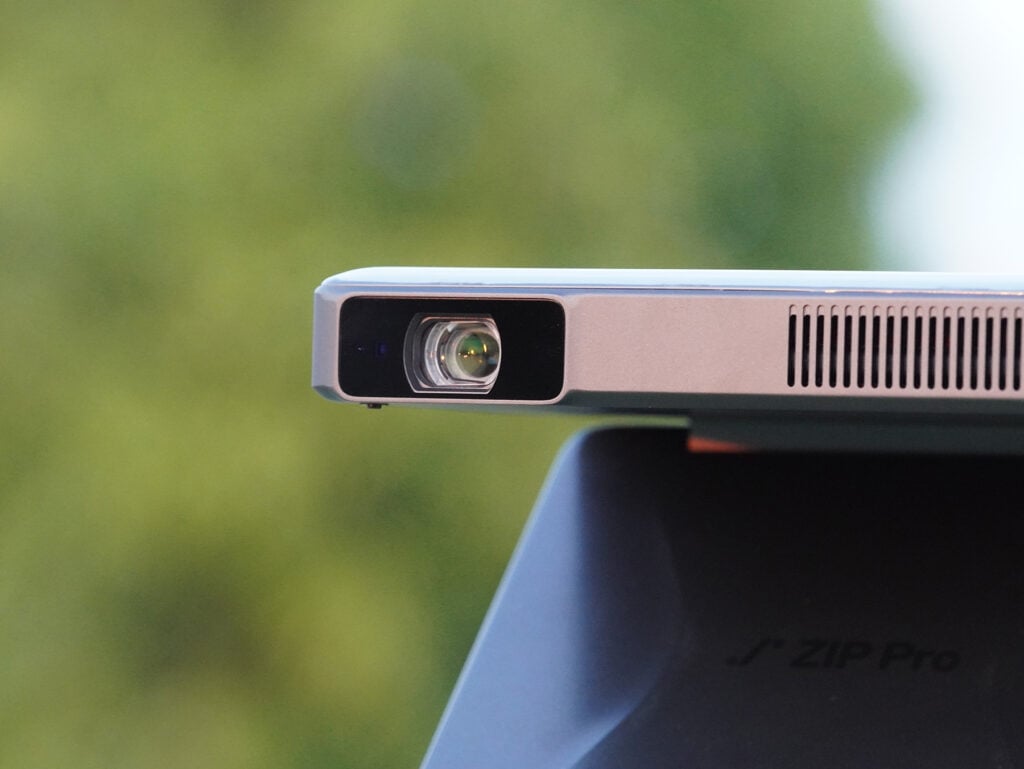
These are meaningful upgrades over the original ZIP, which features a 720p resolution and 100-lumen brightness.
Picture quality was one of my biggest concerns before testing the projector. Fortunately, the ZIP Pro performed better than I expected, particularly in darker environments.
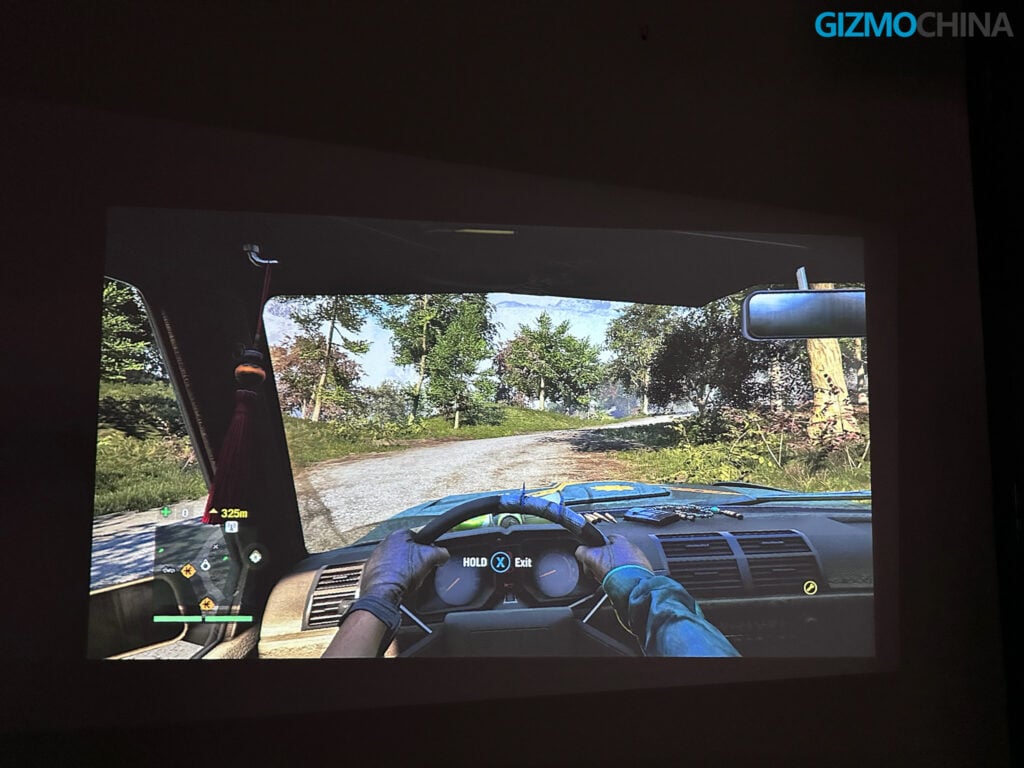
The projected image looked sharp, with good detail in movies and YouTube videos. Colors appeared reasonably vibrant, while the improved resolution made text and smaller objects noticeably clearer.
Brightness is still limited compared with larger home theater projectors. The picture loses contrast and vibrancy in brightly lit environments, but I found it surprisingly watchable in a semi-dark room. I did not always need complete darkness to enjoy the experience.
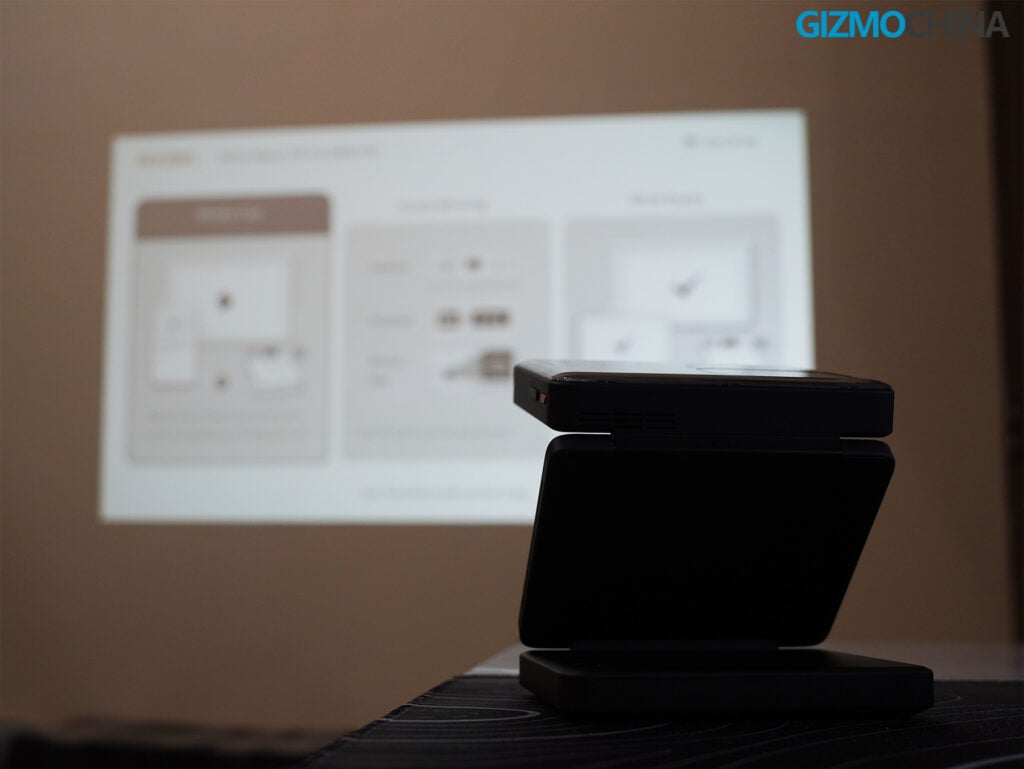
The ZIP Pro features a 1.2:1 throw ratio and supports projection distances between 0.5 and 3 meters. Aurzen recommends screen sizes between 50 and 80 inches.
During my testing, I achieved approximately a 60-inch screen from 1.7 meters and a 75-inch screen from 2 meters. The image stayed sharp at both sizes, though the smaller projection felt slightly brighter.
The projector also gets noticeably brighter when connected to an external power source.
The ZIP Pro is not intended to replace a dedicated home theater projector, but its picture quality is impressive considering how compact it is.
Autofocus and Keystone Correction
The ZIP Pro features zero-lag autofocus and four-point keystone correction.
During my testing, the projector typically adjusted focus within approximately one second after I changed its position. The process was quick and reliable, and I rarely needed to make manual adjustments. This made switching between different projection angles much more convenient.
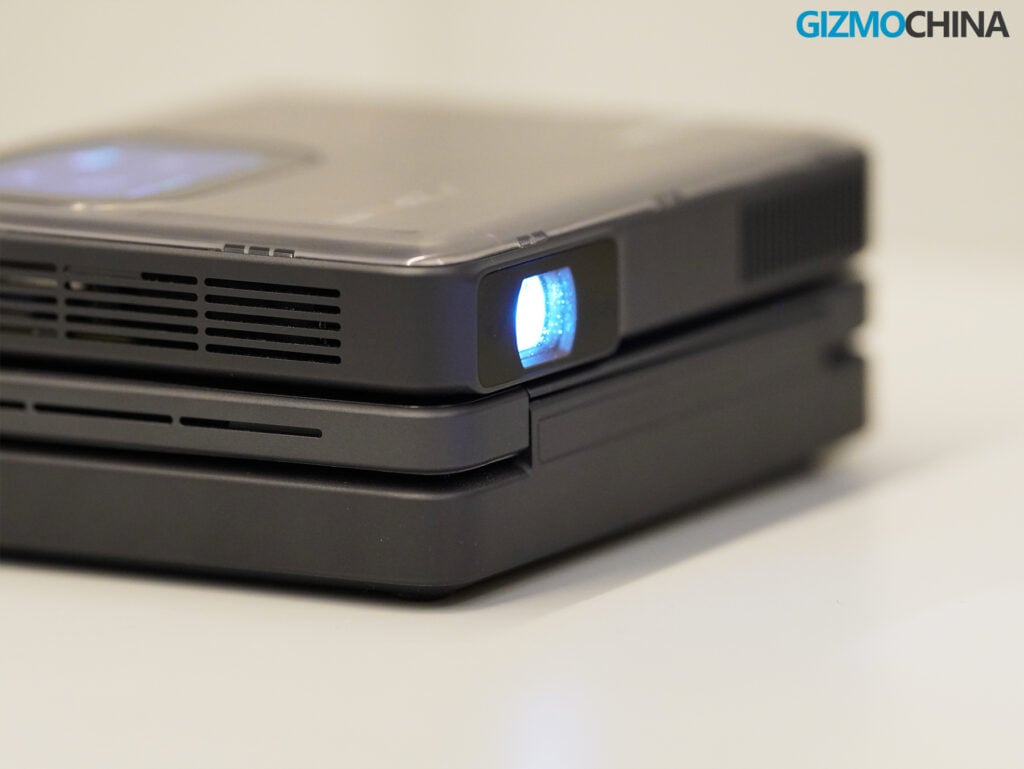
The four-point keystone correction also worked well in most situations. There is also a dedicated button on the touchscreen that allows you to quickly correct the image alignment. If the projected image looks distorted or does not form a proper rectangle, tapping this button automatically adjusts it. I found this particularly useful when changing the projector’s position.
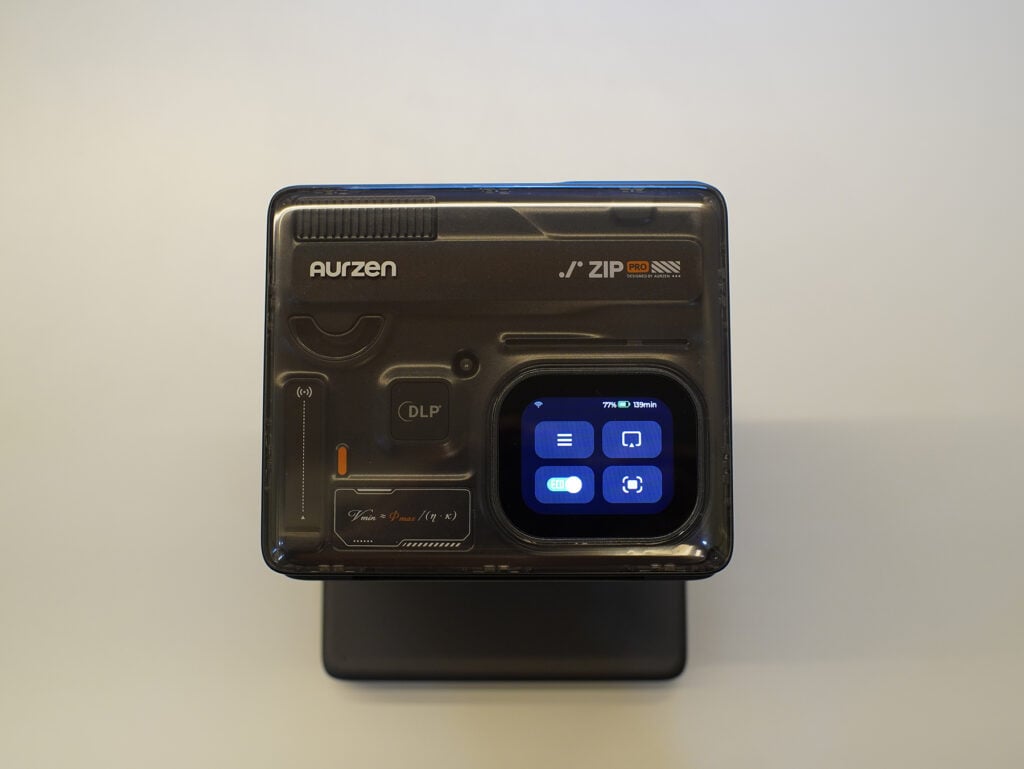
However, when I tilted the projector too far upward toward a wall, I occasionally encountered an Out of Keystone Range warning. This was not something I experienced frequently, but it is worth keeping in mind when positioning the projector at extreme angles.
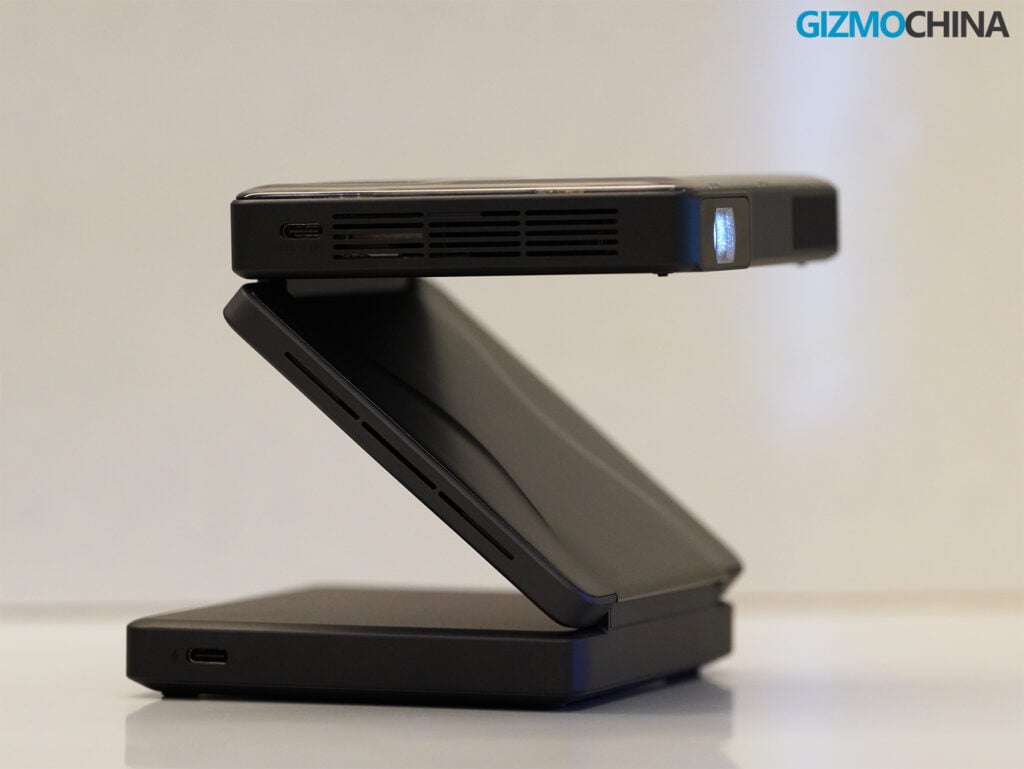
Ceiling projection also worked really well. I just tilted it upward, and it projected perfectly with no issues.
To be honest, I was quite impressed with how well the autofocus and keystone correction worked together. Combined with the flexible tri-fold design, these features make the ZIP Pro incredibly convenient to set up and use in different locations.
Connectivity, Software and Gaming
The Aurzen ZIP Pro runs a Linux-based screen mirroring system and supports dual-band Wi-Fi, Bluetooth 5.4, AirLink, Miracast, AirPlay P2P, DLNA, and Google Cast.
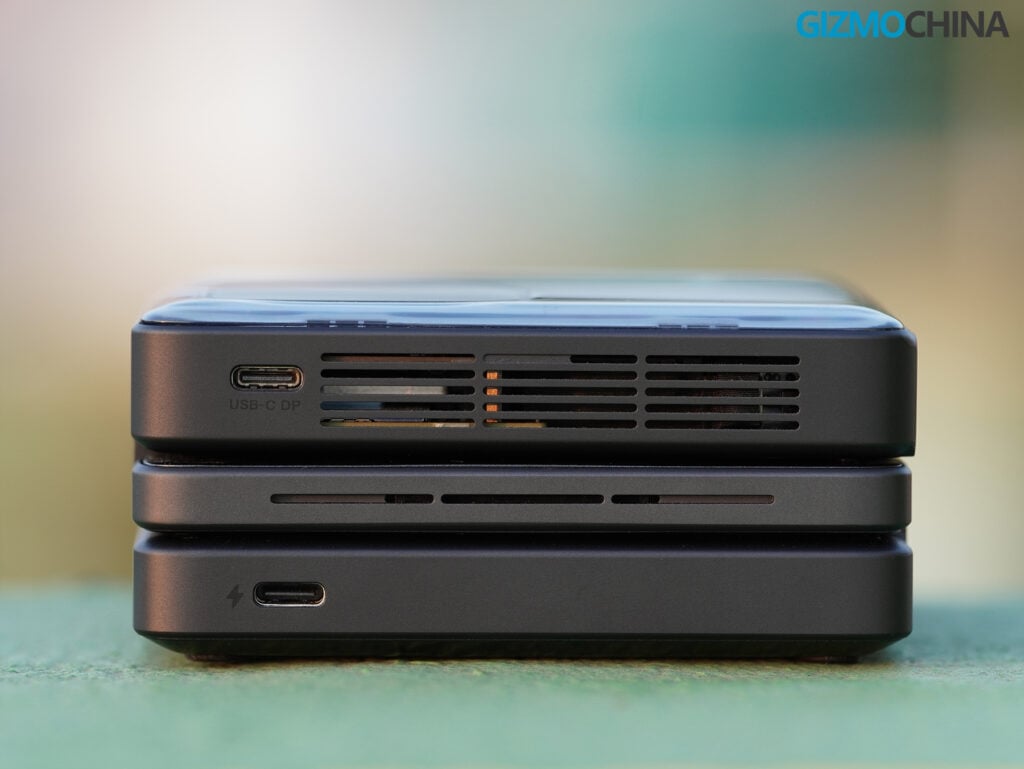
Aurzen has also added USB-C video input through DisplayPort Alt Mode, which is missing from the original ZIP. This allows compatible laptops, smartphones, and handheld gaming devices to connect directly to the projector.
I primarily used my iPhone for wireless screen mirroring, and the overall experience was smooth. I watched YouTube videos, Instagram Reels, and other content without experiencing any connection issues. The setup was straightforward, and I could easily mirror my phone’s screen without dealing with cables or complicated configurations.
However, there is one limitation worth mentioning. You cannot directly cast content from streaming platforms like Netflix and Hulu through wireless screen mirroring due to DRM restrictions. The good news is that you can still watch content from these platforms by connecting a compatible laptop to the projector through USB-C DisplayPort Alt Mode. This is a useful workaround, although it takes away some of the convenience of wireless streaming.
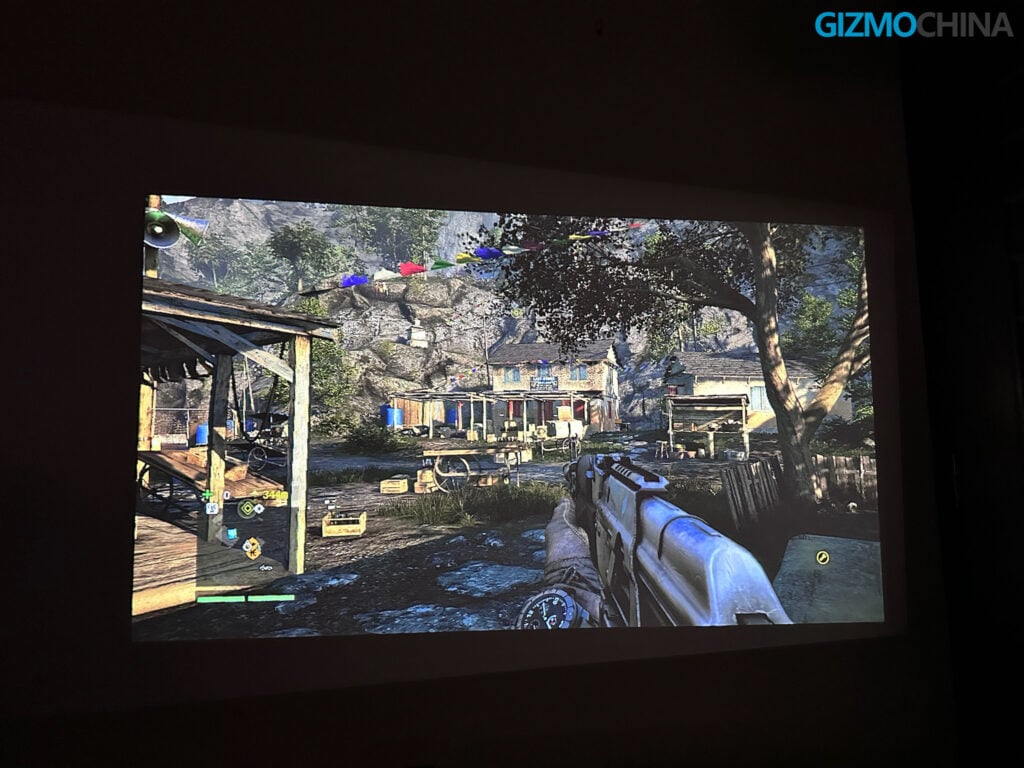
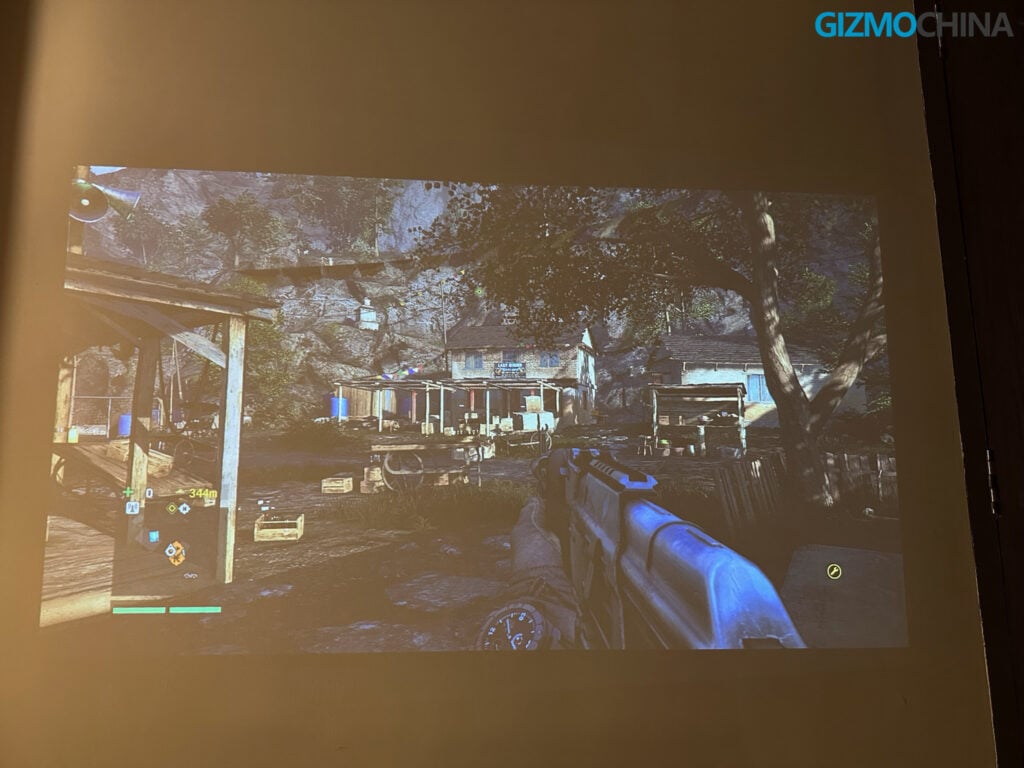
I also tested the projector’s gaming capabilities. I connected my laptop to the ZIP Pro through its USB-C port using DisplayPort Alt Mode and played Far Cry 4 on the projected screen. The experience was surprisingly smooth, and I did not notice any input lag or latency issues during gameplay. I could comfortably play the game on a much larger screen without running into any problems.
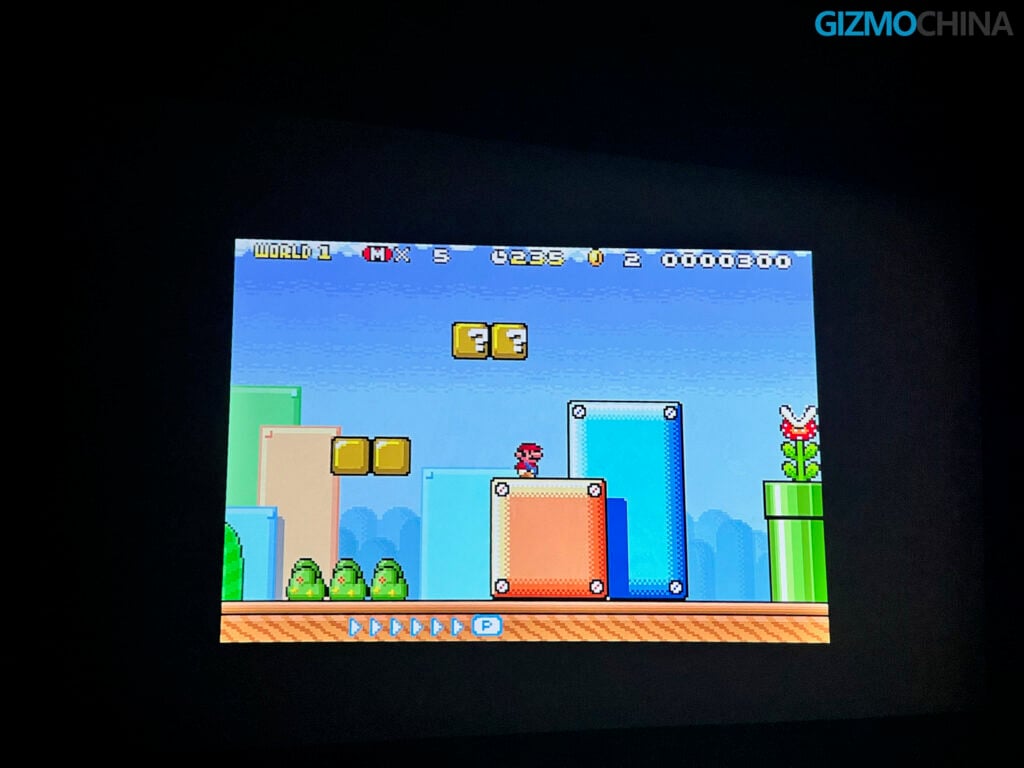
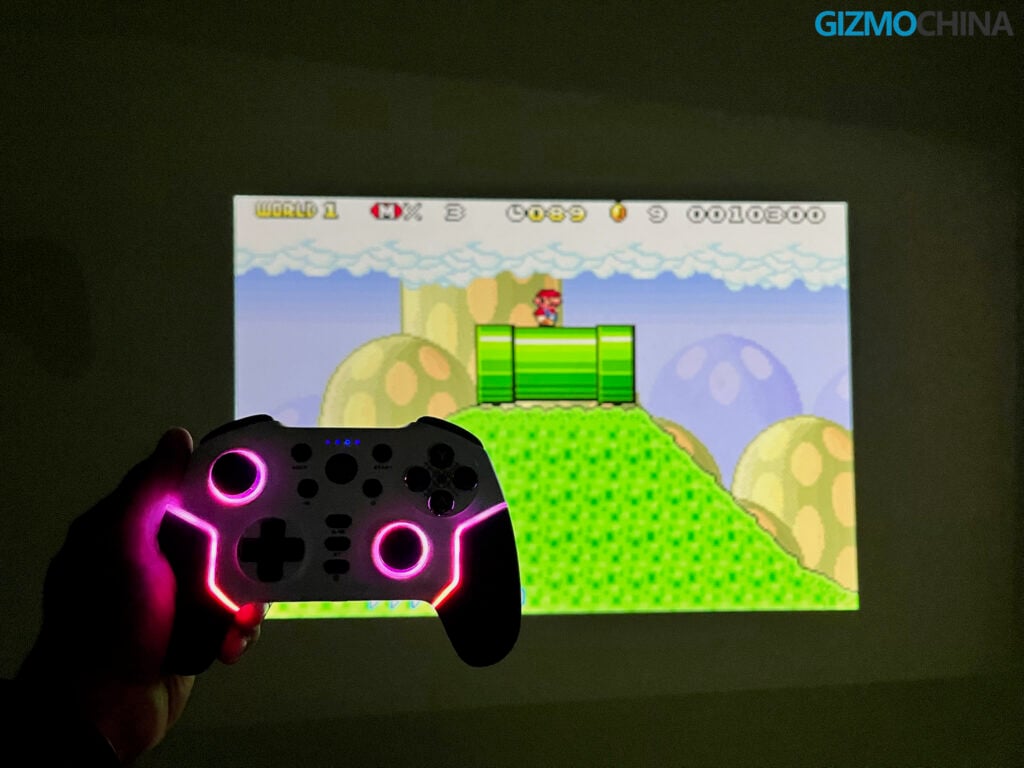
Apart from PC gaming, I also tried playing retro games using emulators on my iPhone. Since I was already mirroring my phone’s screen wirelessly, I could simply launch the games and play using a controller. This turned out to be one of the more enjoyable experiences during my testing. Playing retro games on a large projected screen without connecting additional cables made the whole experience convenient and hassle-free.
The ZIP Pro comes with two USB-C ports, one for charging and S/PDIF audio and another for video input.
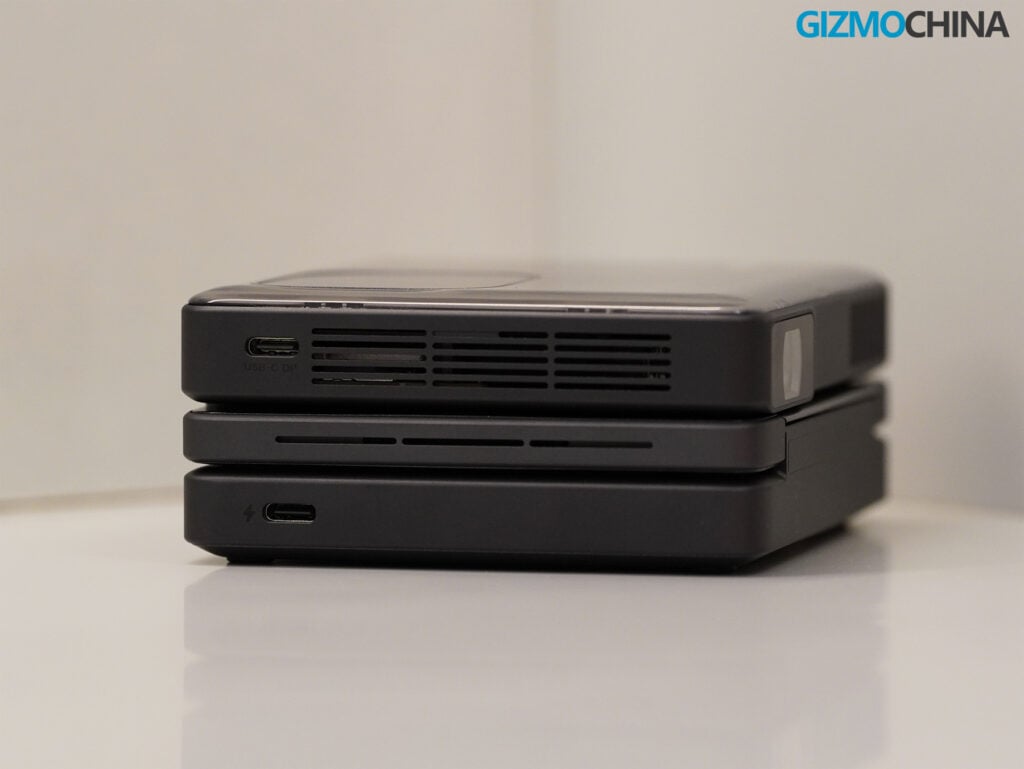
The touchscreen interface is useful for basic operations, but typing passwords on such a small display can be frustrating. Fortunately, the AurzenHub companion app offers remote-control functionality, which I found considerably more convenient.
Audio Quality
The ZIP Pro features dual 2W stereo speakers, an upgrade over the dual 1W speakers on the original ZIP.
I was not expecting much from the audio system, considering the limited space available inside the projector. However, the speakers turned out to be surprisingly capable.
Dialogue sounded crisp and clear, while vocals and background audio had decent separation. The overall sound quality was noticeably better than my smartphone speakers.
The speakers cannot deliver deep bass or room-filling audio, but they are perfectly adequate for casual movie watching and YouTube playback. I rarely felt the need to connect an external speaker during my testing.
The ZIP Pro also supports Bluetooth 5.4 and simultaneous connections to two Bluetooth headphones. This is a useful addition for watching movies privately with another person.
Battery Life and Charging
The Aurzen ZIP Pro comes with a 10,000mAh battery rated at 38Wh and supports 65W USB-C PD fast charging. This is a substantial upgrade over the original ZIP, which features a 5,000mAh battery and 24W charging.
Aurzen claims up to 2.5 hours of playback in Eco mode, and I am happy to report that the projector actually lives up to this claim. During my testing, I managed to get around 2.5 hours of playback in Eco mode without any issues. Interestingly, I also achieved approximately 2.5 hours of playback in Normal mode, which was a pleasant surprise.
Eco mode reduces brightness to conserve power, but I generally preferred Normal mode for its better picture quality. Considering the projector’s compact size, I found the battery life quite satisfactory, especially since it delivered results that matched the manufacturer’s claims.
Thermals and Fan Noise
The ZIP Pro features an active cooling system, with Aurzen claiming operating noise levels of 24dB in Eco mode, 28dB in Normal mode, and 35dB in Conference mode.
Fan noise was barely noticeable from my usual viewing distance. I could hear it when sitting close to the projector, but it never became particularly distracting during video playback.
The projector does get warm during extended use. In Eco mode, I recorded surface temperatures of approximately 38-40°C, while areas near the ventilation openings reached around 45°C.
The heat was mostly concentrated near the vents, and I did not experience any overheating issues during my testing.
Should You Buy the Aurzen ZIP Pro?
When I first received the Aurzen ZIP Pro, I was quite skeptical about how useful such a tiny projector could actually be. With just 200 lumens of brightness, I was not expecting much in terms of picture quality, and I was not entirely convinced about its practical use cases either.
However, after spending around two weeks with it, my opinion changed quite a bit. I genuinely enjoyed using this little projector, and I started to appreciate what Aurzen was trying to achieve with its unusual design.
What makes the ZIP Pro interesting is not necessarily its specifications, but the convenience it offers. You can literally carry it in your pocket and enjoy a big-screen experience almost anywhere.
I found it particularly enjoyable for bedroom viewing and casual gaming, especially when playing retro games on a larger screen. I can also see it being a great companion for travelers and campers who want some entertainment without carrying a bulky projector.
Of course, pricing is something worth considering. The ZIP Pro is listed at $629.99, with a discounted price of $579.99. At this price, it competes with several portable projectors that offer significantly higher brightness and potentially better picture quality.
However, I do not think those projectors are necessarily direct alternatives. The ZIP Pro stands out because of its pocket-friendly design and the flexibility it offers, something that conventional portable projectors cannot always match.
After using it for two weeks, I think the ZIP Pro makes the most sense for people who prioritize portability and convenience over sheer brightness or picture quality. It is certainly not meant to replace a dedicated home theater projector, but for someone who wants a hassle-free big-screen experience on the go, it is definitely worth considering.
I started this review wondering whether a projector this small could actually be useful, but I ended up enjoying it far more than I expected. The Aurzen ZIP Pro is a rather unique gadget that proves a big-screen experience does not necessarily require a big projector.
Pricing and Availability
You can purchase the Aurzen ZIP Pro from the official Aurzen website for $579.99. It is also available in two bundles: the ZIP Pro + CastPlay Pro Bundle for $649.99 and the ZIP Pro Basquiat Special Edition Bundle for $679.99.

Comments