Add GIZMOCHINA as Preferred Source on Google
Obsbot Meet 2 is the latest addition to the Obsbot lineup, designed to meet the needs of content creators, gamers, and professionals who prioritize high-quality video and AI-powered features.
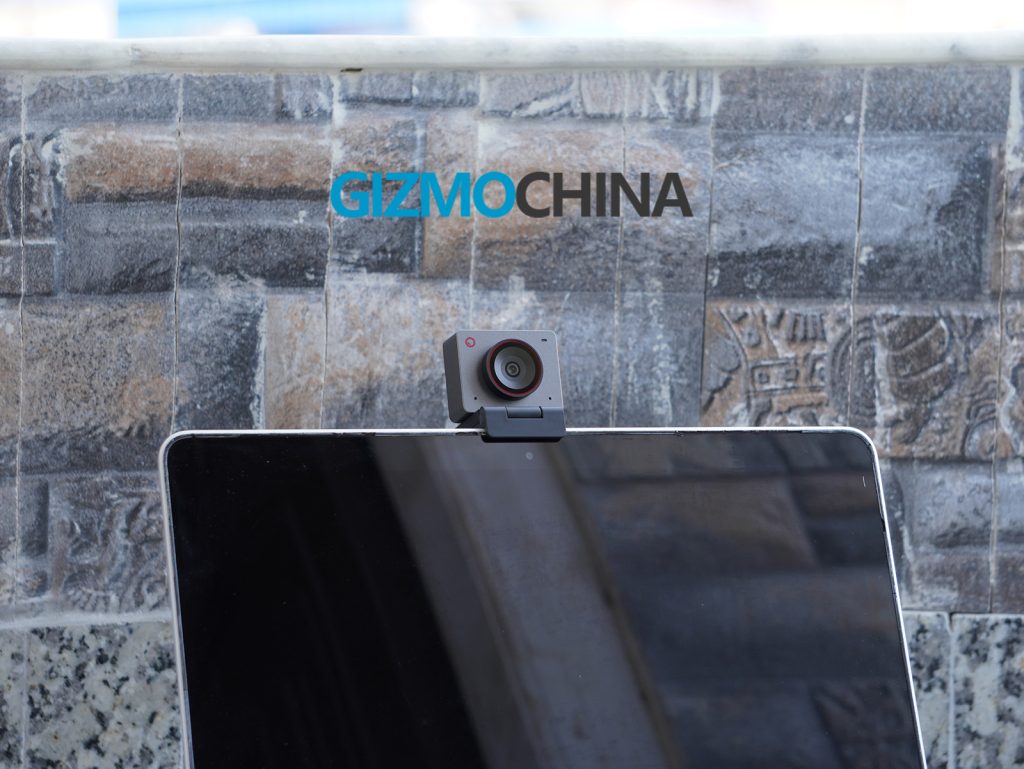
Packed in a compact and lightweight form, this webcam offers 4K video quality, AI auto-framing, and enhanced audio features, all at an affordable price point. In this review, we’ll take a closer look at the design, performance, features, and overall value of the Obsbot Meet 2.
1. What’s in the Box?
The Obsbot Meet 2 comes with everything you need to get started right out of the box. Inside, you’ll find:
- The Obsbot Meet 2 webcam
- A USB-C to USB-A adapter
- A USB-C to C cable
- A magnetic mount
- A privacy cover for peace of mind
- A user manual and warranty card
| Preview | Product | |
|---|---|---|

|
OBSBOT Meet 2-4K Webcam for PC with 1/2″ Sensor, AI Framing & Autofocus, Beauty Mode, Lightweight,… | Check Price on Amazon |
Please Note: When you buy something using the links in our articles, we may earn a small commission at no cost to you.
2. Design and Build Quality
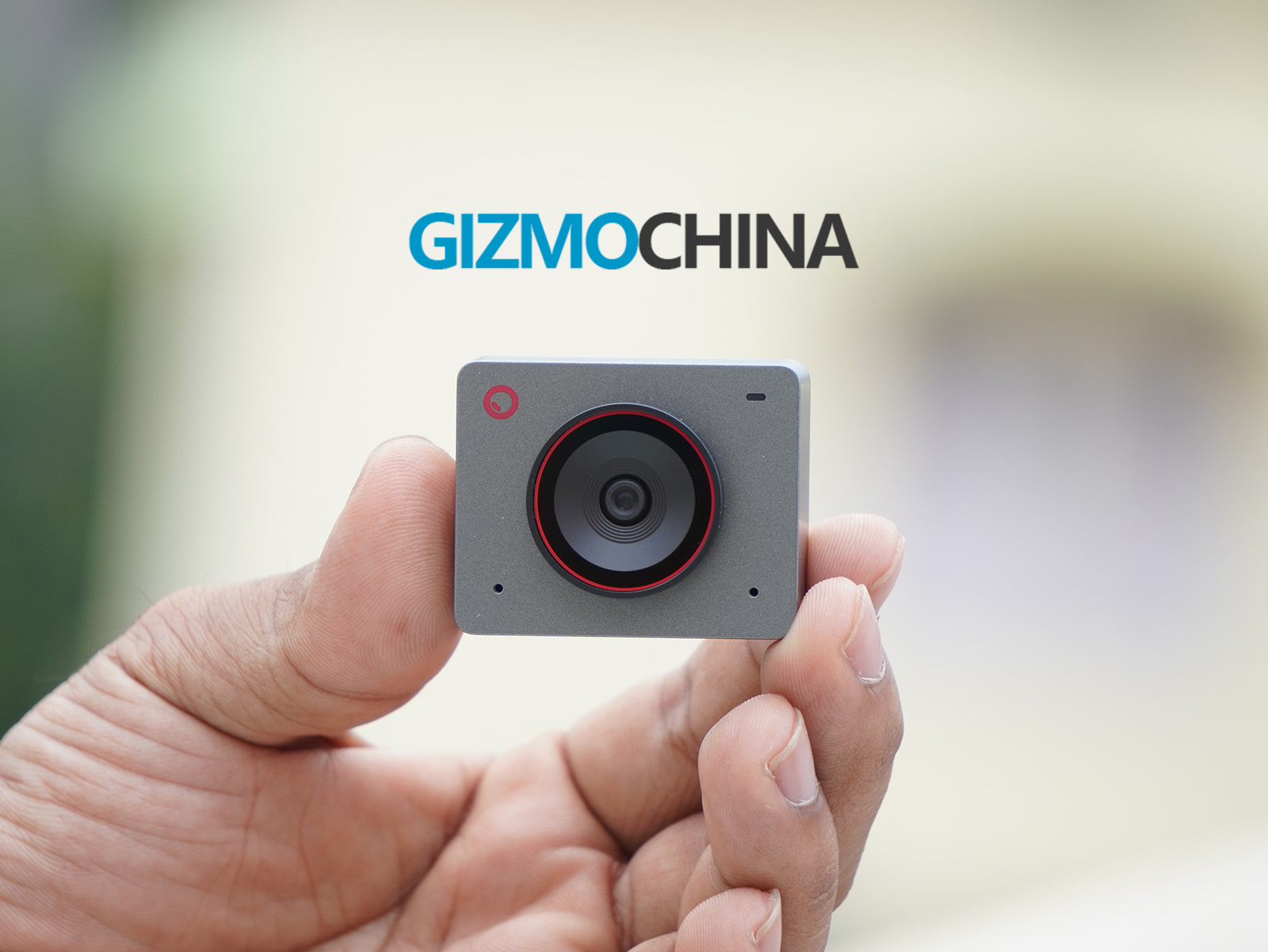
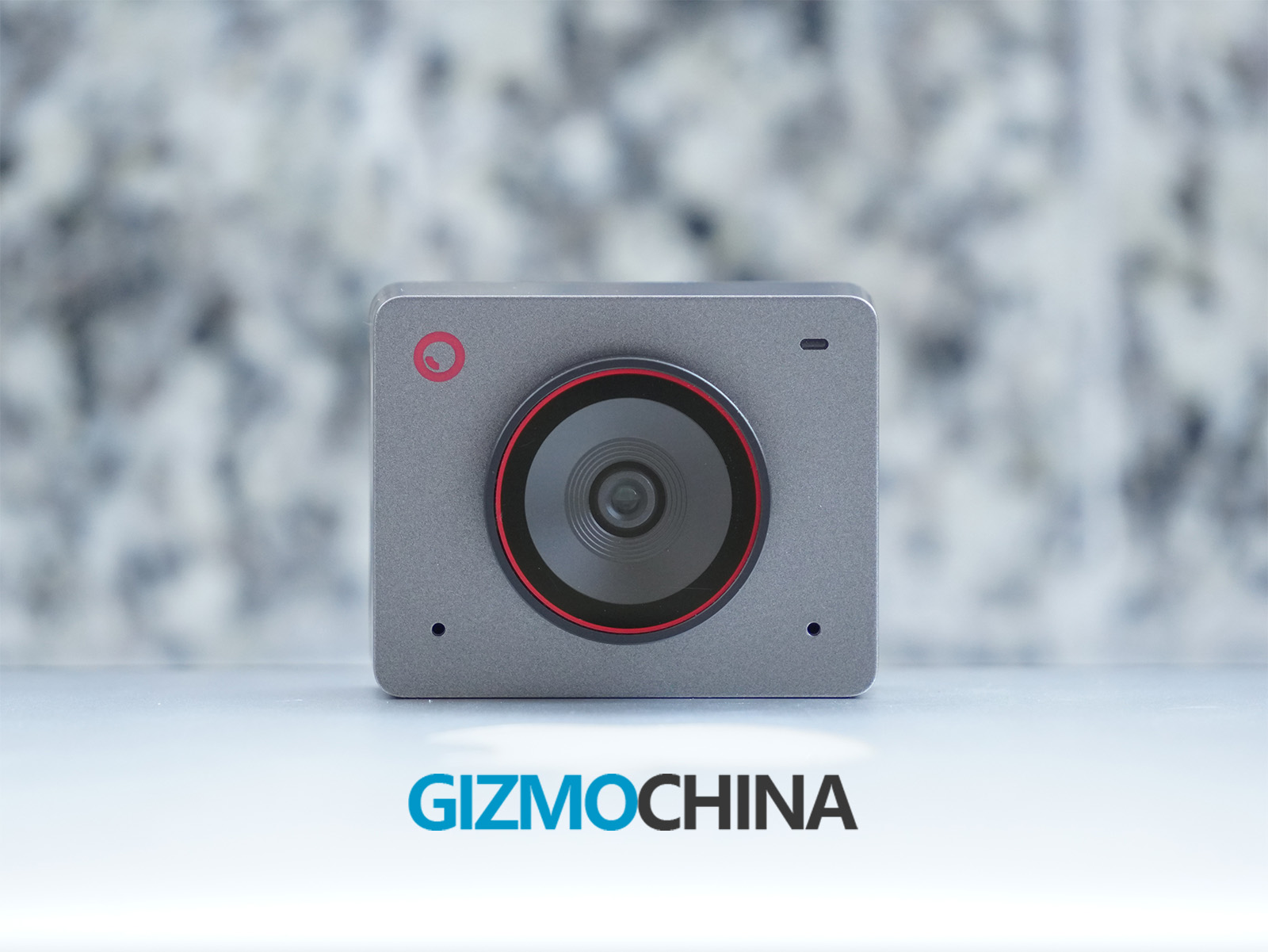
The Obsbot Meet 2 is extremely compact and lightweight, measuring 45 x 36 x 36.7mm and weighing just 67.5g with the mount. Available in three stylish colors, Space Grey, Cloud White, and Aurora Green, it features a minimalist design ideal for travelers, students, or those with limited desk space.
I got the Space Grey version but didn’t find it as appealing. Personally, I think the green color stands out as the best option among the three, though that’s just my preference.
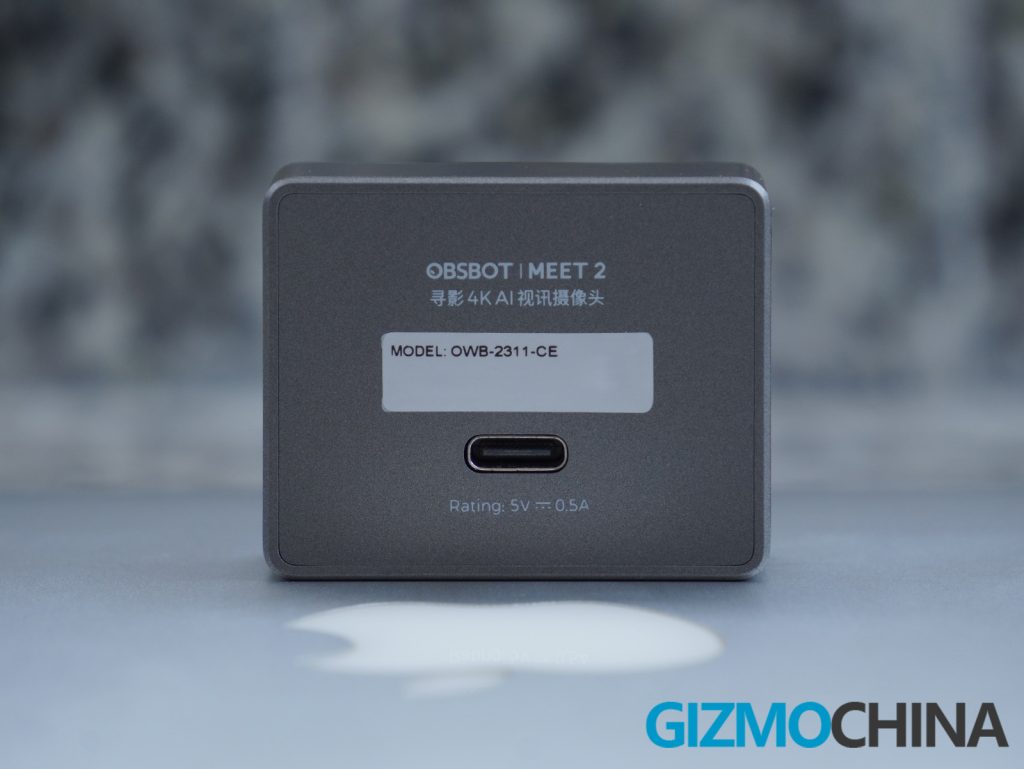

The webcam also features a magnetic mount for quick and easy adjustments, and with its UNC 1/4-20 interface, it can be mounted on a standard tripod for more advanced setups. While the camera is made of plastic, it feels sturdy enough for regular use, and its compact size doesn’t compromise its functionality. It also includes a magnetic privacy cover that can be attached to the lens for added security.
During my usage, I noticed some scratches on the wider area of the lens. I’m not sure if the lens is particularly prone to scratching or if it’s due to my heavy usage, but I wanted to mention it.
3. Setup and Compatibility
Setting up the Meet 2 is as simple as plug-and-play. It connects via USB-C, and no additional drivers are required for basic use. However, for those wanting to unlock the camera’s full potential, Obsbot Center software is recommended.
The software allows you to fine-tune settings such as exposure, white balance, and resolution and gives you access to AI-powered features like auto-framing and gesture control.
The Meet 2 is compatible with Windows 10 or later and macOS 11 or later. It works seamlessly with popular video conferencing platforms like Zoom, Microsoft Teams, and Google Meet.
4. Performance
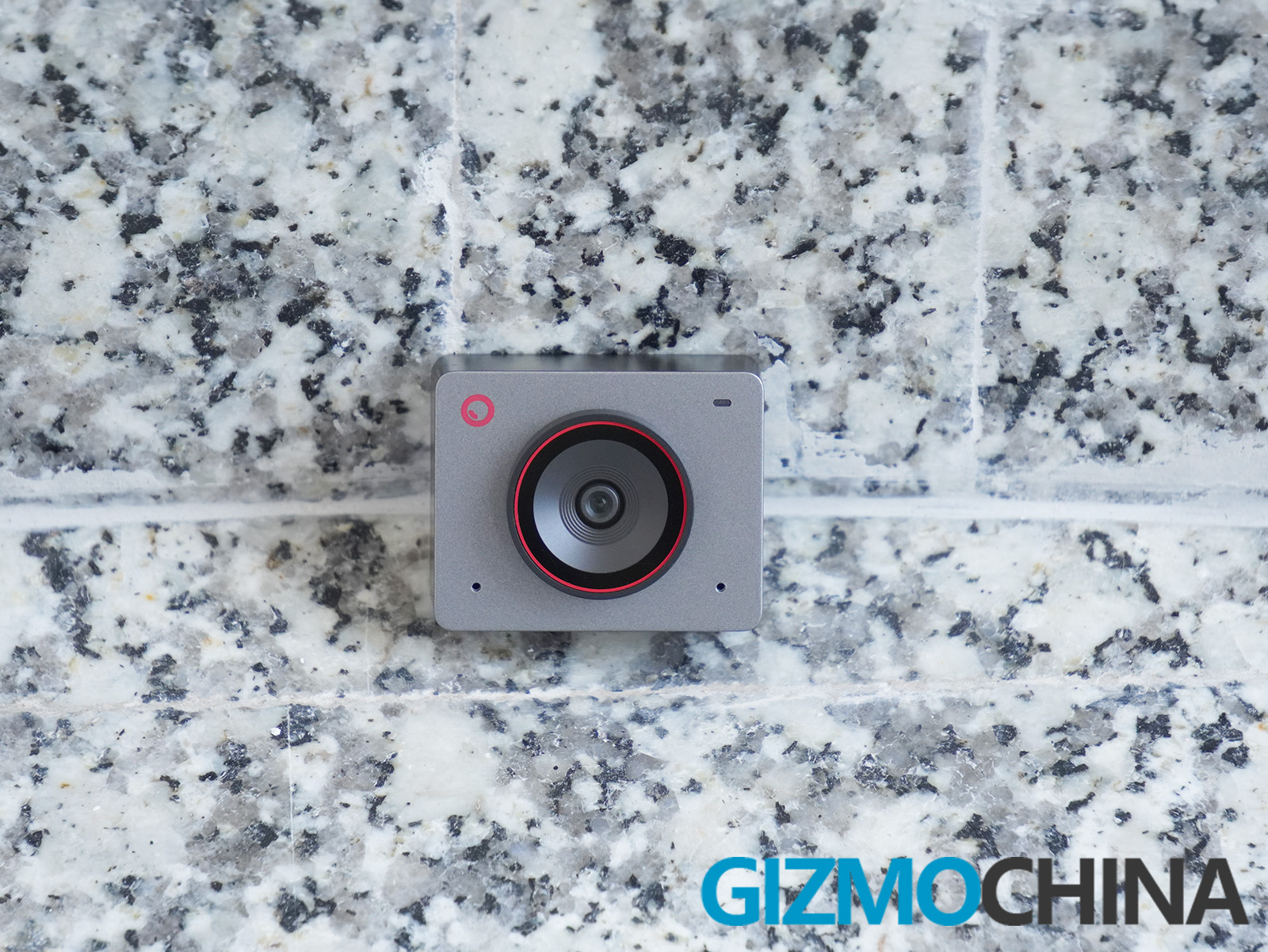
The Obsbot Meet 2 is equipped with a 1/2-inch CMOS sensor and a f/1.8 aperture, delivering crisp 4K video at 30 fps and 1080p at 60 fps. In well-lit environments, the image quality is excellent, with vibrant colors and sharp details.
I really like how the camera performs decently in low-light conditions, thanks to its larger sensor and HDR support, which helps balance exposure in varying lighting.
It also includes Phase Detection Autofocus (PDAF) to keep subjects in focus during calls or streams. However, in 1080p mode, the camera tends to hunt for focus more often, an issue not present in other formats.
The camera comes with 4x digital zoom, so you can zoom in on specific details without significant loss of quality. However, keep in mind that digital zoom is not as precise as optical zoom, so it’s best used sparingly.


The webcam also supports dual omnidirectional microphones that feature noise reduction and auto gain control, ensuring clear audio even in moderately noisy environments. While the built-in mics are adequate for video calls, professionals looking for studio-quality sound may want to invest in an external microphone.
5. Special Features
The Obsbot Meet 2 features AI Auto-Framing, which automatically tracks movements to keep users centered, making it ideal for meetings, presentations, and live streaming. However, it can take 2-3 seconds to adjust the frame when moving around.
In addition to AI tracking, the webcam allows for zoom control, and when zoomed in, you can adjust the frame using gimbal controls within the app. Other features include auto and manual focus, white balance adjustment, exposure settings, and HDR mode.
The microphone settings are equally versatile, letting you disable the mic, reduce background noise, control radio distance, and more, offering a customizable and seamless user experience.
6. Software and Customization
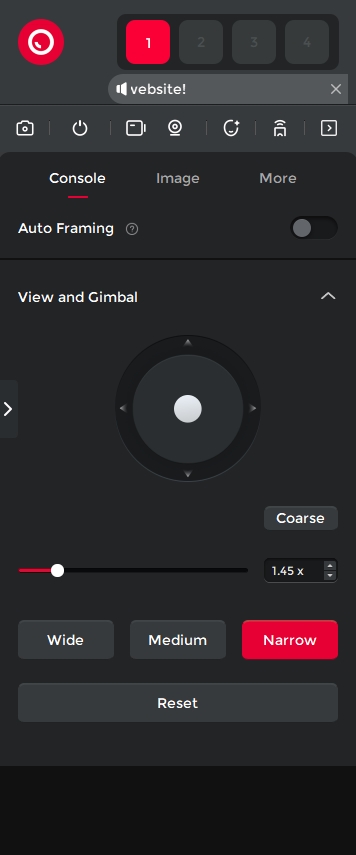
The Obsbot Center app enhances the functionality of the Obsbot Meet 2 webcam by providing users with control over advanced camera settings, the ability to switch between different tracking modes, and apply image filters. The app offers extensive customization options, allowing users to adjust both basic and advanced settings such as recording bitrate, format, and even shortcuts for easier use.
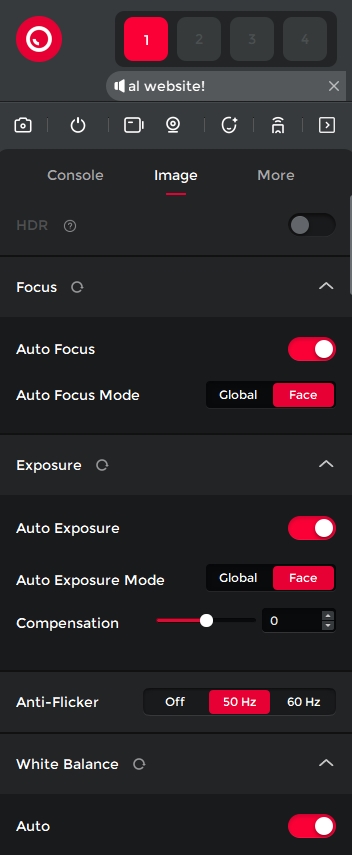

However, some users may find the interface less user-friendly compared to other webcam applications. During 4K recording, there are occasional stability issues, such as the app crashing when the stop recording button is pressed multiple times.
While Obsbot’s hardware is impressive, the software could use refinement to provide a smoother, more intuitive experience. The app’s features are comprehensive, but the cluttered design sometimes hinders the full potential of the product. Improving the software would likely elevate the overall experience for users, ensuring they can take full advantage of the webcam’s capabilities.
7. Pricing
The Obsbot Meet 2 is competitively priced at $129, making it an affordable option among 4K webcams. A bundle pack is also available for $202, offering additional accessories like a USB-A to USB-C data power cable with an On/Off switch, an extendable tripod mini ball head, and an extendable tripod.
8. Should You Buy Obsbot Meet 2?
I love the Obsbot Meet 2 primarily for its portability, as it easily fits in a laptop bag. It offers all the essential features, excellent video quality, and smart AI capabilities at an affordable price. Its sleek design, ease of use, and robust software make it a great choice for remote work, online learning, live streaming, and content creation.
While it lacks some of the advanced features of pricier models like the Obsbot Tiny 2 Lite (which offers a gimbal for more dynamic tracking), the Meet 2 still provides great value for its price. If you’re in the market for a high-quality 4K webcam with intelligent features, the Obsbot Meet 2 is a solid choice.