
Add GIZMOCHINA as Preferred Source on Google
As an Amazon Associate, Gizmochina earns from qualifying purchases. Links on this page may earn us a commission at no extra cost to you.
Introduction
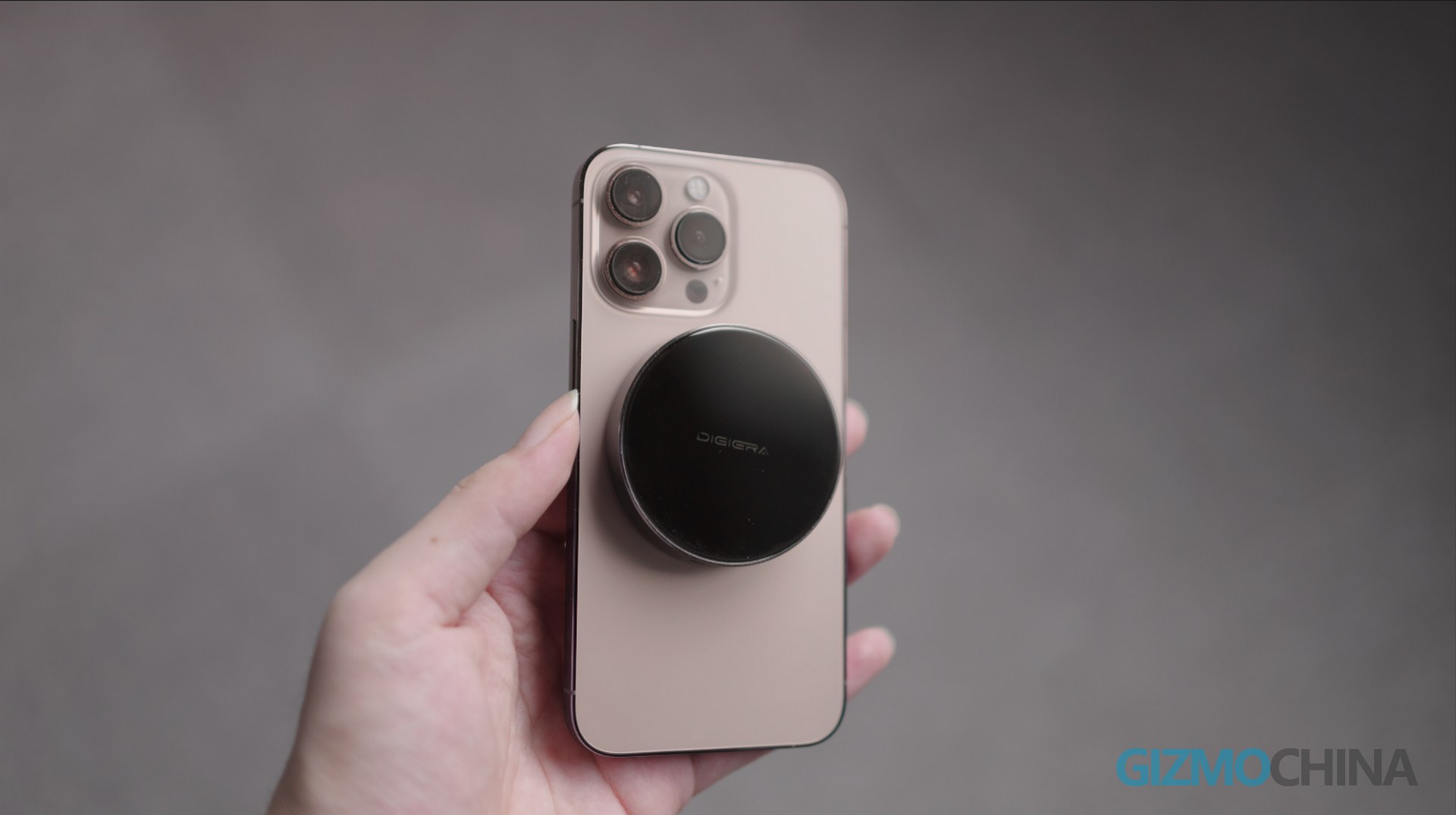
This might be the most elegant solution for creative work on an iPhone. (Picking up the phone, showing the SSD) But is it suitable for use exclusively as an iPhone’s external storage? What advantages does it have compared to conventional USB drives or portable SSDs? So, in the upcoming tests, I will compare this DIGIERA with my DIY solution.
Design
Compared to regular portable SSDs, the LSP2000M is very small. It’s also very light.
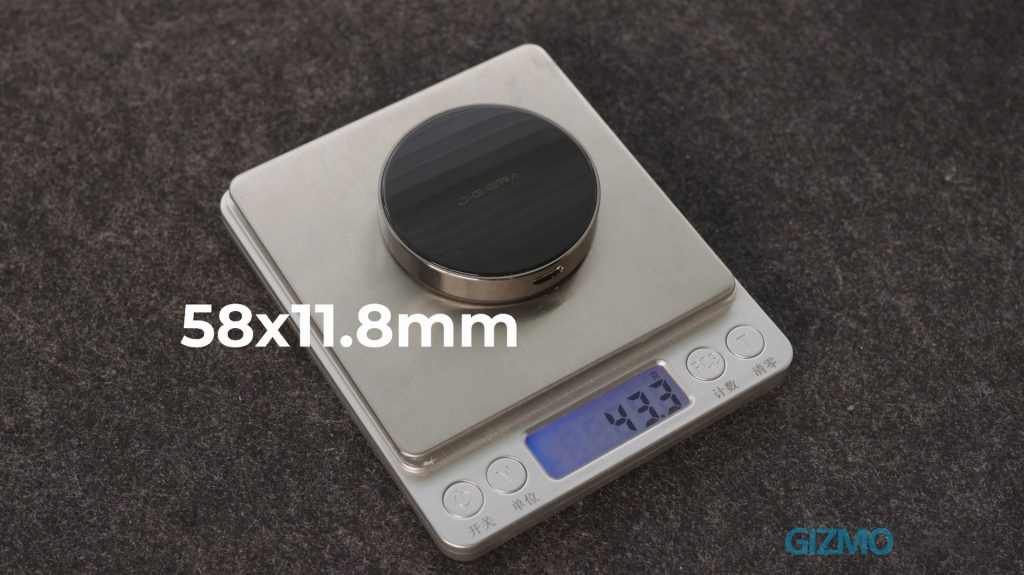
The material of glass and stainless steel frame makes it look more like a watch.
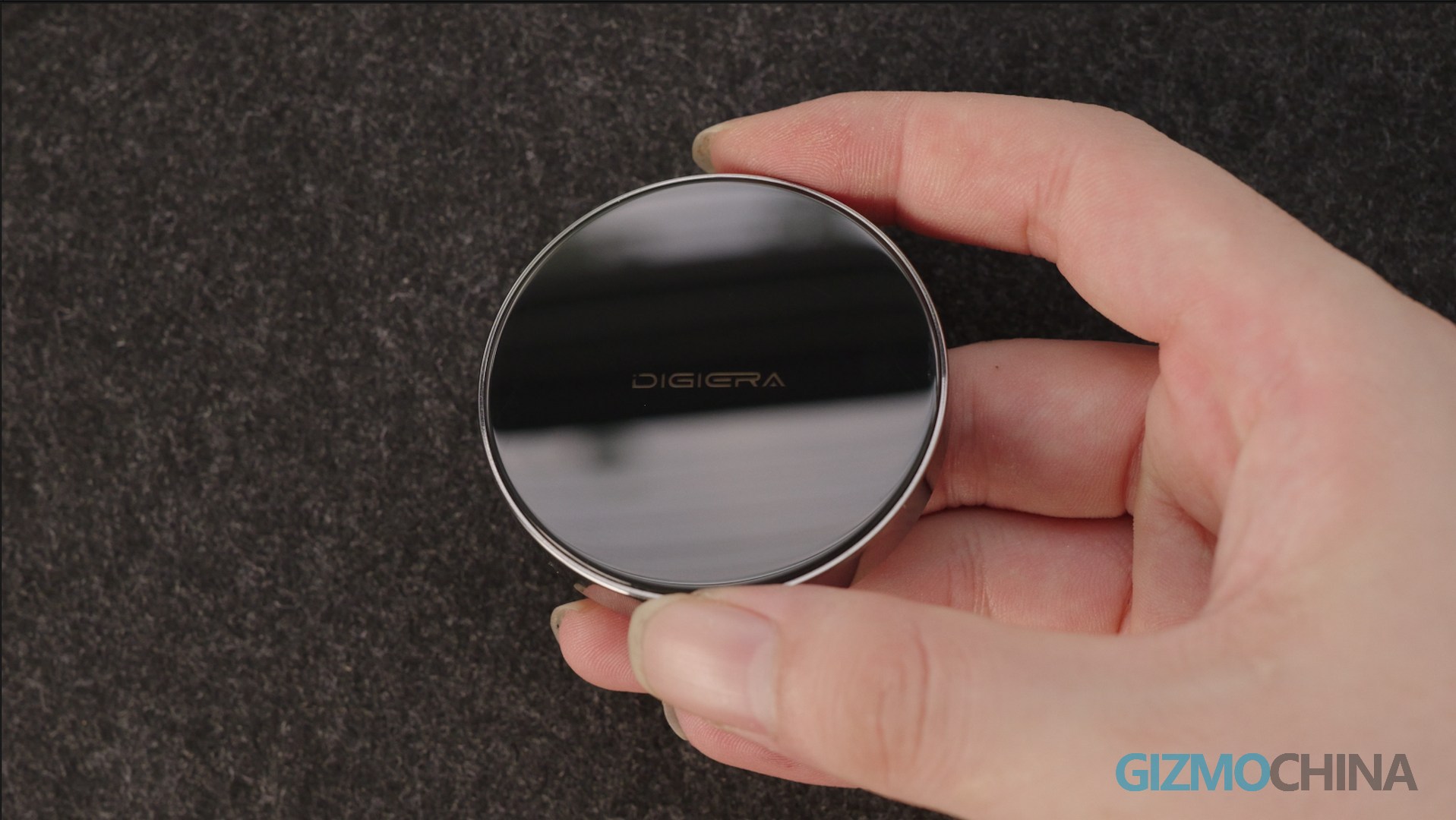
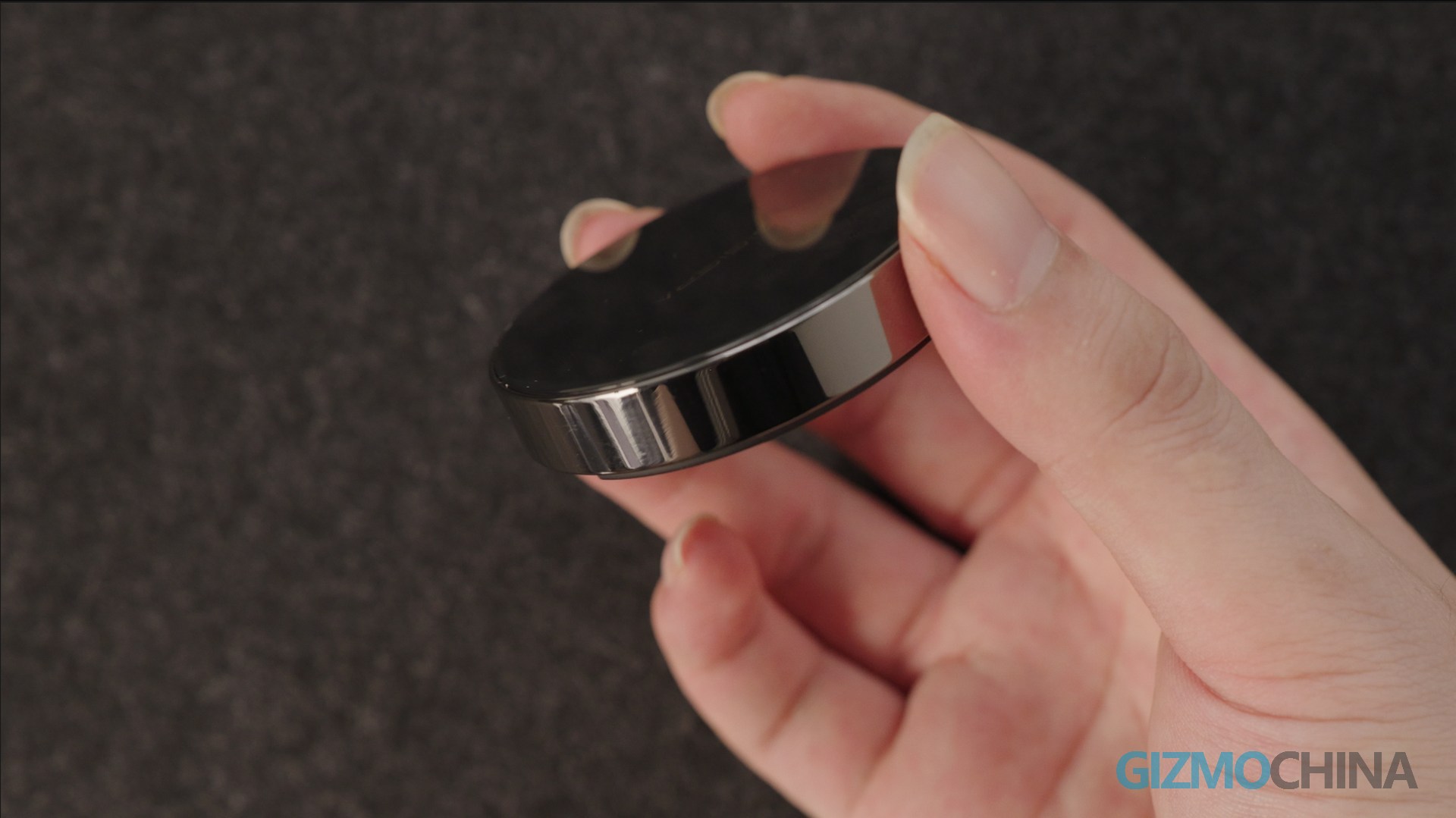
However, it would be cooler if it could display the remaining storage space. The bottom is labeled with the model and capacity. If you think 1TB is too small, DIGIERA also offers options up to 4TB, all using TLC NAND chips.
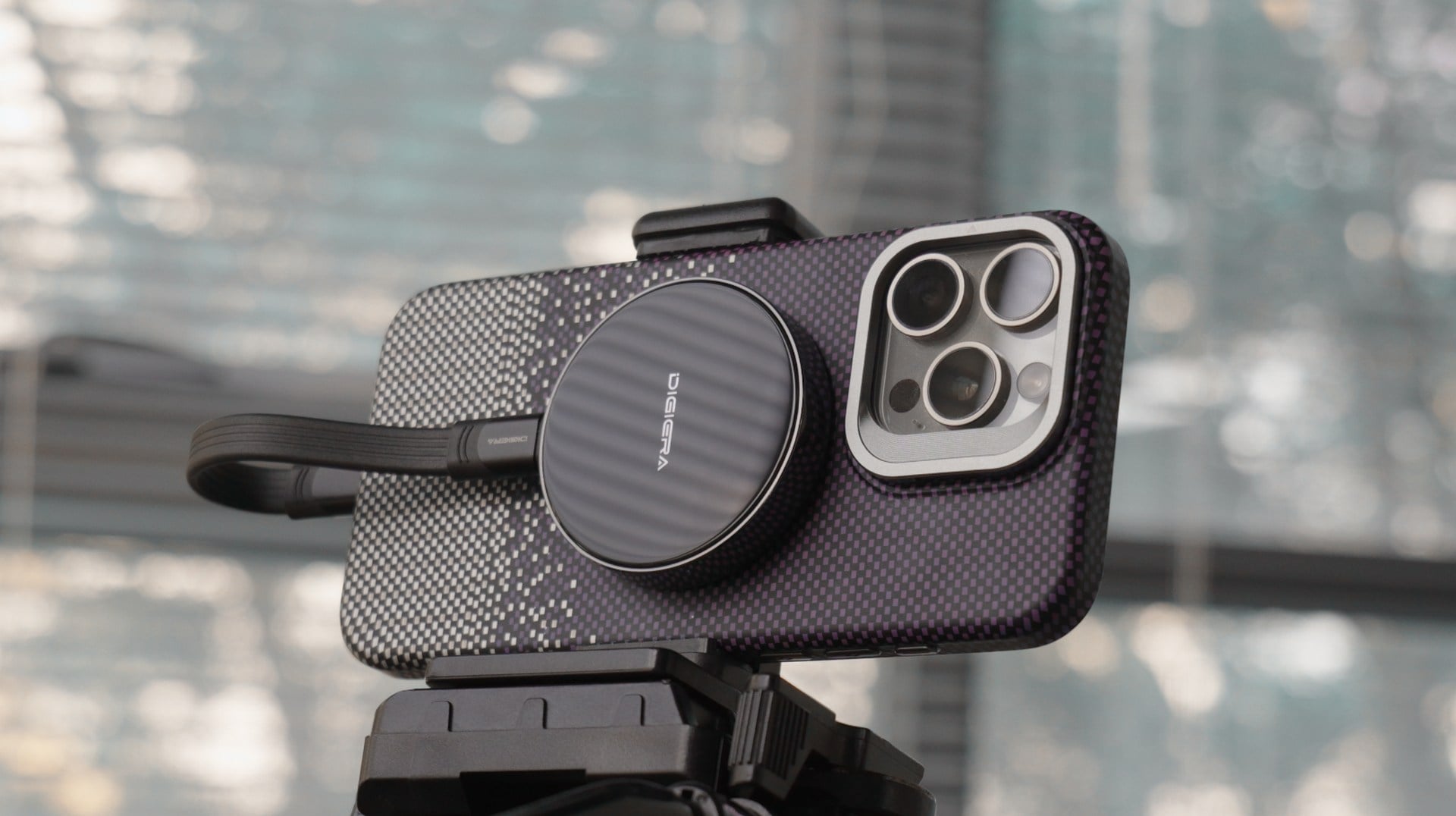
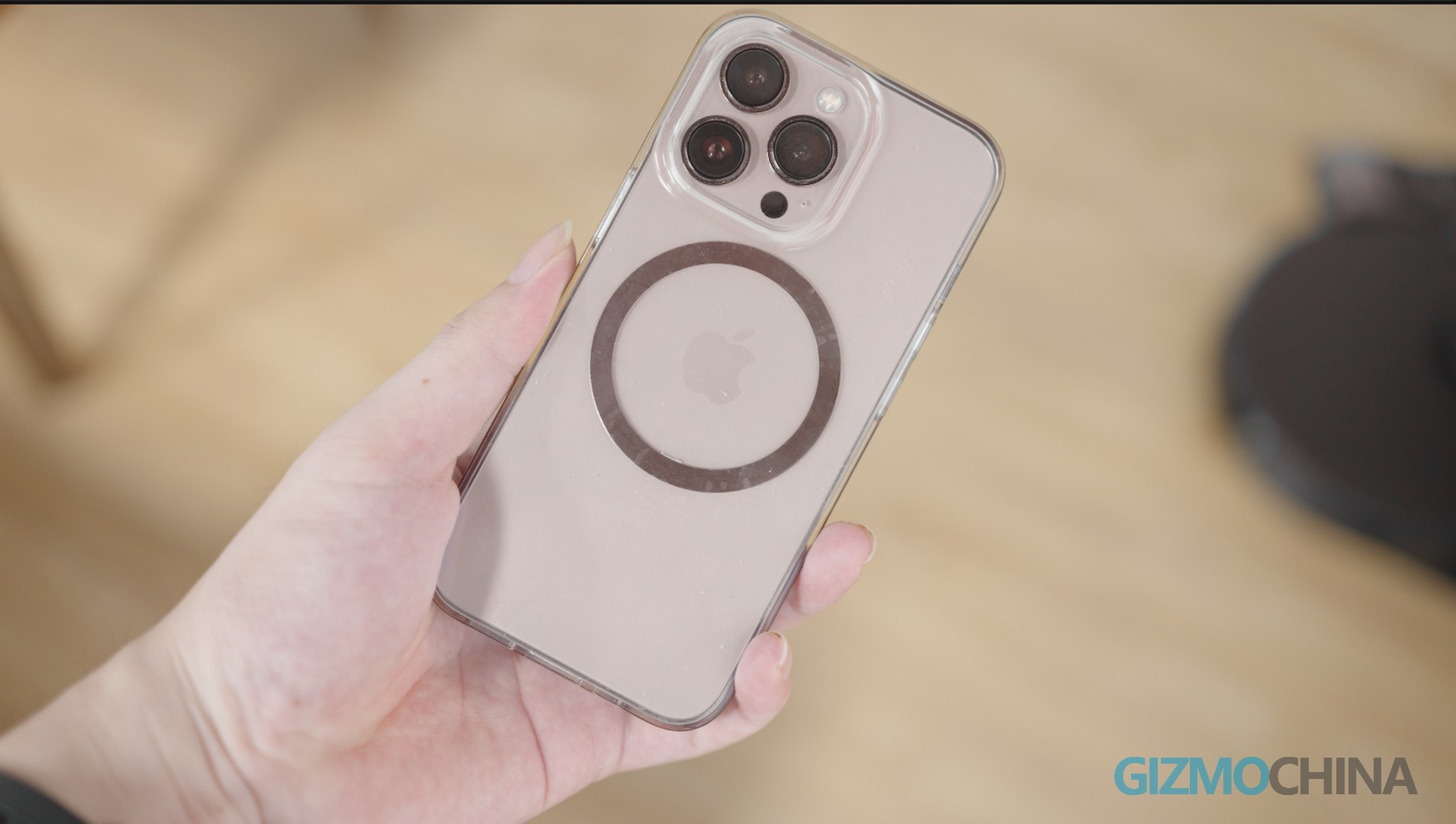
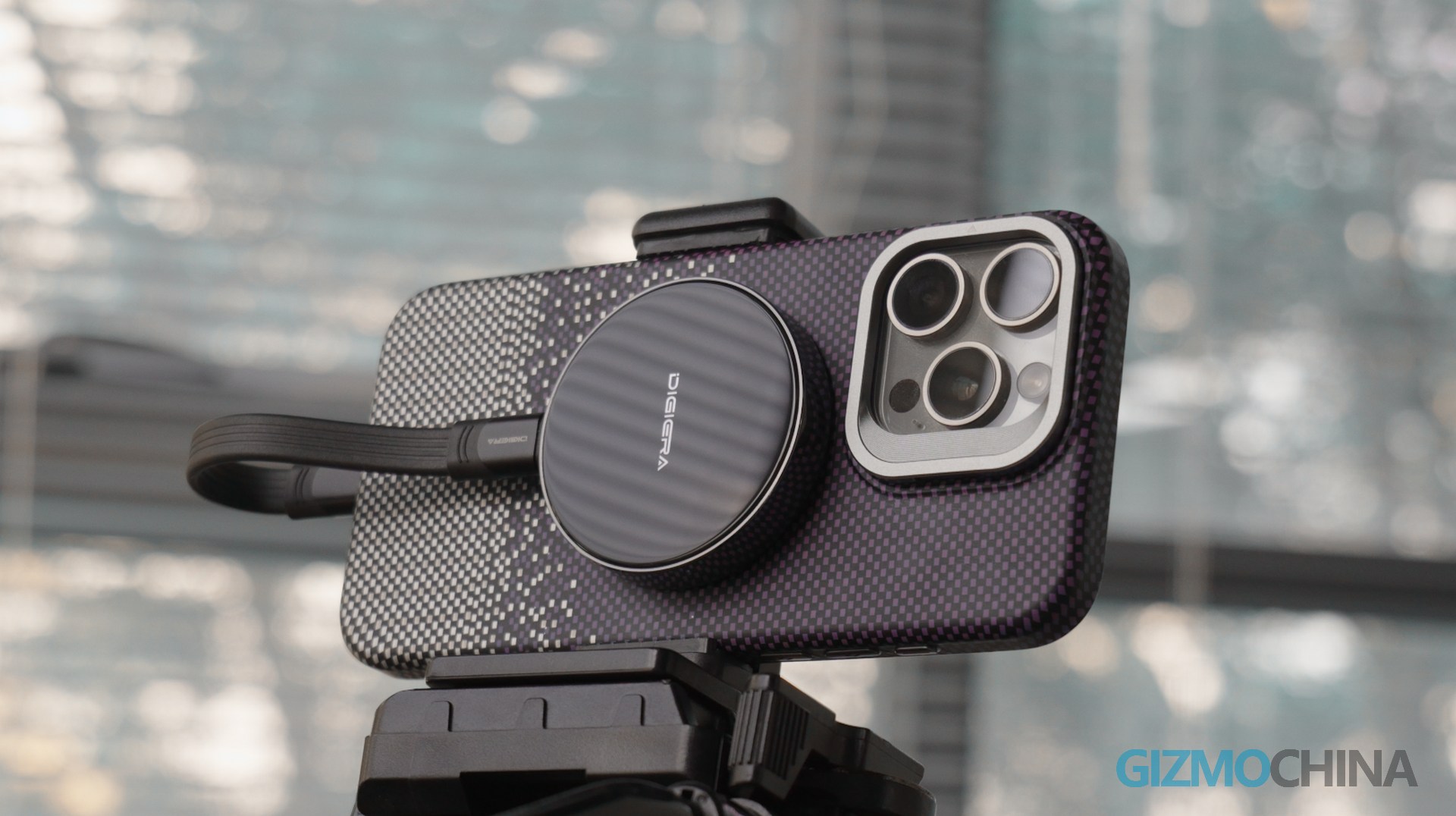
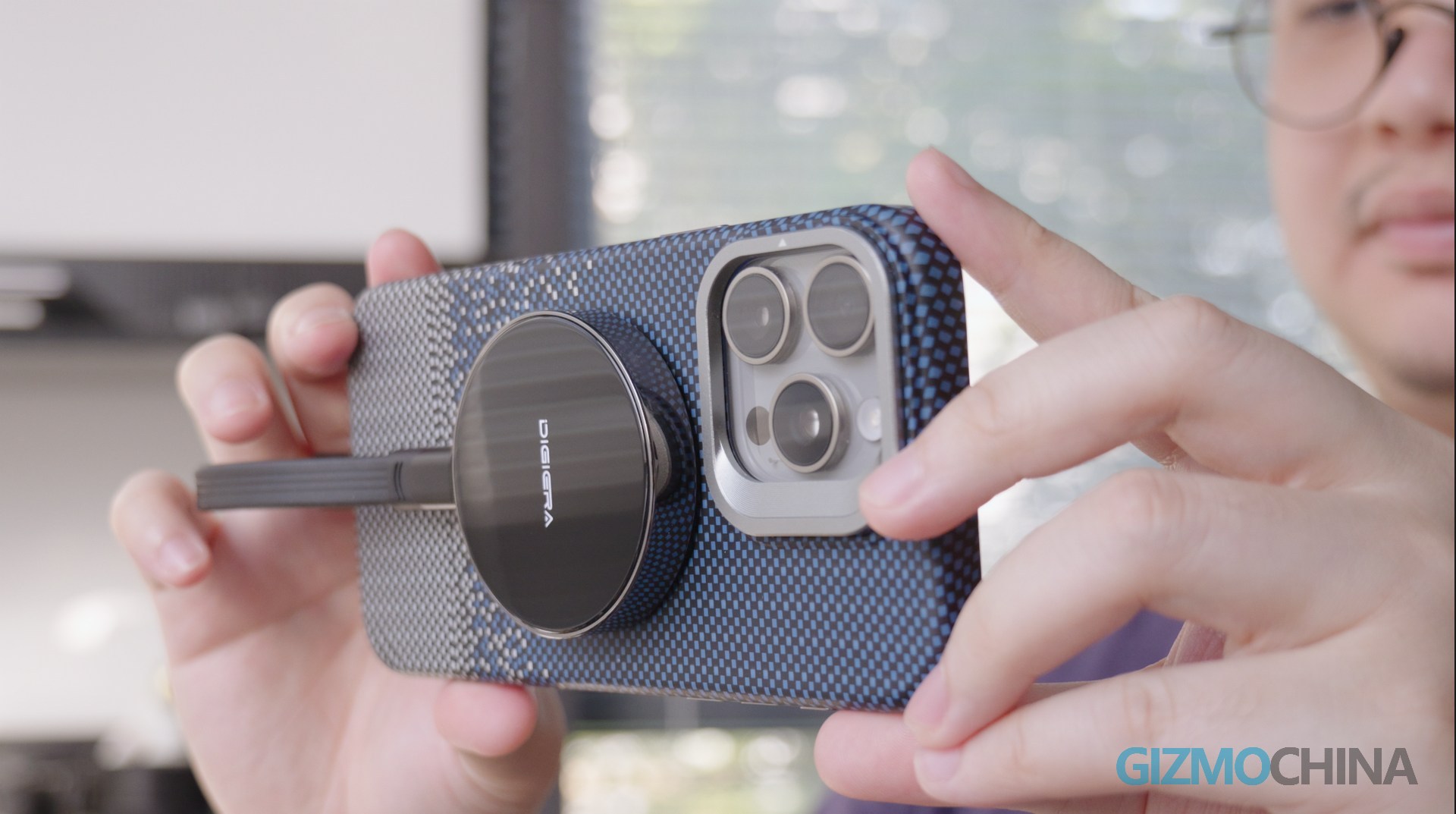
It can also be installed via magnetic if your phone case supports MagSafe. You can directly attach it and connect it to your phone. But if your phone case doesn’t support that, you can use the small kit included to achieve that.
Configuration
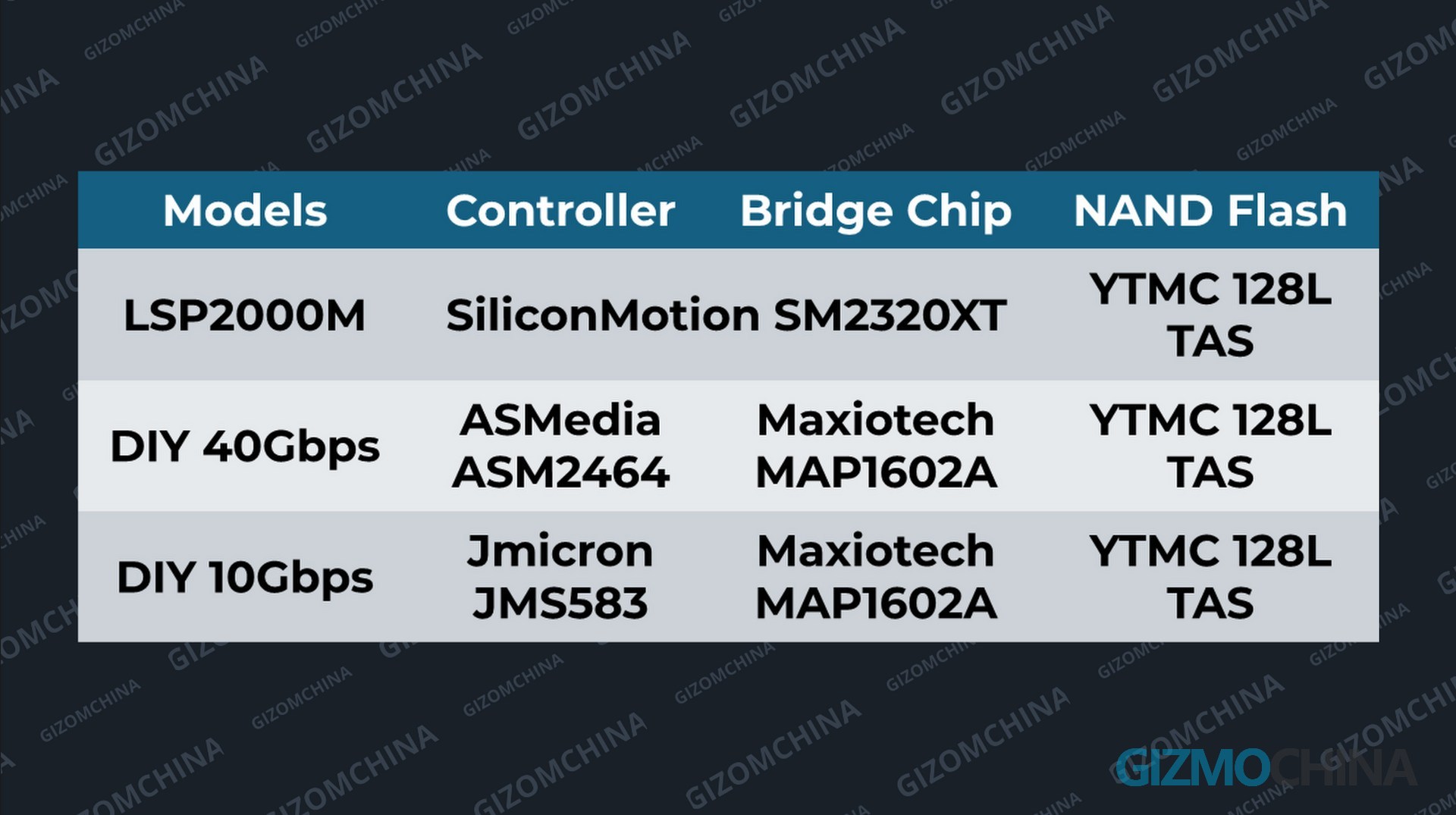
Before we get to the tests, let’s look at its configuration. It claims that this portable SSD uses Silicon Motion’s SM2320, a USB 3.2 Gen 2 Dual-Lane Portable SSD Controller Solution without a DRAM cache.
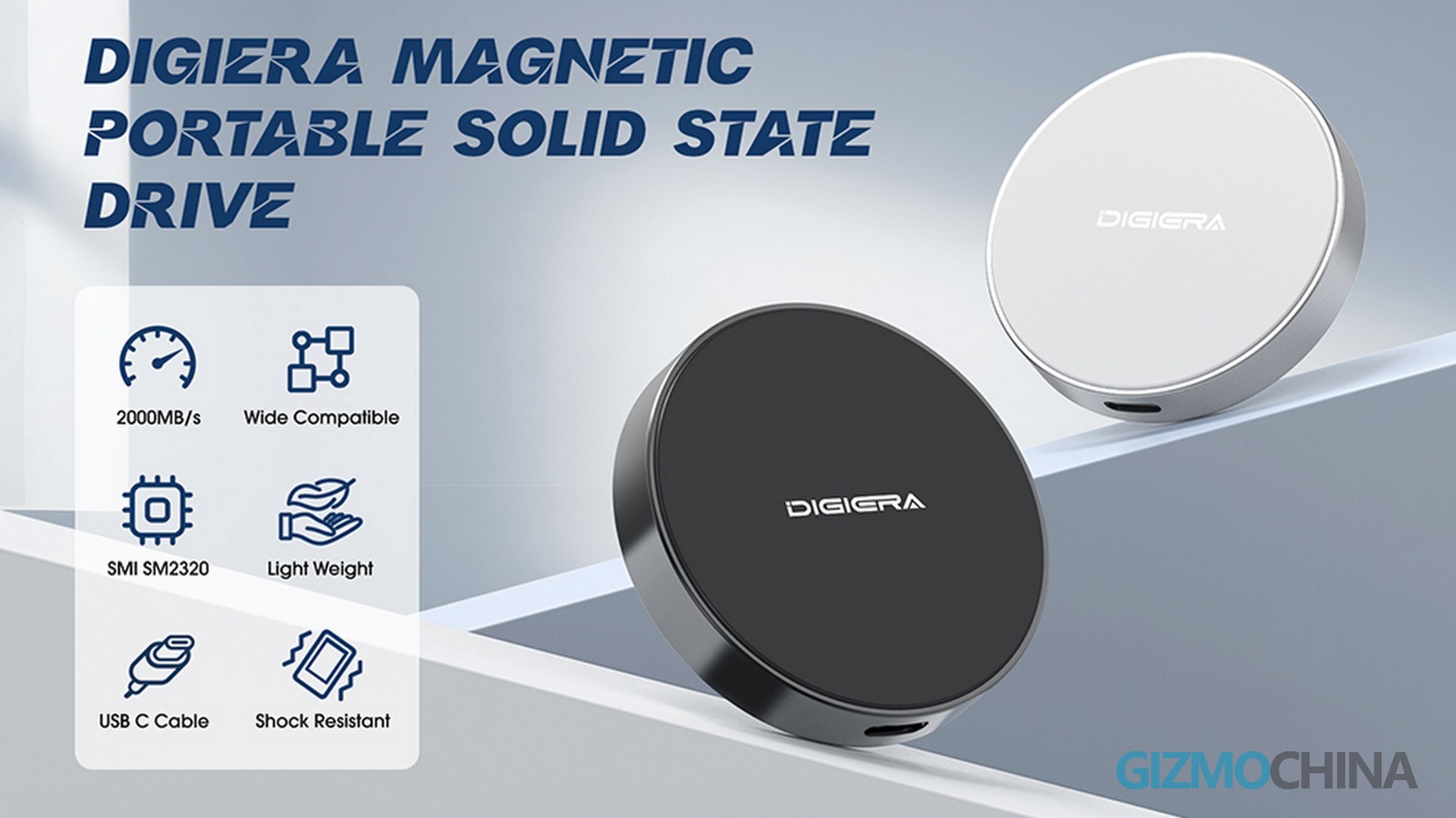
Compared to the conventional bridge chip + SSD controller solution, it is theoretically more power-efficient and can make the entire SSD smaller. This makes it more suitable for recording ProRes on the iPhone.
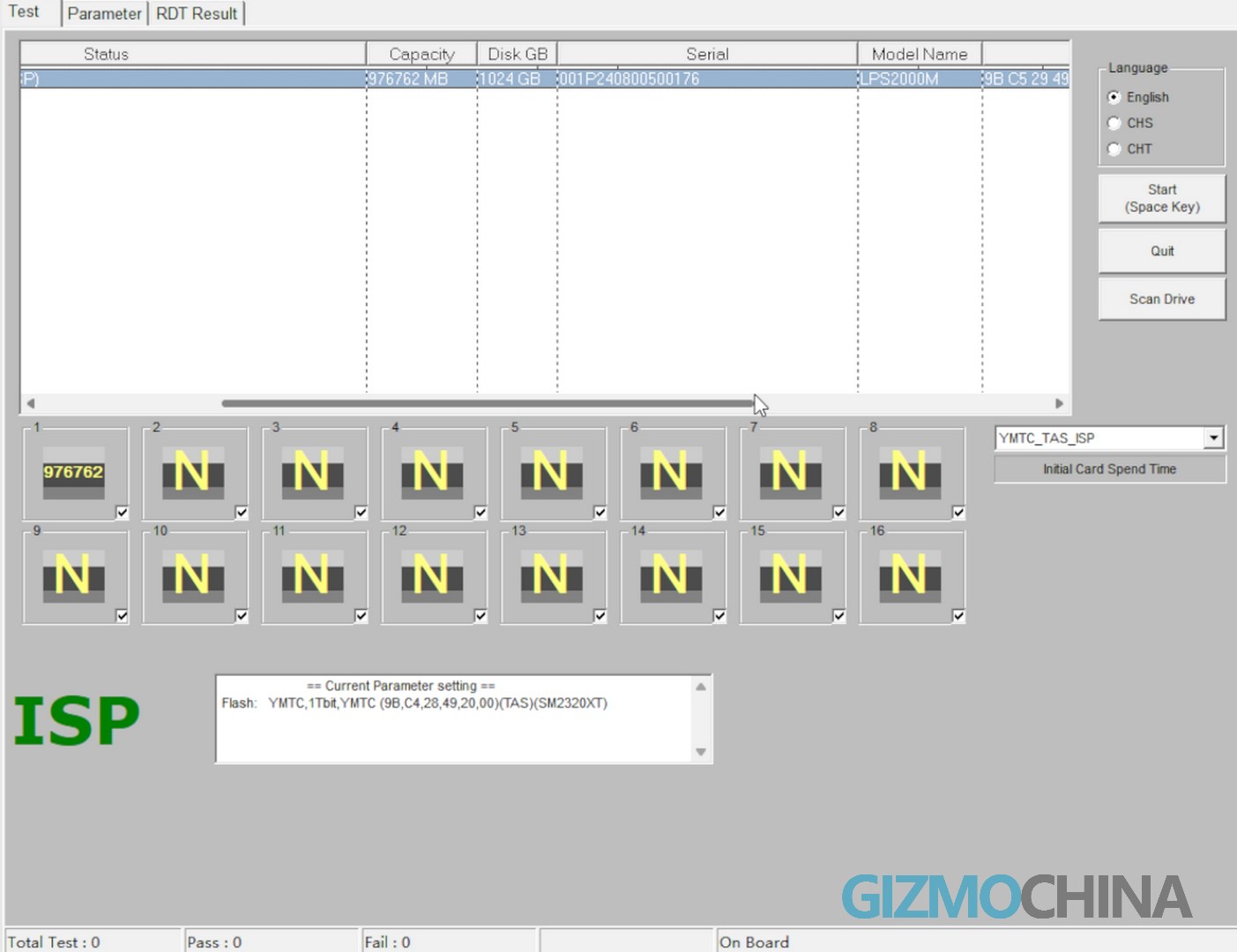
The NAND, according to the FLASH ID provided by MPTool, is a 128-layer NAND chip produced by YMTC.
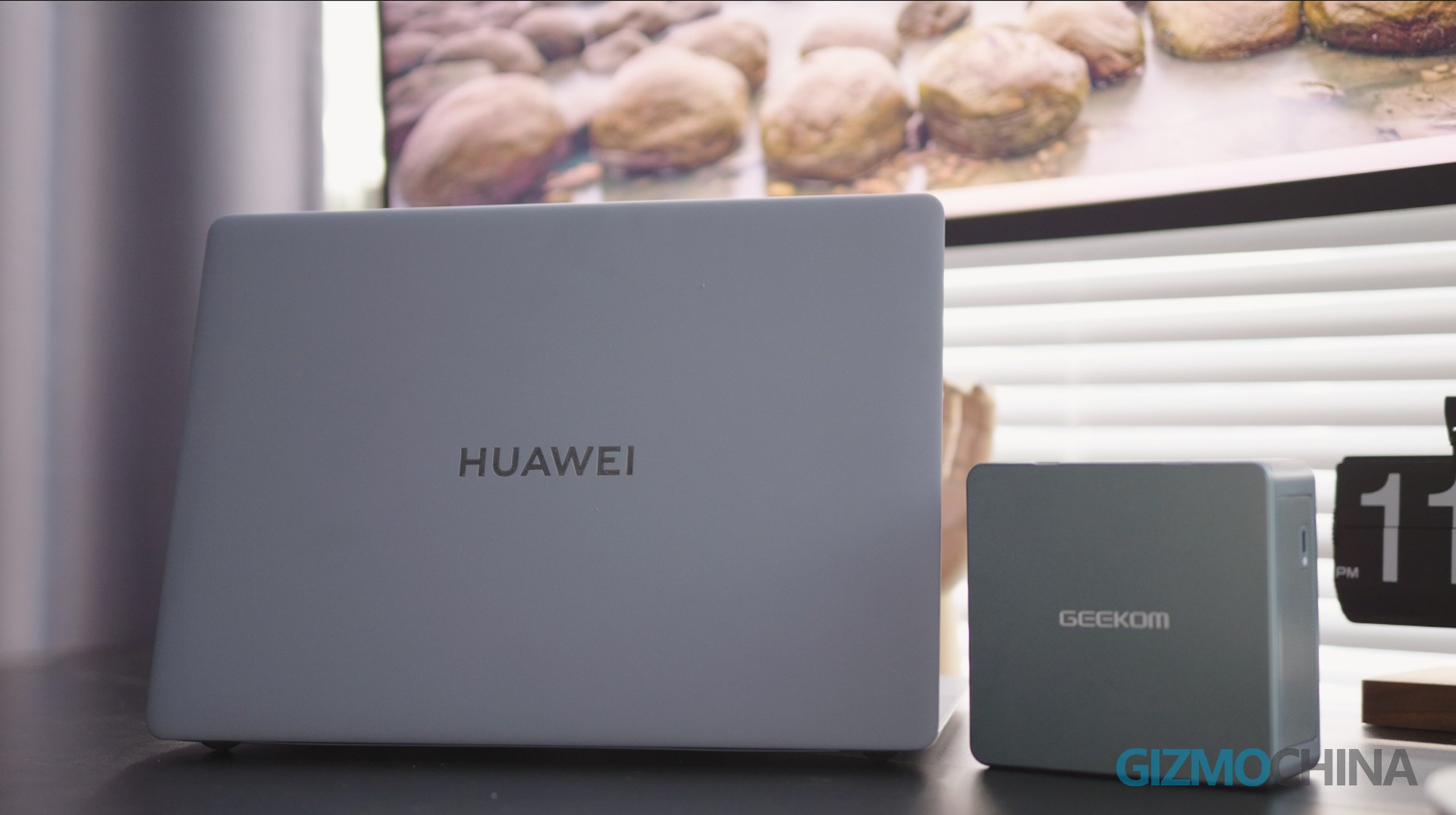
Later we will use this Huawei MateBook X Pro and GEEKOM for testing.
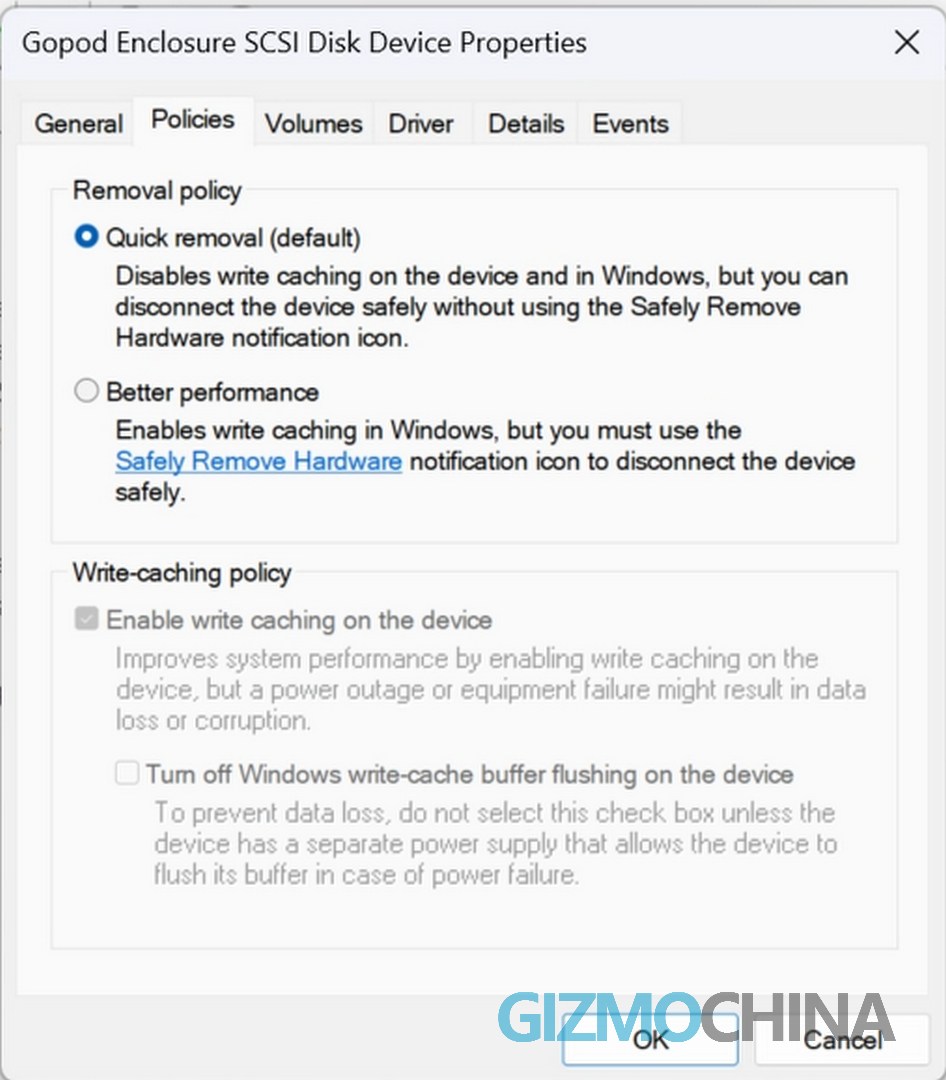
To test the highest performance, I will also enable the write cache function in Windows. I will use the same cacheless SSD with 40Gbps and 10Gbps rate hard drive boxes for comparison.
We first tested the power consumption of these portable SSDs on the highest rate interfaces they support, followed by the more conventional 10Gbps and 5Gbps. Then we ran CrystalDiskMark to simulate high load power consumption.
You can see that DIGIERA’s single-chip solution has an excellent power consumption performance. If working on a common 5Gbps interface, the idle power consumption is less than 1W. When running CrystalDiskMark for performance testing, it fluctuates around 1.2W. On 10Gbps and 20Gbps interfaces, the idle power consumption is also low, and the power consumption during performance testing is slightly higher than 5Gbps, but it does not exceed 2W. However, the DIY solution we compared is not as environmentally friendly, among which the USB4 DIY solution in idle is higher than the DIGIERA in working, and the power consumption when measuring the speed on the 40Gbps interface is close to 7W.
Fortunately, for all the portable SSDs we compared, whether in idle or high load state, the power supply demand did not exceed the upper limit recommended by Apple.
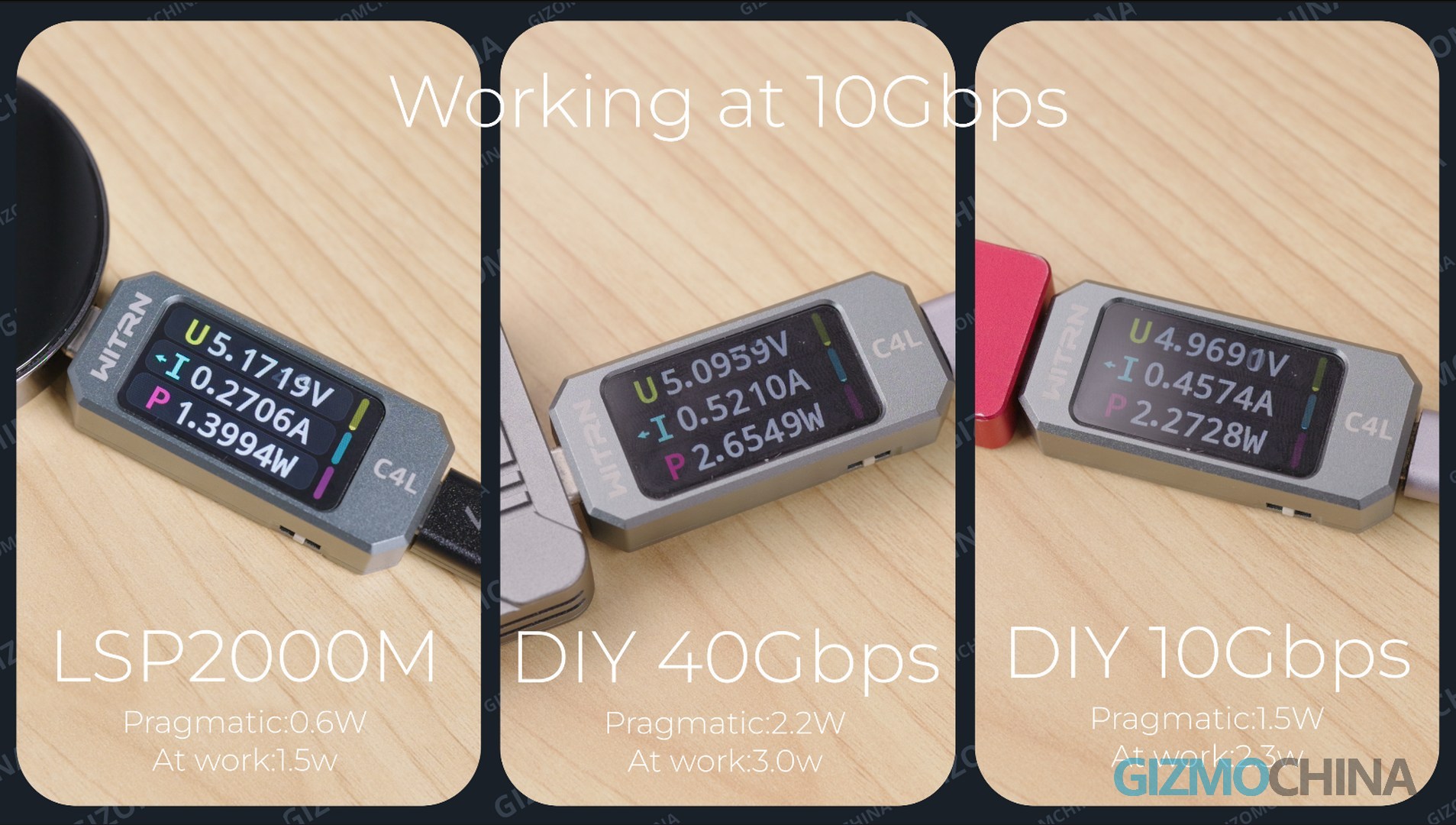
But there is one thing to note, the current meter we used is not very accurate. If these portable SSDs have shorter peak power consumption, we will not be able to detect it.
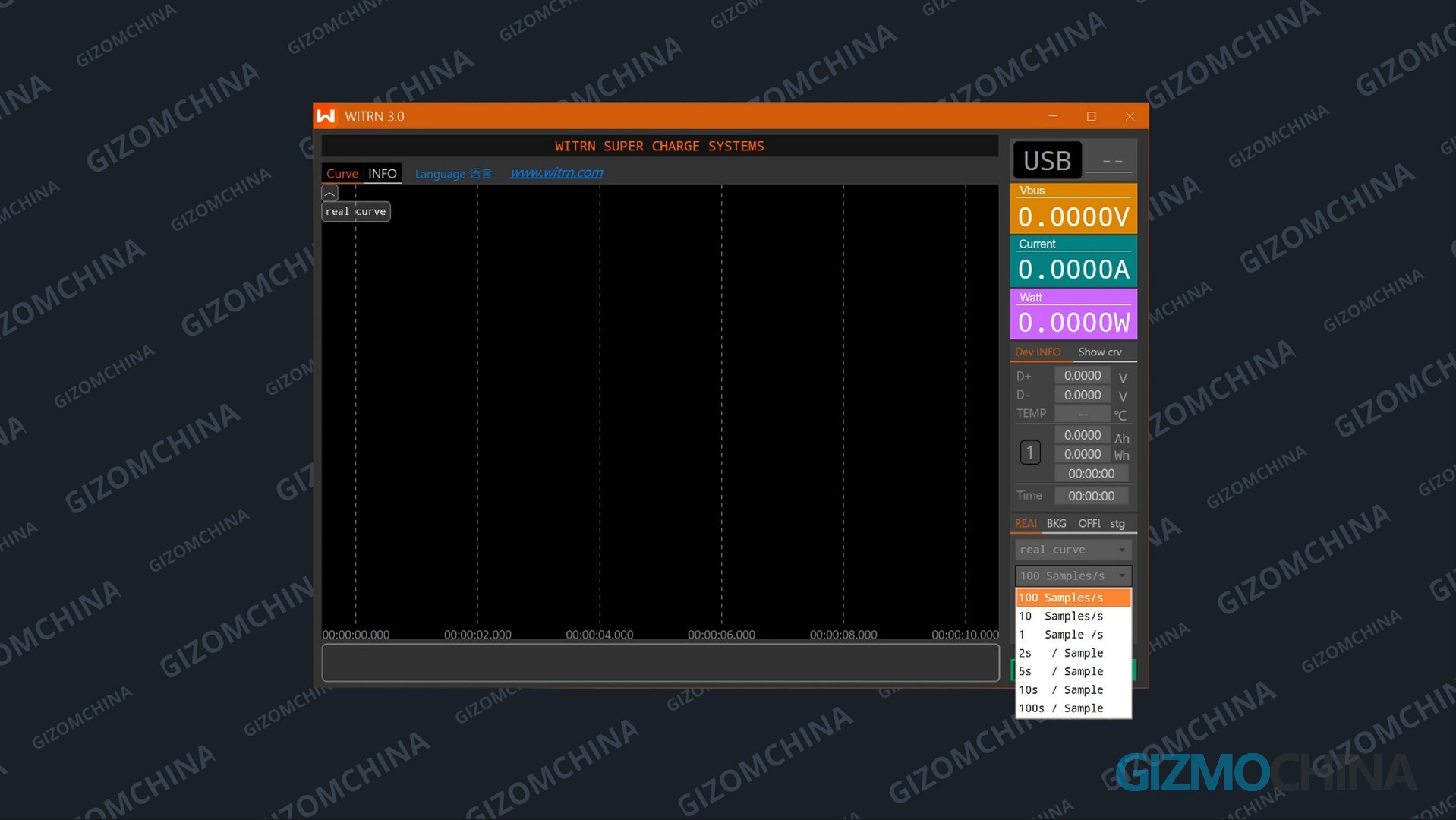
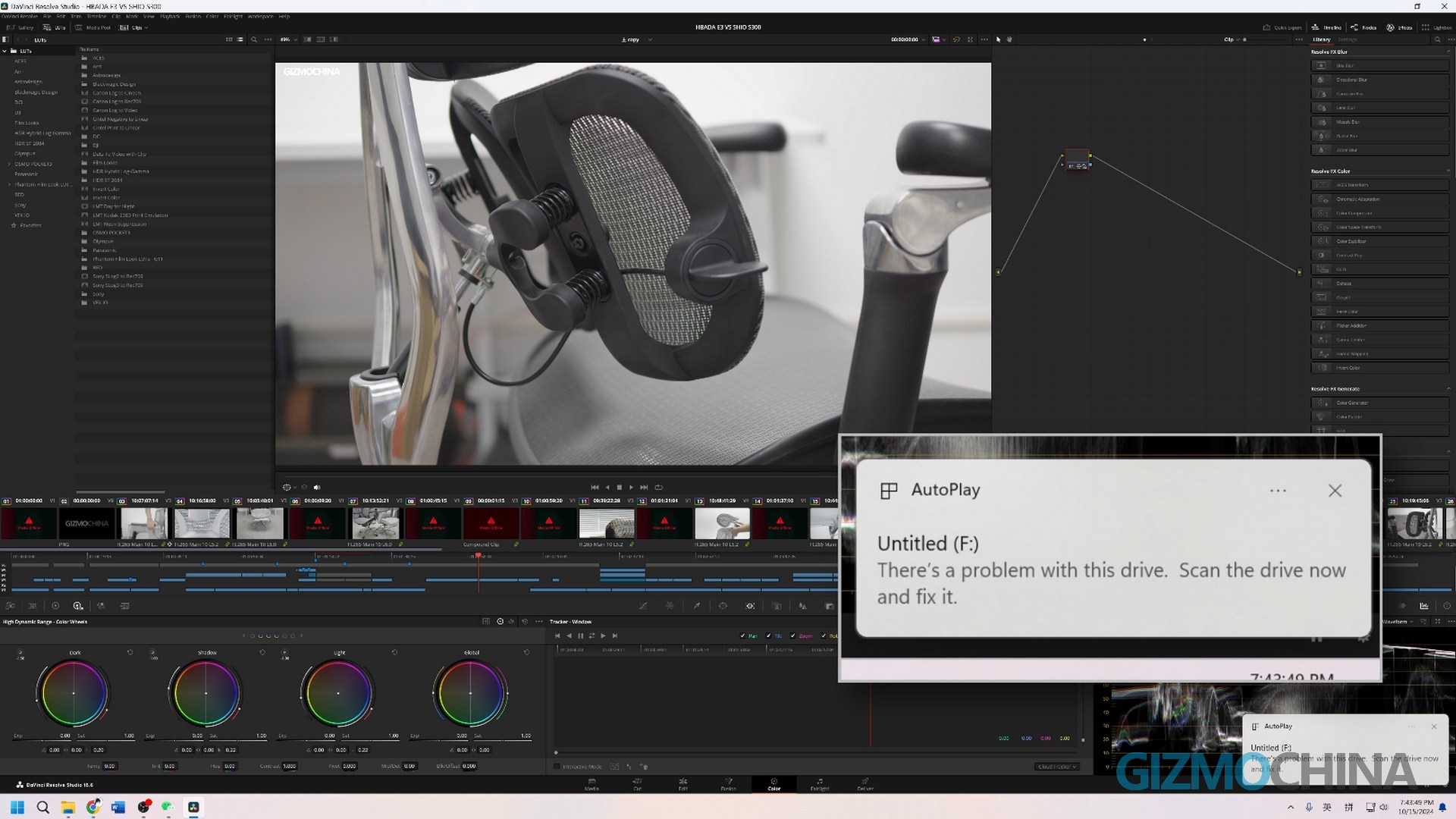
Then in use, it is possible to see dropping or SSD not being recognized.
Performance
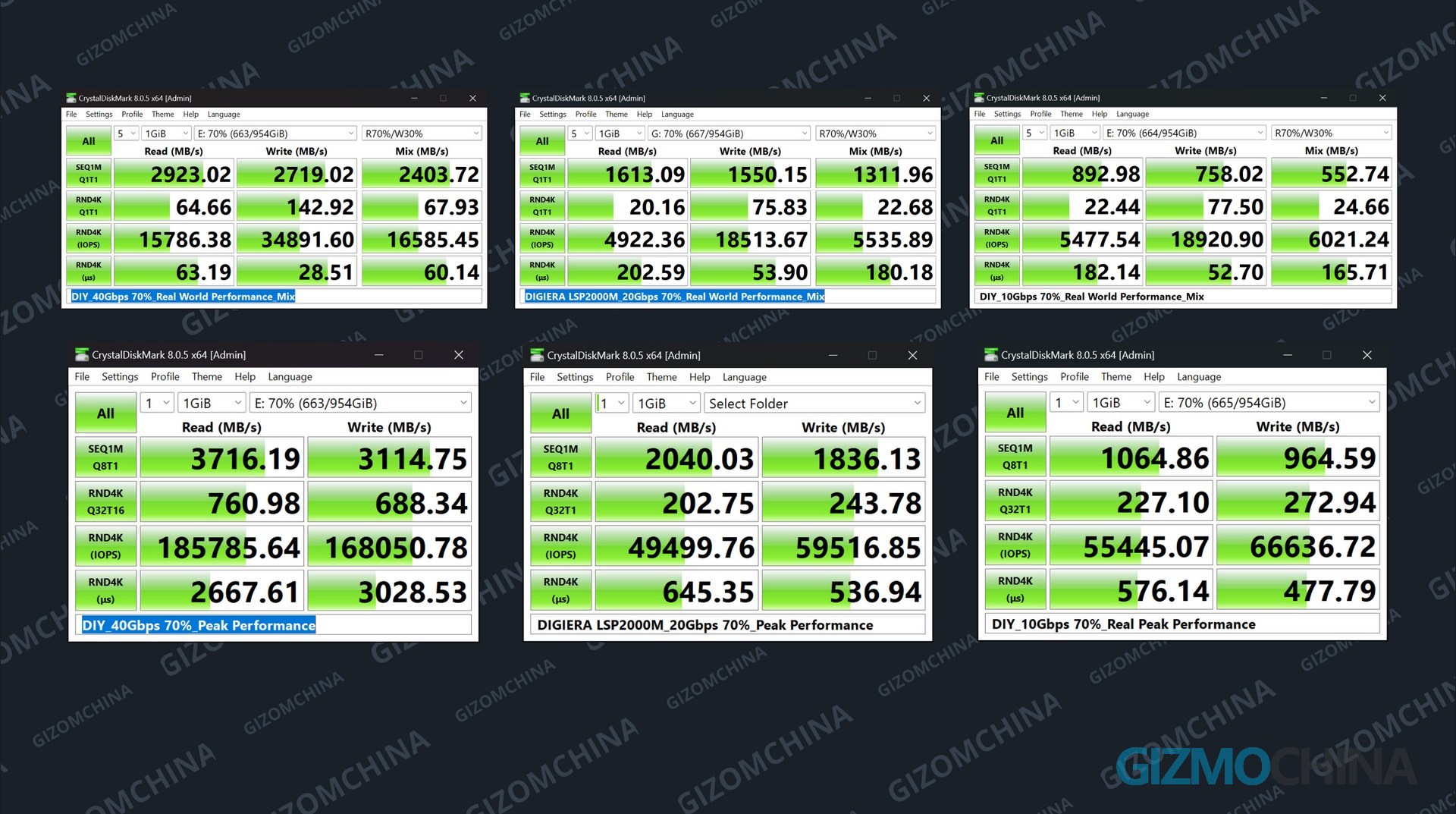
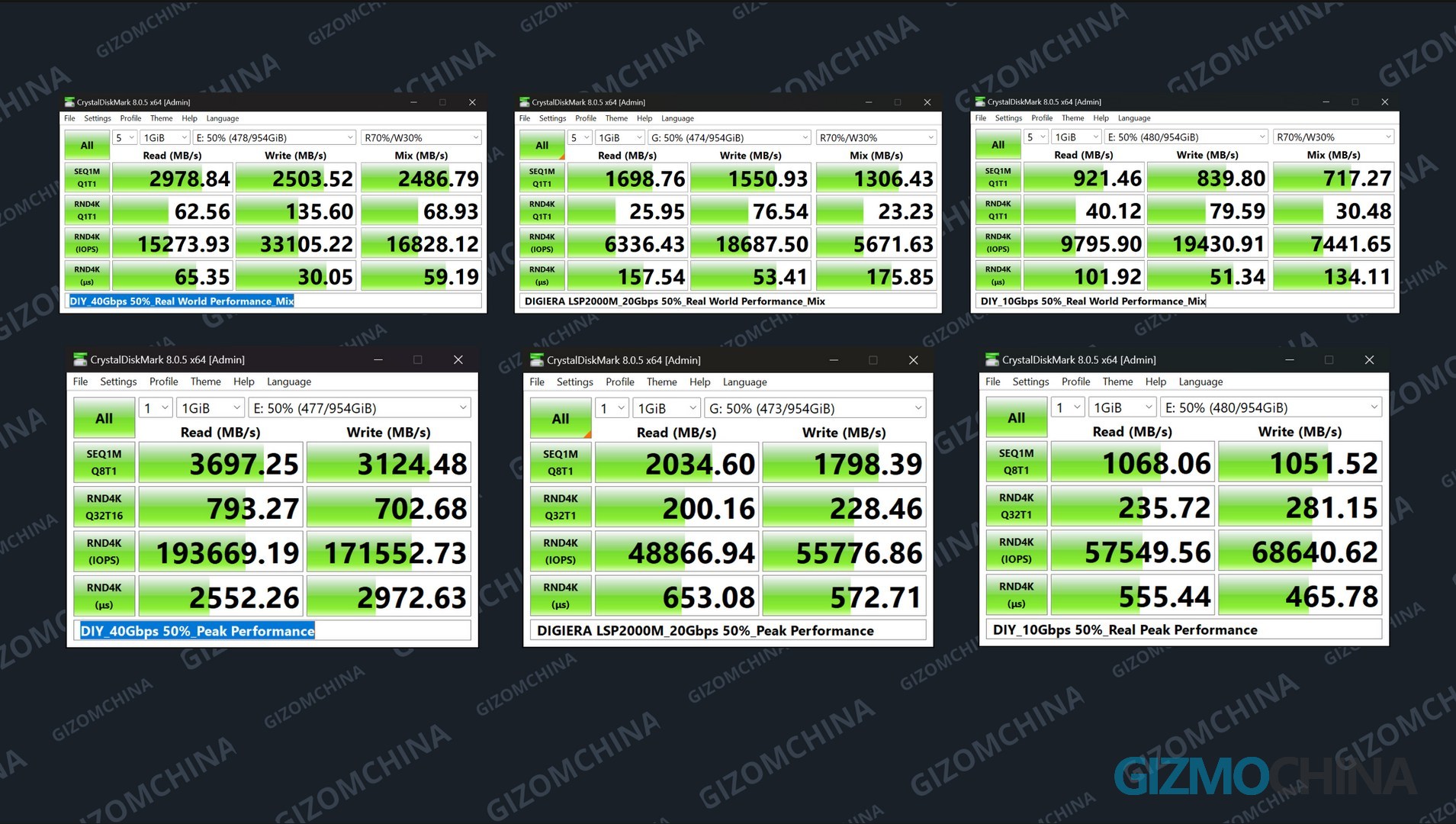
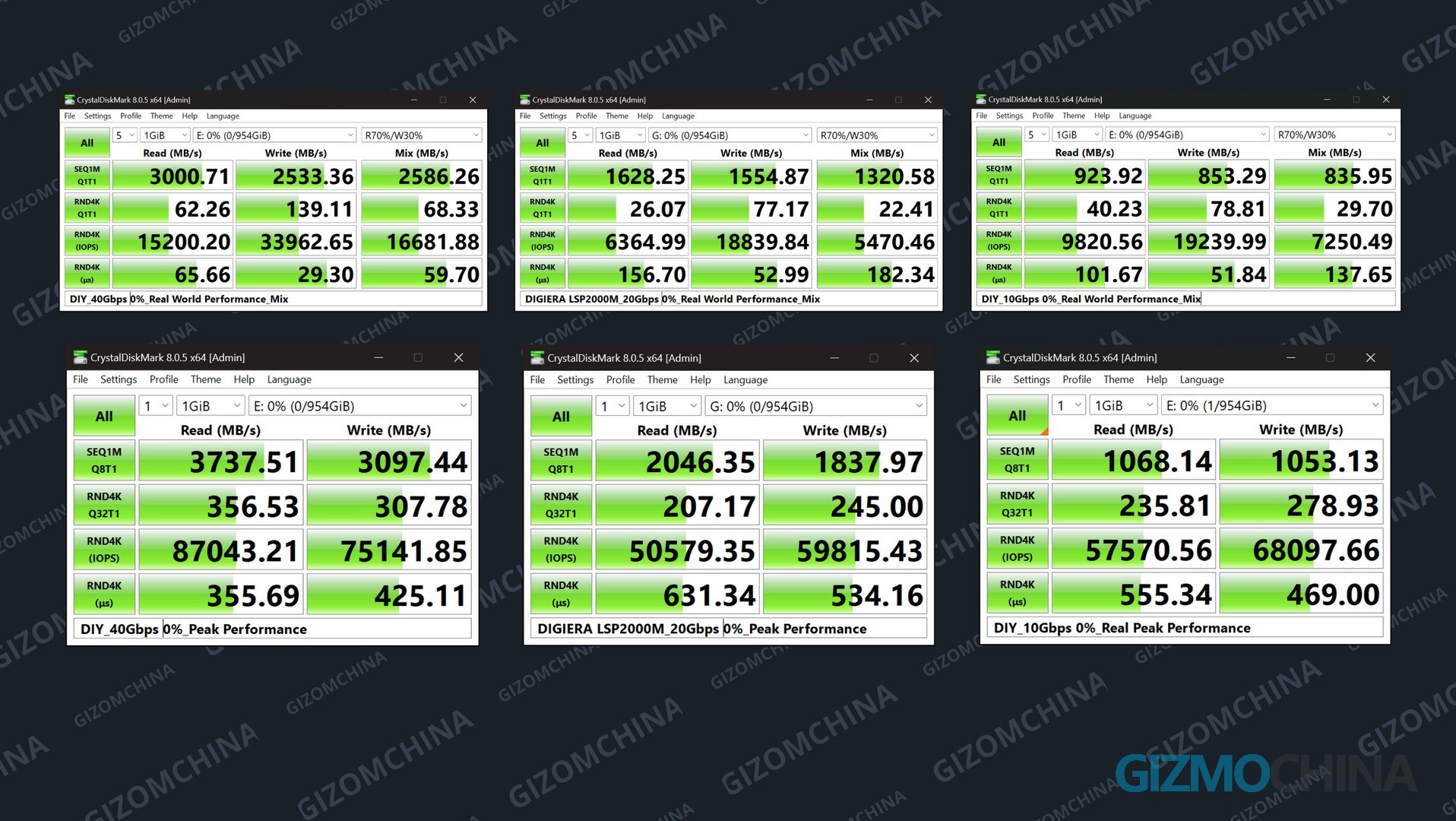
Here we used CrystalDiskMark to test the peak performance under three usage rates (0%, 50%, 70%) and mixed read and write that represents real use. In the tests, everyone performed very well, basically running at the upper limit of the interface. And LSP2000M also reached the performance they claimed.
Now, it’s time to make it a bit more difficult. In this test, we will use HD True for full disk write to test whether these two devices can hold long-term continuous writing.
In the test, the full disk write performance of LSP2000M was unexpectedly good. It took 14 minutes to fill the entire SSD, and the speed was very stable throughout the process. The test on the 10gbps port was also very stable. Even if the iPhone 17 pro that will be released next year supports 8k 60 ProRes recording, this little guy can easily handle it.
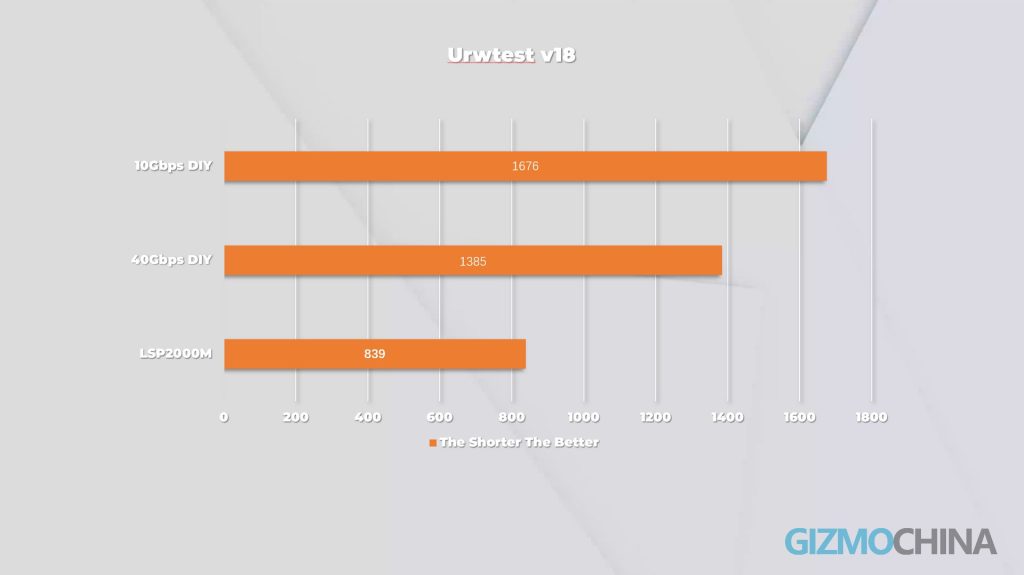
The 40gbps plan was very eye-catching at the beginning, but after writing a large amount of data, the speed suddenly dropped to 300 to 400, and then even dropped to 200. This performance is obviously a bit behind LSP. And the temperature detected by CrystalDiskInfo makes me worry whether it can survive in this test.The performance of the 10gbps plan is very conventional, but like the 40Gbps plan, it will slow down after writing a certain amount of data.
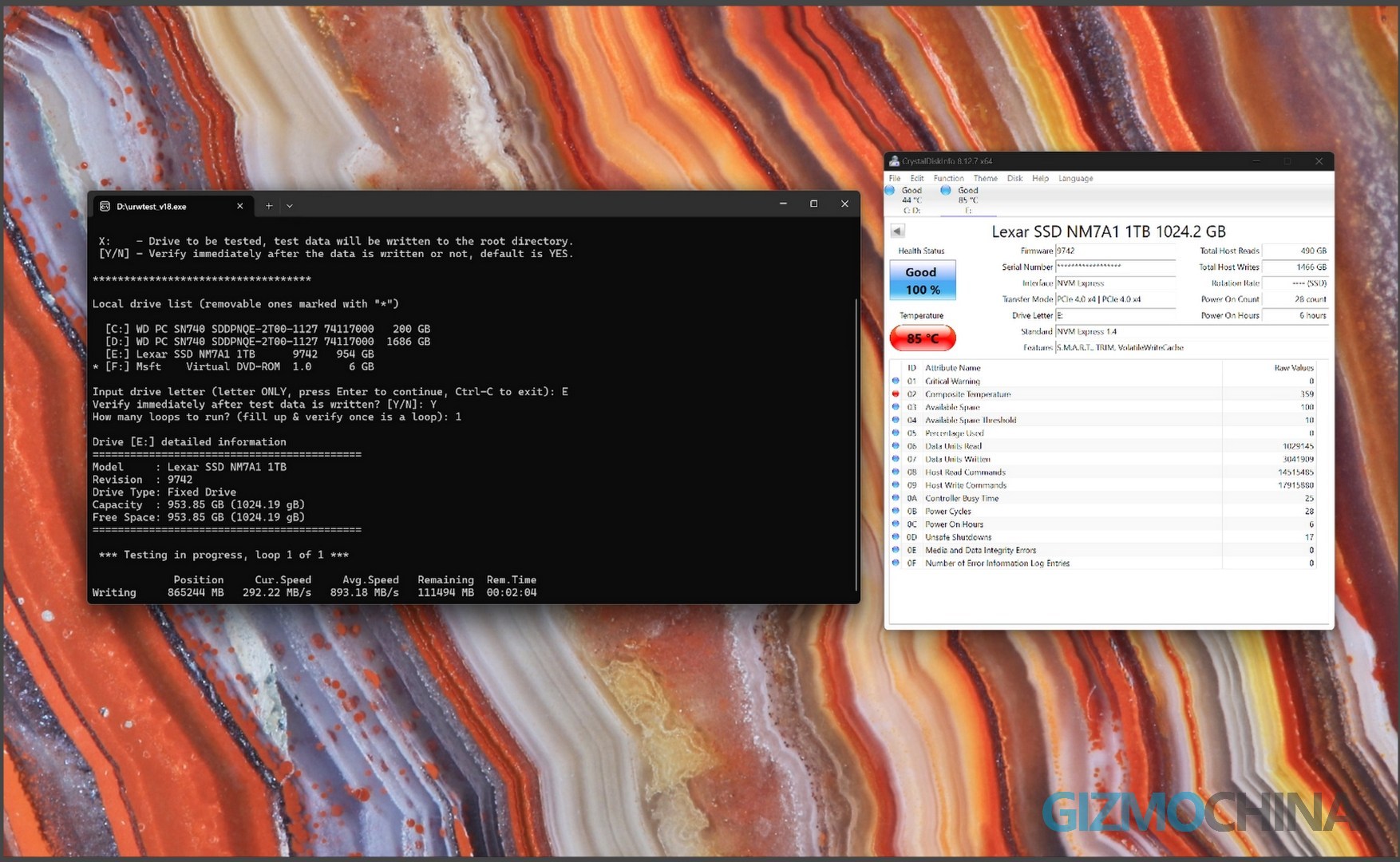
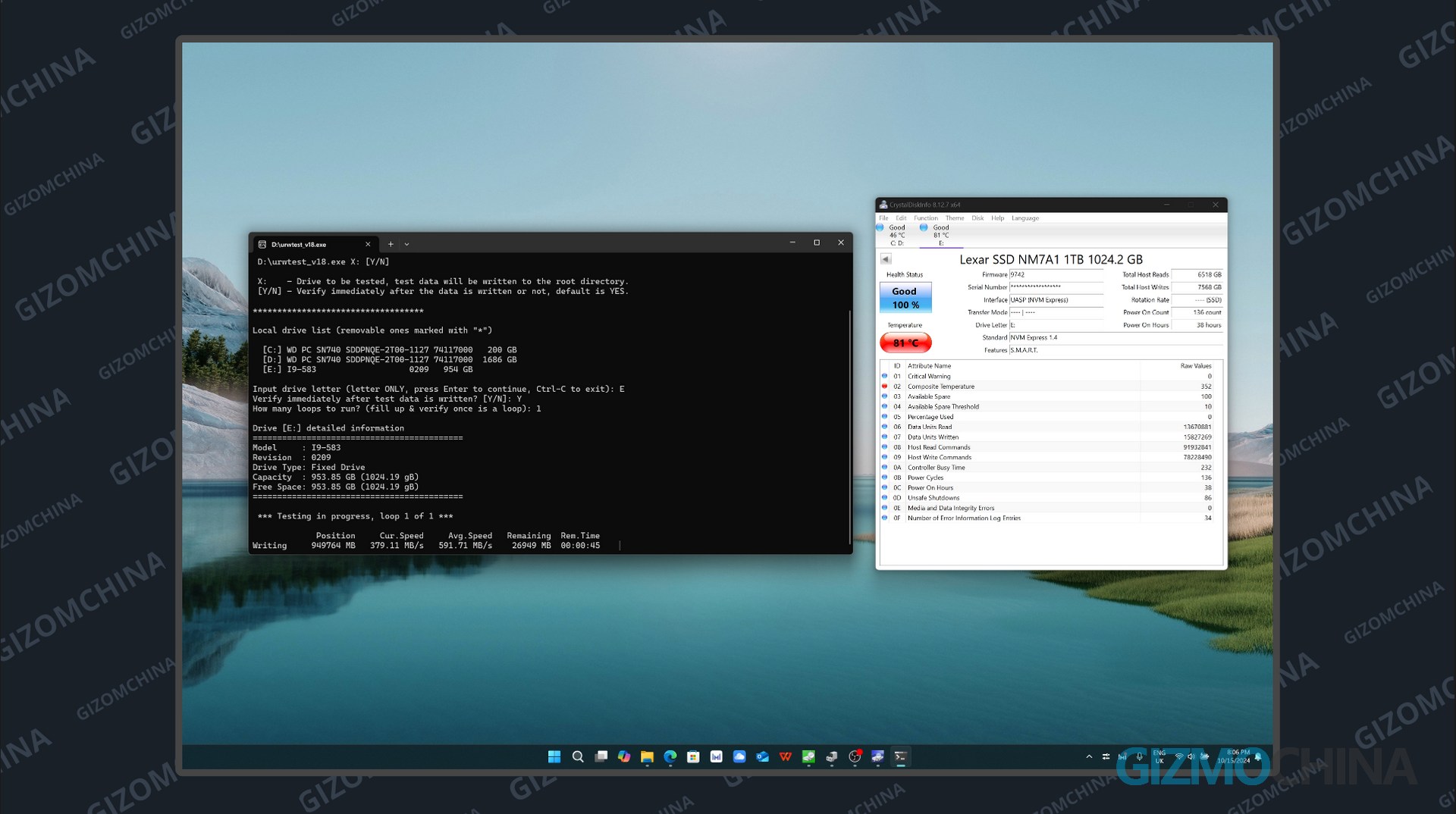
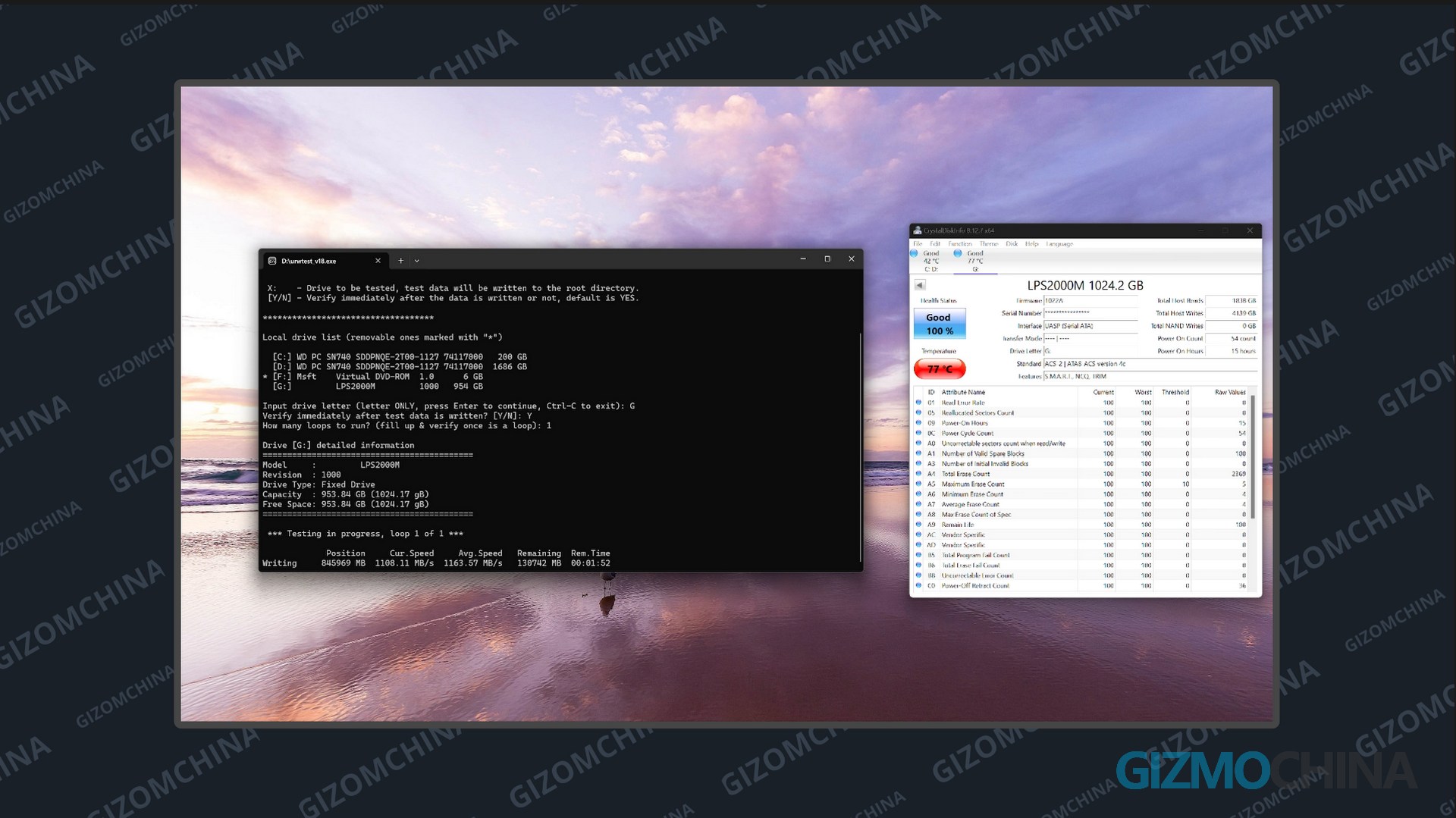
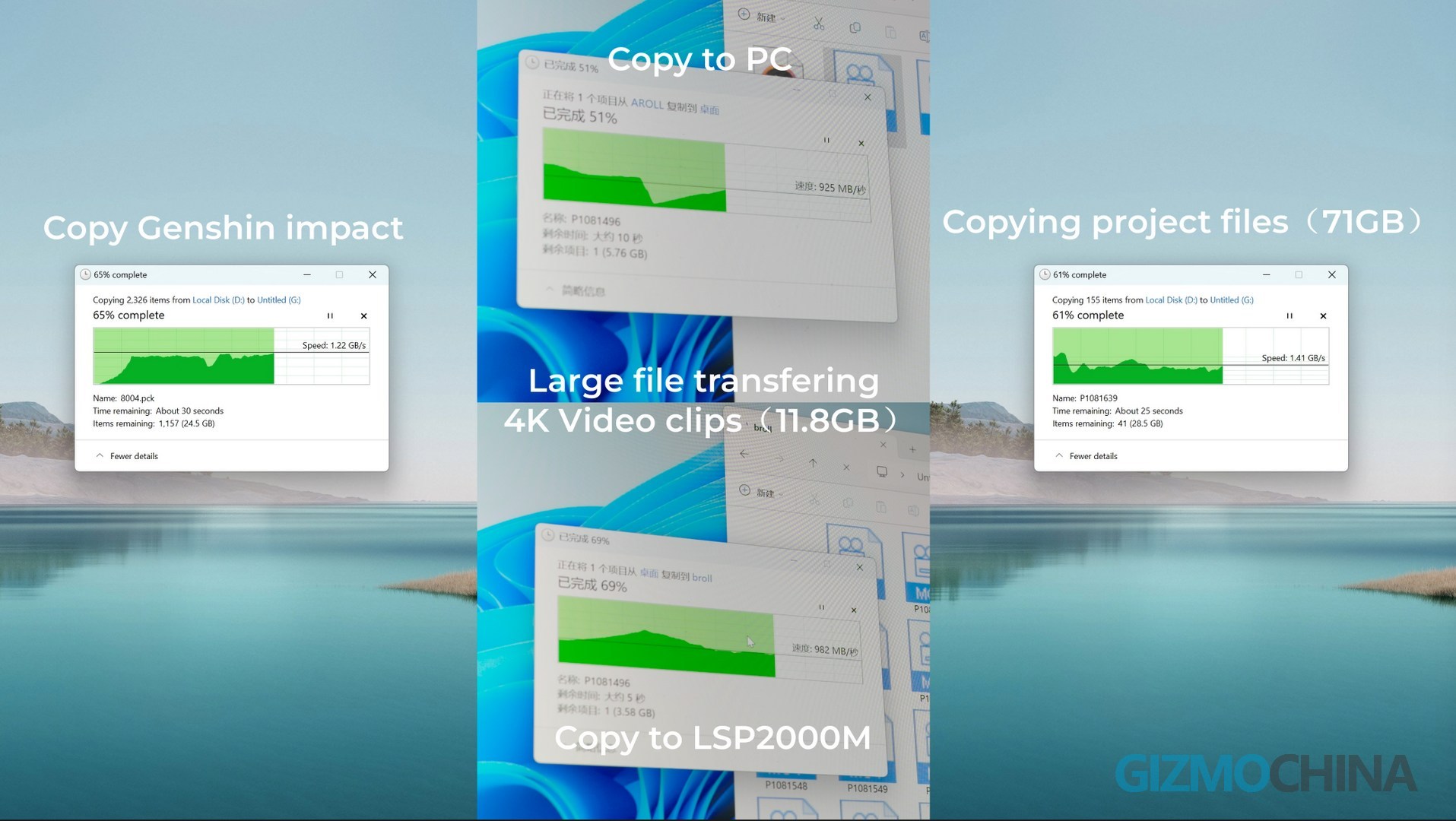
Although I used an infrared camera to check the temperature during the test, the two portable SSDs had abnormal results due to the reflectivity of the material. Also, this test will write a large amount of data in a very short time, which most consumers will never do. The following are the real application scenarios.
Shooting ProRes
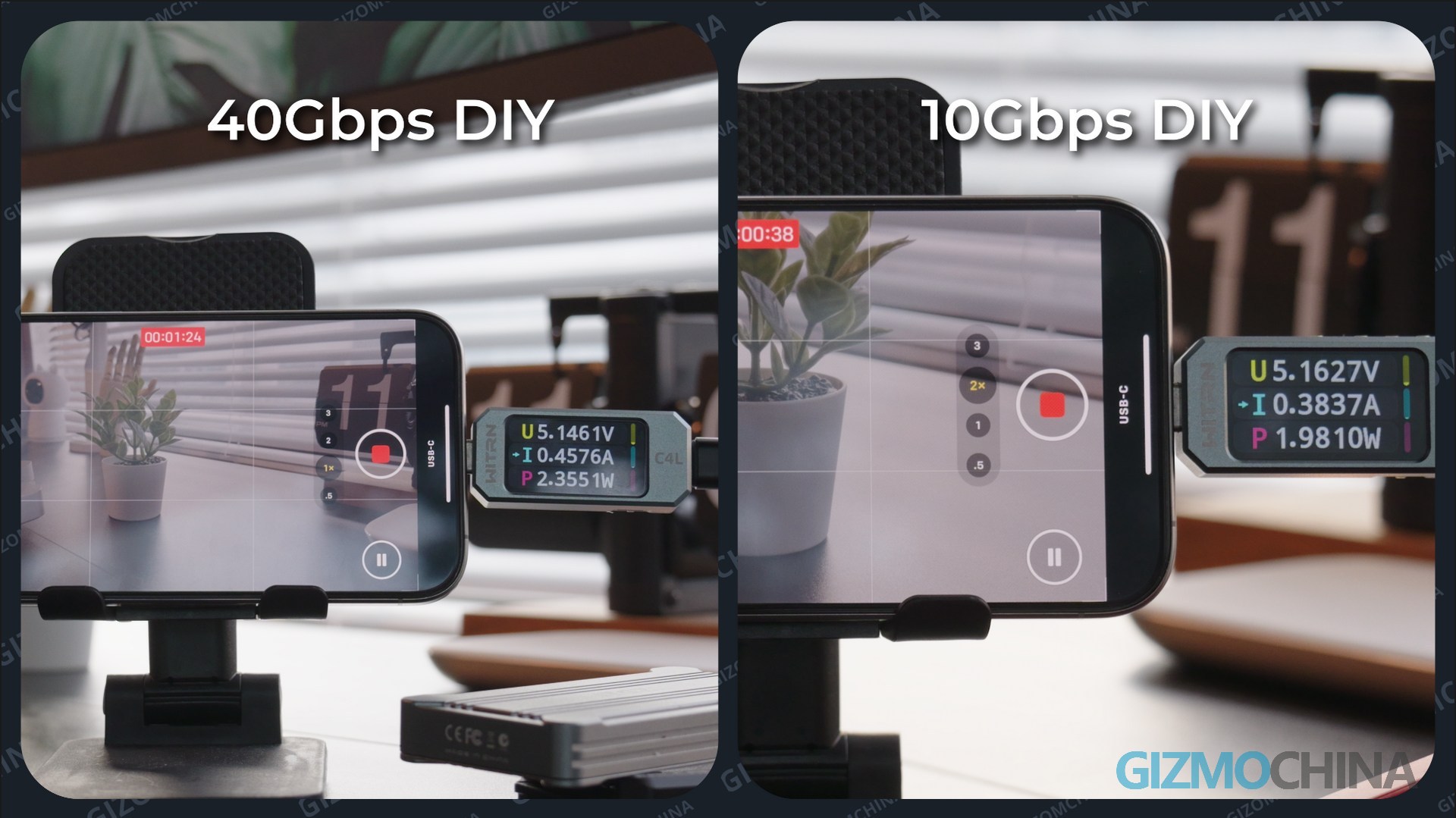
Now let’s go back to the real use, using the iPhone to record ProRes video. DIGIERA can be recognized in the file app, and you can watch the recorded video in the file, and there is no tearing or loss. The idle power consumption is similar to what we tested on the PC, and the power consumption in recording is lower than the previous test.
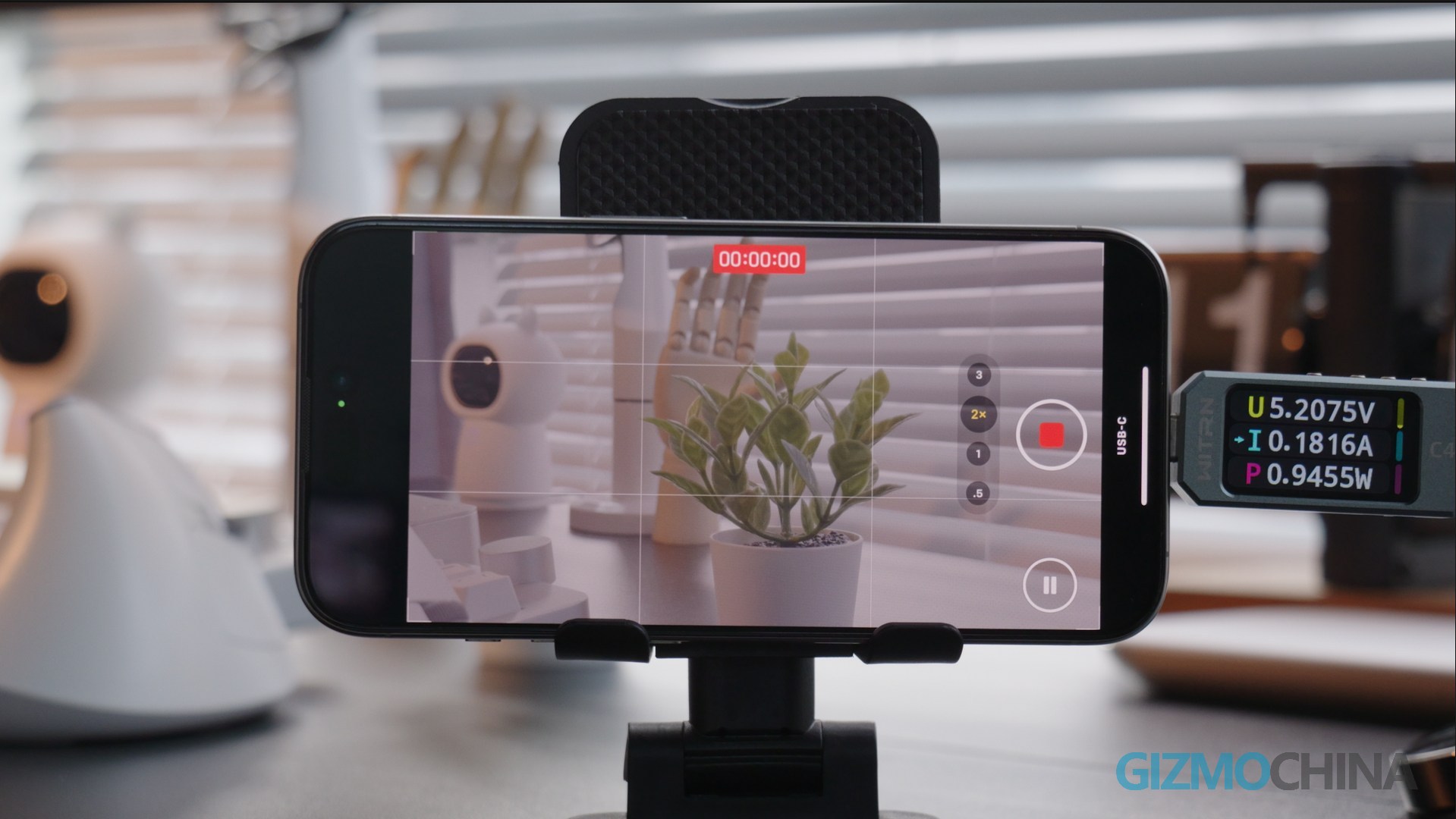
The 40GBPS and 10GBPS DIY solutions are the same as the DIGIERA era in terms of usage, The DIY plan can be recognized and can preview the clips. The power consumption is a bit higher. But it can’t be attached on the iPhone like DIGIERA.
Disadvantages
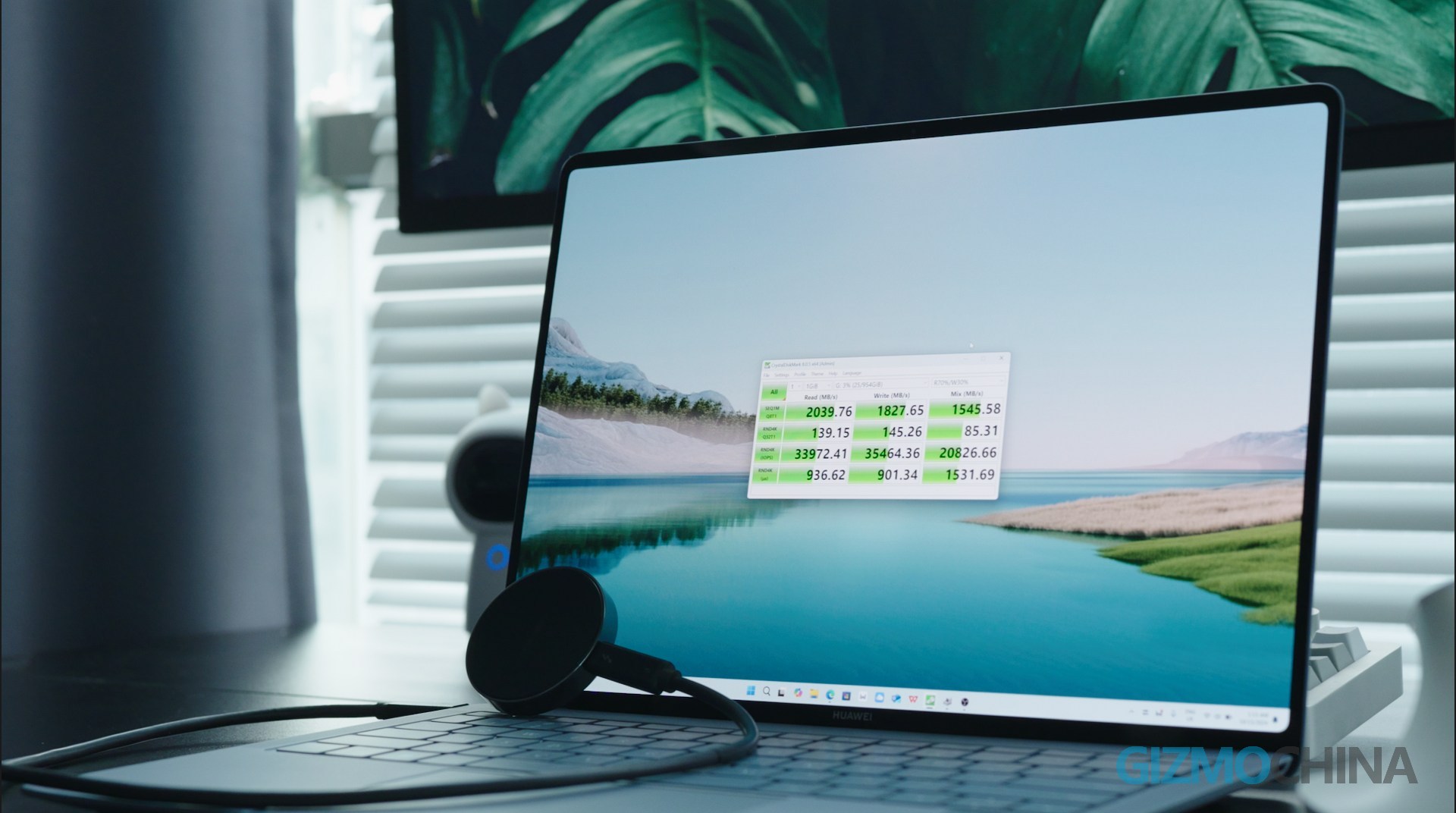
Finally, we have to face a problem, that is the compatibility problem that these USB3.2 Gen2 X2 products have. If your host has a USB 3.2 Gen2 X2 interface, then you are lucky. Your host can make DIGIERA run at the best state. If it only has a USB4 interface, it depends on the OEM. Because in the USB4 protocol, the USB3.2 Gen2 X2 protocol is optional.
After testing on the Mac Mini M1 and three other PCs, only this MateBook X Pro can run at 20Gbps. Other devices can only run at 10Gbps.
Summary
Now these are the tests we have done on the DIGIERA Meganetic Portable SSD.
Surprisingly, the Digiera SSD was decently stable for various scenario tests, and it can complete a large amount of data writing at the fastest speed throughout the process. And the ultra-high power efficiency can also make it better compatible with mobile devices. So if you are recording videos on iPhones, or need a powerful and stable portable SSD across devices and platforms, the Digiera Portable SSD will be one of the most convenient and portable choise.

Comments