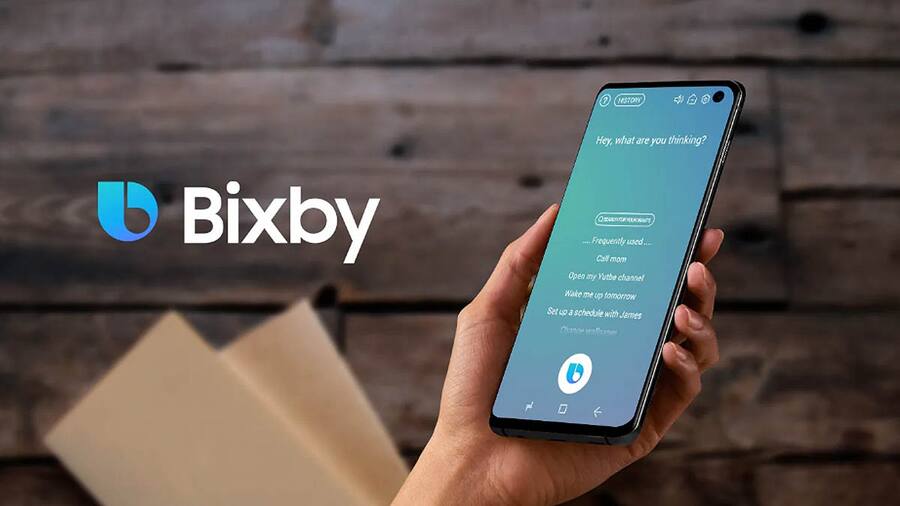
Artificial Intelligence is a part of everyday life now, offering useful tools to people on their PCs, and now, even smartphones. Samsung offers AI powered tools like Galaxy AI and even Bixby. While the latter isn’t relatively popular amongst users, it has some pretty nifty features like Bixby Routine. So here’s why you should be using Bixby Routine on your Galaxy phone.
Bixby Routines is a powerful feature that allows you to automate a series of actions based on specific conditions. These conditions could trigger based on the time of day, your location, app usage, and connectivity status among other things. Once any of these are triggered, Bixby Routines kicks into play and performs a set of predetermined tasks. This could include turning on the WiFi, launching a specific app, or sending a message. So let’s see how it helps.
2. Increased Productivity
Bixby Routine was created to offer a seamless experience while also helping you save time. It can even improve productivity as well. For instance, you can make a Morning Routine that can wake you up by playing your favorite playlist. The Commute Routine can connect to your car automatically, start navigation, and adjust certain settings. All of this helps you get started with your day with routines tweaking settings that can even help remove distractions like DND mode (Do Not Disturb).
3. User Convenience
The Bixby Routine was built to perform all these tasks automatically. So you do not have to constantly change settings. This makes it quite convenient on a day-to-day basis. A great example of this is a Home Routine, which can turn on WiFi to connect to your home network, pair to home speakers, and adjust the thermostat based on your preference. If you’re on a flight, you can set a travel routine that enables airplane mode, disable mobile data, and connect to in-flight WiFi network.
4. Personalized Experience
Bixby Routine on Samsung Galaxy smartphones offers a high range of personalization. Thanks to these customizable tasks, each user can tailor the routines based on their specific preferences or needs. So your experience with Bixby Routine will be quite different from someone else’s. Setting multiple triggers can even create a complex series of routines that adapt to the environment around you.
5. Accessibility
Samsung made Bixby initially as a voice assistant, but there is still support for a full hands free experience via voice commands. So it can make Galaxy smartphones more accessible for people with disabilities. The automation of various repetitive tasks can also reduce the need for manual adjustments, which can again help the specially-abled individuals.
For more daily updates, please visit our News Section.
We use cookies on our website to give you the most relevant experience by remembering your preferences and repeat visits. By clicking “Accept”, you consent to the use of ALL the cookies.
This website uses cookies to improve your experience while you navigate through the website. Out of these, the cookies that are categorized as necessary are stored on your browser as they are essential for the working of basic functionalities of the website. We also use third-party cookies that help us analyze and understand how you use this website. These cookies will be stored in your browser only with your consent. You also have the option to opt-out of these cookies. But opting out of some of these cookies may affect your browsing experience.
Necessary cookies are absolutely essential for the website to function properly. This category only includes cookies that ensures basic functionalities and security features of the website. These cookies do not store any personal information.
Any cookies that may not be particularly necessary for the website to function and is used specifically to collect user personal data via analytics, ads, other embedded contents are termed as non-necessary cookies. It is mandatory to procure user consent prior to running these cookies on your website.