
Add GIZMOCHINA as Preferred Source on Google
OnePlus has begun rolling out OxygenOS 15.0.0.405 for the OnePlus 13, starting with users in the IN, GLO, NA, and EU regions. The update is being released in batches, meaning a small group of users will get it first, with a broader rollout expected in the next few days. It brings a mix of camera enhancements, connectivity improvements, system optimizations, and some handy new AI translation features.
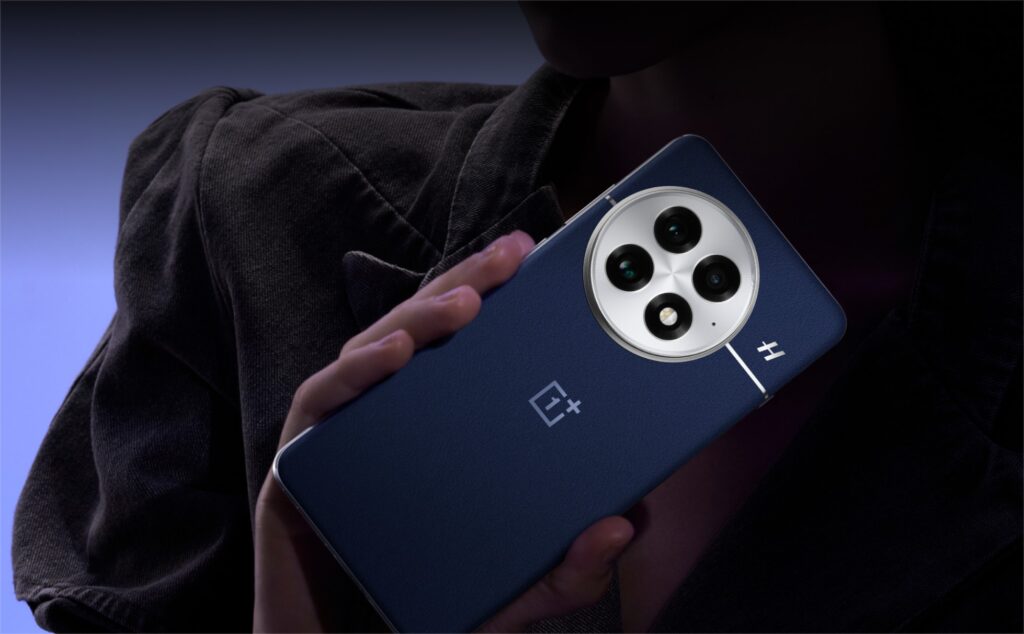
On the camera front, the update tweaks color accuracy and tone in Master and Photo modes, refines the zoom function, and boosts overall stability for a smoother shooting experience. For connectivity, it improves Wi-Fi and Bluetooth stability, helping users stay connected with fewer hiccups. System performance also gets a boost, aiming to make the device feel faster and more reliable.
One of the standout additions is the AI translation feature, which now supports real-time live translation and face-to-face translation in Split View. You can listen to translations through your headphones, and if you have compatible headphones, you can start face-to-face translation with a simple tap. The setup splits translations between the phone’s speaker and your headphones, making bilingual conversations more seamless. You can check out the complete official changelog below.
OnePlus 13 OxygenOS 15.0.0.405 Changelog
Camera
- Improves the colours in photos taken with Master mode.
- Improves the tone of photos taken with the rear camera in Photo mode and improves the zoom function.
- Improves camera stability for a better photography experience
Communication & interconnection
- Improves the stability of Wi-Fi connections for a better network experience.
- Improves the stability and expands the compatibility of Bluetooth connections.
System
- Improves system stability and performance.
Al translate
- Adds the live translation feature that shows the translation of speech in real time.
- Adds the face-to-face translation feature that shows the translation of each speaker in Split View.
- Now you can hear the translations in your headphones.
- Now you can start face-to-face translation with a tap on your headphones (only supported on selected headphones). The translation of one language is played on the speaker on the phone, while the translation of the other language is played on the headphones.
If you’re in India and run into any issues, you can report bugs by opening the Google Dialer and typing *#800#. For users in other regions, feedback can be shared directly in the official thread.
Tech enthusiast? Get the latest news first! Follow our Telegram channel and subscribe to our free newsletter for your daily tech fix!
(Source)



Comments