
Add GIZMOCHINA as Preferred Source on Google
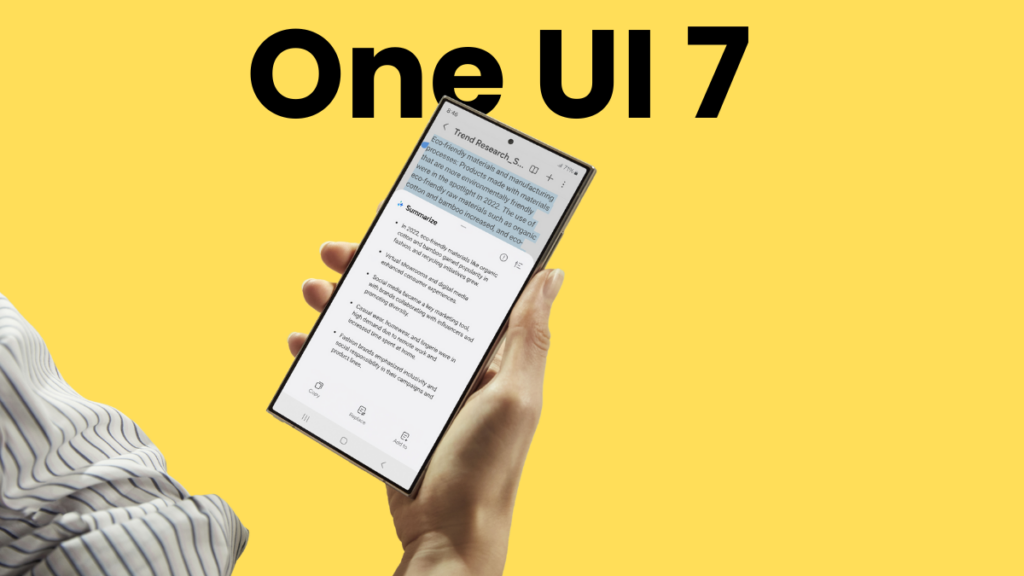
The wait for a stable One UI 7 rollout has stretched too much, as Samsung is yet to upgrade a single Galaxy device to the latest software. However, now it seems the patience is about to pay off, at least for the Galaxy S24 series users, as the stable rollout might kick off anytime soon.
The One UI 7 beta testing for the Galaxy S24 series started in early December 2024, which has been stretched by Samsung beyond the patience level of many Galaxy fans, including myself. That’s why I recently wrote an article on how this massive delay could make people lose trust in Samsung’s software update policy.
Last week, the S24 series received its fourth One UI 7 beta after nearly one and a half months of releasing the third beta. This was too disappointing, but then a Samsung Community moderator from the One UI beta team announced that the stable version will be released very soon. A day after the fourth beta, the fifth beta went live, suggesting the stable release is almost here.
While we’re still waiting for an official announcement, reports say the stable version will be released sometime in March. This aligns with Samsung’s earlier promise of releasing the stable update to Galaxy S series devices in the first quarter. With that in mind, Galaxy S24 users should start making preparations for a smooth upgrade to One UI 7.
Related:
1. Samsung reveals the reason behind One UI 7 delay
2. One UI 7 might not bring this awesome Galaxy AI feature on older devices
One UI 7 preparations for the Galaxy S24 series
1. Backup your data
Software updates rarely cause data loss, but why take the risk? Use Samsung’s Temporary cloud backup to store everything safely online for free (up to 100GB per file, available for 30 days). Go to Settings > Device care > Maintenance mode > Temporary cloud backup to get started. You can also use a Smart Switch or a USB cable to back up to a PC.
2. Update apps and software
Samsung updates its apps for One UI 7 compatibility, so make sure everything is up to date. Check Galaxy Store and Play Store for app updates. Also, make sure that you have the latest software available for your device by navigating to Settings > Software updates > Download and install to ensure your device is running the latest version.
3. Free up storage space
One UI 7 will be a big download, so make sure your Galaxy device has at least 5-10GB of free internal storage. This will also help your device run better overall.
4. Charge your phone
A major update like this can take time. Hence, it’s recommended to keep the battery level above 30% to avoid issues during the installation.
5. Wait and watch (if you want)
Even stable updates can have bugs. If you want to play it safe, check forums like Samsung Community and Reddit to see if others report issues before upgrading.
Don’t forget to visit our One UI 7 section for the latest news and rollout plans. Also, follow our Telegram channel and subscribe to our free newsletter for your daily tech dose! ⚡
More One UI stories:
1. One UI 7 will be the last major upgrade for these Galaxy devices
2. Masssive One UI 7 delay is forcing Samsung to cancel One UI 7.1
2. One UI 7 is massively delayed, but One UI 8 might arrive sooner than you think



Comments