
Add GIZMOCHINA as Preferred Source on Google
Introduction:
When you think of Xiaomi, what comes to mind first? The Xiaomi 12S Ultra? Perhaps the Xiaomi 15 series phones? Or could it be the Xiaomi Pad 7 Pro? We unboxed this tablet two months ago to take a quick look. It features significant upgrades from the 6 Pro in several areas: the display is much better, it has the latest system, and it’s equipped with powerful AI features. However, it still faces some issues.
Design:
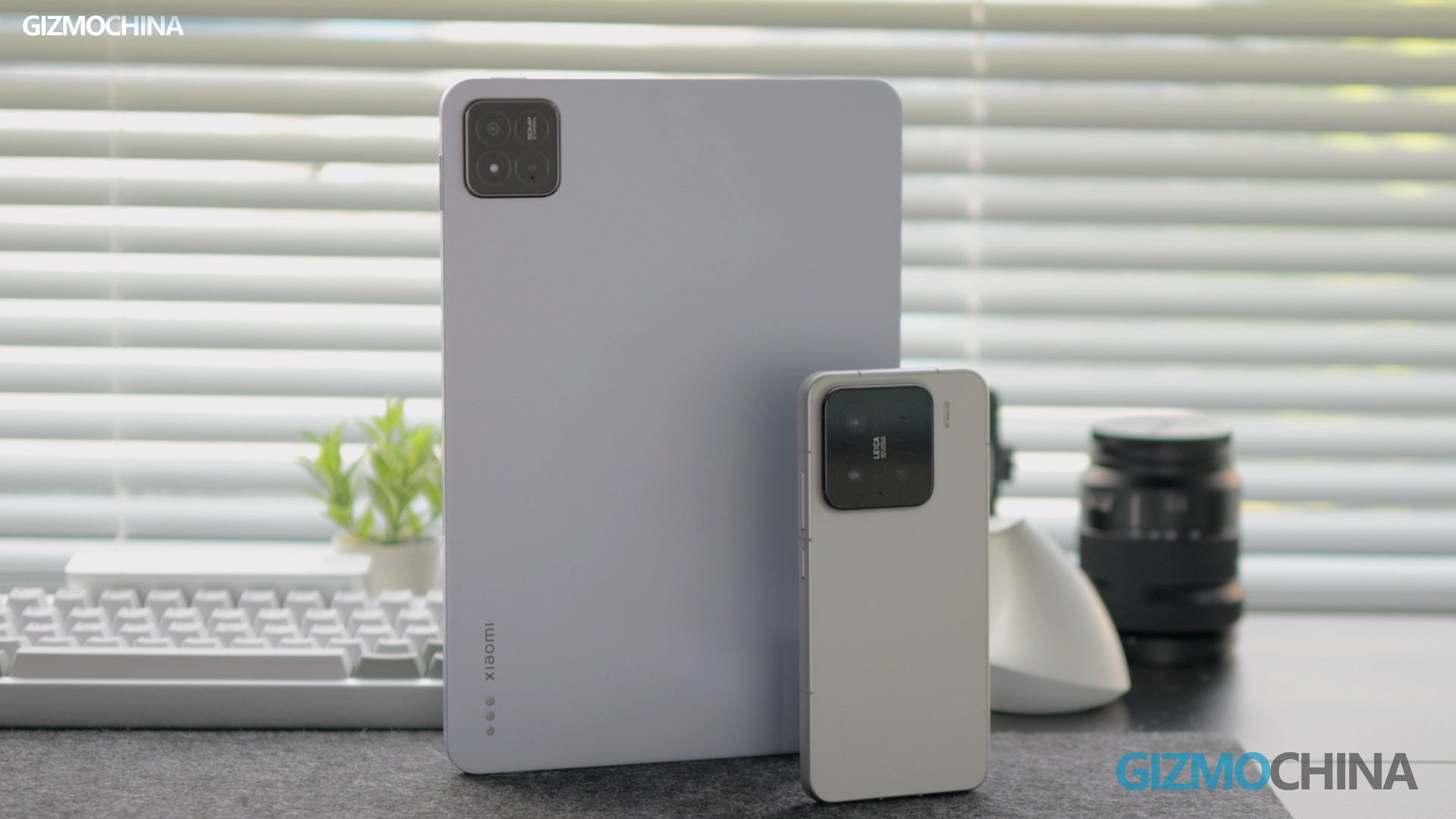
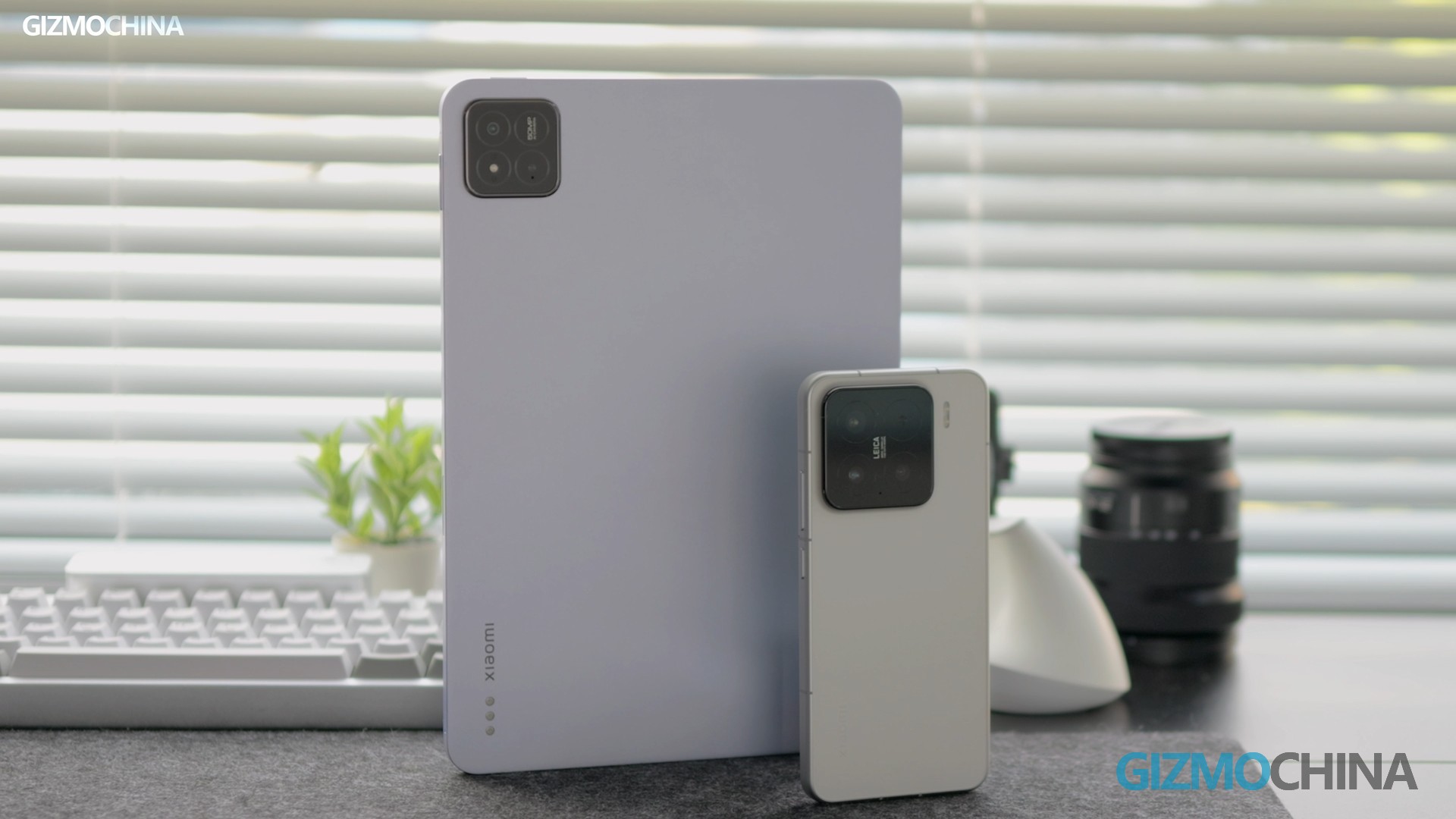
This model retains the same design as before, featuring an aluminum back and frame. It feels very much like an iPad when you hold it. The size of the Pad 7 Pro lies between the 6 Pro and 6S Pro, and it’s surprisingly lightweight.
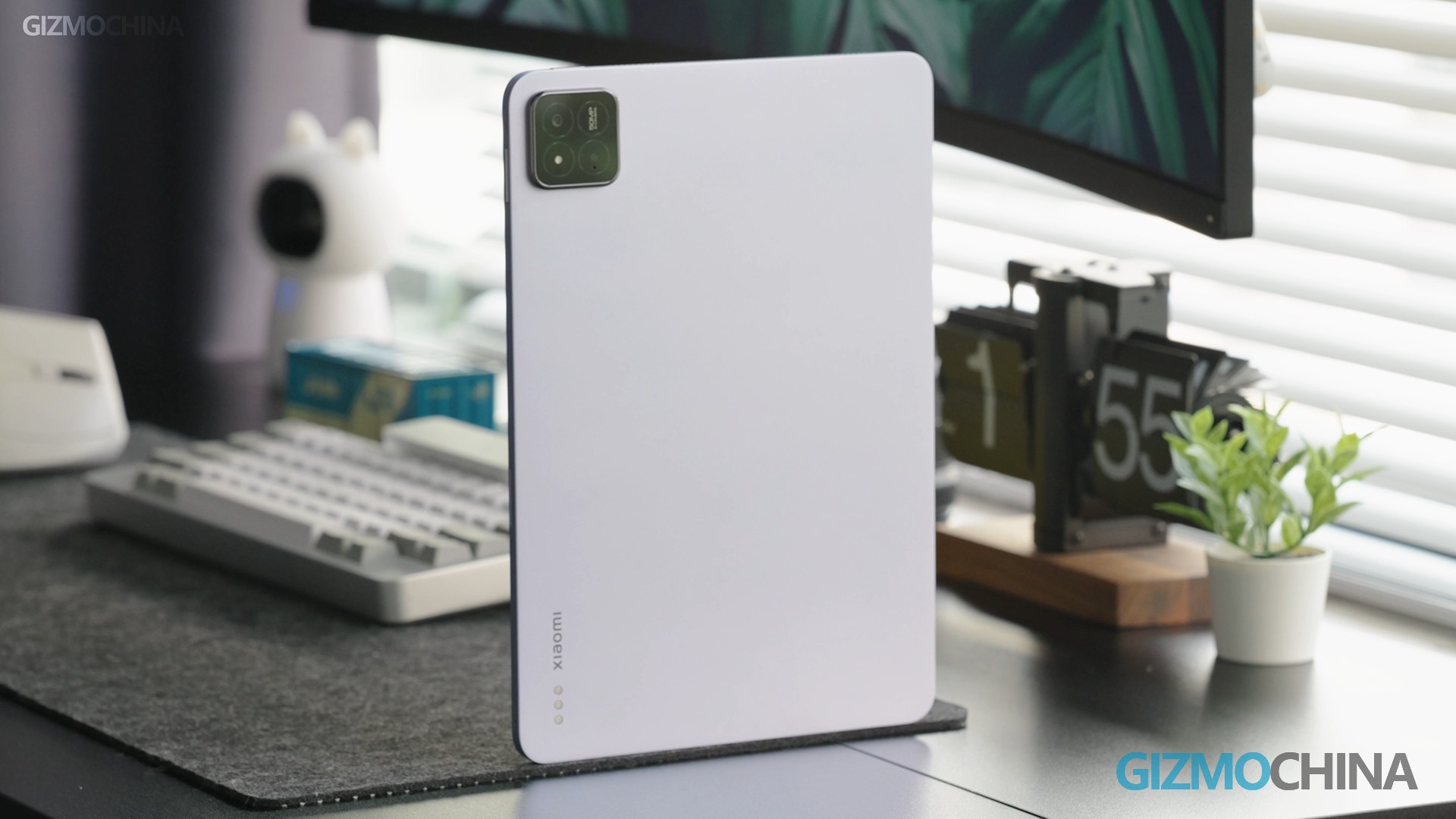
It is available in three colors and has two speakers located at the top and bottom. However, compared to the 6S Pro, you’ll see that the 6S Pro has six speakers. It still supports Dolby Vision Atmos, though.
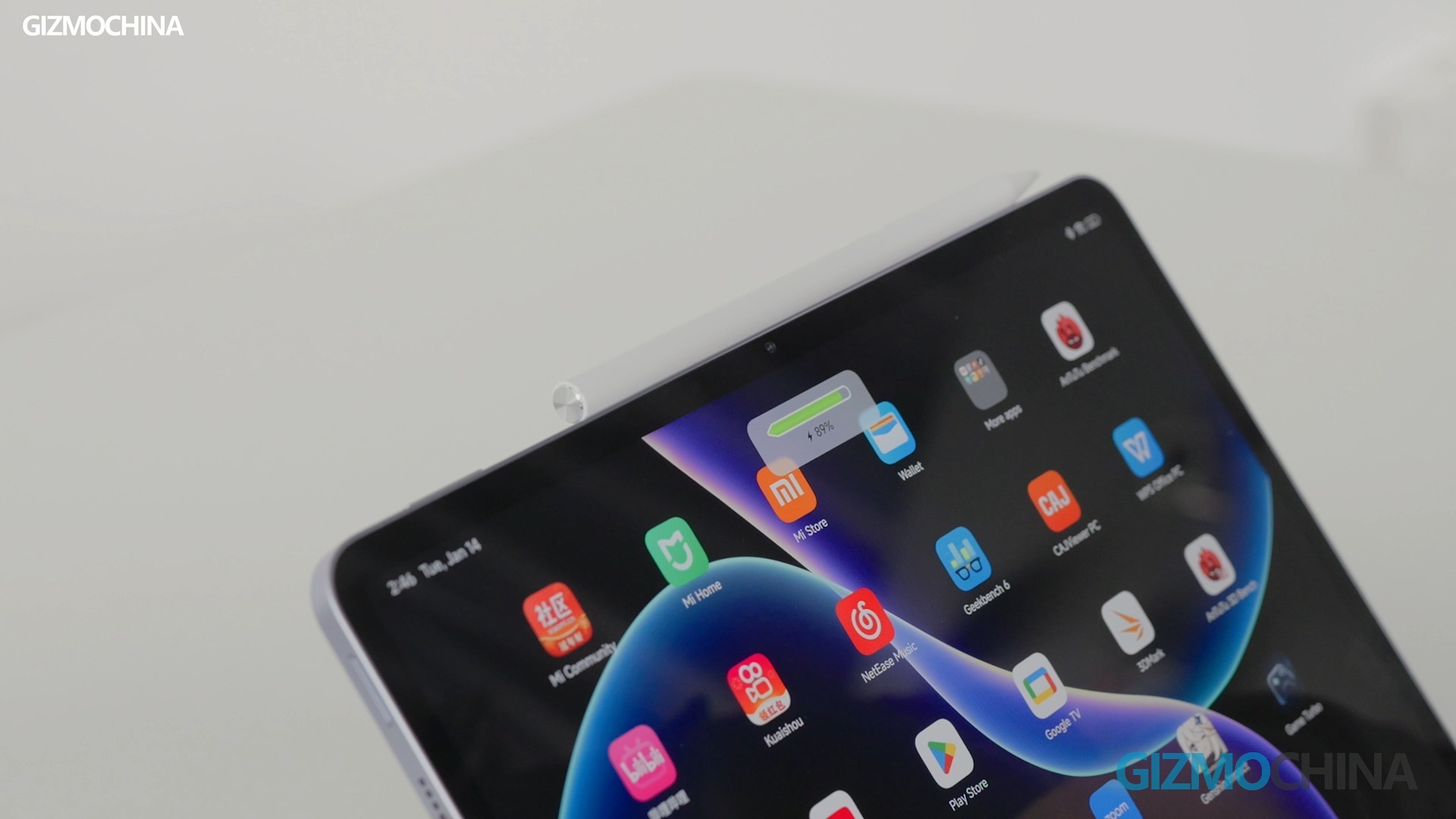
The power button remains on top and facilitates fingerprint unlock. At the bottom, there is a Type-C charging port. However, I wish Xiaomi would align the charging port and speakers at the same level. Wouldn’t that look so much nicer? The volume buttons and the slot for charging the stylus are on the right side. The magnet is just right; you can gently place the pen, and it sticks perfectly.
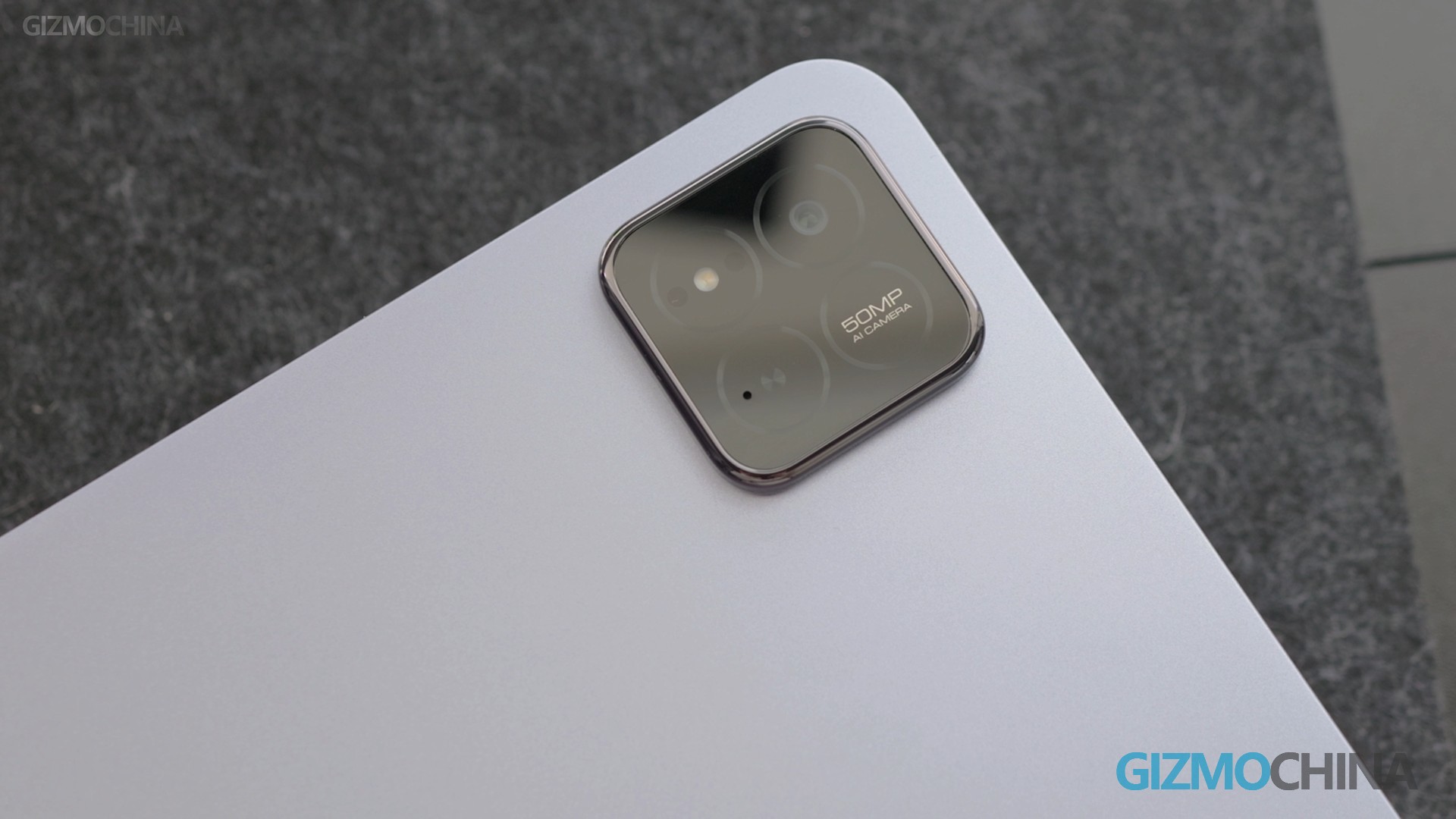
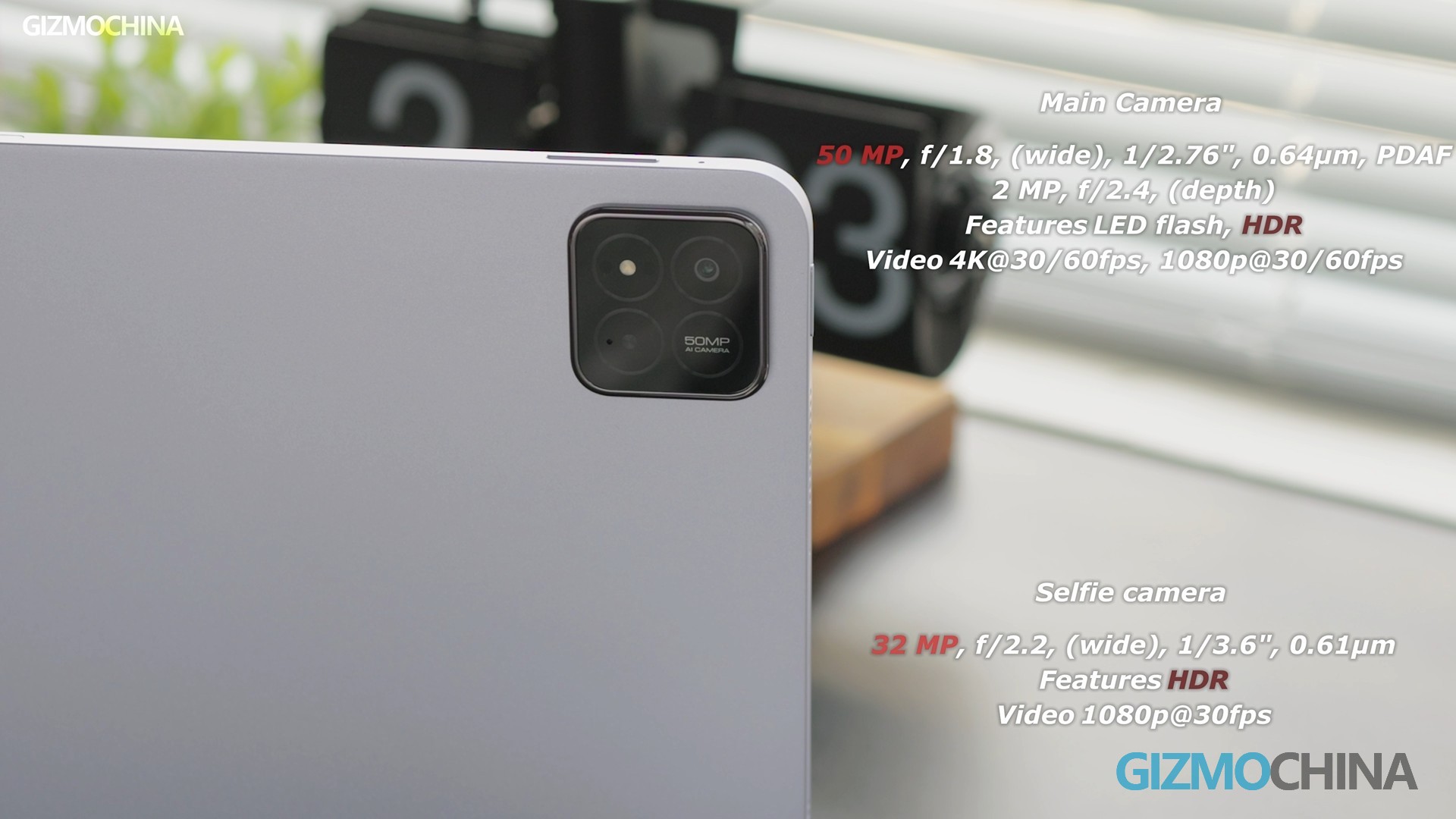
On the back, there’s the camera module. I’m not a huge fan of it unless it’s on a phone because when placed flat on a table without a case, it wobbles. But if you share this concern like I do, just use a protective case. I was hoping there would be a SIM card slot, but there isn’t.
Display:
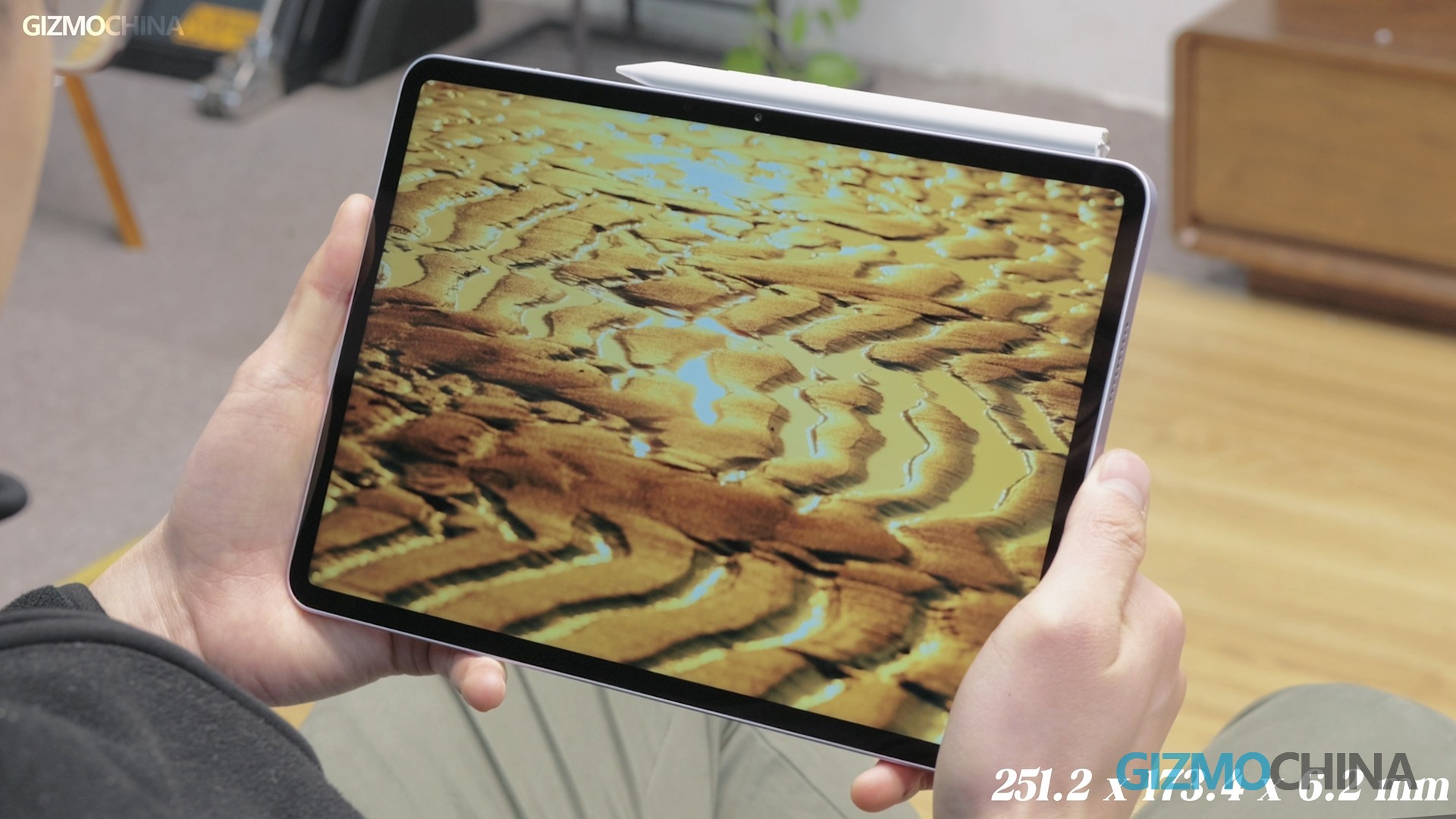
It’s got an 11.2-inch screen. The 3:2 aspect ratio gives you more room to watch videos or movies, and it’s perfect for reading and writing. Plus, it’s an eye-protecting screen with that German TÜV triple certification.
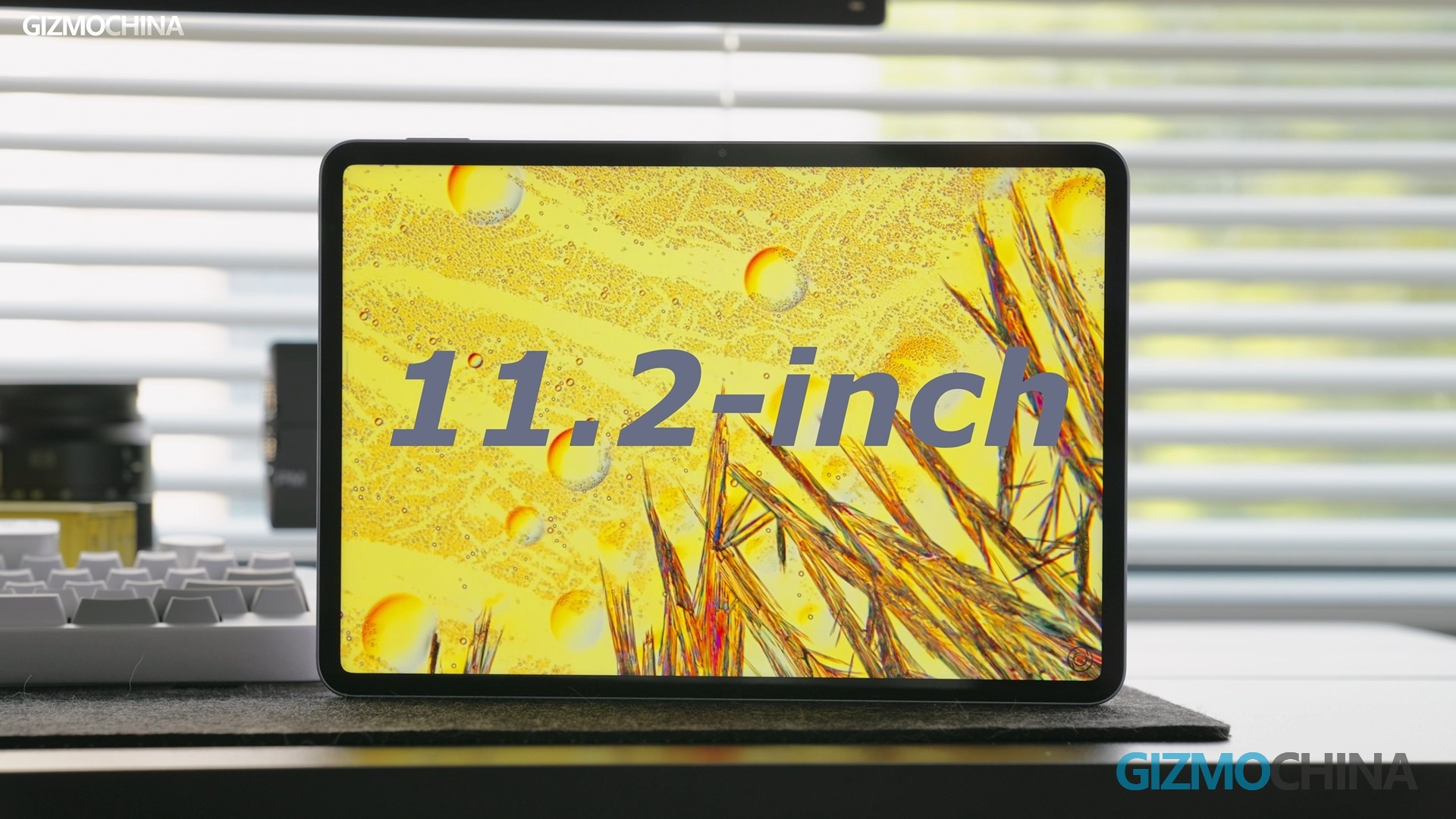
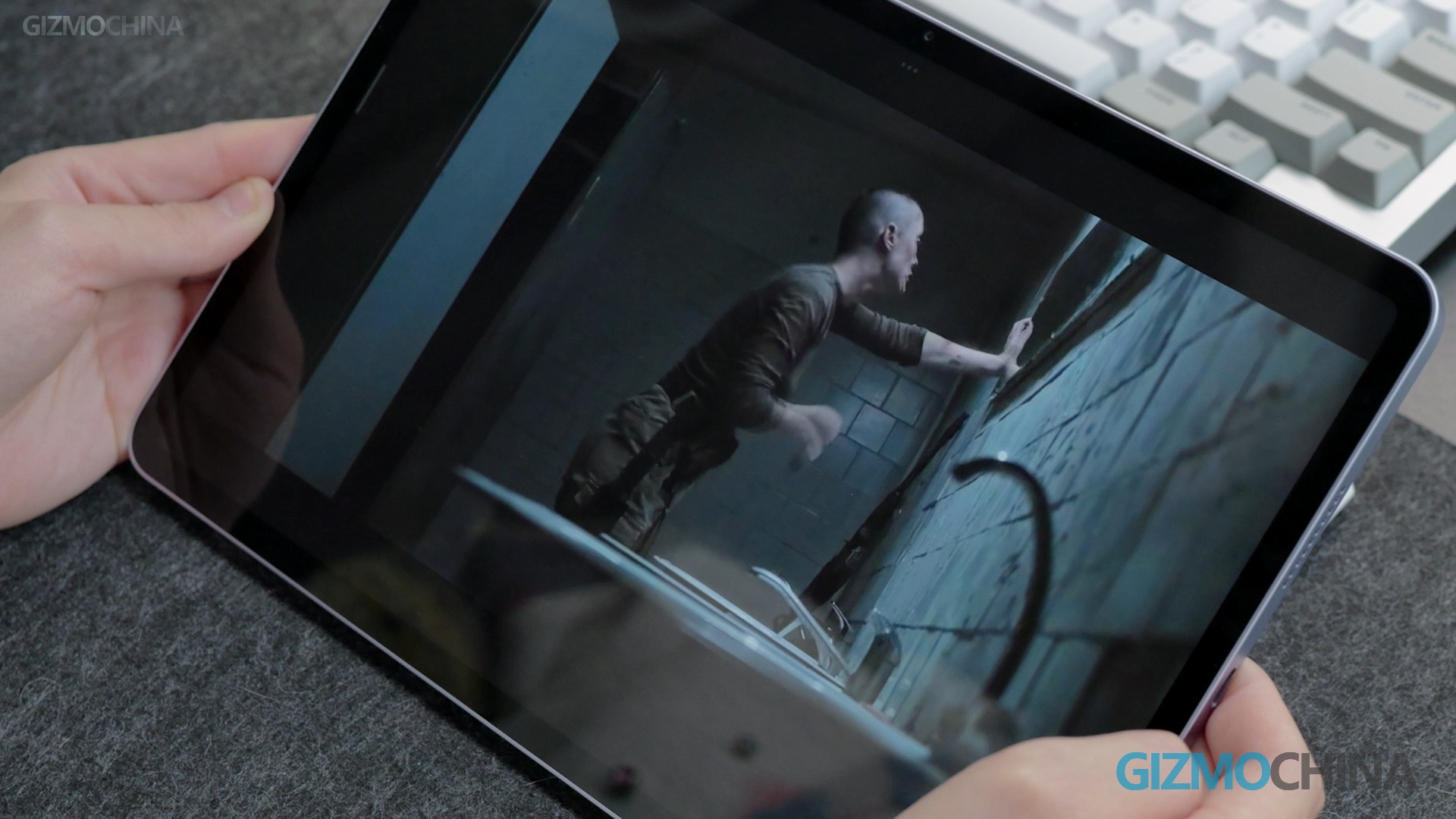
Now, it’s still an IPS screen, and I remember people asking Xiaomi, “Why still IPS on the 7 Pro?” Lots of other brands are all about OLED screens, but choosing IPS doesn’t mean it’s bad. IPS screens are better for color accuracy, viewing angles, and they last longer. When it comes to watching movies, this tablet is top-notch. Whether you’re lying down or watching on the side, the picture’s always clear.
System:
So, HyperOS 1 was all about setting the foundation and working on the behind-the-scenes features. But HyperOS 2 is stepping up the parts you can feel and use. The cross-system and cross-screen experience still lets you connect your phone and tablet without the internet, it’s a one-touch connection.
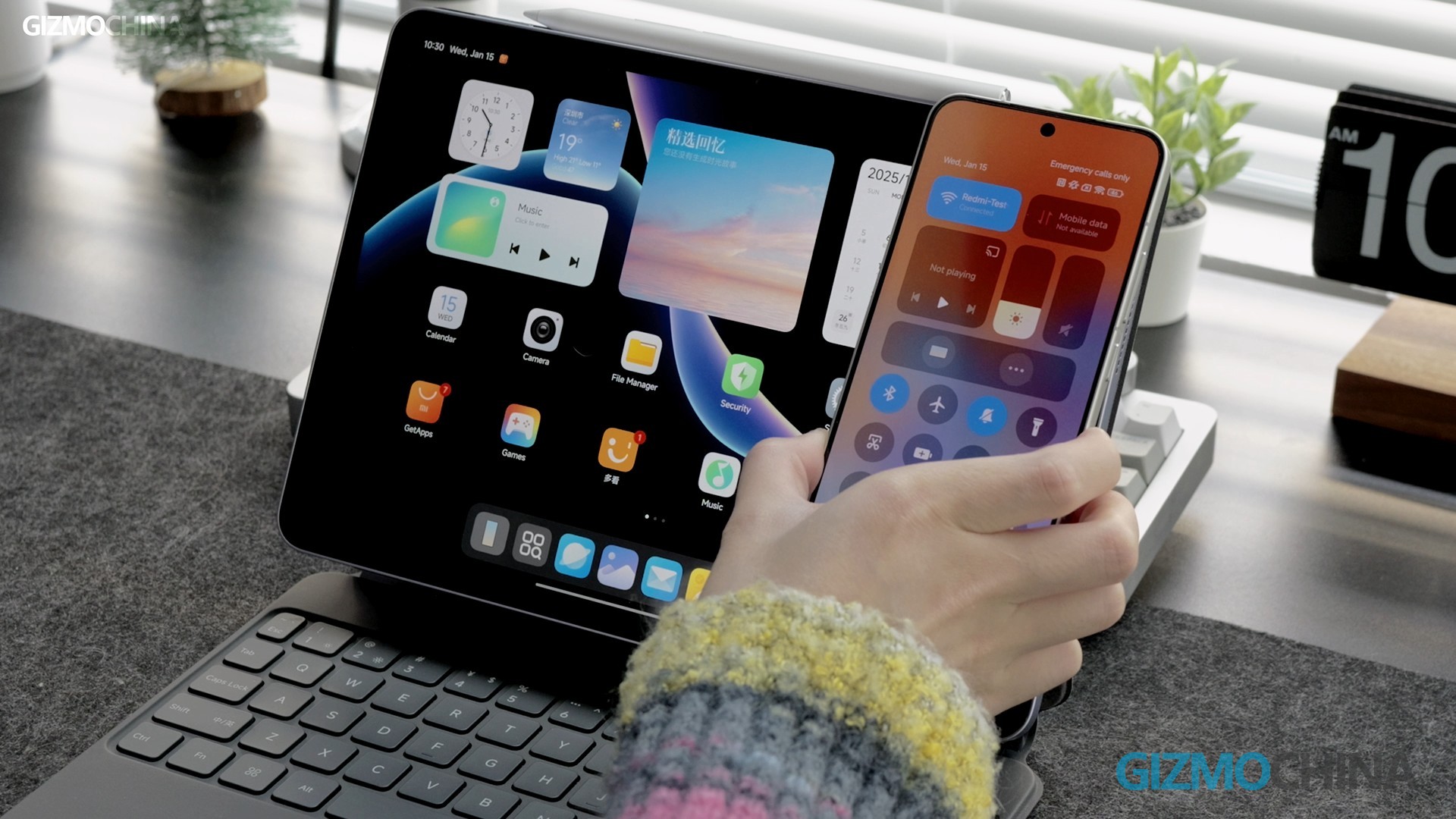
You can control your phone right from the tablet, and moving files around for work is a breeze. Just drag and drop them onto the tablet. When you need to check your phone messages, just tap to open a little window, and you can drag it to the side to make it a tiny icon.
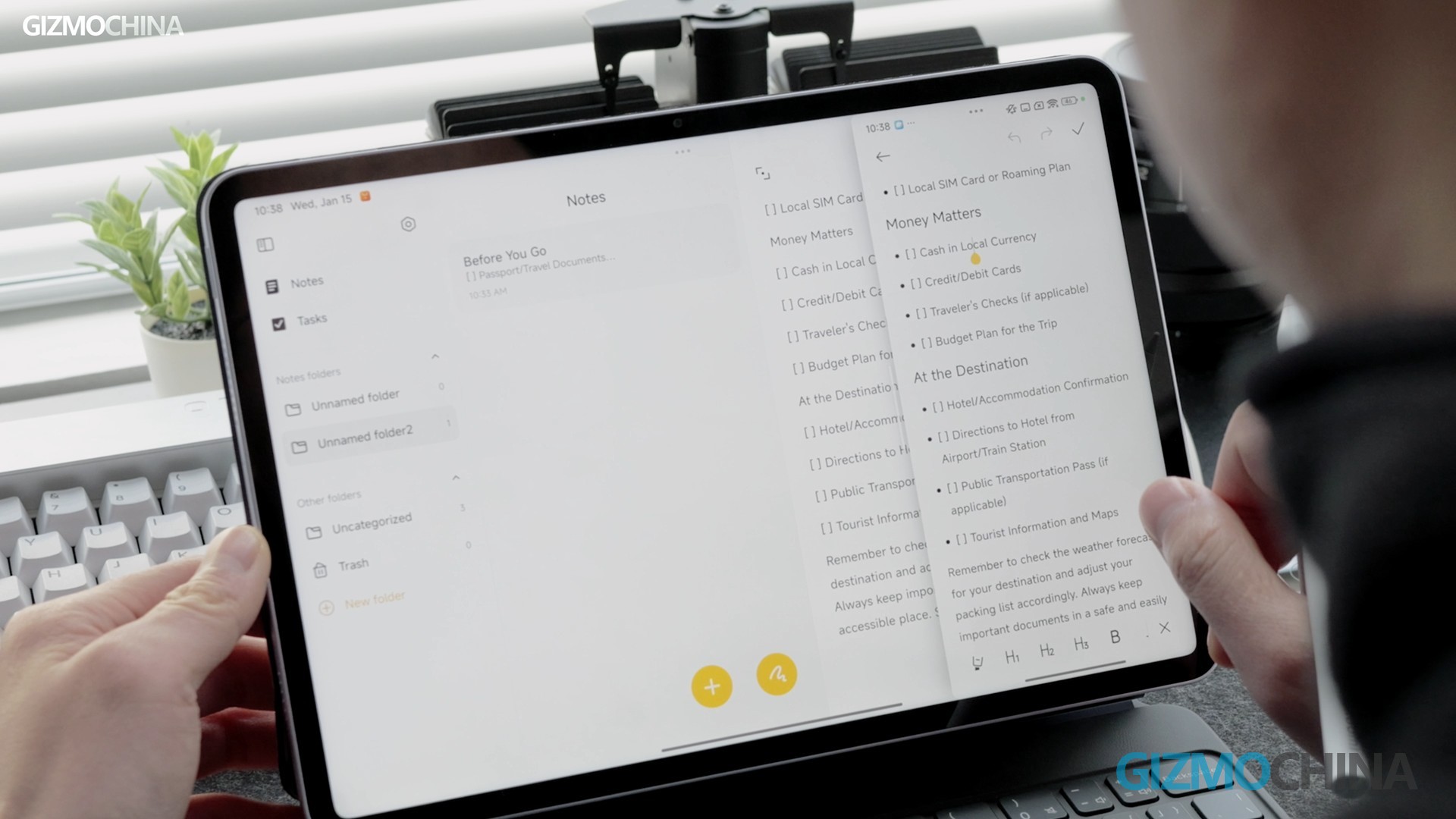
But I have a suggestion for Xiaomi: I hope you can operate the phone screen after it’s connected. Right now, the phone interface only shows up on the right and can’t be moved around. If I want to see what it’s covering, I need to minimize it. If you could drag it around like a split screen, it would be much better.
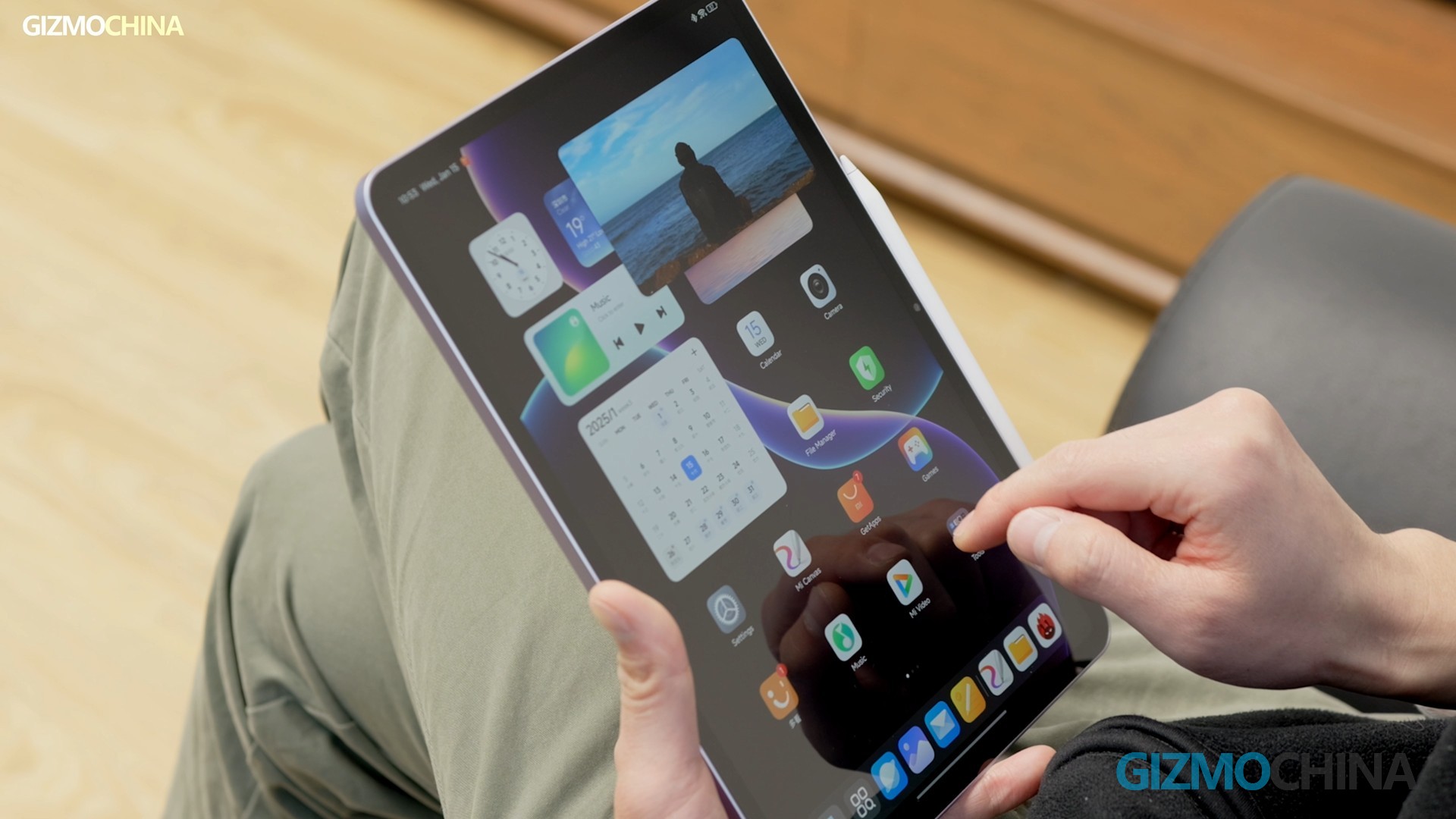
Plus, the tablet’s interface is way smoother than before, fixing all those laggy and frame-drop issues. No lag when you’re opening and closing apps fast. Even that old problem of lag after splitting the screen is gone. The animations when you slide the notification and control center are super smooth, which is awesome.
AI Features:
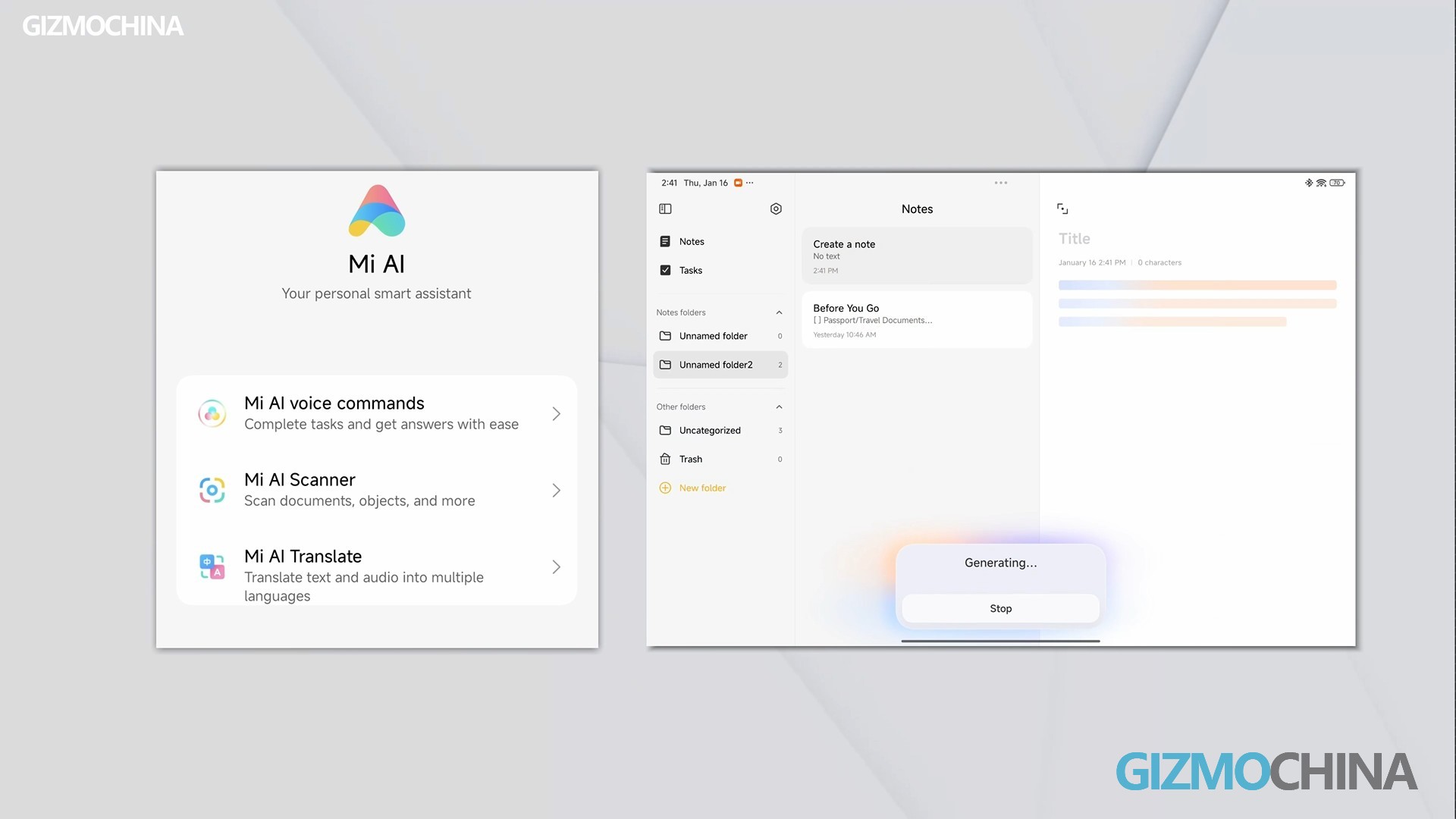
HyperOS 2 has a lot of AI in daily use, even in the basic wallpaper settings. It uses AI to make static photos move. There are landscapes, cities, and plants, you can pick pics from your album and make them into dynamic wallpapers. And then there’s AI Writing, AI Translate, AI Voice Commands, all that typical AI app stuff.
But I like the AI Art in Mi Canvas. Unlike other brands, it helps you create. Let’s say you draw an apple and use AI Art; you can pick from seven styles, and each one gives you three drawings. You can download them straight to your album or use them right away.
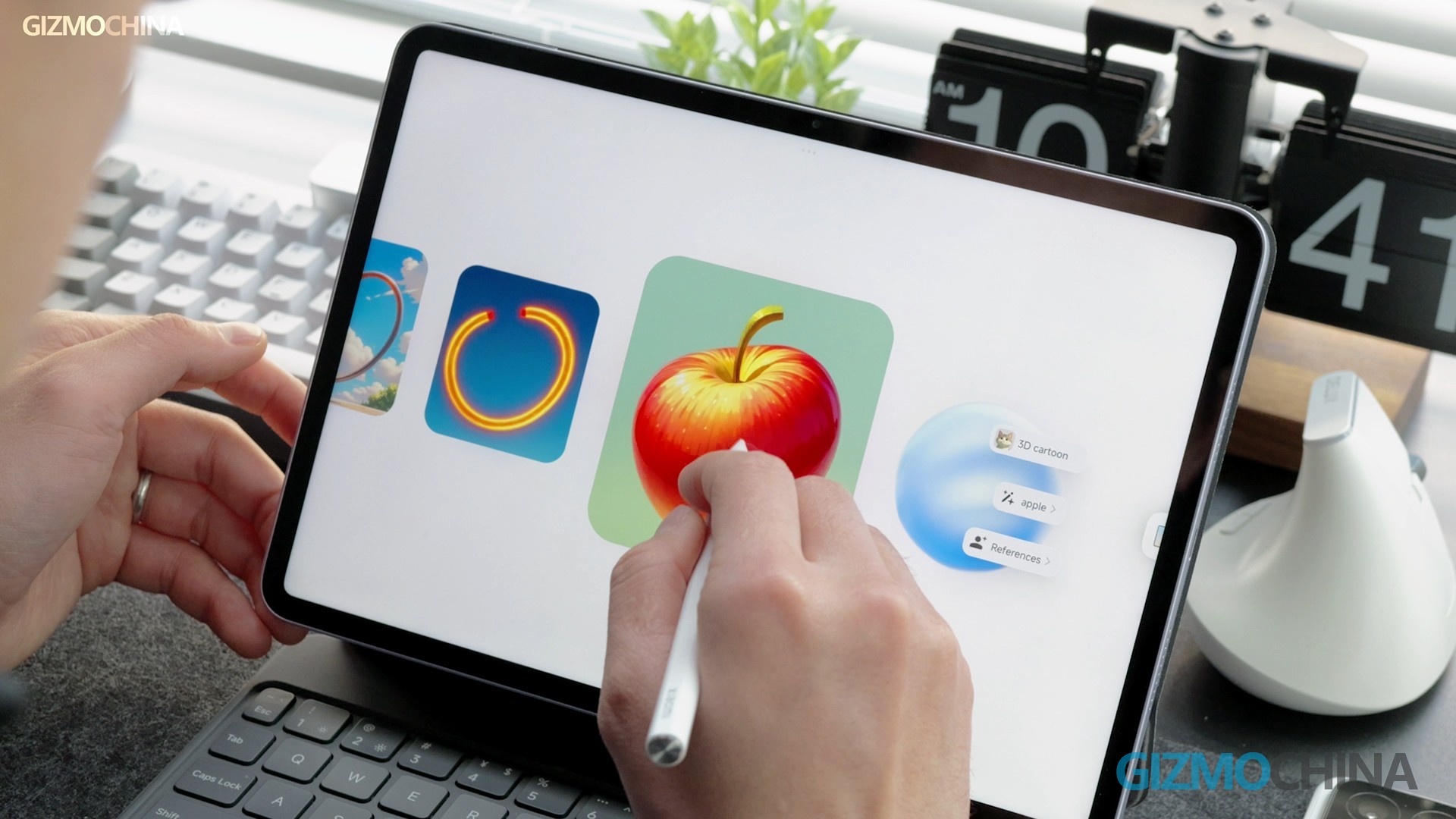
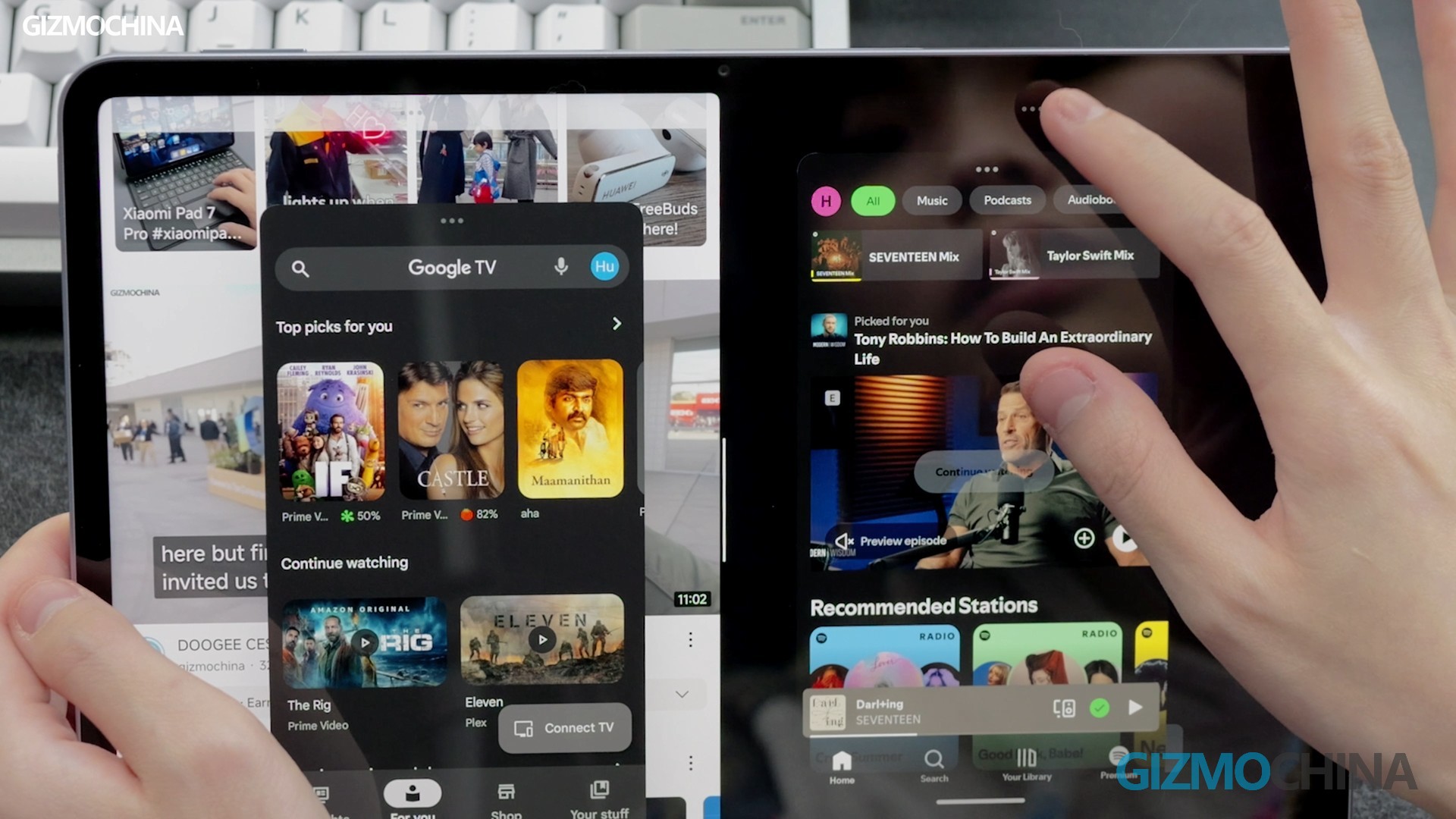
Unfortunately, this app is not great for professional painting. First off, no layers. Second, not many brush types, which puts it behind Huawei’s GoPaint and iPad’s Procreate. If you’re using it for drawing, it’s more for quick sketches and everyday doodles. Just like the 6S Pro, the split-screen function lets you have up to four apps open at once.
Accessories:
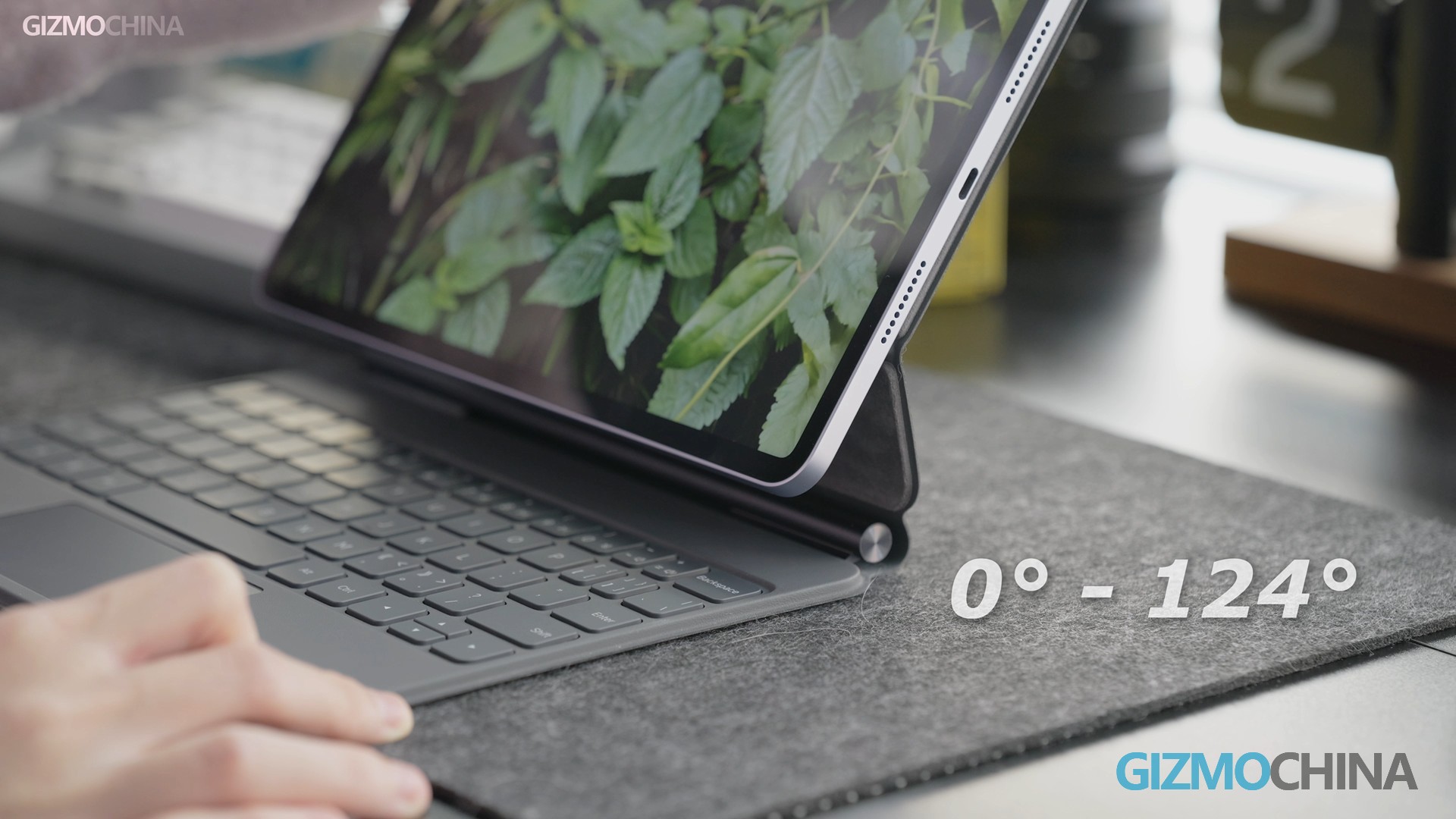
When it comes to drawing or writing, the latest focus stylus has awesome pressure sensitivity and low latency. But the pen’s output stability could be better when you’re writing or drawing slowly. Overall, with the latest floating keyboard, creating and working on this tablet is pretty sweet. The keyboard connection is super fast, adjusts from 0° to 124° seamlessly, and has a full-area mechanical pressure touchpad. The typing feel is solid too. But you have to buy these accessories separately.
Performance:
This time around, there is a new chip, with the Pad 7 Pro jumping from Gen 2 to Gen 3. But even with the new chip, the CPU and GPU performance are not as great as I hoped. It can keep at around 60FPS in Genshin Impact on max settings, but when you hit those complex maps in Star Rail, it starts dropping frames badly.
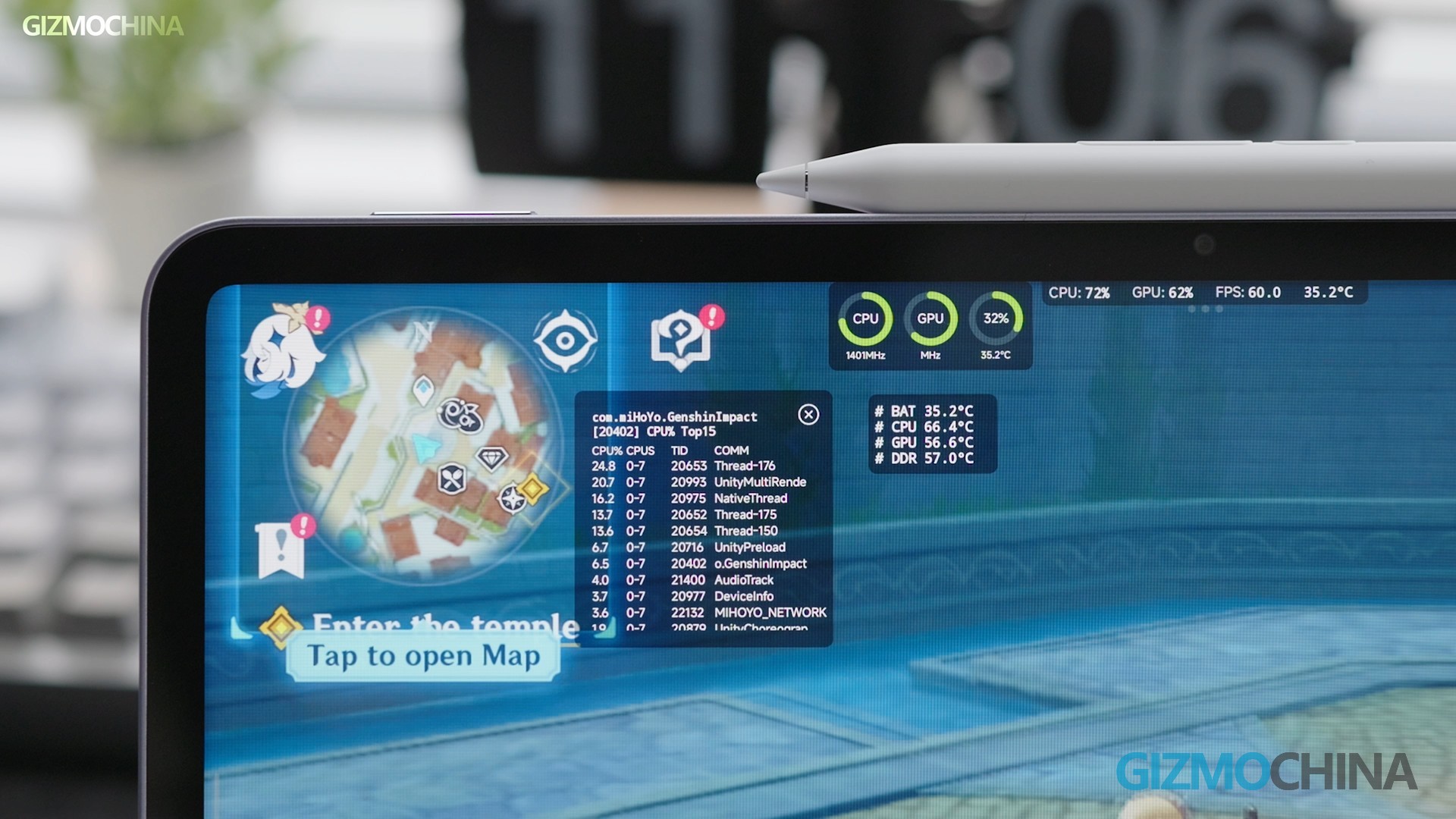
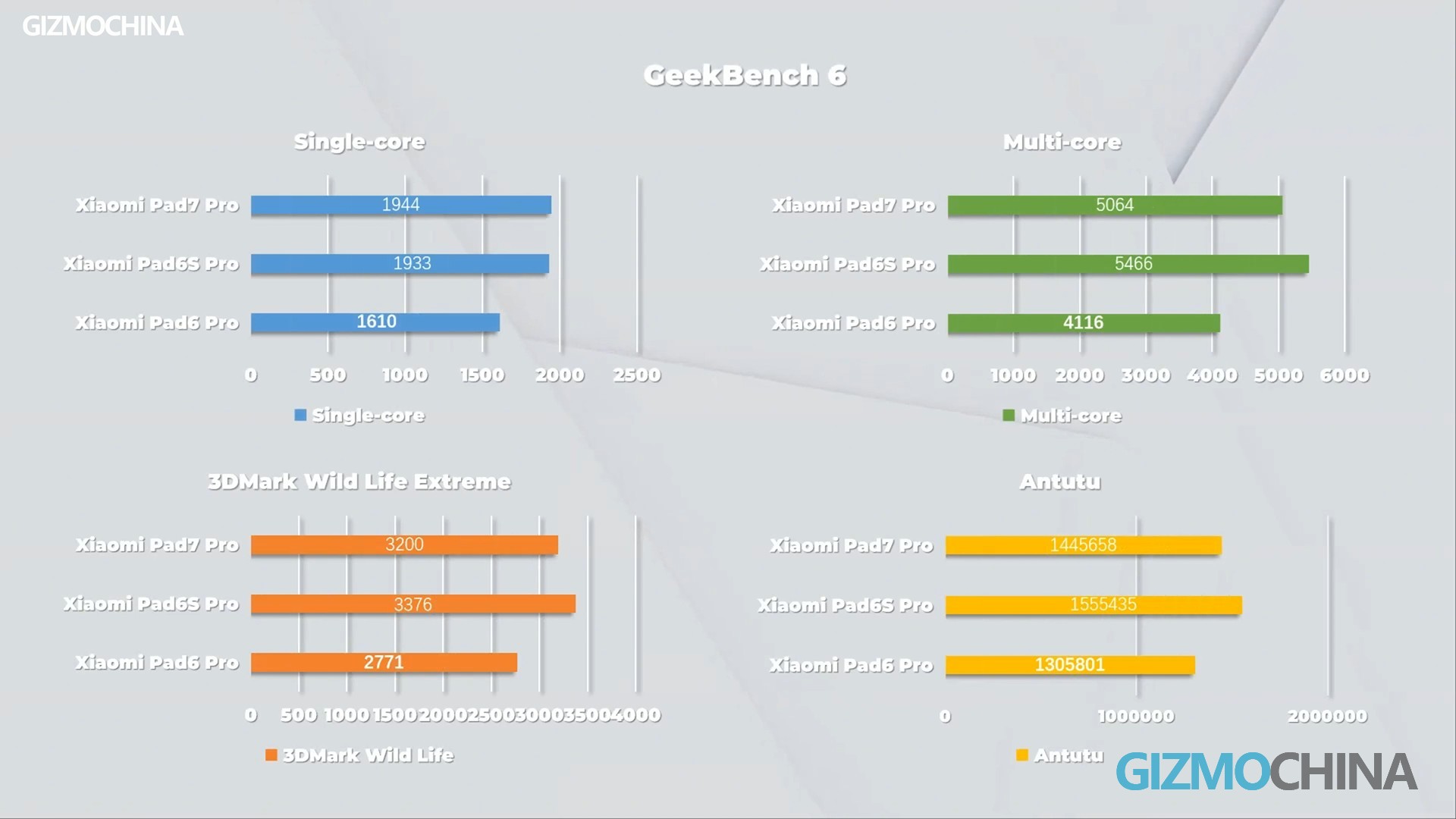
And the battery drains fast during those times. It’s a common problem with most tablets these days. The scores on Geekbench 6, 3D Mark, and AnTuTu look good, but this Gen3 might be a bit worse than the last one in some tests.
Camera:
Now, even though I griped about the camera before, the photos and videos it takes are top-notch. Check out these samples… They’re good enough for most everyday shooting. Plus, the Pad 7 Pro’s specs are higher than the Pad 7 for front camera video recording. But don’t you think it looks a lot like the camera module on the Xiaomi 14?
Battery and Charging:
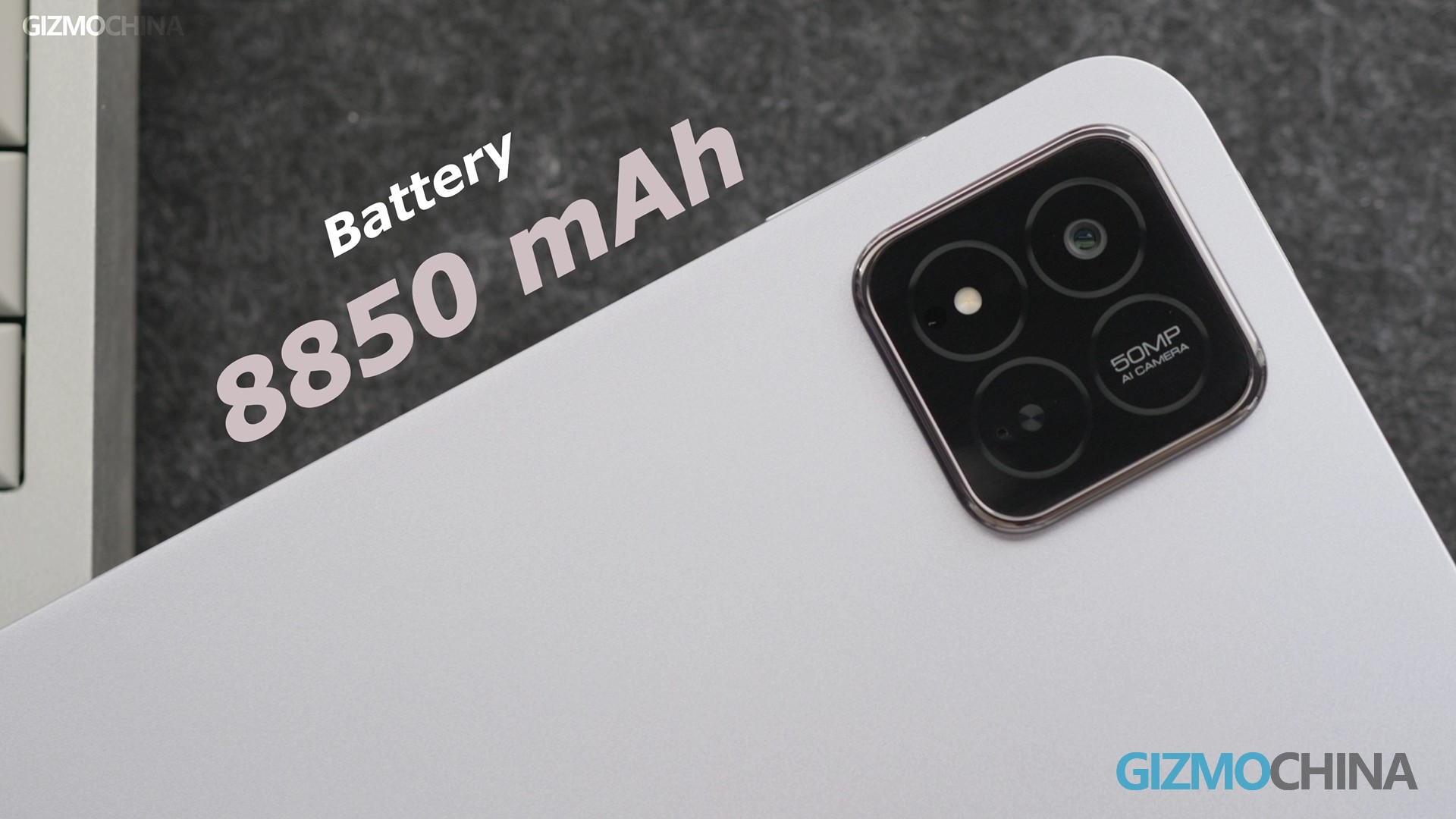
The one big difference with the 7 Pro is the battery life. This time, the Pad 7 Pro has an 8850mAh battery and can charge fast with 67W wired charging.
Conclusion:
All in all, the Xiaomi tablet still needs specific tuning here and there, like fixing up some Mi Home software and making the system smoother with a more aesthetic UI. But the price and how useful it is are the big reasons consumers might buy it. The Pad 7 Pro is a real bang-for-your-buck option for learning, working, and chilling out with some entertainment.




Comments