
Add GIZMOCHINA as Preferred Source on Google
Samsung’s Galaxy S23 users diving into the One UI 7 Beta 2 are hitting a frustrating issue: the home launcher keeps crashing. While the latest beta, part of the flagship’s new testing phase, packs welcome upgrades, a pesky bug tied to Google’s Gemini assistant is souring the experience for some.
One UI 7 Beta 2 rolled out recently for the S23 series, touting fixes and enhancements like full Drawing Assist, natural language search, and Now Bar tweaks—polishing the Android 15-based update for a smoother user experience. But for several S23 owners, it’s been anything but smooth.
Gemini Live mode seems to be the culprit
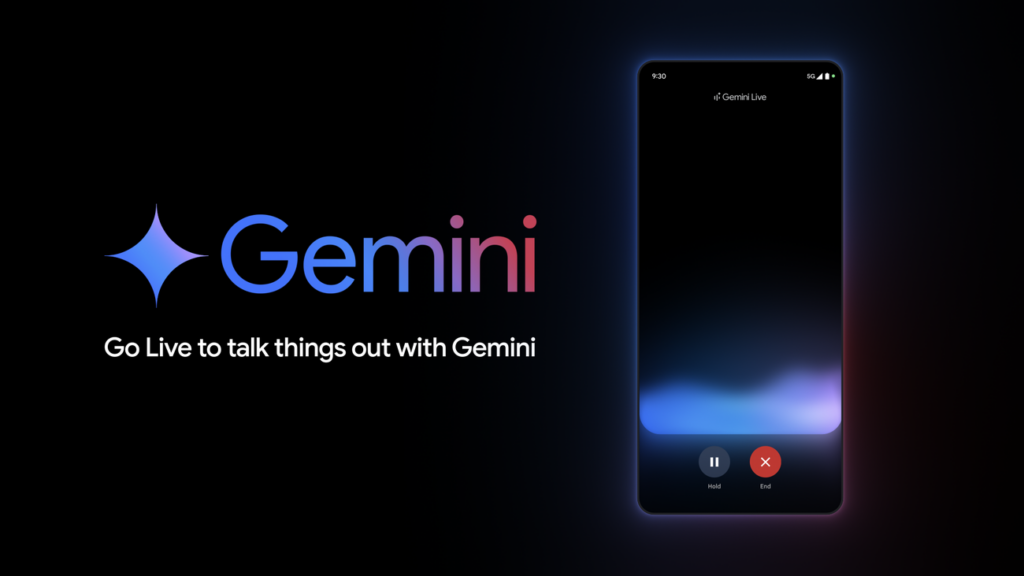
The culprit? Gemini Live mode, pre-installed on recent Galaxy devices, powers the Google Assistant with the long-press power key. Things work fine while Gemini Live stays on-screen, overlaying the home interface with live notifications in the status bar.
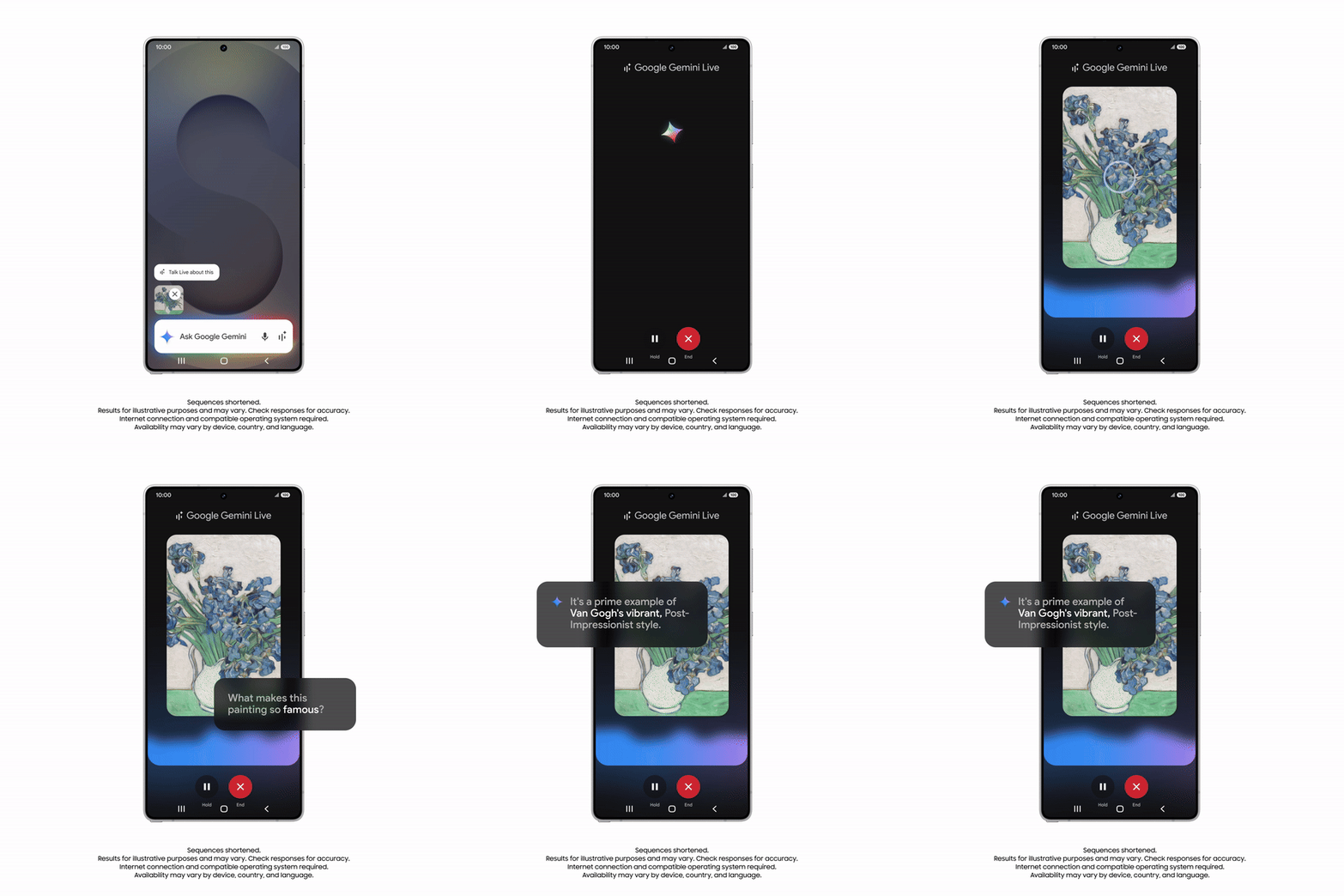
The system UI crashes when it’s sent to the background. The One UI launcher freezes up—apps open with a tap, but gestures like swiping no longer function in that situation. Lock the phone, unlock it, and it returns to the same state. Soon enough, a “System UI isn’t responding” alert pops up, offering two choices: “Close app” to reboot the launcher (ditching all open apps) or “Wait,” which just stalls until the crash message loops again.
Touch works, but the frozen gestures and inevitable crash make it a chore. Daily drivers of the S23 series who are yet to install the Beta 2 update, are advised to wait for the next version as this one can be quite frustrating at times. Those who have already installed the update are currently stuck picking between a forced restart or “Wait”, hoping the third beta fixes the issue. For now, avoiding Gemini Live mode seems to be the only workaround.
Don’t miss a thing! Join our Telegram community for instant updates and grab our free daily newsletter for the best tech stories!
For more daily updates, please visit our News Section.


Comments