
Add GIZMOCHINA as Preferred Source on Google
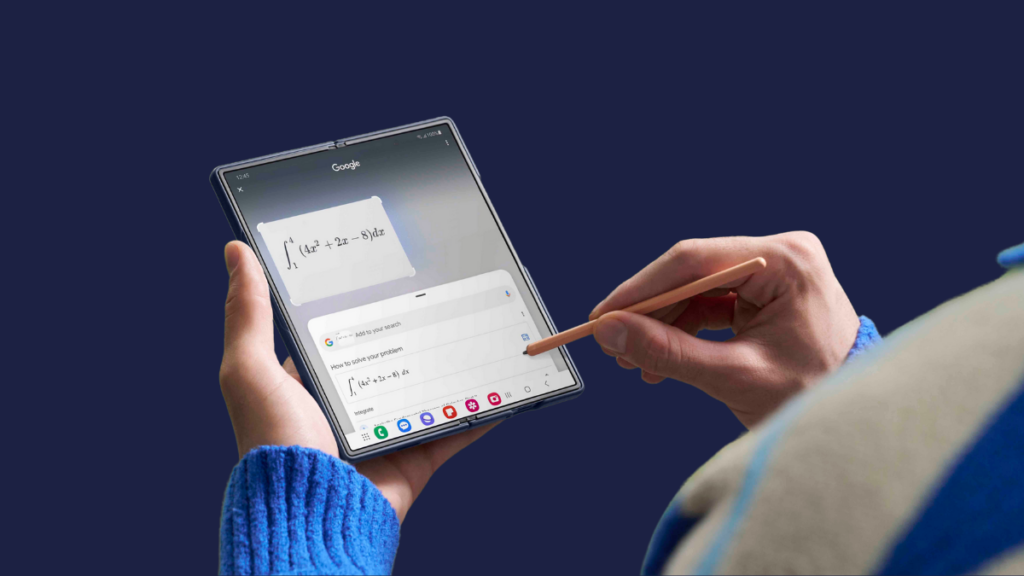
Samsung has finally started rolling out the One UI 7 update. The Galaxy S24 series got the first bite, but that’s not the only device getting the treat today. The update is also rolling out to some Galaxy foldables, including the Galaxy Z Fold 6, Galaxy Z Flip 6, and Galaxy Z Fold Special Edition (also known as Galaxy Z Fold SE).
Galaxy Z Fold 6 One UI 7 update details
Samsung is rolling out the stable One UI 7 update to Galaxy Z Fold 6 in Korea. However, it won’t be long before it expands to other parts of the world. Users in Korea can identify the update by the firmware version F956NKSU2BYCK.
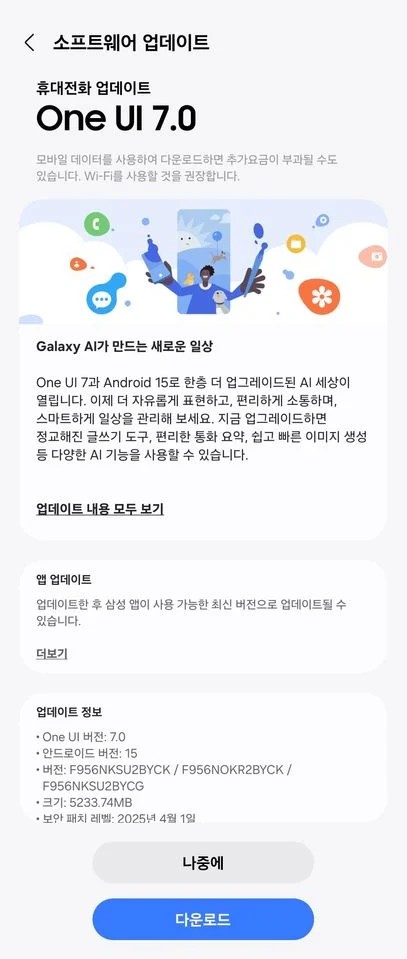
The update is rolling out to both beta and non-beta users. For non-beta users, the update has a download size of around 5.2GB. However, beta users only need to download a 400MB update package. That’s because they have already received major changes and new features. The update changes the beta state to stable and might include minor improvements and some fixes.
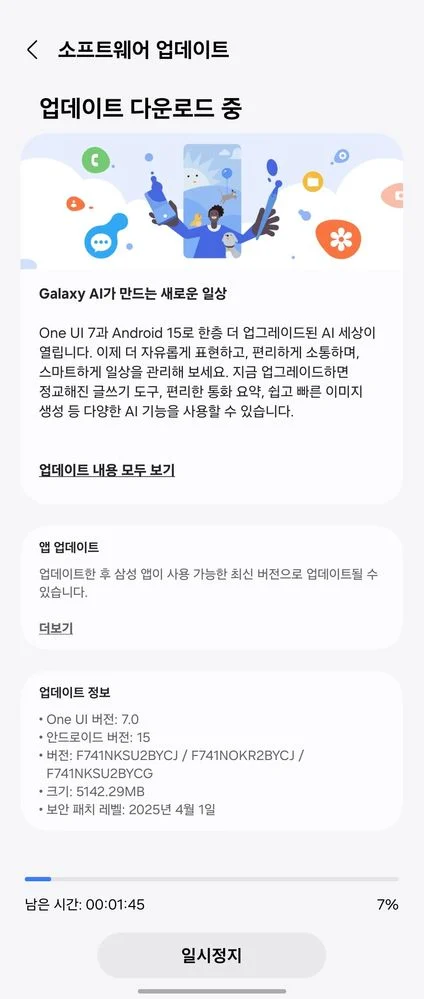
Galaxy Z Flip 6 getting One UI 7 update details
The Galaxy Z Flip 6 is also getting the One UI 7 update in Korea. The update is tagged with firmware version F741NKSU2BYCJ and has a download size of around 5.1GB. Since it’s a pretty big update package, I recommend downloading it over a stable and fast Wi-Fi connection instead of using mobile data. For beta users, the update only weighs around 400MB.
Galaxy Z Fold SE One UI 7 update details
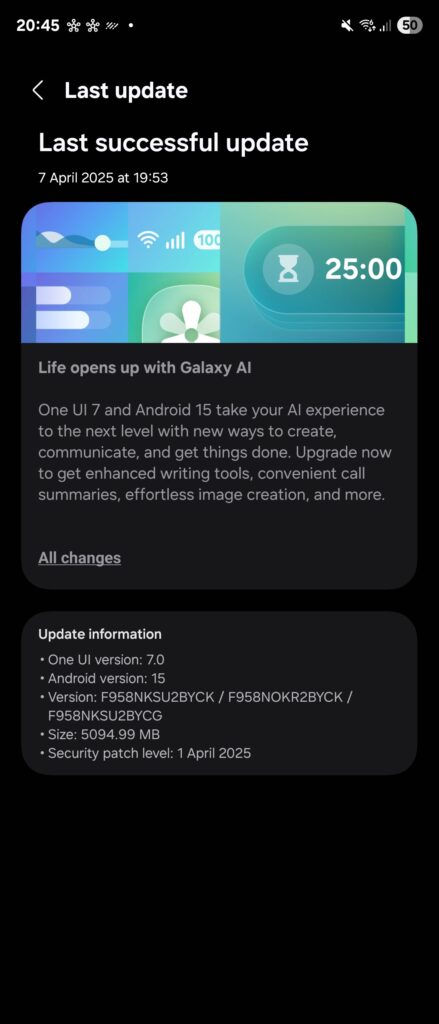
Surprisingly, the Galaxy Z Fold Special Edition is also getting the stable One UI 7 update today. Samsung had already announced the One UI 7 release date for the Galaxy Z Fold 6 and Galaxy Z Flip 6, but the Galaxy Z Fold SE was not a part of the announcement. It’s good to see such surprises from Samsung, but not the kind of surprises it has given in the last few months.
Like the other Galaxy foldables, the Galaxy Z Fold SE, too, is getting the update in Korea. It comes with the firmware version F958NKSU2BYCK and has a download size of around 5GB. Besides a major UI overhaul, new features, smoother animations, new icons, and plenty of customizations, the latest brings the April 2025 security patch for additional protection against dozens of vulnerabilities found in the previous software version.
If you have a Galaxy Z Fold 6, Galaxy Z Flip 6, or Galaxy Z Fold SE in Korea, the One UI 7 update should be ready for installation. Simply go to Settings > Software updates and hit the Download and install button. Even if you live outside Korea, the wait shouldn’t be too long as Samsung is usually quick to expand the update’s availability to more markets. Before installing the update, follow these five steps for a smooth transition to One UI 7.
Also read:
1. 5 One UI 7 features that are making me impatient for this major upgrade
2. One UI 7 will be the last major upgrade for these Galaxy devices
3. One UI 7 might not bring this awesome Galaxy AI feature on older devices

Comments