
Add GIZMOCHINA as Preferred Source on Google
ZimaBoard 2
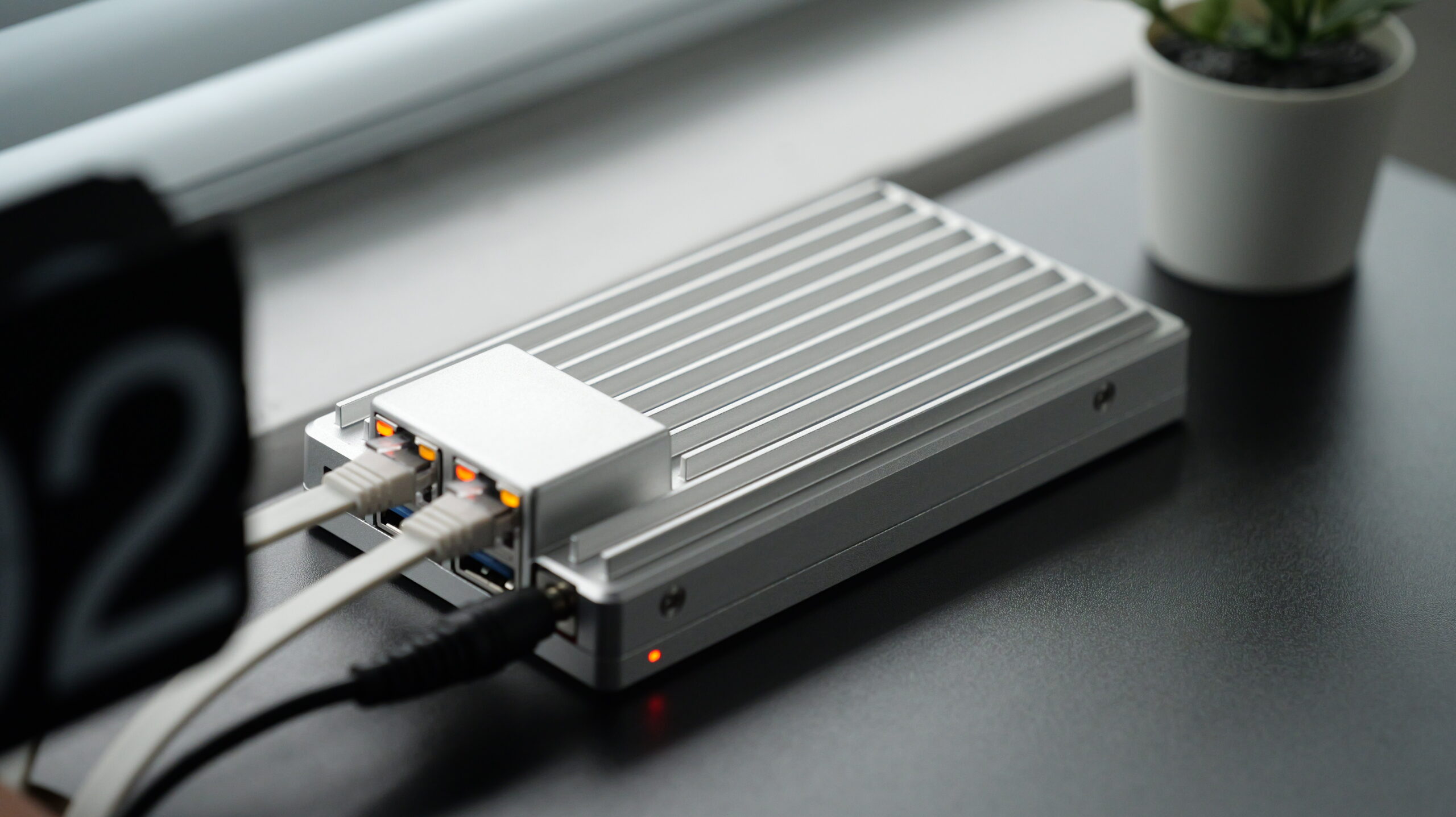
We recently received an update from Zima Space. The ZimaBoard, which we’ve used and reviewed before, is still using a 14nm embedded CPU. This time, it upgraded its processor to Intel’s 7-process N150, which is Intel’s latest low-power embedded CPU. They also updated the exterior design this time, making the ZimaBoard 2 more geeky. In this post, we will be reviewing the ZimaBoard 2.
Unboxing\Design
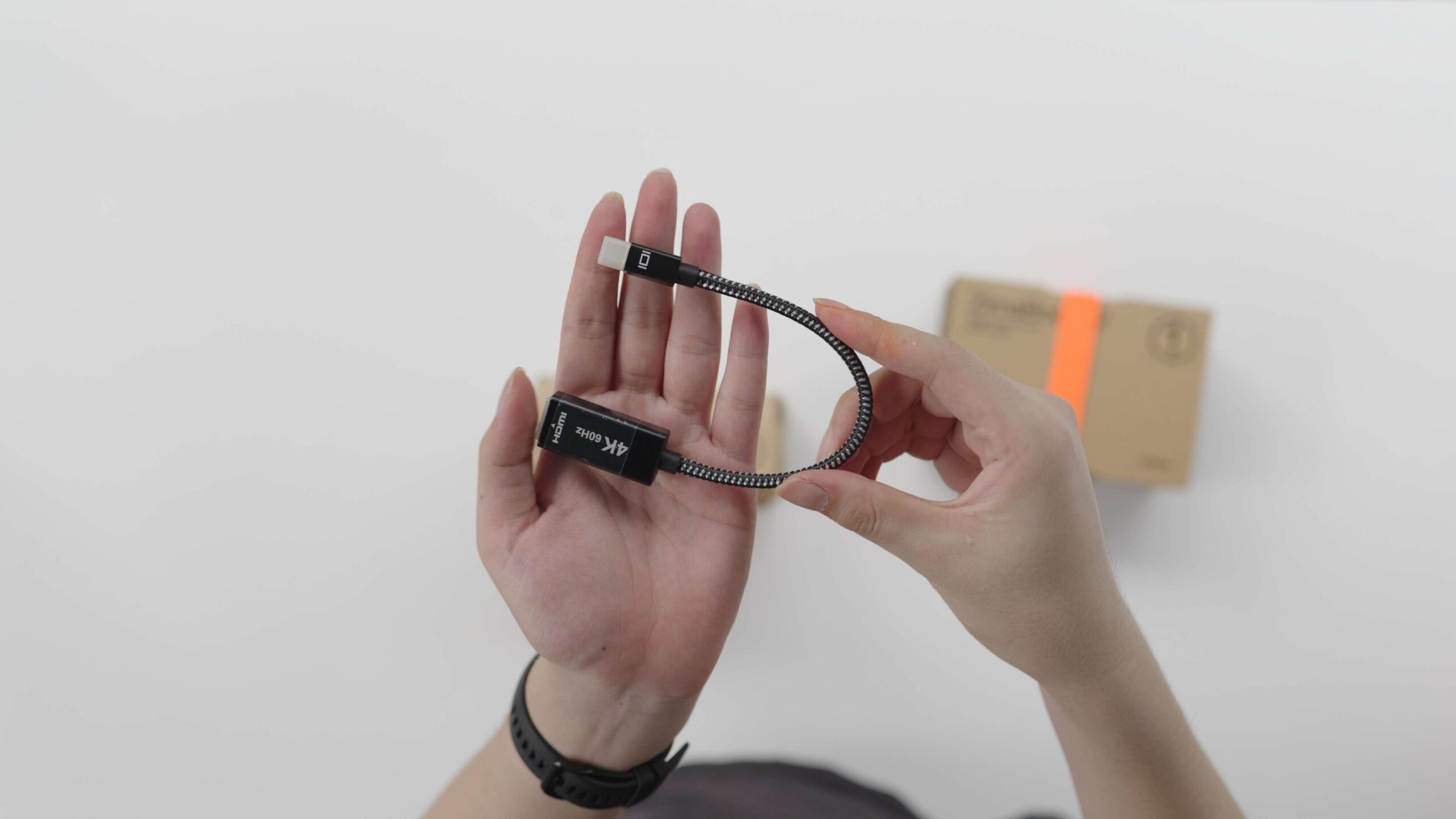
The package of ZimaBoard 2 doesn’t include many accessories inside, it is mainly divided into ZimaBoard 2 and a handful of important Accessories. Inside the Accessory box, there is, first of all, a miniDP-to-HDMI cable, supporting 4K 60Hz.
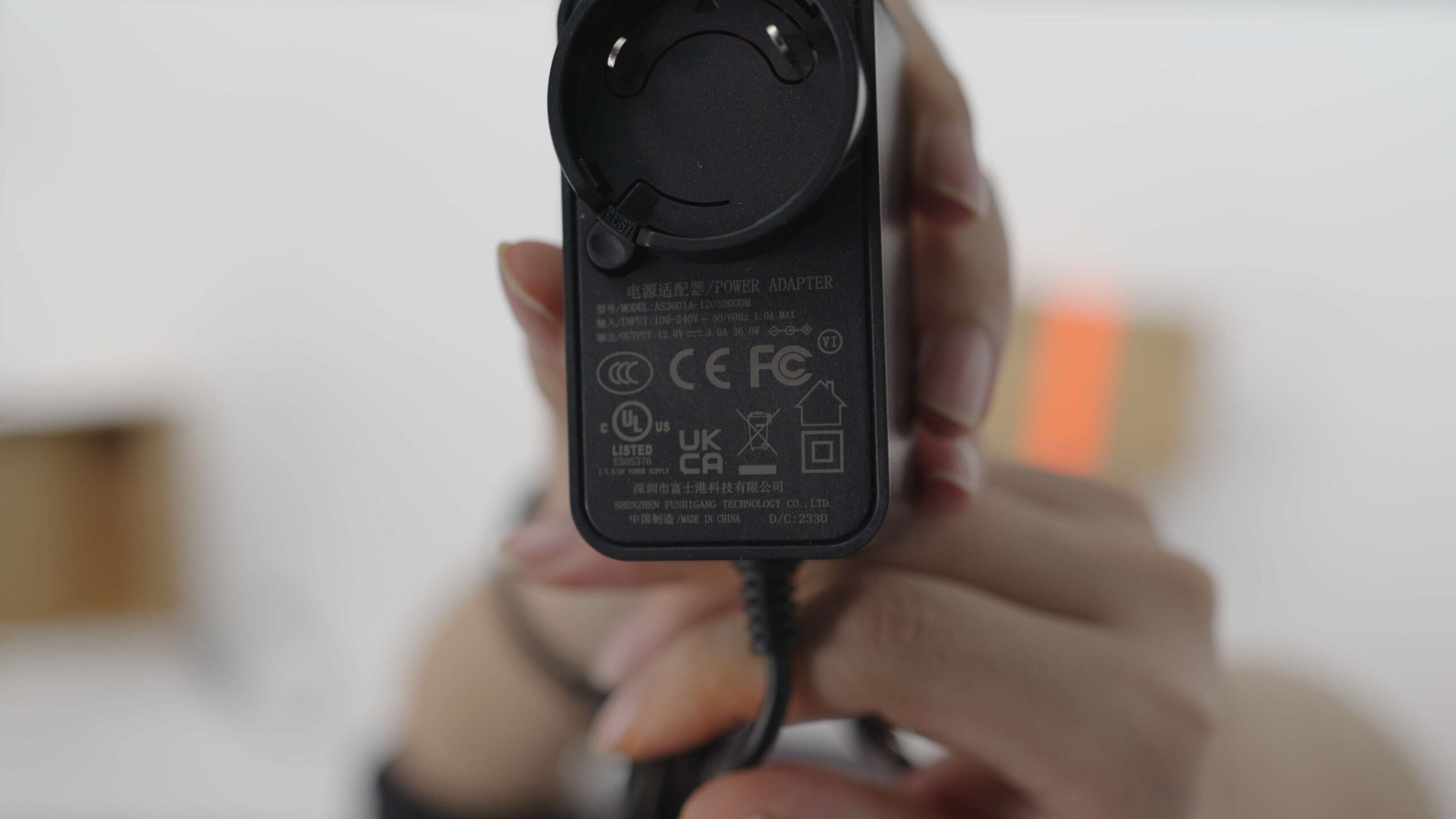
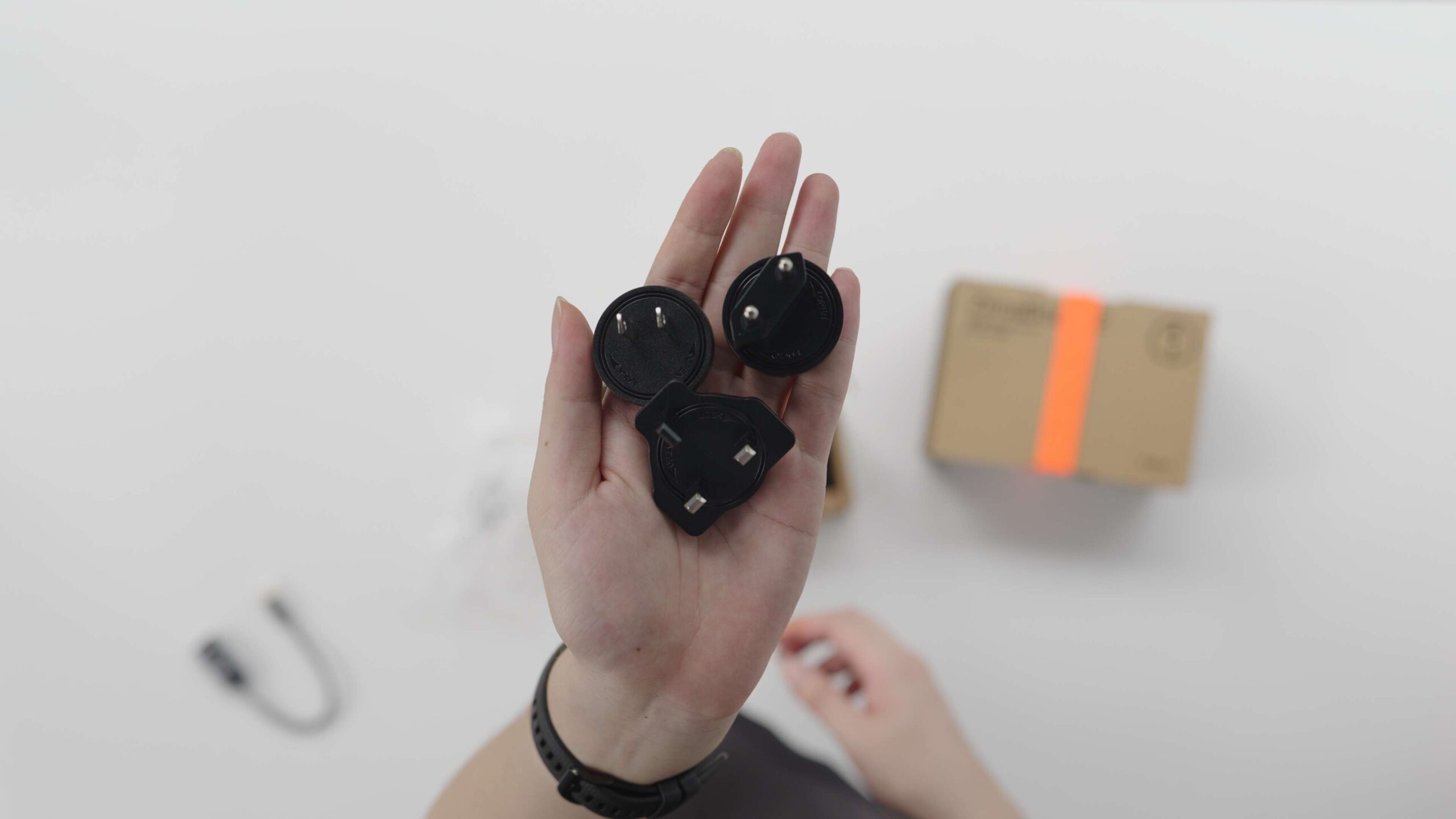
There is an AC-DC power supply that supports a wide voltage input of 100- 240V with an output at 12V 3A, and great news is that it comes with 3 different standard AC plugs.
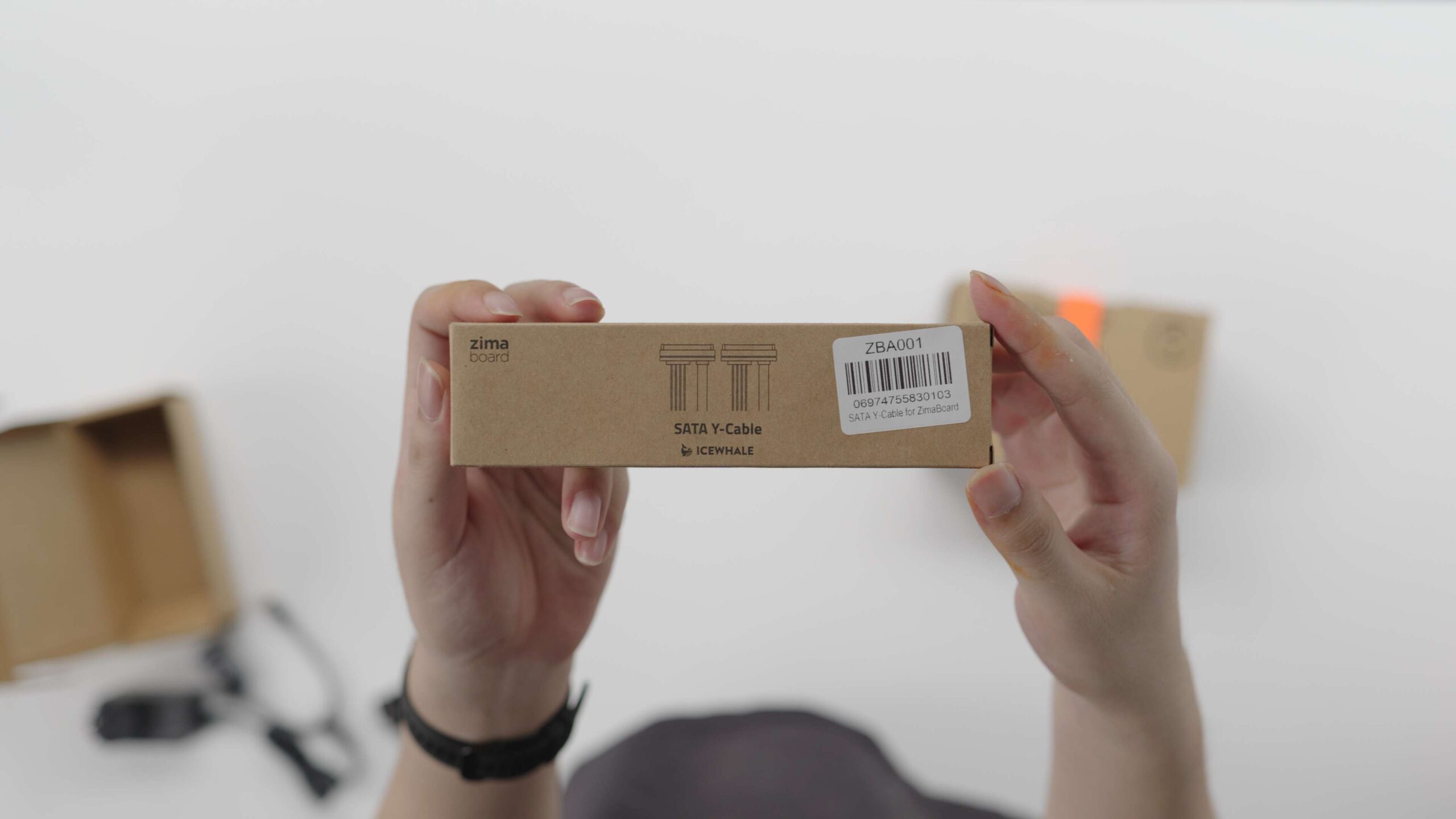
In addition, this small box is equipped with a SATA Y-Cable inside, which can connect two SATA disks to the ZimaBoard 2 at the same time.
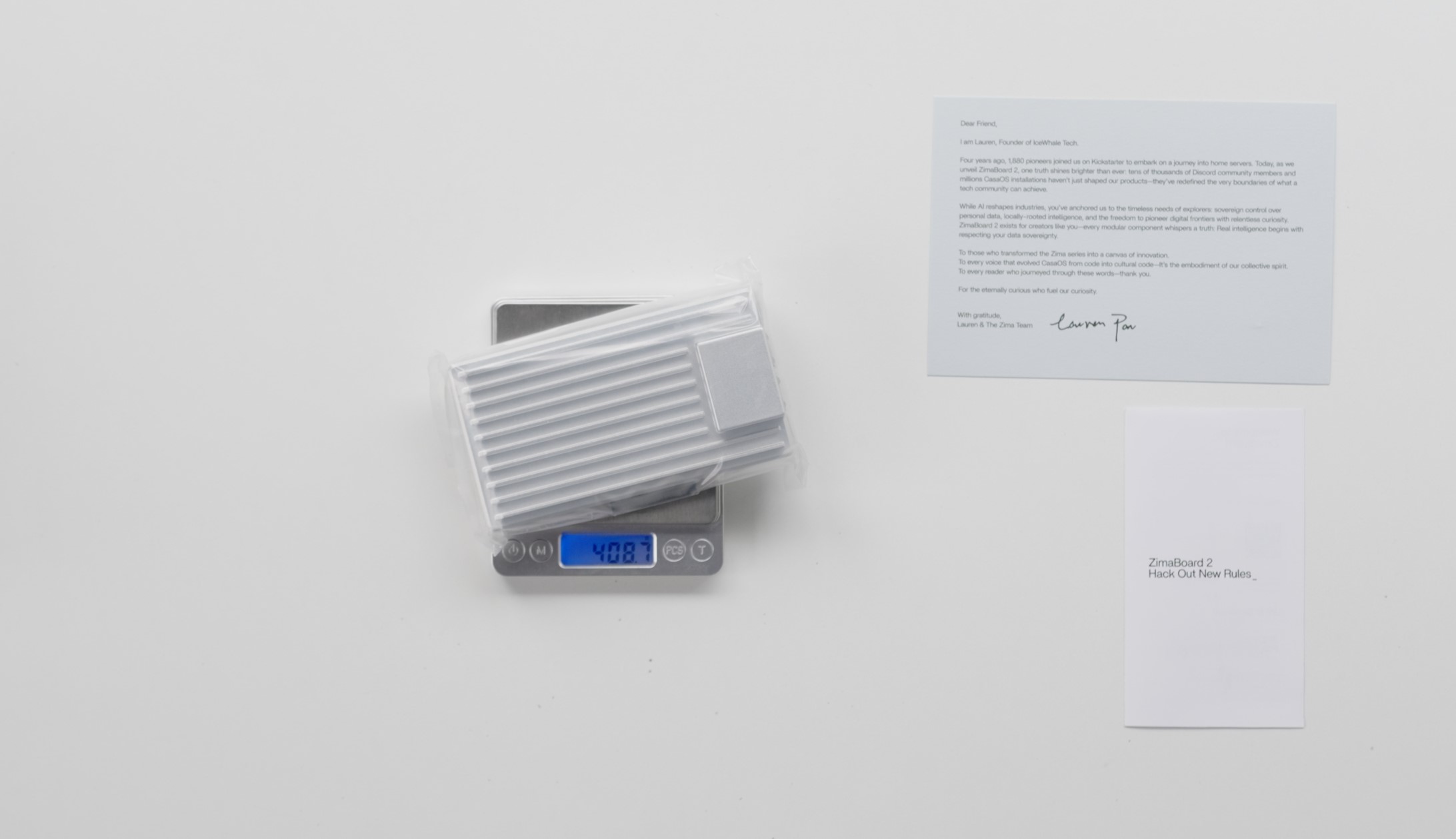
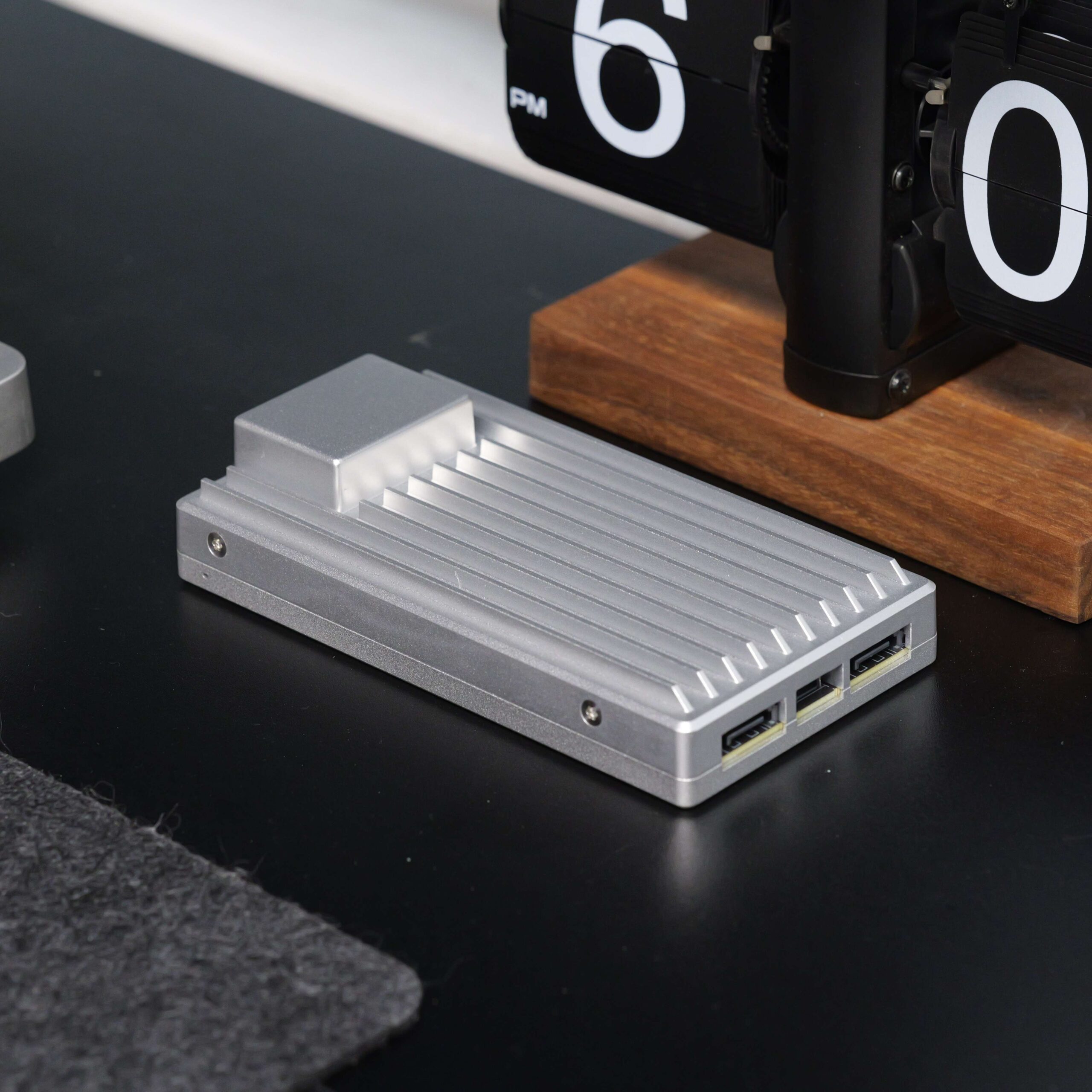
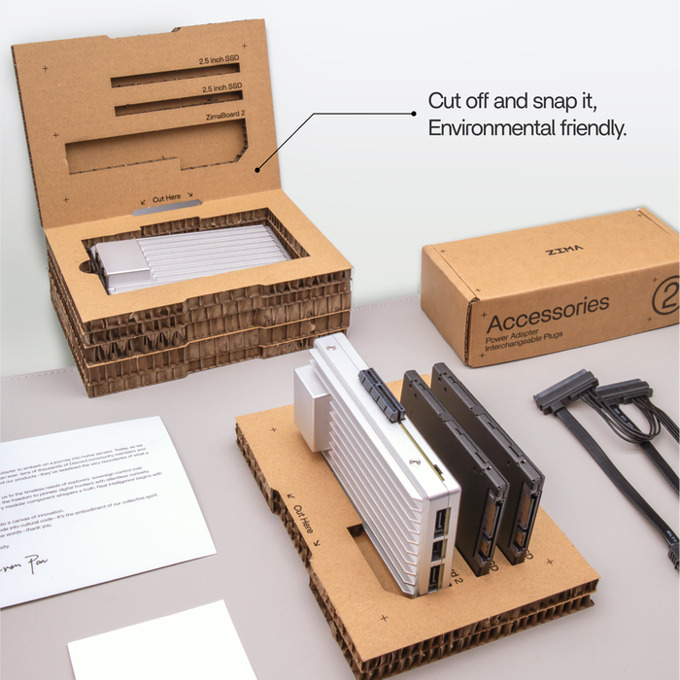
When you open the main box of the ZimaBoard 2, there is a thank-you letter as well as a quick guide inside, in addition to the ZimaBoard 2 itself. what’s interesting is that Zima developed the box into a chassis stand that gives zimaboard firmly supports with 2 extra disks.
Expandability\Performance
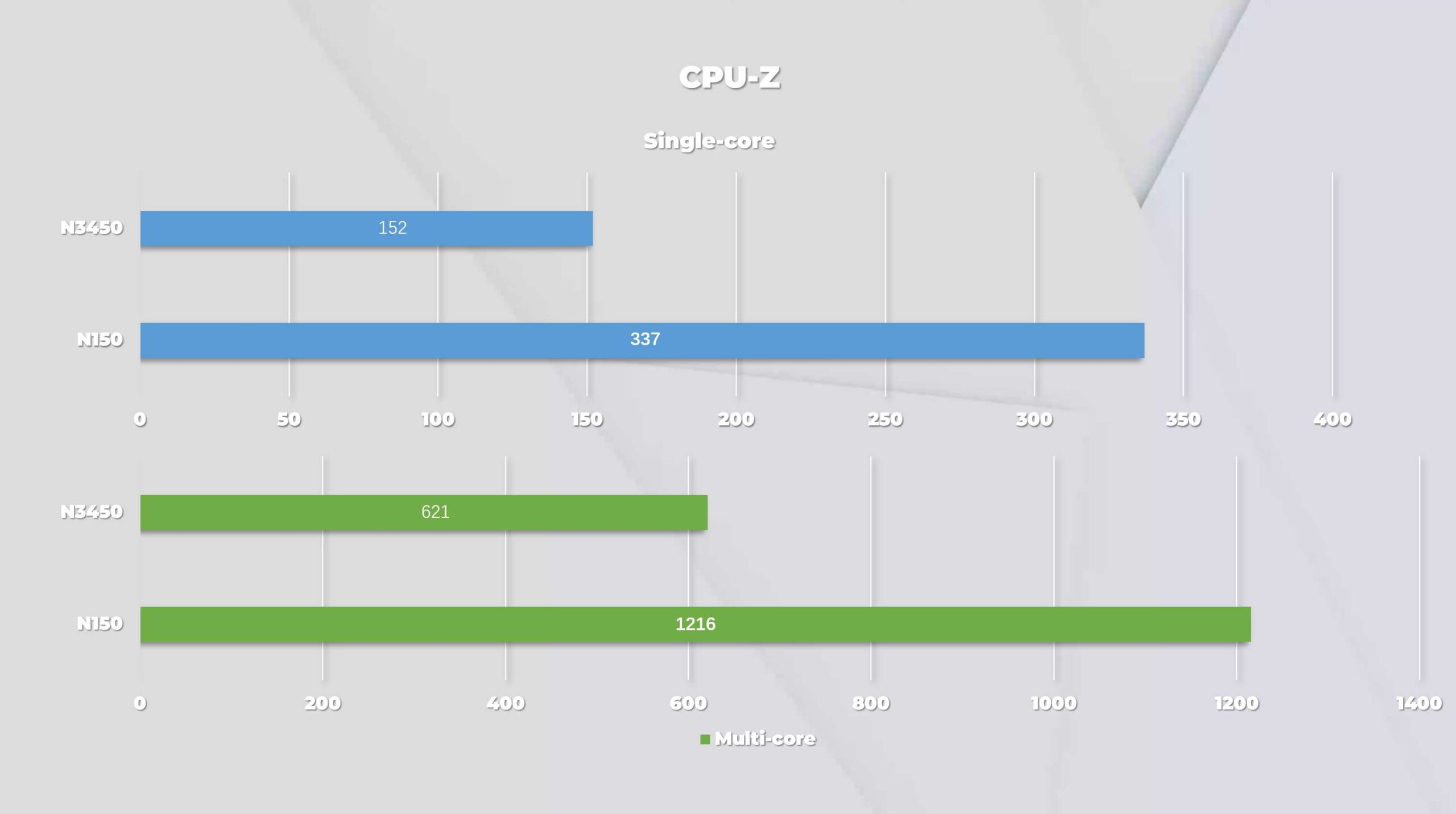
The N150 chip used in the ZimaBoard 2 is a 4-core, 4-thread Alder Lake-N architecture processor with a maximum Core frequency of 3.6 GHz. Compared to the previous N3450 with Goldmont architecture, the performance is a huge improvement (CPU-Z single-core 1216/multi-core 337, single-core 621/multi-core 152; R15 single-core 458/multi-core 154, single-core 140/multi-core 45). It’s equal to the same 4-core, 4-thread Intel Core I3 8100 on the desktop side, but the N150’s TDP is just 6W.
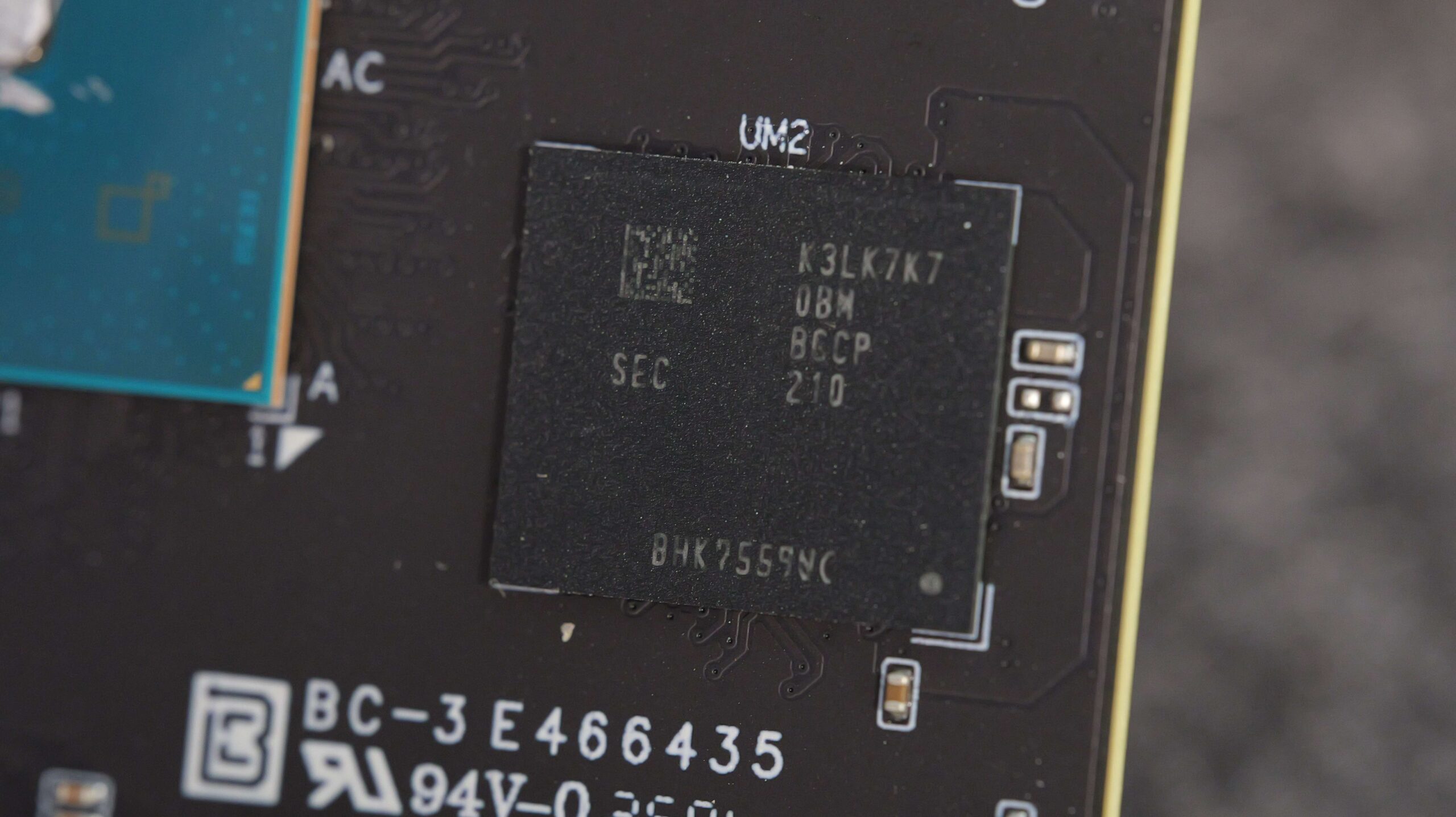
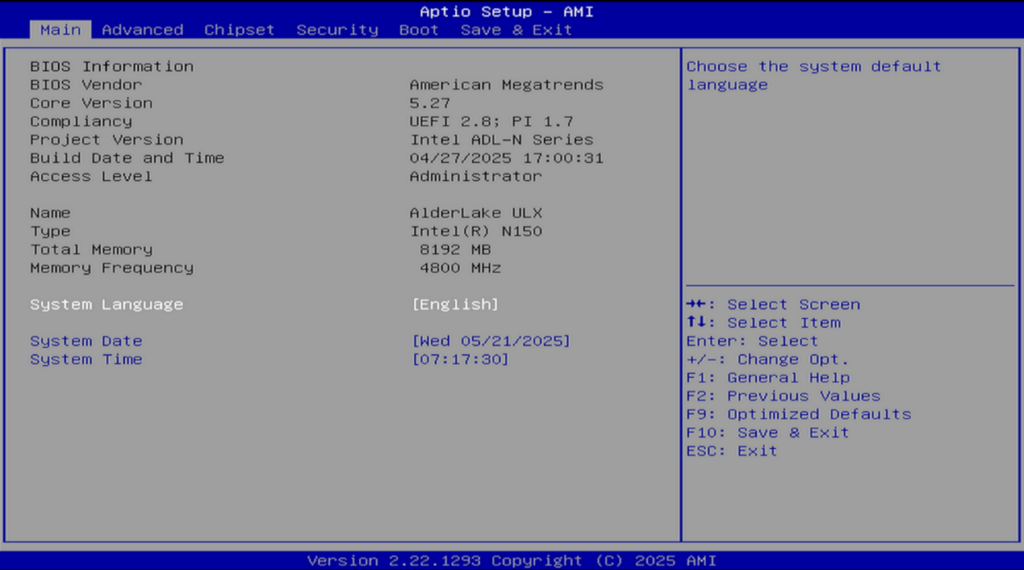
Upon disassembling the ZimaBoard 2, we discovered that it utilizes a Samsung K3LK7K70BM-BGCP memory chip, which is an 8GB 6400MHz LPDDR5 memory module. However, when we checked the memory in the BIOS, we found that it operates at a speed of only 4800 MHz. This limitation is due to the processor’s memory controller, which only supports a maximum speed of 4800 MHz. Moreover, since the memory is installed using a BGA (Ball Grid Array) method, it cannot be upgraded or expanded. As a result, if you plan to run virtual machines or a large number of Docker services, the 8GB memory capacity may significantly restrict your performance.
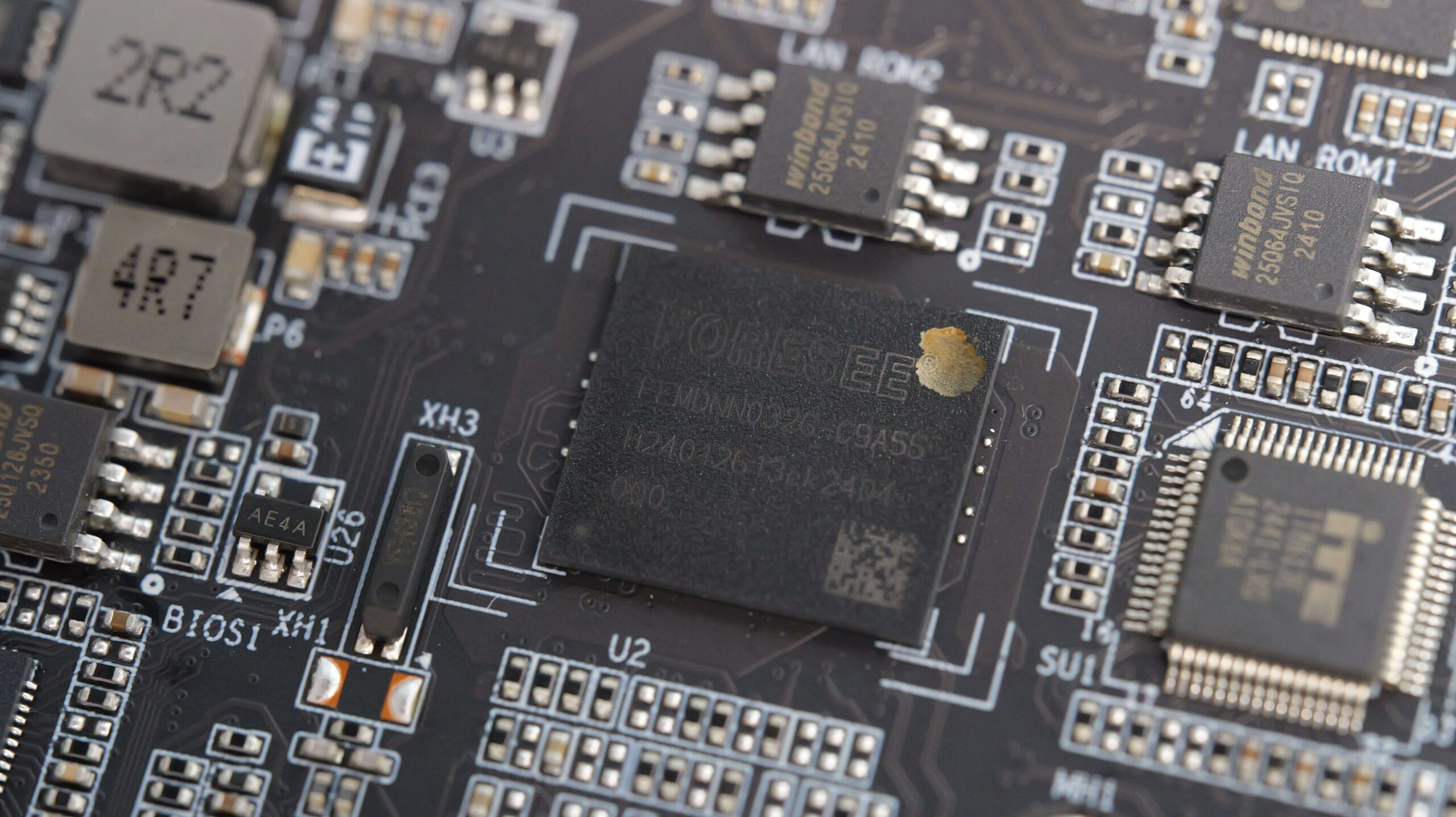
There is 32 GB of eMMC flash memory built into the body. Based on our teardown, we can see that it’s a FORESEE EMMC 5.1 chip, with sequential reads and writes at 346/217 MB/s. Unfortunately, your FORESEE doesn’t mention whether it’s an MLC chip or a TLC chip in the datasheet.
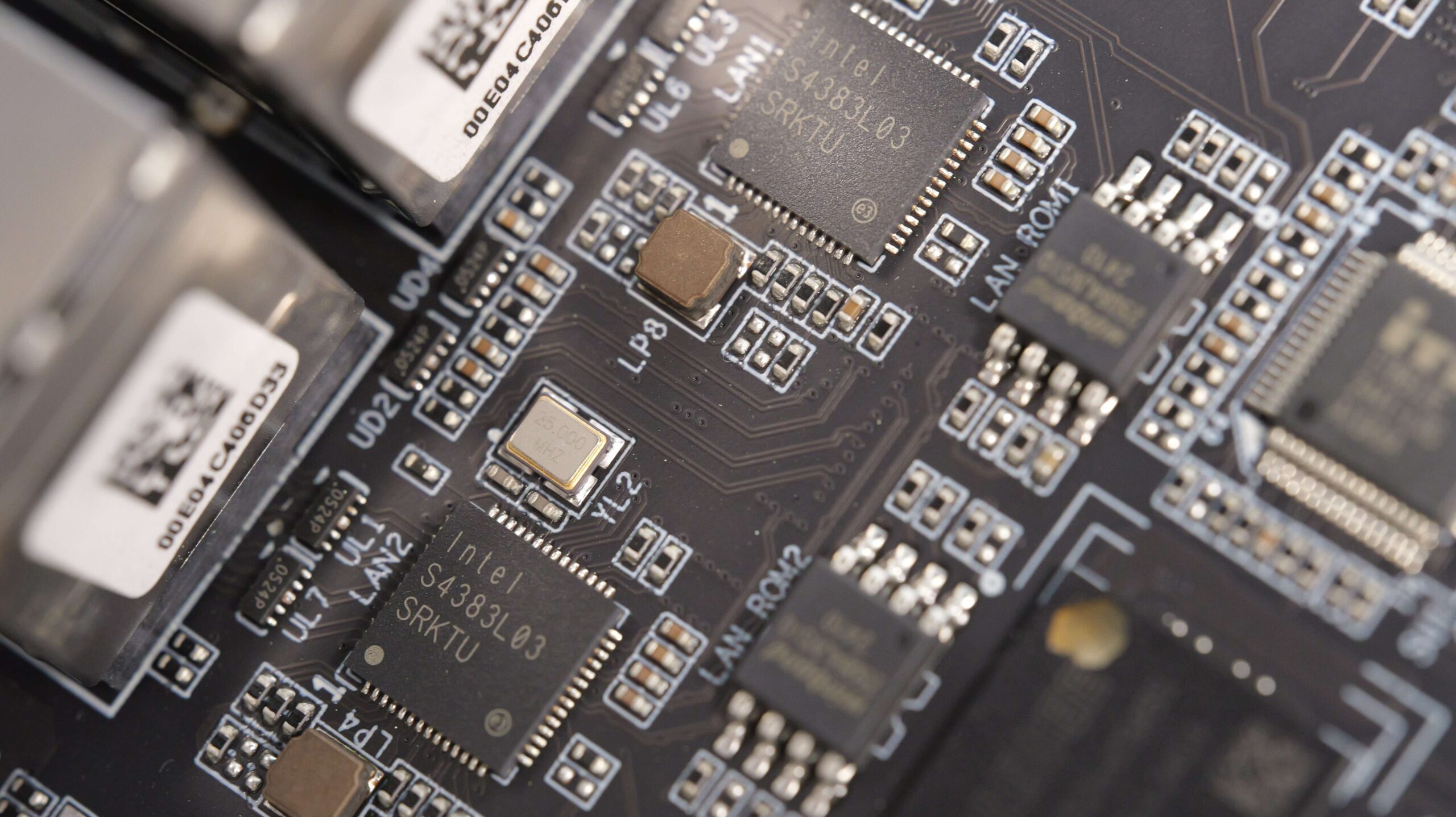
Next to the CPU are two Ethernet controllers from Intel. Here we get the exact model number of this chip with the lspci command, which is Intel Corporation Ethernet Controller I226-V (rev 04). It’s a 28nm nanometer network controller, and while it sounds like a backwards process, it only has a TDP of 1.3W, and it fixes a hardware bug that breaks the flow of traffic compared to the more familiar 225-V. This allows the ZimaBoard 2 to be more stable when transferring files.
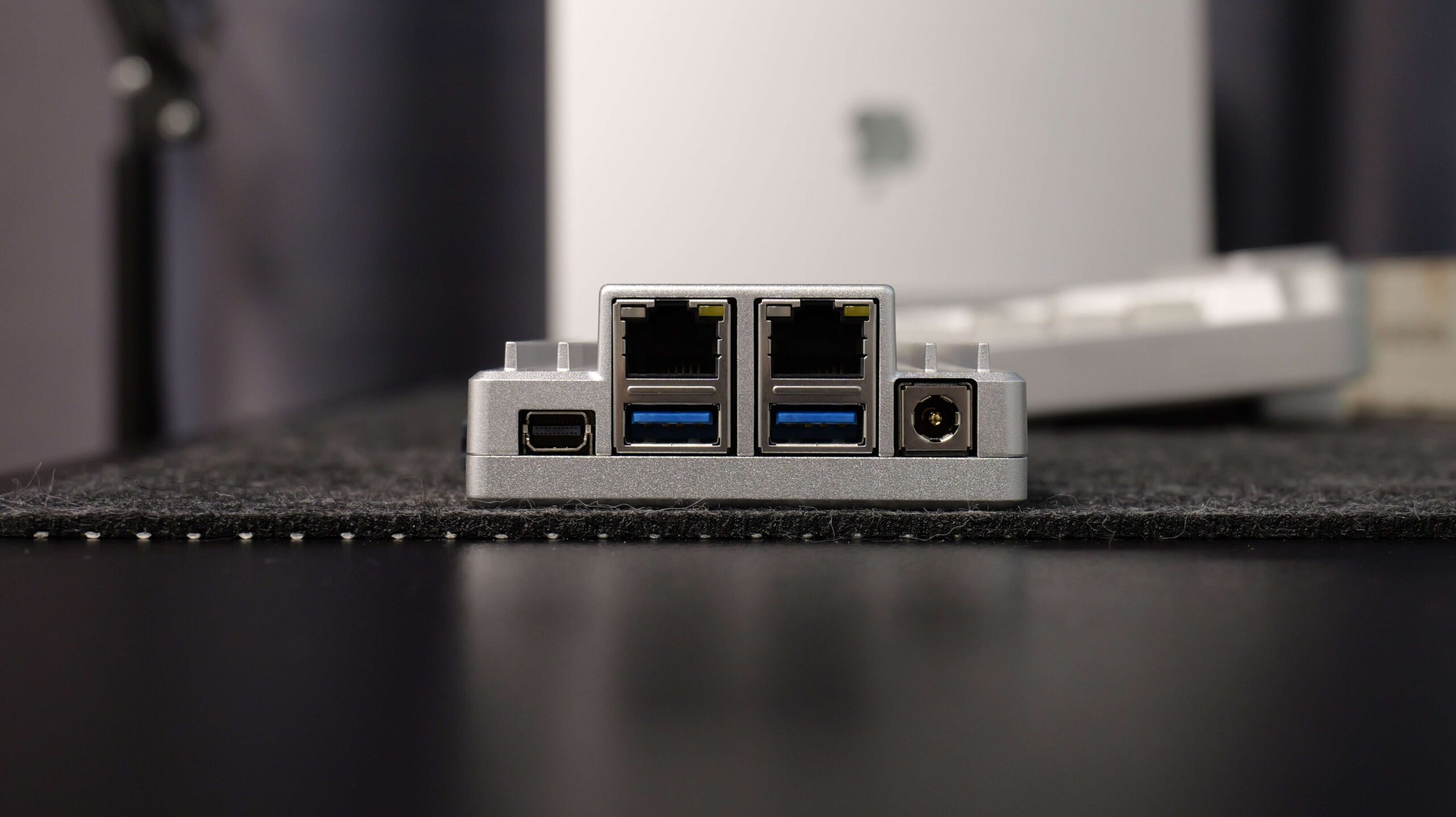
There are also two 5 Gbps USB-A ports and a miniDP port that can output 4K 60Hz. Also, this new set of molds is the same size as the previous ZimaBoard with the N3450. So there are some conflicts when you are plugging in a network card, graphics card, or other expansion card with a PCI-E bezel.
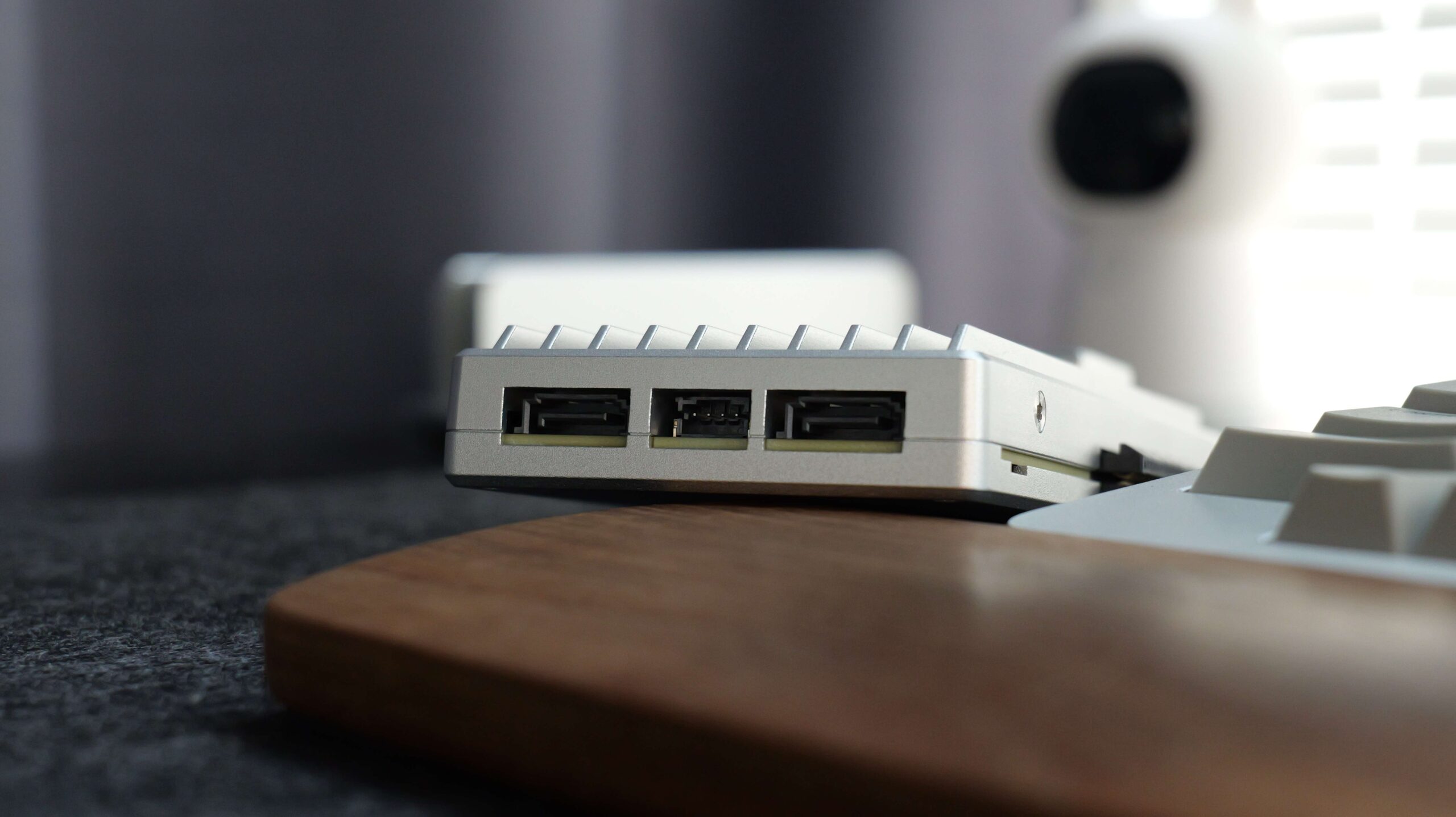
On the other side, it comes with two 6Gb/s rate SATA protocol ports, and both are native to the CPU. The center socket provides a 5V or 12V power output for SATA drives.
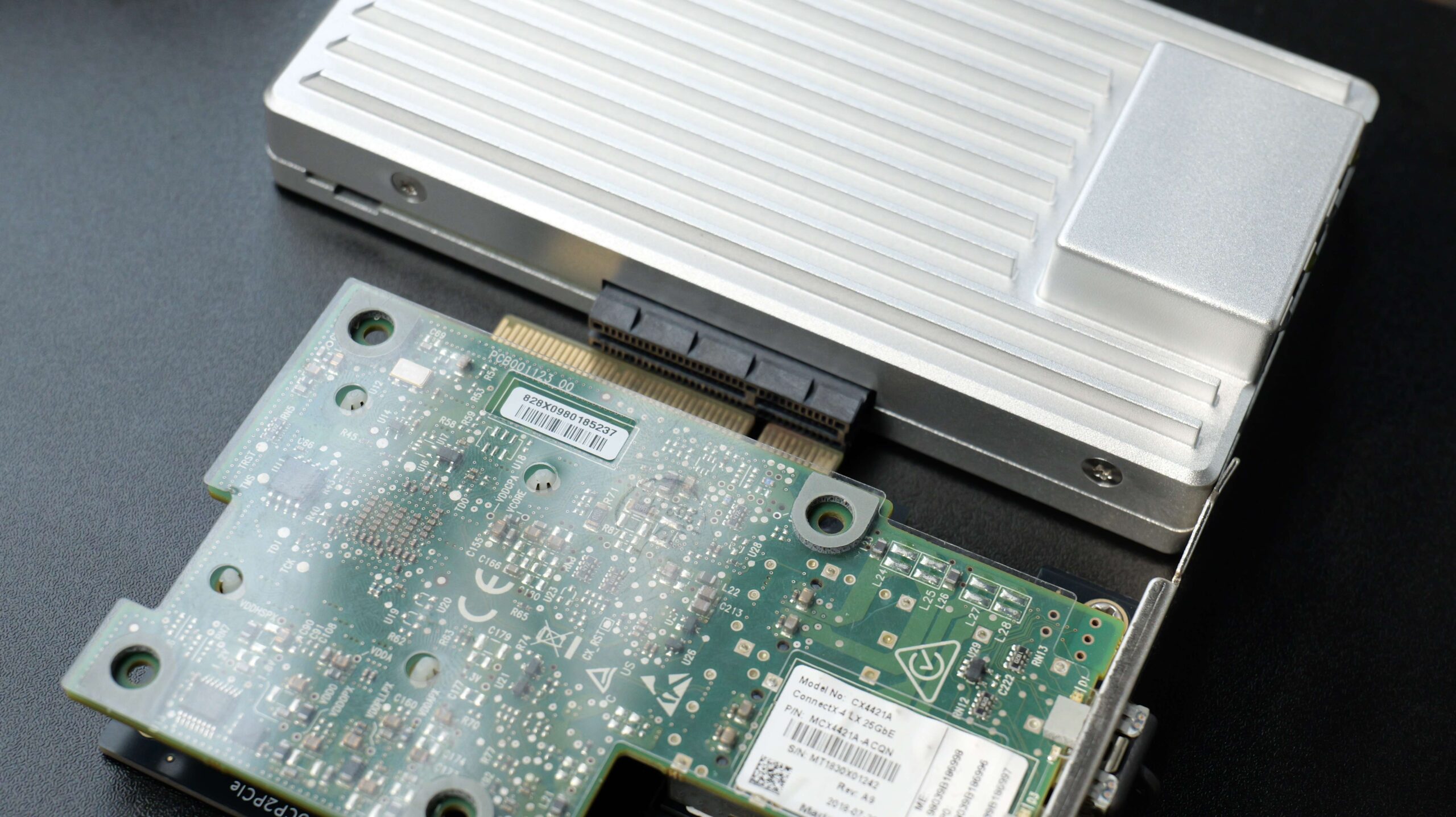
To do this, we connected two 3T 7200 HDDs from Seagate using the included SATA cables, as well as a 1TB NVMe SSD using the PCI-E 3.0 X4 connector on the side, but after we finished installing it and powering it up, something weird happened. We noticed that the ZimaBoard 2 was constantly rebooting. After our inspection, we realized that the cause of this problem was that the power consumption of the two HDDs exceeded the upper limit of the power supply (36W) while booting. So the power adapter activated the overcurrent protection, causing this problem.
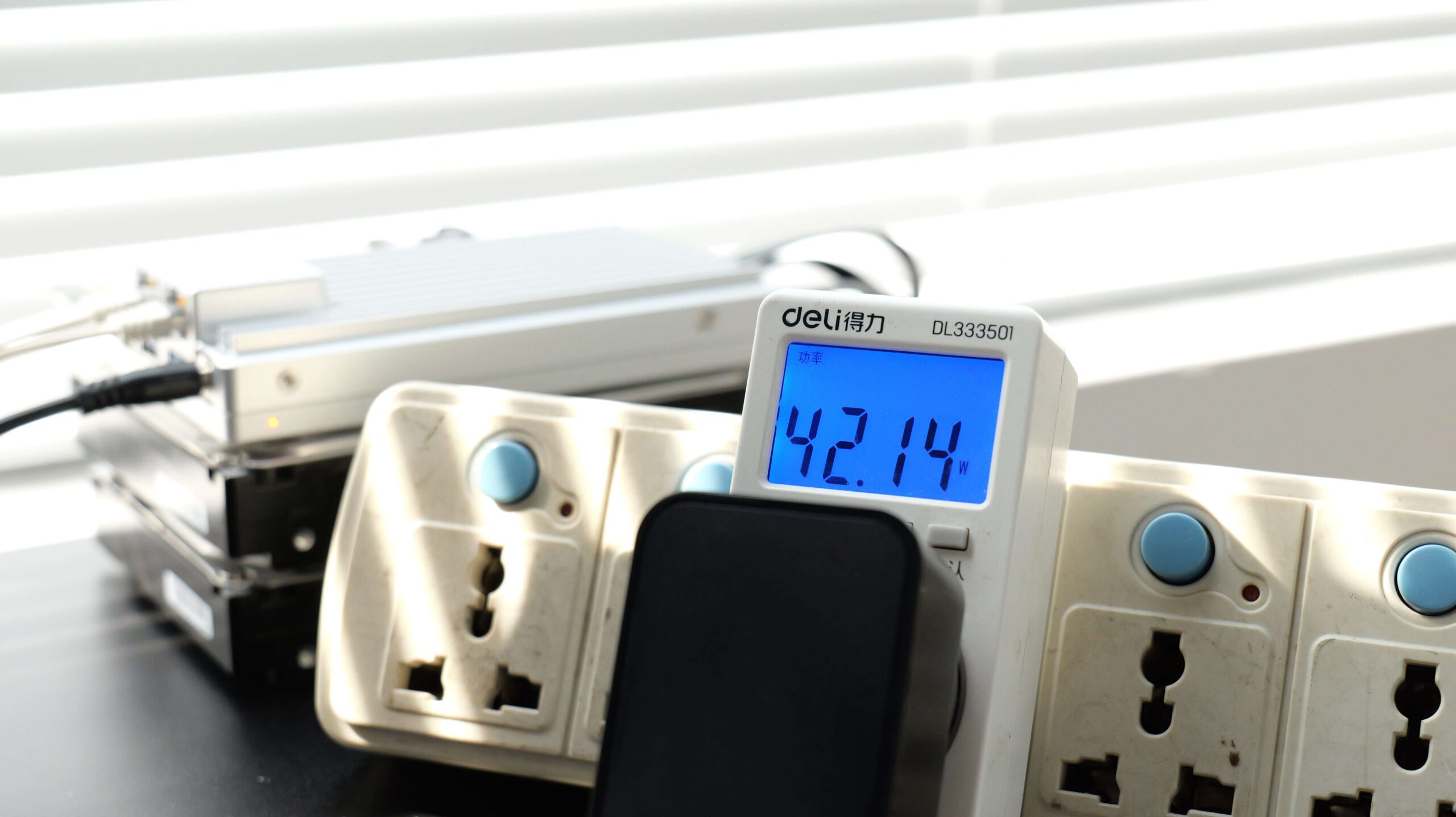
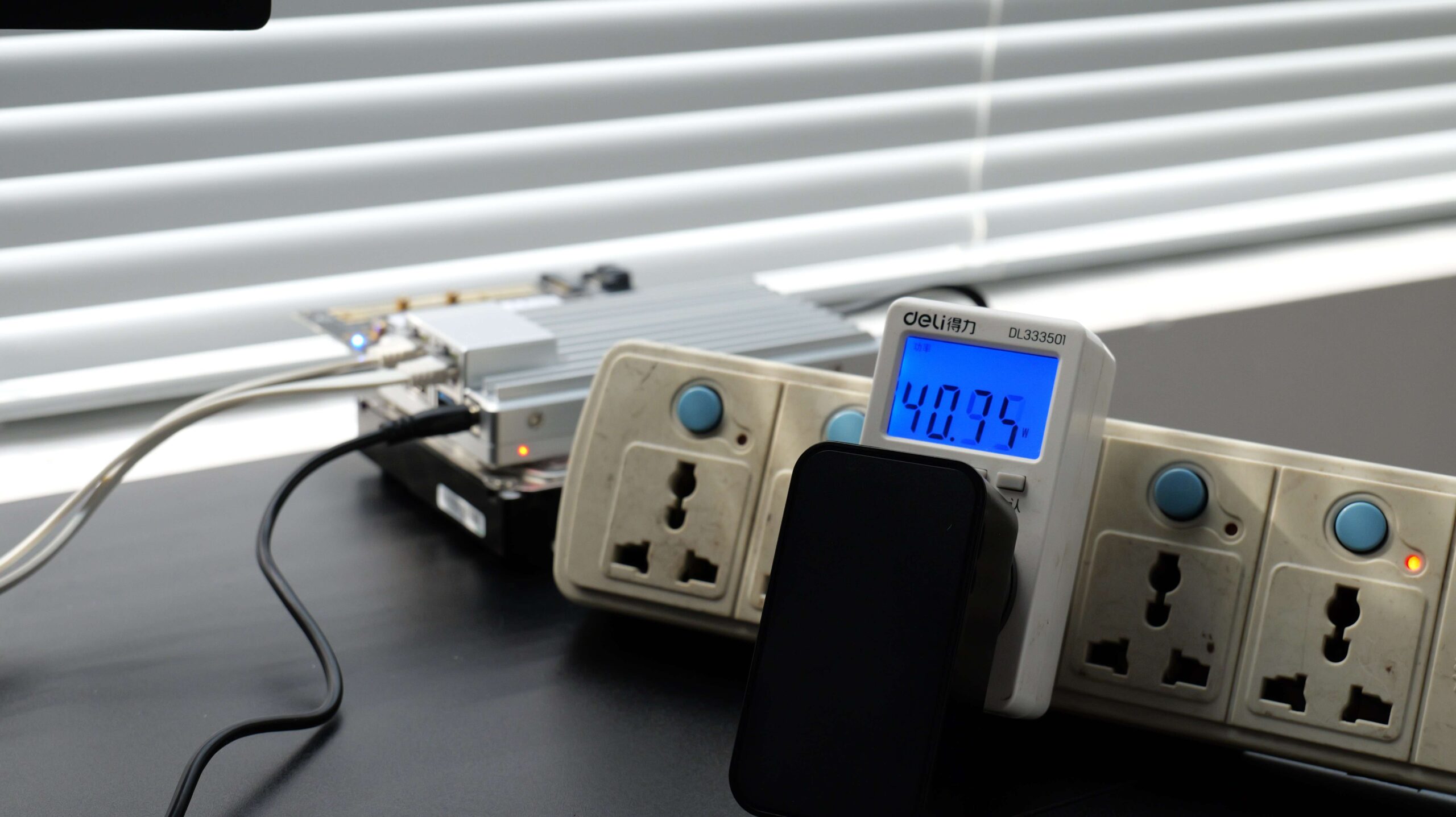
Since I don’t have a power supply with the same connector and more power around, I removed one HDD for testing here. But even if only one HDD was activated, the power required in the process was still beyond the range of the power adapter. It didn’t trigger the overcurrent protection, but that’s still not a good sign. So while you’re using this machine to deploy servers, I’d recommend replacing the stock adapter with a higher specification one. But if you’re using a lower power 2.5″ HDD or SSD, then this system won’t run into this problem when booting both drives at the same time.
System Support
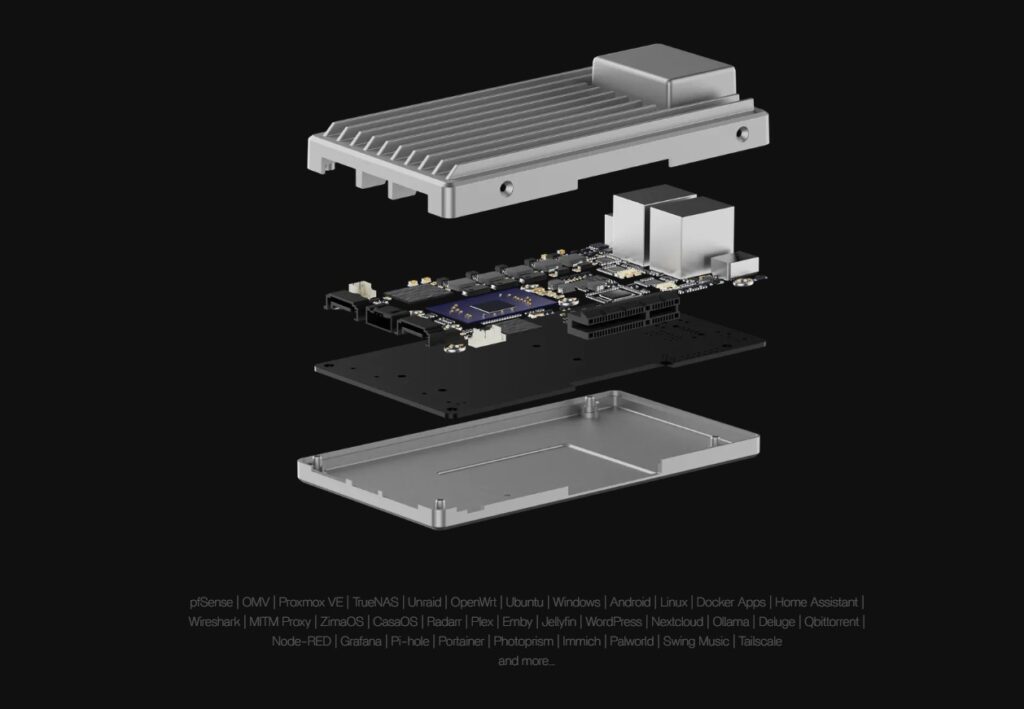
ZimaBoard 2 supports unRAID, PVE, OMV, ZimaOS, TrueNAS, Debian, Windows, OpenWRT, and more. However, we would like to deploy a system that is not supported by ZimaBoard 2: fnOS.
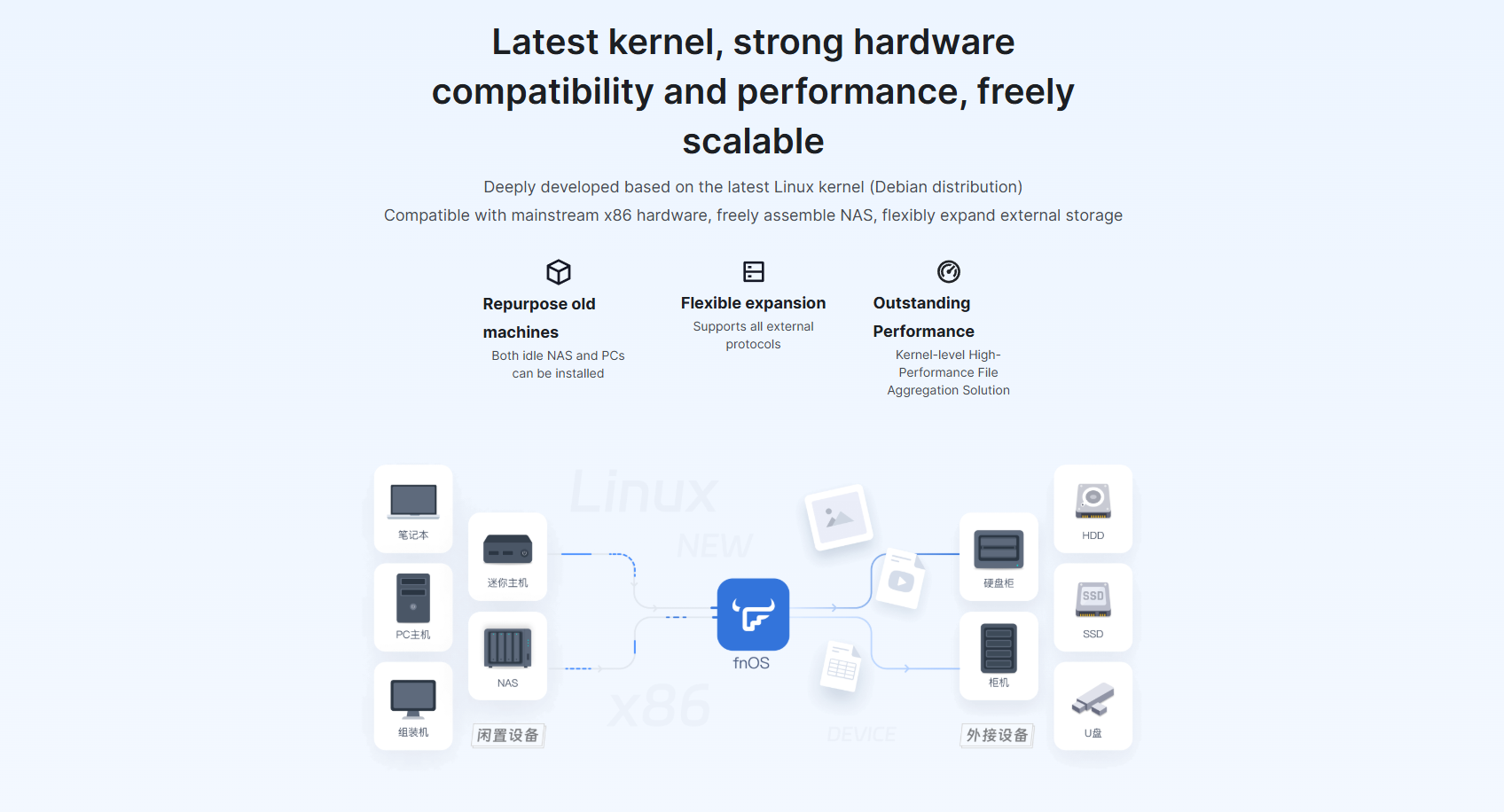
It is a NAS system developed by a Chinese company based on Debian and compatible with mainstream x86 hardware. It has been featured on the Chinese version of YouTube, Bilibili, with many video testimonials and demos. From the information we have received so far, this system will be a strong competitor to other NAS systems in the future. I say “future” because they are in public beta right now, and there is no English version. That didn’t stop me from trying it out, though.
Deployments
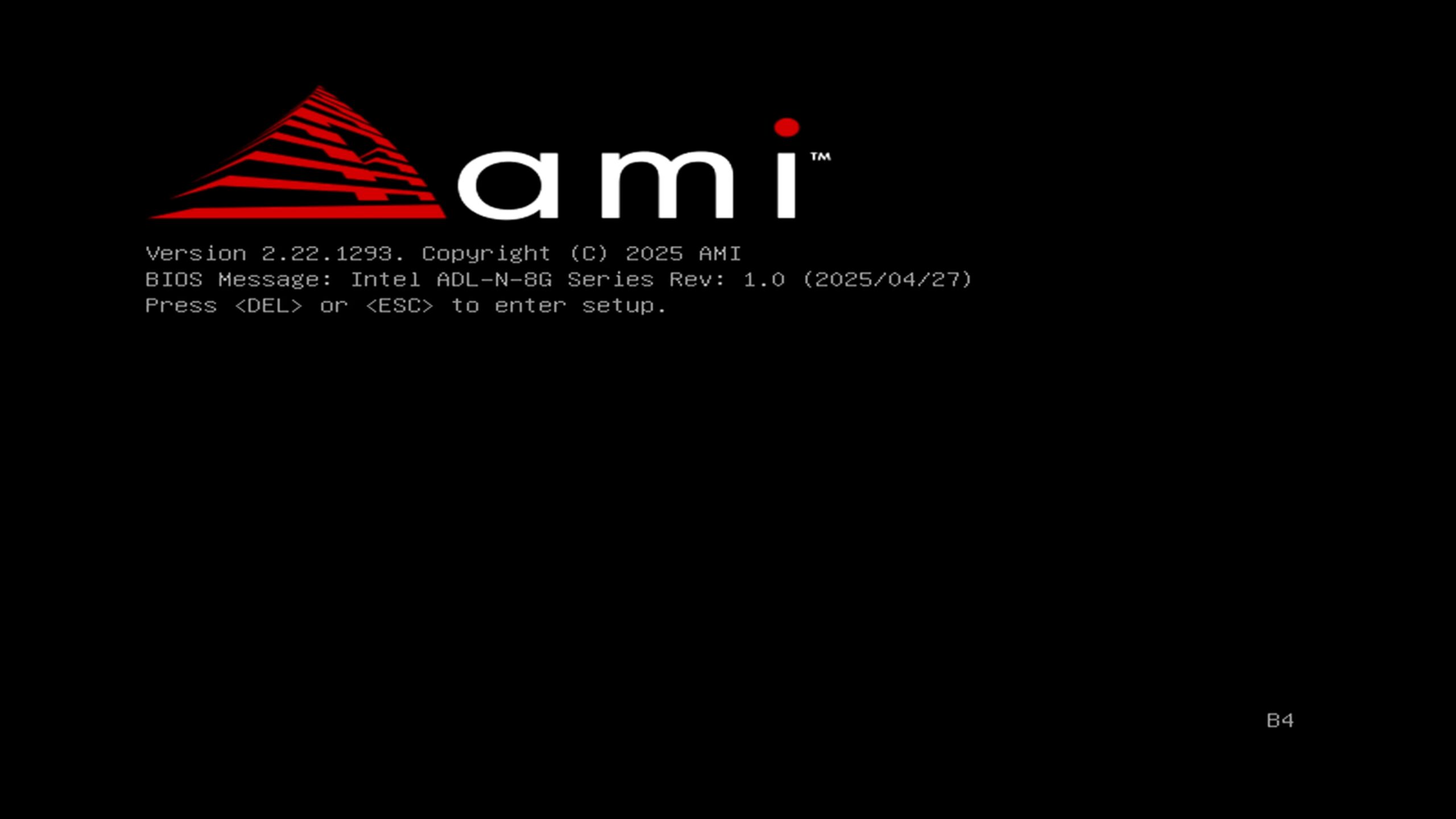
First, when we turn on the computer, we press DEL according to the on-screen prompts, enter the BIOS, and select the USB flash drive.
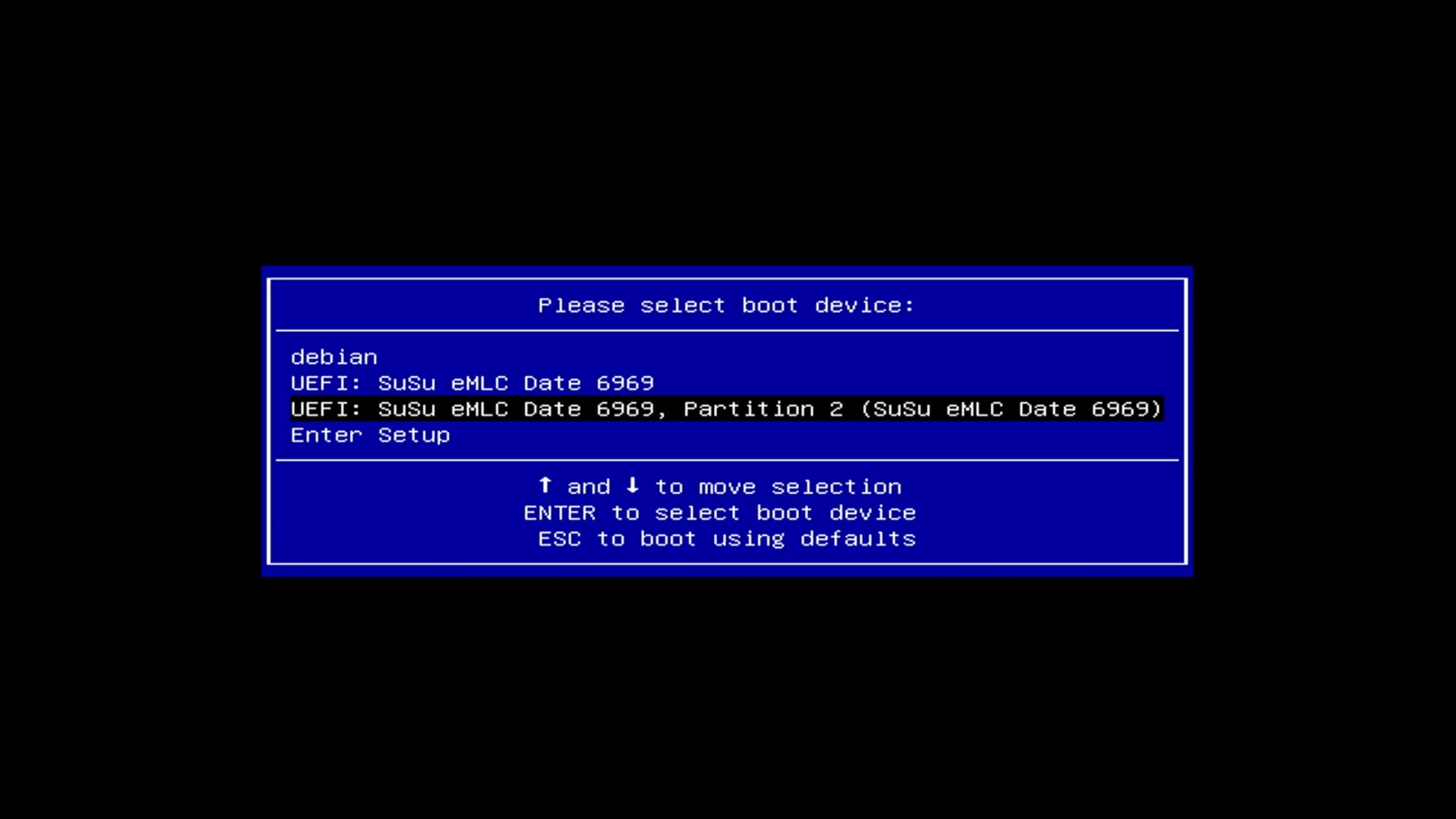
We can then follow the prompts to install the system directly onto the motherboard’s built-in eMMC flash memory.
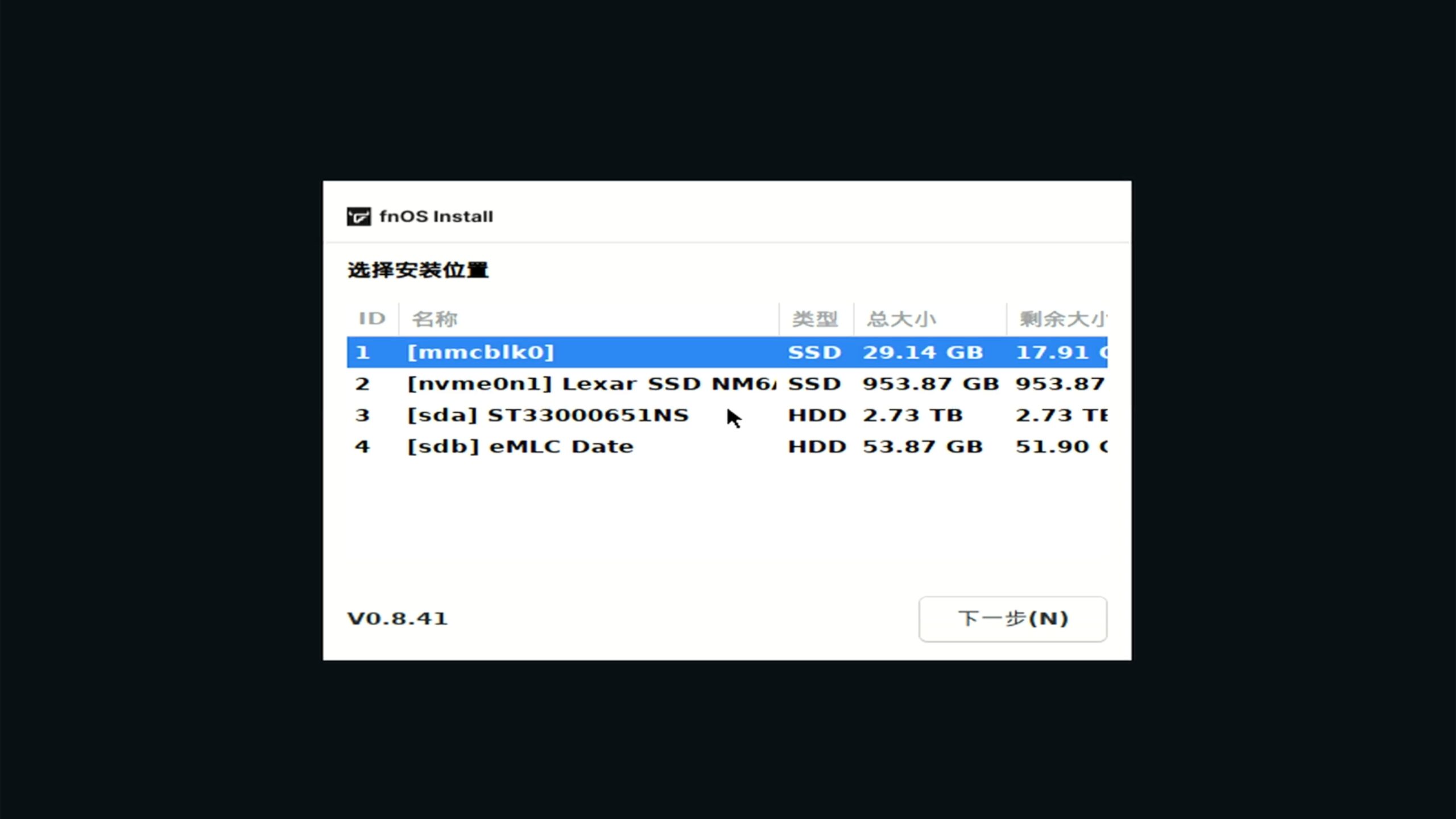
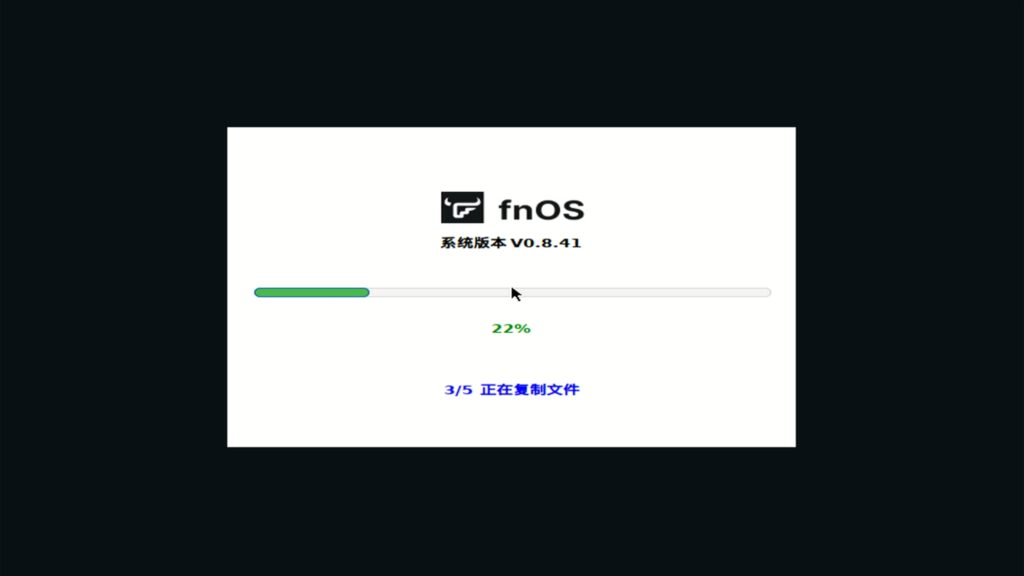
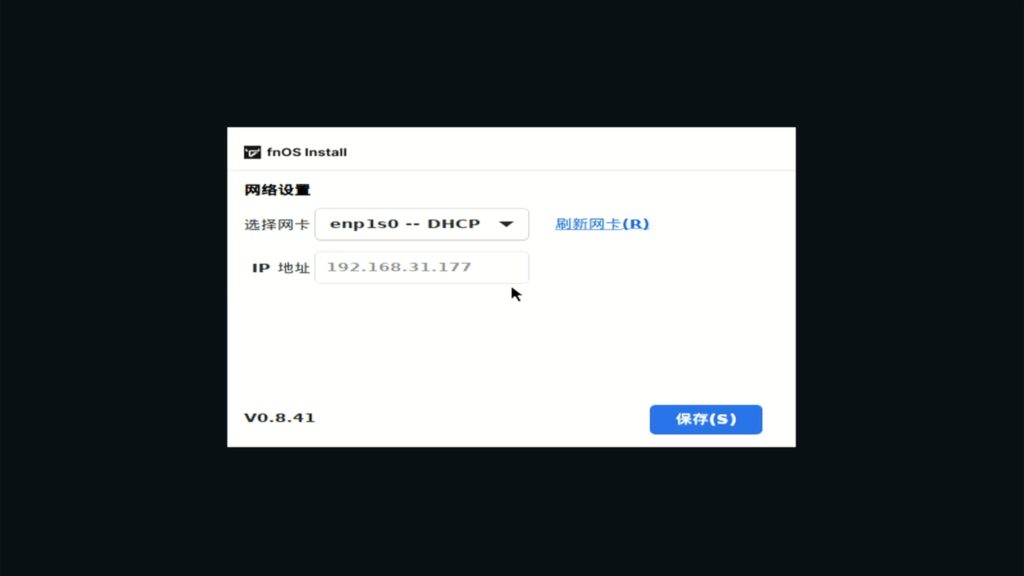
After that, we can proceed with the boot system installation. After setting the management IP address, open the browser on the computer and enter the IP address displayed on the screen to access the WEBUI management interface.
Then, follow the prompts to set the device name, super administrator account, and password. Finally, enter the system.
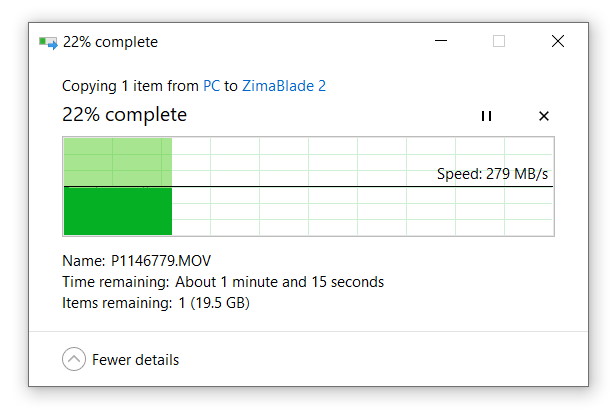
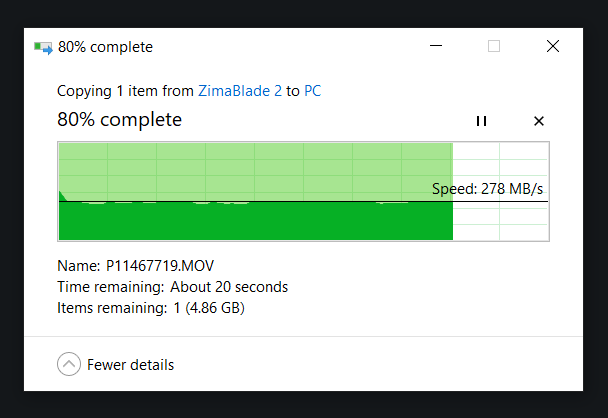
Next, we copied a 25 GB video file from the PC to the ZimaBoard 2. The speed was steady at over 270 MB/s and as fast as 500 MB/s.
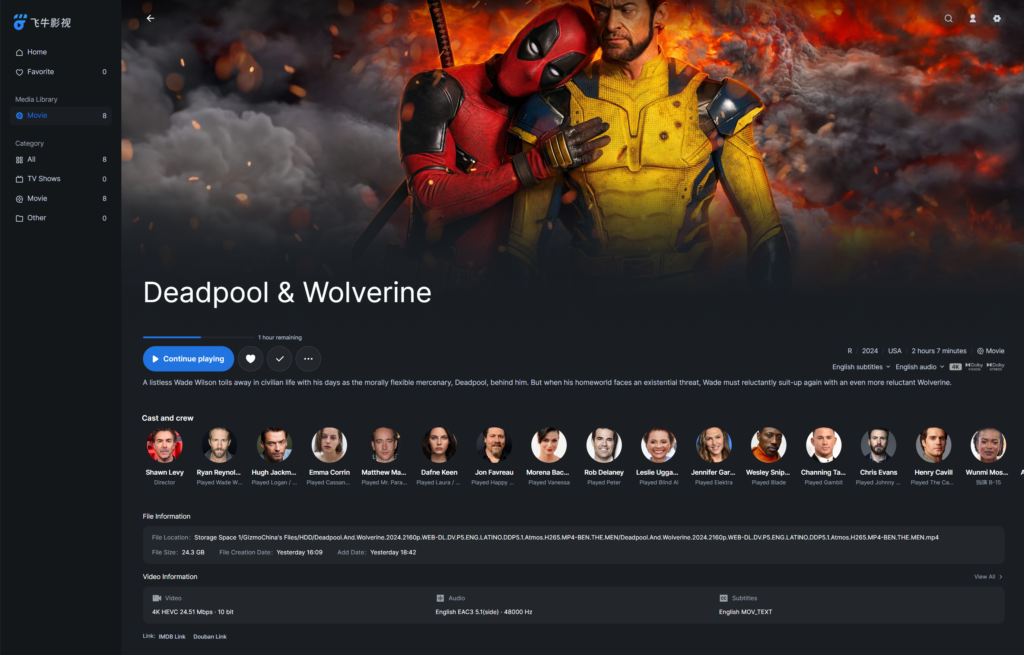
Now, let’s try out FNOS’s movie and TV features. Of the eight movies I copied for testing, FNOS recognized the movie titles perfectly and automatically matched them to the metadata.
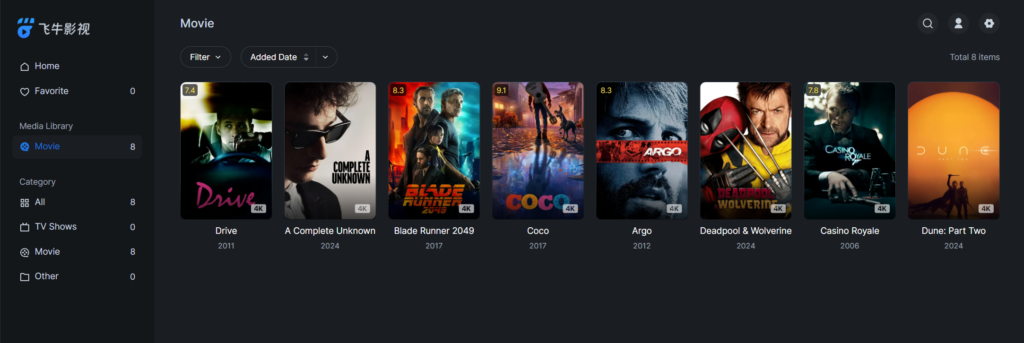
The cast list is quite complete and provides an IMDb link for further information about the movies.
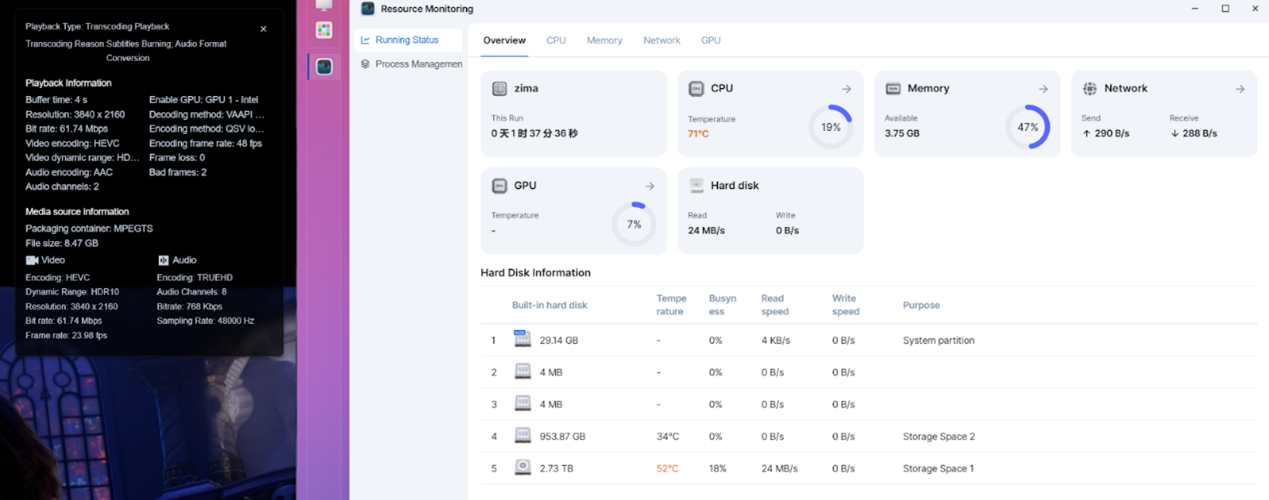
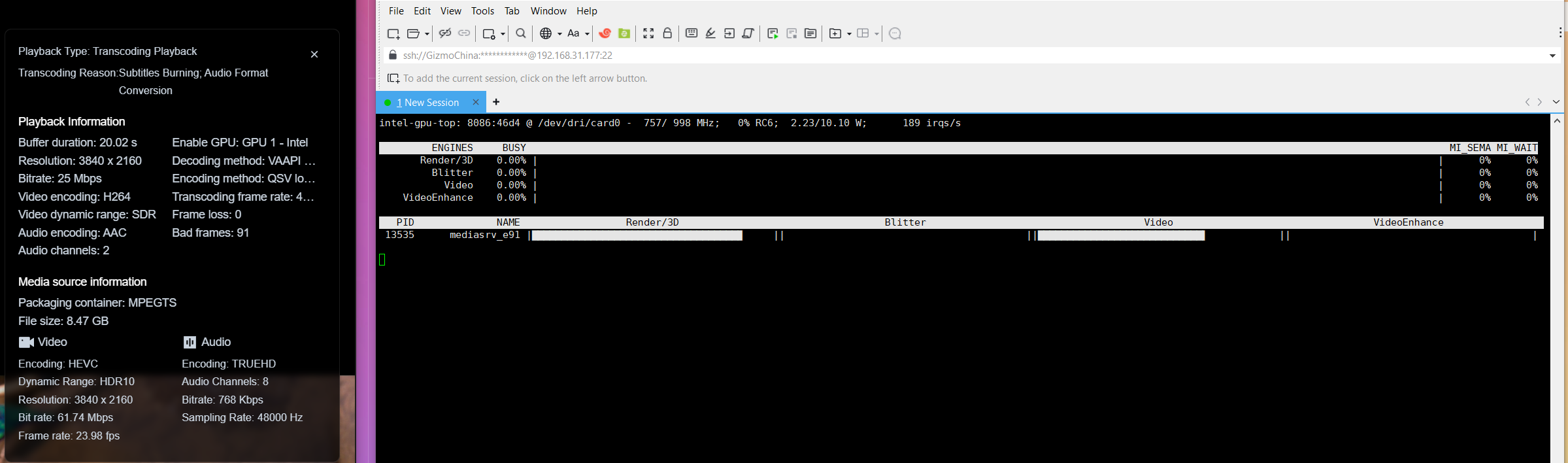
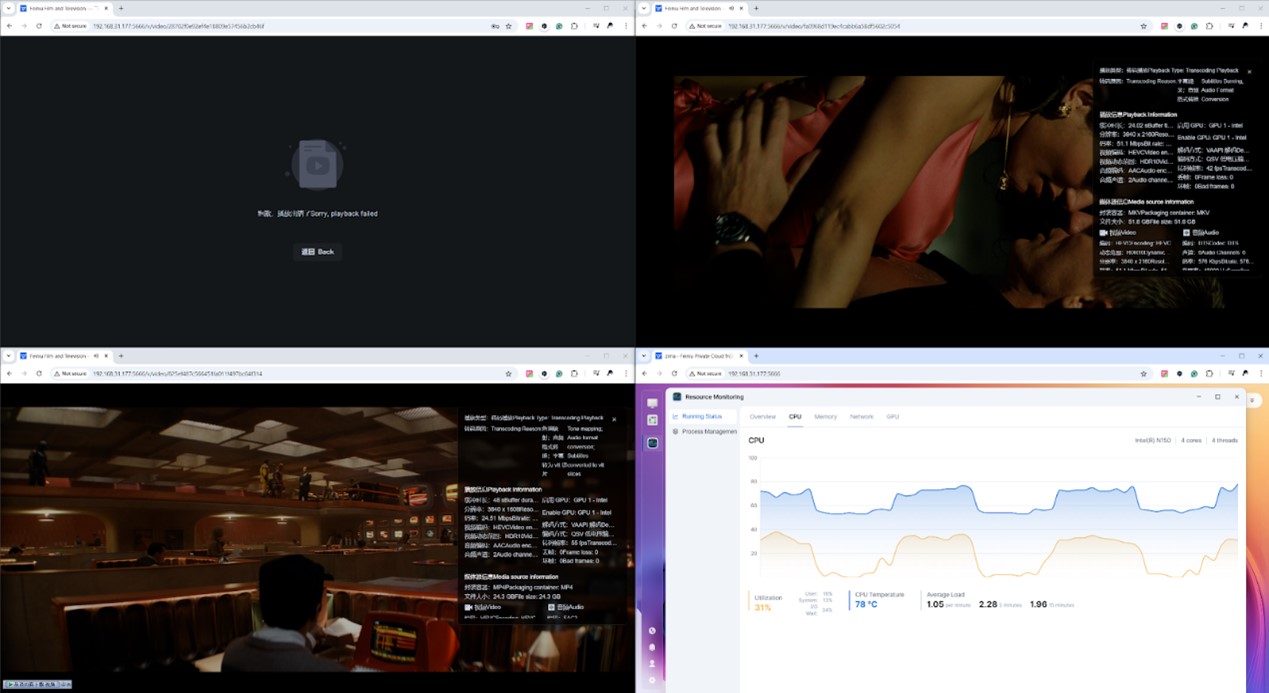
During playback, the ZimaBoard 2 quickly converted the HDR movie to SDR. We can also see in FNOS Explorer that it’s using the N150’s GPU for transcoding. However, when we turned on the third transcoded 4K HDR video, we encountered some performance issues.
A look through Explorer reveals that the performance bottleneck occurs in RAM at this point. The RAM is full, so the system starts to use SWAP, while the CPU and GPU appear to be free-loaded.
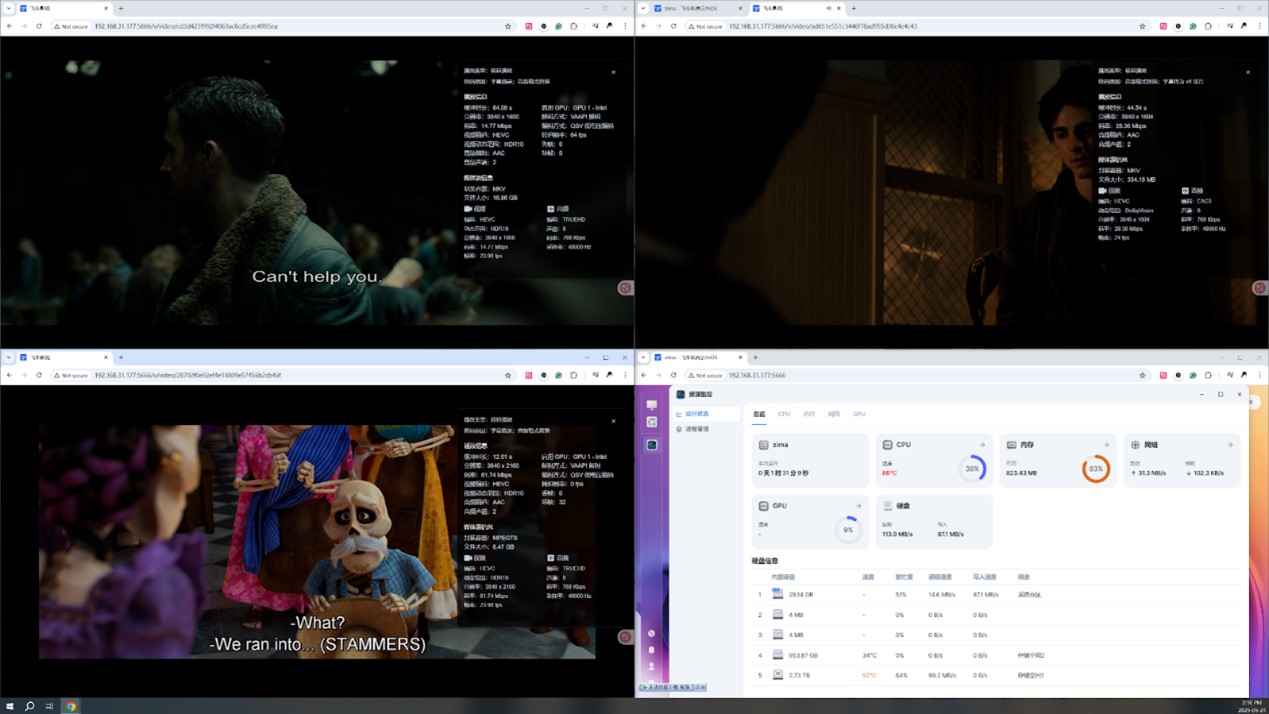
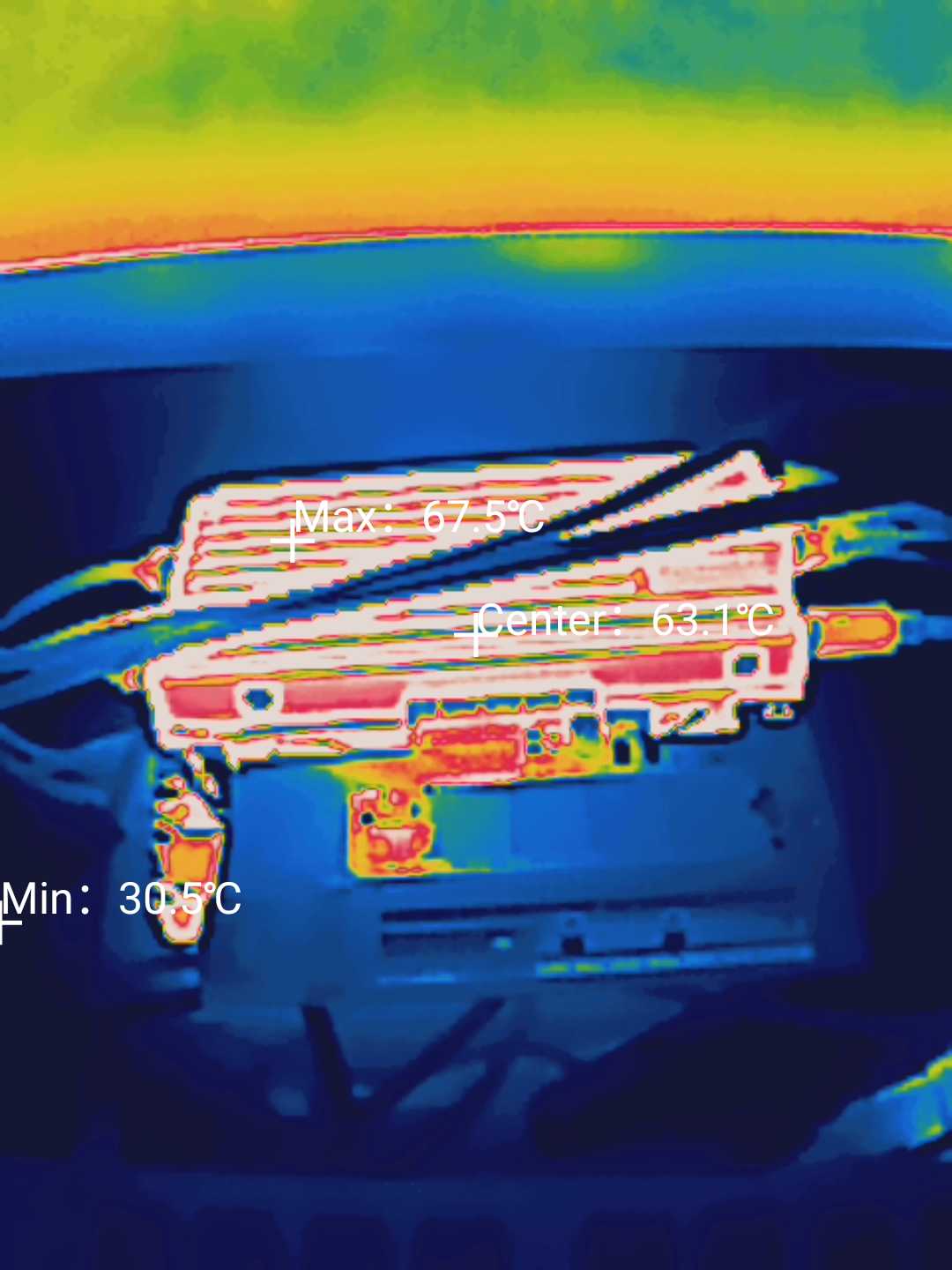
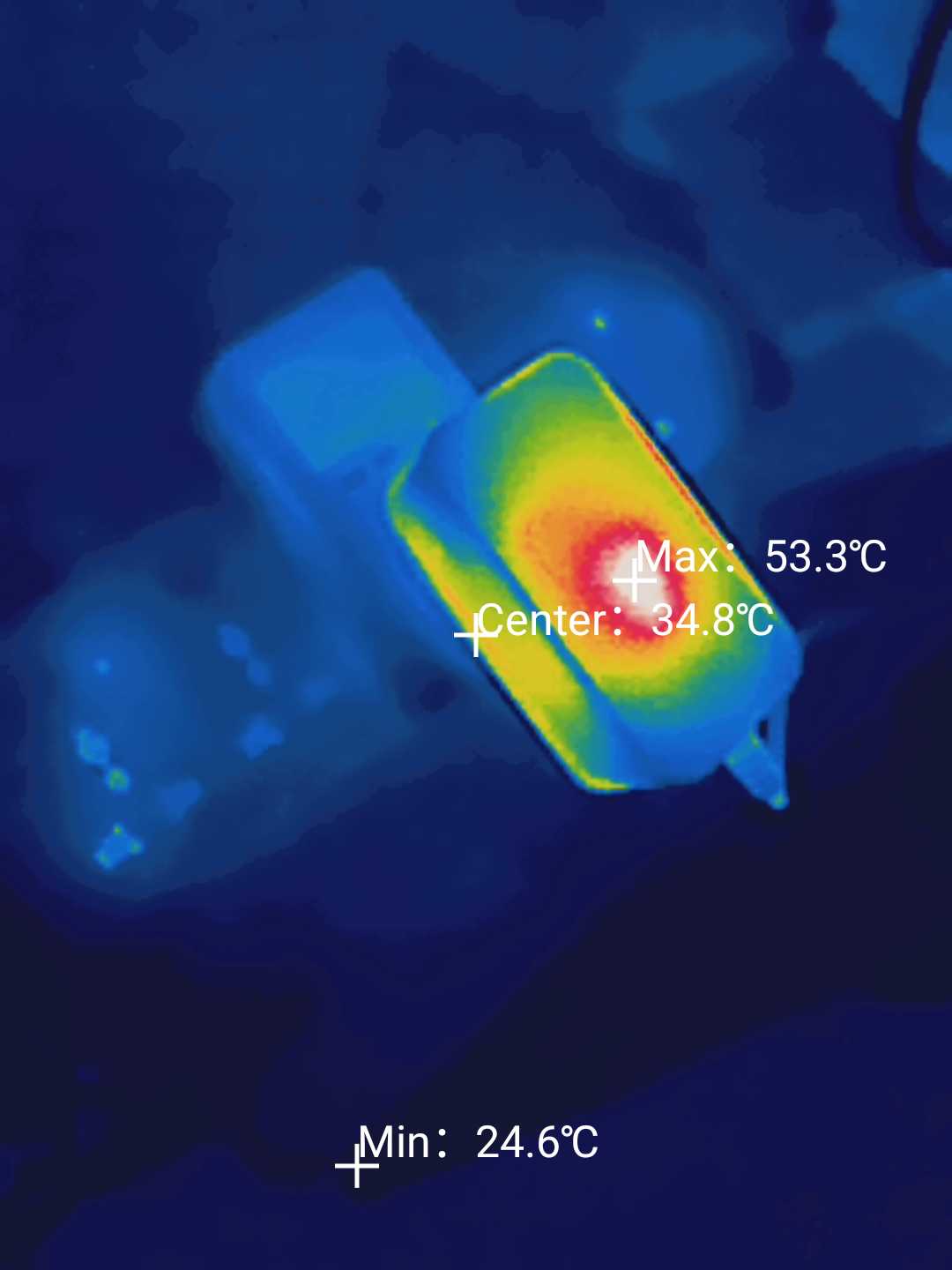
While the third transcode works fine at first, if you let it run a little longer. It will start crashing, meanwhile, the CPU temperature of the ZimaBoard 2 is a bit lower compared to the beginning, but the case temperature is not.
Summary:
The ZimaBoard 2 boasts significantly improved performance thanks to its upgraded processor and sleek exterior design. Its memory is high-performance and energy-efficient, but it is not expandable, which may limit application scenarios that require a lot of memory. The built-in eMMC flash memory performs decently, but the chip type is unknown. In terms of networking, the Ethernet controller is stable and has low power consumption. The network interface rate performance is in line with expectations, but the link aggregation effect is poor. There are abundant expansion interfaces, but some expansion cards are incompatible, and the original power adapter may be underpowered when connecting multiple hard disks. Taking FnOS as an example, the system supports fnOS deployments well and has impressive movie and TV features. However, memory tends to become a bottleneck when multitasking with transcoding. Overall, the ZimaBoard 2 is an excellent, feature-rich device. But, a note for pro-users here – it might leave something to be desired in terms of memory expandability and power adapter power.
The zimaboard 2 clearly has many more applications to enjoy in the hands of professional users. Perhaps you’ll give it even more creative and productive application scenarios, so click here to check it out on Kickstarter and become an early adopter.

Comments