
Add GIZMOCHINA as Preferred Source on Google
Introduction
The new Xiaomi Pad 7 Ultra, like the Xiaomi 15S Pro, has the XRing O1 chip. At the time of release, many people may already have gained an understanding of the chip’s performance from leaked benchmark data. Some have even questioned the real efforts Xiaomi has put into it. After all, this chip uses standard CPU and GPU cores from the ARM portfolio. Additionally, the XRing O1 chip in the Pad 7 Ultra differs a bit from that in the smartphone; it has been downclocked. So, how exactly does it perform as an Ultra tablet?
Unboxing & Appearance
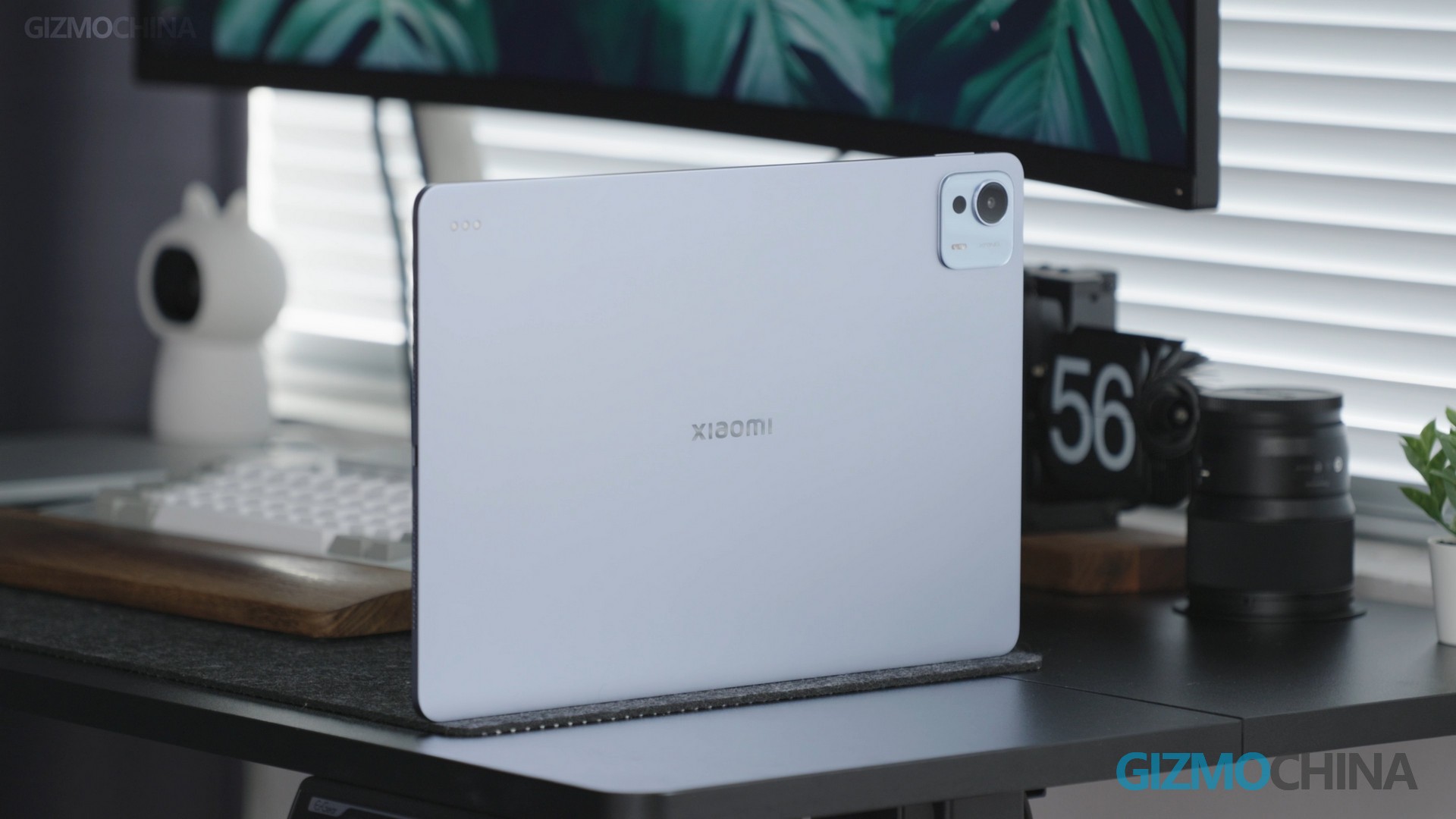
In the box, you first see the Xiaomi Pad 7 Ultra. In the top left corner is the white box with the user manual inside. Next, you’ll find the A to C cable and a 120W fast charger. We also purchased the keyboard, which costs 1499RMB (≈206USD). The Pad 7 Ultra’s design basically inherit most of the previous model of the line.
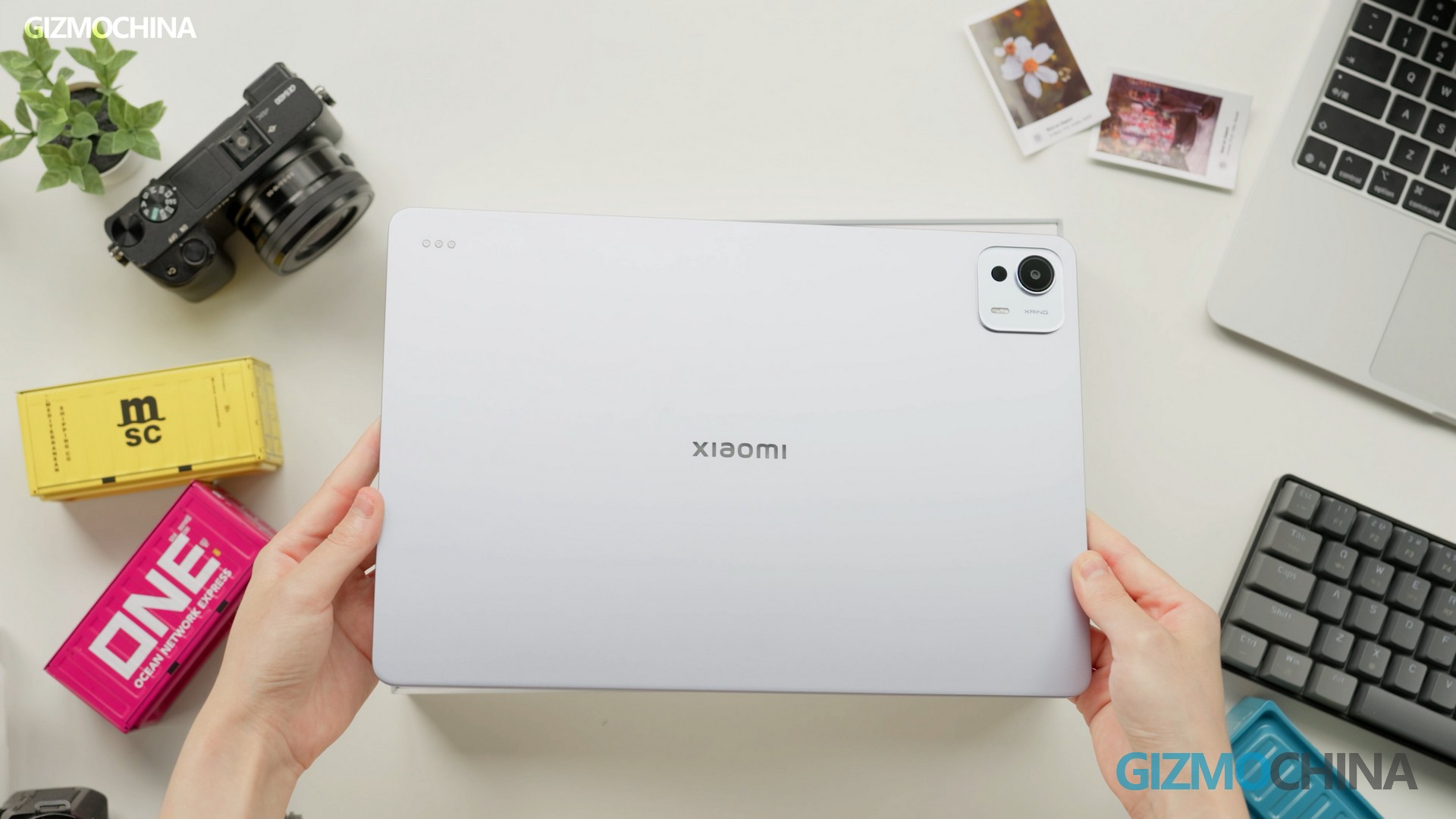
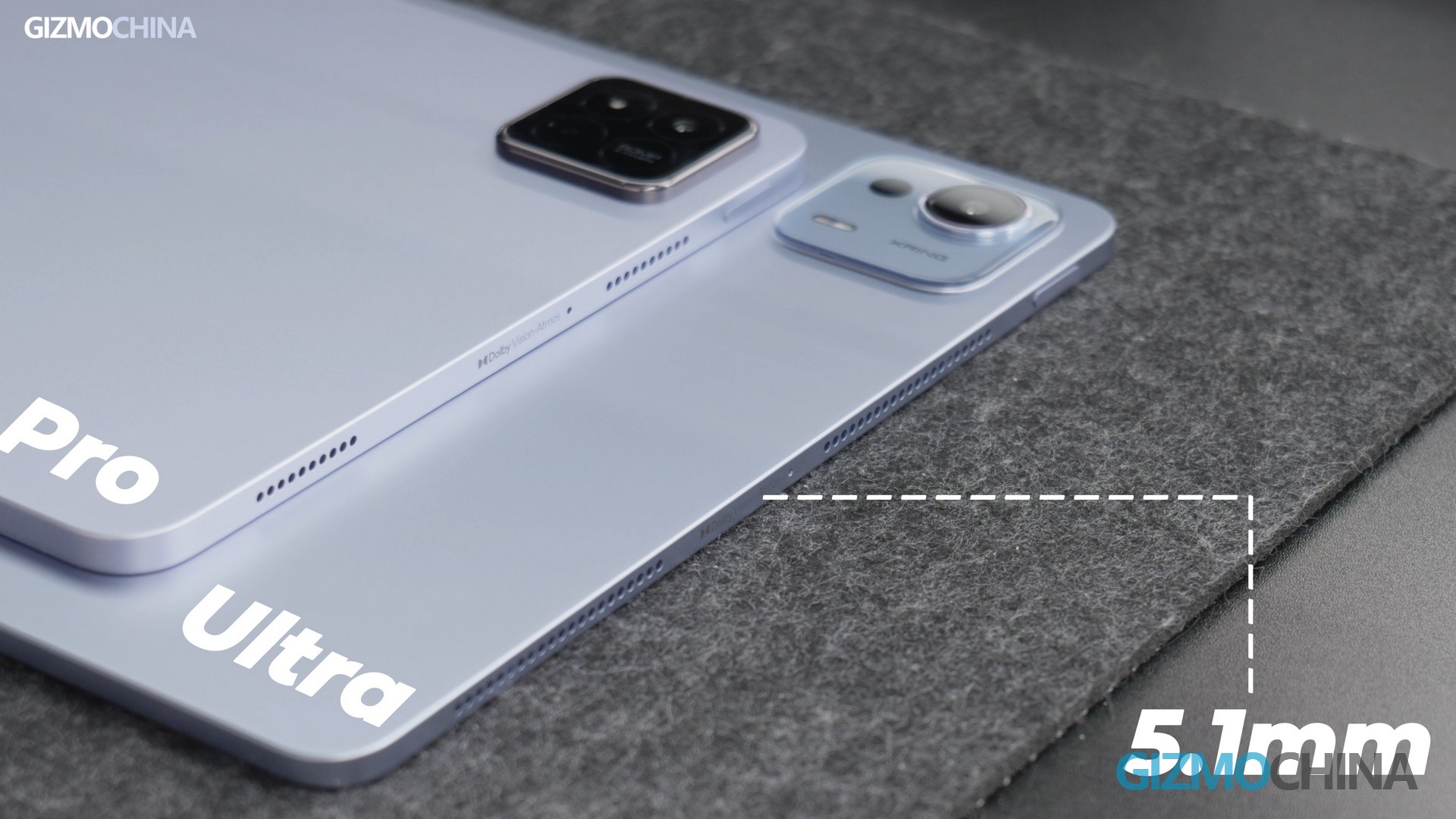
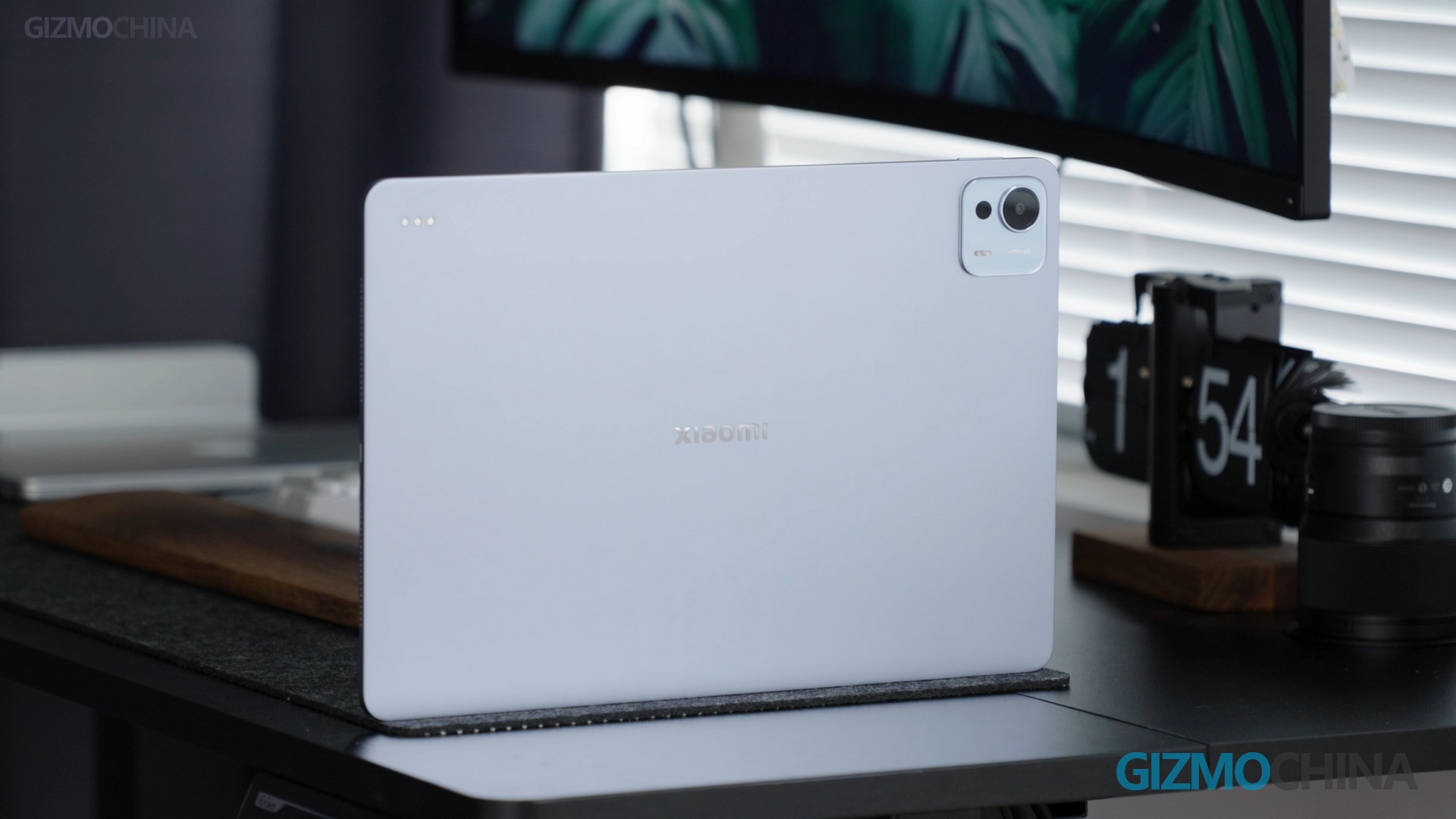
The color we have here is purple, the same as the Pro version. There is also a black color option available. The entire back and frame are made of metal, with a fine matte finish. The first impression is that it is very thin. Comparing it to the Pad 7 Pro, you can see that its thickness is only 5.1mm.
This time, Xiaomi has made several significant changes to its tablet. The first change is that Xiaomi has abandoned the LCD screen and gone with an OLED one. And you can choose either the regular screen, like the one I have here, or the anti-glare screen version. The second change is the screen size, which is now 14 inches.
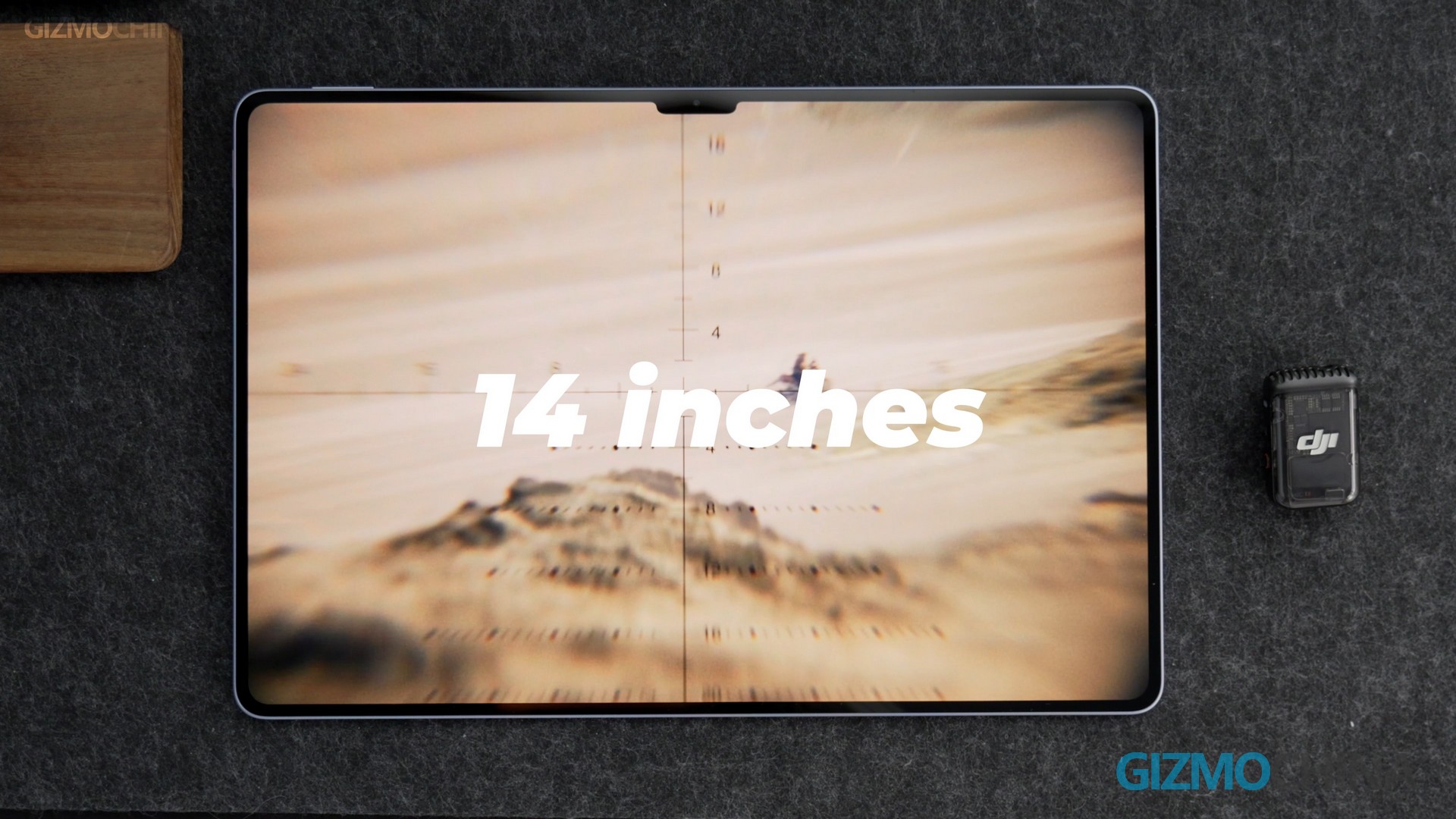
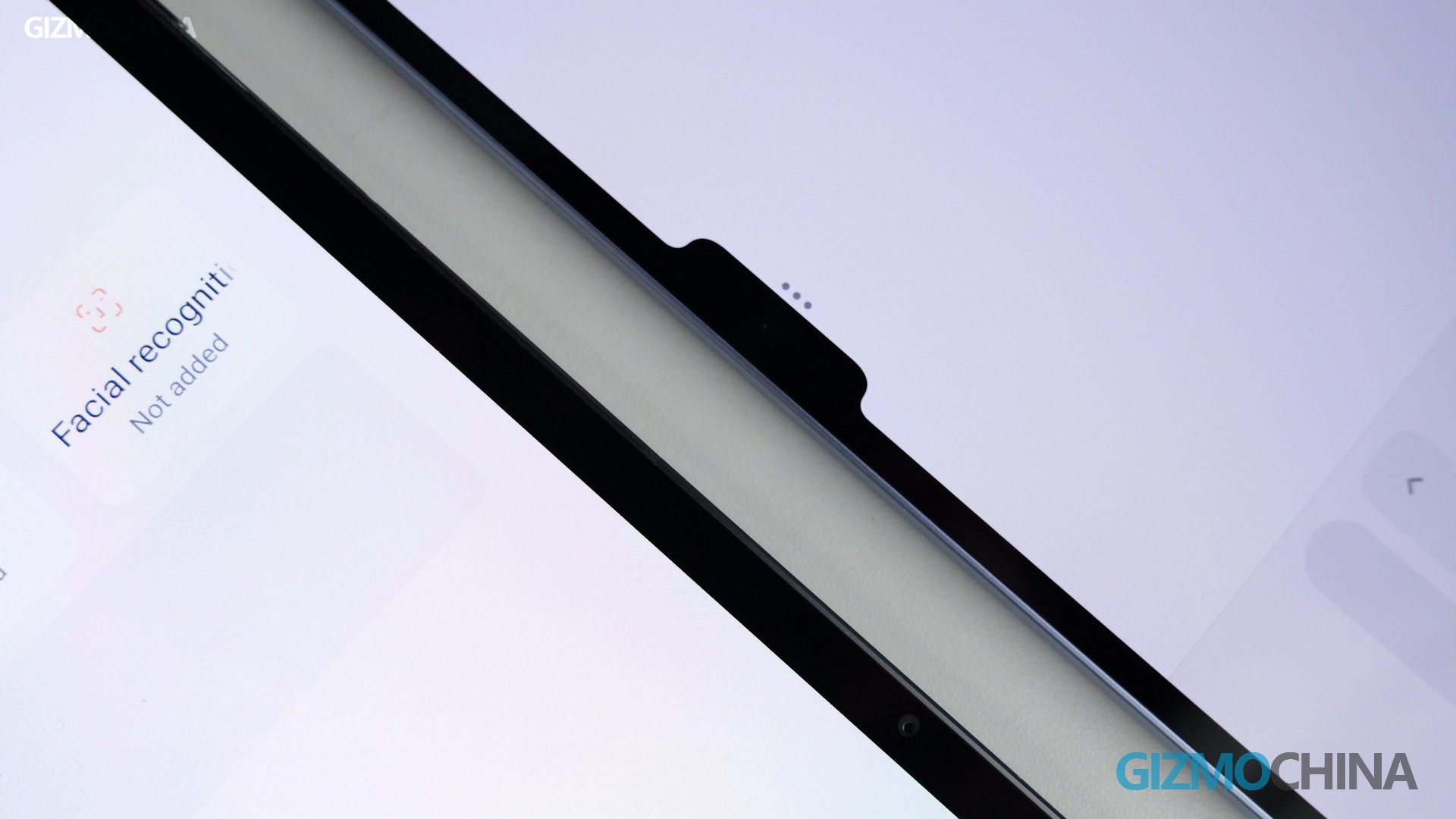
This site provides an experience similar to that of a laptop screen. However, it still keeps the same notch design as before. This design affects my reading experience. I think this might be the reason why the bezel has become narrower. So, the notch had to be there. If you were to choose, which one would you prefer?
Screen and Audio
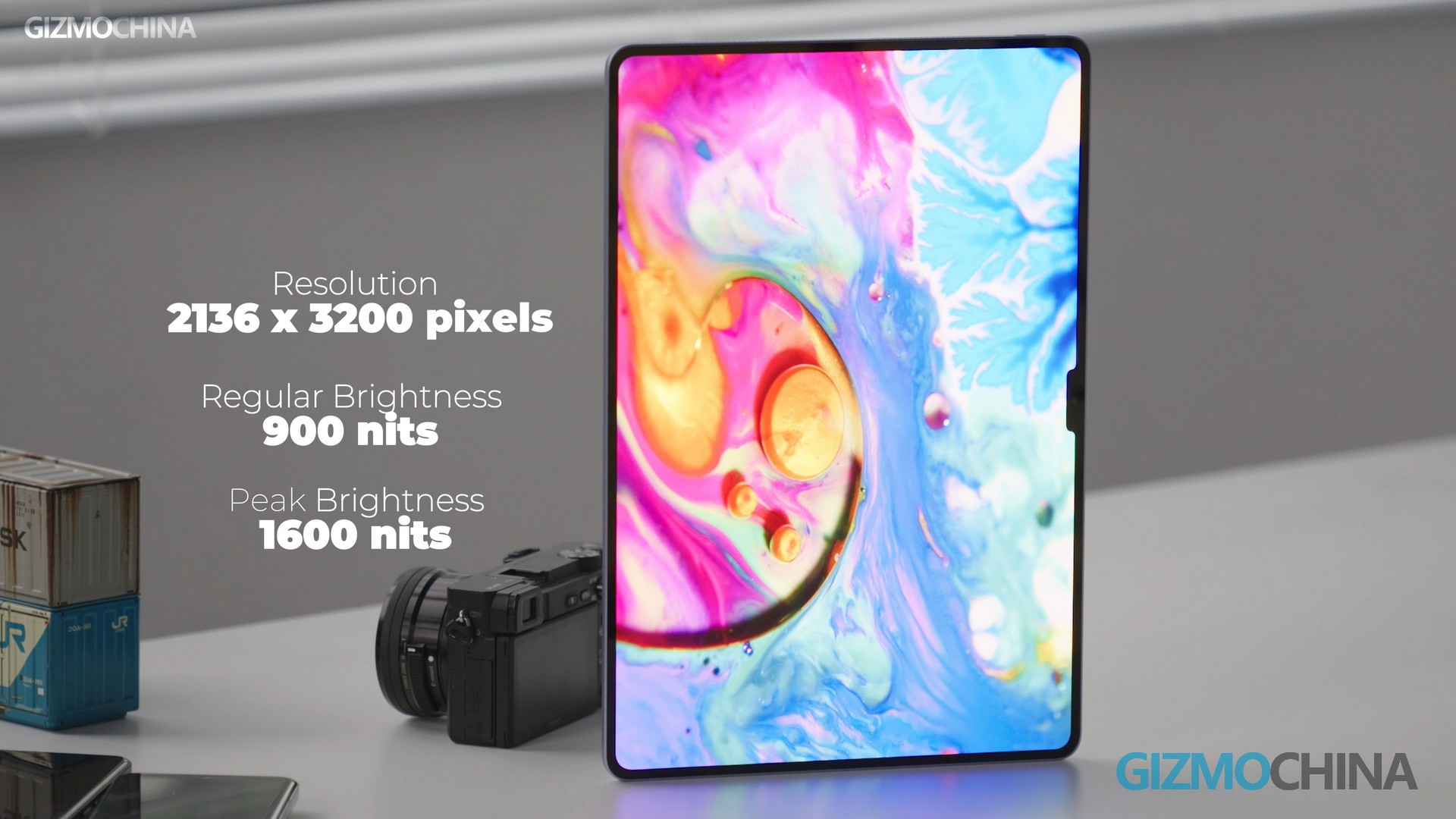
The Xiaomi Pad 7 Ultra features a very large screen, 14 inches with a 3:2 aspect ratio. This makes the Pad more suitable for reading and office work. The screen has a resolution of 3.2K, with a high brightness level. The regular brightness is 900 nits, and the peak brightness can reach 1600 nits.
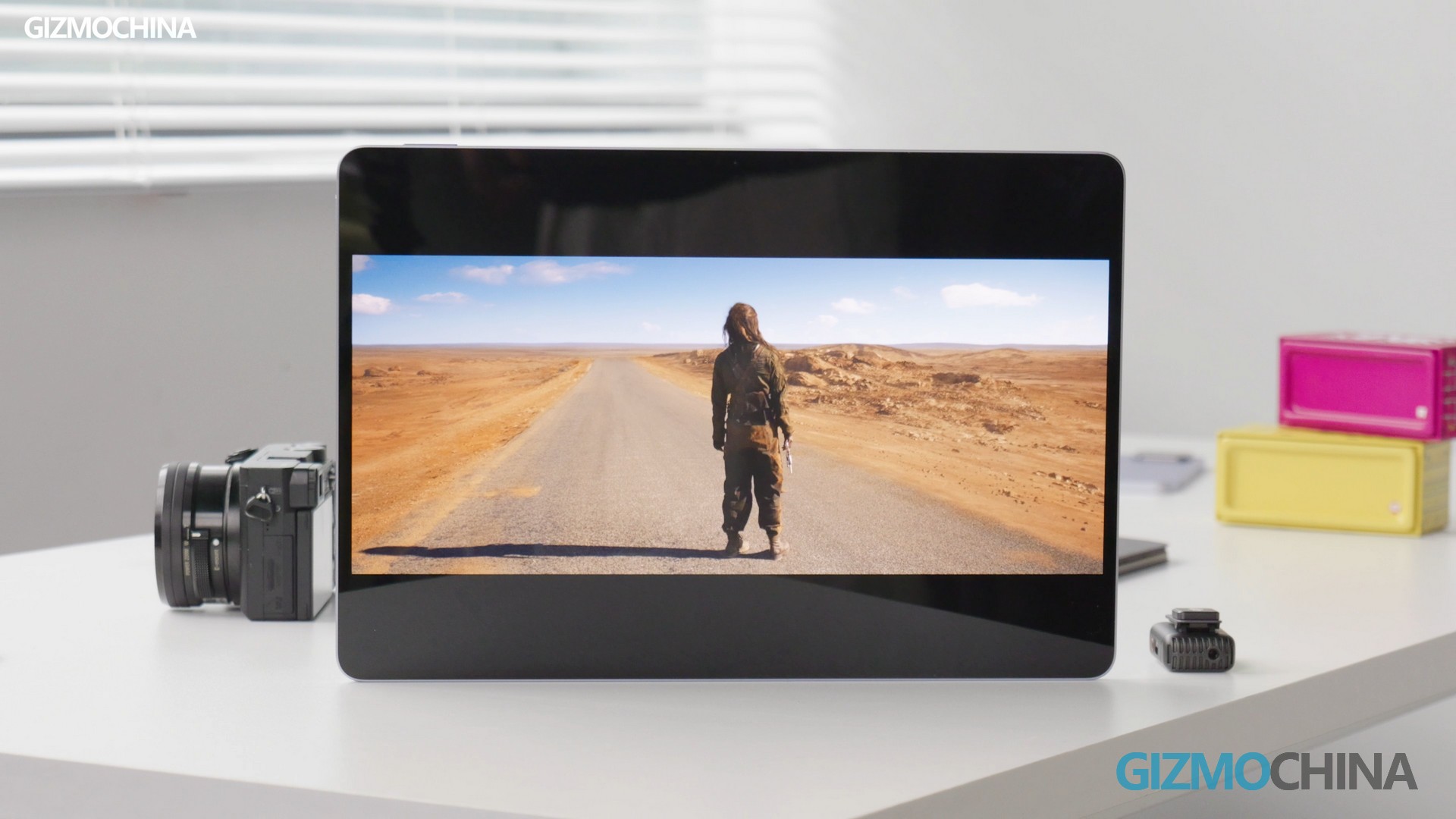
Even under strong light, the screen remains visible without any issues. The screen supports DC and PWM dimming and provides a 4800Hz high-frequency PWM dimming option. It also supports the P3 wide color gamut, which allows it to display rich colors with natural transitions, making the visuals very realistic. For a better understanding of the viewing and audio experience, you can check it out in the video.
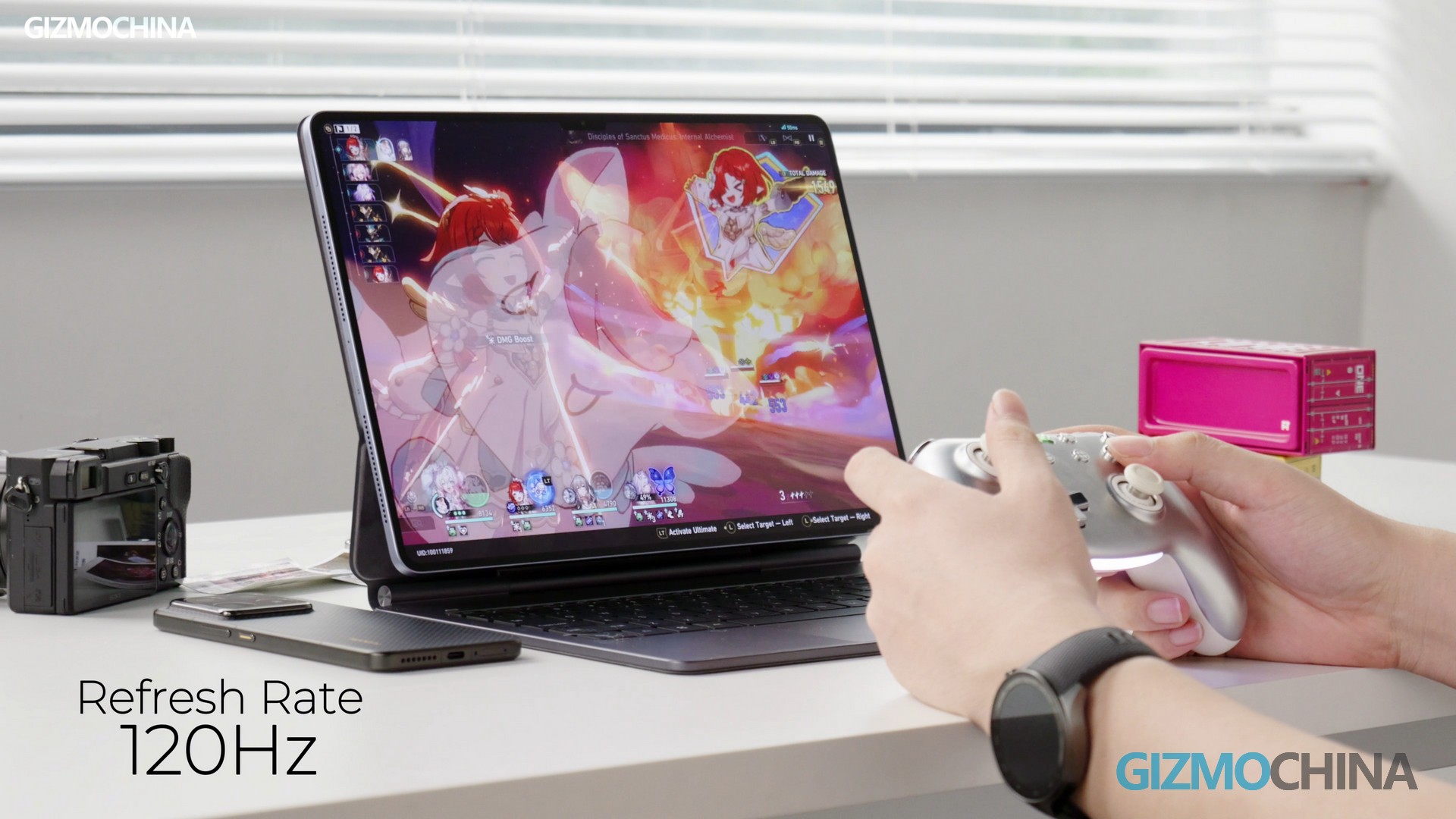
The screen supports a maximum adaptive refresh rate of 120Hz, which is smooth and comfortable for viewing, especially when scrolling through web pages or playing games. There is no sense of lag.
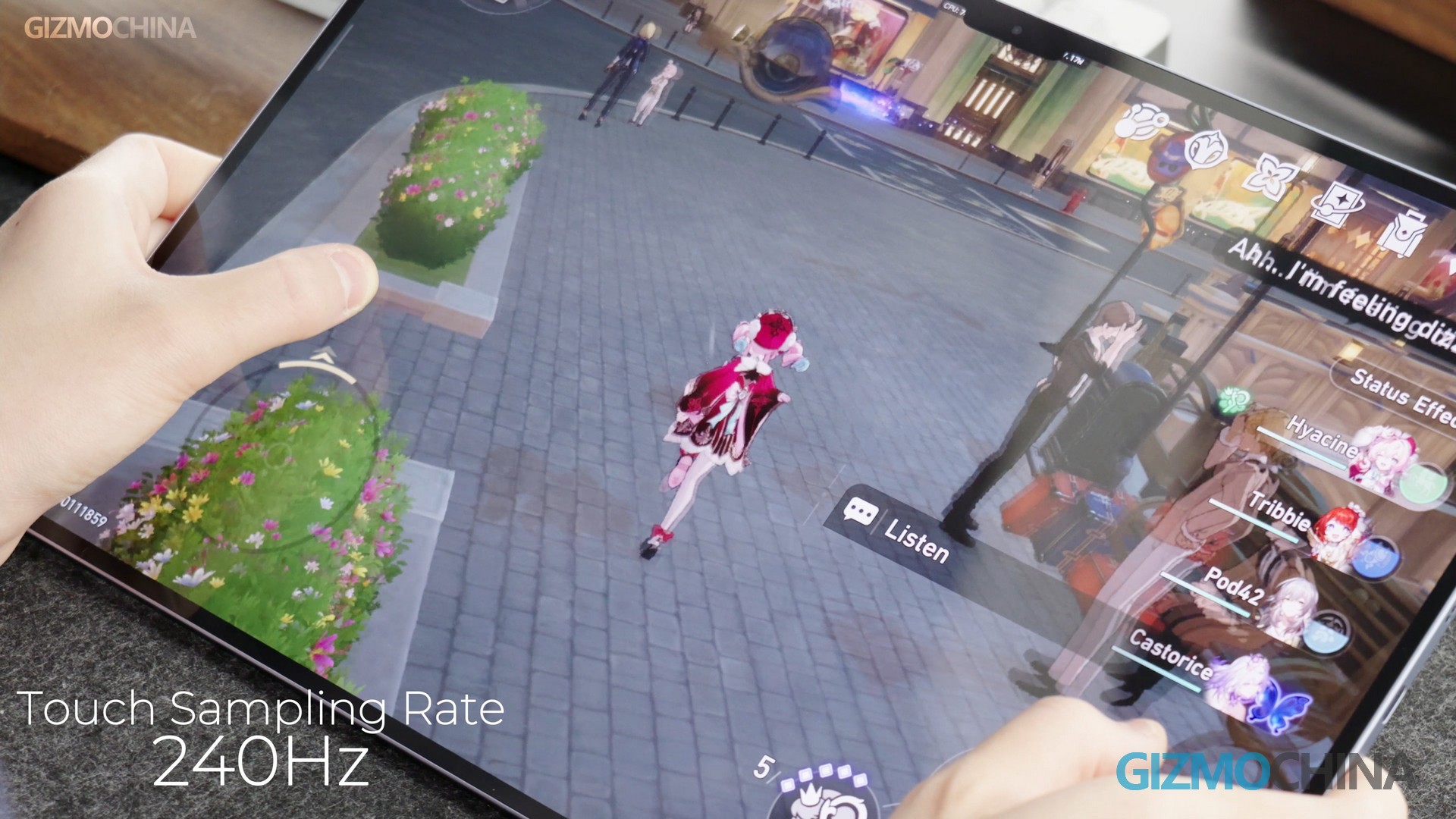
The touch sampling rate is up to 240Hz, with an instantaneous touch sampling rate of up to 1600Hz. And the stylus touch sampling rate is 240Hz. This means the screen responds very quickly to any touch, whether you’re playing games or writing, you can feel this fast response.
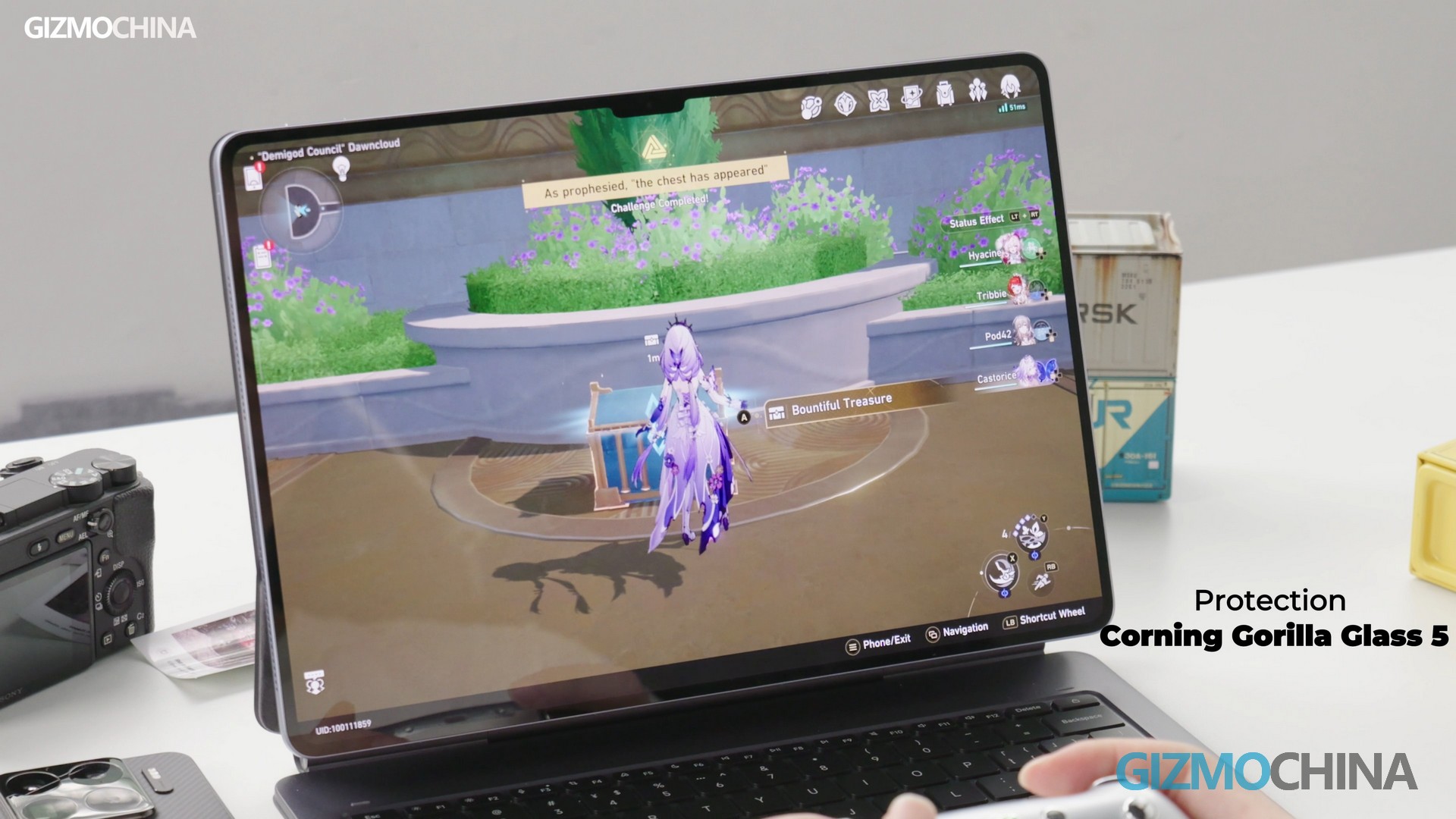
Additionally, the screen uses M9 low-power-emitting materials, which means it consumes less power when displaying content, so the battery life could be better. The screen cover is made of fifth-gen Gorilla Glass, which is very durable and resistant to drops, significantly enhancing the screen’s robustness. However, this Pad tends to reflect light under spot lights. If you hate this, better purchase the paper-matt screen version.
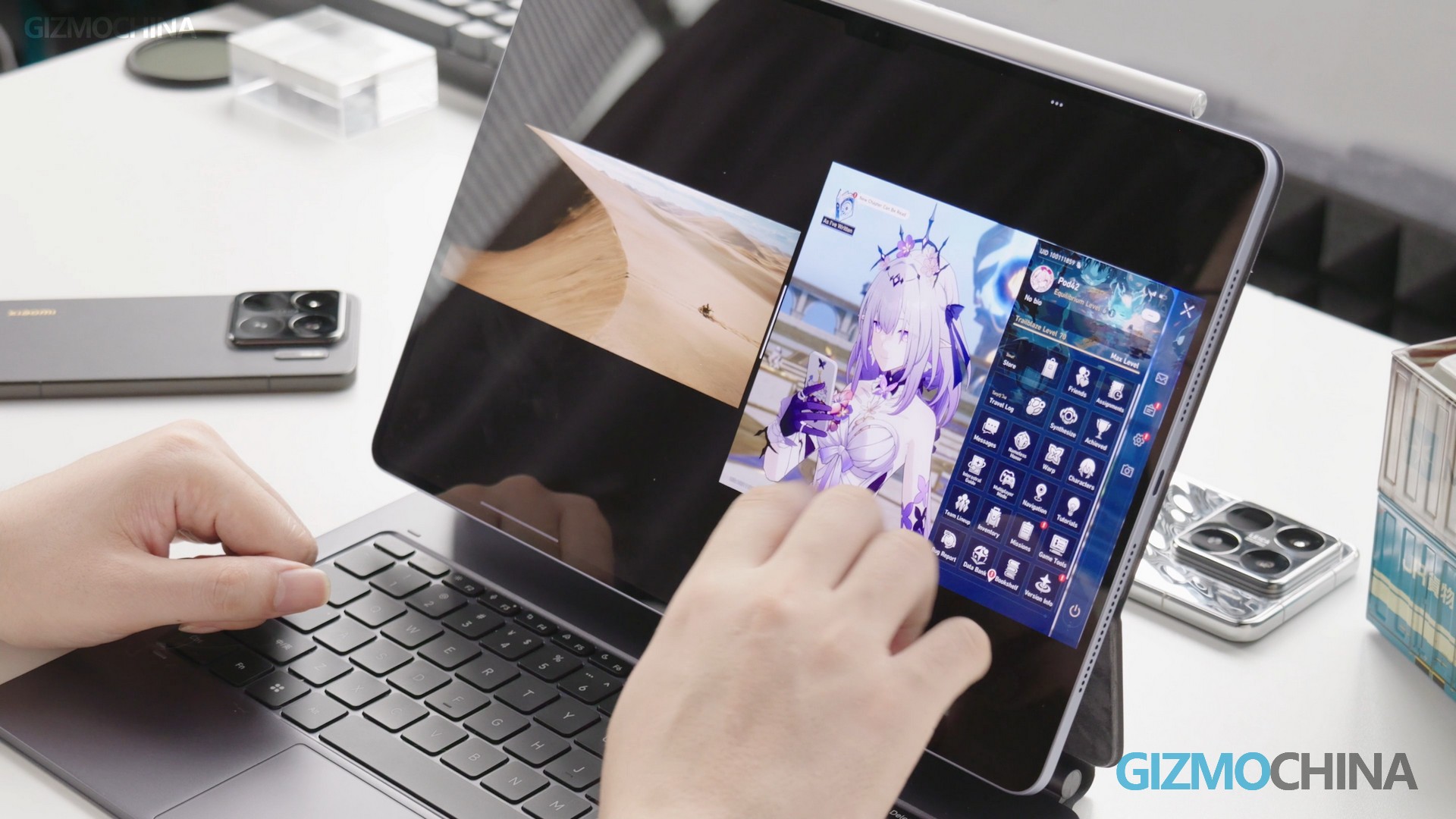
Moreover, in terms of multitasking, the App launch speed has increased by an average of 61%, the image loading speed has improved by 80%, and the multitasking fluidity has been enhanced by 49%. When we open multiple Apps at the same time, switching between them is also very smooth without any lag, making the work efficiency much higher.
Performance
Speaking of the chip, the XRing O1 is indeed much better than the Snapdragon 8s Gen 3 (4 nm) in the previous Xiaomi Pad 7 Pro. This can also be verified from the game tests. However, in reality, the XRing O1 in the Xiaomi Pad 7 Ultra still lasted at a lower clocking than the one in the Xiaomi 15S Pro.
With other conditions unchanged, the max core of the CPU in the Xiaomi 15S Pro clocks up at 3.9GHz, while the max figure is 3.7GHz for the Pad7 Ultra. To put it simply, the CPU in the Xiaomi 15S Pro is tuned like a sports car with a higher top speed, while the one in the Xiaomi Pad 7 Ultra is like an SUV, with a balance between space and performance. Although it is not as fast, it focuses more on stability and endurance.
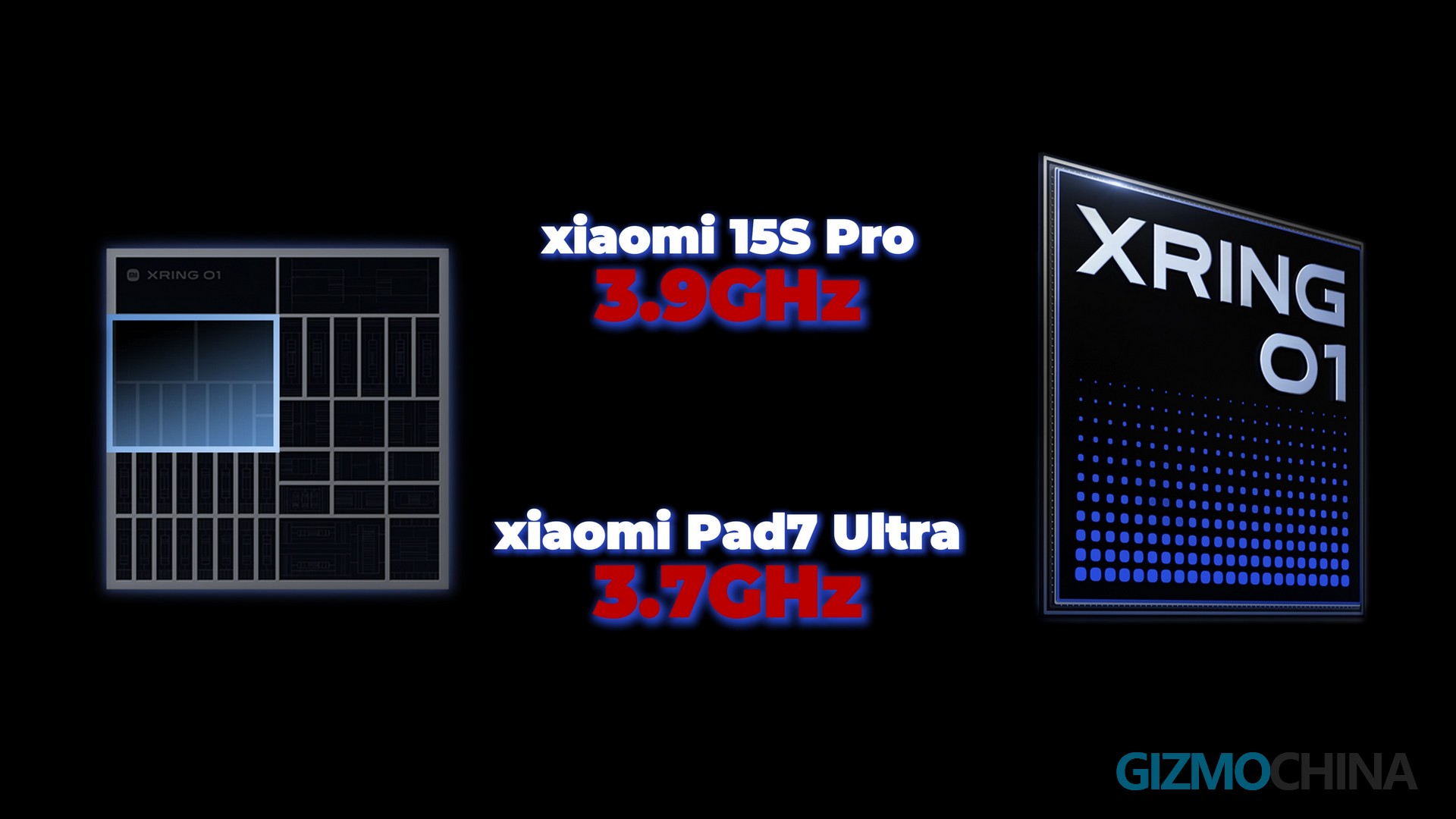
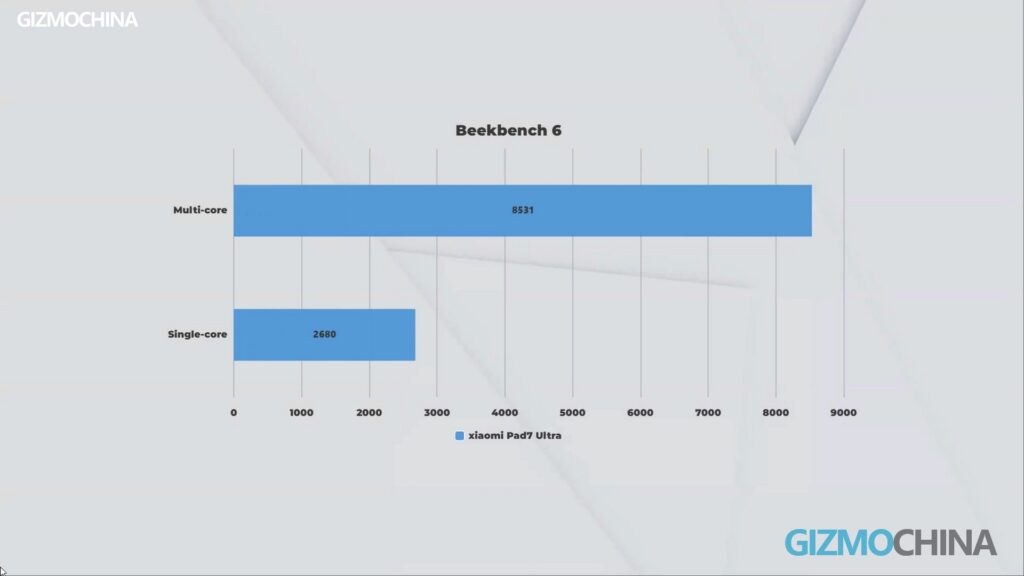
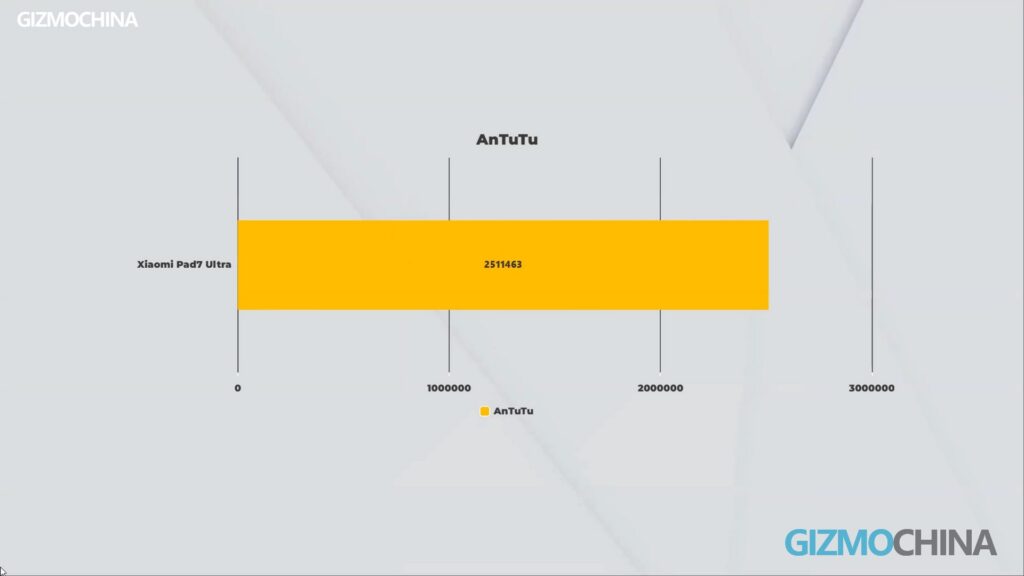
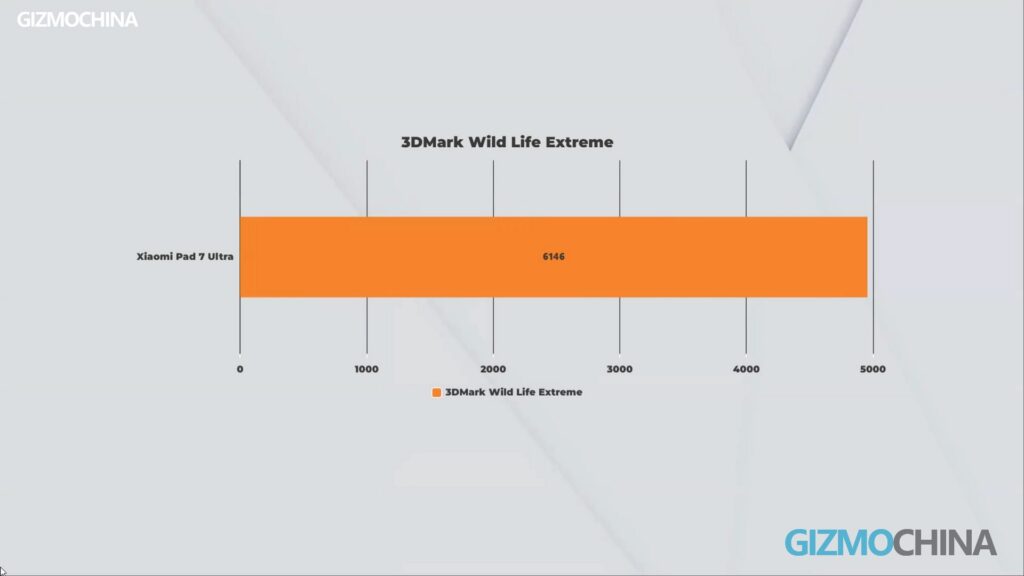
Even though the XRing O1 in the Xiaomi Pad 7 Ultra is a downclocked version, its performance is still excellent. Thanks to the larger space inside and better heat dissipation, it can run stably for a long time. For example, when watching videos or working in the office. It’s mainly powered by adapting non-large cores with a slightly lower main frequency, which is like equipping an SUV with an engine suitable for long-distance travel. Although it is not as fast, it is more economical and can run stably for a long time without easily “stalling”. To get a rough picture of the chipset running inside, you can take a look at its benchmark results in various tests.
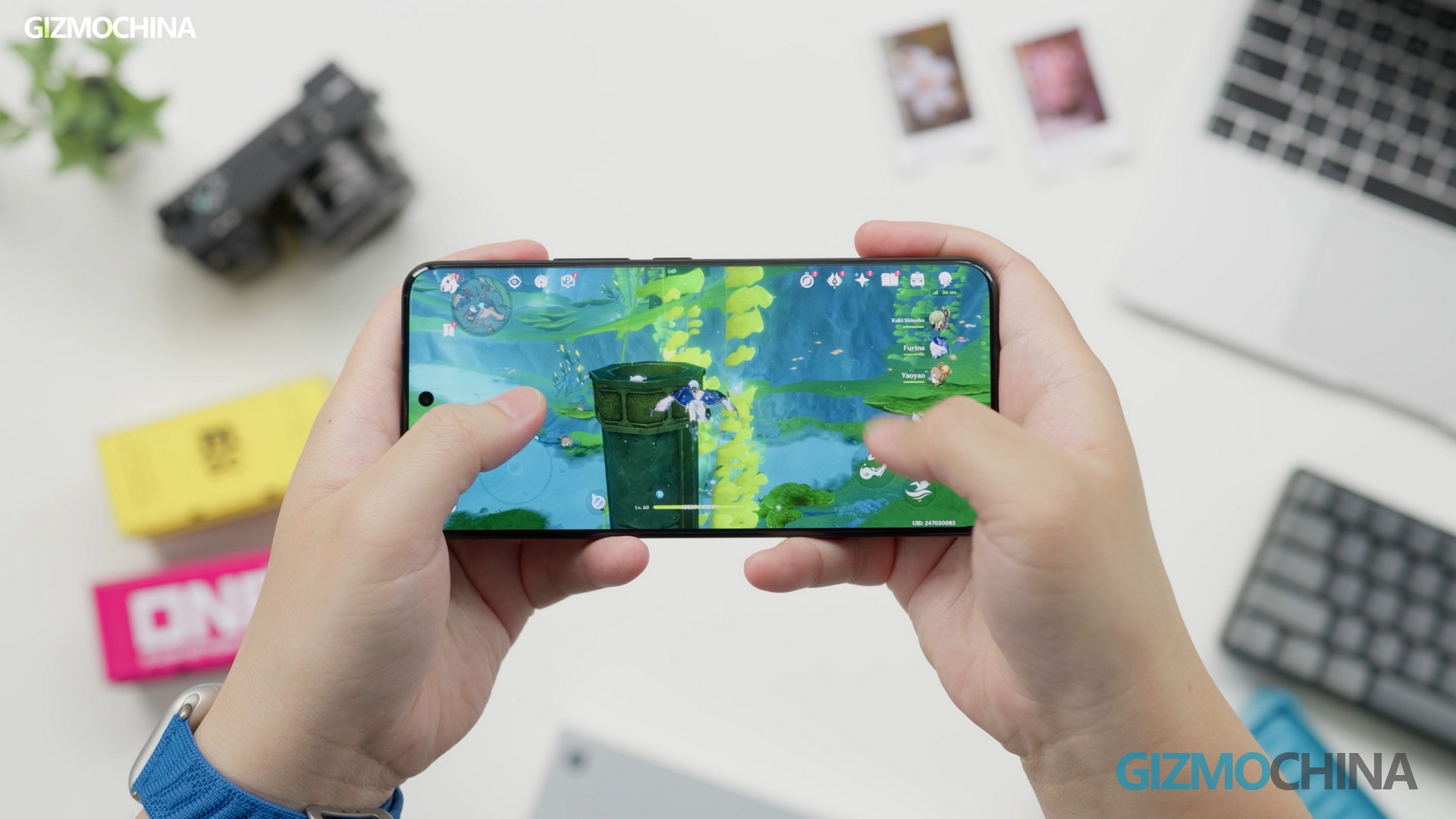
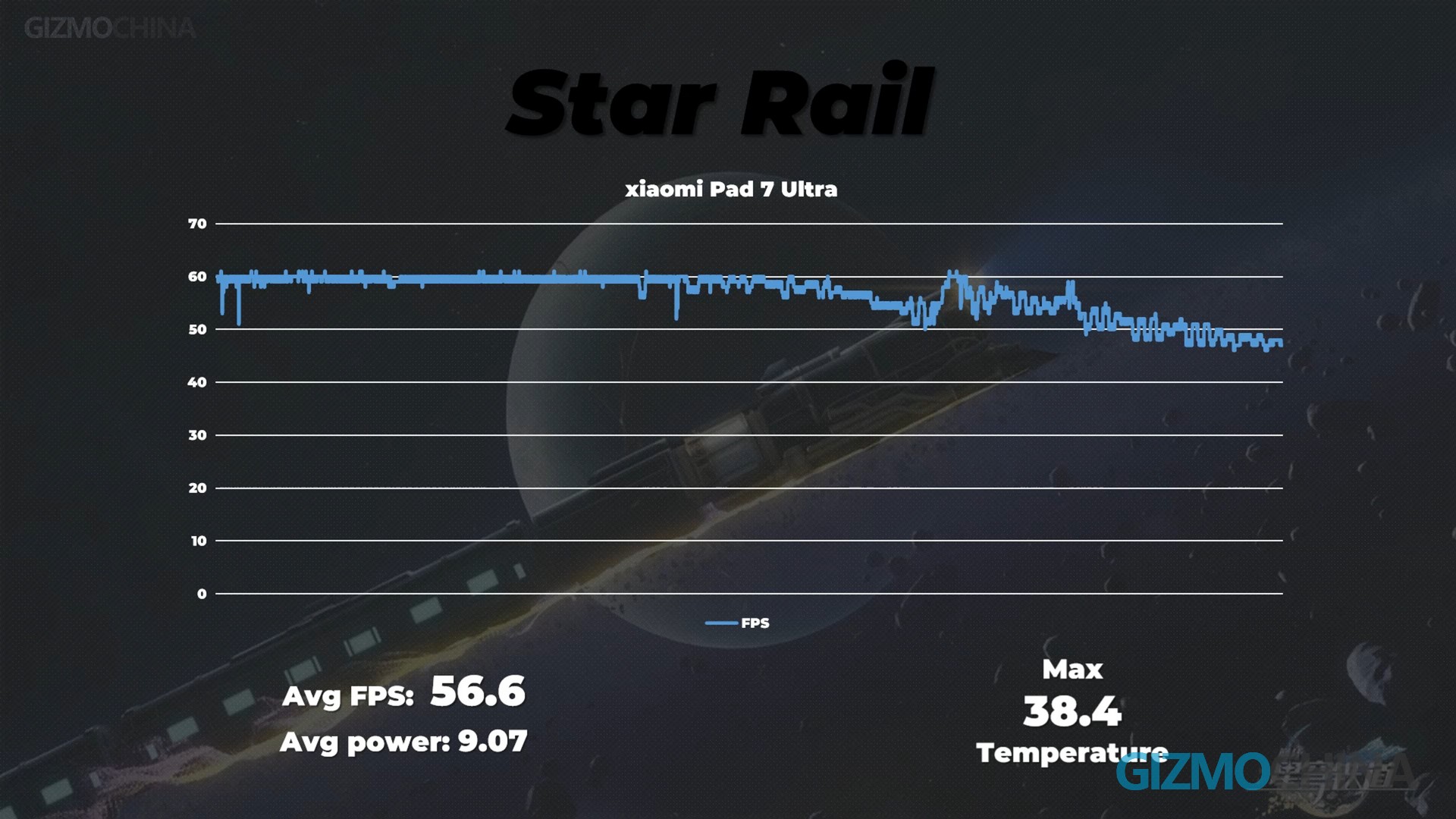
Now we have also chosen the very demanding game, Honkai: Star Rail, for a test. We found that the serious frame dropping that occurred in the Pad 7 Pro is not here in the Ultra. So, you don’t have to worry about the gaming experience at all.
System and Functionality
I once saw a comment online about Xiaomi’s system: “The biggest opponent of XRing is not Snapdragon or Kirin, but HyperOS.” I think this is indeed the case. Xiaomi’s hardware performance has always been good, but due to system optimization issues, it still seems to have some old problems. Although HyperOS 2.0 has improved in stability and security, there are still many old problems.
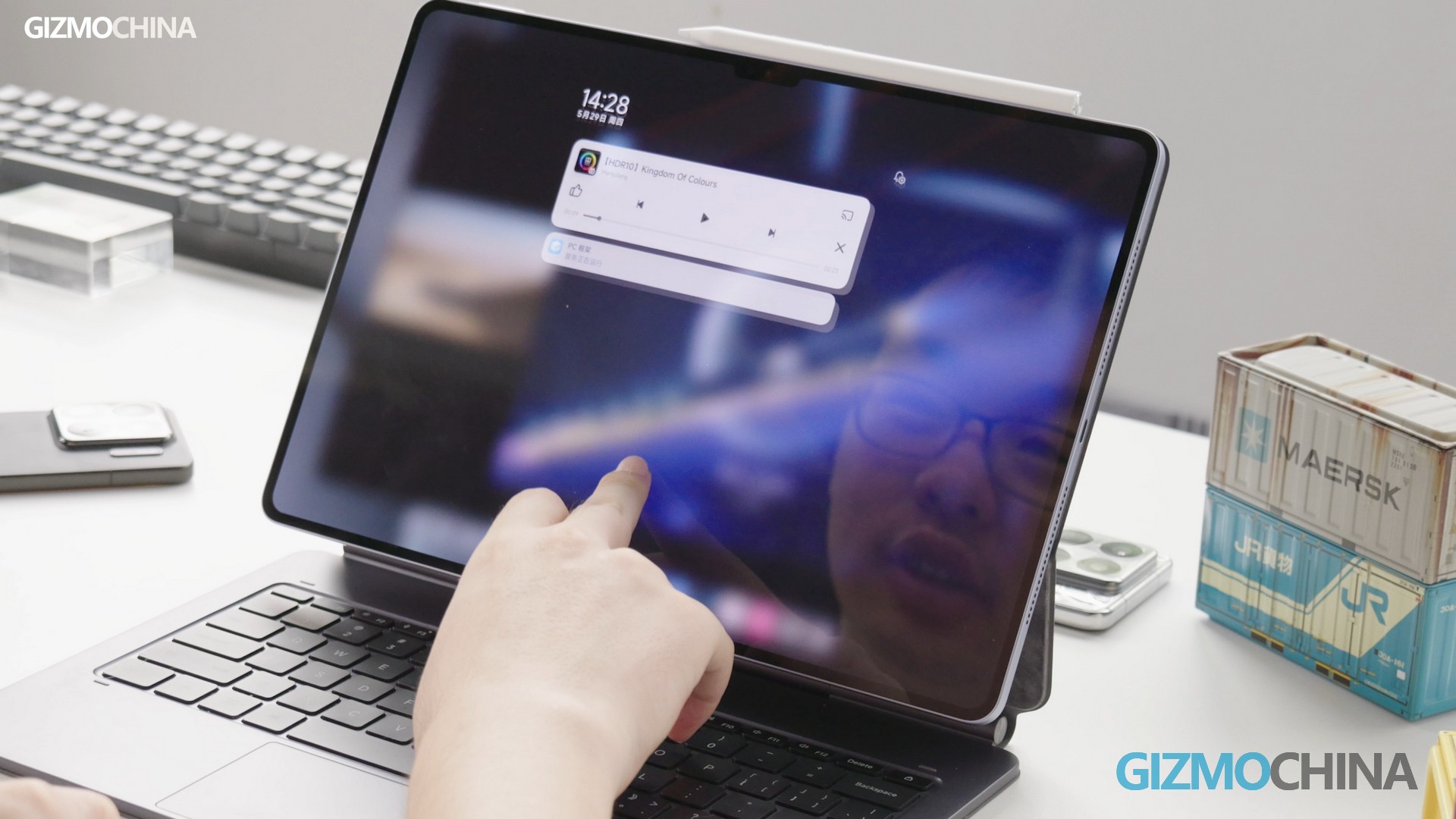
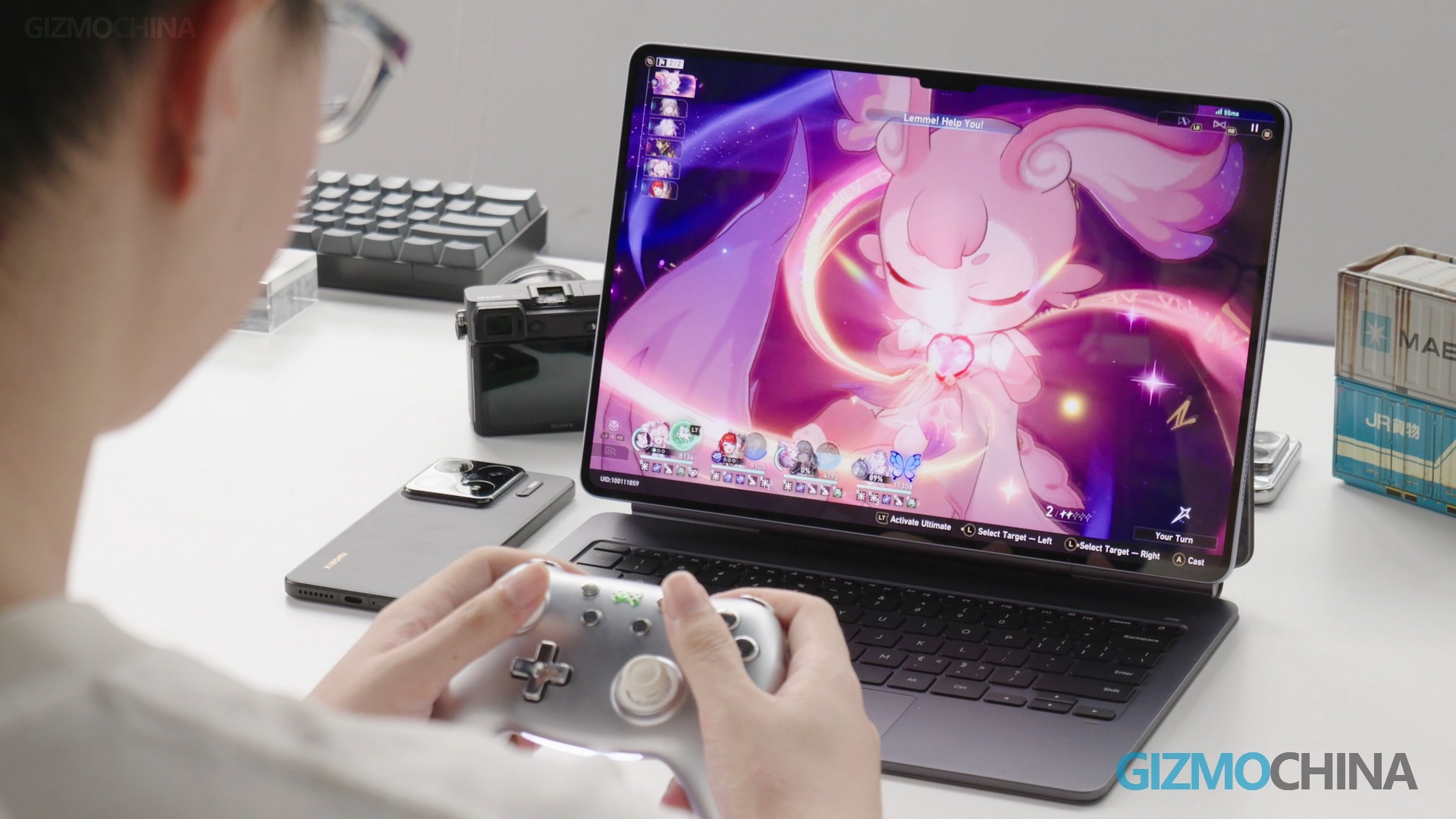
For example, the volume bar pop-up is misplaced for touching; the system (mostly animation) is laggy and flicky sometimes; the control center and notification center cannot be merged on the same page. However, the system’s compatibility for peripherals is quite good. It supports game controllers, and the gaming experience has also been improved.
Imaging and Functionality
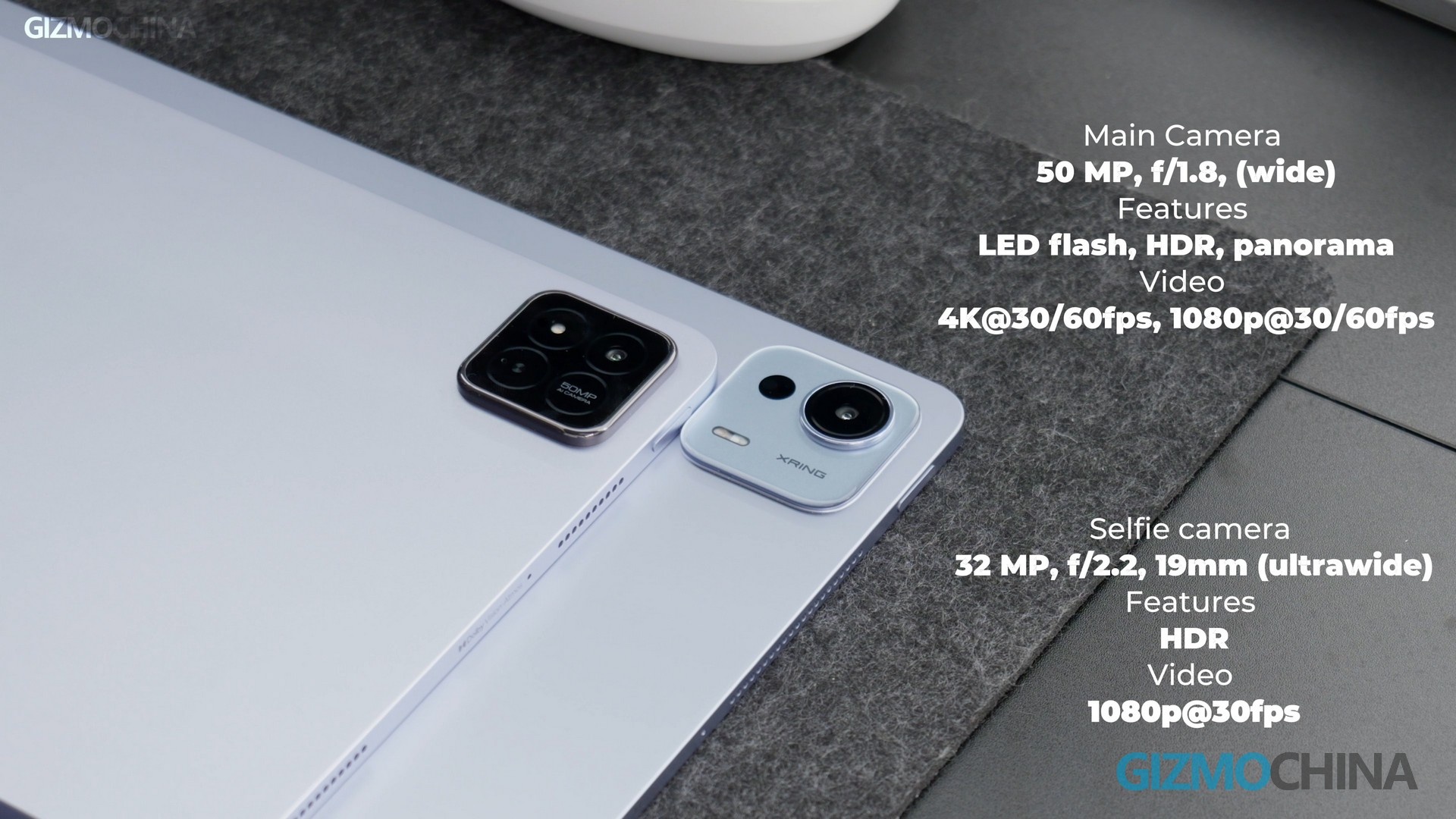
Regarding the camera setup, the specs are the same as the Pad 7 Pro, with no changes.
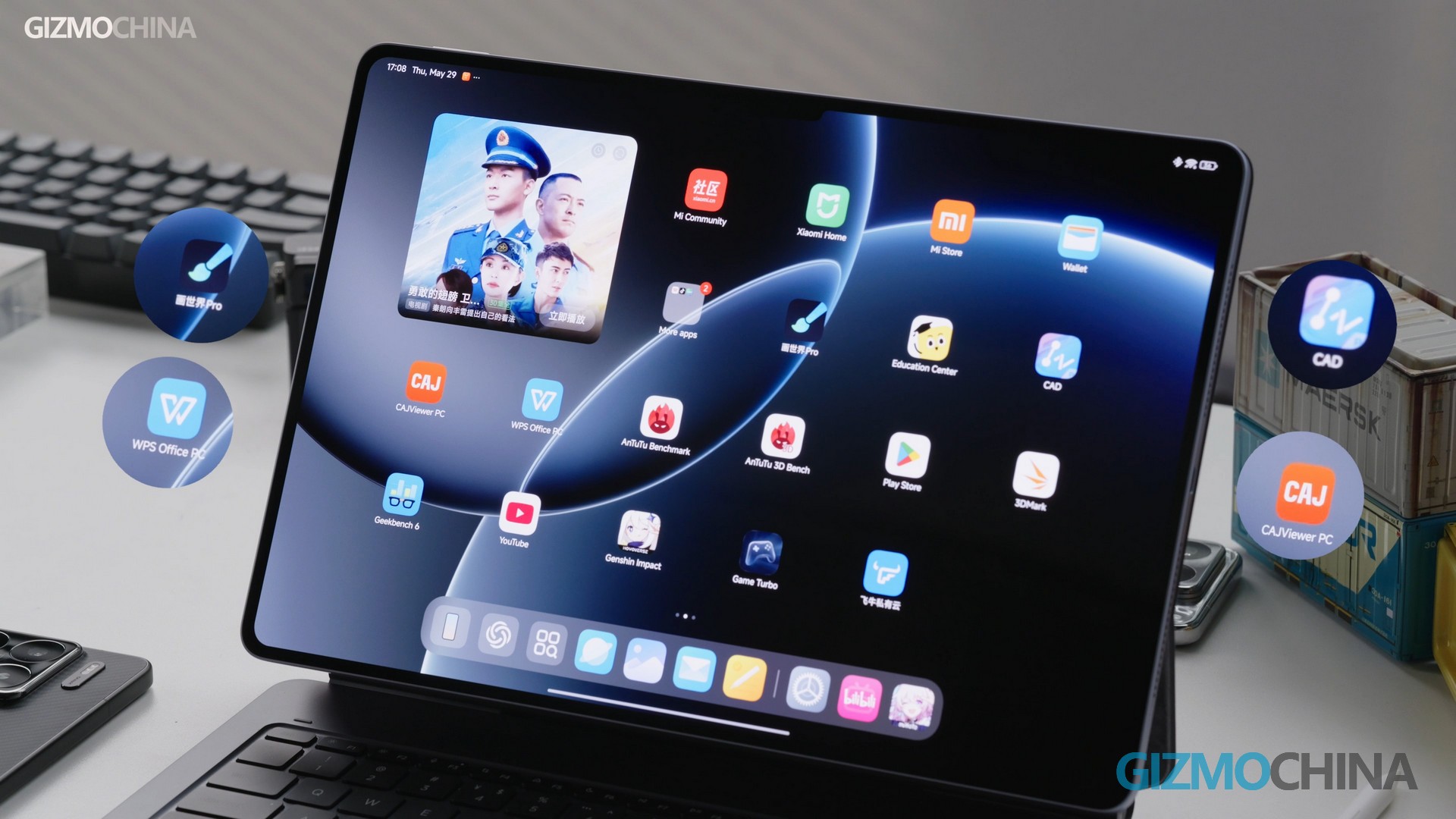
In addition, Xiaomi has also optimized some Apps. For example, Paint World Pro, WPS Office PC, CAD, and CAJViewer PC, etc. The optimization is relatively grown-up and can widely meet the needs of officing and creating. The file transfer function between mobile phones and computers has been optimized and can be operated through the pull-down toolbar.
Accessories
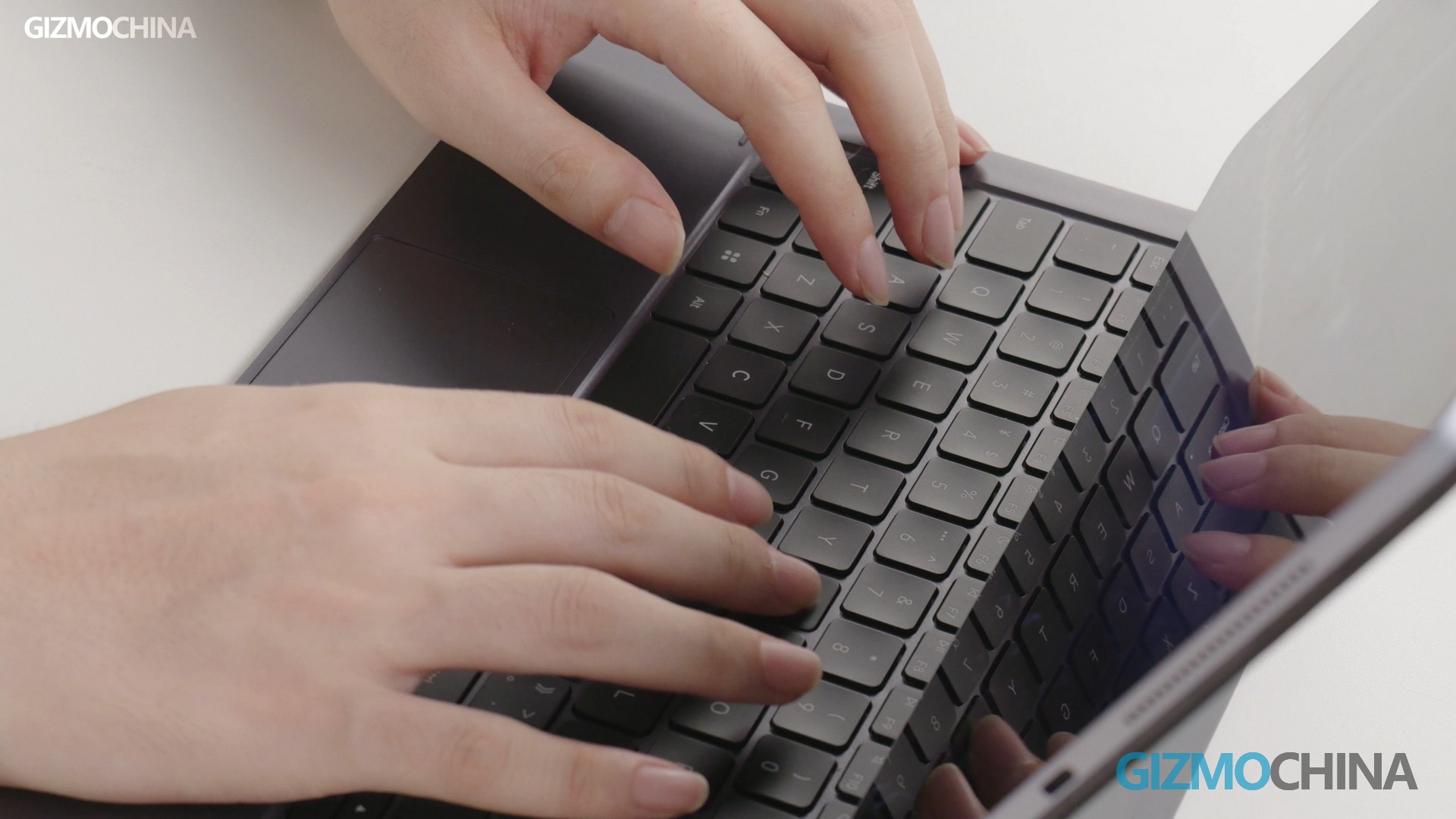
Let’s take a look at the accessories. The keyboard and case are connected to form a floating keyboard. The keyboard has been upgraded, with a good typing feel, pressure sensitivity, and response. However, the keyboard and pen need to be purchased separately.
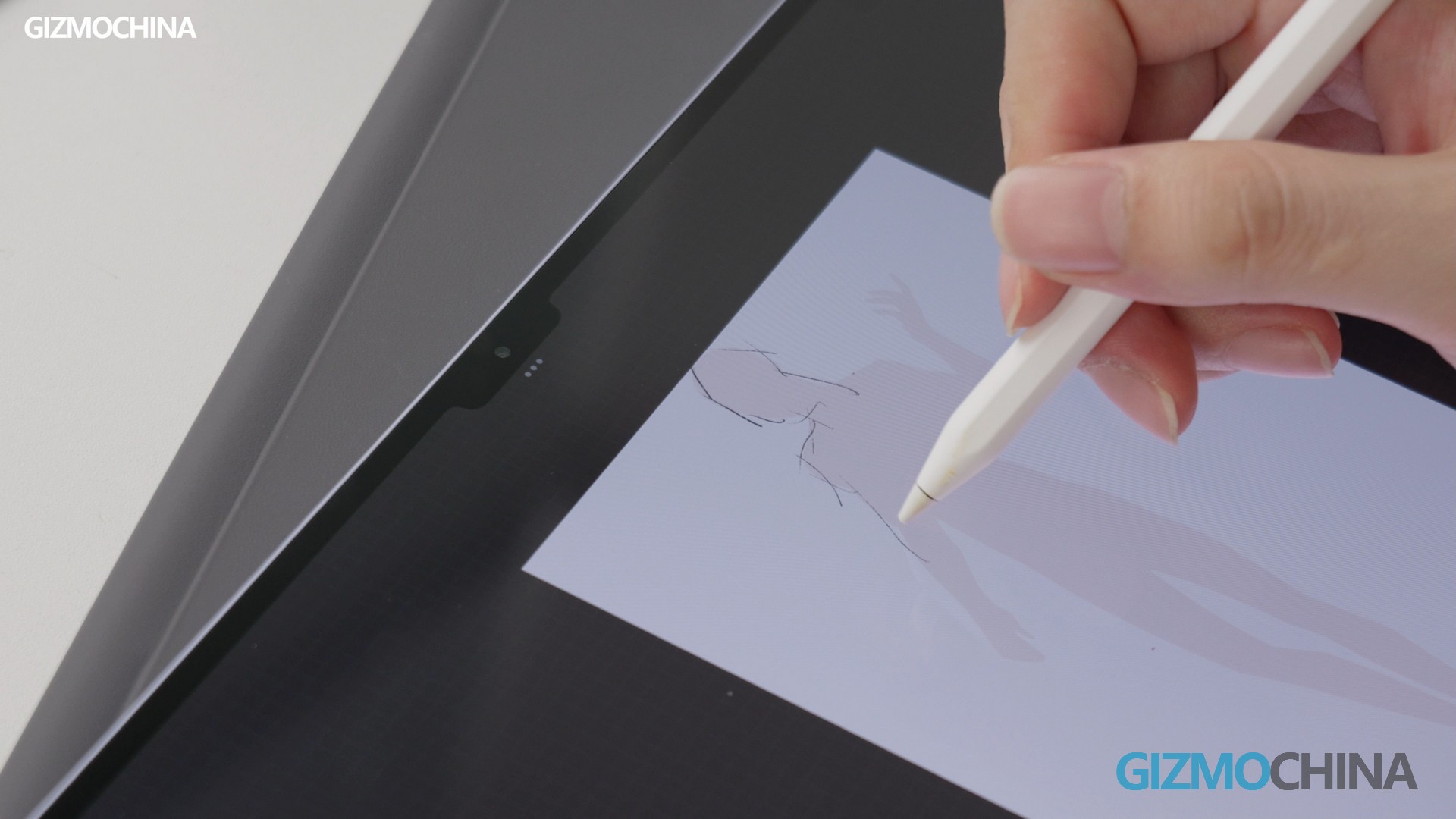
As for the pen, although there is no upgrade, there are two sets of free brushes for a limited time. The pressure sensitivity and touch feel of the pen are very good when in use. However, one thing to note is that there is still a delay with the pen.
Summary
In summary, the Xiaomi Pad 7 Ultra is a powerful tablet with a very good screen, suitable for many usage scenarios, such as watching movies, working in the office, and drawing. The high touch sampling rate and refresh rate enable a smooth operating experience, and the optimized system ensures efficient multitasking capabilities.
However, HyperOS 2.0 on the Pad 7 Ultra still inherits some problems that we complained about before, such as occasional laggy animation and Stuttering of the playback sound. So, for software experience, it needs further optimization. But for now, let’s just emphasize: if you demand high screen quality and performance, the Xiaomi Pad 7 Ultra is an excellent option.


Comments