
Add GIZMOCHINA as Preferred Source on Google
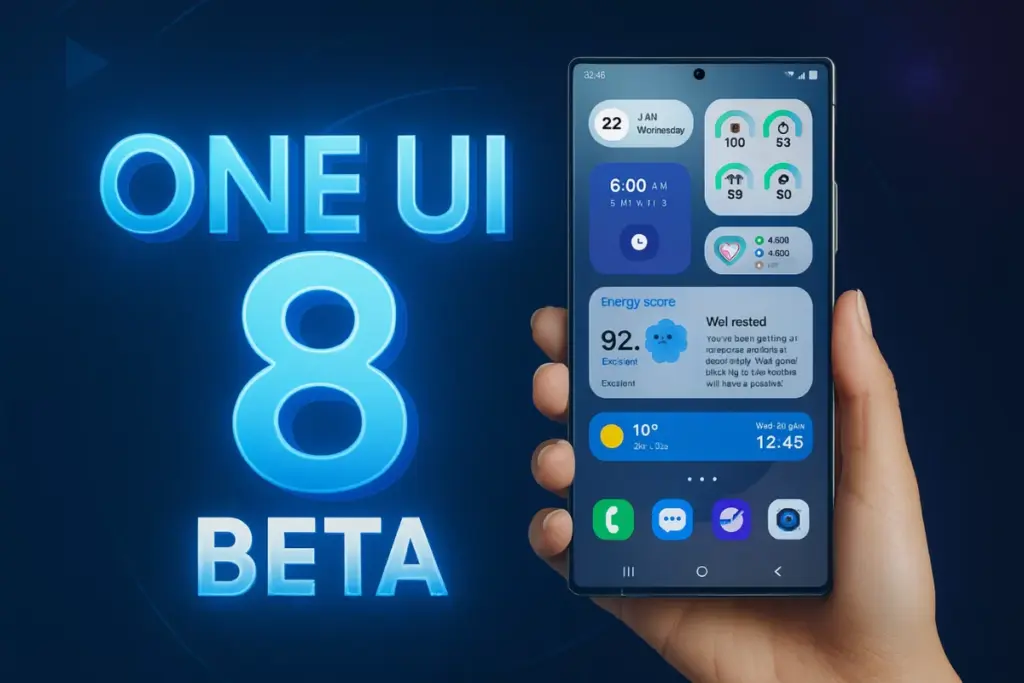
Samsung appears to be moving much quicker with One UI 8 development this time compared to last year. In fact, it was the first brand to release an Android 16 beta with a new custom skin (One UI 8 beta, in the case of Samsung), but that remained exclusive to the Galaxy S25 series for weeks, as the beta program didn’t expand to other models until recently.
Earlier this month, Samsung announced its plan to expand One UI 8 beta to more Galaxy phones and tablets. The Galaxy S24 series, Galaxy Z Fold 6, and Galaxy Z Flip 6 quickly received the beta update following the announcement, with more Galaxy devices set to join the party next month. Review the list below to find out if One UI 8 beta is on the way for your Samsung Galaxy.
These Galaxy phones will get One UI 8 beta in September
- Galaxy S23
- Galaxy S23+
- Galaxy S23 Ultra
- Galaxy Z Fold 5
- Galaxy Z Flip 5
- Galaxy A55 5G
- Galaxy A54 5G
- Galaxy A36 5G
- Galaxy A35 5G
Only having one of these Samsung phones isn’t enough to get you enrolled for the One UI 8 beta program; you must also live in an eligible country. These include Korea, the U.S., the U.K., and India.
Note that the updates are released in batches. Therefore, even if it’s rolling out in a different country, it may take some time to reach your device. Be patient in that case and regularly check for the One UI 8 beta banner.
Related:
1. Prepare your Samsung device for the One UI 8 beta upgrade
2. Here’s when Samsung will push the stable One UI 8 update
How to get the One UI 8 beta on your Samsung phone?
Once the One UI 8 beta program goes live for your Samsung device in your country, here are the steps you need to follow:
- Open the Samsung Members app on your phone. (You can install it via the Galaxy Store if you haven’t already.
- Look for the One UI 8 beta banner and tap on it.
- Follow the simple steps on your screen to join the beta program.
- Now, go to Settings > Software updates > Download and install to get the beta update.
- Download the update and then install it.
While it’s exciting to test the software before it’s released to the general public, there are some risks involved. The beta builds are likely to have bugs and broken features. Some features may not work at all. That’s why such builds are recommended to be tested on secondary devices. Also note that there’s no easy workaround to return to the stable build without erasing your data.
Before installing the beta update, take a complete backup to prevent data loss. Also, ensure your device has sufficient free storage and at least 30% battery for a smoother installation.
Be sure to visit our One UI 8 section regularly for the latest updates and insights. You can also follow our Telegram channel and subscribe to our free newsletter for your daily dose of tech!
Also Read:
1. Samsung makes significant changes to One UI rollout strategy
2. Here are the top 6 features of One UI 8
3. One UI 8 will be the last big upgrade for these Samsung devices


Comments